
Journal
Blog
News, product guides and updates from Jasmine Apps.
Tutorials57
All tutorials
Clock Jasmine16

- Clock Jasmine absence approvals: review and verify a decision
- Clock Jasmine absence: book and verify a saved request
- Clock Jasmine approvals: review and verify a time correction
- Clock Jasmine contract templates: create, save and preview
- Clock Jasmine courses: create, save and preview a quiz
- Clock Jasmine history: save manual punches and breaks
- Clock Jasmine holiday pay: save an employee profile
- Clock Jasmine locations: create and verify an inactive zone
- Clock Jasmine rota grace periods: save and verify the policy
- Clock Jasmine rotas: create and verify a draft shift
- Clock Jasmine shift swaps: offer a shift and cancel a request
- Clock Jasmine teams: create a team and manage its roster
- Clock Jasmine: clock in, take a break and clock out
- Clock Jasmine: download and check clock-punch exports
- Getting started with Clock Jasmine: staff onboarding
- My Organisation: save your venue's employee handbook
- View all Clock Jasmine
Clock Jasmine Kiosk3
Jasmine Loyalty7

- Jasmine Loyalty achievements: save and verify bonus points
- Jasmine Loyalty members: enrol, find and verify a member
- Jasmine Loyalty packages: create, save and verify a reward
- Jasmine Loyalty scheme: save and verify rates and terms
- Jasmine Loyalty welcome email: edit, save and verify
- Jasmine Loyalty: getting started with video guides
- Jasmine Loyalty: save venue profiles and prepare events
- View all Jasmine Loyalty
Table Jasmine17

- Change or cancel a reservation in Table Jasmine
- Create a reservation in Table Jasmine
- Set Table Jasmine opening hours
- Set up tables and dining areas in Table Jasmine
- Table Jasmine activity logs: find and review booking events
- Table Jasmine booking closures and venue rules
- Table Jasmine booking widget
- Table Jasmine calendar and reservation statuses
- Table Jasmine confirmation emails: save a preset and subject
- Table Jasmine deposits: record, save and verify a payment
- Table Jasmine events: create and verify a draft
- Table Jasmine floor plan
- Table Jasmine functions and pre-orders
- Table Jasmine guests and messaging
- Table Jasmine menus and offers: create and preview
- Table Jasmine: invite a team member and check their access
- Table Jasmine: update stale reservation statuses
- View all Table Jasmine
Till Jasmine EPOS14

- Till Jasmine add-ons: create a group and verify its items
- Till Jasmine layout: customise, save and verify a button
- Till Jasmine products: save an item and publish a price edit
- Till Jasmine receipts: customise, save and verify the preview
- Till Jasmine reporting: filter and export the Sales journal
- Till Jasmine settings: save and verify the trading-day end time
- Till Jasmine stock: save counts and verify low-stock changes
- Till Jasmine tables: add, save and edit a till-only table
- Till Jasmine users and permissions: review an account
- Till Jasmine void reasons: add, edit and verify saved wording
- Till Jasmine: bought-in recipients and immediate handover
- Till Jasmine: complete and check a training sale
- Till Jasmine: count and close the till
- Till Jasmine: save and reopen table and room orders
- View all Till Jasmine EPOS

- Tutorial
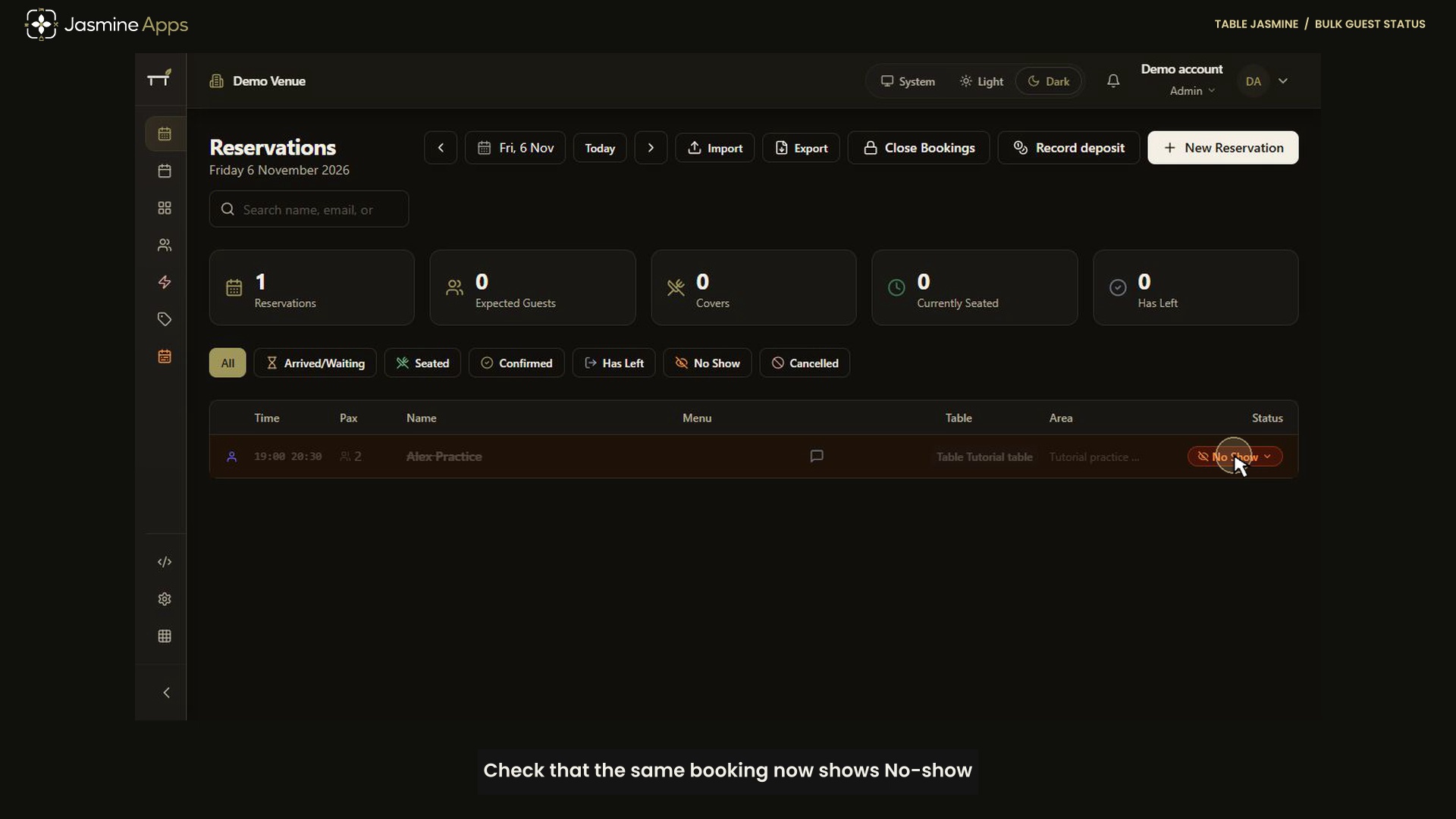
Table Jasmine: update stale reservation statusesUse Bulk Guest Status to resolve past reservations that still show Confirmed or Seated. Review the records first, update only the selected bookings and verify the saved result in the diary. This walkthrough uses one fictional past-date reservation in Demo Venue, on a staff-only practice table.
- Tutorial
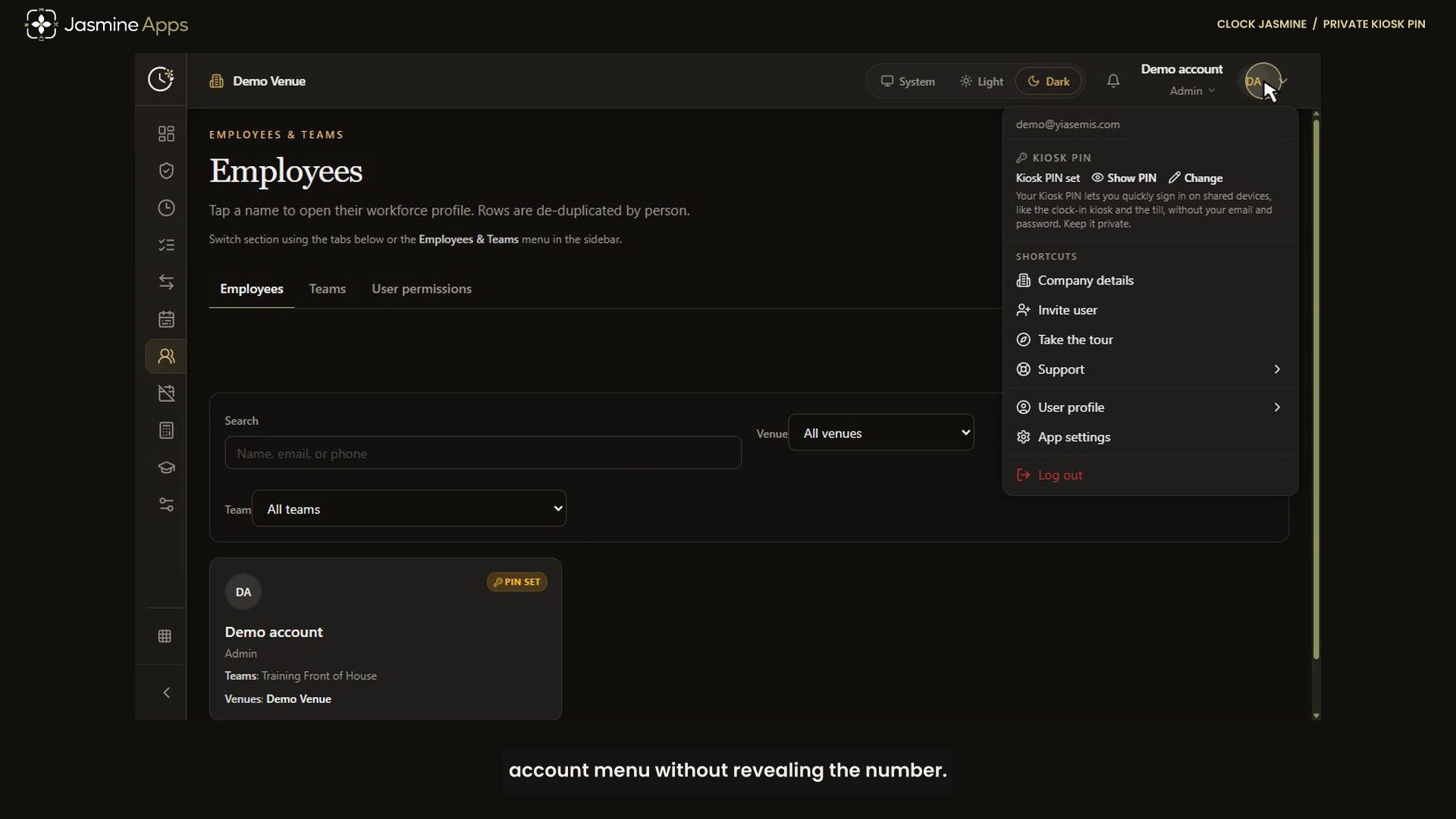
KioskSet or reset a Clock Jasmine kiosk PINManage your own Clock Jasmine kiosk PIN from your account menu and check that it remains configured. The walkthrough uses only the Demo account in Demo Venue. The account owner saved the PIN privately before filming; the video opens an empty change form, closes it without changes and verifies the retained status after reload. No PIN digits are entered or revealed in the recording.
- Tutorial
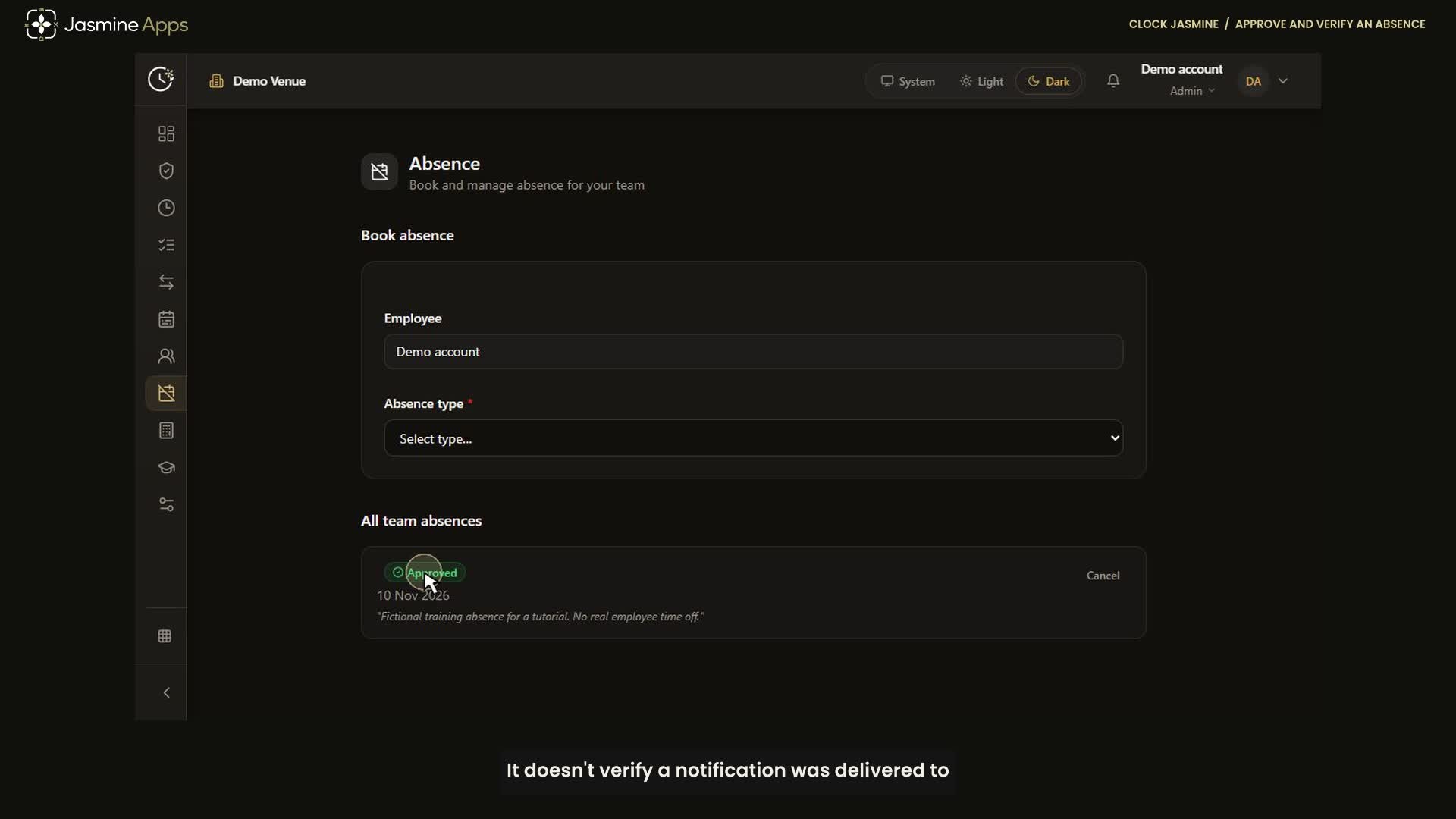
Clock Jasmine absence approvals: review and verify a decisionReview a Clock Jasmine absence request, approve the intended fictional booking and verify its saved status after reloading. The video uses the Demo account in Demo Venue and does not make a decision about a real employee's time off.
- Tutorial
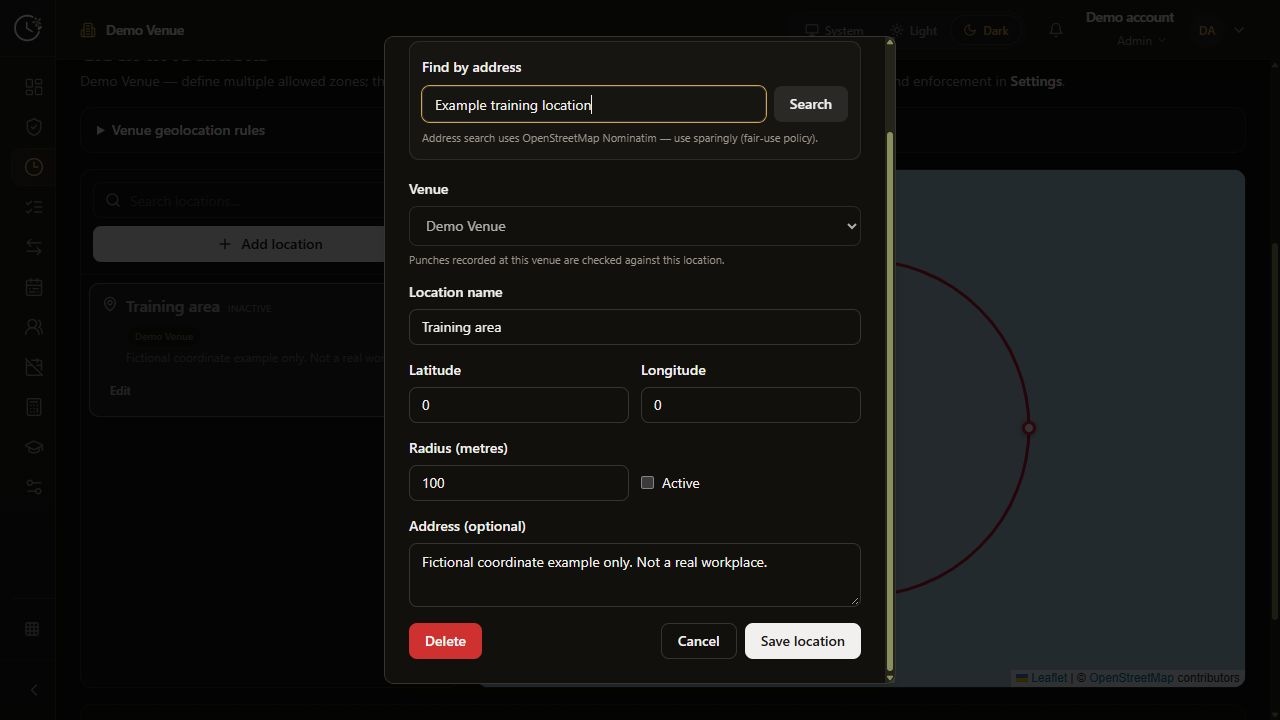
Clock Jasmine locations: create and verify an inactive zoneCreate a Clock Jasmine location zone, keep the training example inactive, save it and verify it after reloading. The walkthrough uses fictional coordinates and a labelled training description. It does not expose a workplace's real location or demonstrate a GPS-verified punch.
- Tutorial

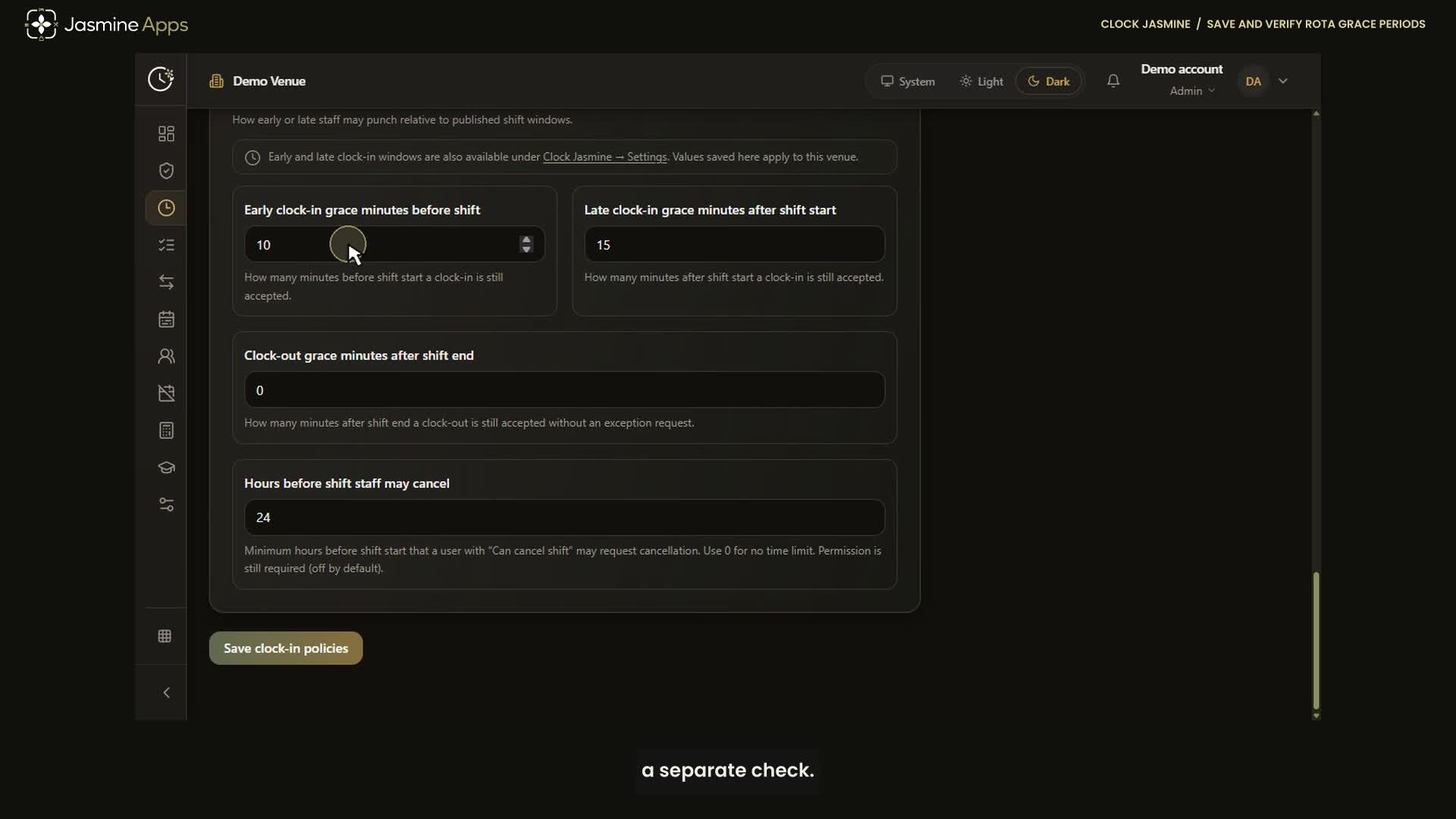
Clock Jasmine rota grace periods: save and verify the policySet the venue's rota grace periods in Clock In Settings, save the policy and check the retained values after reloading. The walkthrough changes only the early clock-in window in Demo Venue; it does not change real staff attendance or enable a new enforcement rule.
- Tutorial

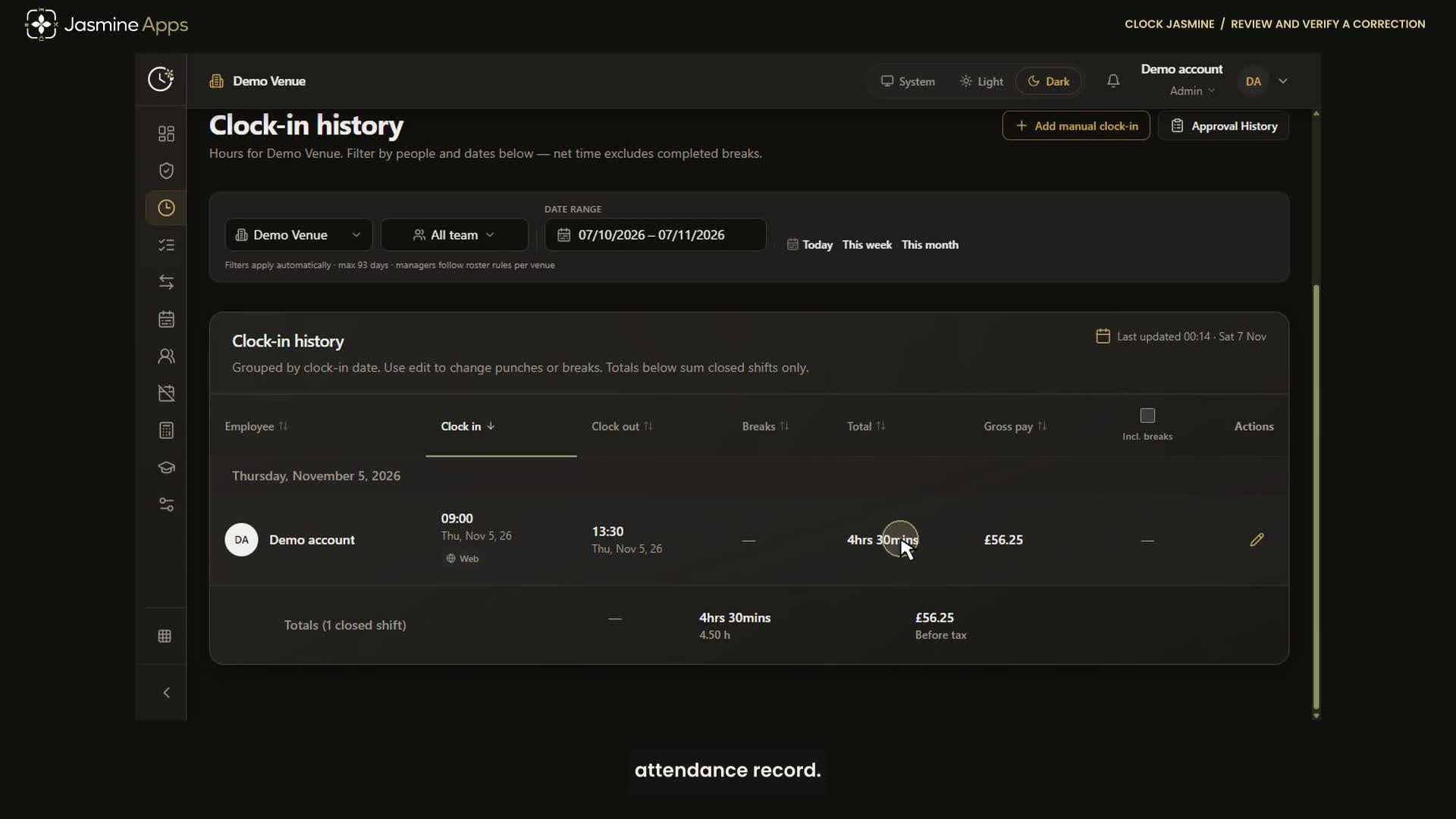
Clock Jasmine approvals: review and verify a time correctionReview a Clock Jasmine time-correction request, save the decision and check that the approved values reached Clock-in history. This walkthrough uses only the fictional Demo account in Demo Venue.
- Tutorial

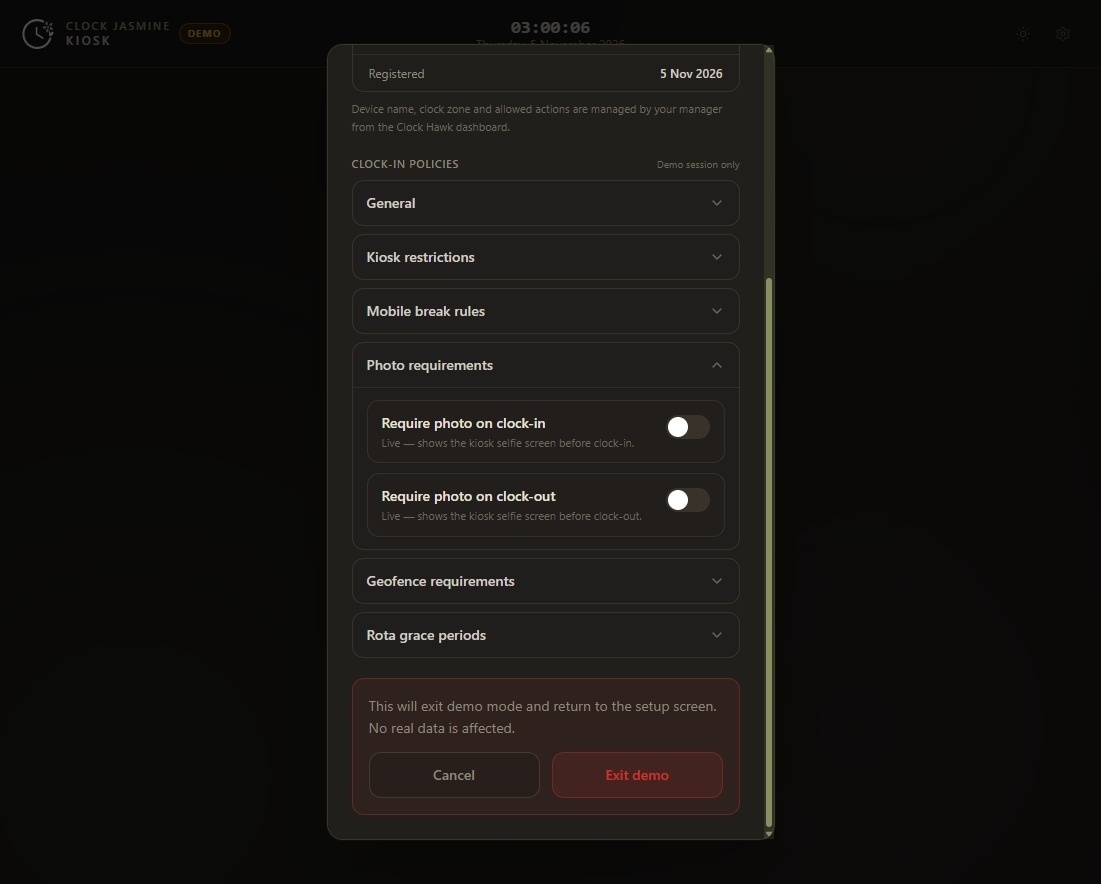
KioskClock Jasmine kiosk: review setup and try demo modePrepare a Clock Jasmine kiosk by checking the setup screen and the manager-supplied registration process. This guide also shows how to explore the built-in demo and return to setup. The video follows a complete simulated shift from demo entry to returning to setup. Actual device registration is a separate manager-led step.
- Tutorial

KioskClock Jasmine kiosk: clock-in and breaks in demo modeUse the Clock Jasmine kiosk to clock in, start and end a break, and clock out. This walkthrough demonstrates the complete flow in the app’s labelled demo mode, including each confirmation and the resulting status.
- Tutorial

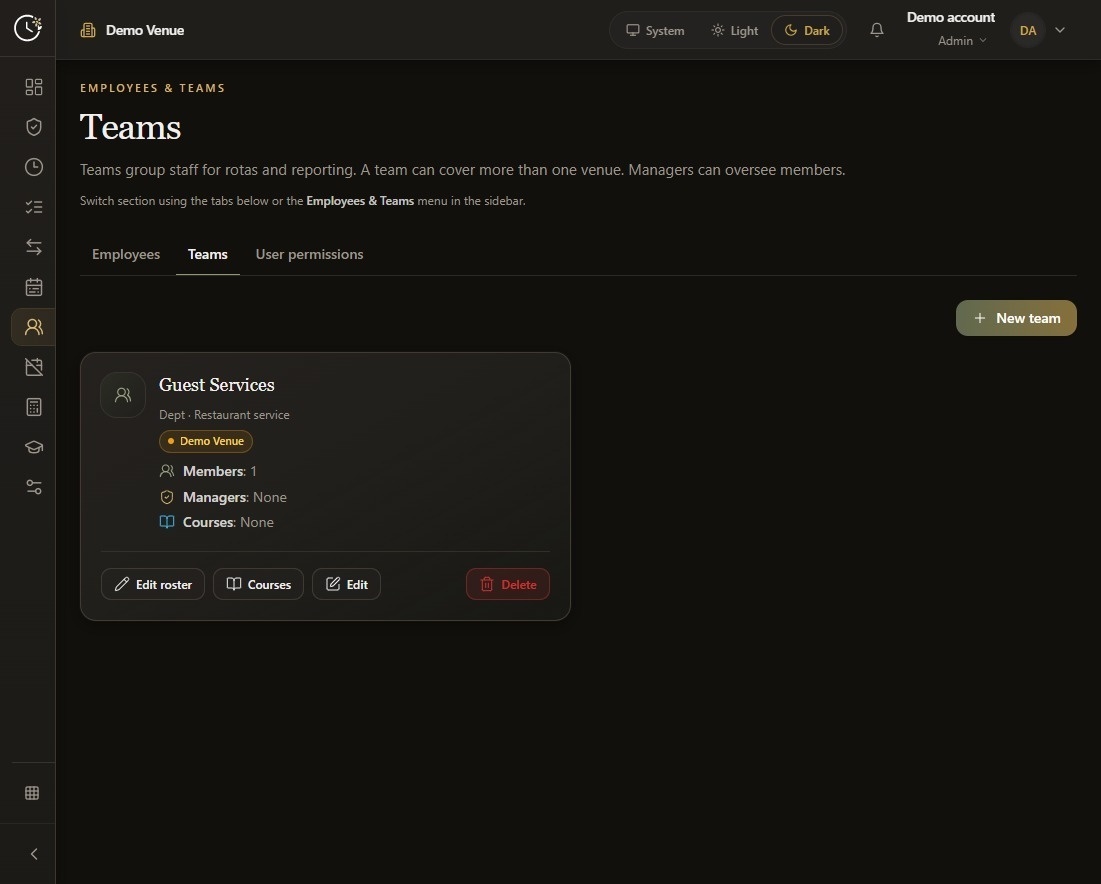
Clock Jasmine teams: create a team and manage its rosterClock Jasmine teams group staff for rotas and reporting. This walkthrough creates a team with an existing venue member, checks its saved roster, updates the department and verifies the final result after reloading.
- Tutorial

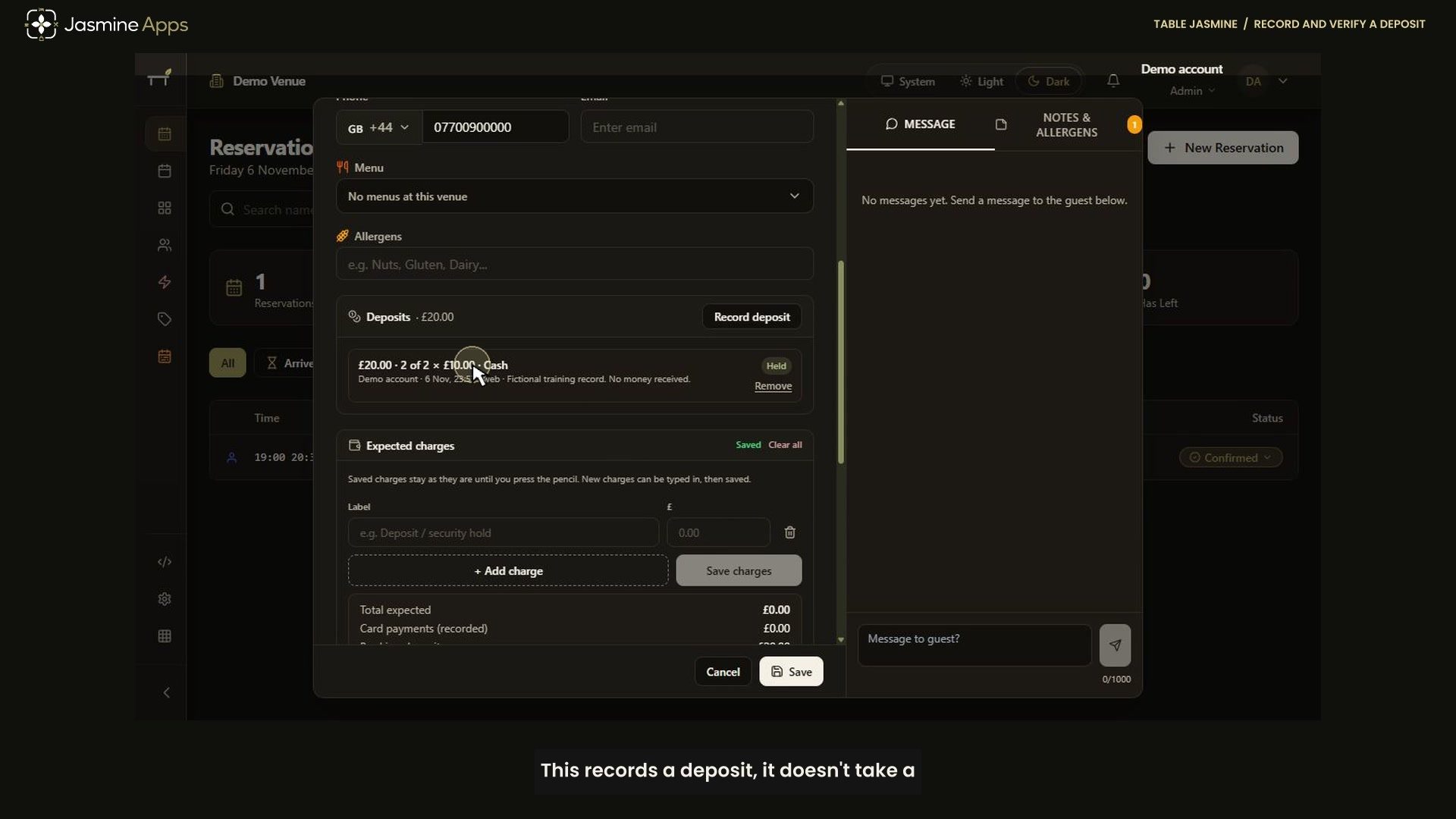
Table Jasmine deposits: record, save and verify a paymentRecord a Table Jasmine deposit against the correct booking, then reload and verify the saved amount and payment method. The walkthrough records a fictional cash deposit in Demo Venue. It does not collect money, charge a card, send a guest message or demonstrate a refund.
- Tutorial

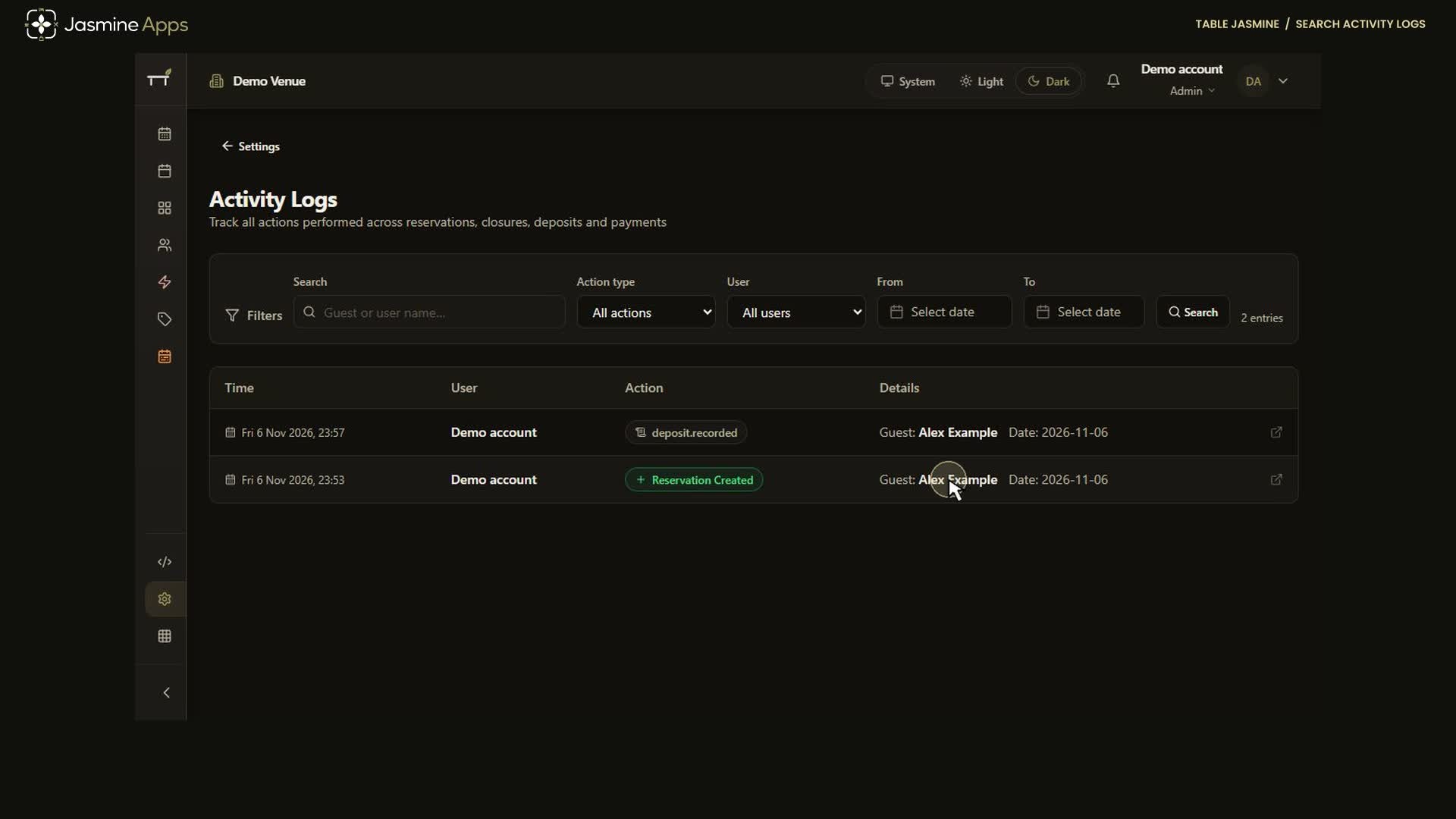
Table Jasmine activity logs: find and review booking eventsUse Table Jasmine activity logs to review recorded booking actions, narrow a reservation search and restore the wider history. This walkthrough reads existing fictional training events in Demo Venue. It creates no bookings, payments or staff records.
- Tutorial

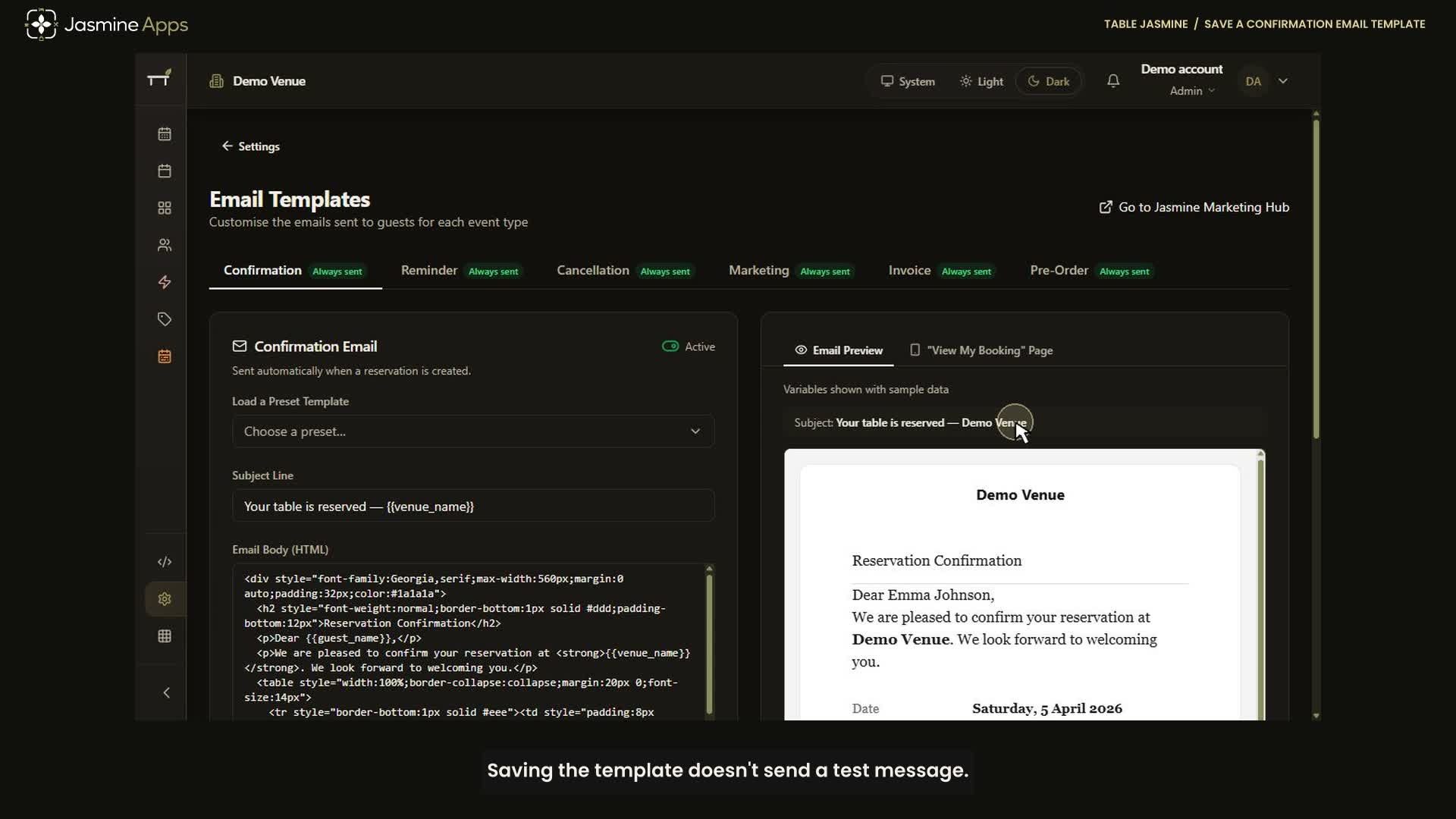
Table Jasmine confirmation emails: save a preset and subjectSet up a Table Jasmine confirmation email with a built-in preset, edit its subject, review the sample preview, save and verify it after reloading. This walkthrough uses Demo Venue and sends no test email.
- Tutorial

Till Jasmine: count and close the tillUse Till Jasmine cash-up to enter the money counted at the end of a shift, compare cash and card separately, save a handover note and close the till. This walkthrough completes those steps in the app's explicitly labelled training session.
- Tutorial
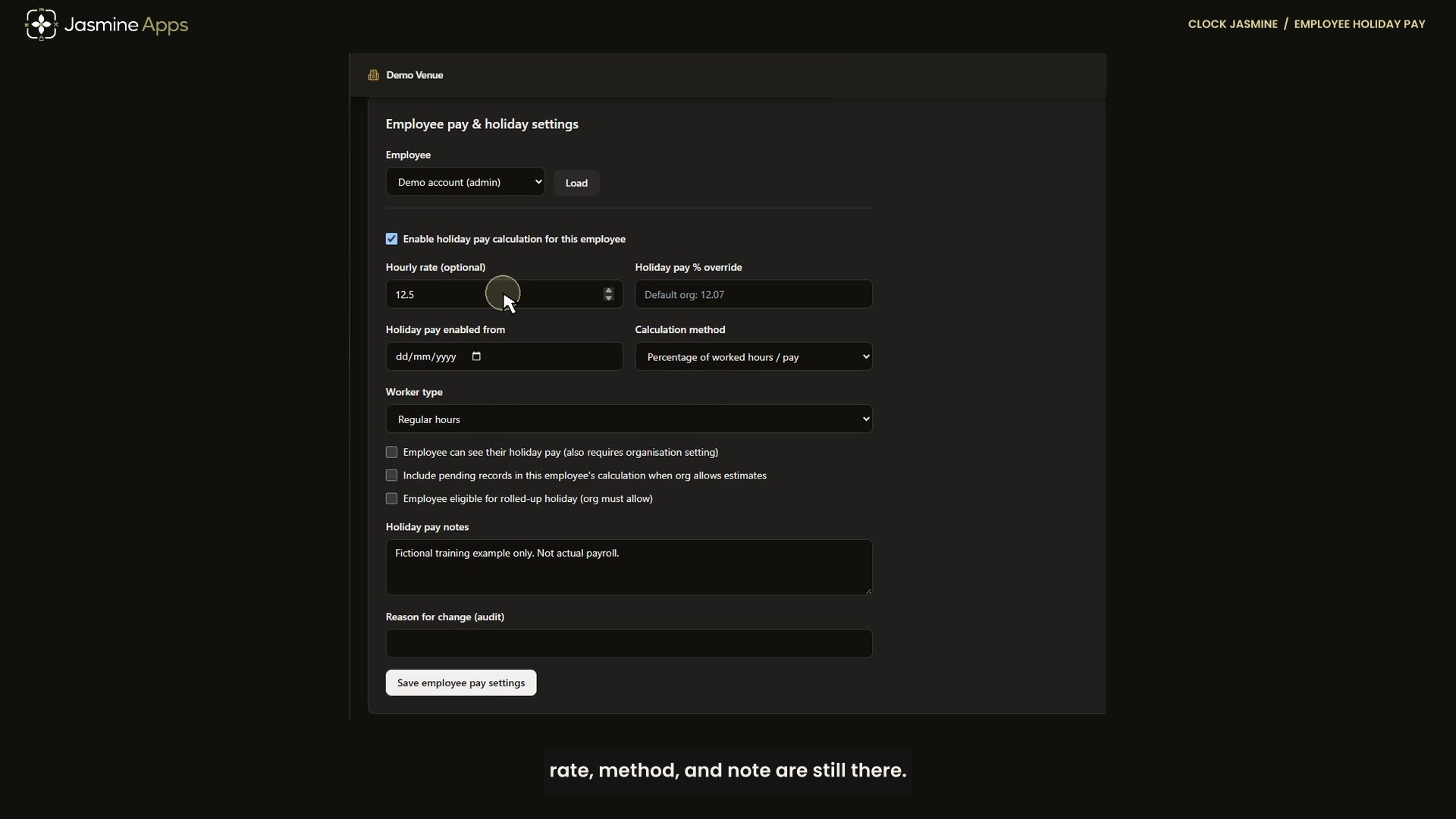
Clock Jasmine holiday pay: save an employee profileSet up an employee's holiday-pay profile in Clock Jasmine, save it and check the retained settings after reloading. This walkthrough demonstrates the profile configuration in Demo Venue. It does not calculate a pay period, mark a record paid or transfer money.
- Tutorial

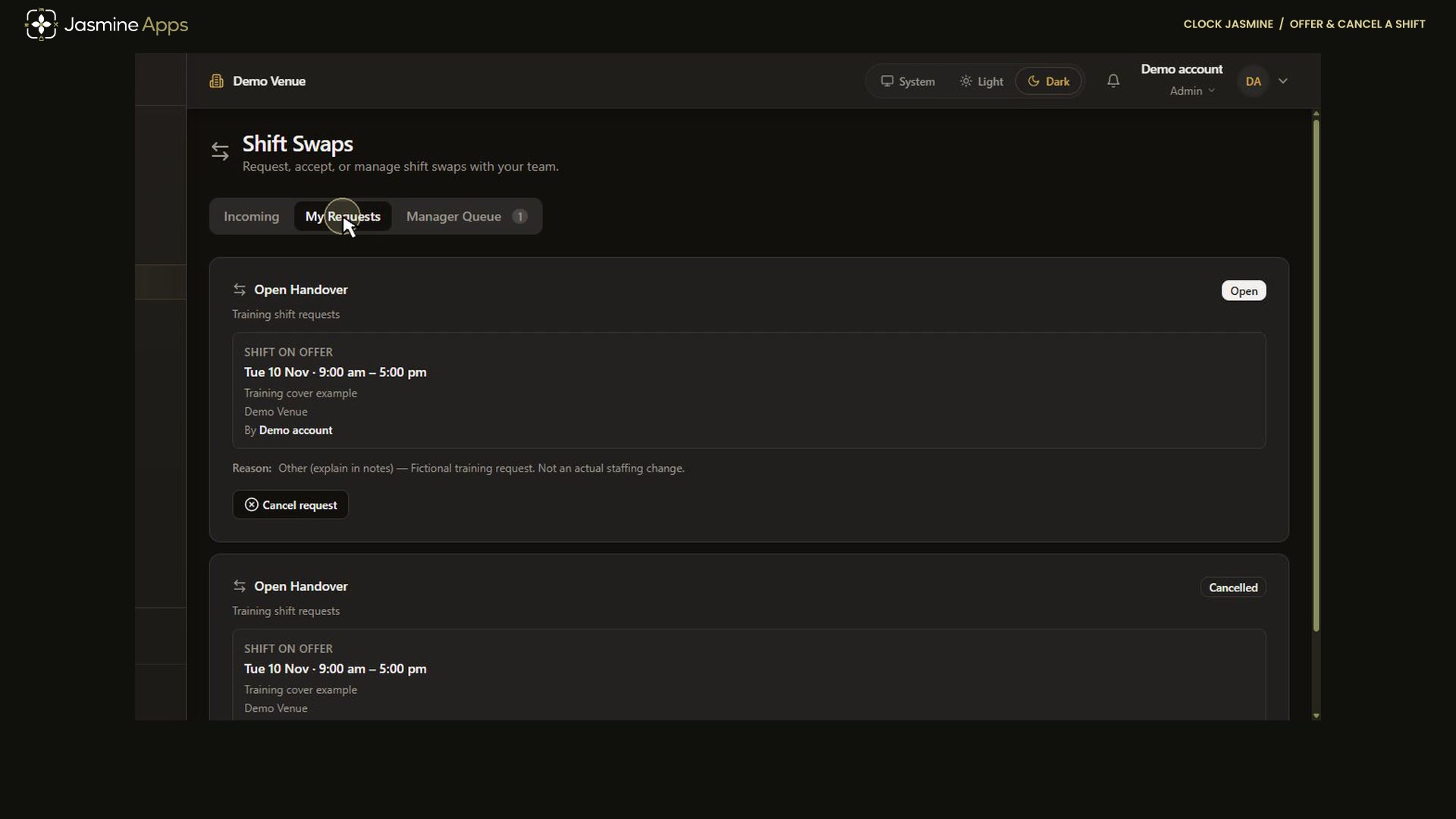
Clock Jasmine shift swaps: offer a shift and cancel a requestUse an open shift-swap request when you want to offer one of your published rota shifts to a colleague. This walkthrough submits an open offer, checks its saved status and cancels it.

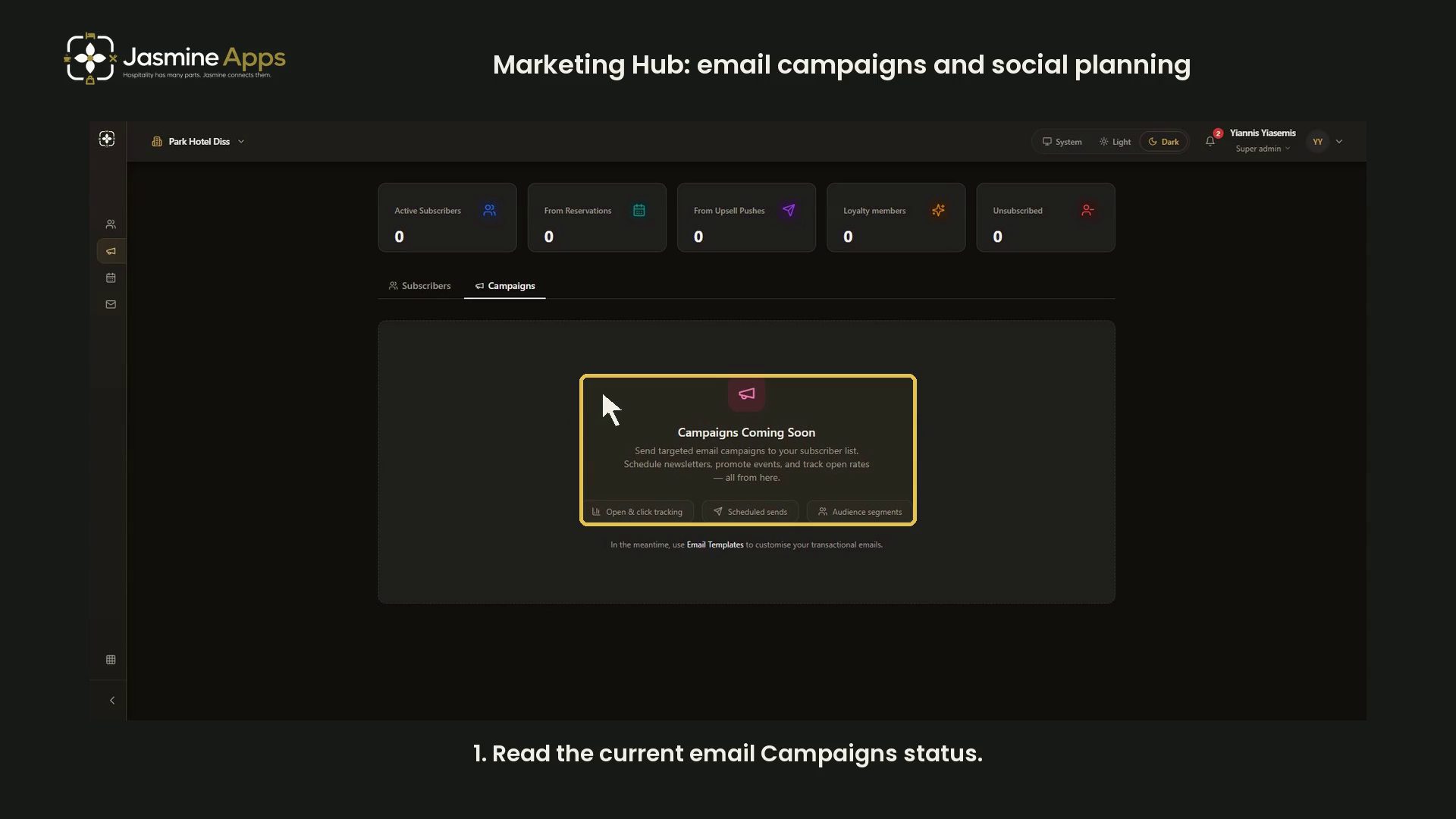
Jasmine Marketing HubTutorialsMarketing Hub: email campaigns and social planningSee the current email Campaigns status and distinguish it from social-post planning and transactional templates in a narrated dark-mode guide.
- Tutorial
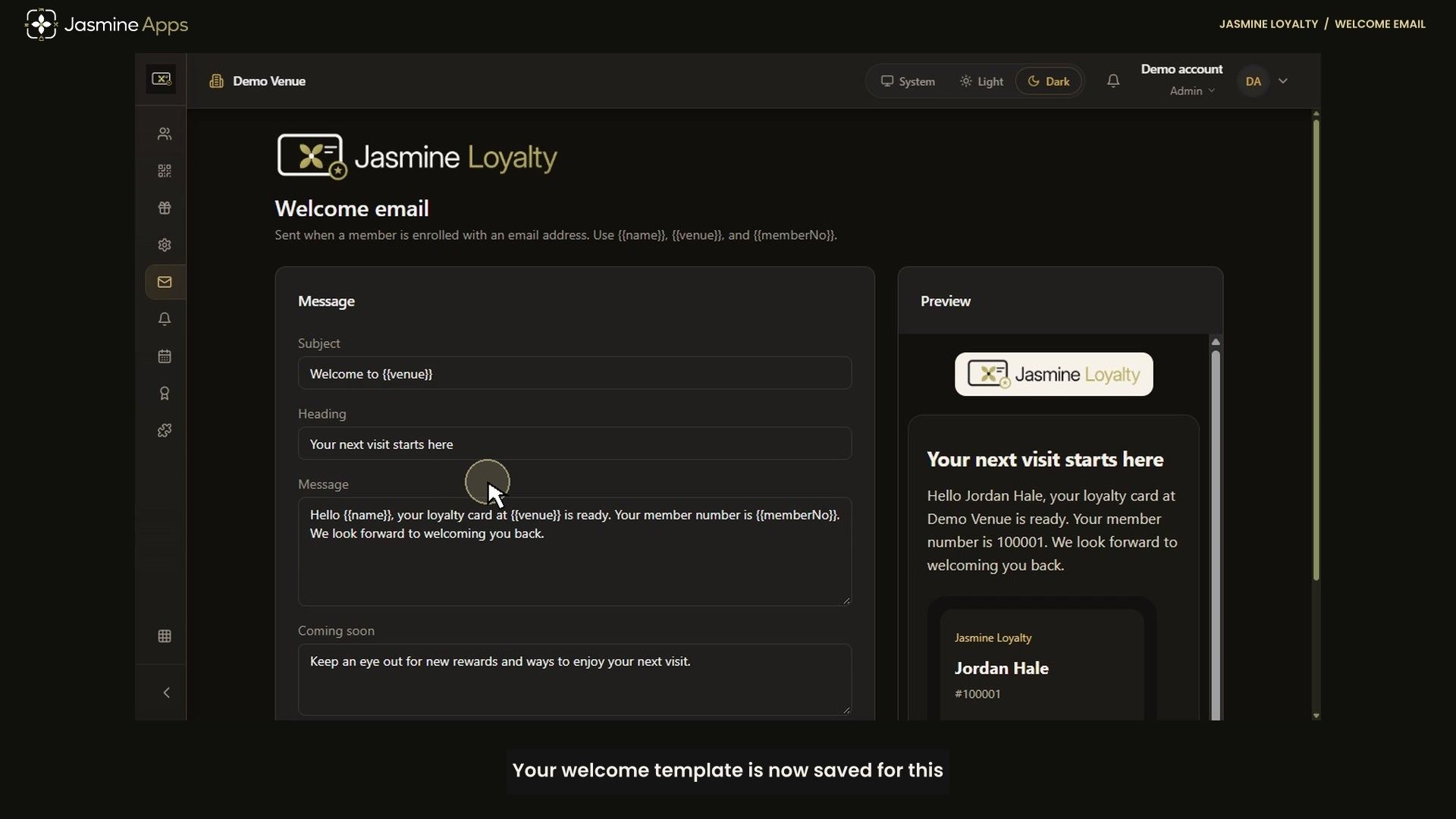
Jasmine Loyalty: getting started with video guidesJasmine Loyalty setup starts with consistent scheme rules and a welcome message that explains the experience. These two walkthroughs show real edits, saves and verification in Demo Venue, followed by links to reward packages, achievement bonuses and member enrolment.
- Tutorial
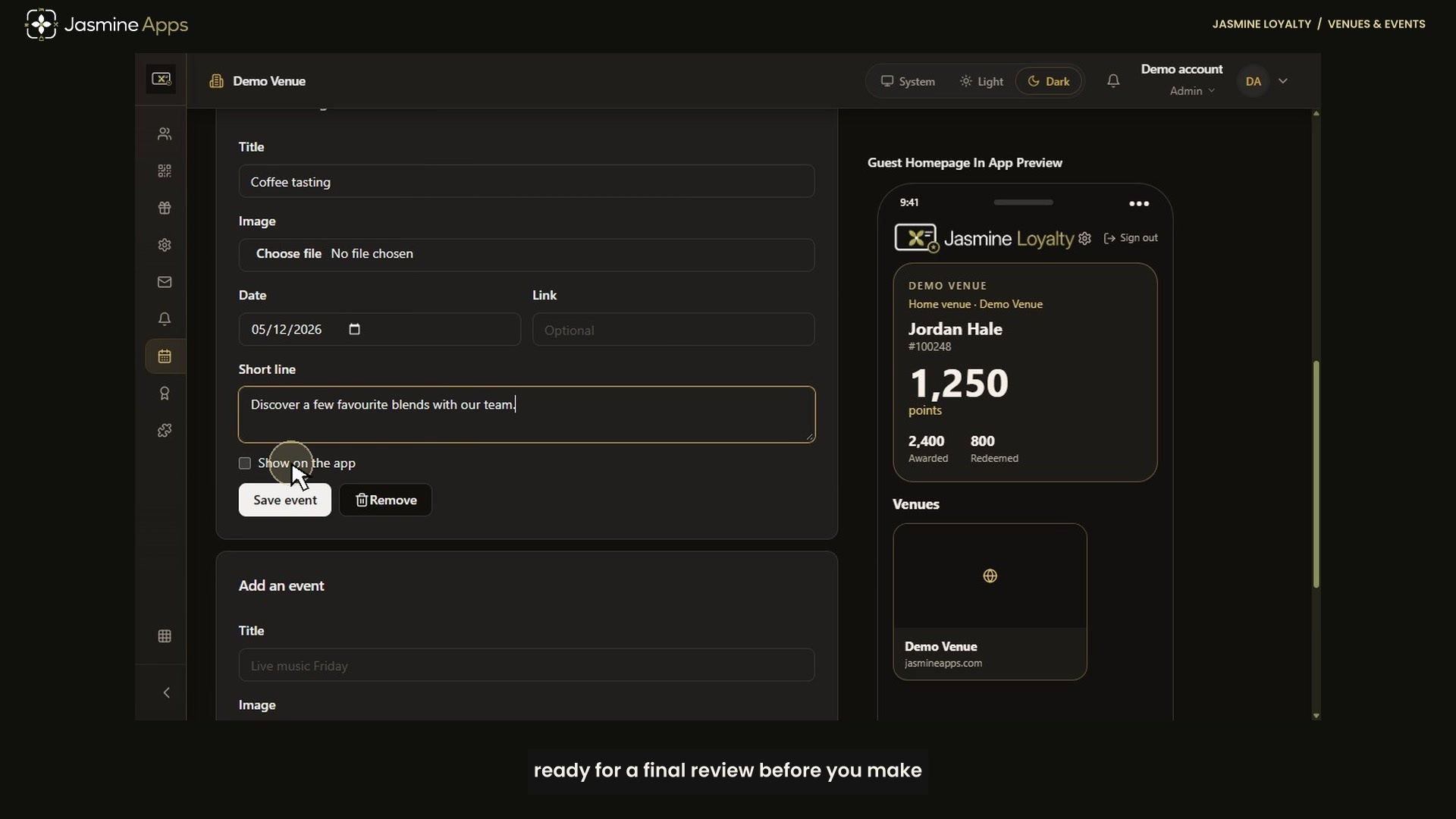
Jasmine Loyalty: save venue profiles and prepare eventsJasmine Loyalty venues and events lets you update a venue profile and prepare event content for the guest app. This walkthrough saves a website and booking-link setting, verifies them after reloading, then creates and checks a hidden event in Demo Venue.
- Tutorial

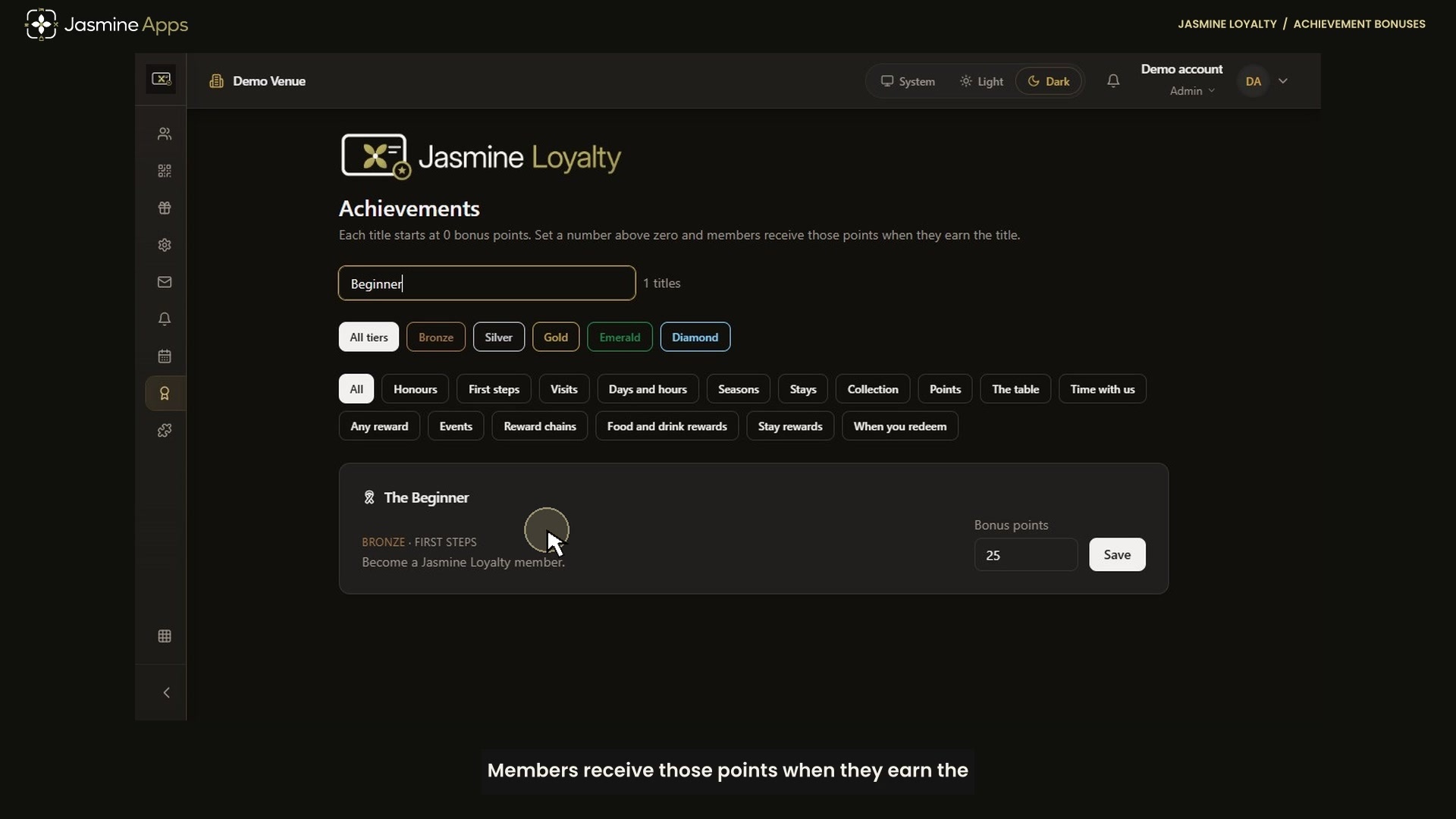
Jasmine Loyalty achievements: save and verify bonus pointsFind the right Jasmine Loyalty achievement, set its bonus points and verify the saved value after reload. This walkthrough uses Demo Venue to change one title's bonus from zero to 25 points.
- Tutorial

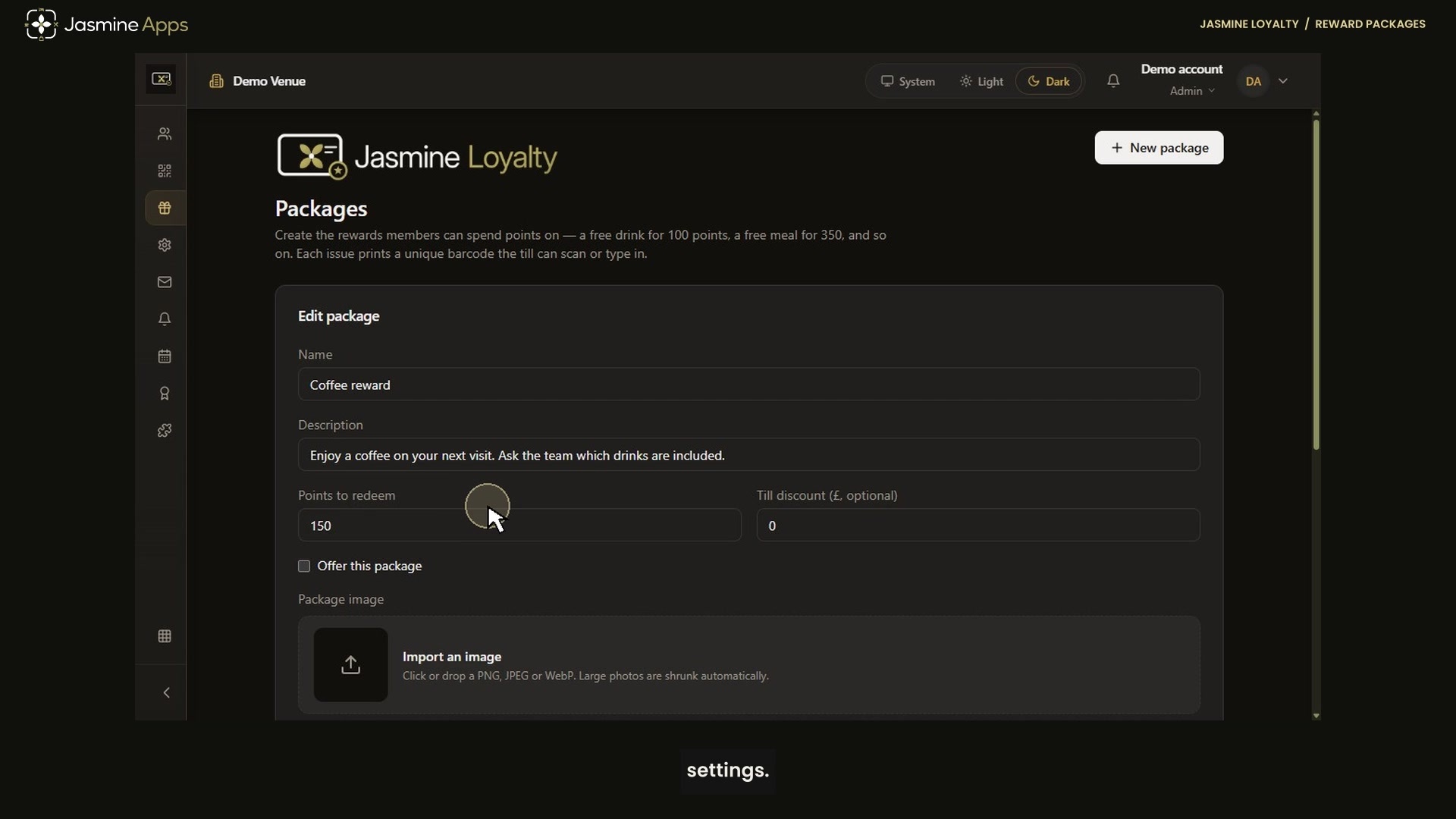
Jasmine Loyalty packages: create, save and verify a rewardCreate a Jasmine Loyalty reward package with a clear description and point cost, save it, then verify the stored details. This walkthrough creates a hidden reward in Demo Venue so it can be prepared before being offered.
- Tutorial

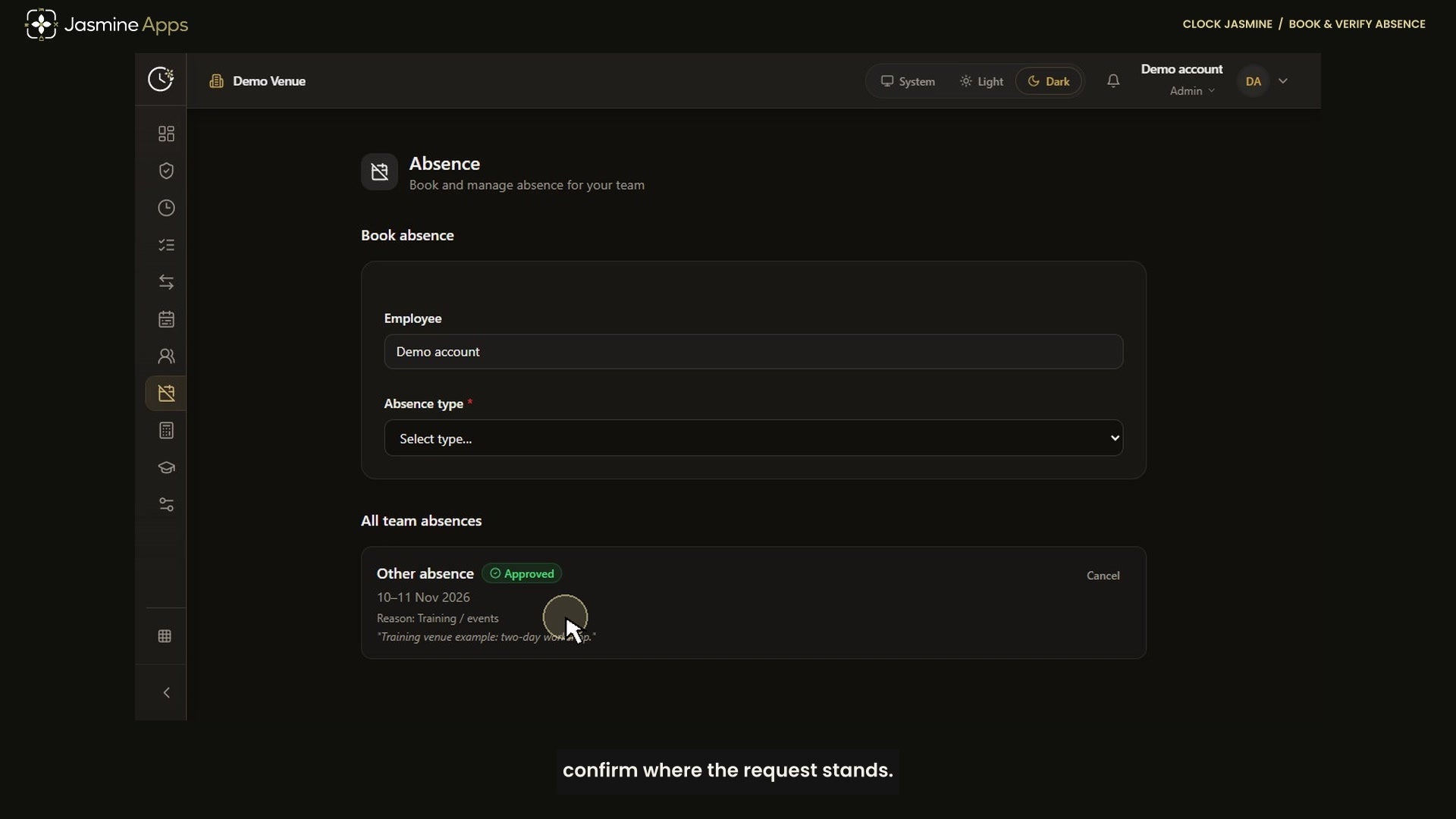
Clock Jasmine absence: book and verify a saved requestBook an absence in Clock Jasmine by checking the employee, choosing the appropriate type and reason, setting the dates and reviewing the summary. This walkthrough completes a training booking, checks the saved result and reloads the page to verify that it was retained.
- Tutorial

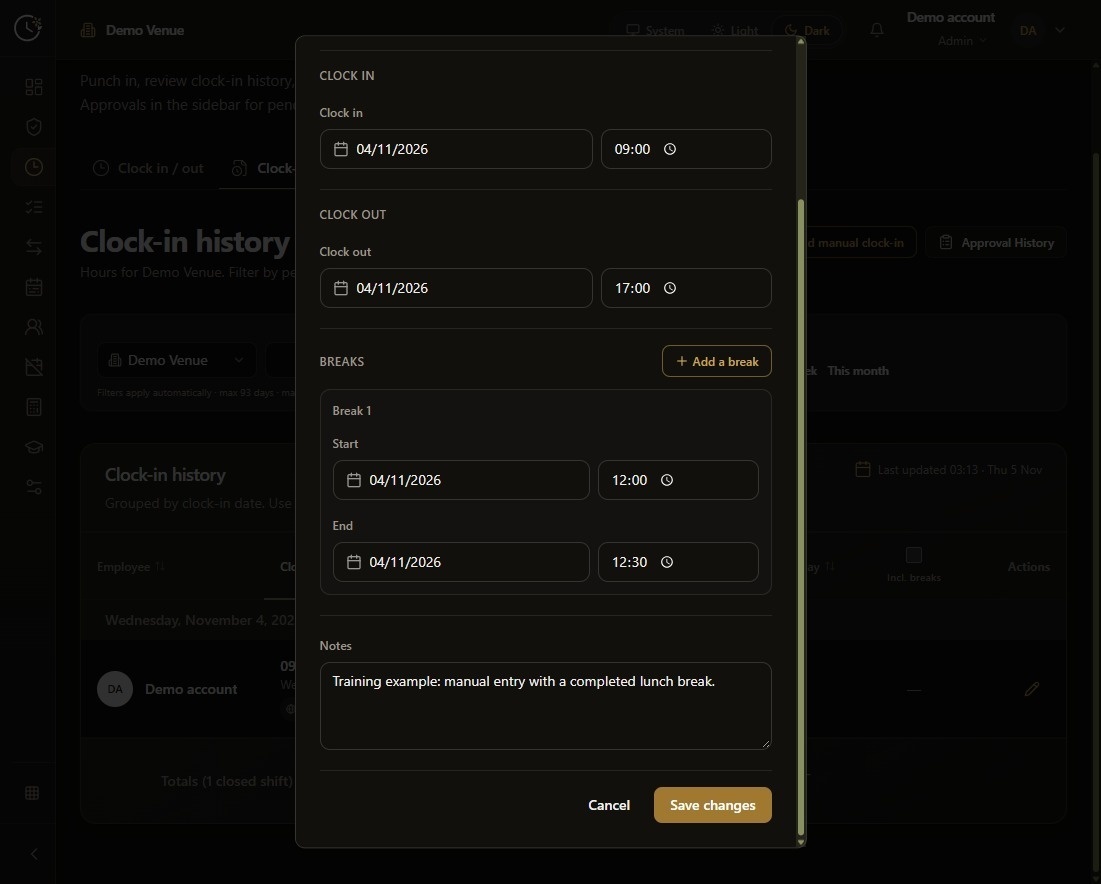
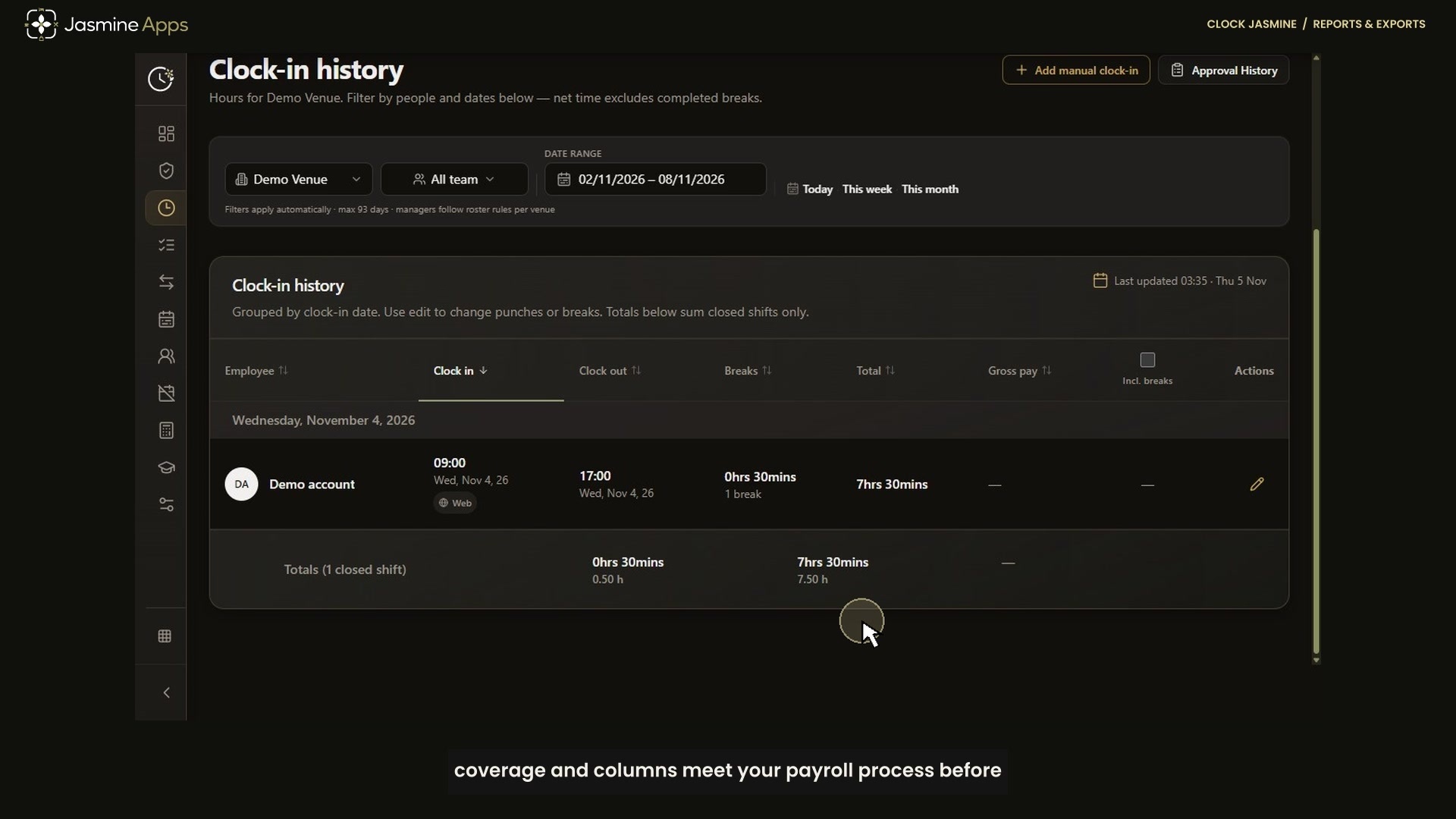
Clock Jasmine history: save manual punches and breaksClock Jasmine clock-in history lets you review saved attendance, add a verified missing pair of punches and correct a completed break. This walkthrough saves both changes in a training venue, reloads the records and compares net time with the full shift span.
- Tutorial

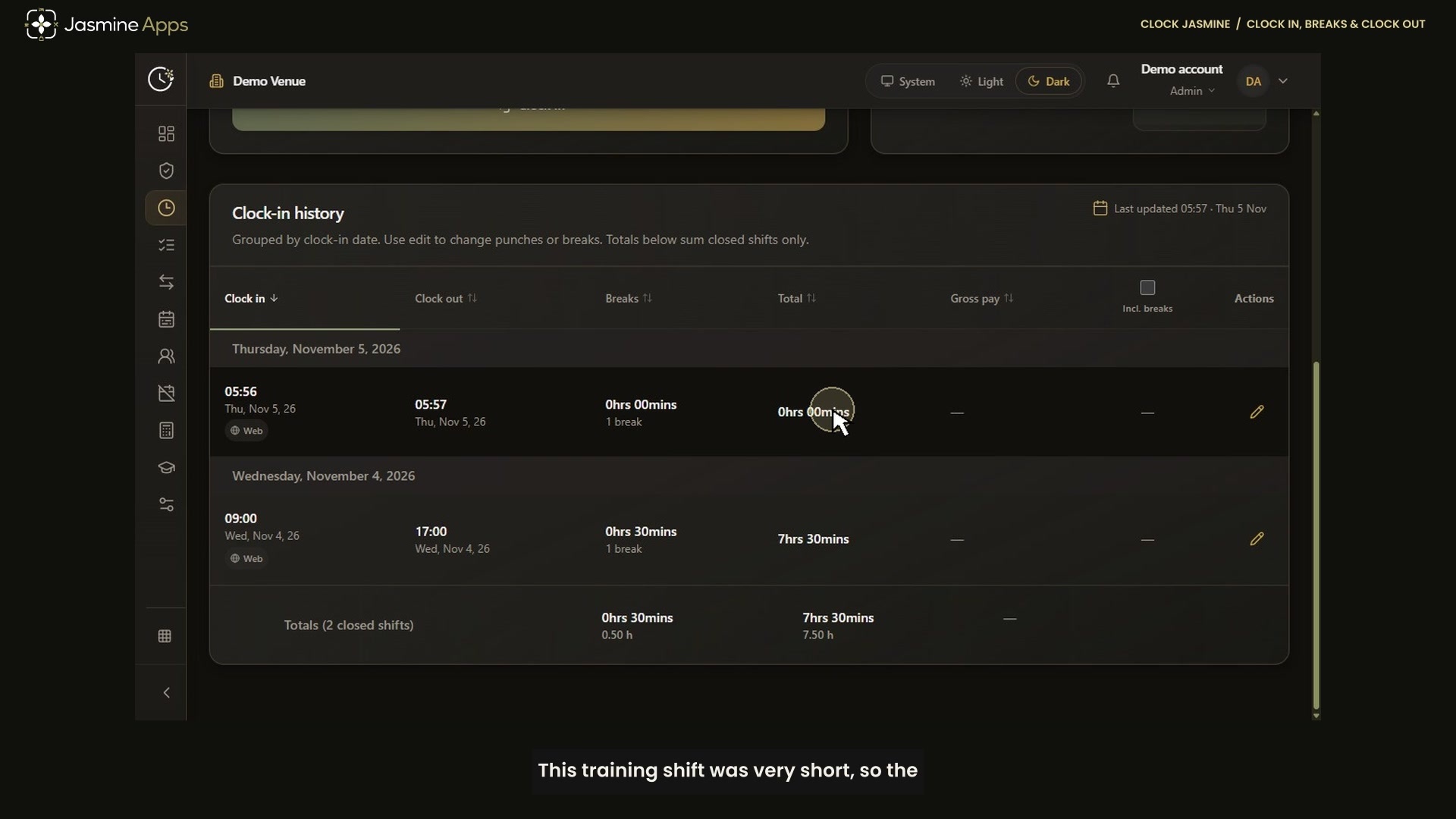
Clock Jasmine: clock in, take a break and clock outUse Clock Jasmine to record the start of a shift, take and finish a break, clock out and verify the completed entry. This walkthrough performs the full sequence with the training account in Demo Venue, then reloads the page to check the saved history.
- Tutorial

Getting started with Clock Jasmine: staff onboardingWalk through all six starter-onboarding screens in Jasmine’s no-save preview, finish the demo and review hidden-PIN guidance. Includes the manager setup order.
- Tutorial

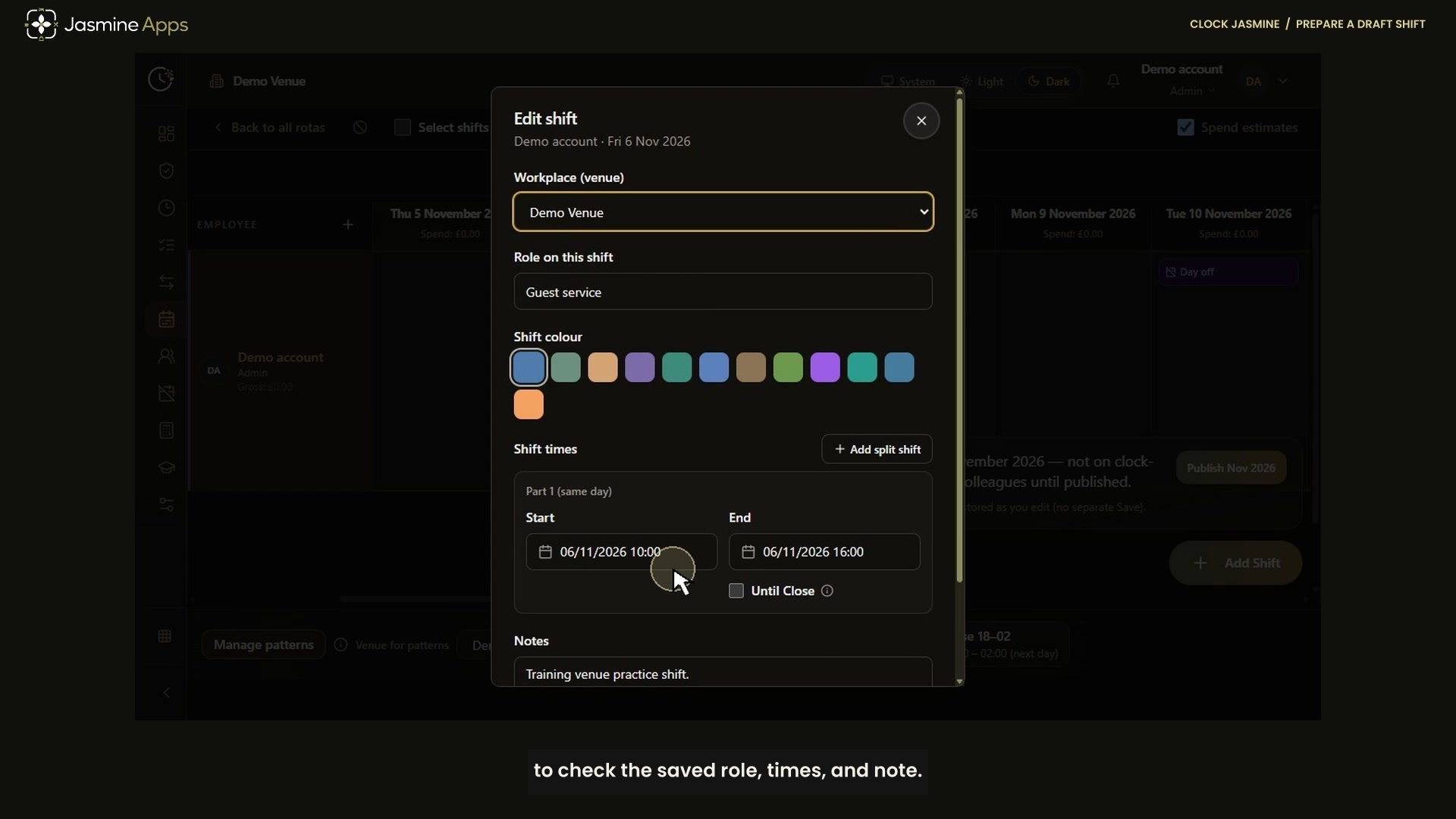
Clock Jasmine rotas: create and verify a draft shiftPrepare a draft shift with Clock Jasmine rotas. Follow a real Demo Venue workflow: choose a day, enter the role and note, set the times, save the draft, then reload and reopen it to check the retained details.
- Tutorial

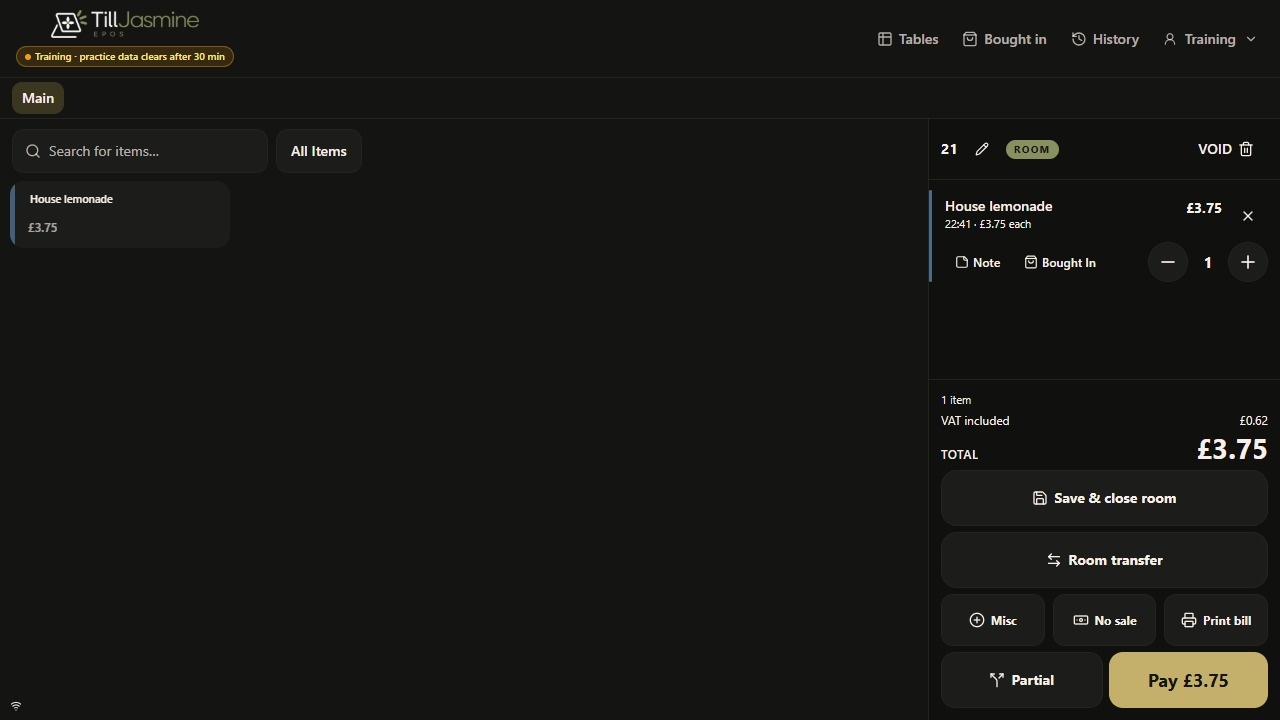
Till Jasmine: save and reopen table and room ordersSave Till Jasmine table and room orders when you need to put an order aside and return to it later. This walkthrough selects each destination, adds an item, saves and closes the order, then reopens it to check the contents.
- Tutorial

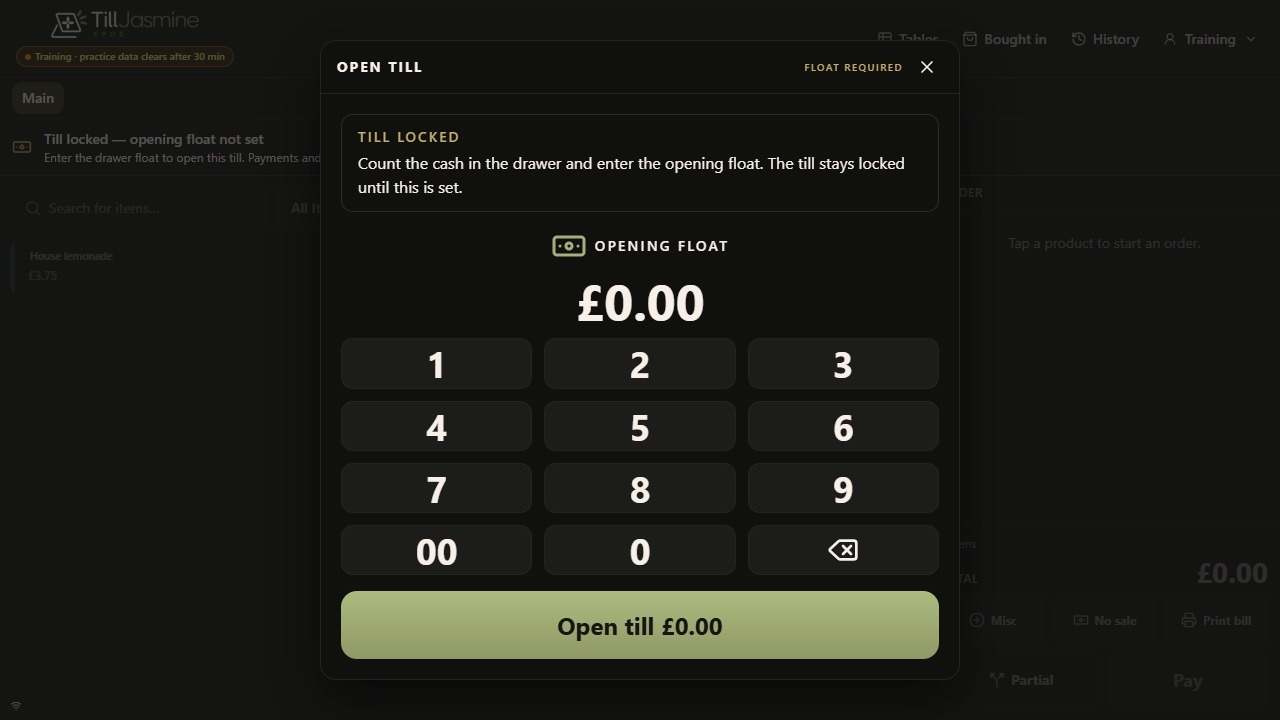
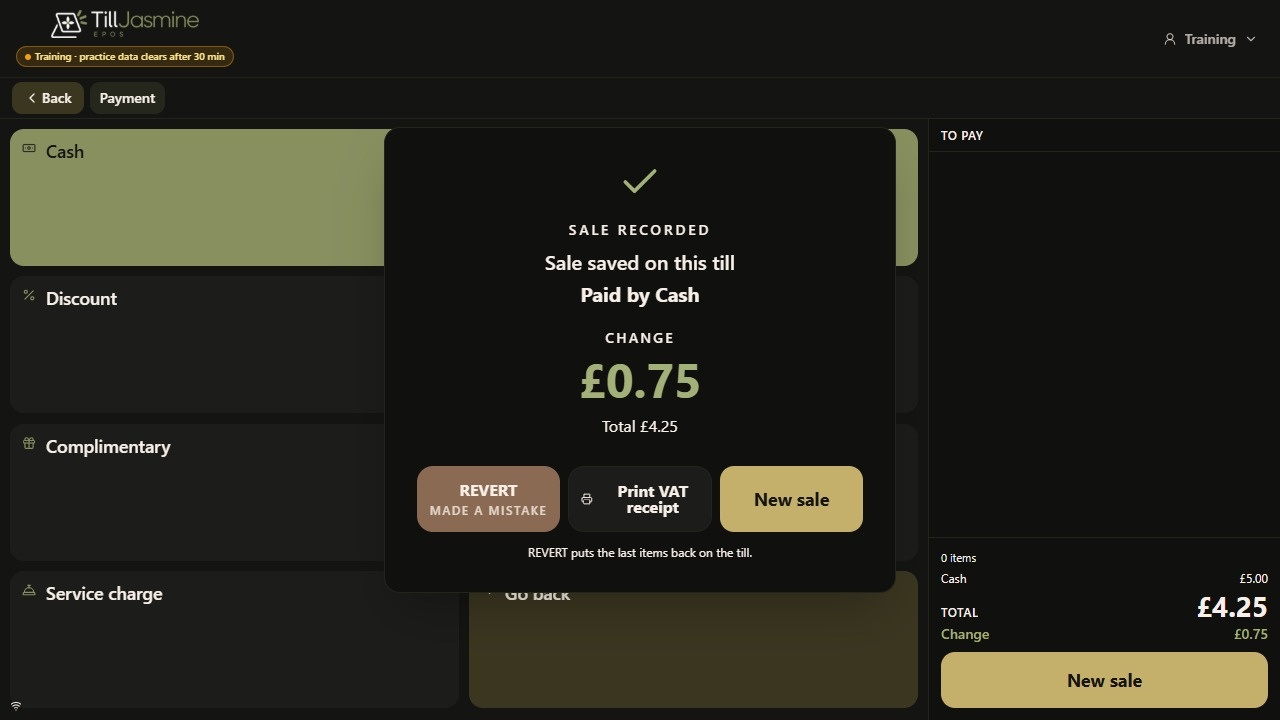
Till Jasmine: complete and check a training saleComplete a practice cash sale in Till Jasmine: unlock the till, enter an opening float, choose a product and optional extra, save a preparation note and check the tender, change and recorded-sale confirmation. The walkthrough uses the clearly labelled Training account.
- Tutorial

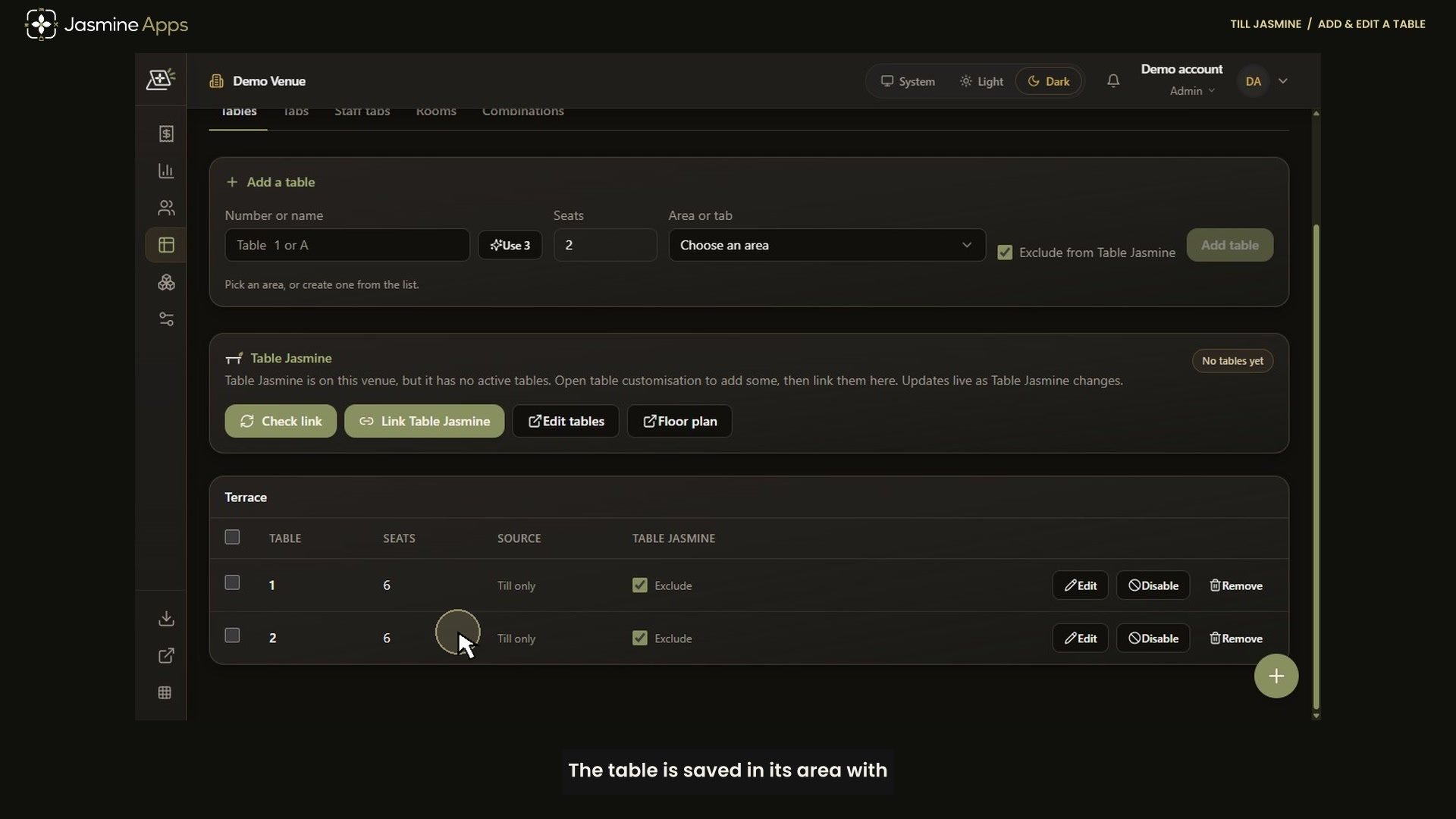
Till Jasmine tables: add, save and edit a till-only tableCreate a till-only table, save it and verify it after reloading. This walkthrough then edits the saved table's capacity, completes the second save and checks that the updated seats, area and exclusion are retained.
- Tutorial

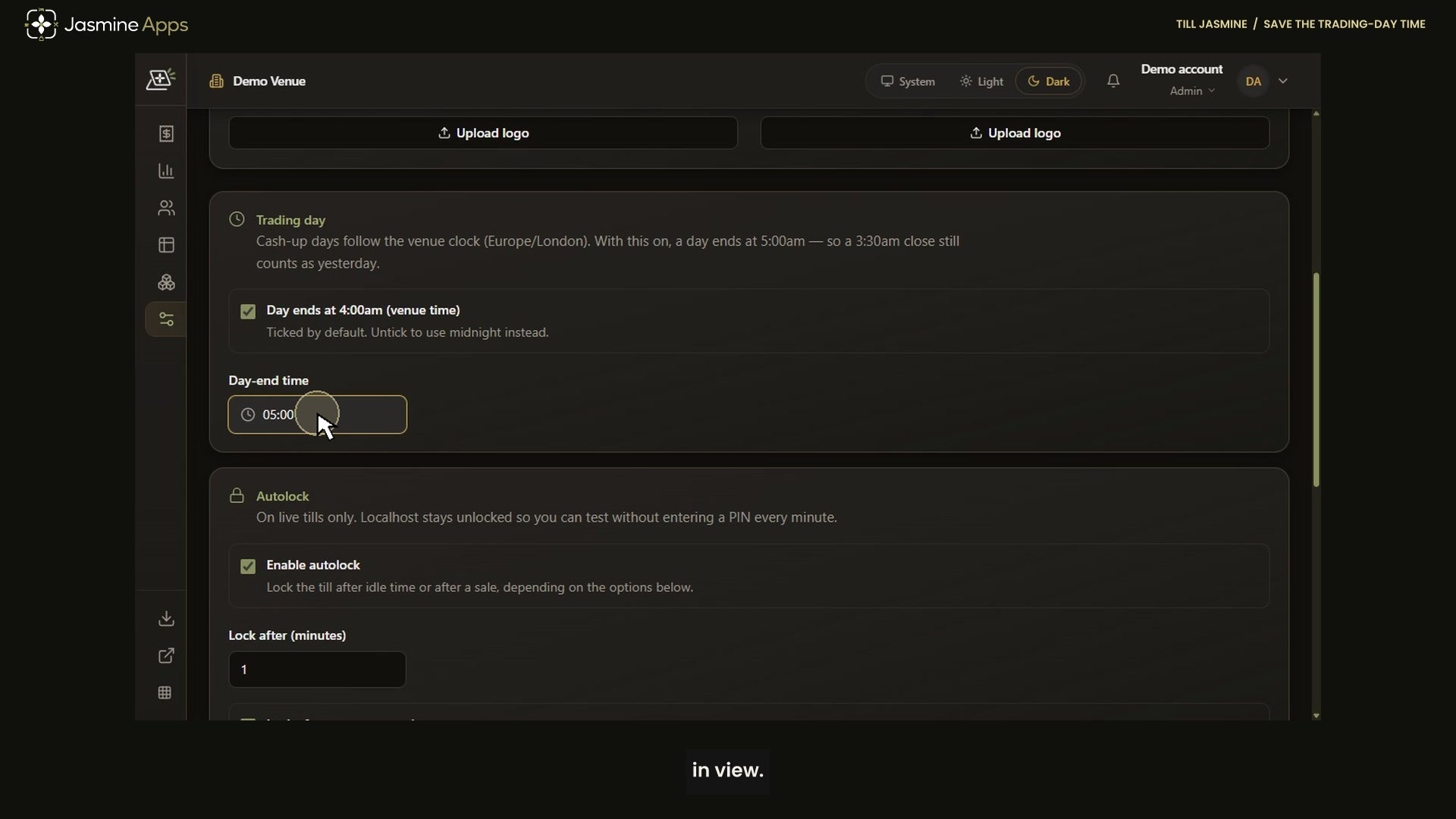
Till Jasmine settings: save and verify the trading-day end timeSet a trading-day end time in Till Settings, save it and verify it after reloading. This walkthrough checks the venue time zone, selects an hour, saves the settings and reopens the time picker to confirm the stored hour and minutes.
- Tutorial

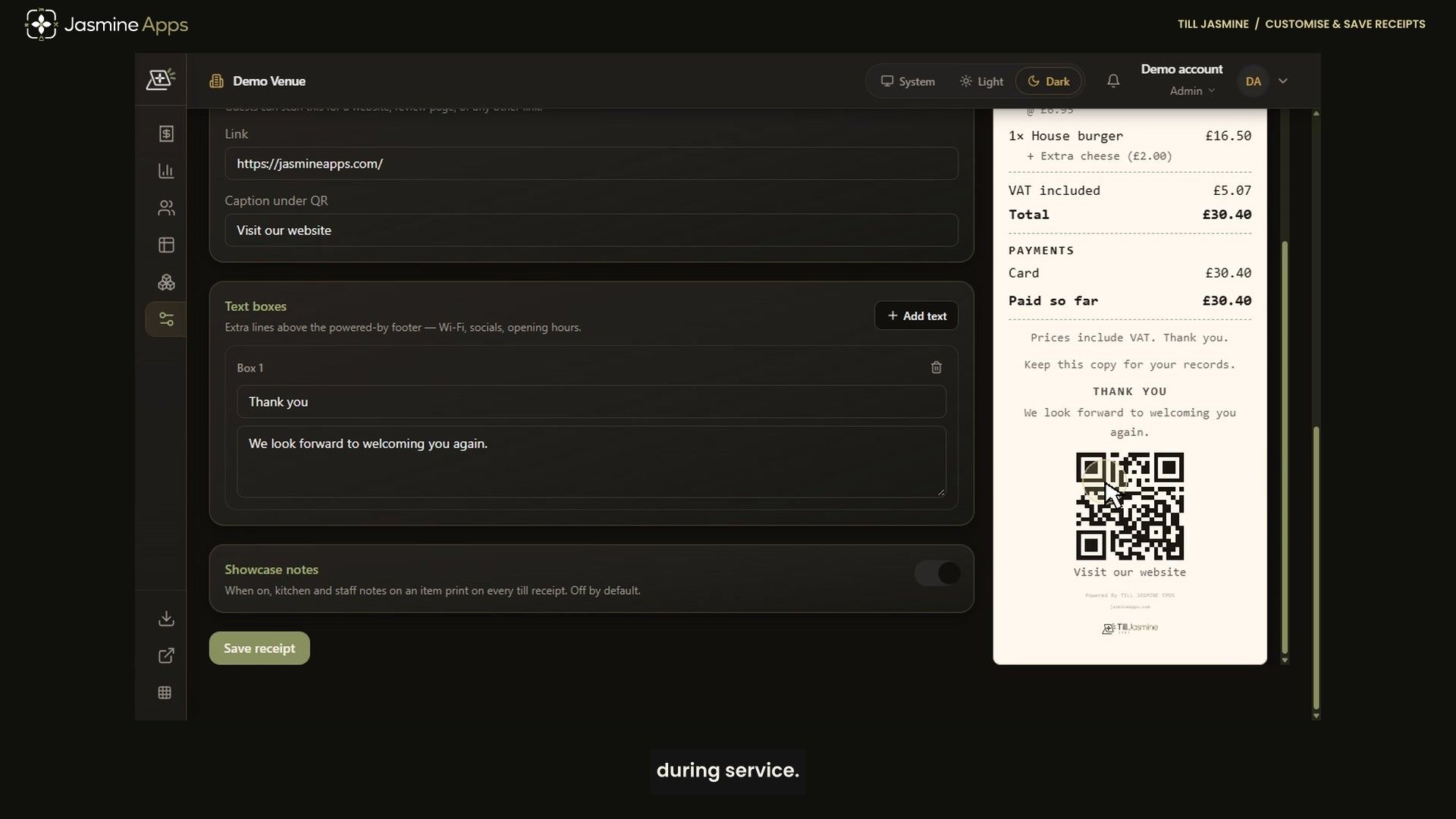
Till Jasmine receipts: customise, save and verify the previewCustomise a receipt with a QR link, a short caption and an extra text box. This walkthrough reviews the live preview, saves the setup and reloads the page to verify that the link, caption and message were stored.
- Tutorial

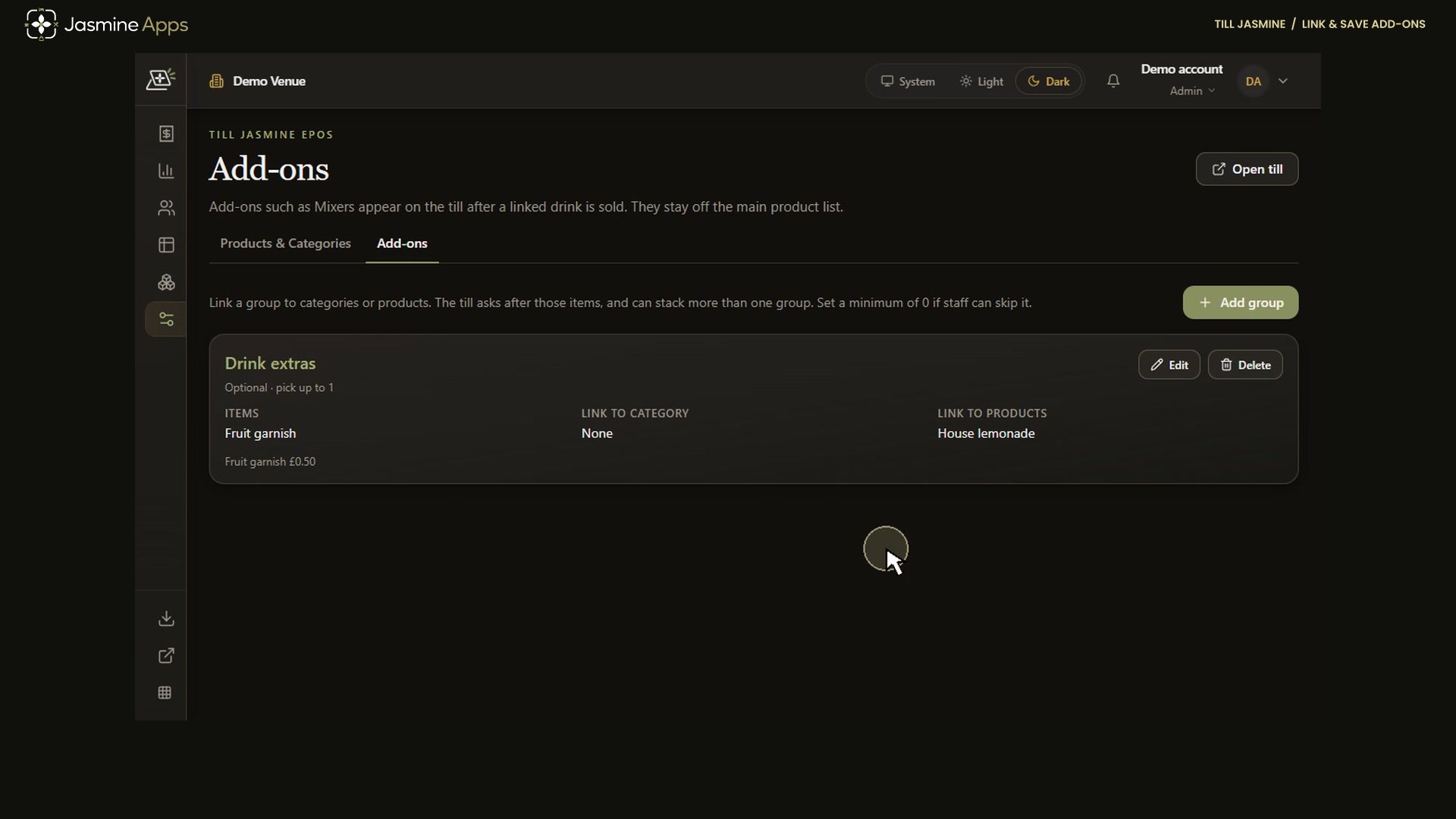
Till Jasmine add-ons: create a group and verify its itemsCreate a Till Jasmine add-on group, link it to the intended product and add an extra with its own price, cost and tax setting. This guide completes the save, reloads the page and checks that the group and item details were retained.
- Tutorial

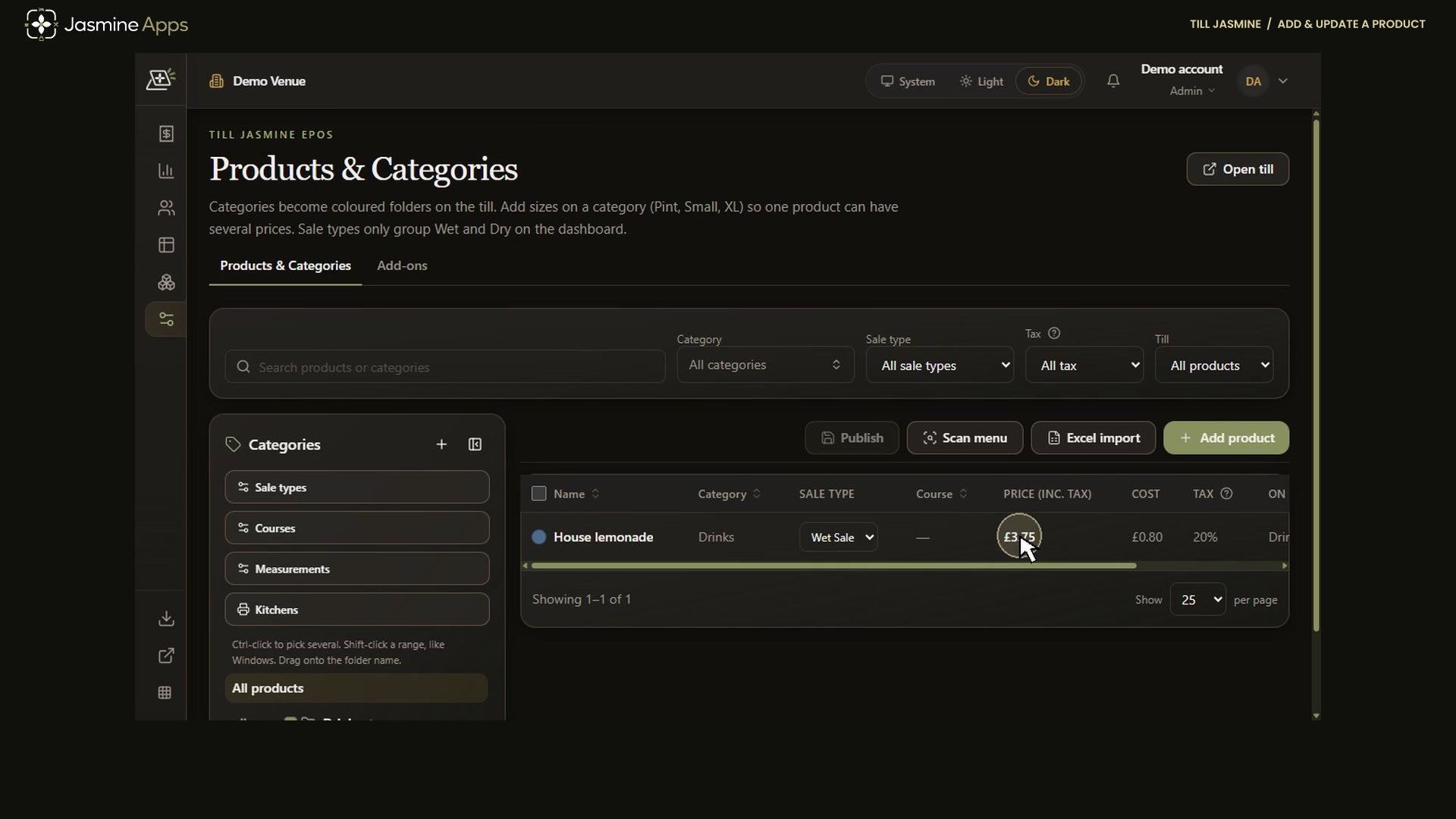
Till Jasmine products: save an item and publish a price editCreate a product in Till Jasmine, check its saved details, then make and publish a quick price change. The walkthrough follows the current app from an existing category through a reload check of the updated product. The fictional demo account remains readable.
- Tutorial
Table Jasmine: invite a team member and check their accessWritten steps for inviting a Table Jasmine colleague and checking intended access. The end-to-end video demonstration is still awaiting verification.
- Tutorial

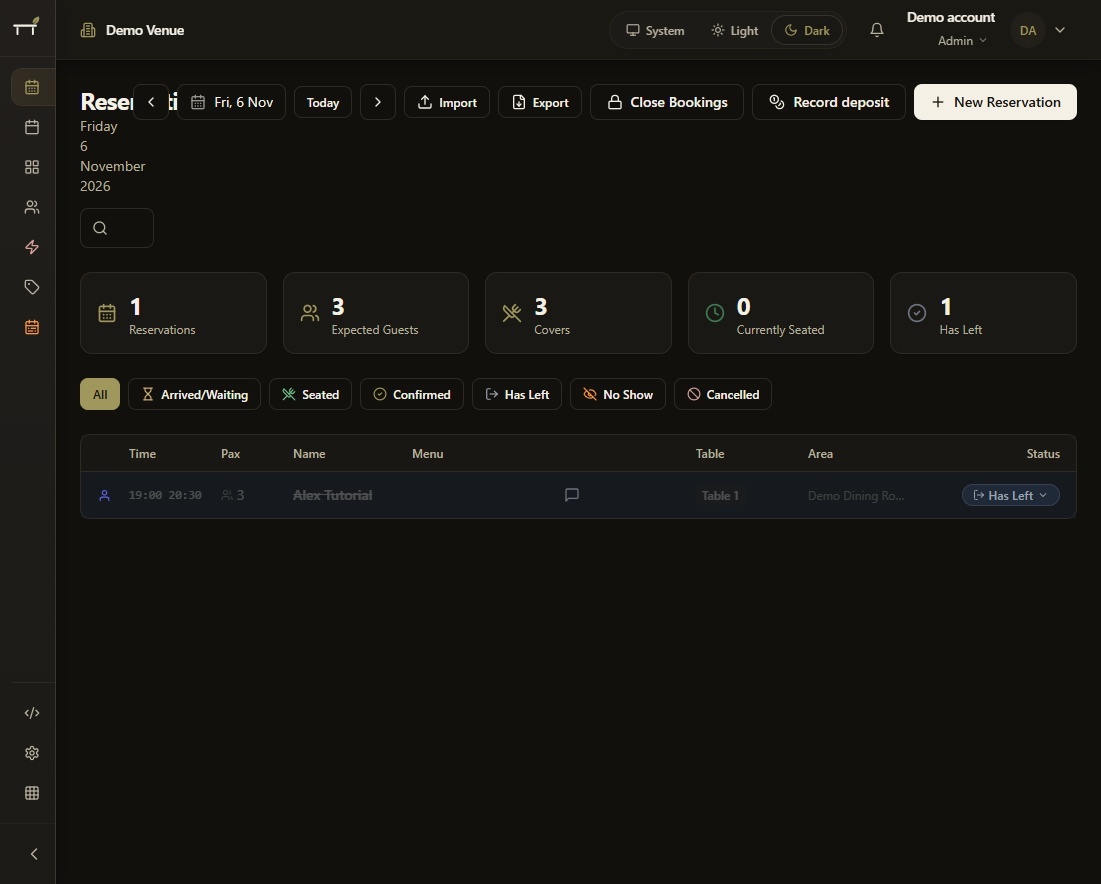
Table Jasmine calendar and reservation statusesUse the Table Jasmine calendar and reservation statuses to find a service day and follow a booking from confirmation through departure. This genuine dark-mode walkthrough uses a fictional booking in Demo Venue, with natural British female narration, synchronized captions, a steady view and a moving highlighted cursor. The dates and guest are training examples.
- Tutorial

Table Jasmine booking closures and venue rulesTable Jasmine booking closures and venue rules control when guests can book and how much your team takes on at once. This walkthrough applies a service closure, saves regular booking limits, reopens both settings and checks the result in the guest preview.
- Tutorial

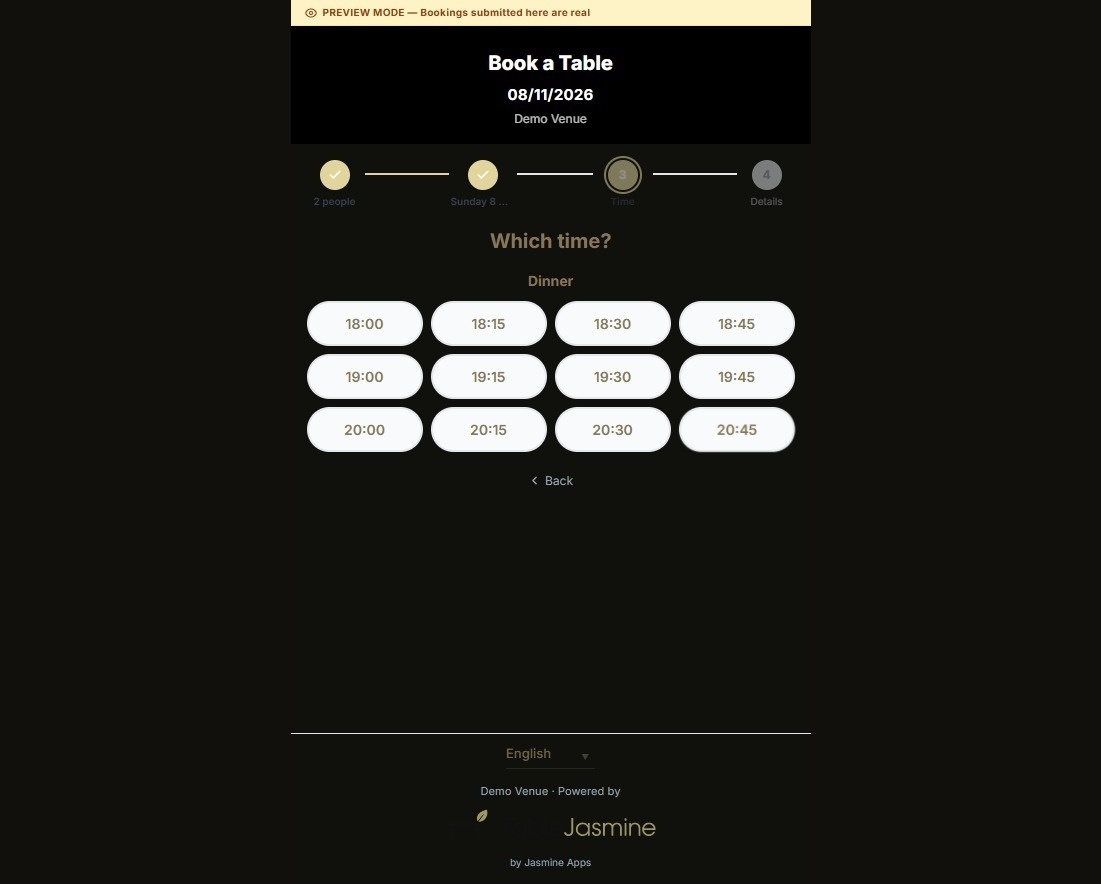
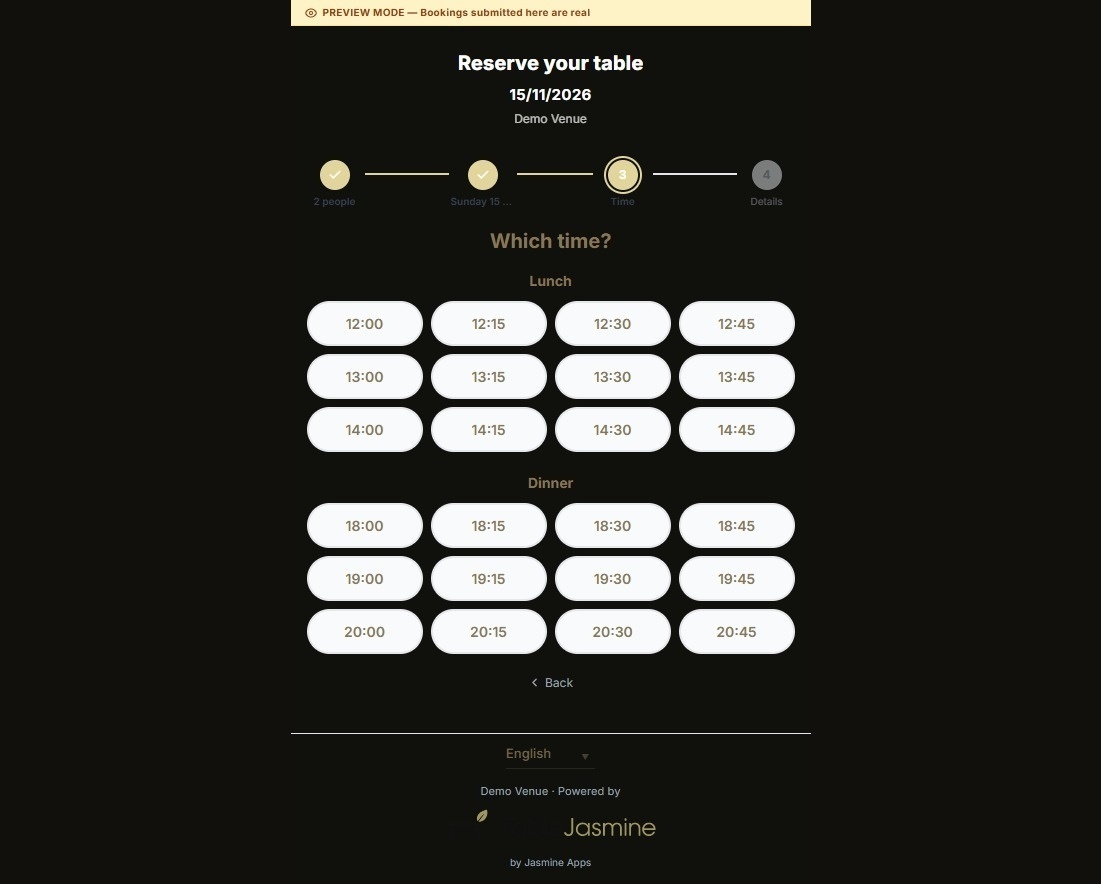
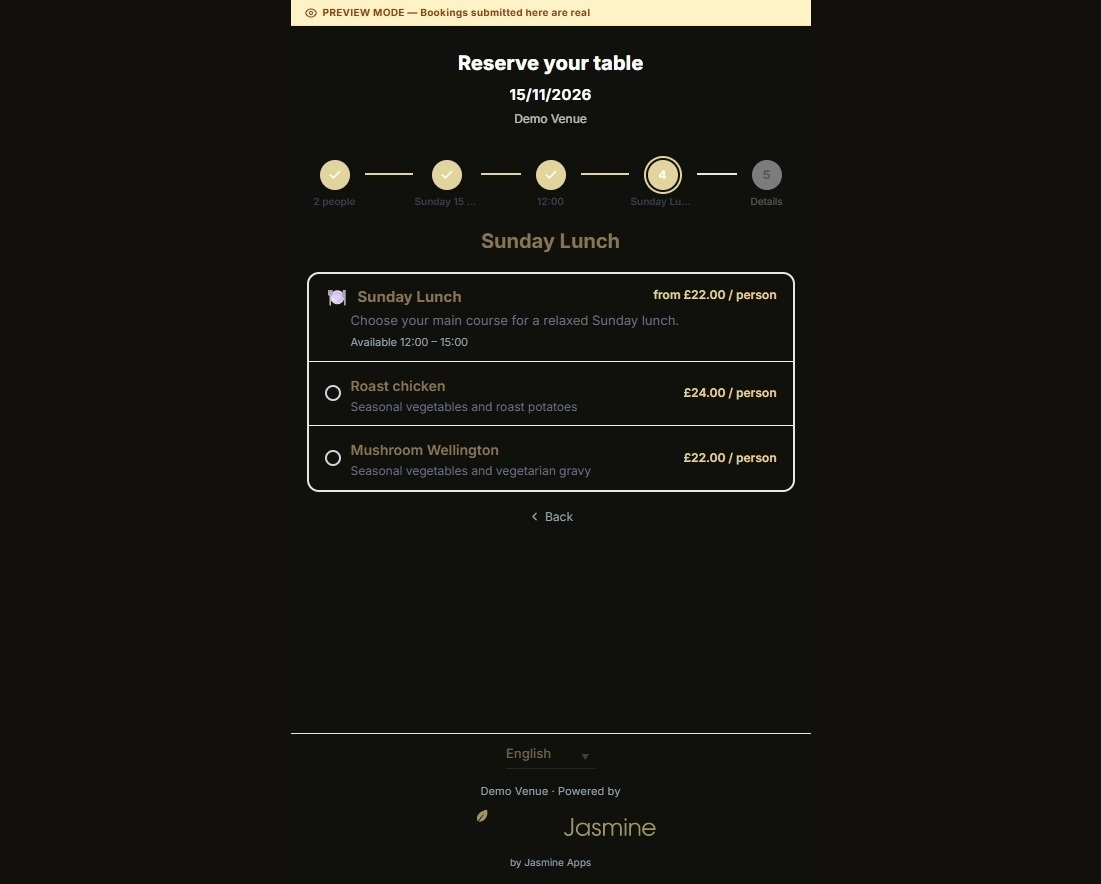
Table Jasmine booking widgetThe Table Jasmine booking widget lets guests reserve a table from your website. This walkthrough enables the widget, updates its appearance and content, saves and reopens the settings, copies the complete website embed and checks the guest journey.
- Tutorial

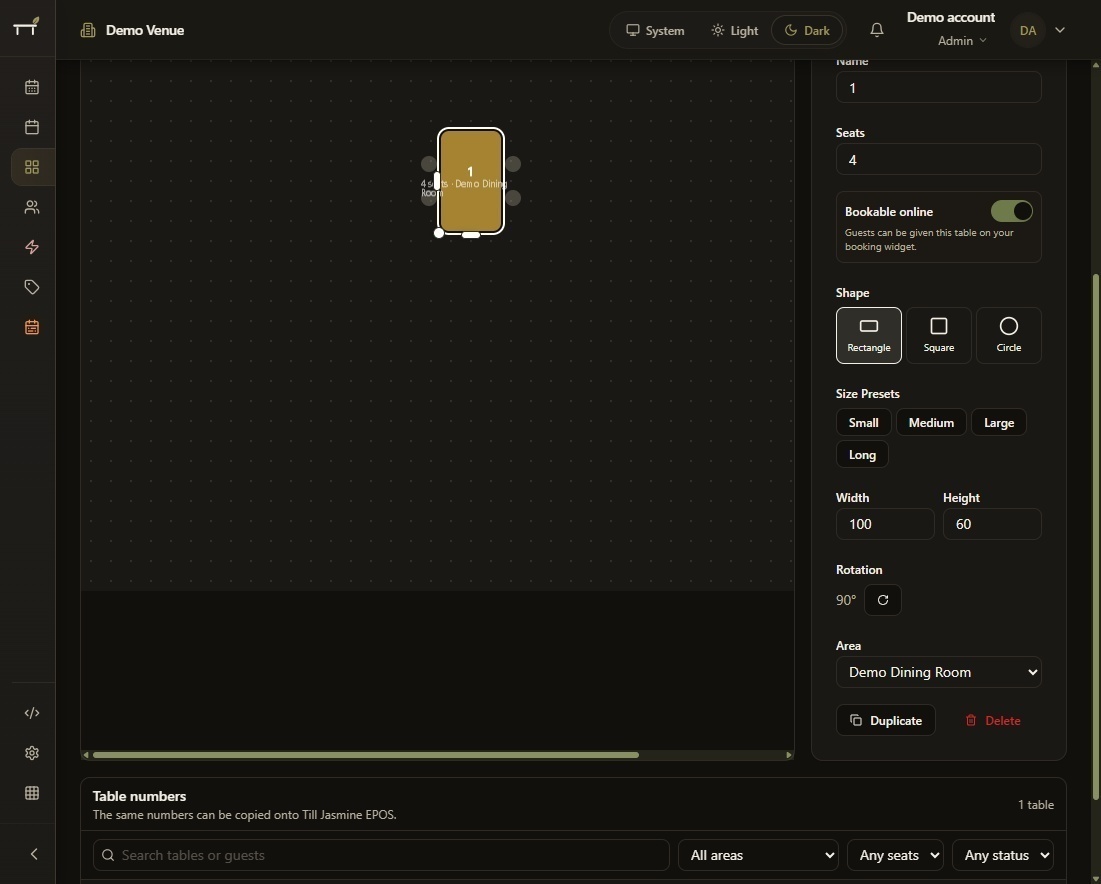
Table Jasmine floor planThe Table Jasmine floor plan lets your team see tables where they sit in the room. This walkthrough shows how to move a table, choose its shape and size, rotate it and check that the layout has saved.
- Tutorial

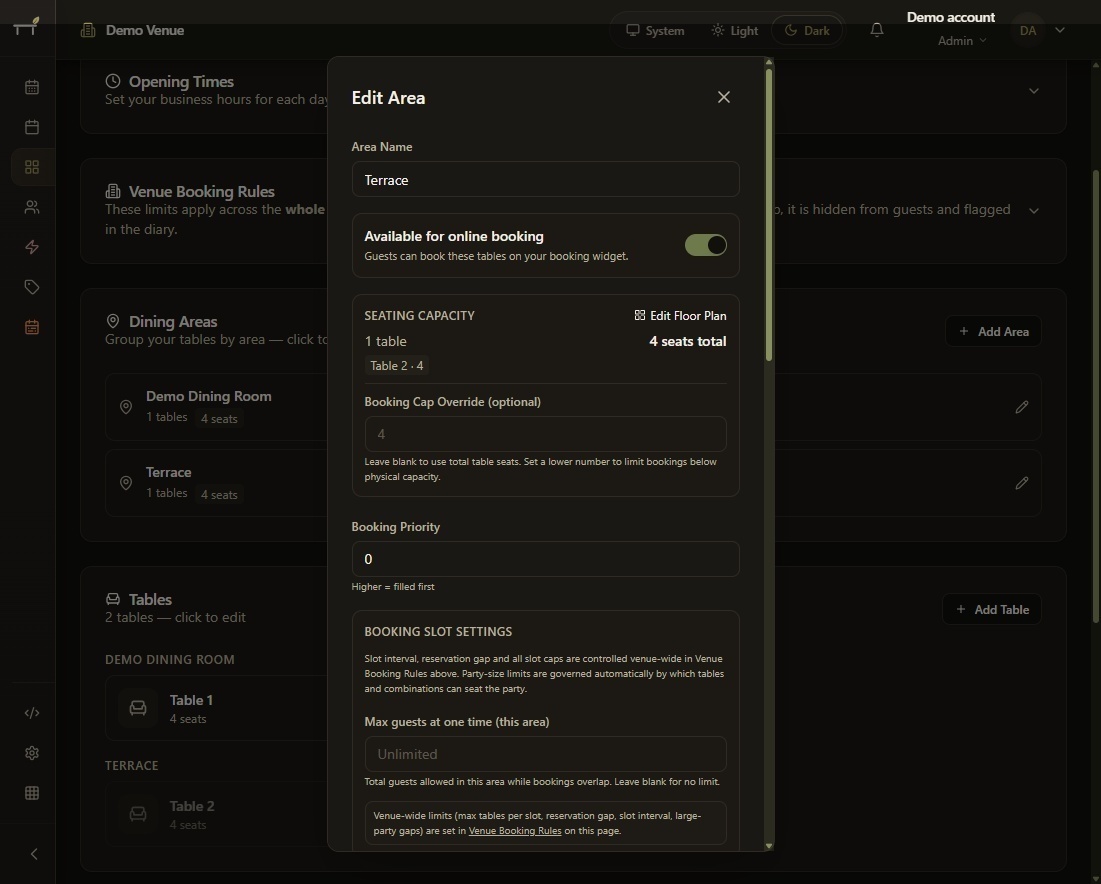
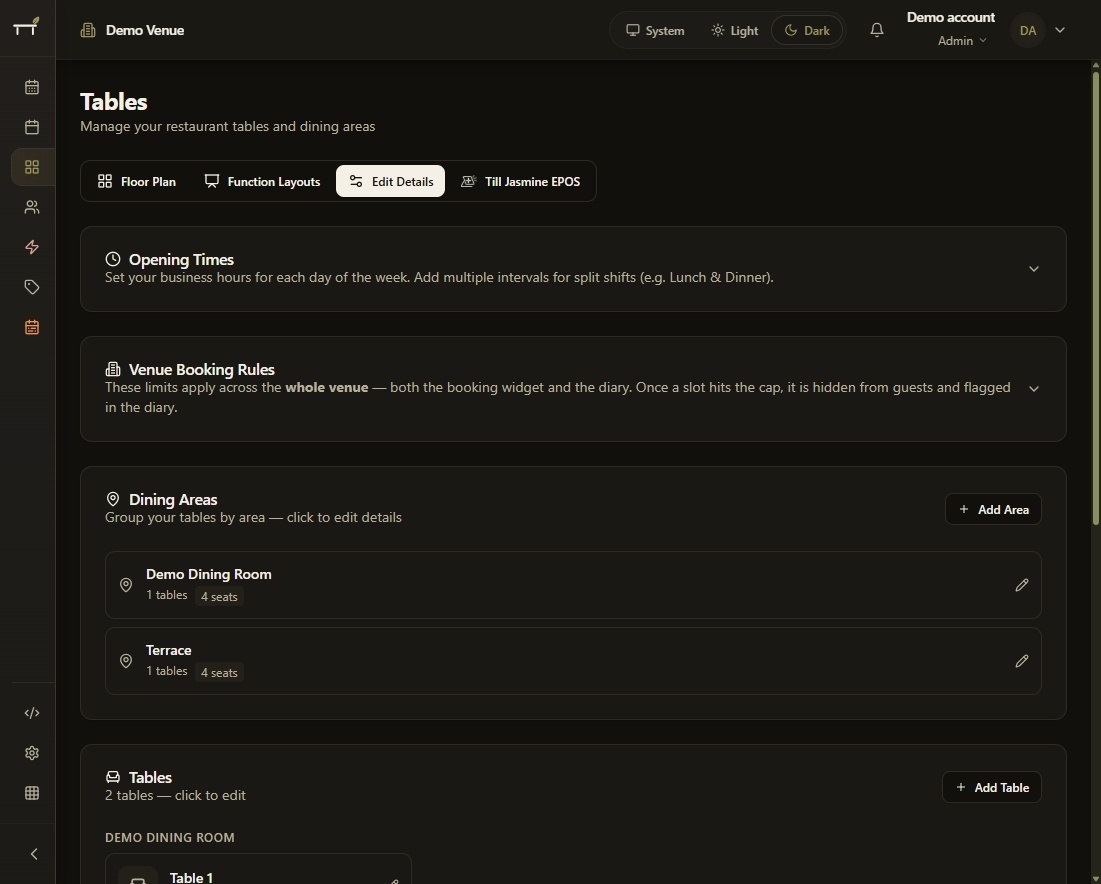
Set up tables and dining areas in Table JasmineSet up Table Jasmine tables and dining areas so each table has a clear name, the right number of seats and the correct area. Follow the complete setup in dark mode, from creating an area to checking the saved table. The recording uses a training venue and leaves the new table inactive.
- Tutorial

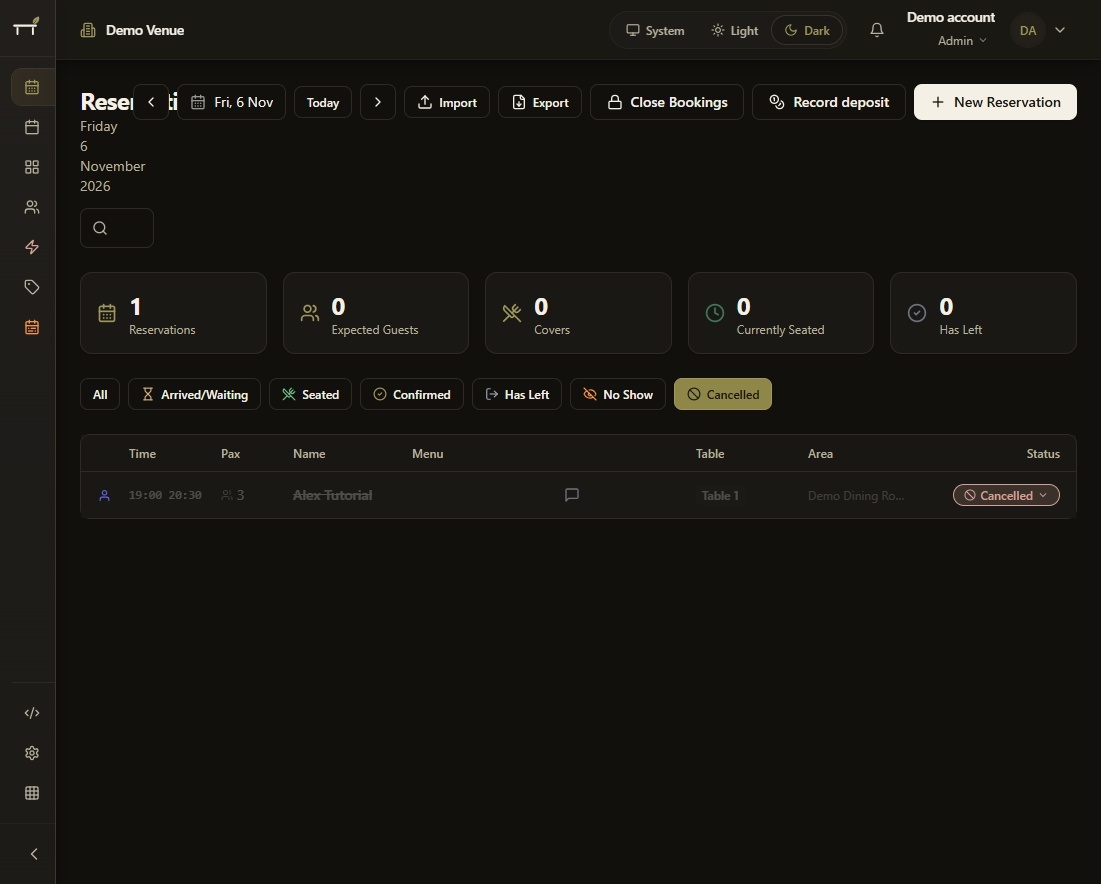
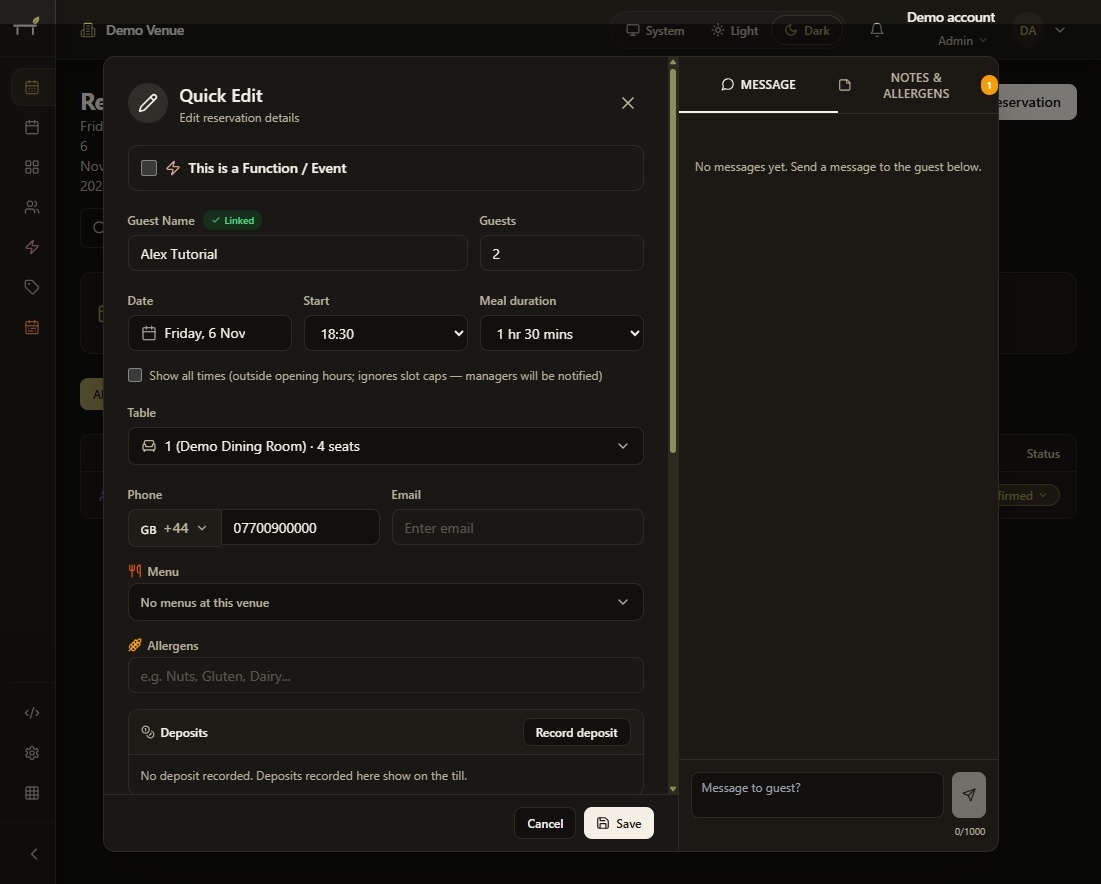
Change or cancel a reservation in Table JasmineChange or cancel a Table Jasmine reservation and verify the saved result. This guide continues from Create a reservation, using the fictional training booking in Demo Venue. The dark-mode recording shows the actual workflow, with natural British female narration, timed captions, a steady view and a moving highlighted cursor.
- Tutorial

Create a reservation in Table JasmineCreate Table Jasmine reservations, assign a suitable table, then reopen the booking to check the saved details. The video and screenshots show real app interactions in Demo Venue, using dark mode and fictional tutorial details. Dates shown are examples; select the date needed for your booking.

Jasmine Marketing HubMarketingChristmas Hospitality Campaign: Set the Last Useful Booking DateYour Christmas hospitality campaign needs a practical cutoff. Work back from menus, suppliers and staffing so late interest becomes a deliverable booking.

Jasmine Marketing HubMarketingHotel Package Promotion: Keep the Room and Dinner Promise JoinedYour hotel package promotion needs one consistent promise. Check room, dining and price details across messages before spending more to attract bookings.

ContractsHotel Agreement Workflow: Does Every Document Need a Signature?Your hotel agreement workflow should match the document’s purpose. Separate information, approval and signature routes before creating a chasing task.
ContractsEvent Agreement Objections: Answer the Question Before You SendYour event agreement objections may begin before the signing link. Clarify inclusions, dates and changes so guests can review a proposal with confidence.

MaintenanceHotel Asset Replacement Decisions: Repair Again or Replace?Your hotel asset replacement decisions need more than the next repair quote. Compare a common cost horizon, downtime and uncertainty before buying again.
MaintenanceHotel Maintenance Response Times: Find the Waiting Between JobsYour hotel maintenance response times include more than the repair. Track assignment, parts and room release to find the delay your team can actually fix.

Guest loyaltyOff-peak Loyalty Rewards: Fill Quiet Hours Without Buying Old SalesYour off-peak loyalty rewards need genuinely additional visits. Test spare capacity, reward cost and displaced demand before giving away more contribution.

Guest loyaltyRestaurant Second Visit Strategy: Win the Return Before HabitYour restaurant second visit strategy starts after the first meal. Define the return window, make rewards understandable and measure additional visits.

KioskStaff and rotasStaff Clock-in Queue: Can One Shared Kiosk Handle Your Arrival?Your staff clock-in queue depends on batch arrivals and retries. Test one shared kiosk at a real shift handover before deciding what your team will need.

Staff and rotasSeasonal Hospitality Training: Check Skills, Not Just CompletionYour seasonal hospitality training should change work on the floor. Choose role-specific refreshers, observe the task and check what your team can deliver.

Staff and rotasHospitality Rota Changes: Stop the Last-minute Chasing LoopYour hospitality rota changes need ownership and one approved schedule. Reduce repeated chasing, check working patterns and measure the handover work.

ReservationsRestaurant Booking Add-ons: Which Upgrade Solves Your Problem?Your restaurant booking add-ons should solve a recurring service problem. Compare the optional prices, test the guest journey and buy the upgrade you need.

ReservationsRestaurant Midweek Bookings: Fill Gaps Without Blanket DiscountsRestaurant midweek bookings need a reason to choose a quiet service. Match the offer to spare capacity, protect contribution and test completed visits.

Point of saleAI Menu Scanning for Restaurants: When Does £10 Pay Back?Your AI menu scanning for restaurants needs a review step. Compare revision frequency, checking time and the £10 add-on before deciding what it can save.

Point of saleRestaurant Menu Profitability: Your Bestseller May Not WinYour restaurant menu profitability needs more than a bestseller list. Compare contribution, demand and service capacity before changing prices or dishes.

Guest roomsHotel TV Content for Business Guests: Make Weekday Stays EasierYour hotel TV content for business guests can answer practical weekday questions. Plan useful information, check the delivery and measure what guests use.
Guest roomsHotel Breakfast Upselling: Make the Decision Easier Before MorningHotel breakfast upselling needs a clear offer before morning. Show the price, timing and booking route, protect your margin and test what guests choose.

Point of saleRestaurant EPOS ROI: What Must a £59 Till System Earn?Your restaurant EPOS ROI depends on margin, stock and service. See what a £59 till must earn, which costs to include and how to prove value at the venue.

ReservationsRestaurant Booking Software Cost: Can £69 Recover Lost Covers?Your restaurant booking software cost should earn its place. Compare £69 pricing, deposits and recovered covers, then test what the tables actually return.

Staff and rotasHospitality Rota Software ROI: Is £1 Per Employee Worth It?Hospitality rota software ROI starts with the £25 minimum. Compare time saved, stable scheduling evidence and a practical test of Clock Jasmine at work.

KioskStaff and rotasStaff Clock-In Kiosk Cost: What a £5 Add-On Needs to SaveYour staff clock-in kiosk cost includes more than £5. Compare a base plan, device and break-even minutes, then test PIN punches and exceptions with staff.

Guest loyaltyRestaurant Loyalty Software ROI: What Your £29 Rewards Need to EarnYour restaurant loyalty software ROI depends on repeat visits and reward costs. Test a £29 plan, protect your margin and measure what members bring back.

MaintenanceHotel Maintenance Software ROI: What £79 Needs to SaveHotel maintenance software ROI depends on saleable rooms and repeat faults. Model a £79 plan, check availability and measure recoverable room contribution.

ContractsElectronic Signature Software Cost: What £15 Can Save Your HotelElectronic signature software cost should reflect the work you avoid. Test a £15 plan against document handling, signature delays and a useful hotel pilot.

Jasmine Marketing HubMarketingHospitality Marketing Software ROI: What a £19 Plan Must GenerateYour hospitality marketing software ROI needs bookings, not likes. Test a £19 plan against contribution, content costs and the channels your venue can use.
Guest roomsHotel TV Software ROI: Can £5 Per Room Pay for Itself?Your hotel TV software ROI starts at £5 per room, with a £40 minimum. See what one screen must earn, costs matter and how to test guest offers fairly.

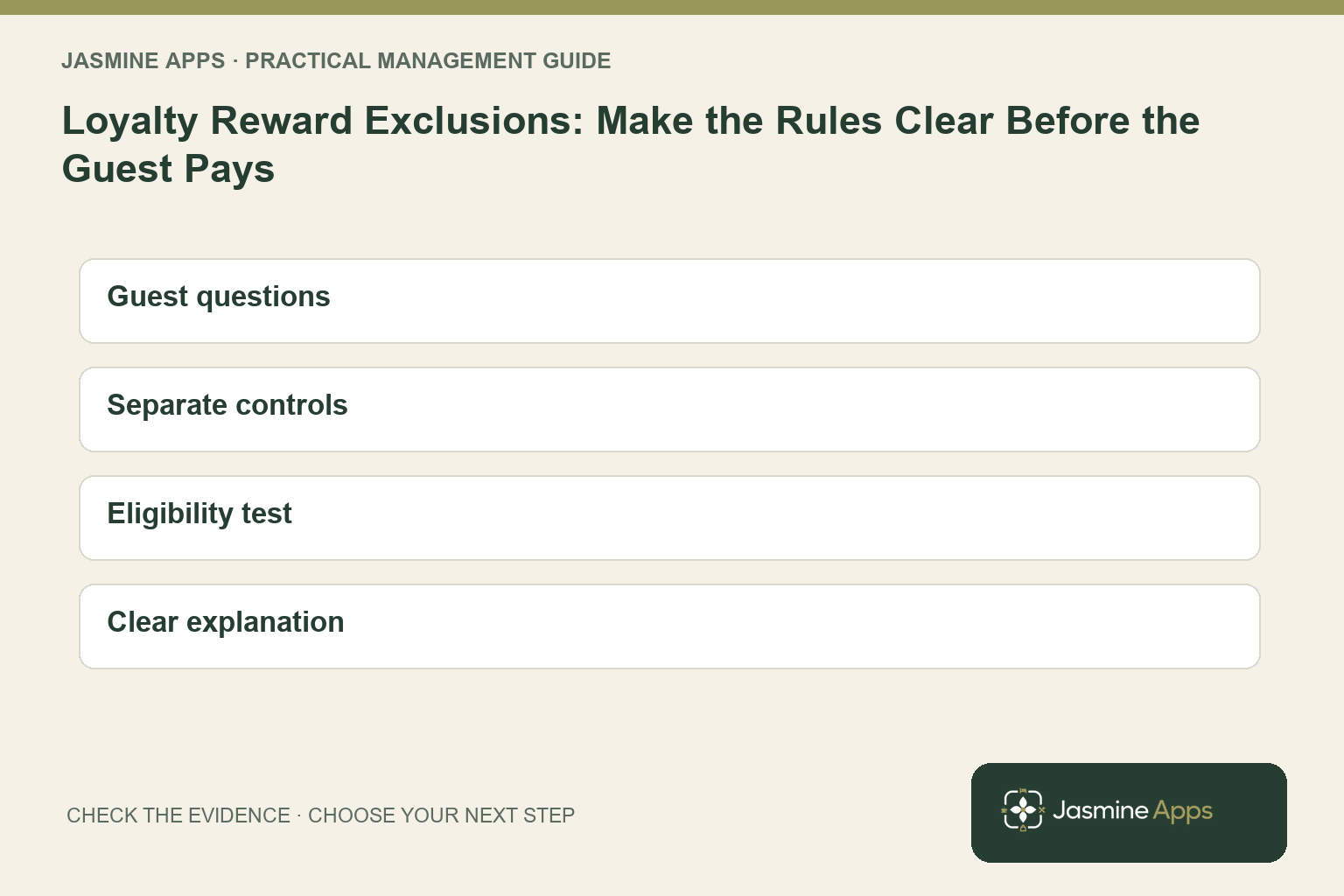
Guest loyaltyLoyalty Reward Exclusions: Make the Rules Clear Before the Guest PaysLoyalty reward exclusions can surprise guests with enough points. Align earning, package rules and participating venues before staff explain it at payment.

ContractsDocument Version Control: Stop Sending the Right Signing Link to the Wrong PDFDocument version control starts before the signing link. Check approval, PDF identity and field placement so your team sends and retrieves your agreement.

Jasmine Marketing HubMarketingHospitality Social Media ROI: A Sold-Out Post Is Not a Proven Sales ResultHospitality social media ROI needs evidence beyond likes. Map campaign links, guest actions and costs to judge what your next promotion can actually prove.

Guest roomsHotel Guest Information: Why a Beautiful Welcome Screen Can Still Send Guests to a Closed RestaurantHotel guest information can look polished and still be wrong. Align screen, reception and website facts so guests find the right answer during their stay.

MaintenanceHotel Recurring Maintenance Faults: Why Closing More Tickets Can Hide the Real ProblemHotel recurring maintenance faults can hide behind closed tickets. Connect symptoms, repair evidence and room status to investigate a problem that returns.

Guest loyaltyLoyalty Programme Pilot: Prove the Guest Journey Before You ExpandLoyalty programme pilot should prove more than sign-ups. Test reward use, venue eligibility and commercial evidence before expanding across your business.

Staff and rotasHospitality Staff Access Review: Your Former Supervisor May Still Have Manager PermissionsHospitality staff access review must cover role changes as well as leavers. Check each app and venue so permissions reflect the work your team does now.

Staff and rotasHospitality Software Adoption: Why a Completed Training Session Is Not a Working RolloutHospitality software adoption is not proved by training attendance. Test roles, ordinary tasks and exceptions to make your rollout work across every shift.

ReservationsRestaurant Booking Lead Time: What Your Diary Can Tell You Before ServiceRestaurant booking lead time can hide same-day demand in an average. Read comparable services and outcomes to choose better diary reviews before service.

ReservationsRestaurant Booking Conversion: Why More Website Clicks Can Mean Fewer Useful BookingsMulti venue EPOS reporting can rank the wrong winner. Align dates, definitions and service context to turn sales comparisons into useful venue decisions.Restaurant booking conversion needs more than a click count. Find failing stages, verify reservations and improve the journey without overselling capacity.

Point of saleMulti Venue EPOS Reporting: Why Your Busiest Site May Not Be Your Best PerformerMulti venue EPOS reporting can rank the wrong winner. Align dates, definitions and service context to turn sales comparisons into useful venue decisions.

Point of saleRestaurant Discount Policy: Give Staff Confidence Without Losing ControlYour restaurant discount policy should explain the reason as clearly as the amount. Align offers, permissions and records before the busy service begins.

Point of saleRestaurant Stock Variance: Why a Missing Bottle Is Not Proof of TheftRestaurant stock variance does not explain its own cause. Check count timing, pack units, recipes and movements before deciding where your stock has gone.
Point of saleA Till Can Pass a Demo and Fail Your Friday Night: Your EPOS Demo ChecklistUse your EPOS demo checklist to expose what a polished presentation misses. Test real orders, exceptions, costs and responsibilities before you buy a till.

Point of saleHospitality Software ROI: Why Time Saved Is Not Always Money SavedYour hospitality software ROI can look strong while cash costs stay unchanged. Separate capacity, savings and contribution before approving the investment.

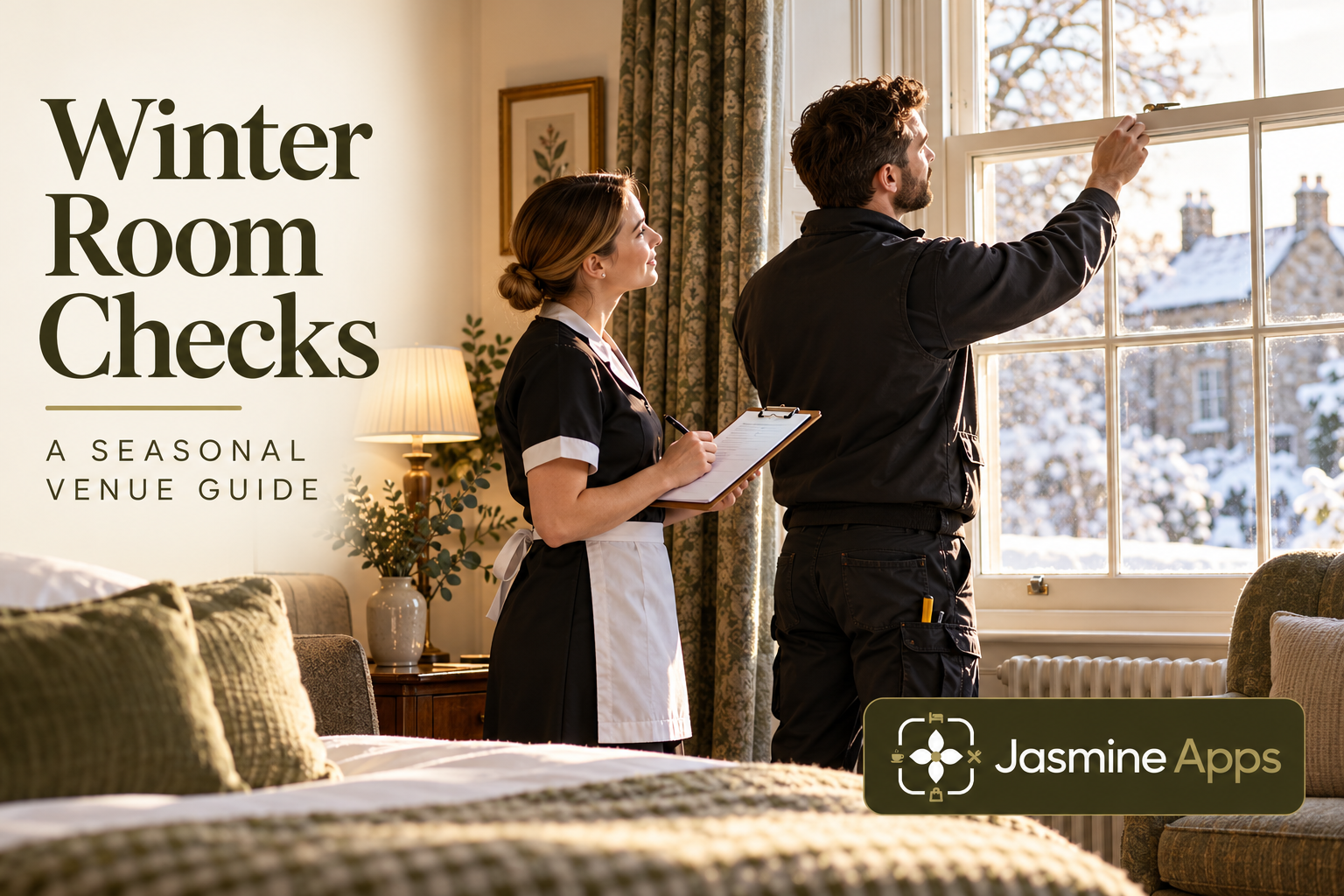
MaintenanceWinter Hotel Room Checks: Turn Findings into Clear Repair TasksPrepare winter hotel room checks with factual room observations, honest availability and a clear repair handover before cold-weather pressure builds.

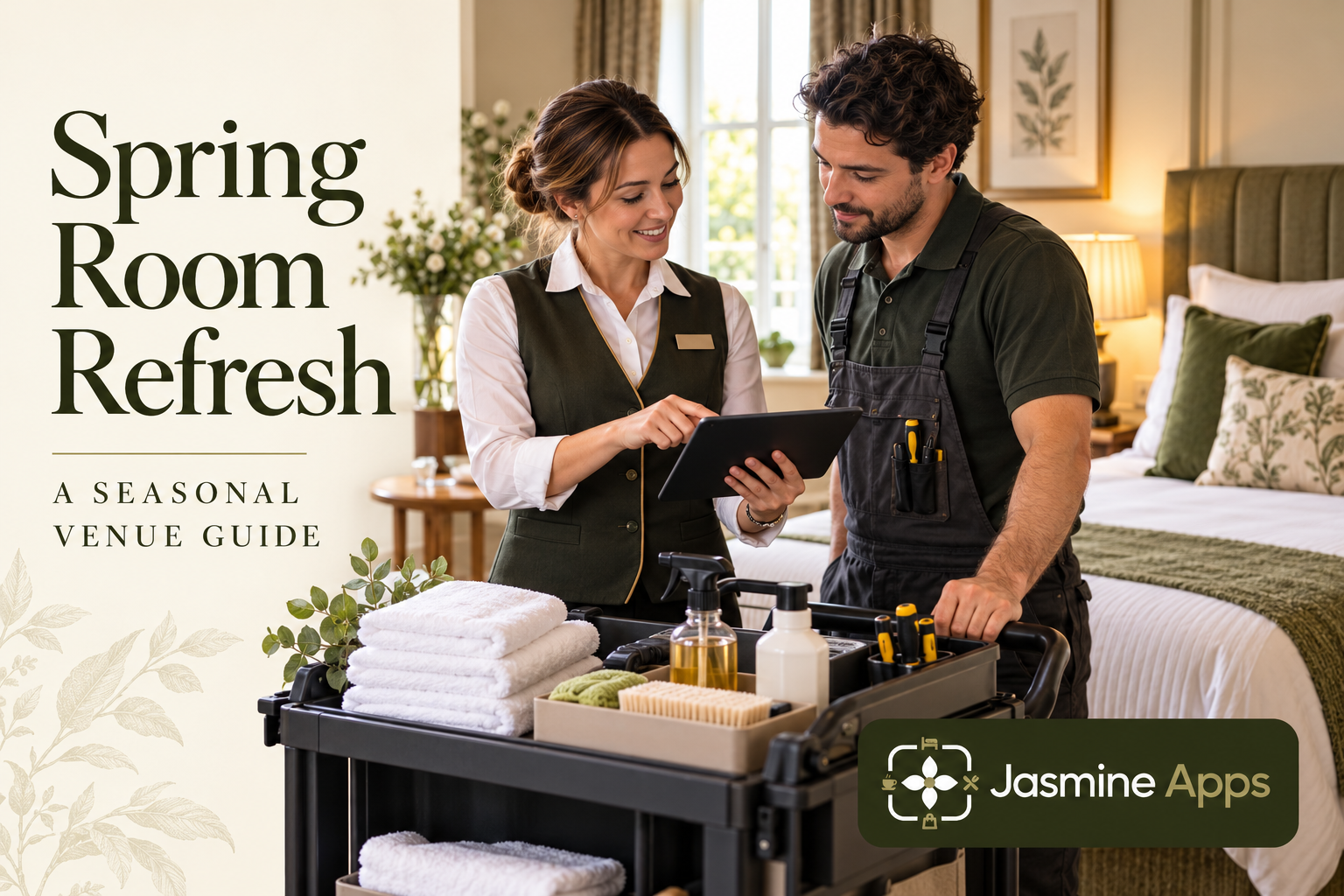
MaintenanceSpring Hotel Room Refresh: Keep Small Jobs from Getting LostPlan a spring hotel room refresh with stable room records, prioritised findings and a checked housekeeping handover instead of scattered job notes.

Jasmine Marketing HubMarketingA Restaurant Social Content Calendar Built Around Real ServiceBuild a restaurant social content calendar around real menus, service times and offers using Jasmine Marketing Hub’s current alpha posting workflow.

Staff and rotasOpening a Second Venue: Standardise Staff Processes FirstPrepare second venue staff processes with clear teams, access, rota ownership and attendance checks before copying your first site’s routine.

Point of saleDoes EPOS Work Without Internet? A Hotel and Bar Outage PlanDoes EPOS work without internet? Understand offline sales, card payment limits and a practical outage plan for hotel bars using Till Jasmine.

Point of saleHow to Switch EPOS Systems Without Disrupting ServiceSwitch EPOS systems with a practical plan for data, hardware, training and a pilot. Prepare your hotel, bar or restaurant for a smoother changeover.

Point of saleHow to Reduce Bar Queues: Practical Till and Service ChangesReduce bar queues by finding the real bottleneck. Improve till layouts, payment handover and team routines, with practical examples for busy venues.

Guest loyaltyRestaurant Loyalty Programmes: Rewards That Encourage Return VisitsBuild restaurant loyalty programmes around a clear reward and a simple till routine. Learn to price rewards, train staff and measure repeat visits.

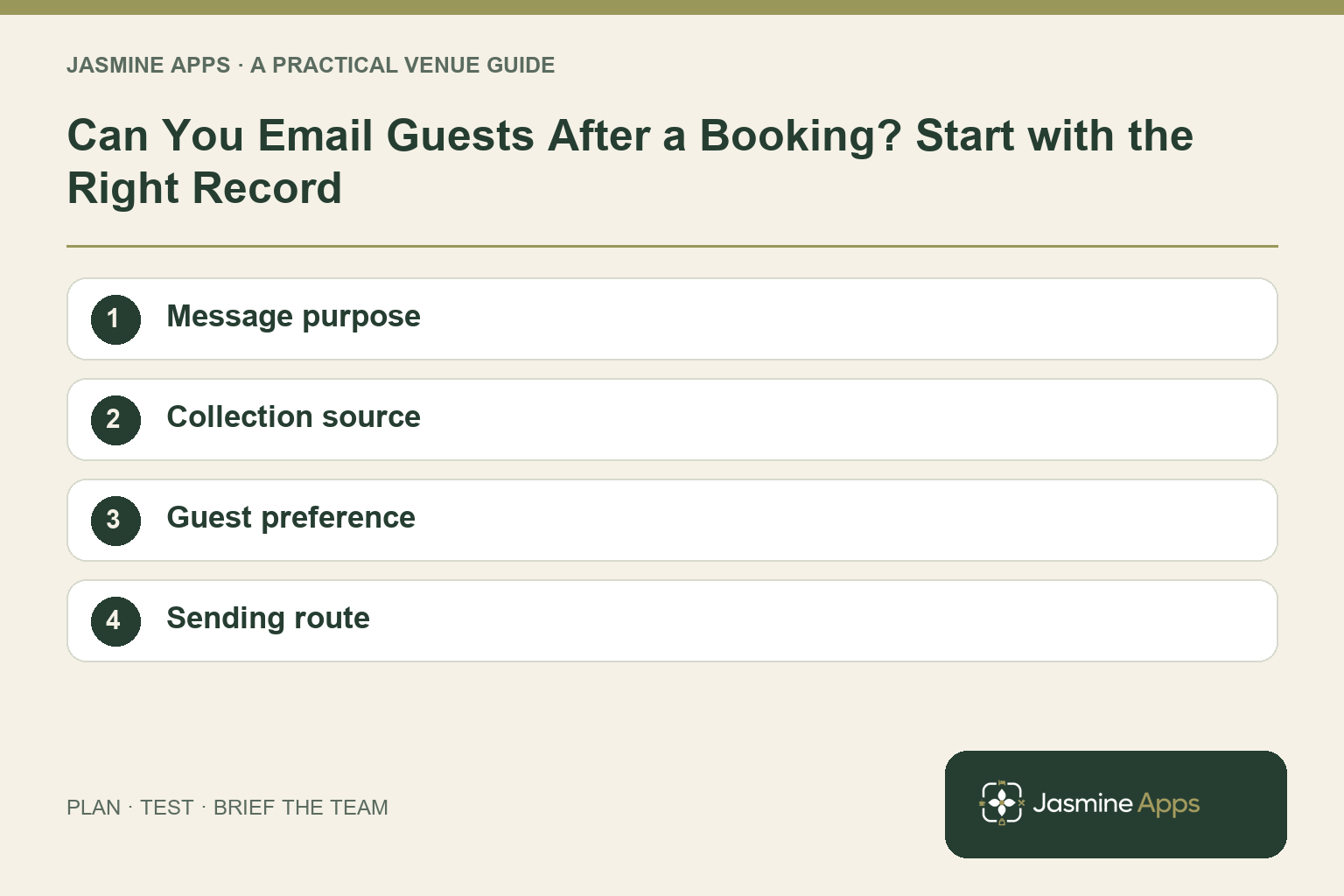
Jasmine Marketing HubMarketingCan You Email Guests After a Booking? Start with the Right RecordUnderstand why a booking email address is not a complete marketing record. Organise guest choices and subscriber status with Marketing Hub.

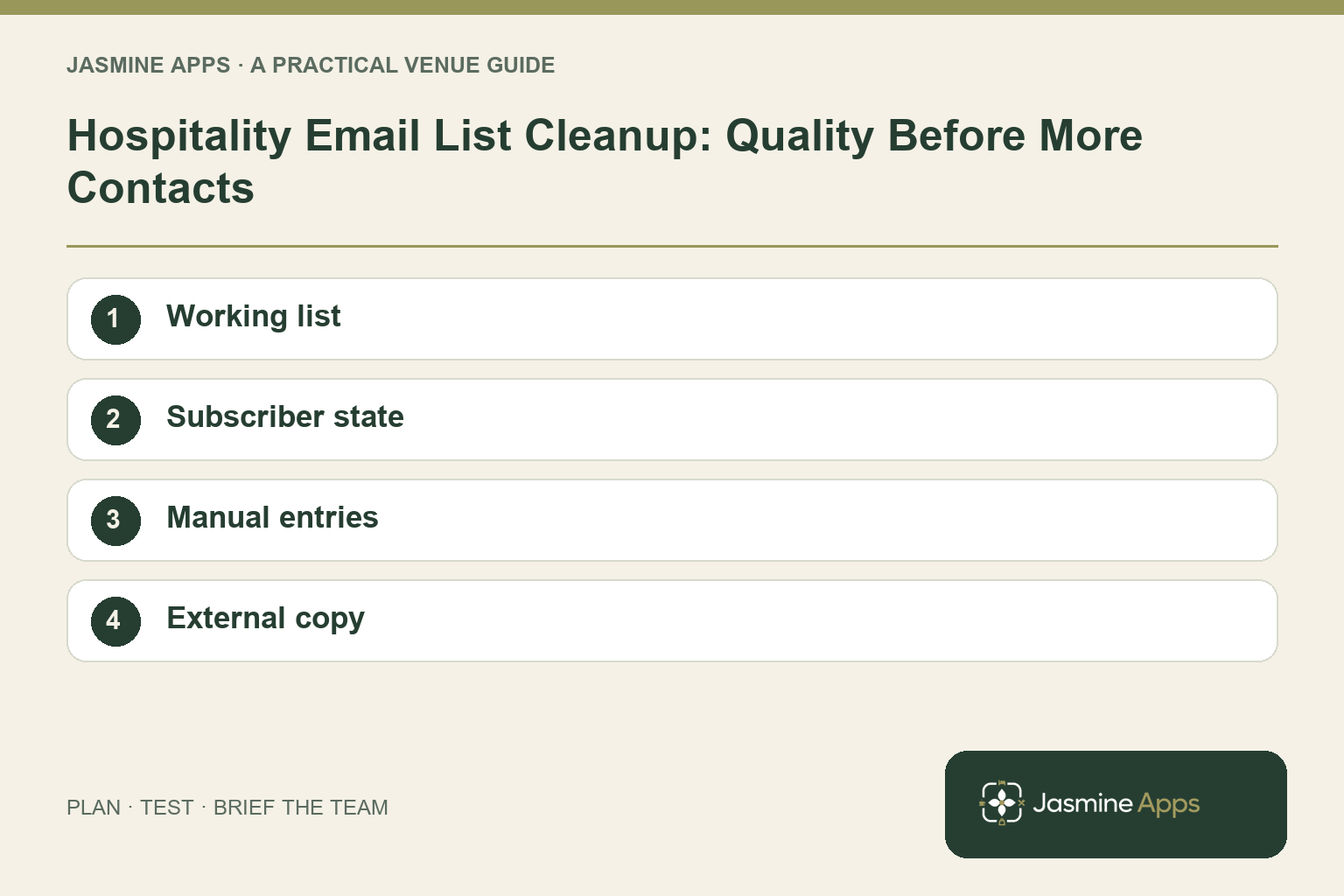
Jasmine Marketing HubMarketingHospitality Email List Cleanup: Quality Before More ContactsClean up a hospitality subscriber list by checking status, sources and manual additions. Use Marketing Hub to organise the record before your next send.

Jasmine Marketing HubMarketingWhere Do Your Best Hospitality Subscribers Come From?Compare hospitality subscriber sources without confusing contact growth with bookings. Use Marketing Hub source tags to review your collection journeys.

Jasmine Marketing HubMarketingHotel Email Campaign Planning: Build the Offer Before Pressing SendPlan a useful hotel email campaign with a clear audience, offer and booking route. Prepare subscriber records in Marketing Hub before using your confirmed sender.

Guest roomsHotel TV Guest Directory: What Belongs on the Bedroom Screen?Plan a hotel TV guest directory around the questions guests ask most. Keep dining, hotel information and local suggestions useful with Jasmine TV.

Guest roomsBefore Replacing Hotel TVs: Audit the Hardware You Already OwnAudit hotel TV models, operating systems and room connectivity before replacing hardware. Build a representative compatibility pilot for Jasmine TV.

Guest roomsHotel TV Logout Between Guests: Build a Reliable Room-Reset RoutineCheck hotel TV logout and room-reset behaviour between stays. Confirm supported apps, reset triggers and a practical housekeeping verification routine.

Guest roomsPromote Your Hotel Restaurant on Bedroom TVs Without the Hard SellMake hotel restaurant promotion useful on bedroom TVs with clear dining information and a working booking route. Plan a measured Jasmine TV trial.

Point of saleWhy Is My Product Not Showing on Till Jasmine?Product not showing on Till Jasmine? Check publication, categories and the saved till layout before creating duplicates or changing live service.

Point of saleCash or Card Button Missing on Till Jasmine?Cash or Card button missing on Till Jasmine? Check the Payment page, save the layout and distinguish missing buttons from terminal payment faults.

Point of saleTill Jasmine Pairing Code Rejected? What to CheckTill Jasmine pairing code rejected? Check expiry, device setup and the right venue before generating a fresh code for your Windows till.

Point of saleTill Jasmine Shows the Wrong Change: Check Cash EntryTill Jasmine showing the wrong change? Check Clear, Exact and quick-note entry before completing the cash sale, then verify the receipt and drawer.

Point of saleTill Jasmine Cash-Up Does Not Match? Start HereTill Jasmine cash-up does not match? Check float, cash and card counts, recorded expenses and the cash-up period before closing the till.

ReservationsTable Jasmine Widget Shows No Availability?Table Jasmine widget showing no availability? Check opening times, tables, party size and booking closures before changing the venue rules.

ReservationsRestaurant Booking Widget Not Loading on Your Website?Restaurant booking widget not loading? Compare Table Jasmine Live Preview with the website embed to find whether settings or the page need attention.

ReservationsCannot Find a Table Jasmine Reservation? Check These FirstCannot find a Table Jasmine reservation? Check date, venue, guest search and status before entering another booking that could duplicate the original.

ReservationsTable Assignment Missing or Wrong in Table Jasmine?Table assignment missing or wrong in Table Jasmine? Check Quick Edit, saved floor plans and table combinations without deleting live table records.

ReservationsGuest Cannot Find Their Table Jasmine Pre-Order Form?Guest cannot find a Table Jasmine pre-order form? Check the function setup, organiser request and tracking before re-sending or building another menu.

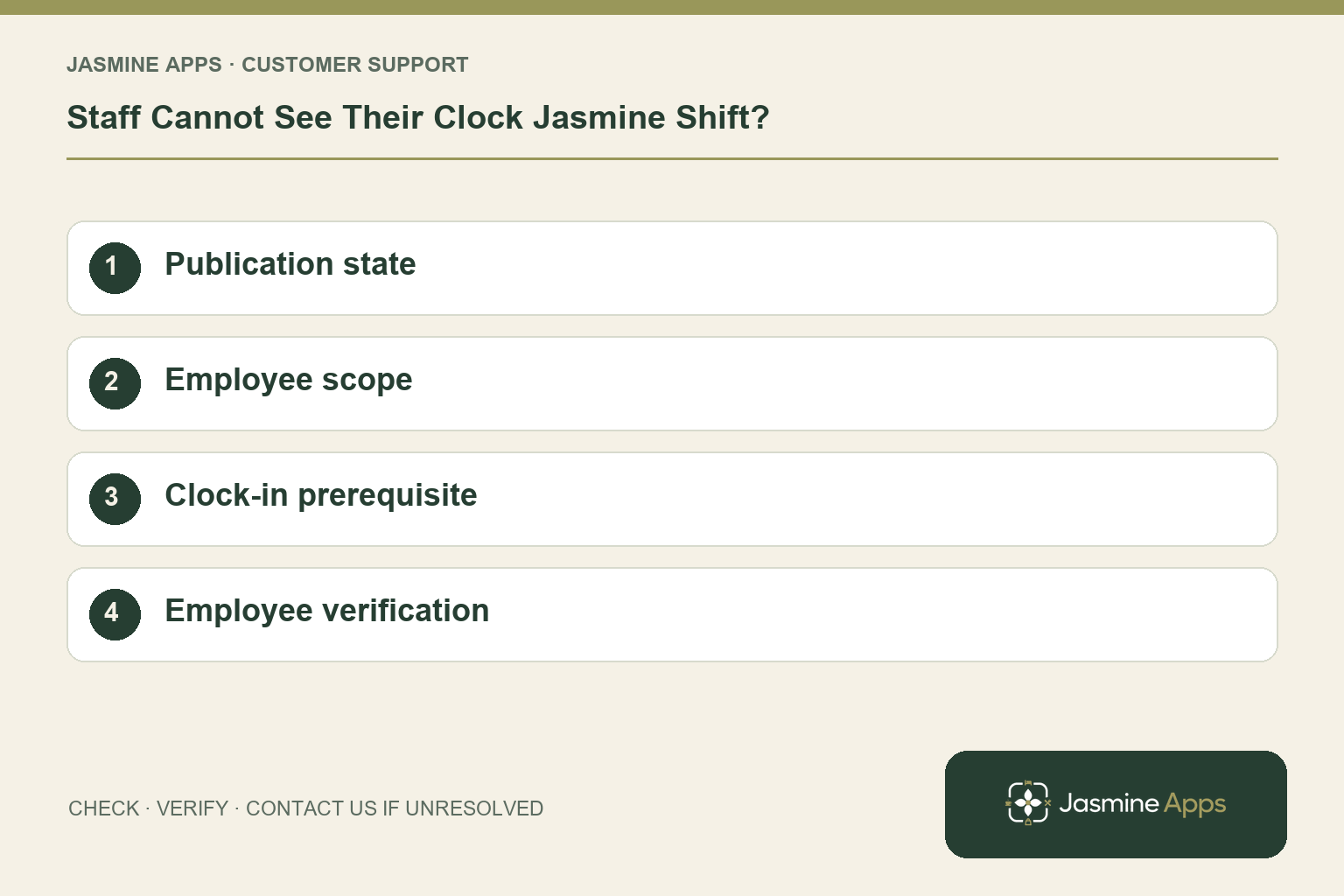
Staff and rotasStaff Cannot See Their Clock Jasmine Shift?Clock Jasmine shift not visible? Check employee scope, the rota month and publication before changing clock-in policies or adding another shift.

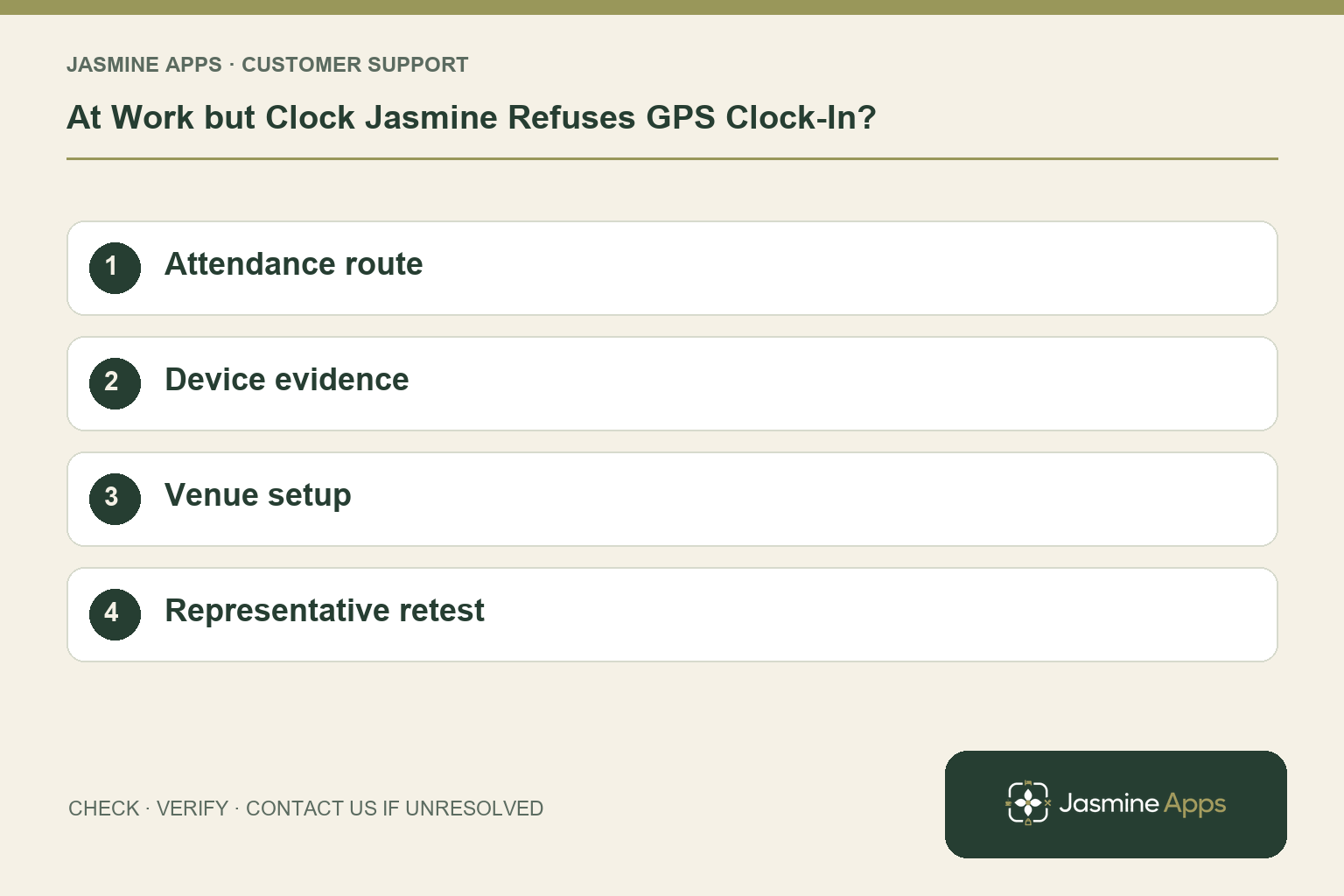
Staff and rotasAt Work but Clock Jasmine Refuses GPS Clock-In?Clock Jasmine GPS clock-in refused at work? Check location access, reported accuracy and venue settings before changing the attendance policy.

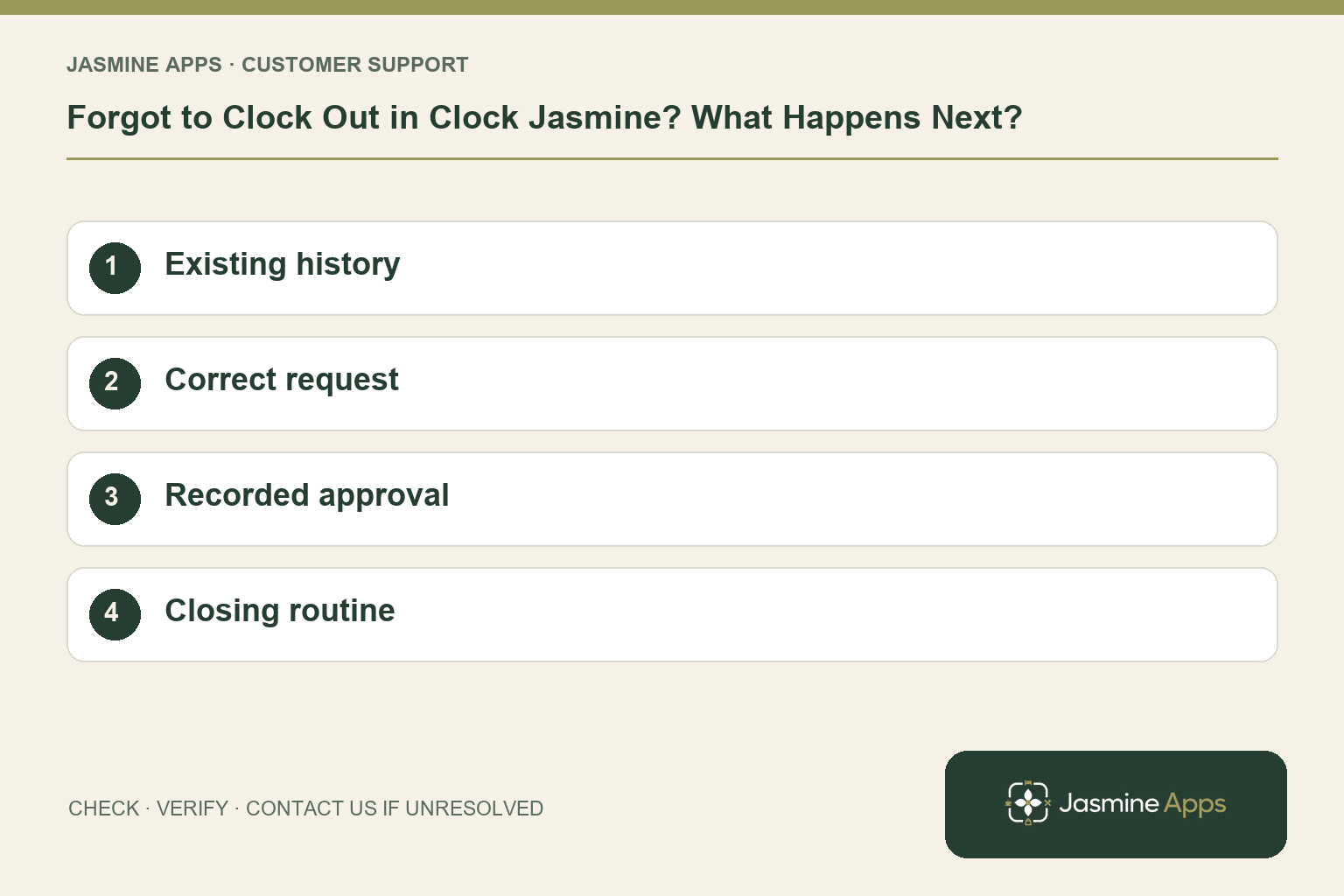
Staff and rotasForgot to Clock Out in Clock Jasmine? What Happens Next?Forgot to clock out in Clock Jasmine? Check history, record the actual shift times and use the approved correction process before payroll export.

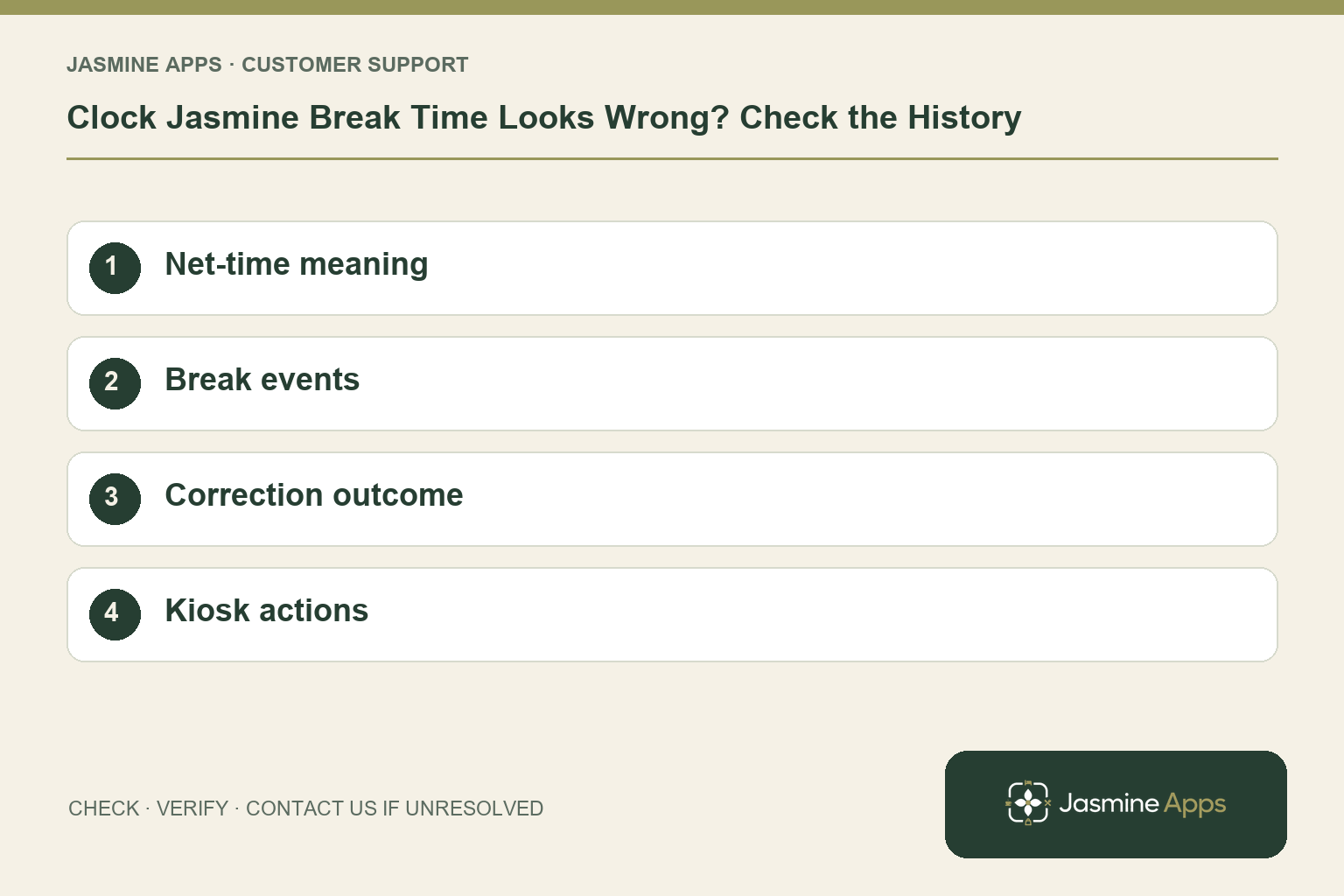
Staff and rotasClock Jasmine Break Time Looks Wrong? Check the HistoryClock Jasmine break time looks wrong? Check Start break, End break and shift history before applying another deduction or exporting the hours.

Staff and rotasClock Jasmine CSV Missing Hours? Check Before Re-ExportingClock Jasmine CSV missing hours? Check approved punch records and the exported file before sending another version to your payroll provider.

KioskStaff and rotasClock Jasmine Kiosk PIN or Setup Code Not Working?Clock Jasmine Kiosk PIN or setup code not working? Separate tablet registration from staff access, then check expiry, allowed actions and device status.

Guest loyaltyJasmine Loyalty Email Code Not Arriving?Jasmine Loyalty email code not arriving? Check the card email, inbox folders and the sign-in route before creating another member record.

Guest loyaltyJasmine Loyalty Points Missing After a Sale?Jasmine Loyalty points missing after a sale? Check the attached member, completed payment and points history before promising a manual adjustment.

Guest loyaltyJasmine Loyalty Reward Not Available or Not Redeeming?Jasmine Loyalty reward not redeeming? Check the saved package, Offer this package, points requirement and staff-led redemption before changing the offer.

Guest loyaltyBought-In Item Missing or Already Collected in Jasmine Loyalty?Jasmine Loyalty bought-in item missing? Check the paid sale, intended recipient and To collect, Given out or Collected status before giving it out again.

MaintenanceRoom Missing from Comply Jasmine? Check Save RoomsRoom missing from Comply Jasmine? Check the venue, Not saved state and Save rooms before renaming an existing room or logging against the wrong one.

MaintenanceResolved Maintenance Issue Still Open or Blocked?Comply Jasmine issue still open or blocked? Check saved steps, availability and Mark resolved, then review other faults and the reception handover.

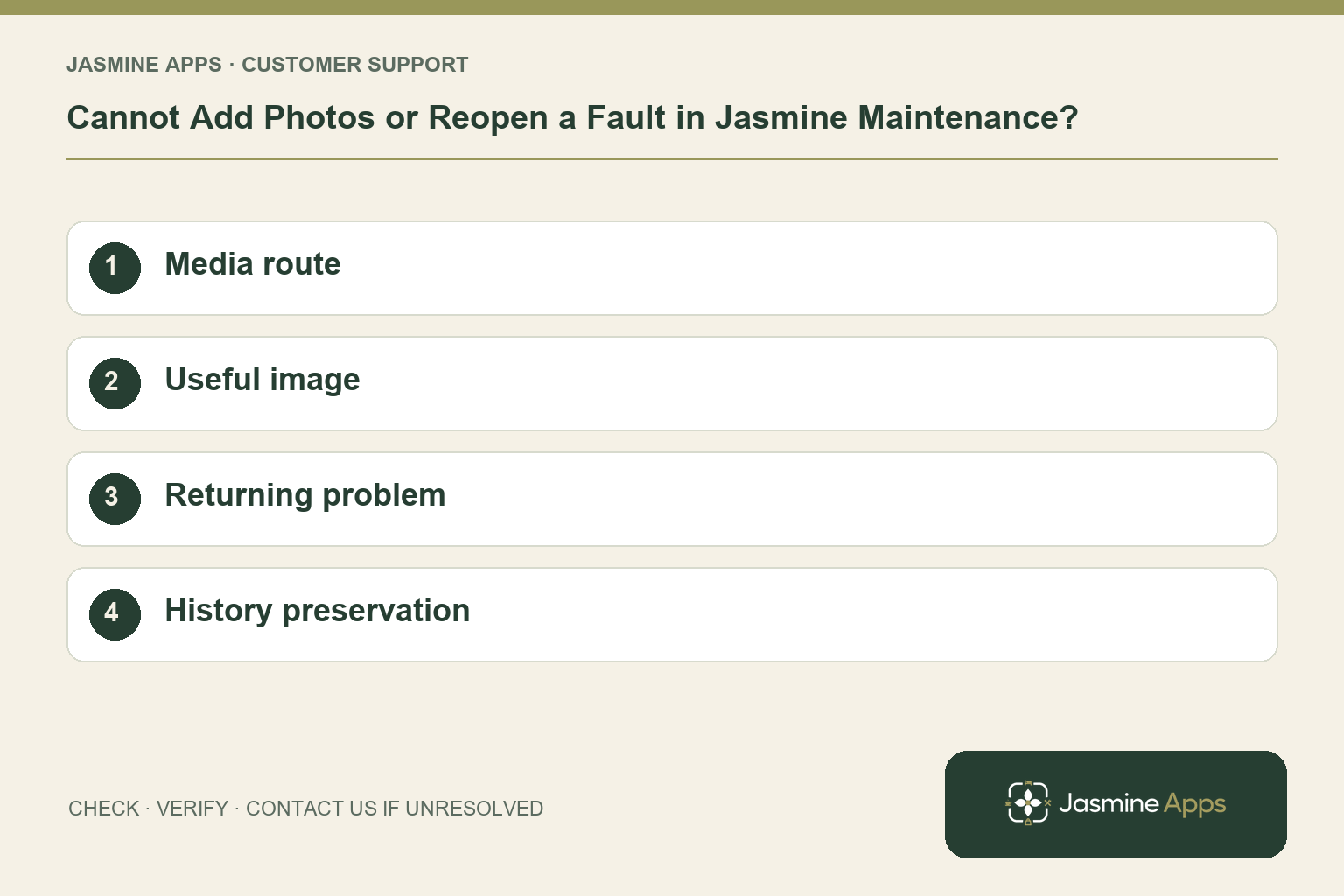
MaintenanceCannot Add Photos or Reopen a Fault in Comply Jasmine?Cannot add photos or reopen a Comply Jasmine fault? Check the phone-versus-web workflow and resolved issue history before creating a duplicate.

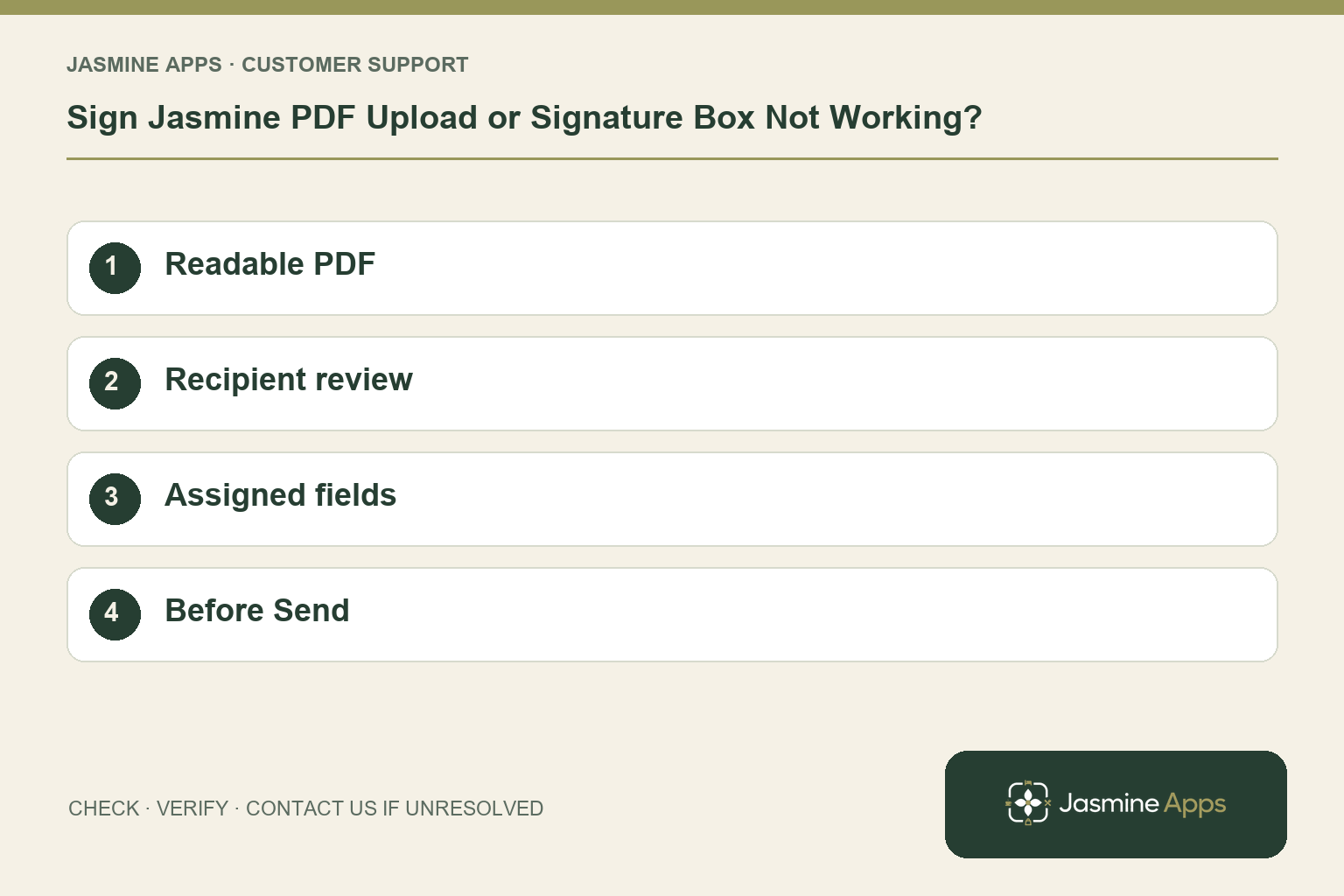
ContractsSign Jasmine PDF Upload or Signature Box Not Working?Sign Jasmine PDF upload or signature box not working? Check file format, recipient assignment and field placement before sending the envelope.

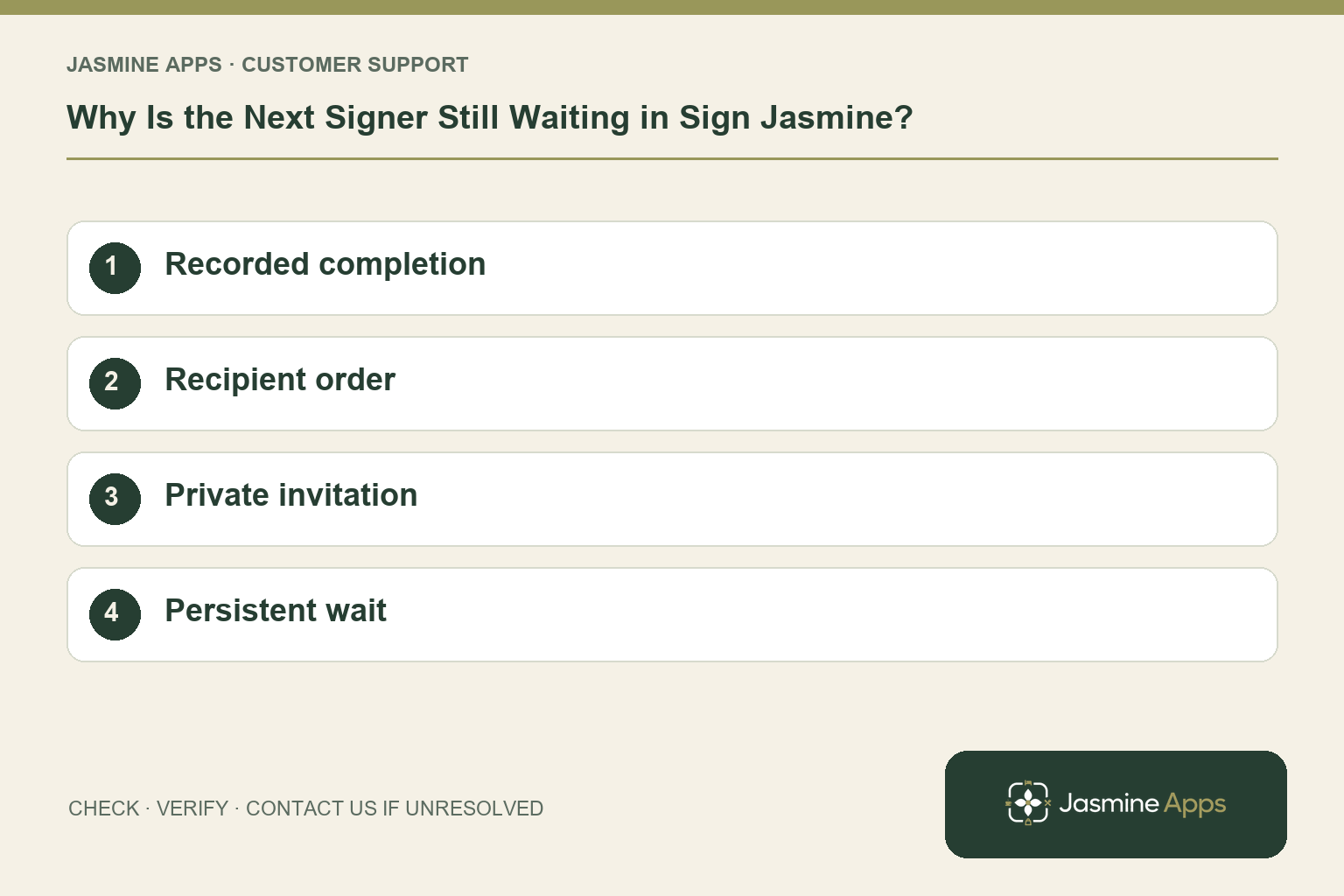
ContractsWhy Is the Next Signer Still Waiting in Sign Jasmine?Next signer still waiting in Sign Jasmine? Check recipient order, completion and the intended private link before sending a duplicate envelope.

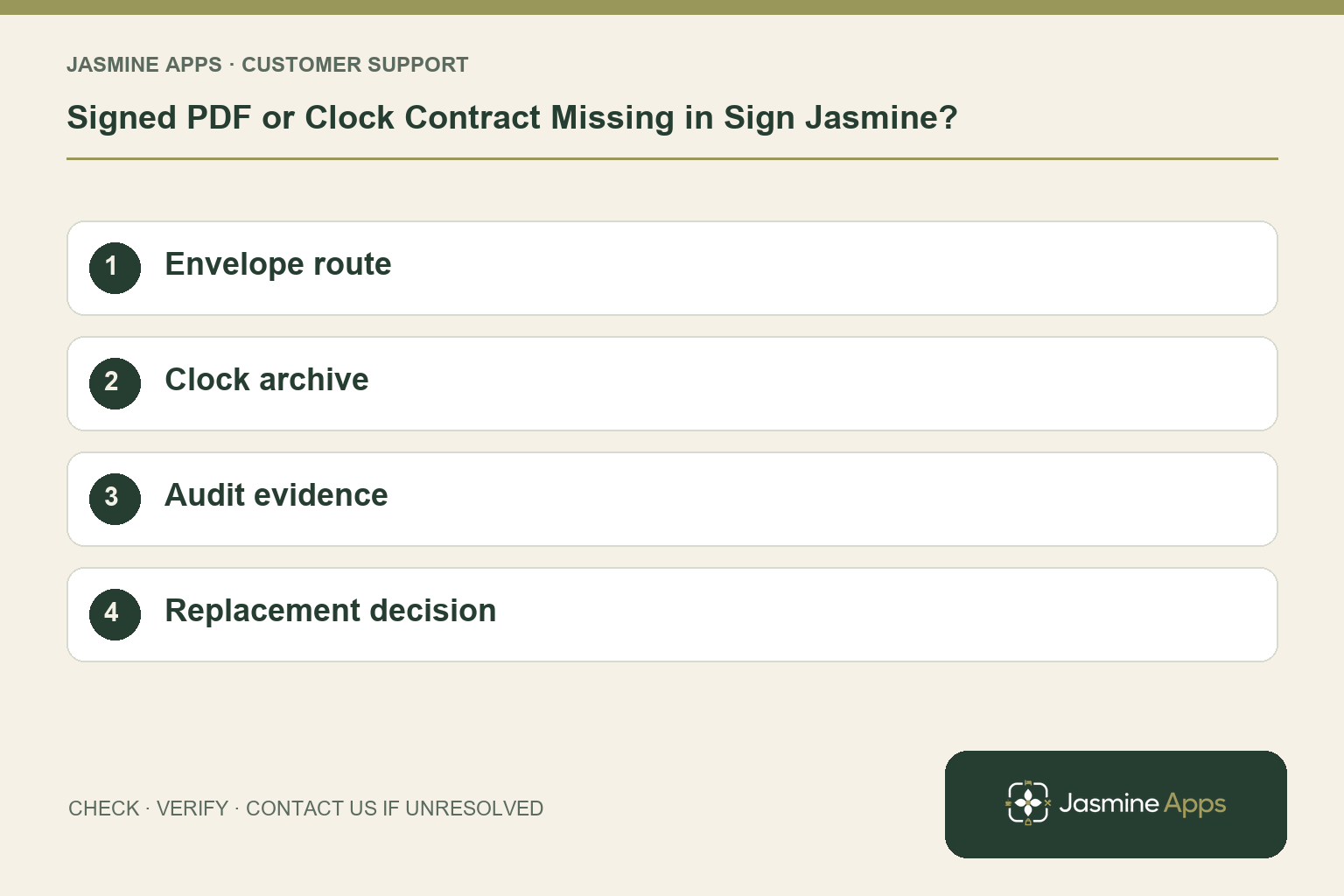
ContractsSigned PDF or Clock Contract Missing in Sign Jasmine?Signed PDF or Clock contract missing in Sign Jasmine? Check Envelopes versus Clock Jasmine archive and distinguish the PDF from the internal audit record.

Jasmine Marketing HubMarketingSubscriber Missing or Still Unsubscribed in Marketing Hub?Marketing Hub subscriber missing or unsubscribed? Check searches, source filters and linked preferences before adding duplicates or changing consent.

Jasmine Marketing HubMarketingJasmine Marketing Hub Social Post Not Publishing? Check the SetupCheck post state, planned timing, connected venue profiles and content before retrying a social post in Jasmine Marketing Hub.

Guest roomsJasmine TV Welcome Screen Not Opening in a Hotel Room?Jasmine TV welcome screen not opening? Check power, remote, input, network and exact supported TV model before resetting guest-room equipment.

Guest roomsPrevious Guest Still Signed In on a Hotel TV?Previous guest still signed in on a hotel TV? Keep the room on hold, follow the supported reset and verify every relevant app before releasing it.

Point of saleMatch-Day Pub Service: Prepare the Till Before Kick-OffPrepare match-day pub service with a checked till layout, clear payment handover and planned stock stations before the first busy round arrives.

Point of saleChanging a Pub Menu: A Catalogue and Price ReviewPlan a pub menu change with checked product names, prices and categories. Review menu-scan suggestions and test the saved Till Jasmine layout.

Point of saleFully Booked Hotel Weekend: A Practical Technology BriefingPrepare a fully booked hotel weekend with a joined-up briefing for tills, reservations, staffing and room information, using clear owners and checks.

ReservationsManaging Walk-Ins and Reservations During the Same ServiceManage walk-ins and reservations during the same service with clear seating decisions, accurate booking statuses and a Table Jasmine handover.

ReservationsWedding Meal Pre-Orders: A Timeline for Organisers and KitchensPlan wedding meal pre-orders from menu agreement to the final kitchen summary, using clear deadlines, organiser requests and Table Jasmine records.

ReservationsPrivate Dining Room Seating: Plan the Event Without Moving the RestaurantPlan private dining room seating with guest numbers, service space and a separate function layout, keeping the everyday restaurant plan consistent.

ReservationsRunning a Ticketed Live Music Night at Your VenuePlan a ticketed live music night with clear event details, capacity, guest entry and Table Jasmine records before the performance begins.

ReservationsHotel Breakfast Table Planning for Busy ArrivalsImprove hotel breakfast table planning with realistic arrival assumptions, clear seating records and a Table Jasmine briefing for busy mornings.

Staff and rotasSpreadsheet Rotas or Rota Software for a Busy Kitchen?Compare kitchen rota software with spreadsheets around clashes, staff visibility, changes and attendance records before changing your planning process.

Staff and rotasA Hotel Employee’s First Week: Access, Training and AttendancePlan a hotel employee’s first week with role-specific access, practical training, a visible rota and an attendance routine the new starter can follow.

KioskStaff and rotasWhere Should a Café Put Its Staff Clock-In Tablet?Choose a café staff clock-in tablet location that supports arrivals, breaks and exits without blocking deliveries or encouraging shared PINs.

Guest loyaltyLoyalty for a Commuter Café: Make the Routine Easy to UseBuild commuter café loyalty around a clear card, easy member lookup and an achievable reward, without slowing the morning takeaway service.

Guest loyaltyA Local Pub Loyalty Scheme That Fits Your RegularsPlan local pub loyalty around genuine regular visits, clear venue rules and a consistent staff explanation rather than a complicated discount promise.
Guest roomsWhat International Guests Need from a Hotel Welcome ScreenPlan an international hotel welcome screen with clear service details, readable wording and reliable enquiry routes through your Jasmine TV setup.

ReservationsChristmas Party Bookings: What to Collect Before DecemberPrepare Christmas party bookings with clear numbers, menus, pre-order deadlines and payment records before the busiest December services.

Point of saleChristmas Menus on Your Till: Prepare Prices, Pages and StaffPrepare a Christmas menu till setup with approved products, clear festive pages and practical staff tests before the first party service.
ReservationsSummer Terrace Bookings: Plan for Sunshine and Sudden RainPlan summer terrace bookings with accurate areas, realistic indoor alternatives and clear guest messages when the weather changes the service.
Staff and rotasBank Holiday Hospitality Rotas: Plan the Peaks and the HandoverBuild a bank holiday hospitality rota around actual service peaks, staff scope, leave and clear published shifts before the busy weekend.

Staff and rotasSummer Seasonal Staff: Prepare Access Before the First ShiftPrepare summer seasonal staff with correct venue access, published shifts, targeted training and an attendance exception route before service starts.

Guest loyaltyNew Year Loyalty Review: Improve the Scheme Without Confusing GuestsRun a new year loyalty review using the existing member journey, reward costs and staff questions, with clear communication before changing the scheme.

Jasmine Marketing HubMarketingA Six-Week Social Plan for a Seasonal Hospitality OfferBuild a six-week seasonal hospitality social plan with approved offers, distinct post angles and verified publishing through Jasmine Marketing Hub.

ContractsWhat to Check Before Sending an Event Agreement for SignaturePrepare an event agreement for signature with a checked PDF, recipient order and field placement, then keep the signed file and internal audit distinct.
- Tutorial
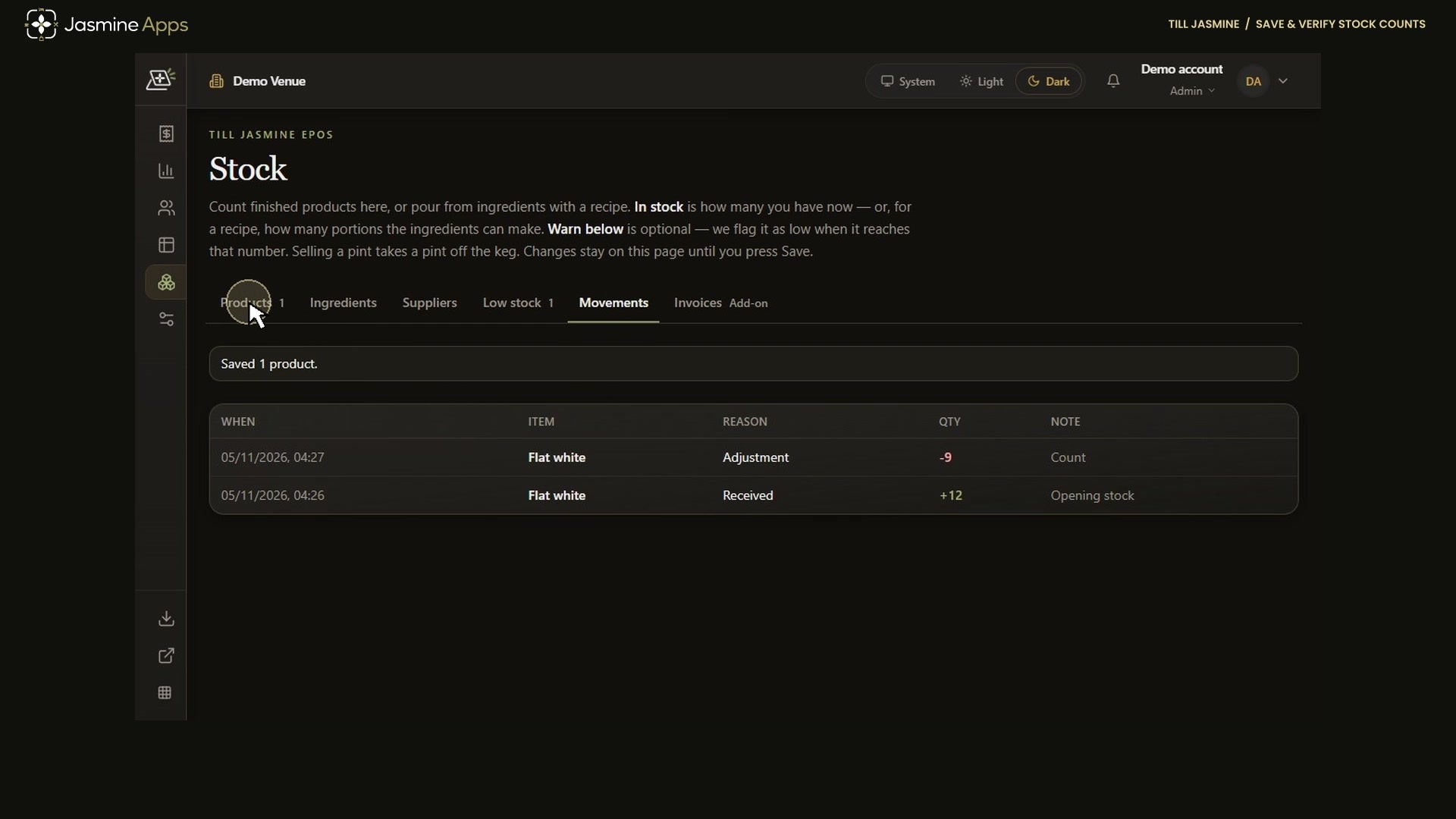
Till Jasmine stock: save counts and verify low-stock changesSave a Till Jasmine stock count, set a warning level and check that both survive reloading. This walkthrough also saves a lower count, reviews the flagged product in Low stock and checks the resulting entries in Movements.
- Tutorial

Clock Jasmine: download and check clock-punch exportsClock Jasmine Reports & exports downloads recent clock punches as a CSV. This walkthrough follows the complete process: download the file, open and inspect its actual contents, then return to history to compare the corresponding shift and break totals.
- Tutorial

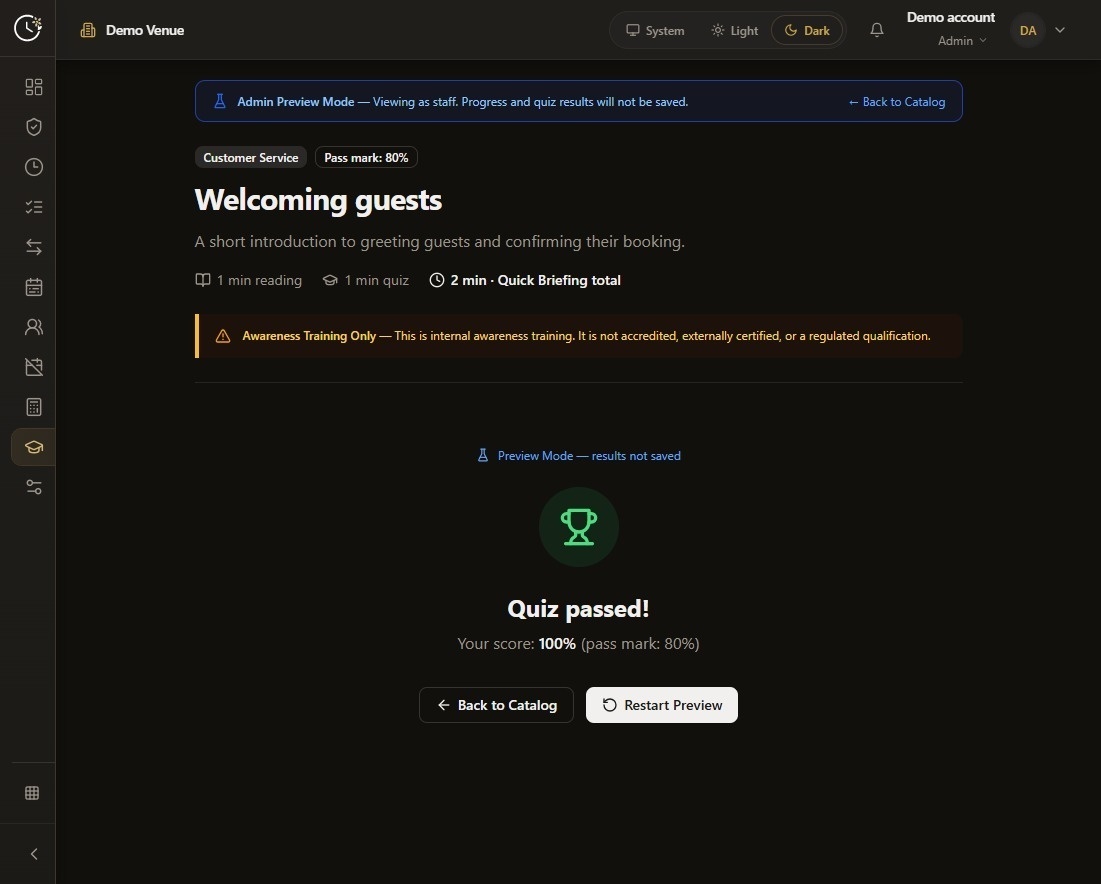
Clock Jasmine courses: create, save and preview a quizClock Jasmine courses let you prepare learning material and check it with a quiz. This walkthrough creates a course, saves it as a draft, reopens the saved content and tests the learner experience in Preview.
- Tutorial

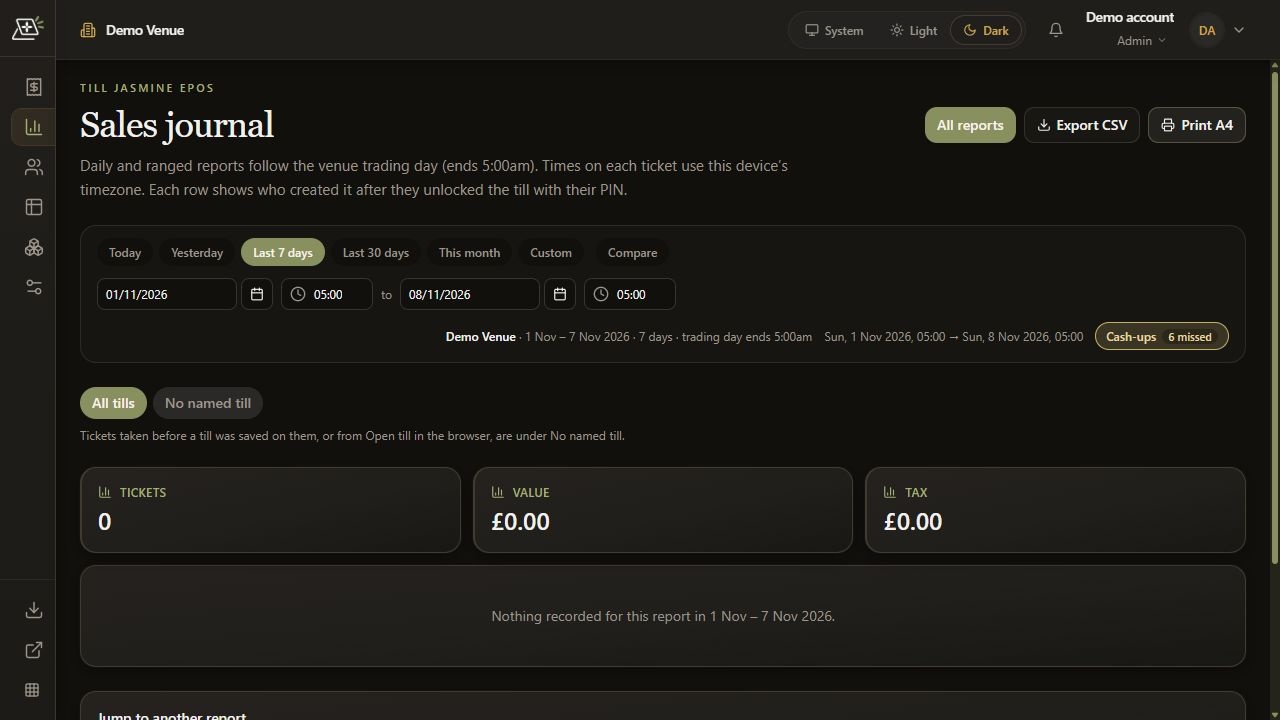
Till Jasmine reporting: filter and export the Sales journalUse the Sales journal to choose a reporting period, filter tickets by till and export the selected report as CSV. The walkthrough uses Demo Venue and an empty reporting period.
- Tutorial

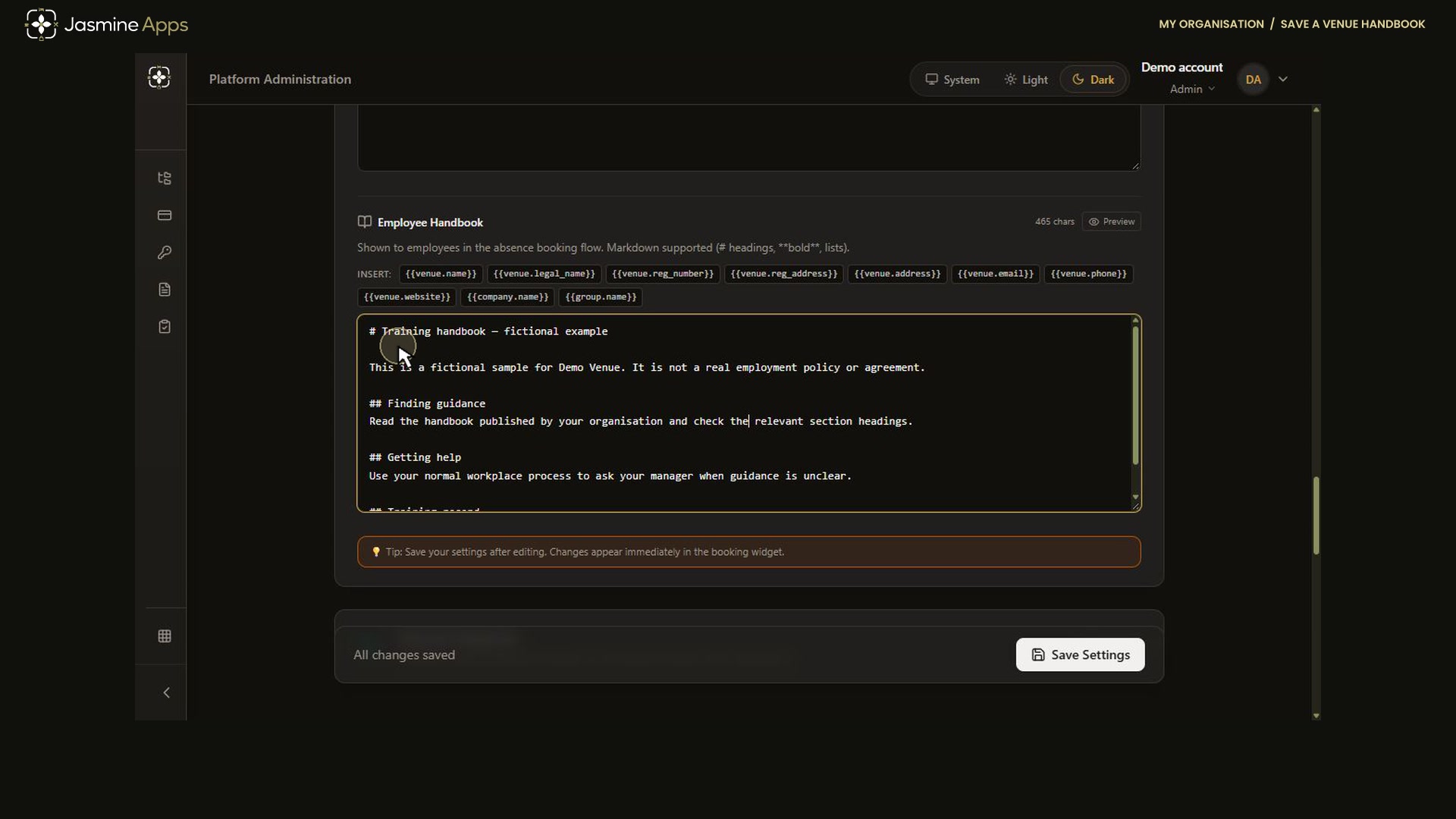
My Organisation: save your venue's employee handbookKeep the handbook text in your venue's Legal Documents settings. This walkthrough edits a clearly fictional training handbook, saves it and reopens the page to verify that the text was retained.
- Tutorial

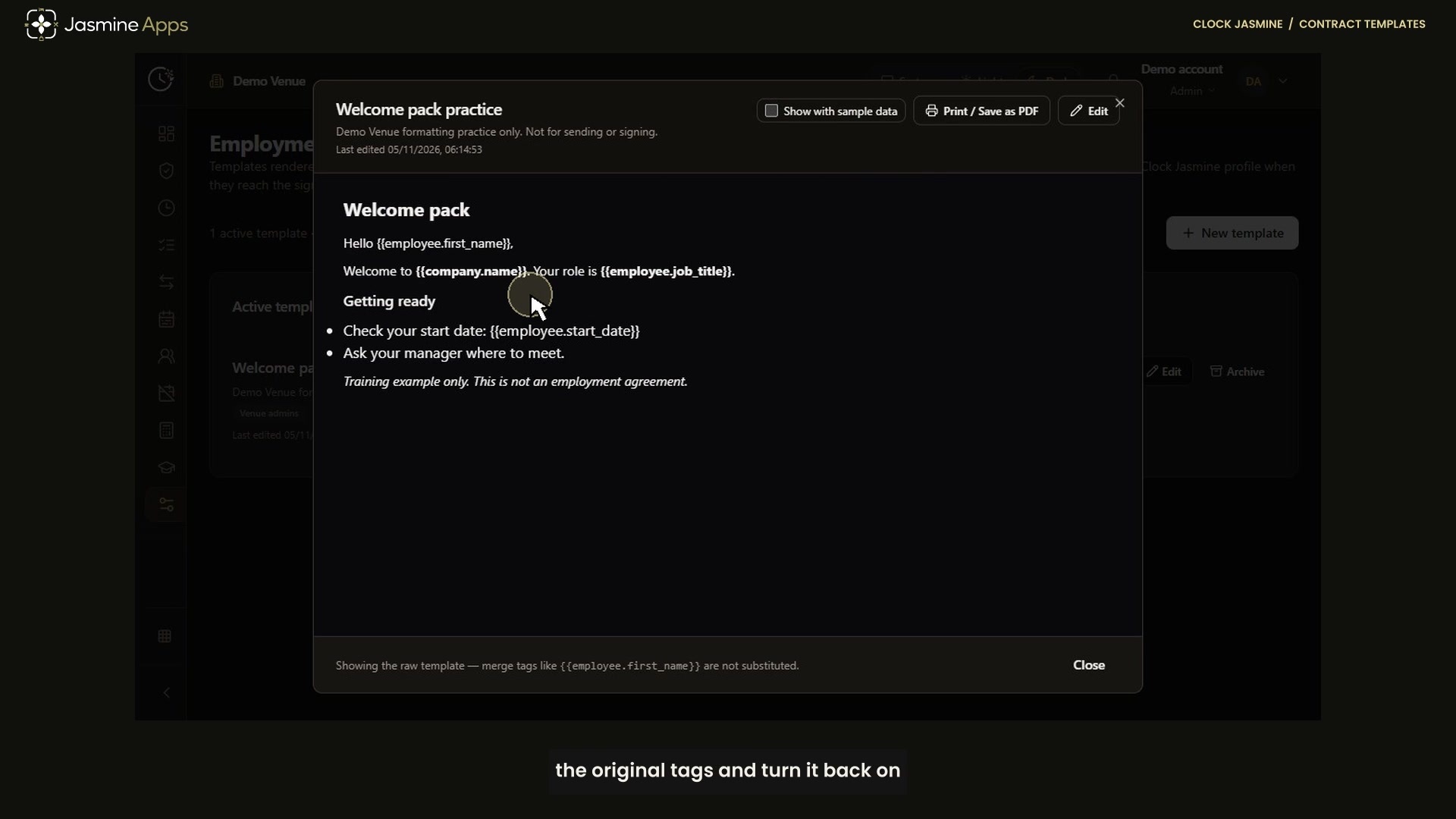
Clock Jasmine contract templates: create, save and previewCreate a reusable Clock Jasmine contract template, insert merge tags, check its sample preview and reopen the saved result. This walkthrough uses a labelled formatting example in Demo Venue.
- Tutorial

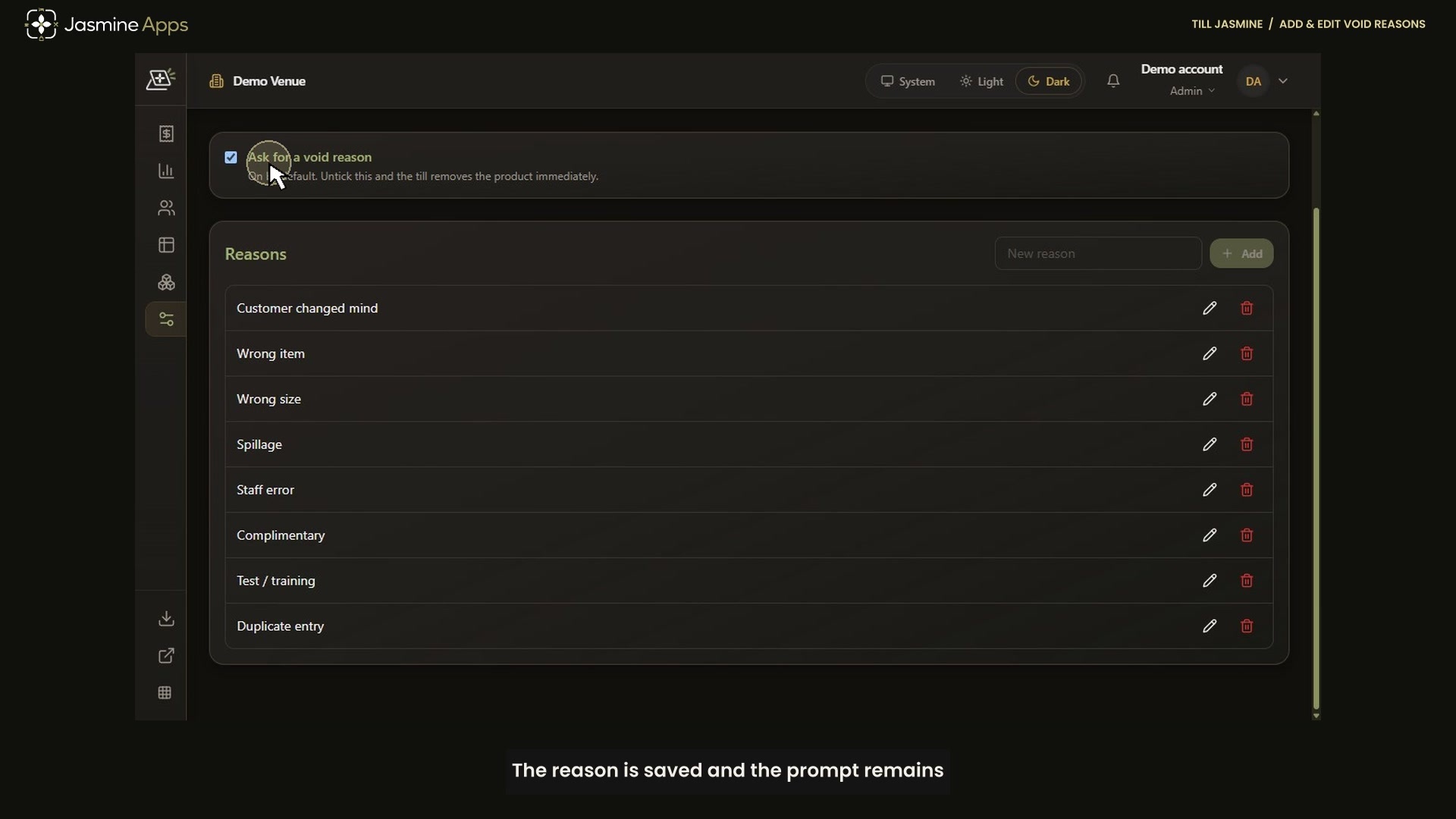
Till Jasmine void reasons: add, edit and verify saved wordingCreate a clear void reason, save it and verify it after reloading. This walkthrough also edits the new reason with its pencil control, saves the revised wording with Enter and checks that the change was retained.
- Tutorial

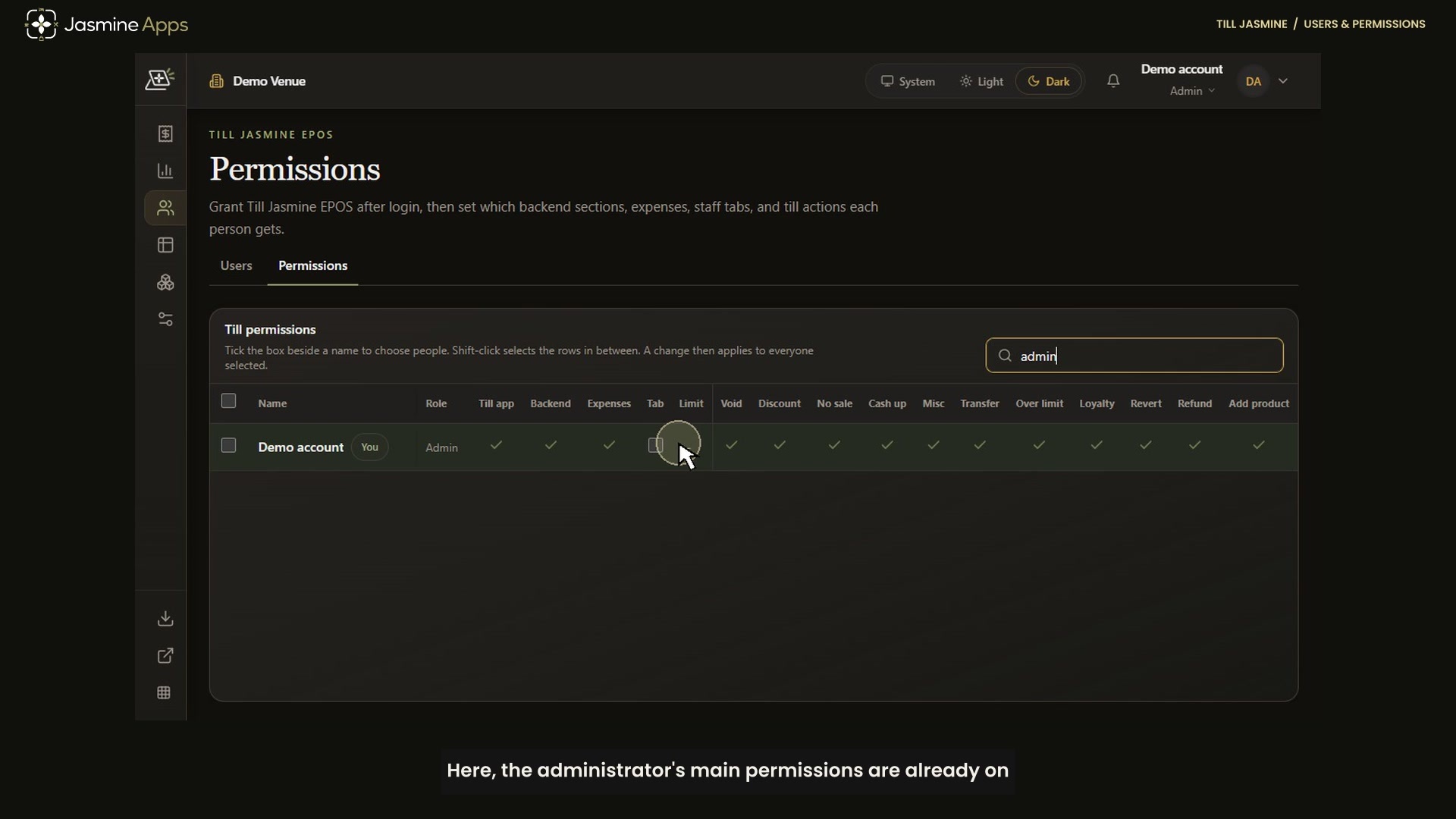
Till Jasmine users and permissions: review an accountTill Jasmine users and permissions are split between account details and access controls. This walkthrough checks a training account, searches its permissions and returns to Users. Fictional demo details remain readable; real private details are excluded.
- Tutorial

Table Jasmine menus and offers: create and previewUse Table Jasmine menus and offers to show guests the right choices for their booking date, service and dining area. This walkthrough creates and saves a lunch menu and an evening offer, checks them after reloading, and verifies their separate results in the guest booking form.
- Tutorial

Set Table Jasmine opening hoursSet Table Jasmine opening hours for each day, split lunch and dinner into separate services, and mark days when you are closed. Finish by saving and reopening the weekly schedule to check it.
- Tutorial

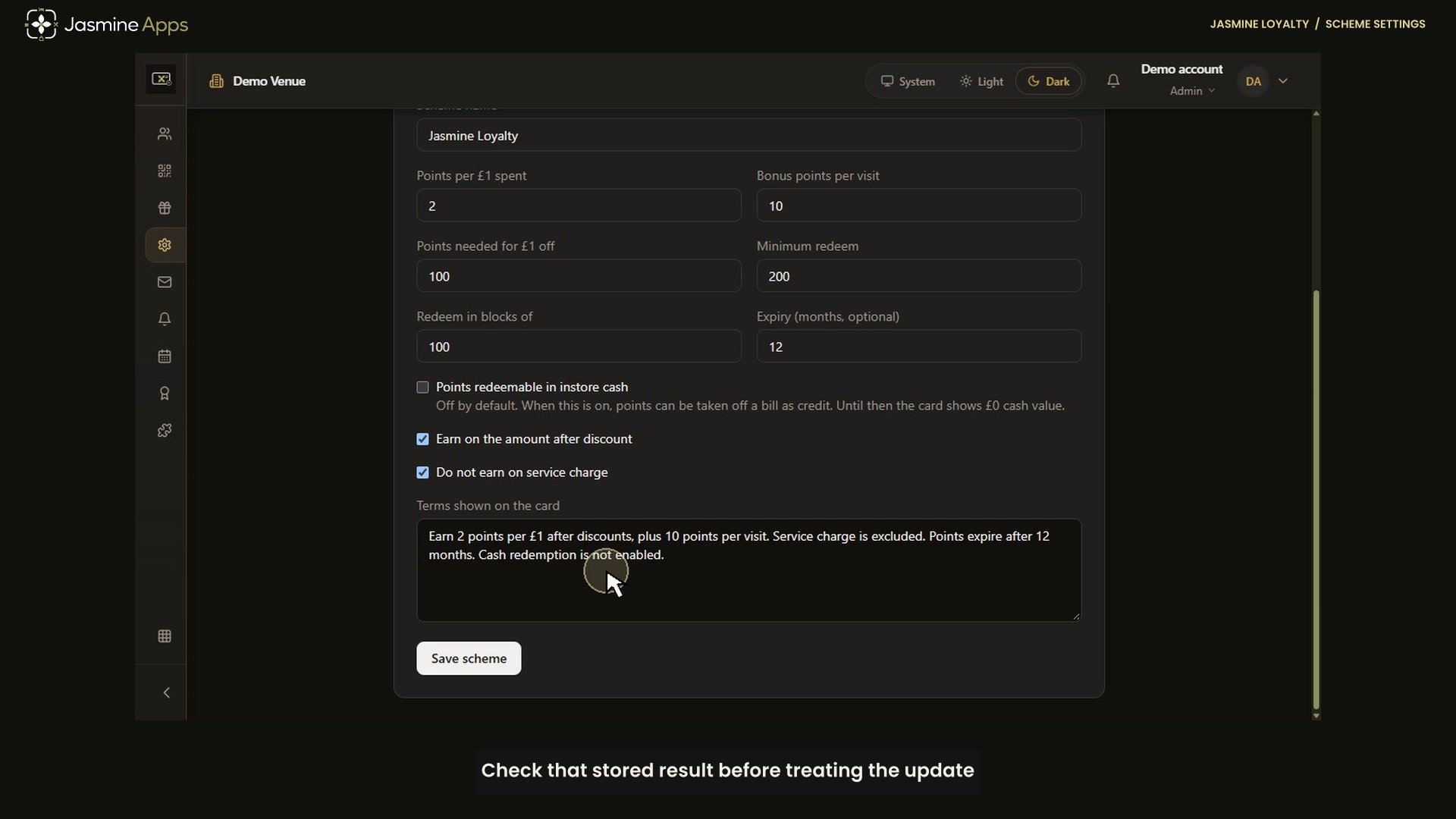
Jasmine Loyalty scheme: save and verify rates and termsUpdate Jasmine Loyalty scheme settings, save the rates and card terms, then verify the stored result. This walkthrough changes a real configuration in Demo Venue and includes the delayed display refresh encountered during verification.
- Tutorial

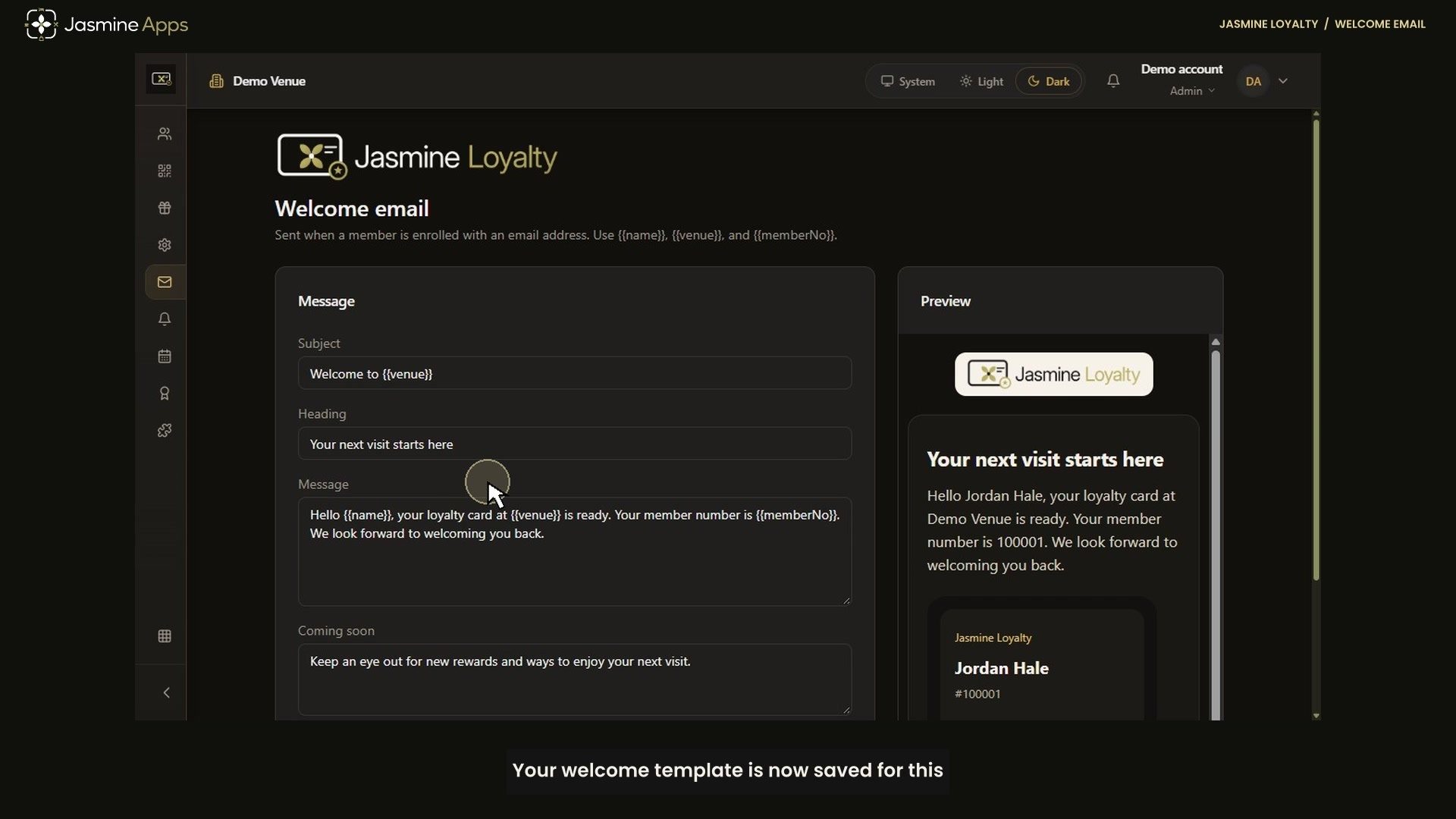
Jasmine Loyalty welcome email: edit, save and verifyMake the Jasmine Loyalty welcome email feel like part of your venue. This guide shows how to edit its wording, check personalised details in the preview, save the template and verify it after a reload. The walkthrough saves a real example in Demo Venue.
- Tutorial

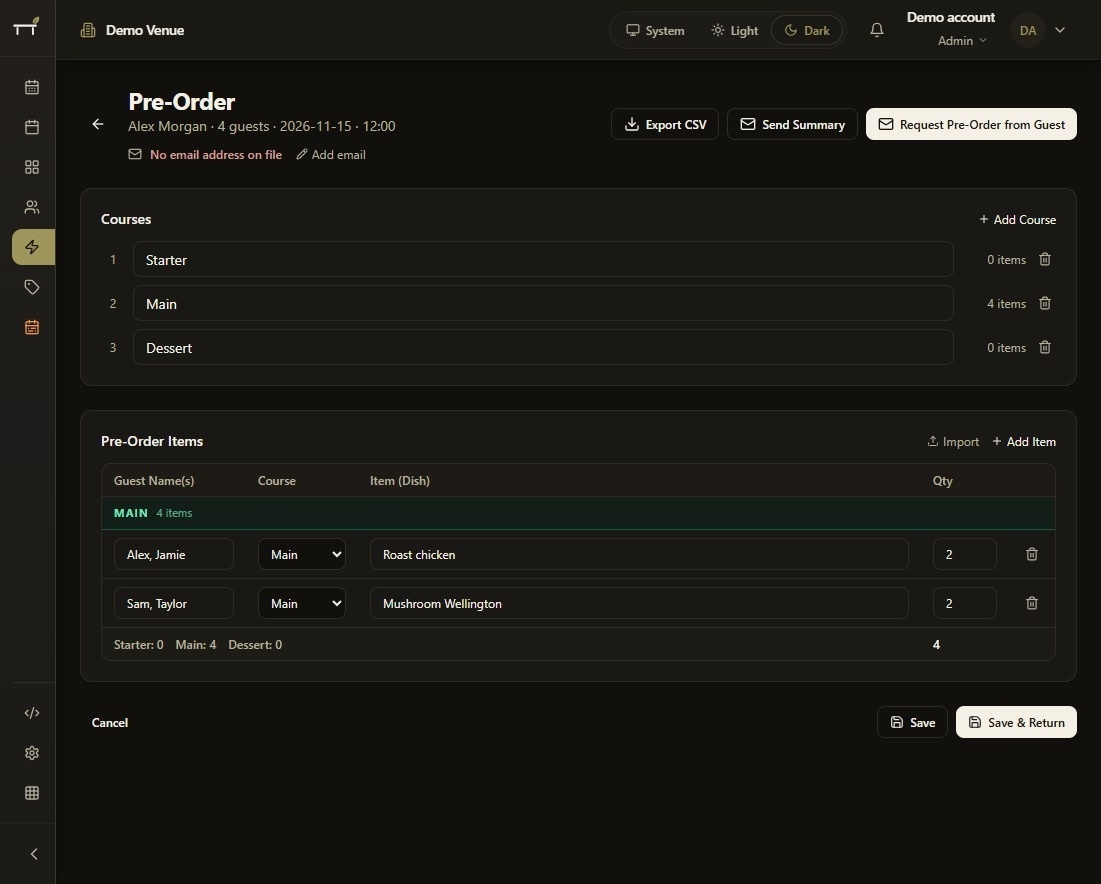
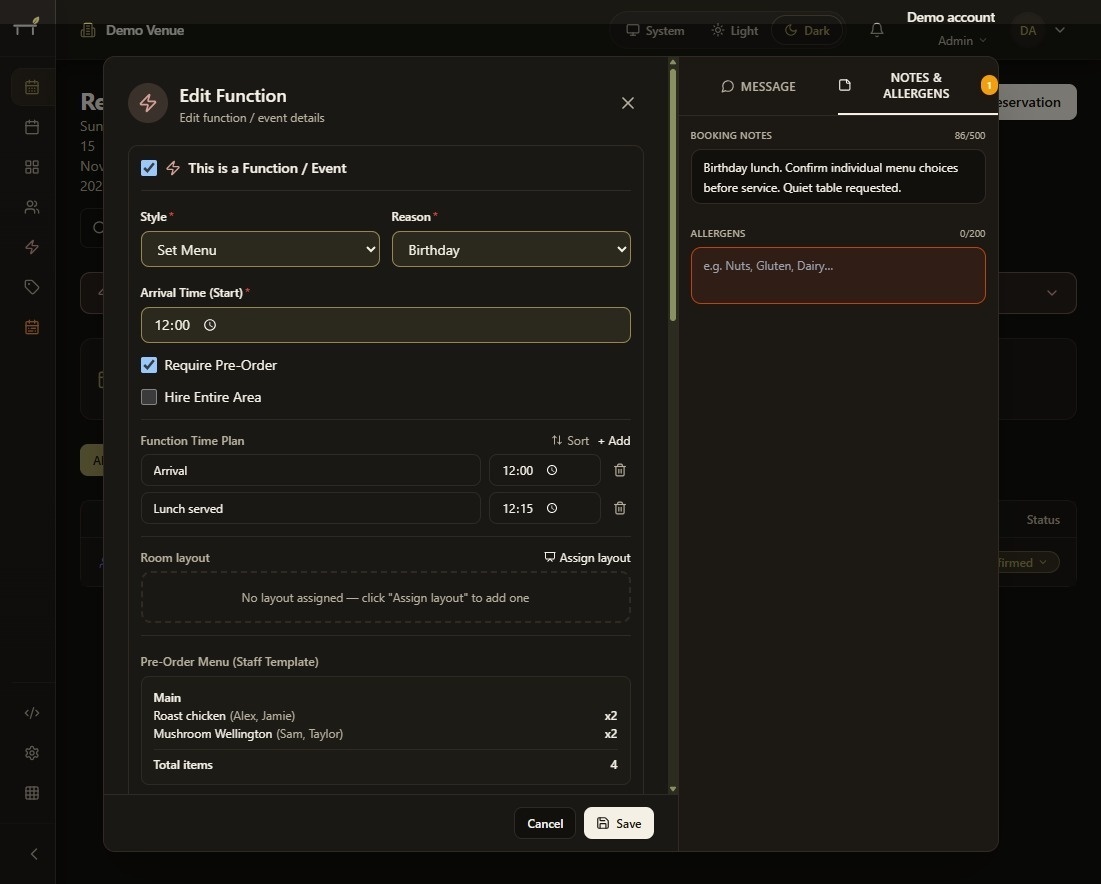
Table Jasmine functions and pre-ordersTable Jasmine functions and pre-orders bring a private-dining booking and its food choices together. This walkthrough creates a function, saves its service plan, enters guest selections and checks that the booking and pre-order remain after reopening.

MaintenanceOff-Season Hotel Maintenance: Plan Work Around Sellable RoomsPlan off-season hotel maintenance around actual work, guest impact and room-release checks while preparing a clear future Comply Jasmine workflow.

Point of saleHow Much Does a Hotel EPOS System Cost?Choosing a till for your hotel? Compare one, two and three-till costs, hardware, setup, payment fees and bundles, with a practical checklist for reception, bar and restaurant.
- Tutorial

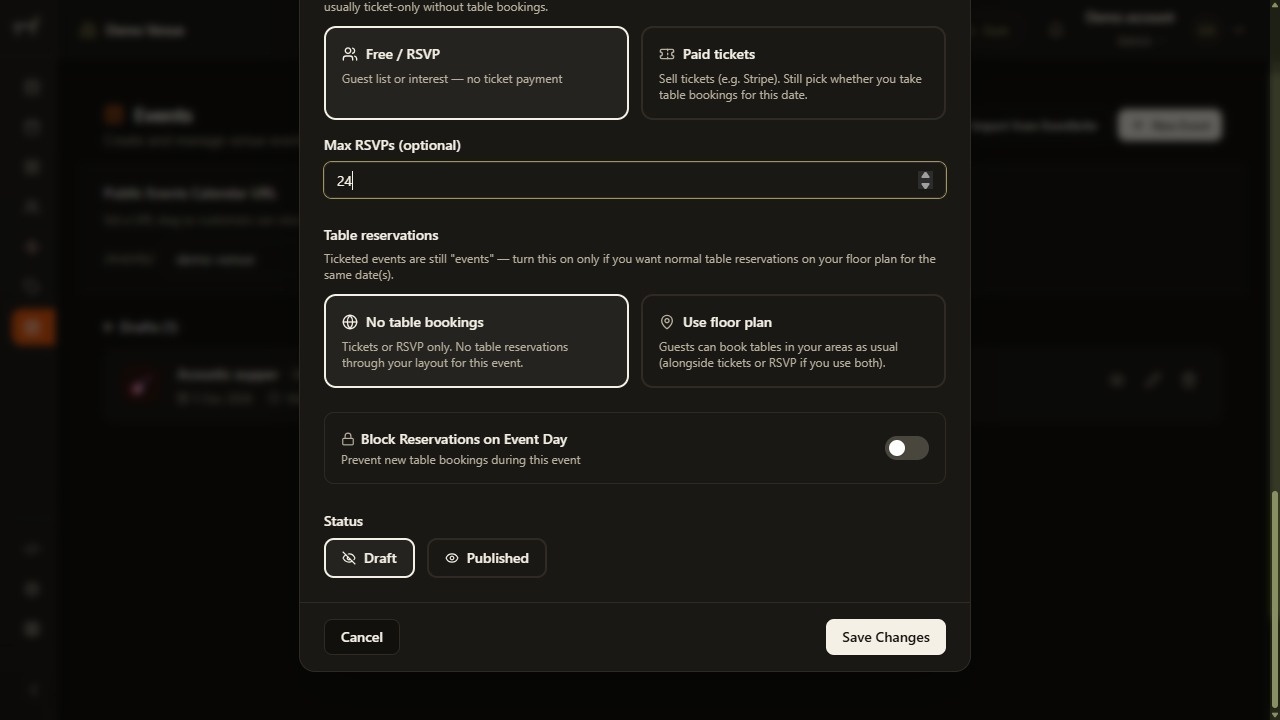
Table Jasmine events: create and verify a draftCreate and check a draft with Table Jasmine events. This walkthrough follows a real Demo Venue workflow: entering the details, saving, correcting a date that did not persist, and reopening the event to verify the stored settings.
- Tutorial

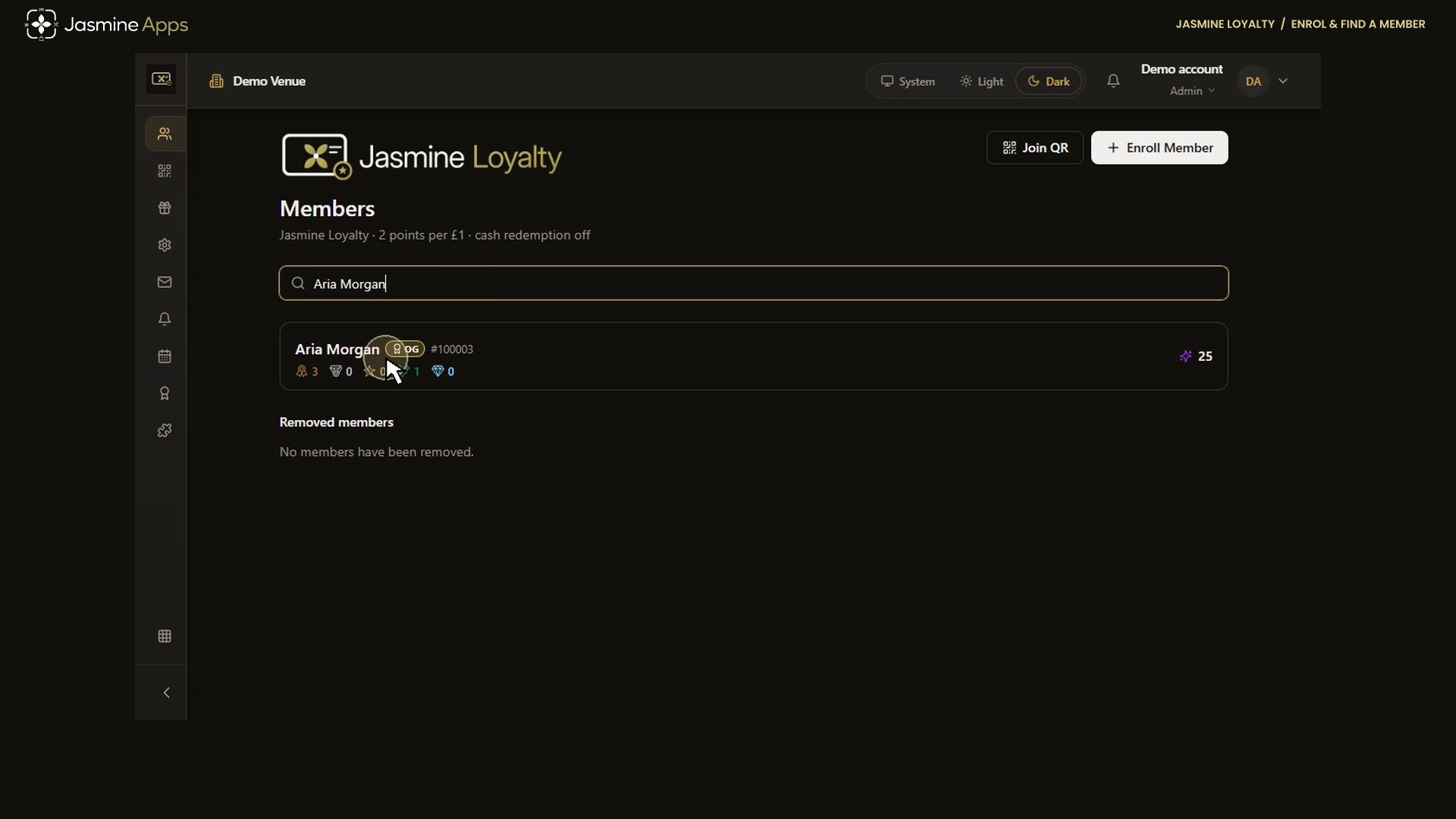
Jasmine Loyalty members: enrol, find and verify a memberEnrol a Jasmine Loyalty member, check the saved card and activity, then find the same record again. This walkthrough creates a disposable member in Demo Venue with no email or phone number and the marketing option switched off.
- Tutorial

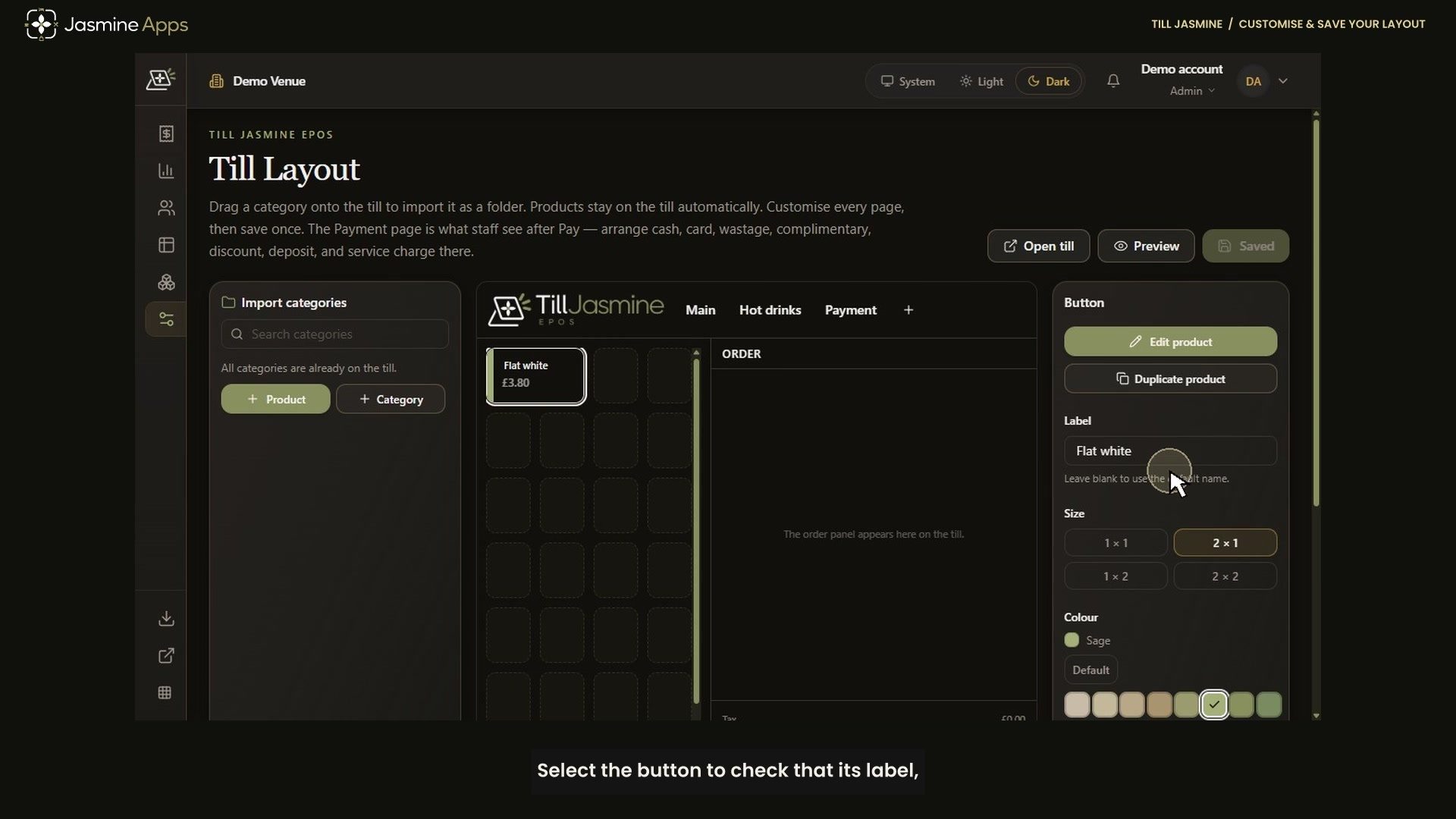
Till Jasmine layout: customise, save and verify a buttonCustomise a Till Jasmine product button so its name and price are easier to read, preview the result, then save and verify the layout. This walkthrough completes a real change in Demo Venue and checks the retained settings after reloading.
- Tutorial

Table Jasmine guests and messagingTable Jasmine guests and messaging keeps guest preferences, booking notes and conversations in their proper places. This walkthrough saves a profile preference, prepares and clears an unsent message, then saves a booking-specific note and checks both records after reloading.
- Tutorial

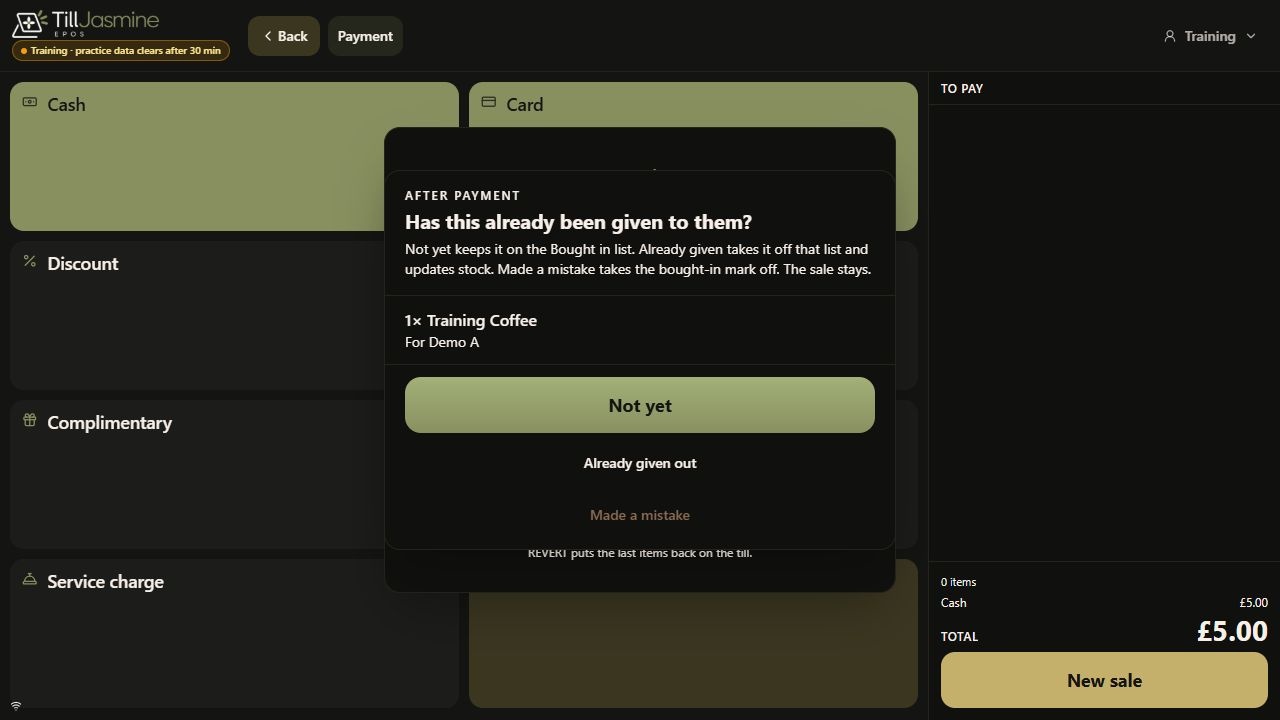
Till Jasmine: bought-in recipients and immediate handoverMark an order line as bought in, choose its recipient, take payment and record whether the item has been handed over. This walkthrough completes a fictional staff-recipient example in the till's explicitly labelled Training mode.

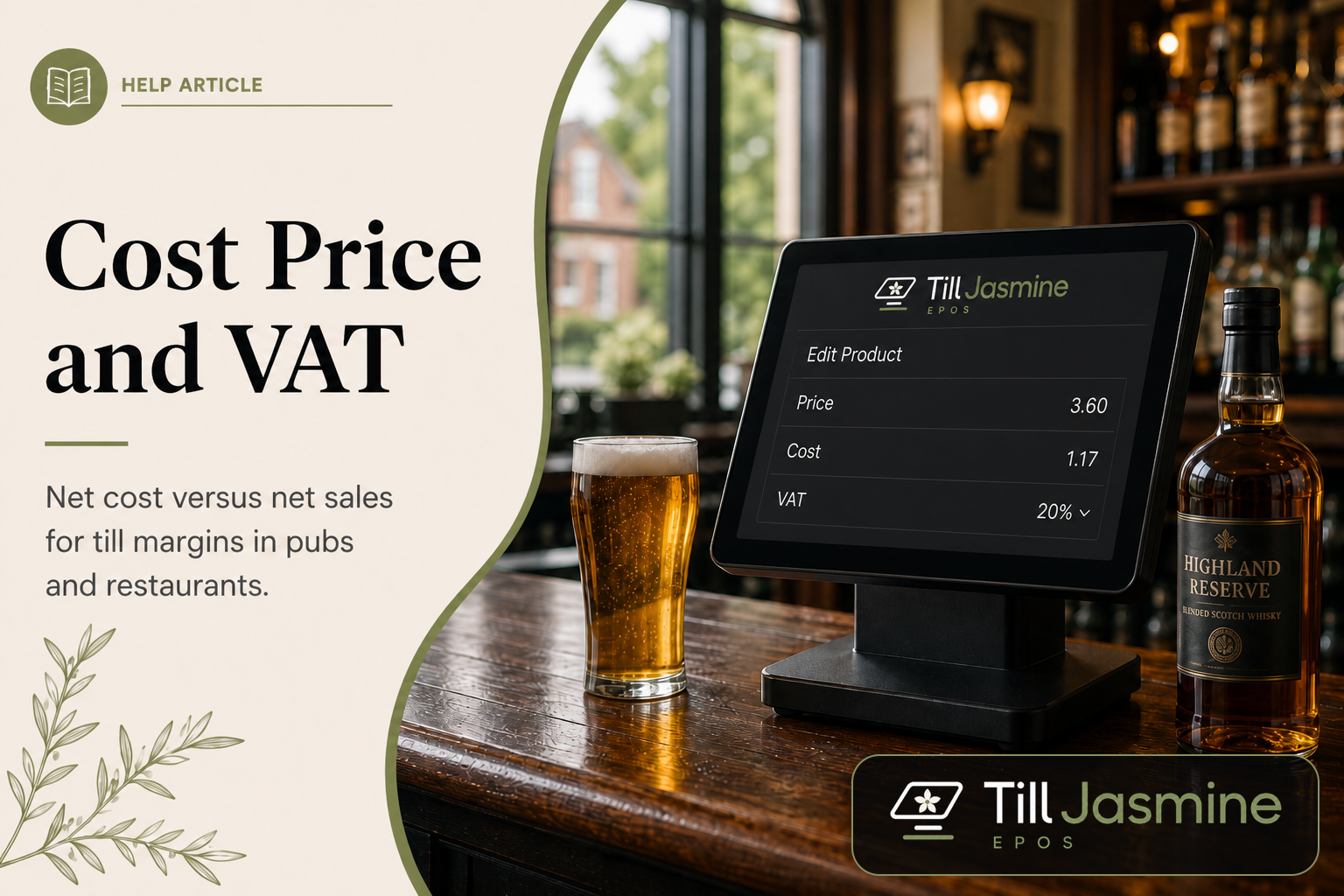
TaxDoes EPOS cost price include VAT?Net supplier cost after recoverable VAT, and why food bought at 0% can still be sold eat-in at 20%.

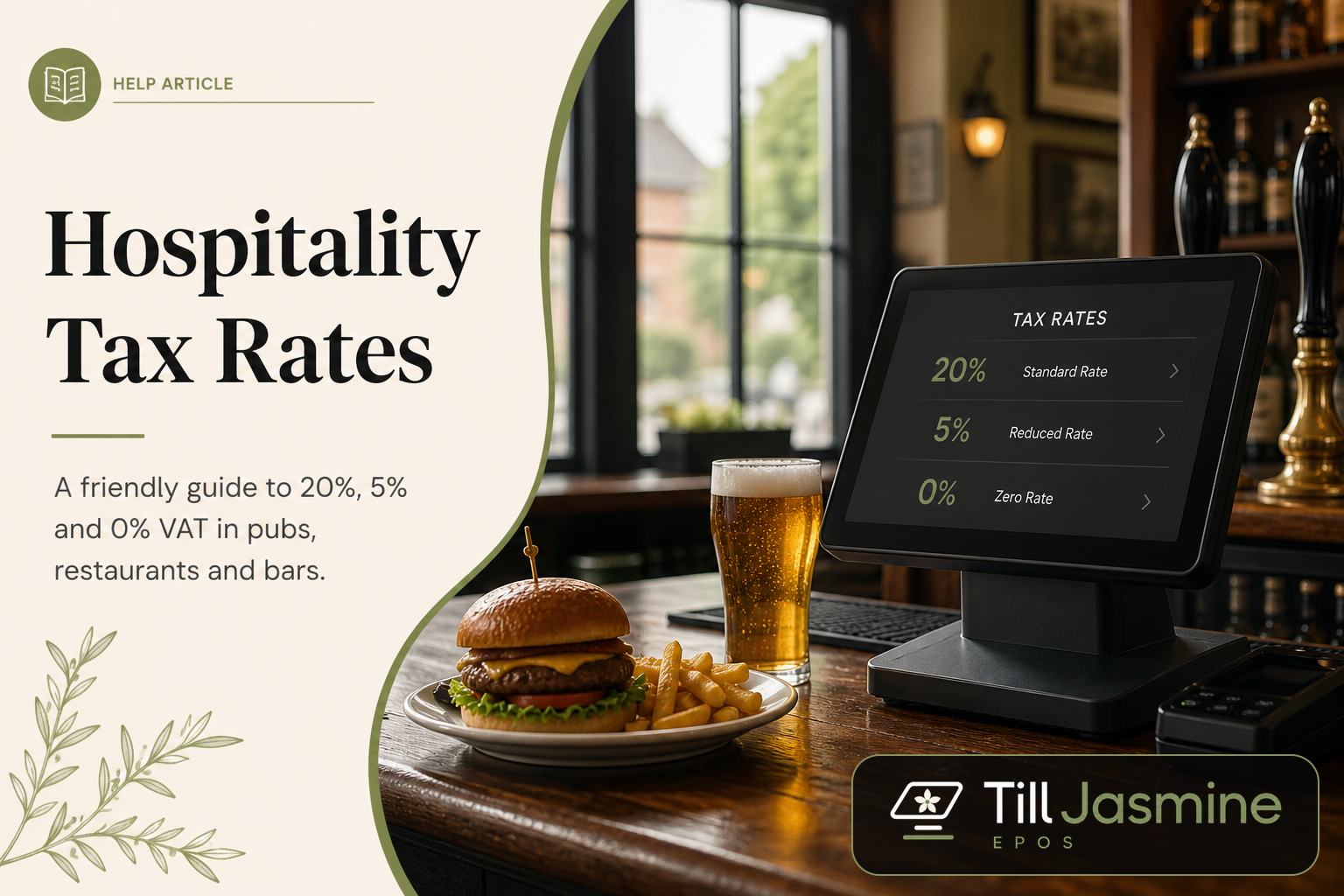
TaxUK VAT on till productsWhen to use 20%, 5%, or 0% on Till Jasmine EPOS, and what a VAT receipt needs versus a table bill.