

TutorialIn-app guide
Clock Jasmine: review raw-punch CSV controls
· Jasmine Apps
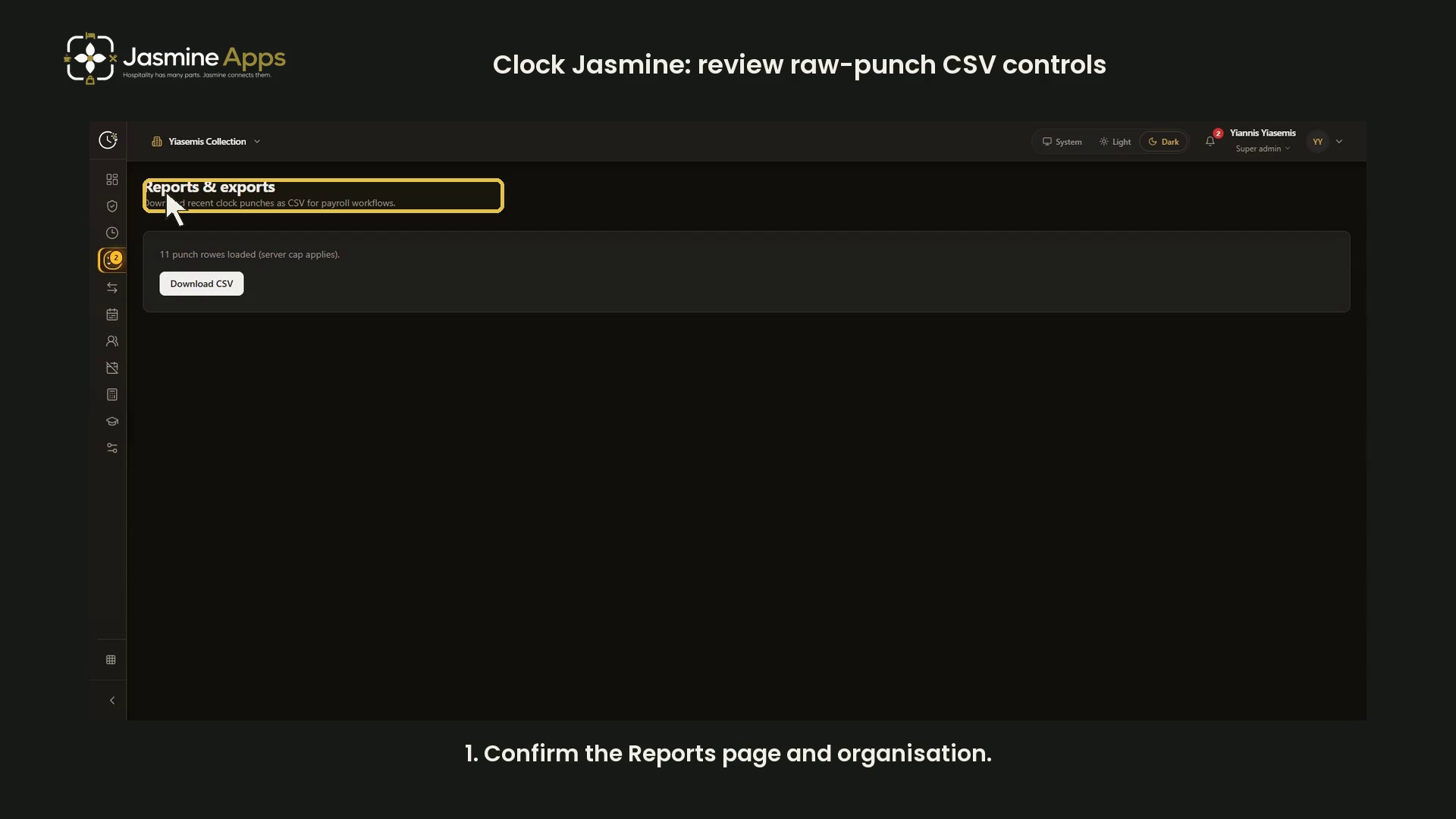
Clock Jasmine Reports & exports prepares a raw-punch CSV. This dark-mode walkthrough reviews the page and its scope without displaying staff time records, downloading a file or changing a punch.
Watch the walkthrough
Open Reports and check scope
Open Reports and confirm the organisation. The page describes downloading recent clock punches as CSV for payroll workflows.
Read the loaded-row count
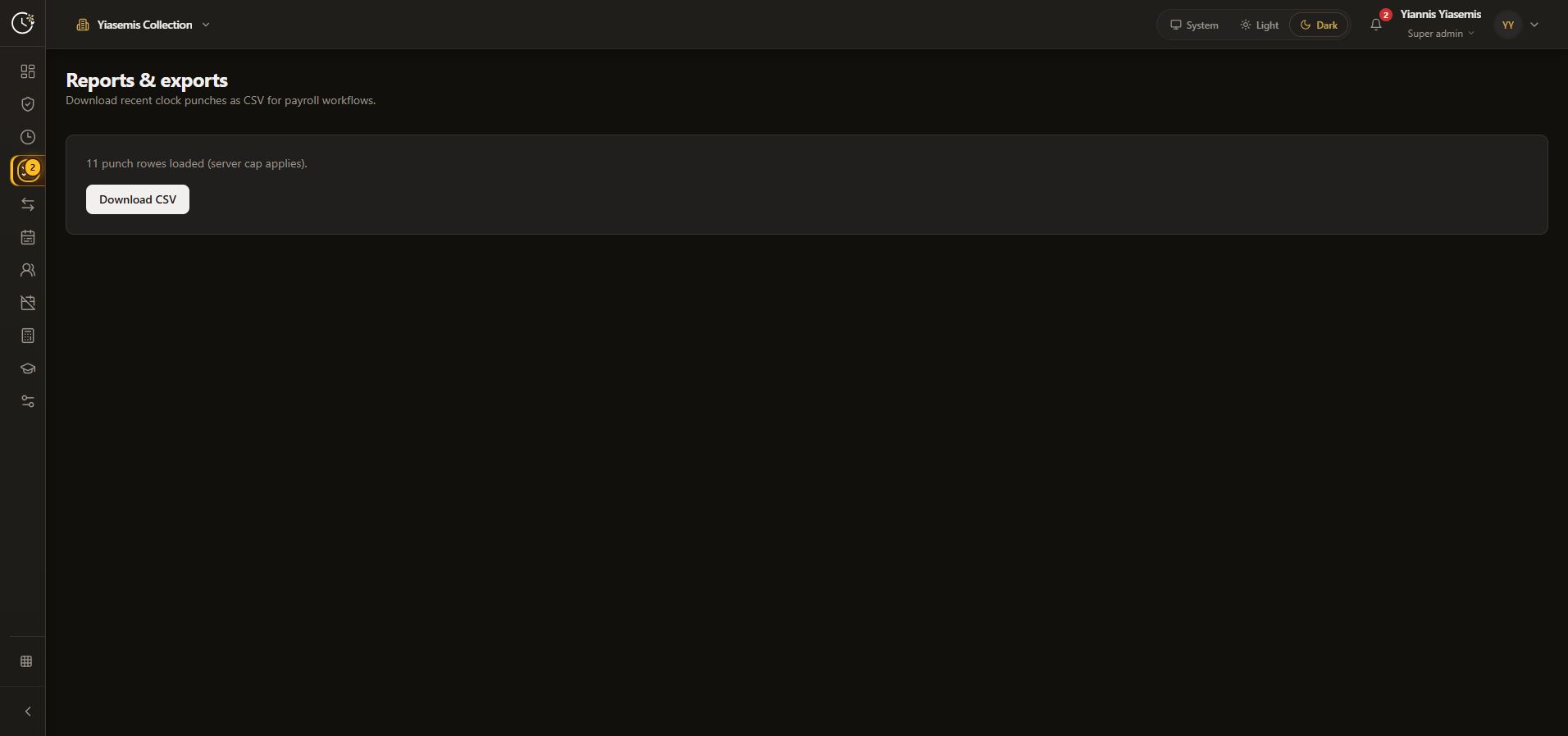
The recorded example says 11 punch rows loaded (server cap applies). Your count may differ. The server-cap notice means this should not be treated as every punch ever recorded.
Identify the CSV control
Download CSV is the export control. The walkthrough leaves it unused; no staff-time file is downloaded or shared. Follow your organisation's authorised payroll process when handling an actual export.
Keep raw punches separate from payroll hours
This guide covers the raw-punch Reports page. For the separate hours and payroll export controls, see Clock Jasmine payroll export. For recording controls, see clock in and out.
No clock record, approval or payroll setting was changed.