

TutorialIn-app guide
Till Jasmine: save and reopen table and room orders
· Jasmine Apps
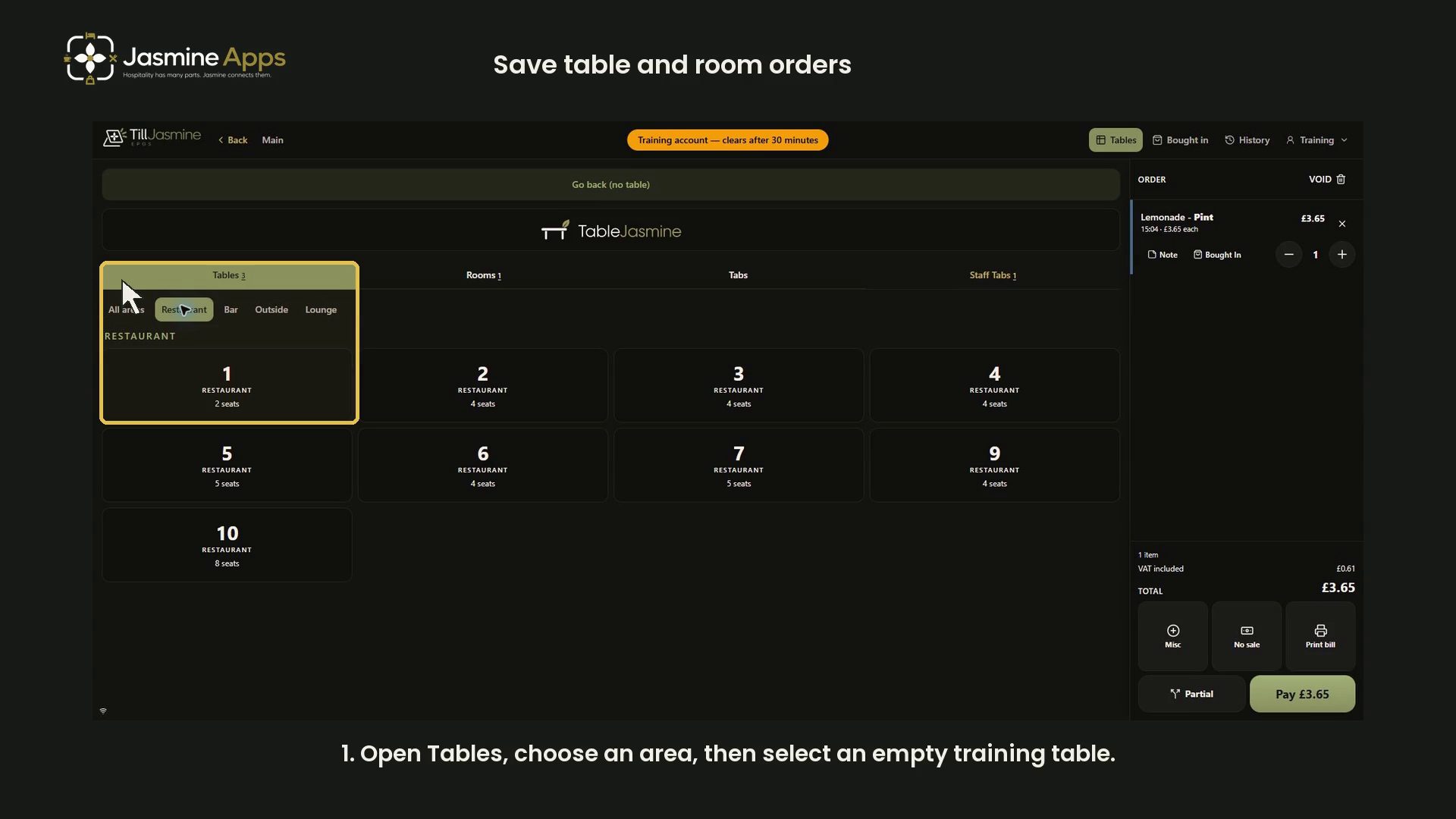
Save Till Jasmine table and room orders using the correct order context. This narrated dark-mode walkthrough demonstrates local training examples and keeps the complete order panel visible.
Watch the walkthrough
Before you start
Use an authorised training account in Till Jasmine. The recorded account says its tables, bookings and receipts stay on this screen and clear after about 30 minutes. The example uses an empty Restaurant table and room 8. No existing guest order is edited and no payment is taken.
1. Choose the table
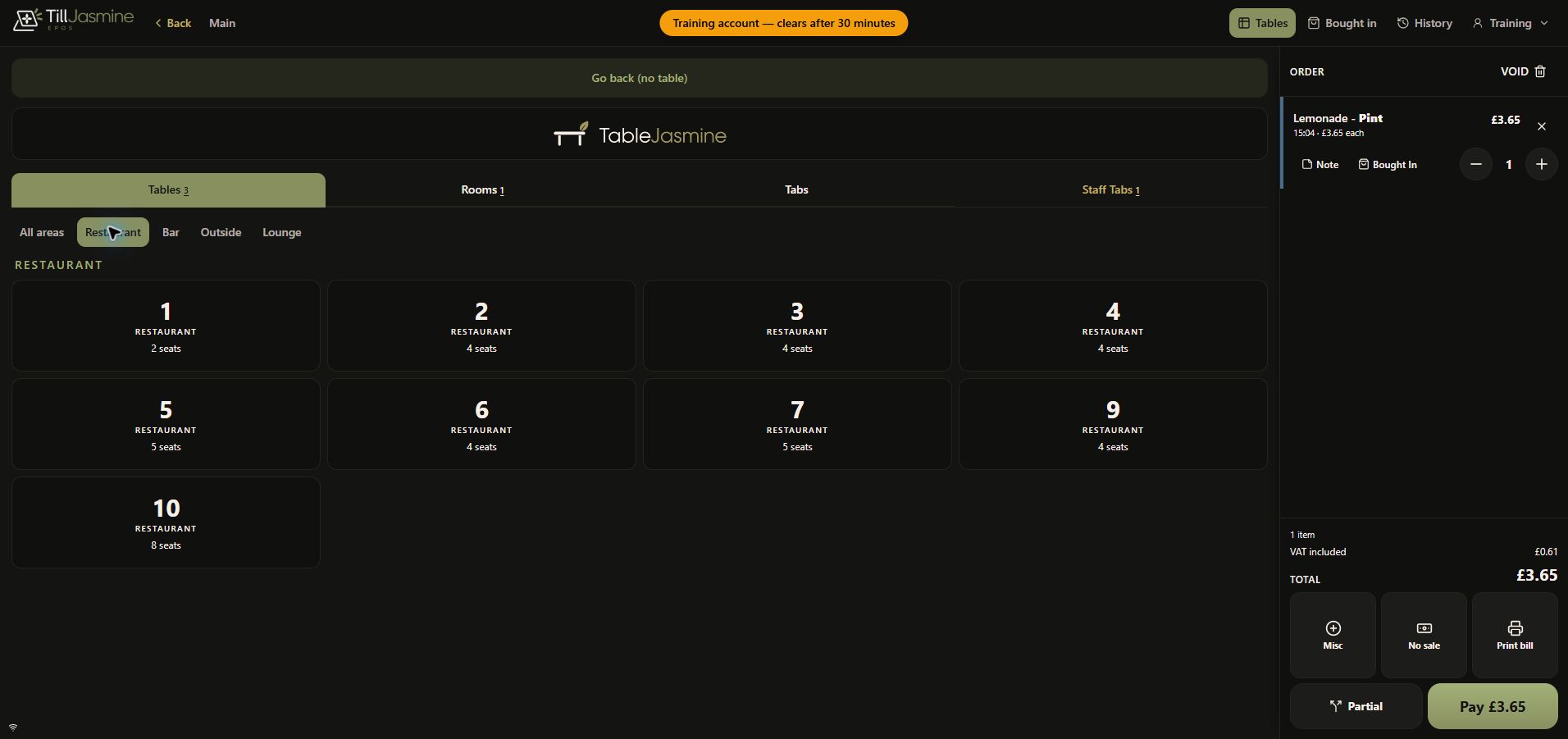
Open Tables, choose Restaurant, then select empty table 1. If you already have a new walk-up order, verify that it is the order you intend to associate with that table. Avoid selecting another guest's open table just to practise.
2. Check the table order and save it
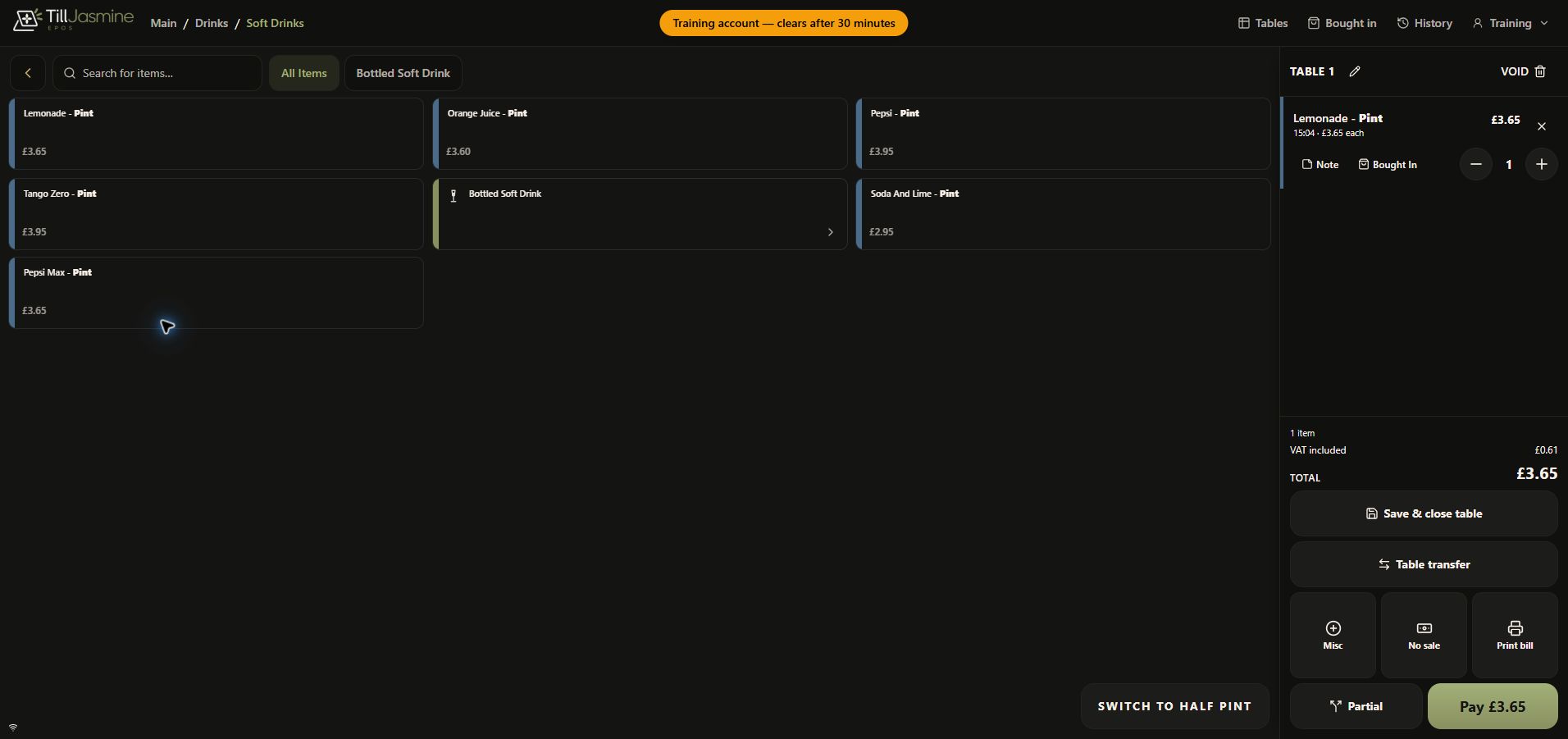
Confirm Table 1 above the order panel. The demonstration contains one Lemonade - Pint at £3.65. Review the item count and total, then select Save & close table. The training order is put aside and the walk-up order panel returns to zero items.
3. Reopen the saved order
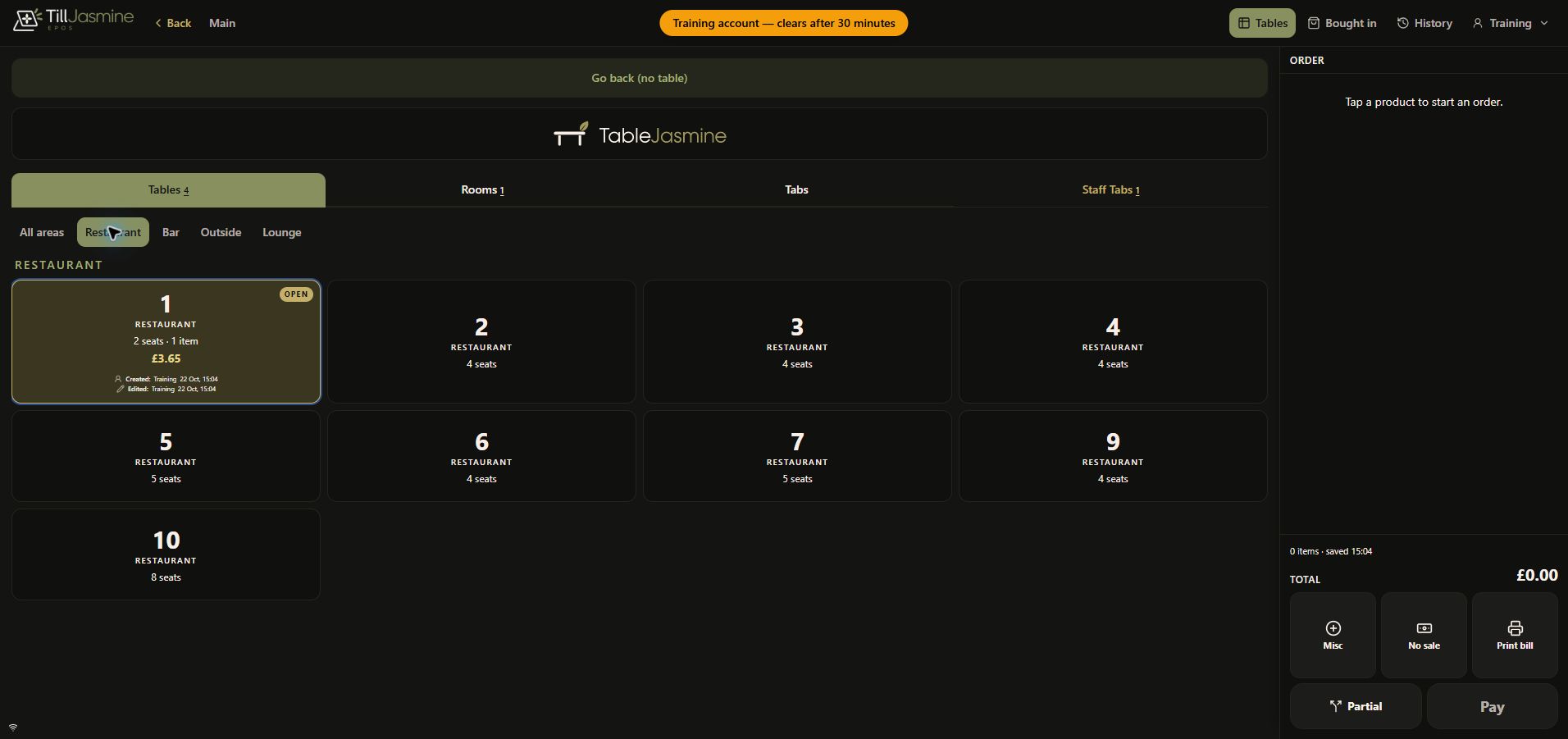
Open Tables → Restaurant again. The example table is marked Open, showing one item and £3.65, with Training as its creator/editor. Select it to resume the saved order and confirm the same item and amount.
4. Select a room directly
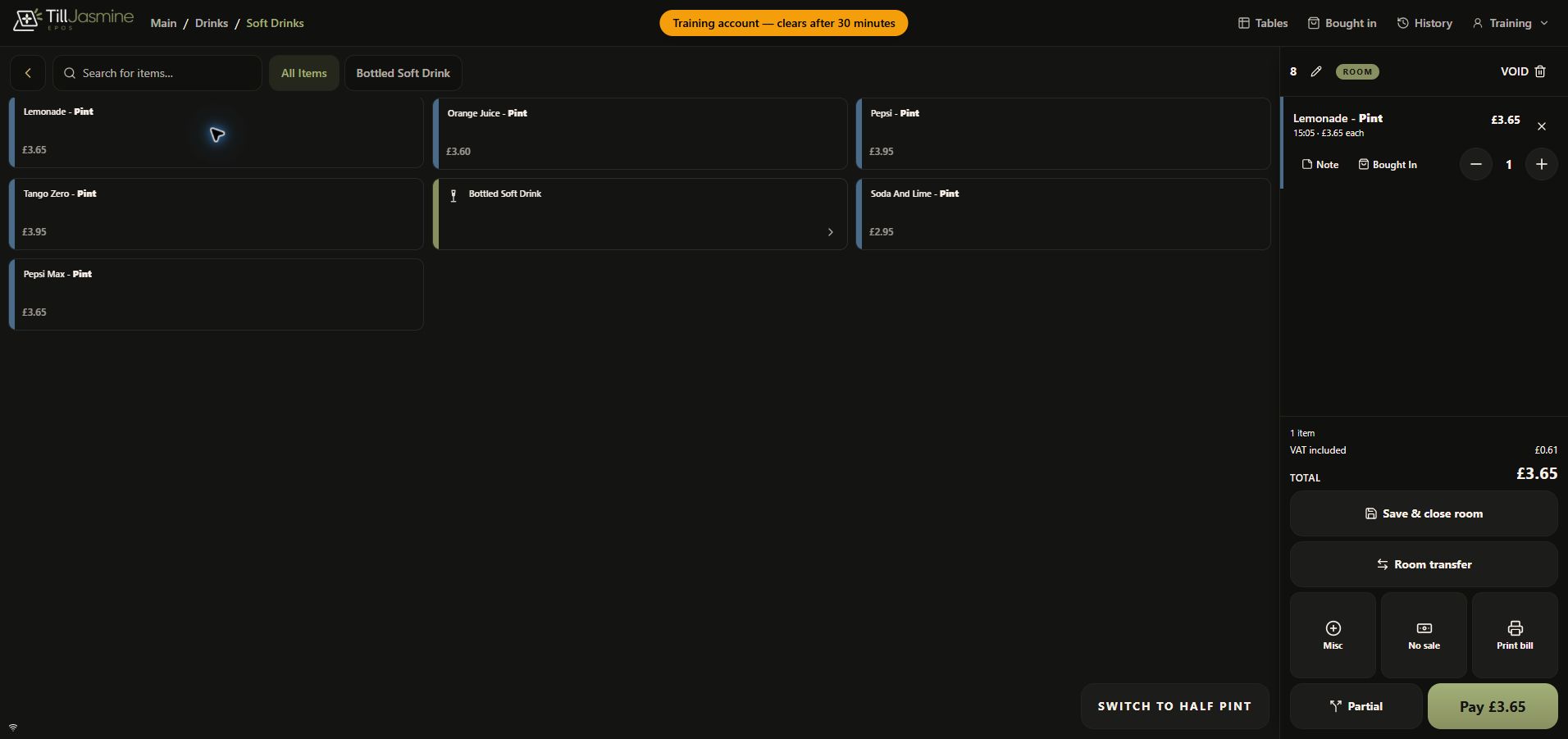
After saving and closing the table order, open Tables → Rooms and select the intended room directly. The recording selects empty room 8, adds a fresh example item and verifies the Room label above the order.
Select Save & close room after checking the item and total. This saves the room order in the till's training session. It does not prove a payment was made, a guest was charged in a property-management system, or an external room posting succeeded.
Transfer limitation
The recorded training session offered Table transfer, but an attempted transfer returned Could not transfer this table. A successful transfer or merge is not demonstrated here. The video uses the verified direct room-selection route instead. Do not repeatedly transfer a live order when its destination or result is uncertain.
Related guides
Enter and correct an order · Table linking and exclusions · Table Jasmine floor plan.