

Where Should a Café Put Its Staff Clock-In Tablet?
· Jasmine Apps
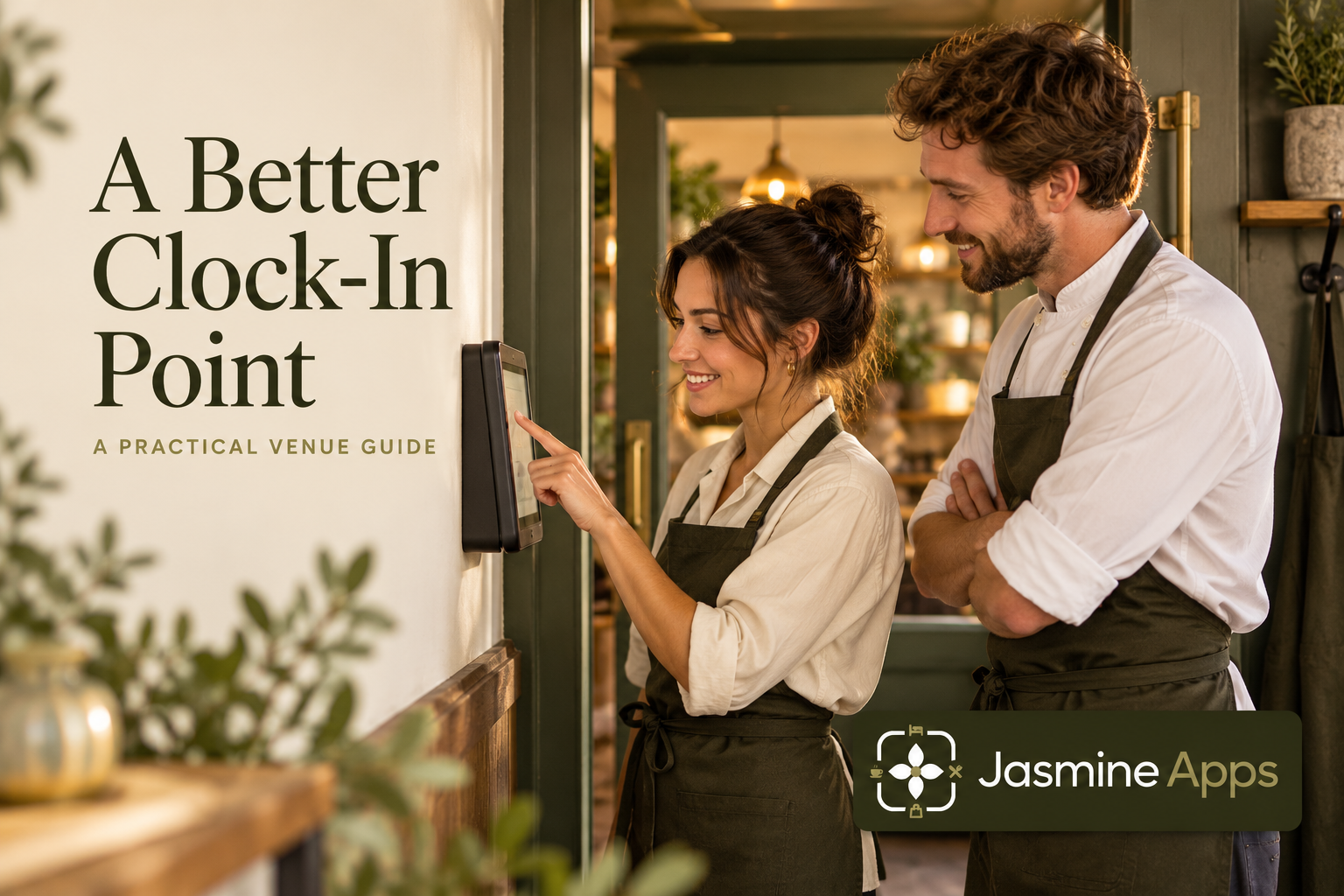
A café staff clock-in tablet works best where colleagues naturally begin and end their shift. Clock Jasmine Kiosk uses a registered Android tablet and personal PINs. Choosing its location is therefore an operational decision: the team needs to reach it reliably without getting in the way of guests or deliveries.
Walk the staff arrival route
Observe where employees enter, store belongings and prepare for work. Consider the busiest overlap rather than only the quiet afternoon. A tablet hidden behind boxes may be technically connected but practically unusable. Keep the point within the venue's approved access arrangement and away from a guest queue. Use a simple rehearsal with several arrivals and a delivery to find whether the proposed position creates waiting or interruptions.
Check the result: The tablet is reachable without blocking guests.
Check power, connection and ownership
The venue supplies the shared tablet and someone must keep it powered and ready. Confirm the supported Android app and register it with the manager's setup code for the correct venue. Name it clearly, such as Staff entrance, so support and supervisors can identify it. Assign a daily readiness check and a contact for faults. Device registration is different from staff access: each employee still needs the appropriate Clock Jasmine account and personal kiosk PIN.
Check the result: The registered tablet stays available on shift.
Test the complete shift routine
Rehearse clock-in, Start break, End break and clock-out using the permitted kiosk actions. A convenient arrival point may be awkward when the employee returns from the break room. Confirm the buttons match the intended device configuration and current shift state. The kiosk does not show a list of staff names and does not capture GPS; mobile attendance-location policies are a separate workflow. Keep those differences clear in the induction.
Check the result: Every required action is usable.
Protect a usable, private routine
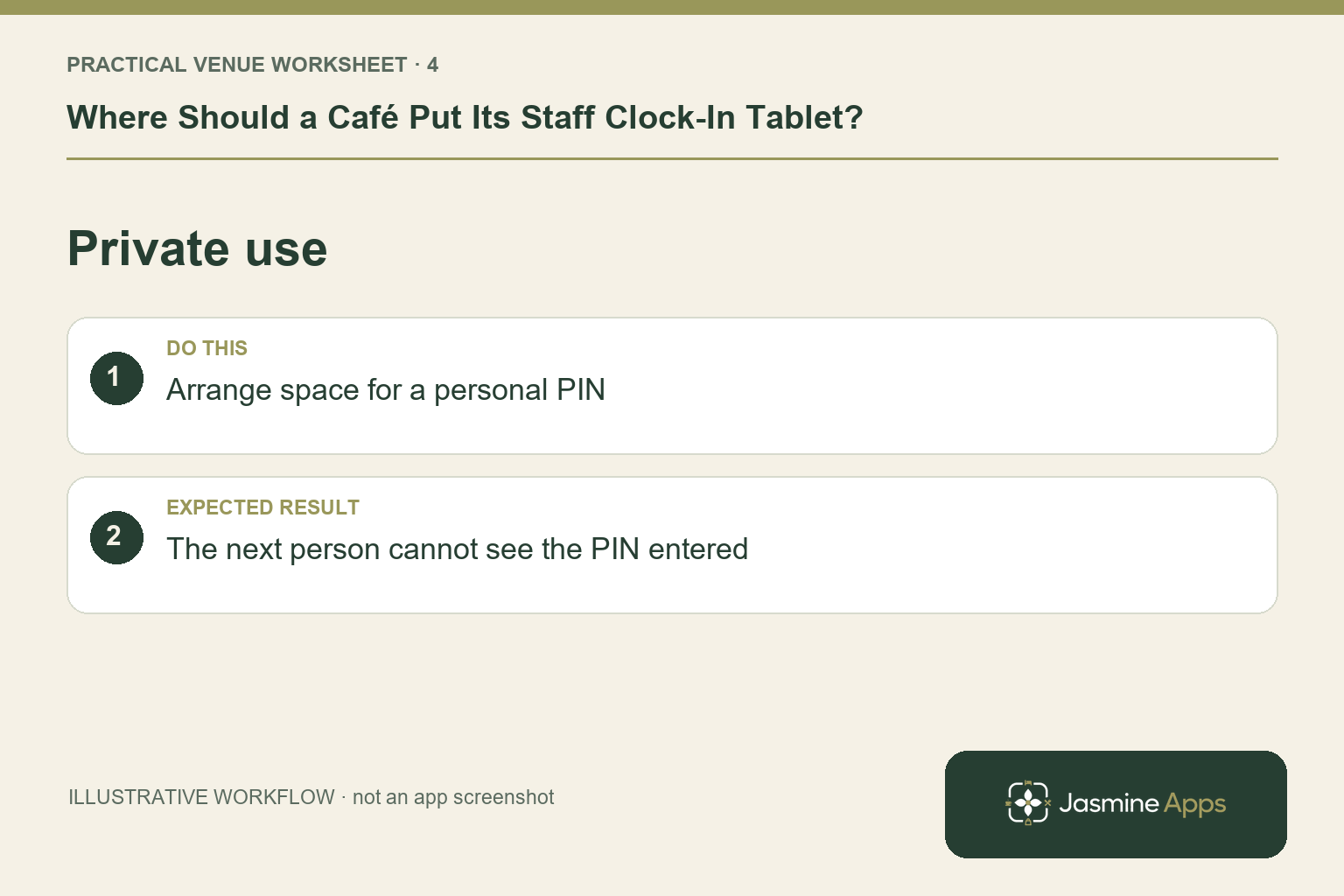
Teach employees to use their own PIN and verify their attendance outcome without announcing credentials across the room. Where selfie verification is required, explain the agreed process and provide the appropriate camera setup. Keep the attendance exception route clear if the device is unavailable. Do not let a supervisor's account become a shared workaround. Review the placement after a representative week and move the device only through the venue's approved configuration and access arrangements.
Check the result: The next person cannot see the PIN entered.
Put the plan into practice
Choose the location by demonstrating a busy arrival, a break return and a closing exit. Record who checks the tablet and who handles failed punches. Add that routine to induction so new colleagues do not depend on finding someone who remembers how the device was set up.
Questions venue teams ask
Should the kiosk sit beside the customer till? Only if that location supports staff use without disrupting service or exposing the attendance routine unnecessarily.
Does moving the kiosk change GPS rules? Kiosk punches do not capture GPS. Confirm device venue registration and any separate mobile policies.
Example from the actual app
The actual device list identifies the registered tablet by name, venue, allowed actions and status. Use that record when checking the café’s chosen clock-in point. The current app also separates kiosk-only attendance rules from mobile-break exceptions, so the physical tablet location and the permitted staff routine should be checked together.
A working checklist for your venue
| Check | What to do | Result to verify |
|---|---|---|
| Arrival route | Walk from the staff entrance to work. | The tablet is reachable without blocking guests. |
| Device readiness | Check power, connection and ownership. | The registered tablet stays available on shift. |
| Shift cycle | Test arrival, break, return and departure. | Every required action is usable. |
| Private use | Arrange space for a personal PIN. | The next person cannot see the PIN entered. |
Use the checklist with a colleague who did not configure the workflow. Ask them to complete the ordinary task without coaching, then compare the result with the expected outcome. Record the point where they hesitate or need information from another shift. That observation gives you a specific improvement to make before extending the setup.
Discuss your own setup
Bring your rota scope, attendance routine and one example of a missed punch or shift change. Contact Us to discuss the Clock Jasmine workflow from planning through recorded attendance and the manager’s review.
Illustrations explain the workflow and are not product screenshots. Any numerical example is labelled illustrative and is not a customer result. Product wording and documented setup checks reviewed on 13 October 2026; confirm the features available in your current installation.