

TutorialIn-app guide
Jasmine Loyalty: getting started with video guides
· Jasmine Apps
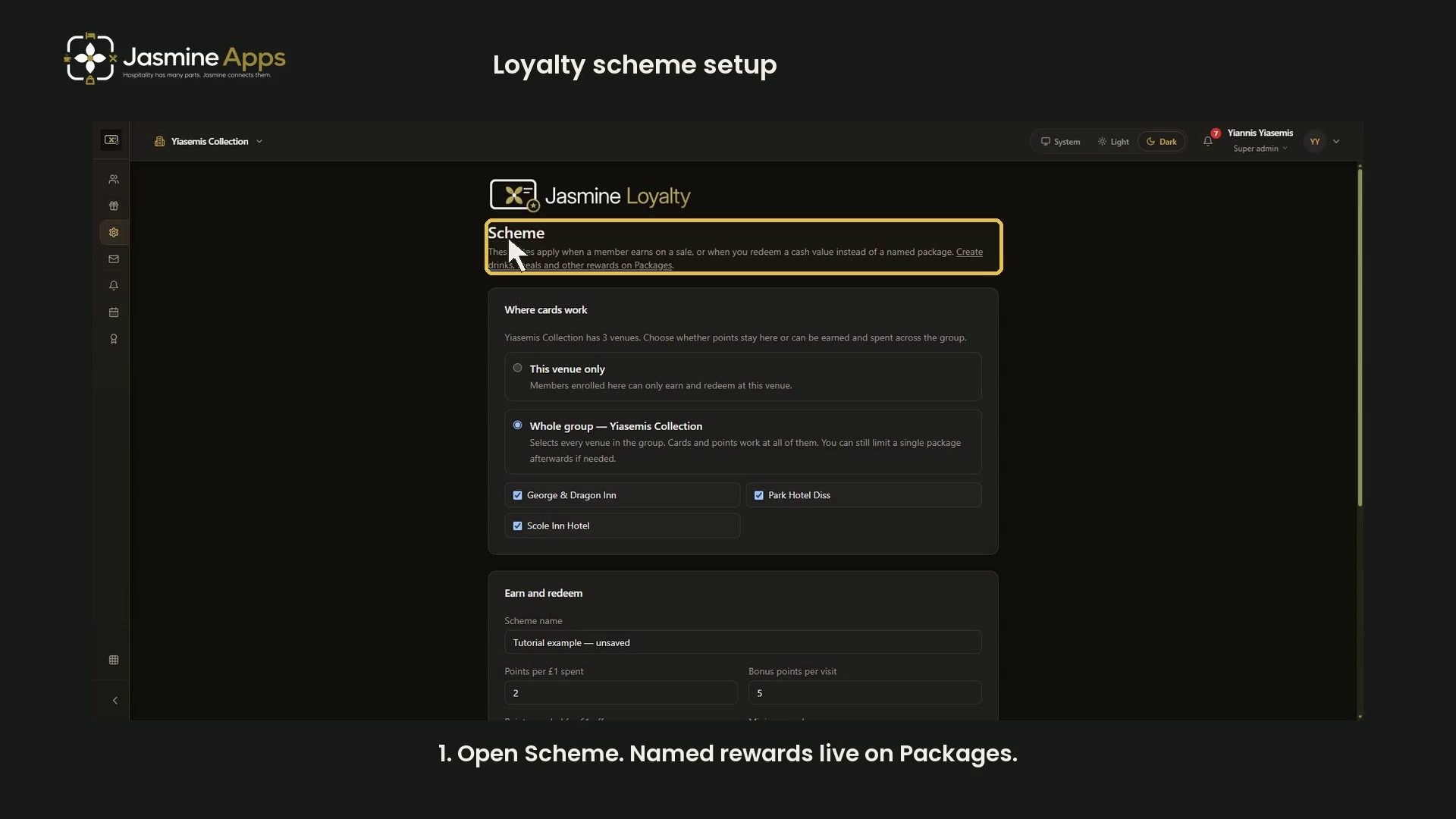
Jasmine Loyalty setup starts with a clear scheme, then the welcome email and the rewards your venue intends to offer. This overview brings together the existing narrated dark-mode walkthroughs in a useful order. The demonstrations use unsaved examples and leave live settings unchanged.
First: review the scheme
Check the organisation and venue scope before reviewing earn rates, redemption rules, expiry and card terms. Decide how the scheme should work for your business before saving a real change.
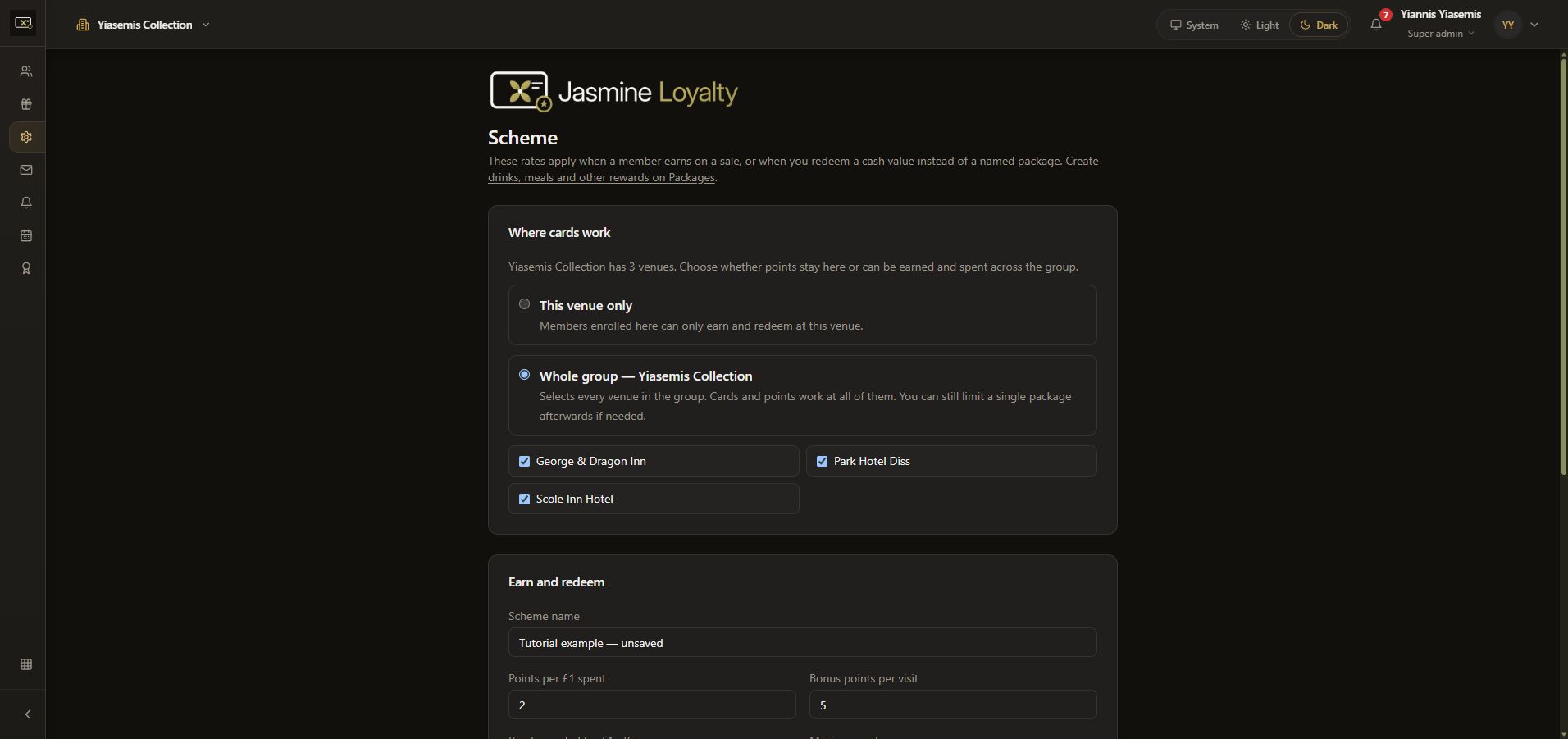
Open the full scheme walkthrough for the individual fields and unsaved demonstration.
Next: prepare the welcome email
Review the Subject, Heading and Message, use the supported placeholders, and check the sample preview. Saving the template and sending a test email are separate actions. The demonstration sends no email.
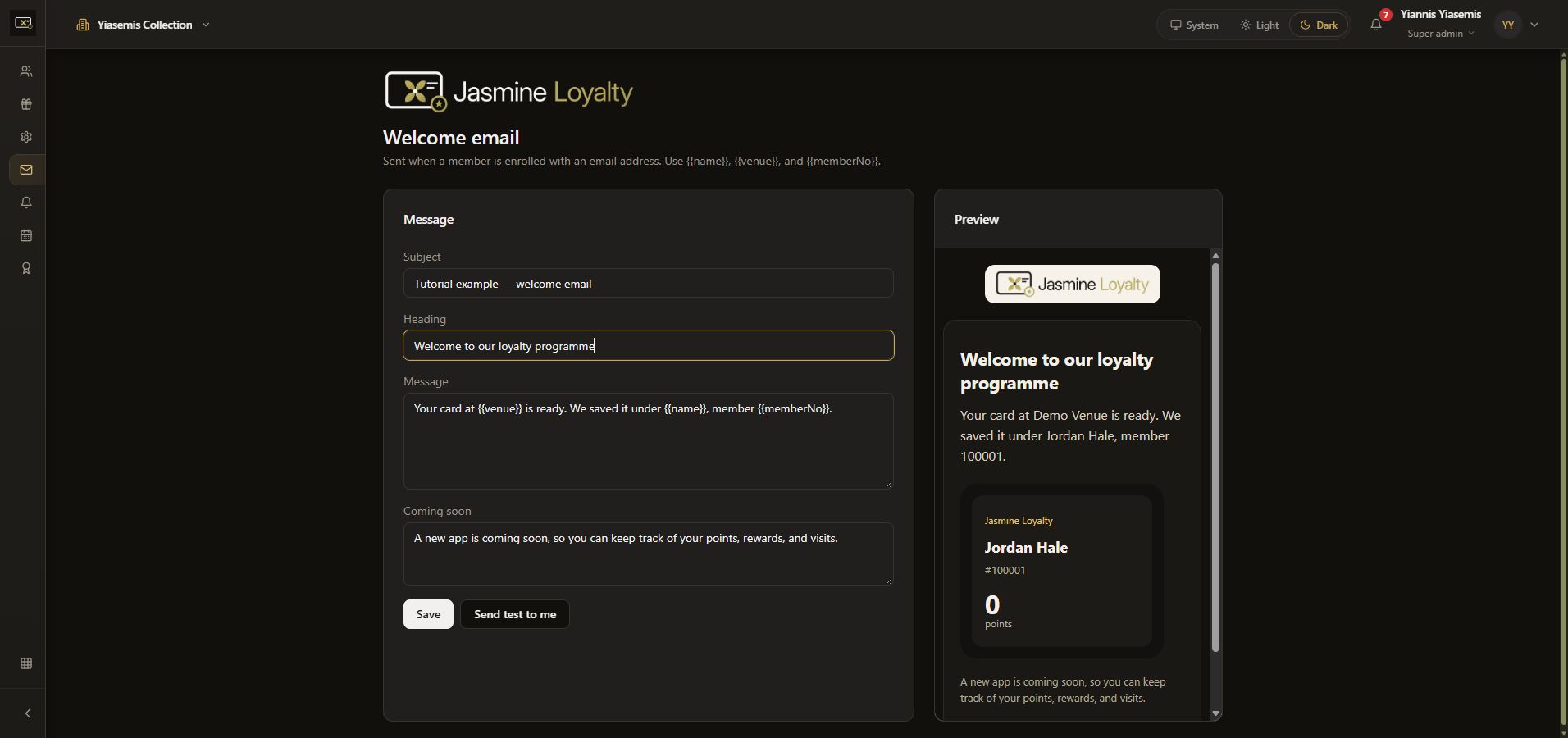
See the full welcome-email guide.
Then: review rewards and the guest experience
Use Packages to review reward definitions and venue validity. Achievements explains title filters and bonus controls. Venues / Events covers homepage content, while the guest-app preview reviews entry and the sample homepage.
The videos embedded above are the same established setup walkthroughs linked from their detailed guides. This overview does not demonstrate enrolling a customer, changing member balances, issuing rewards or redeeming points.