

Hospitality Staff Access Review: Your Former Supervisor May Still Have Manager Permissions
· Jasmine Apps
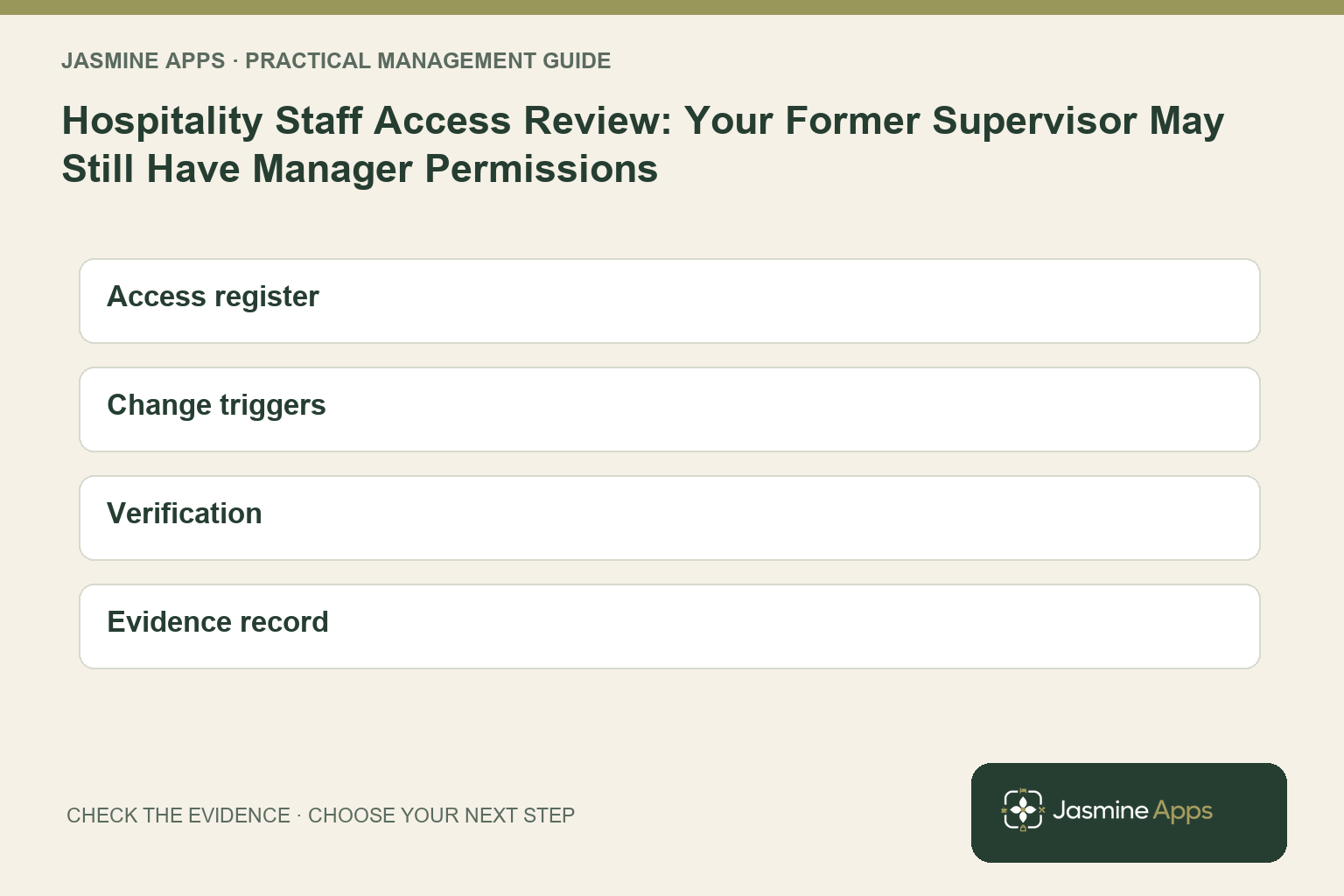
Your rota can show the correct job while your software still allows yesterday’s responsibilities. Moving a supervisor to another venue, changing a role or ending access in one app does not prove every related permission has changed. Your hospitality staff access review should follow the person’s current work across the tools they can actually use.
You need a simple record of who needs which access, why they need it and who checks changes. This guide helps you make that review practical for a hospitality team without turning a routine role change into an improvised hunt through accounts.
Key Takeaways
- Match access to current responsibilities and venue scope.
- Review role changes as well as starters and leavers.
- Use named accounts and keep privileged credentials separate.
- Verify each relevant app rather than assuming one change covers all tools.
- Record the reviewer, decision and confirmation of the resulting access.
Define your hospitality staff access review by responsibility
Start with what your employee needs to do. Your bartender may need the selling workflow but not the authority to change product prices. Your venue manager may need reporting for a specific site, while your group administrator has a broader remit. Write those responsibilities before reviewing the current roles, so the permissions list does not become the definition of what the employee ought to have.
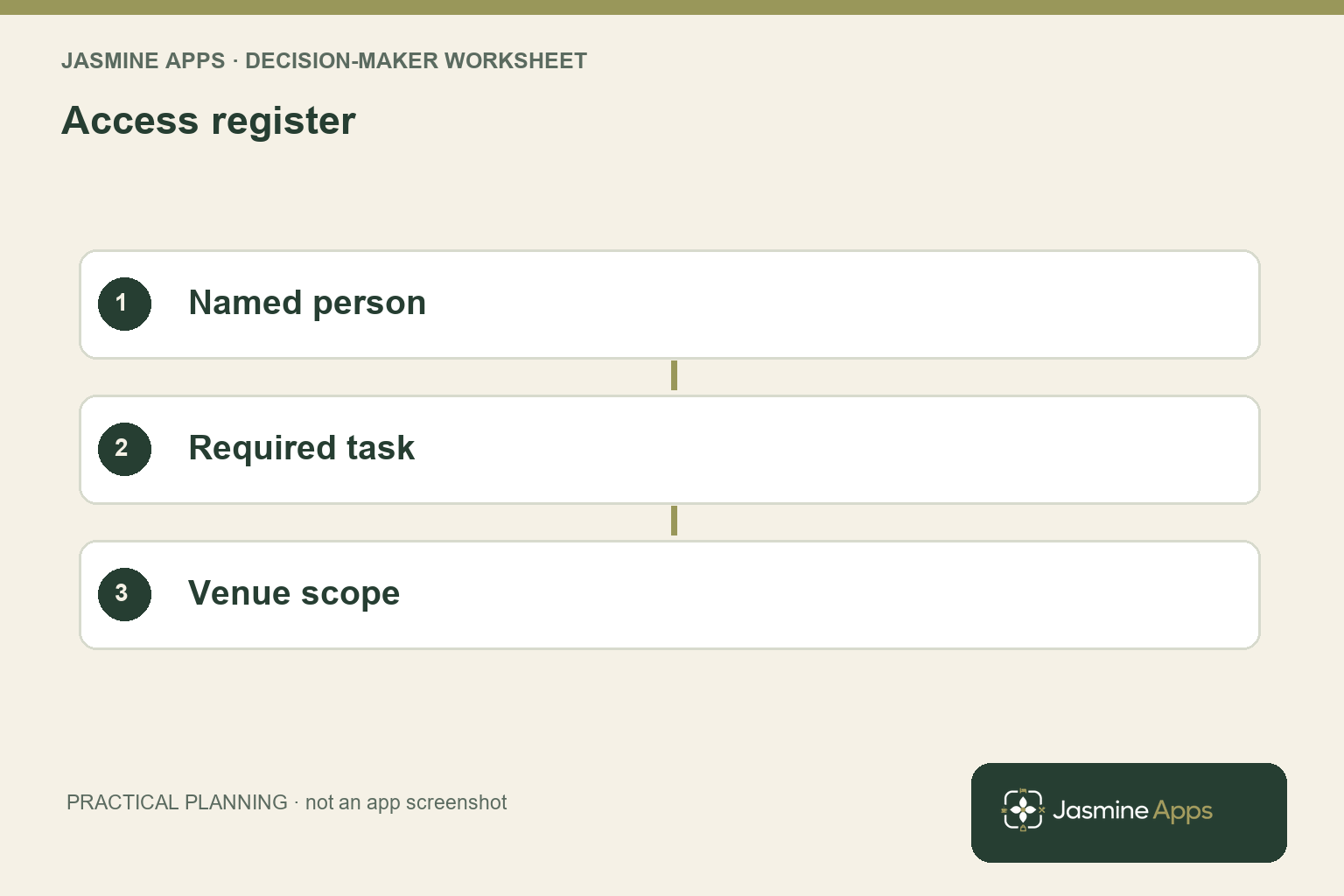
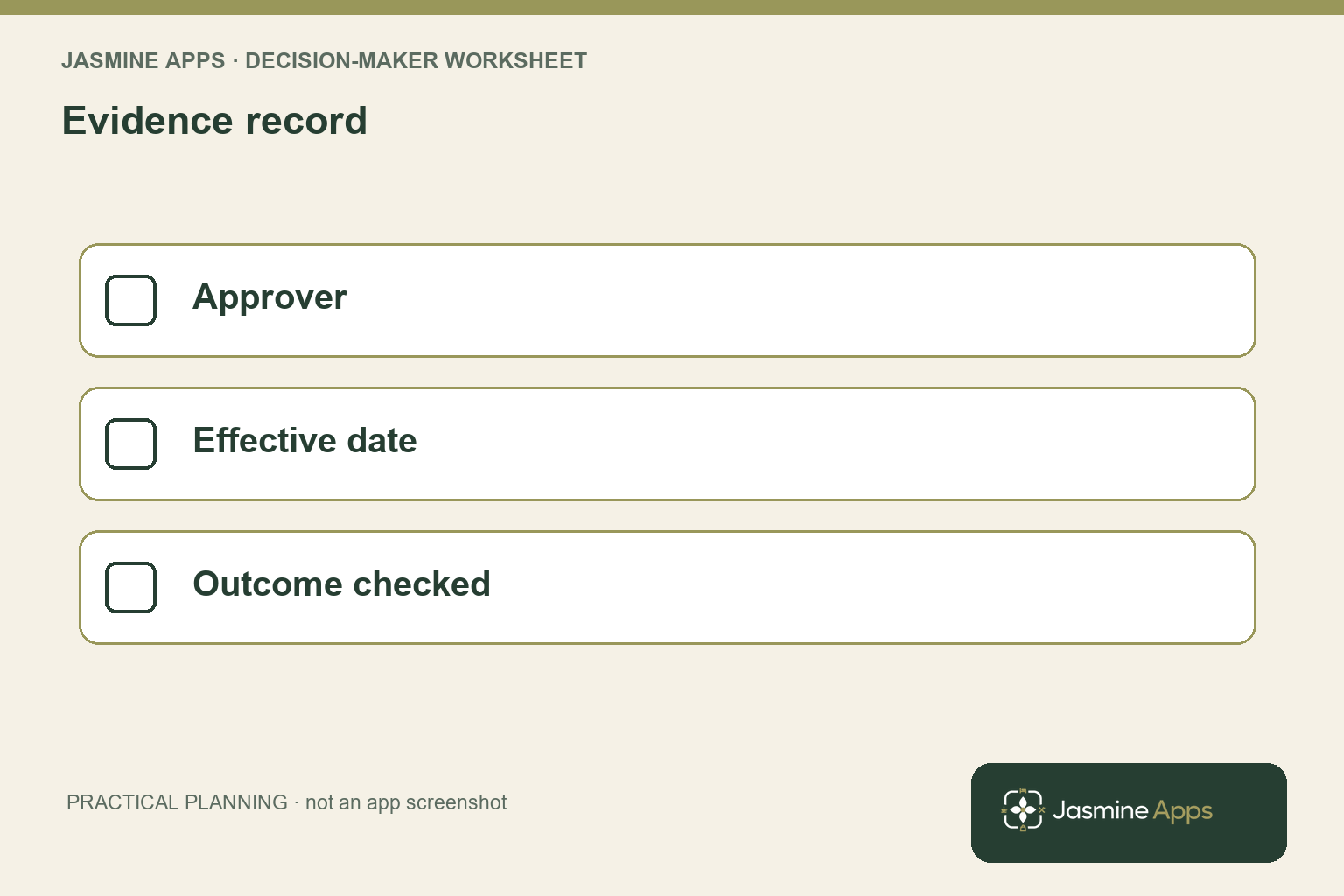
Create a short access register containing the named person, relevant venue, application, required task and approving manager. Keep privileged functions visible rather than hiding them under a broad label such as office access. Your review should be understandable to the service manager who knows the employee’s work, as well as the administrator who applies the configuration. Neither role should have to infer the other’s decision.
Use the NCSC identity and access guidance as the external control reference. Its guidance includes limiting access to what is needed and keeping administrative activity accountable. Apply that principle to your venue’s actual responsibilities. It does not mean every app uses identical role names or that you should remove a necessary permission without arranging the supported operational route.
In the actual Clock Jasmine team context, manager and member roles are distinguishable, and venue assignments matter to the workflow. Check the My Team guide alongside the person’s current responsibilities. A familiar name on the roster is the beginning of the review, not the end. Your manager should confirm that the role and venue context still fit the tasks the employee performs now.
Run a hospitality staff access review when work changes
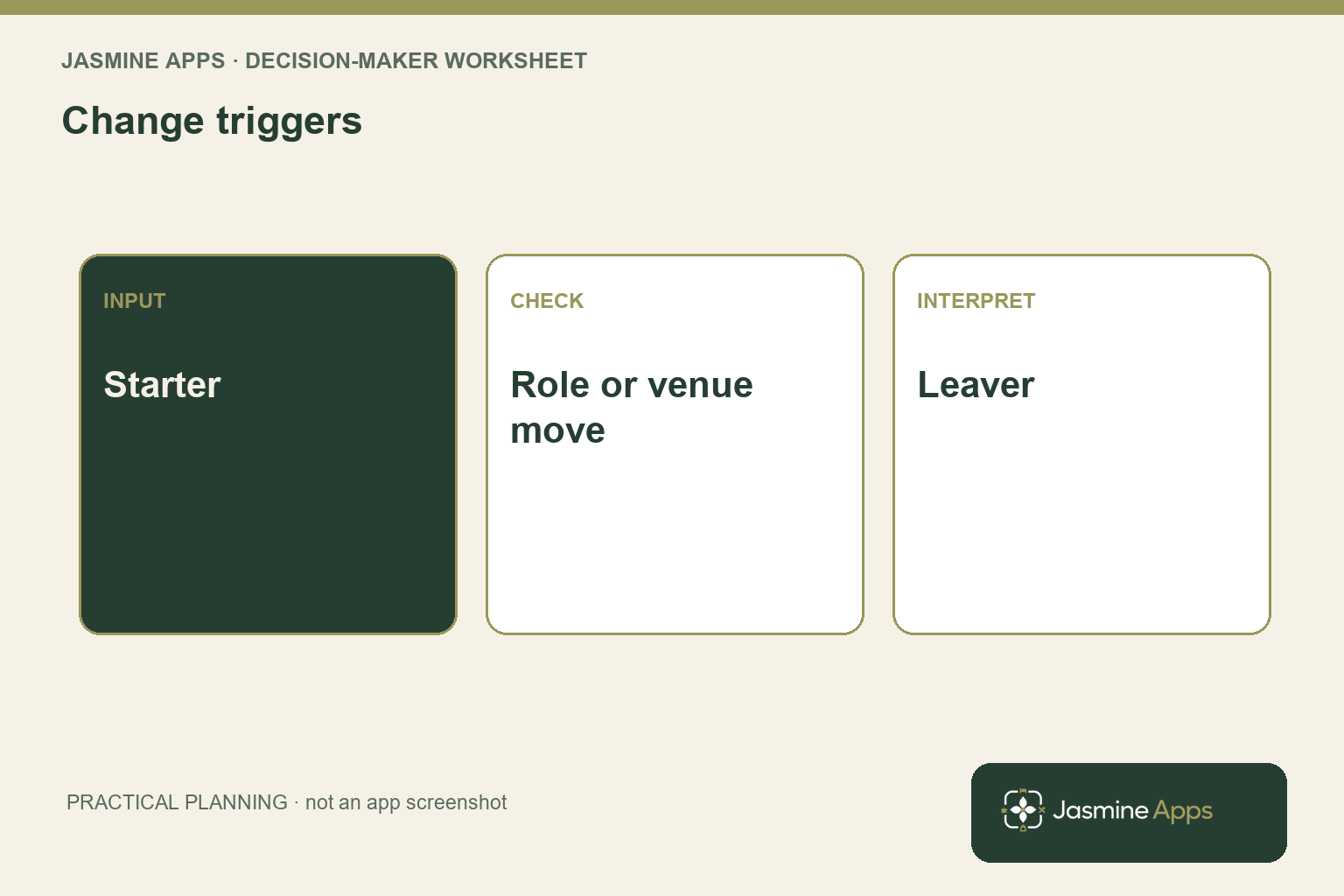
Treat a role change as a review trigger. Your employee may still work for the business while no longer supervising a team, covering a particular venue or handling documents. Keep a short change record identifying the effective date and the responsibilities being added or removed. That makes the review timely without waiting for a periodic audit to reveal that the old scope survived the change.
Check each relevant app’s supported permissions. Your suite can share staff and venue context while individual applications retain their own access controls. Verify the actual resulting view instead of assuming that changing one role automatically updates every administrative function. If the relationship between controls is unclear, ask the supplier to demonstrate it using a safe authorised test account before you depend on it in your procedure.
For a Till Jasmine user, the published users and permissions guide identifies operational controls such as voids, discounts and cash-up. Review those tasks separately from general staff membership. Your employee’s continuing need to sell should not automatically imply authority to make every exception or closing decision. Confirm both the ordinary route and the manager escalation route after the change.
For a leaver, follow your approved process across the applications and devices in scope. Record what was checked and who confirmed it, while keeping employment decisions with the responsible manager. Do not distribute passwords or active codes in the review notes. Your evidence should show that the required access outcome was verified, without creating a new collection of sensitive credentials in a document circulated to the whole team.
Keep your hospitality staff access review usable over time
Assign an owner for the register and an approver for each business area. Your administrator should not be expected to know an employee’s new responsibilities from a casual conversation in the bar. Give role and venue changes a predictable reporting route. Your service manager should know what information to provide, when the change applies and how to receive confirmation of the completed access review.
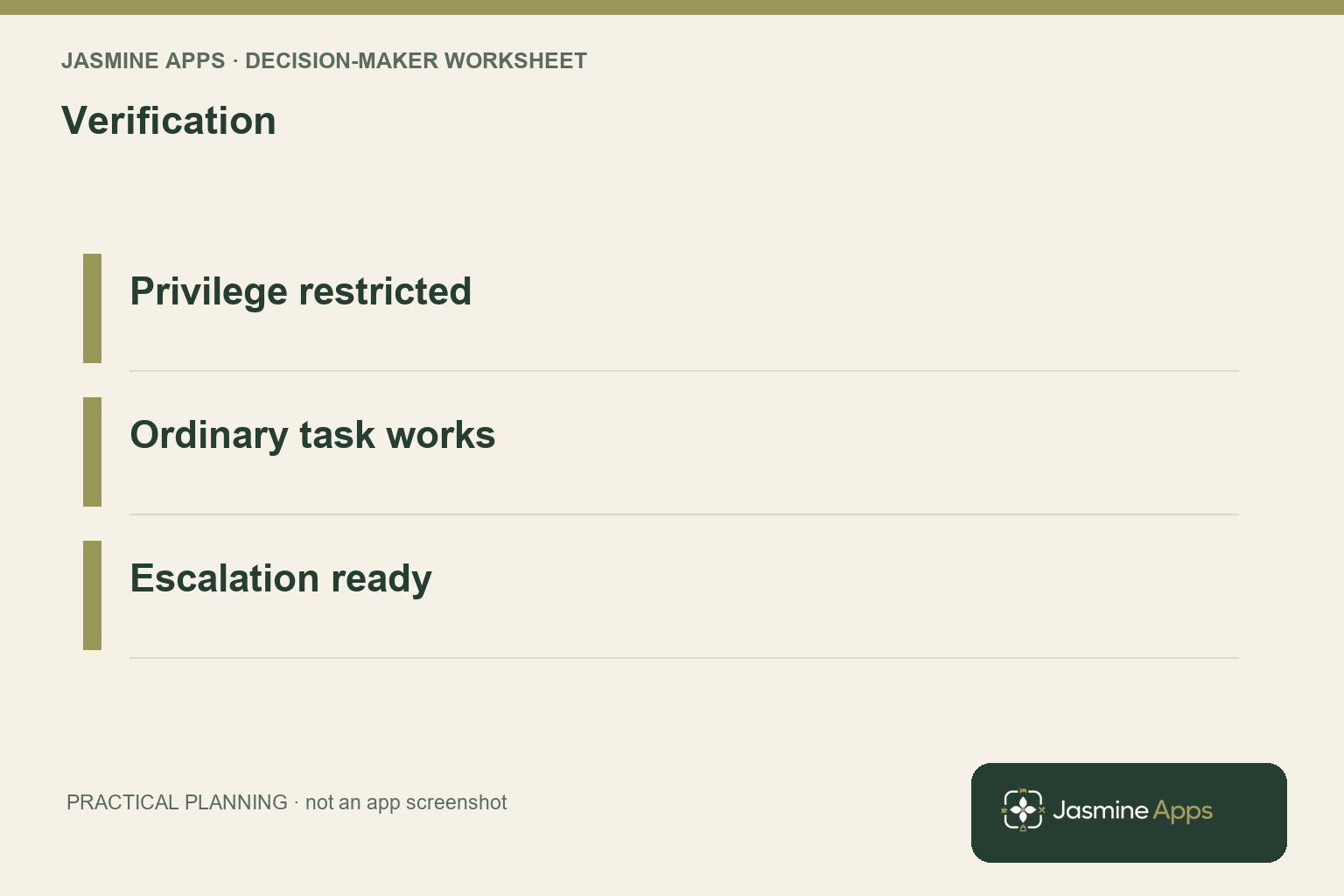
Check ordinary access after removing a privilege. Your employee may still need to find a published shift, clock in or complete a selling task. Verify that the approved work remains possible and that exceptions reach the correct authorised person. A review that prevents unnecessary access but also blocks everyday operation will encourage informal workarounds unless you resolve the supported route promptly.
Use a periodic review to catch changes missed by the event-driven process. Compare the register with current responsibility owners and the supported application views. Keep unresolved questions separate from confirmed corrections. Your manager should be able to see whether an access decision is awaiting approval, awaiting configuration or awaiting verification, rather than interpret one ambiguous tick as proof that every stage is complete.
Discuss the group and venue scope through the Clock Jasmine feature page before expanding the process to another site. Your access review should grow with the operation while retaining named responsibility. You can keep it proportionate: a clear account, task, venue and reviewer often gives you a stronger working record than a long policy nobody can connect to the actual settings or employee’s current shift.
Pro Tips and Common Mistakes
Pro Tips
Review the mover, not only the leaver. A person changing venues or stepping down from supervision can retain privileges without leaving your staff list. Include those changes in the same notification route as new starters.
Verify the ordinary journey afterwards. Removing a management privilege should not quietly remove the employee’s permitted work. Test the normal task and its escalation route so your control change remains operationally usable.
Keep decisions and credentials apart. Your register needs the reason, scope and reviewer. It does not need passwords, PINs or active setup codes. Use the supported account-management process for those items.
Common Mistakes
Assuming the rota role controls every app fails when applications have separate access settings. Check the actual relevant controls and document what the change covers.
Sharing a manager login fails because your permissions and activity stop representing the named employee. Provide a practical authorised exception route instead.
Treating access removal as the whole review fails when the required ordinary workflow stops working. Verify both the reduced privilege and the remaining permitted task.
Your completed review should show the intended outcome and the evidence checked. That gives your managers a reliable response to a role change without relying on informal memory or another person’s account.
Use separate review states for approval, configuration and verification, with an owner for whichever stage remains incomplete after the change is requested. Your manager can then see whether the business decision has been made, whether the settings were applied and whether the resulting task access was checked on the intended account.
Frequently asked questions
What is a hospitality staff access review?
It is your check that each named employee’s application and venue permissions match their current responsibilities. You review the tasks they need, the privileges they hold and the changes required after a move, role change or departure. Record the approving manager, administrator and resulting verification. Your process should include ordinary work as well as privileged functions.
A current staff list alone is not enough, because the person can remain employed while their appropriate access scope changes.
How often should you review staff permissions?
Review permissions when responsibilities change, including starters, leavers, venue moves and changes in supervisory duties. Use a periodic review to catch missed updates and confirm that the register still reflects the operation. Choose its frequency around your team’s change pattern and the significance of the access involved. You should not rely only on an annual check when roles change regularly.
Keep a named owner so your manager knows how to report a change and receive confirmation.
Does changing a staff role update every connected app?
Do not assume that it does. Your suite may share staff and venue context while individual applications retain separate permission controls. Ask your supplier to explain the supported relationship and verify the resulting access in each relevant area. Your review notes should identify what the change covers and what remains to be checked.
You can then make a reliable procedure around the actual configuration, instead of treating a successful update on one screen as proof of a suite-wide outcome.
Should your staff share a manager account?
Use named authorised accounts and a supported escalation route for actions requiring additional authority. Sharing a manager account makes the access scope and resulting activity harder to connect to the person performing the task. Your team still needs a practical way to resolve exceptions during service, so test that route before restricting ordinary users. Keep privileged credentials out of training notes and shared review documents.
Your access design should support accountability without forcing staff into an unusable operational process.
What should you record when access changes?
Record the named person, application and venue scope, current responsibility, requested outcome, approving manager and verification result. Include the effective date and any unresolved dependency. Avoid storing passwords, PINs or active setup codes in the register. Your evidence should show that the intended permitted work and privilege restrictions were checked after configuration.
A short traceable record is more useful than an unexplained tick, because another manager can understand what was approved, applied and confirmed without repeating the entire review.
Make your hospitality staff access review dependable
Your hospitality staff access review should give every role change an owner and a verified outcome. Bring your staff roles, venue assignments and the apps involved to Contact Us. Ask for a Clock Jasmine and relevant application walkthrough of the supported permission scope, so you can build a clear review process that preserves ordinary work while keeping management actions accountable.