

Jasmine Loyalty Points Missing After a Sale?
· Jasmine Apps
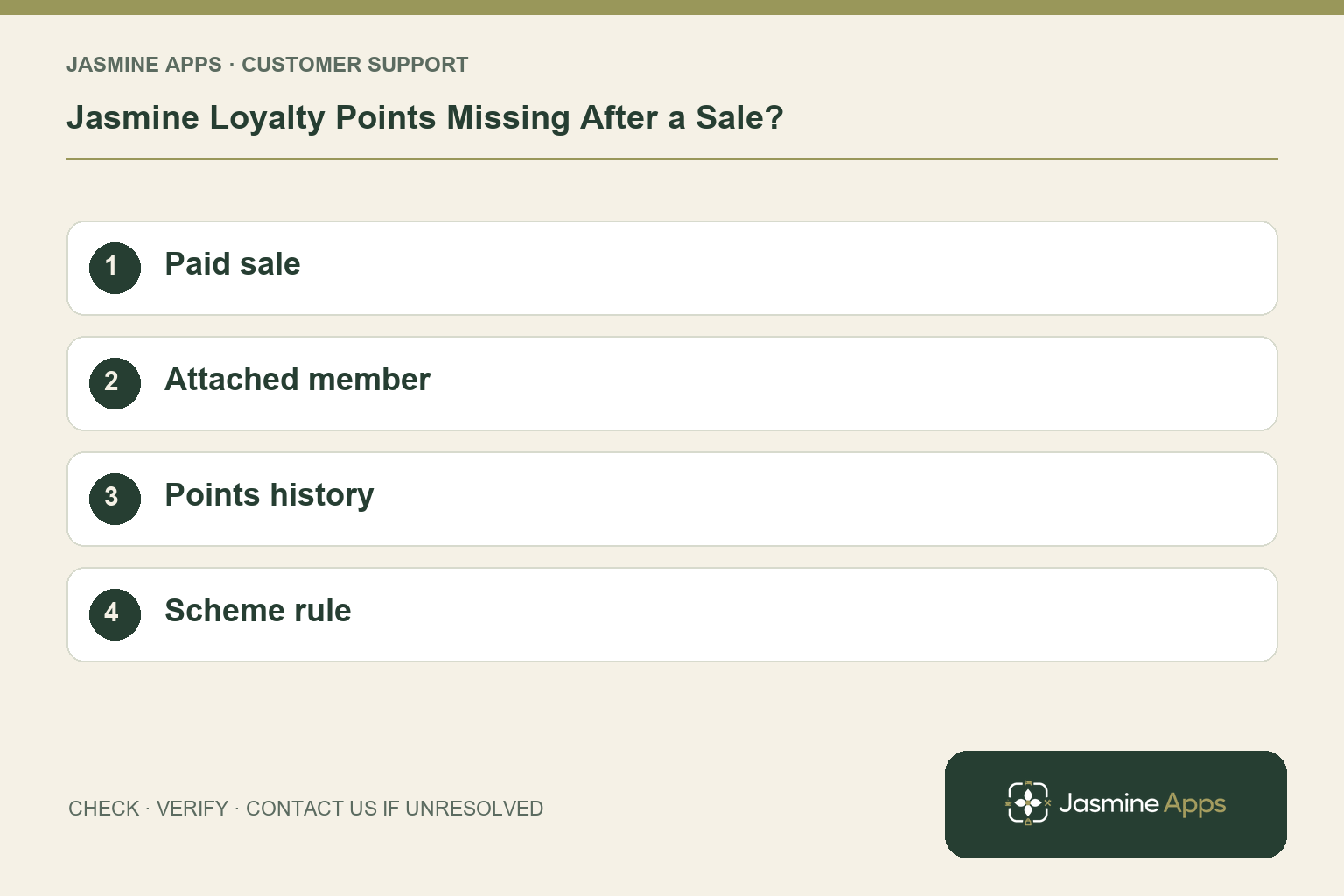
Customer support: Work through these checks in order. After each change, repeat the original action and check the result. If it remains unresolved, use Contact Us.
A guest bought coffee but cannot see the points they expected. Jasmine Loyalty earning follows the venue's scheme and the member attached to the completed till sale. Start with that transaction rather than promising a guessed number of points.
Quick answer: Check the paid sale, the member attached when it completed, and the points history under the venue's saved scheme.
1. When are points awarded?
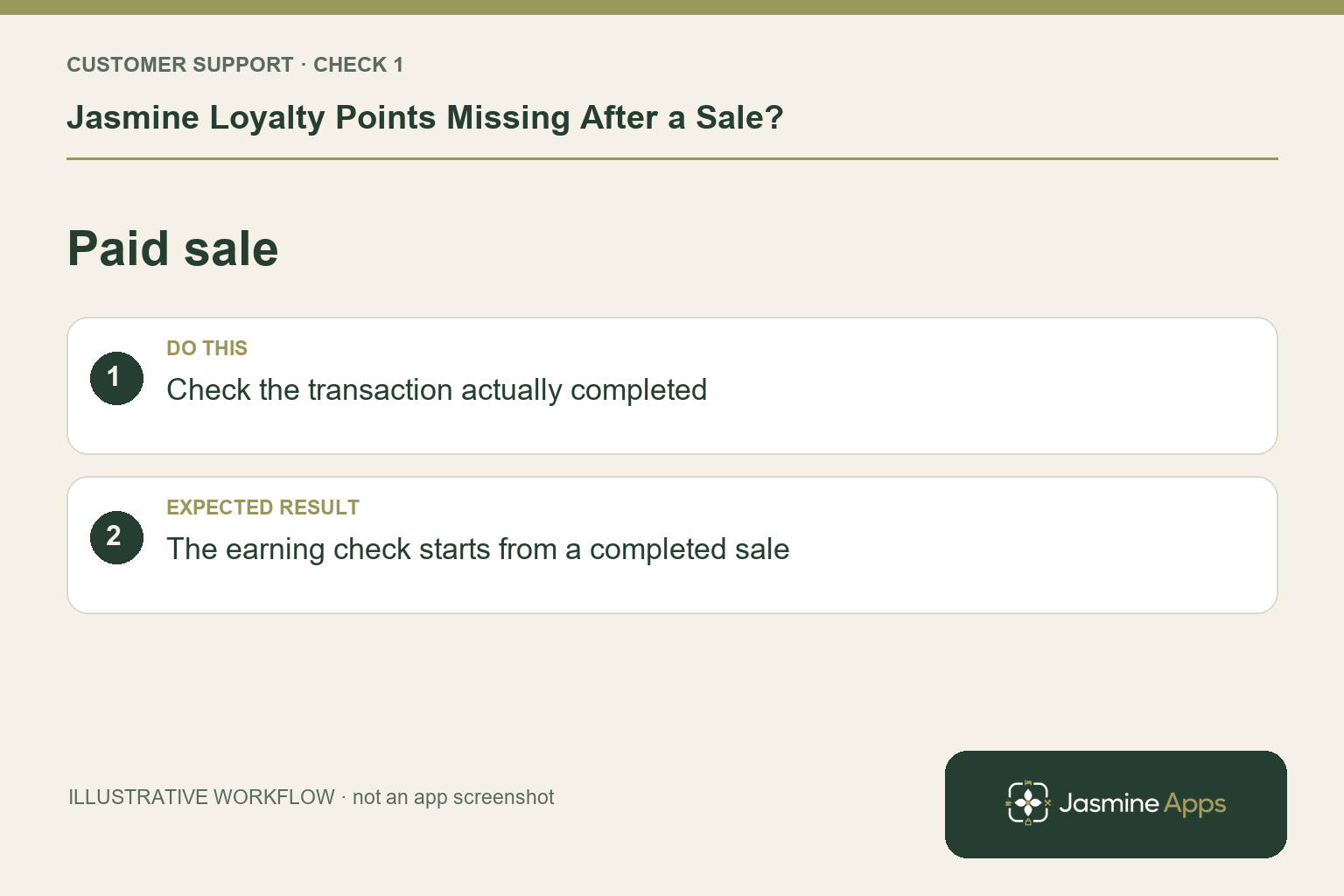
The till guide says points are awarded when the sale is paid. An open order is not the completed earning event. Find the relevant sale and confirm it actually completed through the venue's supported workflow. Check its date and venue against the guest's account. Do not repeat a paid transaction to try to generate points; that would create a separate sales problem.
Check the result: The earning check starts from a completed sale.
2. Could the wrong member have been attached?
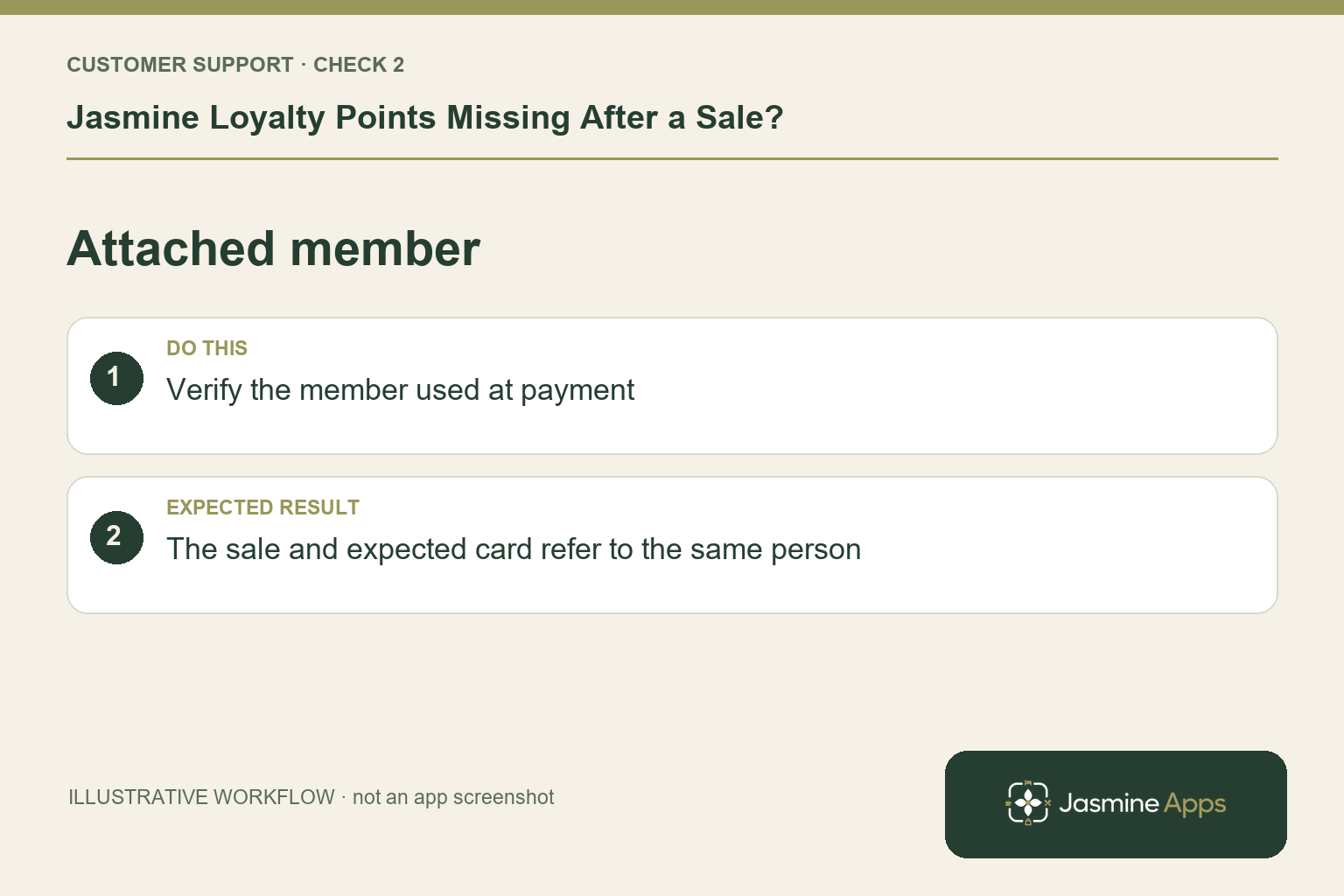
Staff look up or scan a member, attach the card, and see their name and points at the top of the order. Before payment, Remove from this sale corrects a wrong selection. After payment, that earlier step is no longer a general remedy. If staff selected another member, preserve the sale and ask an authorised manager or support for the appropriate points correction.
Check the result: The sale and expected card refer to the same person.
3. Where should the guest check the balance?
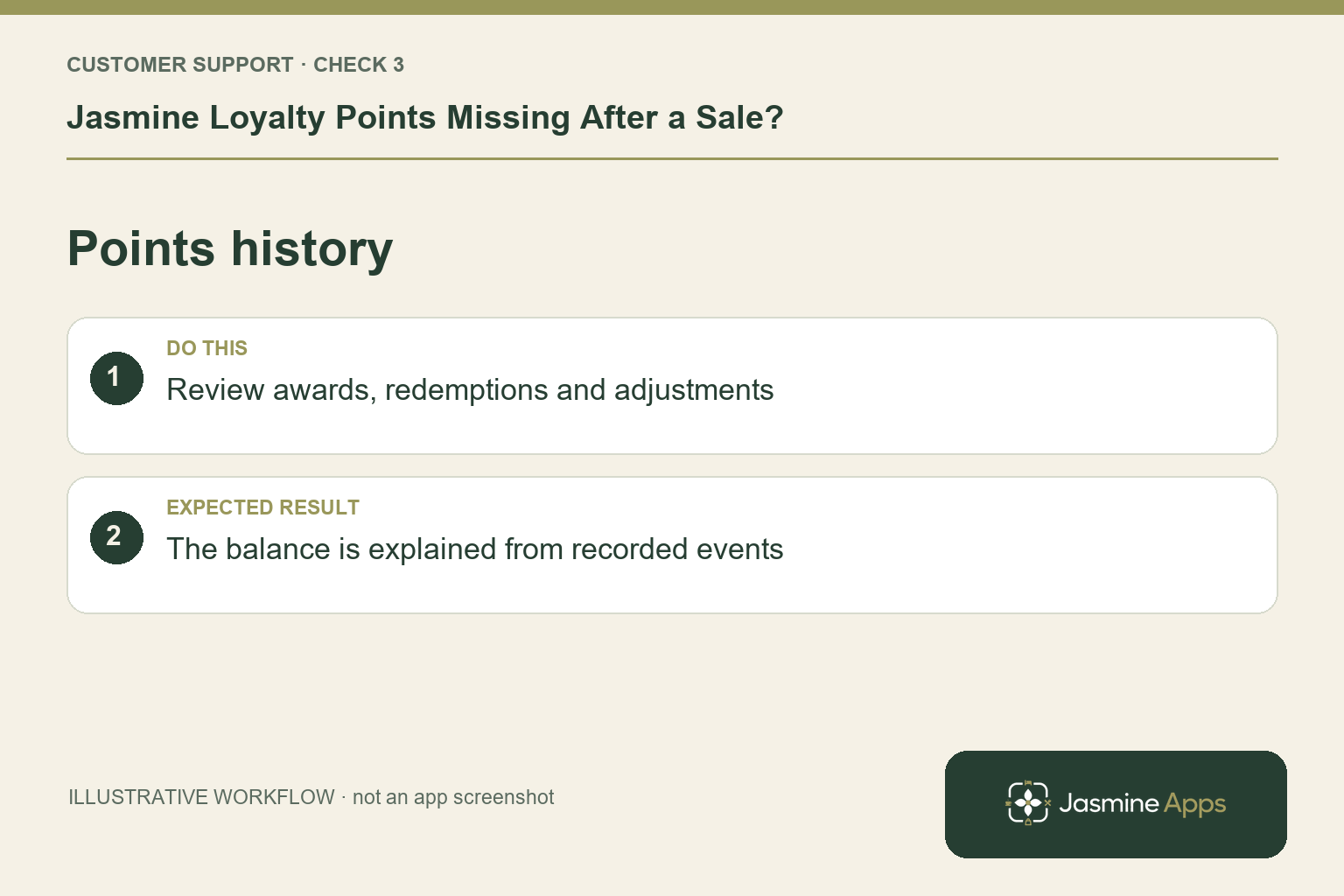
In the app, Points lists awards and redemptions, plus expired or adjusted entries. Review the history with the guest through an authorised process, not only the headline balance. A recent redemption could explain a lower total even if an award occurred. The venue decides its scheme, including whether points show a cash value, so there is no universal points-per-pound rule to apply blindly.
Check the result: The balance is explained from recorded events.
4. How do we prevent similar disputes?
Confirm the member before taking payment and make the correct card number part of staff training. Keep scheme wording clear about eligibility and rewards. Train colleagues to distinguish “the sale is still open” from “the completed sale has no award”. Record exceptions against the relevant reference. Accurate transaction context is more useful than repeatedly asking the guest to refresh an unrelated screen.
Check the result: Any discrepancy has a sale and member reference.
Example from the actual app
The actual Scheme form includes Points per £1 spent, Bonus points per visit, Earn on the amount after discount and Do not earn on service charge. Review the saved earning base as well as the headline rate. A guest’s expectation based on the full bill can differ from a scheme configured to exclude a service charge or use the discounted amount.
Before you contact us
| Check | What to do | Result to verify |
|---|---|---|
| Paid sale | Check the transaction actually completed. | The earning check starts from a completed sale. |
| Attached member | Verify the member used at payment. | The sale and expected card refer to the same person. |
| Points history | Review awards, redemptions and adjustments. | The balance is explained from recorded events. |
| Scheme rule | Compare the expected award with the venue rule. | Any discrepancy has a sale and member reference. |
Record which check failed, the exact error wording and when it happened. Include the relevant venue and record reference, and say whether one device or several people are affected. If you changed a setting, identify that change and the retest outcome. This helps us investigate the actual failing stage instead of asking you to repeat the whole process.
Contact Us if the expected result still does not appear. Send only the information needed to investigate; keep passwords, active codes, payment details and unrelated customer records out of screenshots.
When to stop and ask for help
For a paid sale with a verified member and unexplained missing award, give support the venue, sale reference, member reference and expected rule. Do not disclose another guest's history. Avoid manual adjustments until an authorised person confirms the cause and correct remedy.
Related support checks
- Jasmine Loyalty Email Code Not Arriving?
- Jasmine Loyalty Reward Not Available or Not Redeeming?
- Bought-In Item Missing or Already Collected in Jasmine Loyalty?
Illustrations explain the workflow and are not product screenshots. Any numerical example is labelled illustrative and is not a customer result. Product wording and documented setup checks reviewed on 13 October 2026; confirm the features available in your current installation.