

TutorialIn-app guide
Review Till Jasmine users and permissions
· Jasmine Apps
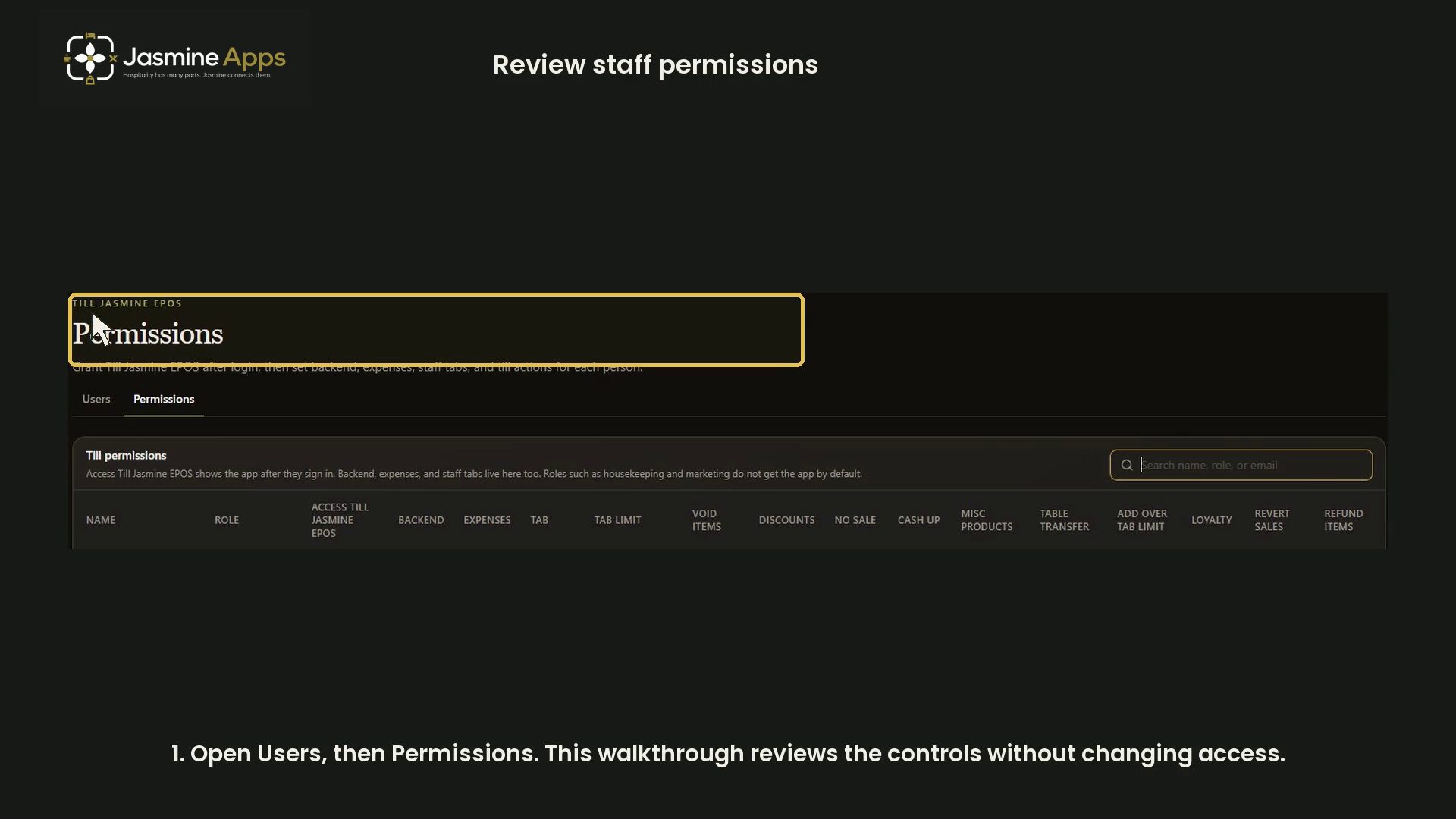
Review the Till Jasmine permission controls without exposing staff records or changing access. The demonstration uses generic headings and a search that matches no person.
Watch the walkthrough
Before you start
Open Users → Permissions for the correct venue. Review access according to each staff role; keep PINs and individual assignments private.
1. Use the staff search
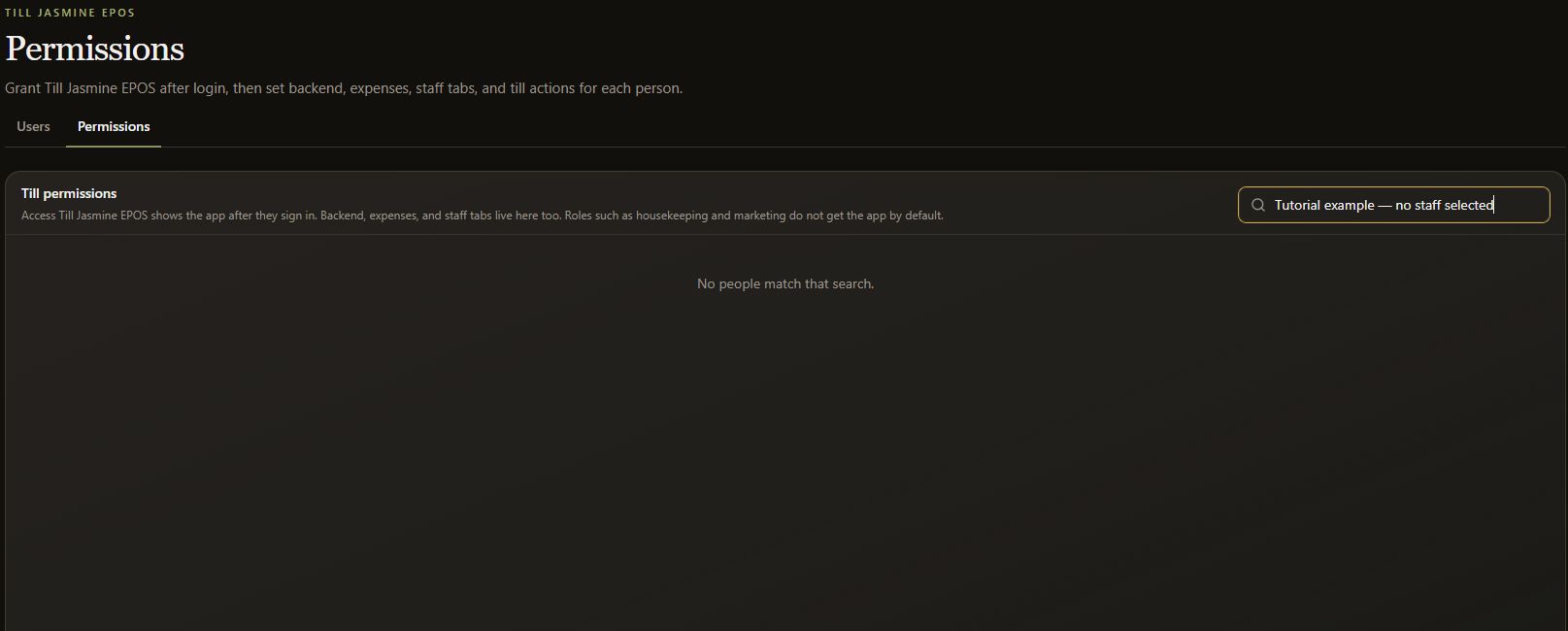
Use Search staff permissions to find the intended person when carrying out an authorised review. The tutorial search deliberately has no match.

2. Review app and tab controls
Review Access Till Jasmine EPOS, Backend, Expenses, Tab and Tab limit separately. Some controls may be Always on or Disabled rather than an editable Allow checkbox.
3. Review till actions
Review controls for voids, discounts, no sale, cash-up, miscellaneous products, table transfers, adding over a tab limit, loyalty, reverting sales and refunds.
4. Check approved access
Change access only after an authorised role review and verify the intended behaviour. This tutorial changes no permissions and displays no staff PINs or assignments.