

Restaurant Discount Policy: Give Staff Confidence Without Losing Control
· Jasmine Apps
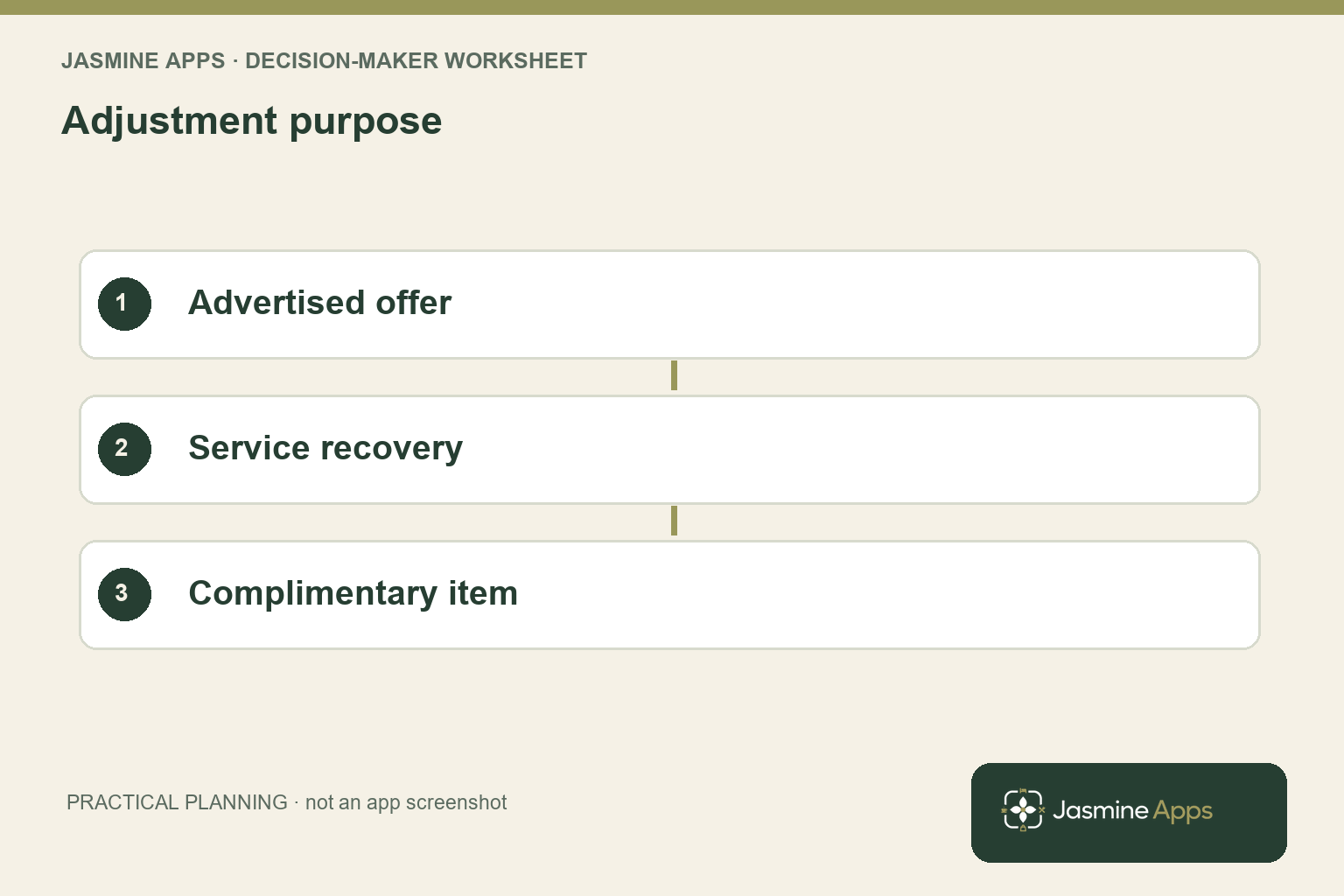
Your discount can solve a guest complaint and still create a second problem at cash-up. If your team cannot distinguish a promotion, a service recovery decision and a complimentary item, the same reduced bill can mean three different things. Your restaurant discount policy needs to explain the purpose as clearly as the amount.
You should give staff a practical route for ordinary situations while keeping exceptional decisions accountable. That means matching your written rules, till permissions and review process, rather than relying on a manager to remember why every bill changed.
Key Takeaways
- Separate advertised offers from discretionary service recovery.
- Define who can approve each type of adjustment.
- Check how the final bill and relevant records reflect the decision.
- Train staff with situations they actually encounter.
- Review patterns without treating every discount as misconduct.
Start your restaurant discount policy with the reason
List the situations in which your venue reduces a bill. You might have an advertised dining offer, an agreed employee benefit or a manager’s response to a specific service failure. Each needs its own explanation, eligibility and approval route. A policy saying only “discounts require permission” leaves your employee unsure whether an ordinary promotion is allowed and your manager unable to distinguish the resulting records.
Describe the offer in terms your team can check. Identify the applicable products, service times, venue and guest requirements, where relevant. Make the approved wording agree with the menu or promotion guests see. If exclusions matter, place them in the training example rather than assuming staff will discover them after taking an order and announcing a price.
For a service recovery decision, identify the person who owns the guest conversation. Your employee should know when they can resolve a small issue and when they must ask the duty manager. Keep the approved response proportionate to the situation and your venue’s management process. You do not need to turn every adjustment into an interrogation, but you do need a record that another shift can understand.
Review the control principle alongside the NCSC identity and access guidance: access should fit the responsibility being performed. That principle supports your permission design; it does not prescribe a restaurant discount amount. Your operational rule remains yours to approve, based on the service you offer and the decisions your staff are trained to make.
Ask your employee to explain the offer to a colleague playing the guest before you approve the wording for a service briefing.
Match your restaurant discount policy to the actual till
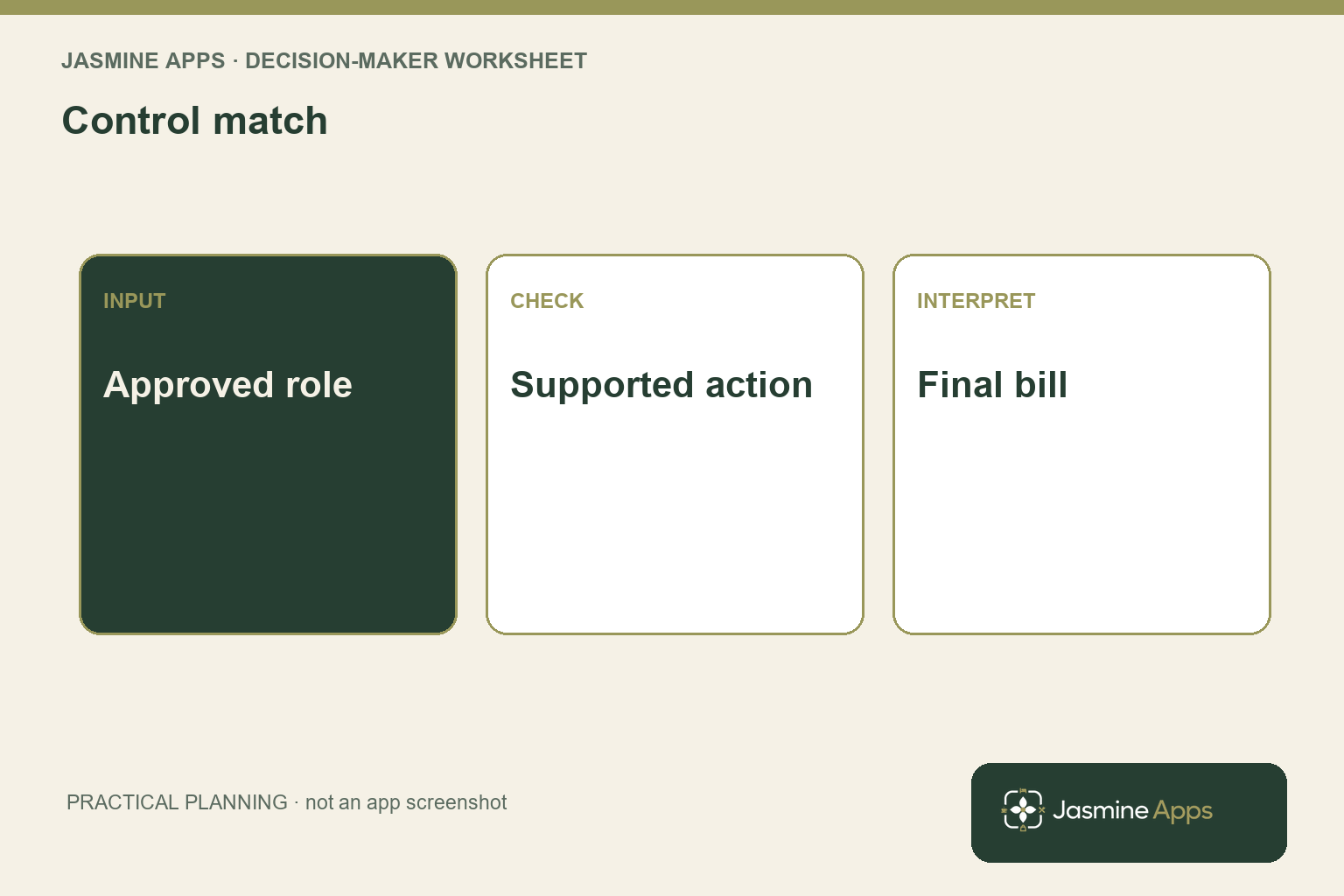
Ask your manager to demonstrate the supported adjustment route on the installed system. A discount, void, complimentary item and wastage entry can have different purposes and outcomes. Your team should not substitute one for another simply because it produces a similar total. Start with the guest situation, then use the action your approved workflow assigns to it.
The actual Till Jasmine layout separates selling pages from the Payment page. That page includes Discount, Wastage and Complimentary alongside payment actions. Your purchasing or training session should explain what each action does in your configuration and which roles can use it. The presence of a button does not establish that every employee has the same authority to operate it.
Use the published users and permissions guide to check the relevant permissions. Demonstrate an ordinary employee’s experience as well as the manager’s. Where an employee cannot perform an adjustment, your procedure should show the approved escalation route. Avoid teaching a shared manager login as the convenient answer to an access restriction.
Check the resulting bill and records before considering the training complete. Your employee should confirm the eligible lines, the intended adjustment and the final amount before taking payment. Your manager should know where to review the outcome. If an already completed transaction needs correction, follow the approved process for that installation rather than entering another sale or adjustment to make the totals look right.
Rehearse a guest changing the order after the adjustment, and ask which approval or calculation needs checking again before the final payment.
Review your restaurant discount policy with context
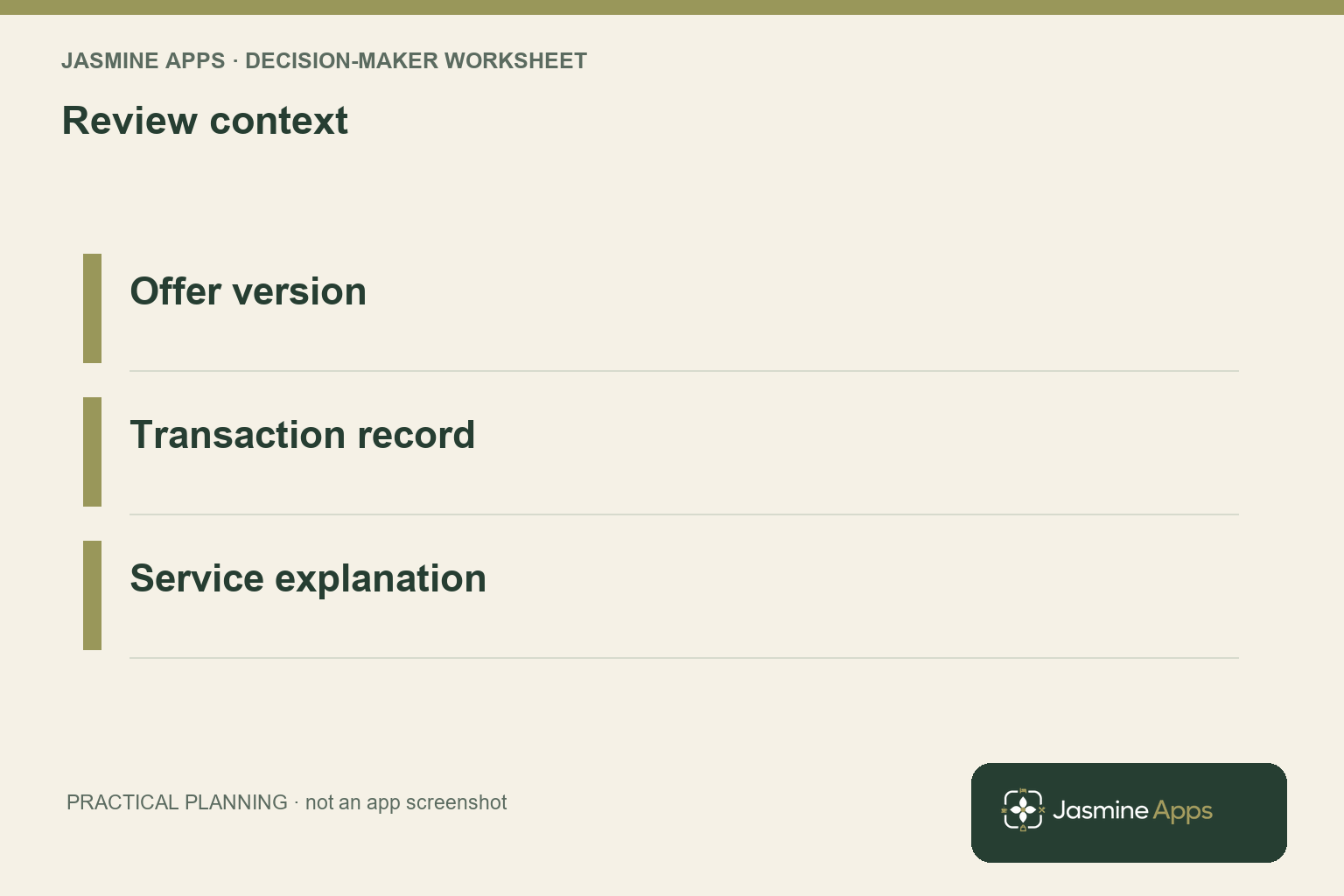
Set a review routine that looks for operational patterns. Your manager might find repeated complaints about one product, staff uncertainty around a promotion or adjustments made under an outdated offer. Those patterns can indicate a menu, service or training problem. A list of discounted transactions alone does not explain which issue needs attention or establish that an employee acted improperly.
Compare records with the applicable policy version. If your offer changed during the review period, identify which rules were in force for each service. Keep the promotion owner, start and end arrangements and approved exceptions accessible to the reviewer. You should be able to explain the adjustment without relying on the memory of the person who happened to work that shift.
Use the reporting guide to establish what your actual reports provide. Ask which record identifies the original sale and its outcome, then check the date and venue scope. Do not assume that a dashboard total automatically separates every reason you need. If you require an additional management note, define where it belongs and how it connects to the transaction reference.
After the review, choose a specific improvement. You might revise an ambiguous exclusion, change who approves an exception or demonstrate the correct adjustment route again. Tell every relevant shift what changed and when it applies. Your policy works when staff can make a consistent guest-facing decision and your manager can understand the resulting record, rather than when the document merely contains a long list of restrictions.
Preserve the transaction reference with the review note so a later manager can inspect the record without receiving unrelated guest information.
Pro Tips and Common Mistakes
Pro Tips
Test the awkward combination. Rehearse a bill containing an eligible promotional item and an excluded item. You can see whether staff understand the offer’s scope before the guest has to challenge an unexpected total.
Keep the policy version with the offer. Your staff briefing, published promotion and management review should refer to the same rule. Archive the previous wording so an older transaction can still be interpreted fairly.
Review repeated causes before repeated names. A recurring adjustment can reveal a consistently unavailable dish or confusing menu description. Start with the service context and the supporting records before drawing conclusions about individual behaviour.
Common Mistakes
Using a void for every price change fails because it can conceal what actually happened to the order. Train your team on the supported purpose of each adjustment.
Giving everyone manager access fails because your operational permissions stop reflecting responsibility. Provide an escalation route that works during service without sharing privileged credentials.
Advertising an offer before defining exclusions fails because your team and your guest can reasonably expect different outcomes. Approve the wording and demonstrate a mixed bill before launch.
Your policy should make the correct action easier to identify than an improvised workaround. Keep its everyday explanation short, while retaining enough detail for your manager to handle exceptions and review the evidence afterwards.
Keep an approved example bill with the rule sheet and use it when a new colleague joins a shift that regularly operates the offer. Your manager can then compare the intended eligibility and final amount with the live training result, while keeping exceptional guest decisions under the appropriate approval route.
Frequently asked questions
What should a restaurant discount policy include?
Include the purpose of each adjustment, eligible items or situations, relevant exclusions, approval roles and the supported till route. Explain what your employee checks before payment and what your manager reviews afterwards. Keep advertised offers separate from discretionary service recovery so your records remain understandable. Your policy should also identify the route for an unusual or completed-transaction correction.
A staff member should be able to find the appropriate decision without guessing which button produces a convenient total.
Should every restaurant discount require a manager?
Choose the approval level around your venue’s responsibilities and the situations your staff are trained to handle. An ordinary advertised offer may need a different route from an exceptional service recovery decision. Test the actual permissions and make escalation practical during service. You should not give broad manager access merely to avoid interruptions.
Your aim is a consistent guest response with an accountable record, rather than an arbitrary rule that staff bypass because no authorised person is available.
Is a discount the same as a complimentary item?
Do not assume so. Your installed system can distinguish reductions, complimentary items, wastage and voids, with different purposes and reporting consequences. Ask your manager or supplier to demonstrate the approved action for each situation. Your staff should understand why they use a particular route, not just how it changes the amount due.
Check the resulting bill and relevant records in training, then preserve that distinction in your written policy and your review of service exceptions.
How can you review discounts without blaming staff?
Start with the reason, offer version and service context behind the transaction. Look for recurring guest issues, ambiguous exclusions or training gaps before attributing a pattern to individual behaviour. Use the available records and your established management process, and keep unresolved questions separate from confirmed findings. You can then change the relevant service or control.
A raw adjustment total is useful for locating a question, but it does not explain why the action was taken.
Can your EPOS enforce every discount rule automatically?
Only rely on rules demonstrated in your current installation. Your written policy may contain eligibility conditions that the configured till does not recognise automatically. Ask the supplier to show the exact controls, permission restrictions and reporting outcome you require. Identify which checks remain the employee’s responsibility.
You should test ordinary and excluded items together before advertising the offer, so your guest-facing promise matches what your team can reliably operate rather than an assumed software capability.
Make your restaurant discount policy usable during service
Your restaurant discount policy should connect a guest situation with a permitted action and an understandable record. Bring an advertised offer, a service recovery example and your current approval roles to Contact Us. Ask for a Till Jasmine demonstration of those journeys so you can train your team to resolve the right problem while keeping your management review clear.