

Multi Venue EPOS Reporting: Why Your Busiest Site May Not Be Your Best Performer
· Jasmine Apps
Your largest sales total can belong to the venue with the longest opening hours, the most seats or the busiest event calendar. Ranking that venue first tells you its size of trading, but not necessarily how well it performs. Your multi venue EPOS reporting needs a common basis before the comparison can guide a management decision.
You should begin with consistent dates, definitions and operating context, then investigate the difference you find. This approach helps you ask a useful question about each site instead of turning a group dashboard into an unfair league table.
Key Takeaways
- Agree the meaning of each metric before comparing sites.
- Align trading periods and venue scope.
- Keep sales, payment outcomes and profit distinct.
- Add context such as service format and opening hours.
- Use comparisons to choose an investigation and a practical action.
Give multi venue EPOS reporting a shared definition
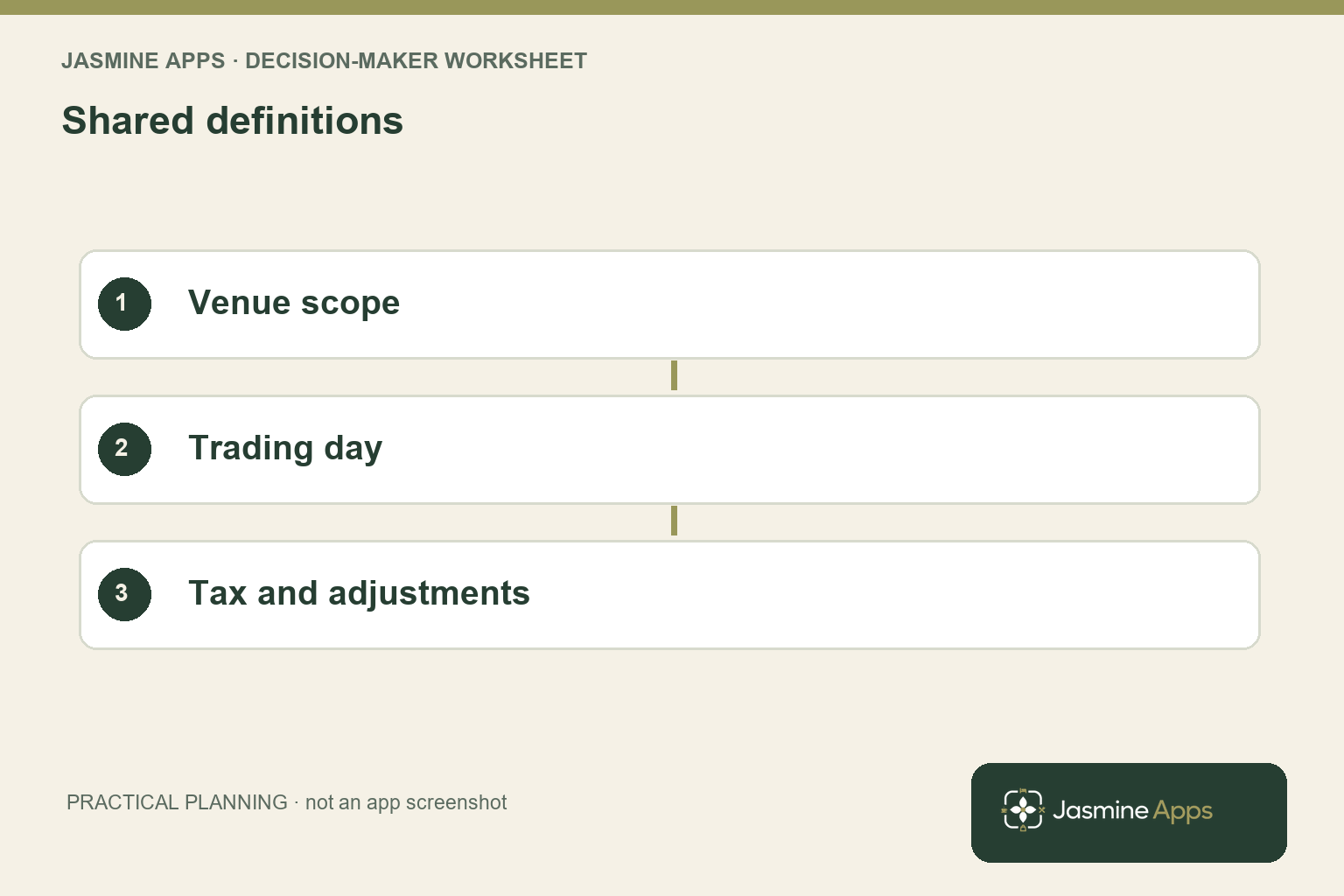
Create a short reporting dictionary your site managers can use. Define the trading period, whether the figure includes relevant taxes, how adjustments are treated and which service areas belong to each venue. If two managers interpret the same heading differently, your group total can look precise while combining unlike records. Settle those definitions before discussing which site has improved.
Check the boundary of your trading day. A late bar service can cross midnight while its operational closing process belongs to the preceding evening. Your report should use the supported system’s period consistently, with the cutoff visible to the person reading it. Calendar-date exports and trading-day summaries should not be placed side by side without checking whether they contain the same transactions.
Use the actual Till Jasmine dashboard and reporting scope as your starting evidence. The dashboard includes views such as hourly sales, product mix and payment methods. Ask your manager to demonstrate which venue and dates those views represent. You should confirm whether the group comparison you need is available directly or requires a carefully defined export and separate analysis.
Keep a metric’s denominator visible. Sales per opening hour, spend per completed order and total sales answer different questions. None automatically establishes profit. The GOV.UK service-performance guidance provides a useful principle for choosing measures around the outcome you need; your hospitality comparison should likewise start with the decision, rather than use every number because it appears on a dashboard.
Have two site managers describe the same metric independently; resolve any difference in meaning before you consolidate their figures into a group comparison.
Interpret multi venue EPOS reporting with service context
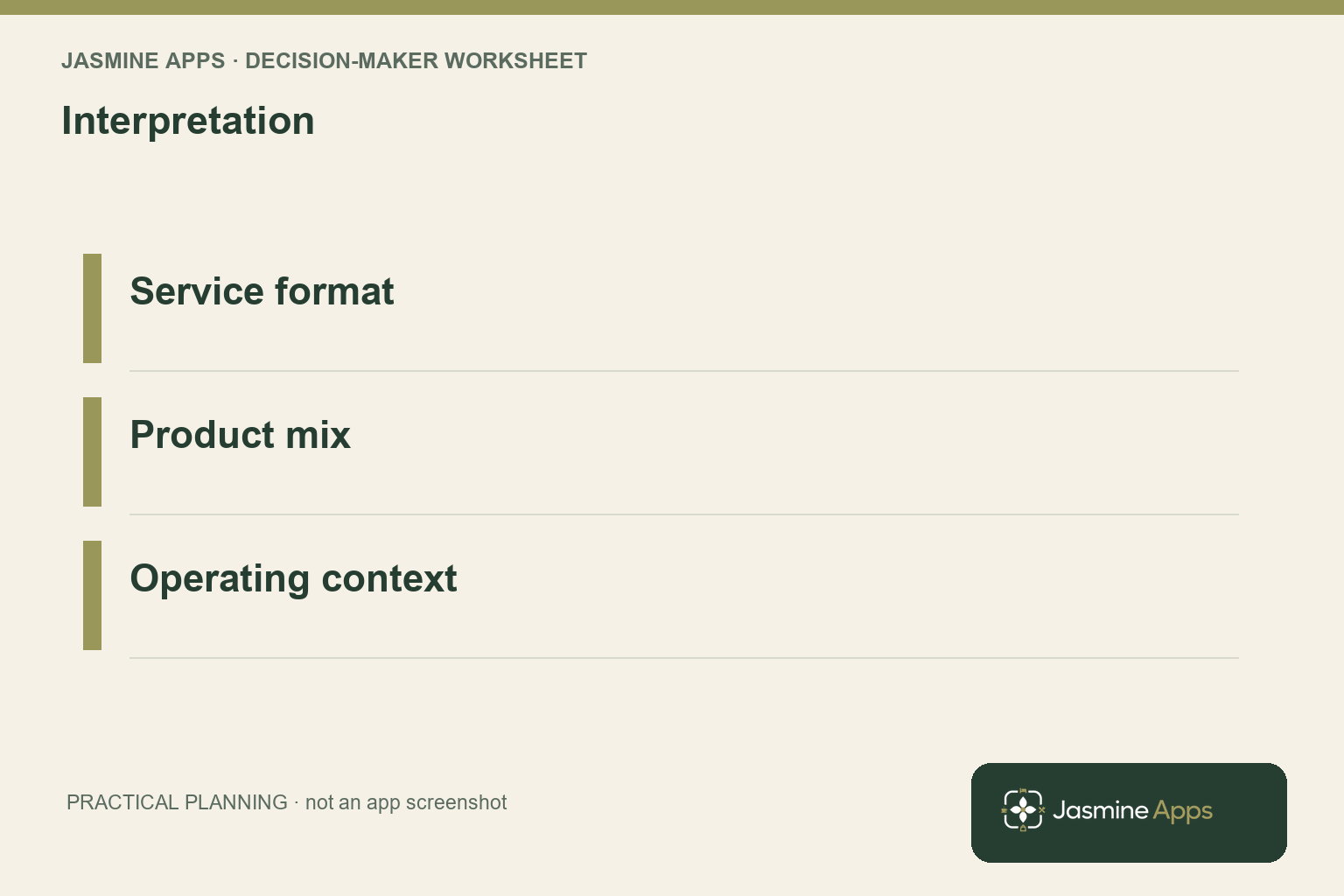
Choose comparable services before ranking venues. Your hotel breakfast counter and your late-night pub may both sell coffee, but they serve different guests at different times and prices. Compare a common product or service window where that is useful, and retain the differences that still affect interpretation. A group-wide total can support an overview while a matched comparison supports a specific operational question.
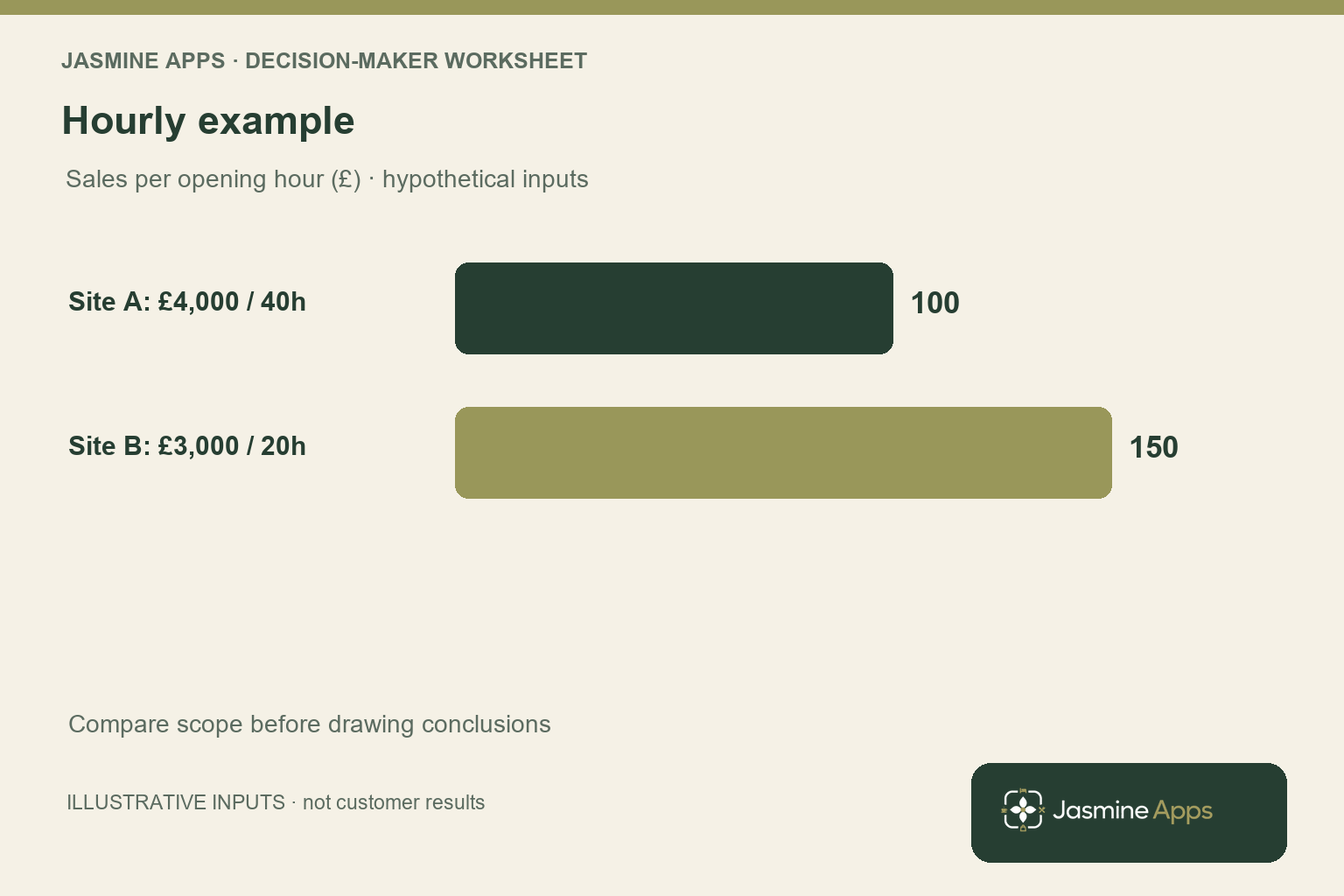
An illustrative example shows why context matters. Your first venue records £4,000 over 40 opening hours and your second records £3,000 over 20 hours. Their sales per opening hour are £100 and £150 respectively. Those hypothetical figures explain the calculation; they do not demonstrate that the second venue is more profitable, better staffed or a Till Jasmine customer success story.
Inspect the sales mix and adjustments before making the next inference. Your first venue may run functions, sell a different category mix or use an offer the second does not have. Higher average spend could reflect menu prices rather than improved selling. Your task is to identify which explanation can be checked and who owns the relevant information, not to make the chart deliver a conclusion it cannot support.
Use the reporting guide to establish the available records and export route. Keep the original export unchanged and document any transformation used in the comparison. If your analysis combines several systems, identify the join and any missing records. Your finance or operations lead should be able to trace a reported difference back to the source rather than accept a spreadsheet total whose construction nobody remembers.
Turn multi venue EPOS reporting into a management routine
Build a review around one question at a time. You might investigate why a product category changes between comparable services, why a payment-method mix differs or why a site needs repeated manual corrections. Ask the local manager for the operational explanation and the supporting record. Your group review should make the next investigation easier, rather than require each site to defend every difference in its circumstances.
Keep the review format short: metric, comparison period, material context, finding and next action. Assign the action to the role that can change the process. A catalogue naming problem belongs with the catalogue owner; an uncertain payment outcome needs the supported transaction review. You should not assign a general sales target when the evidence points to a specific data or service issue.
Check access as your group grows. Your manager needs the relevant site records, but shared group branding does not establish identical authority across venues. Use the users and permissions guide to discuss who can view or change the supported records. Your reporting routine should not depend on circulating a privileged login or emailing unnecessary customer details between sites.
After an intervention, review a comparable period and retain any remaining differences in conditions. Record whether the intended process changed, not only whether the sales figure rose. A local event or price change can influence the outcome independently. Your most useful group report is one that leads to a traceable decision and a follow-up check, while remaining honest about what the data cannot explain by itself.
Pro Tips and Common Mistakes
Pro Tips
Publish a reporting dictionary. A one-page definition of periods, tax basis and adjustments can prevent a long meeting about figures that never meant the same thing. Give each metric an owner who can resolve a scope question.
Keep a comparison passport. Attach the opening hours, service format, major events and unusual closures to the period being reviewed. You can then reuse the comparison without losing the context that made it meaningful.
Separate the overview from the investigation. Your group headline identifies where to look. Your matched service comparison and transaction evidence explain the next question. Use each view for its purpose rather than expecting one chart to do both jobs.
Common Mistakes
Ranking raw sales as operating quality fails because venue size and opening hours affect the total. State what the ranking measures and add the relevant context.
Combining different date boundaries fails because one site can include transactions the other period excludes. Check your trading-day and calendar-date definitions before consolidating.
Calling sales growth profit growth fails because prices, mix and costs can change independently. Use your finance records for profit and treat the EPOS figures as part of the evidence.
Your managers should leave the review knowing the next action and the record that will verify it. If your comparison produces only a ranking, add the missing operational question before asking the team to change its behaviour.
Add the reporting-definition version to your working comparison so a future change in tax basis or trading cutoff remains identifiable when you revisit the figures. Your managers can then explain a difference in the measurement itself before spending a meeting defending an apparent change in venue performance that never occurred.
Frequently asked questions
What is multi venue EPOS reporting?
It is your process for reviewing EPOS records across more than one location, either through supported group views or a defined consolidation of exports. Your comparison needs common periods, metric definitions and venue scope. You should identify whether the purpose is an overview, reconciliation or operational investigation. A shared dashboard can make records easier to find, but you still need context before interpreting differences between sites with different opening hours, service formats and product mixes.
How do you compare restaurant sales across locations?
Start with the same reporting period and a clear definition of sales, including the relevant treatment of taxes and adjustments. Add opening hours, service format and material events before ranking the figures. Where useful, compare a matched service window or category rather than only total turnover. Your comparison should answer a specific management question.
Retain the source records and explain any calculation so another person can reproduce the result and identify what remains uncertain.
Should you compare sales per opening hour?
You can use it when opening hours are a meaningful difference, but it remains a limited measure. Divide comparable sales by the relevant opening hours and state the period clearly. Your result does not automatically account for staffing, capacity, service format or costs. Use it to locate a question, then investigate the conditions behind the difference.
Avoid replacing one simplistic ranking with another by treating hourly sales as a complete score of venue performance.
Can your EPOS report show restaurant profitability?
Sales and payment reports alone do not establish profit. You also need the relevant costs, accounting treatment and period adjustments. Your EPOS records can inform product mix, sales and transaction review, while your finance process supplies the broader profit calculation. Ask which cost fields and reports your installed system actually supports.
Do not infer a complete profit statement from a sales chart, or assume that a higher sales total means your venue generated more contribution.
Can you manage every venue from one login?
Confirm the actual venue scope, supported views and permissions for your installation. A common account or shared branding does not mean every user should have identical access to every record. Ask your supplier to demonstrate the group manager’s reporting journey and an individual site manager’s view separately. Your team should use named authorised accounts, with access aligned to responsibility.
Keep reporting convenience and permission design in the same rollout discussion rather than solving access with shared credentials.
Make multi venue EPOS reporting useful to your managers
Your multi venue EPOS reporting should produce a fair comparison and a next action you can verify. Bring the reports you currently combine, your trading-day definition and one group question to Contact Us. Ask for a Till Jasmine reporting demonstration against that scope, so you can establish which records your managers need and how to compare them consistently.