

A Till Can Pass a Demo and Fail Your Friday Night: Your EPOS Demo Checklist
· Jasmine Apps
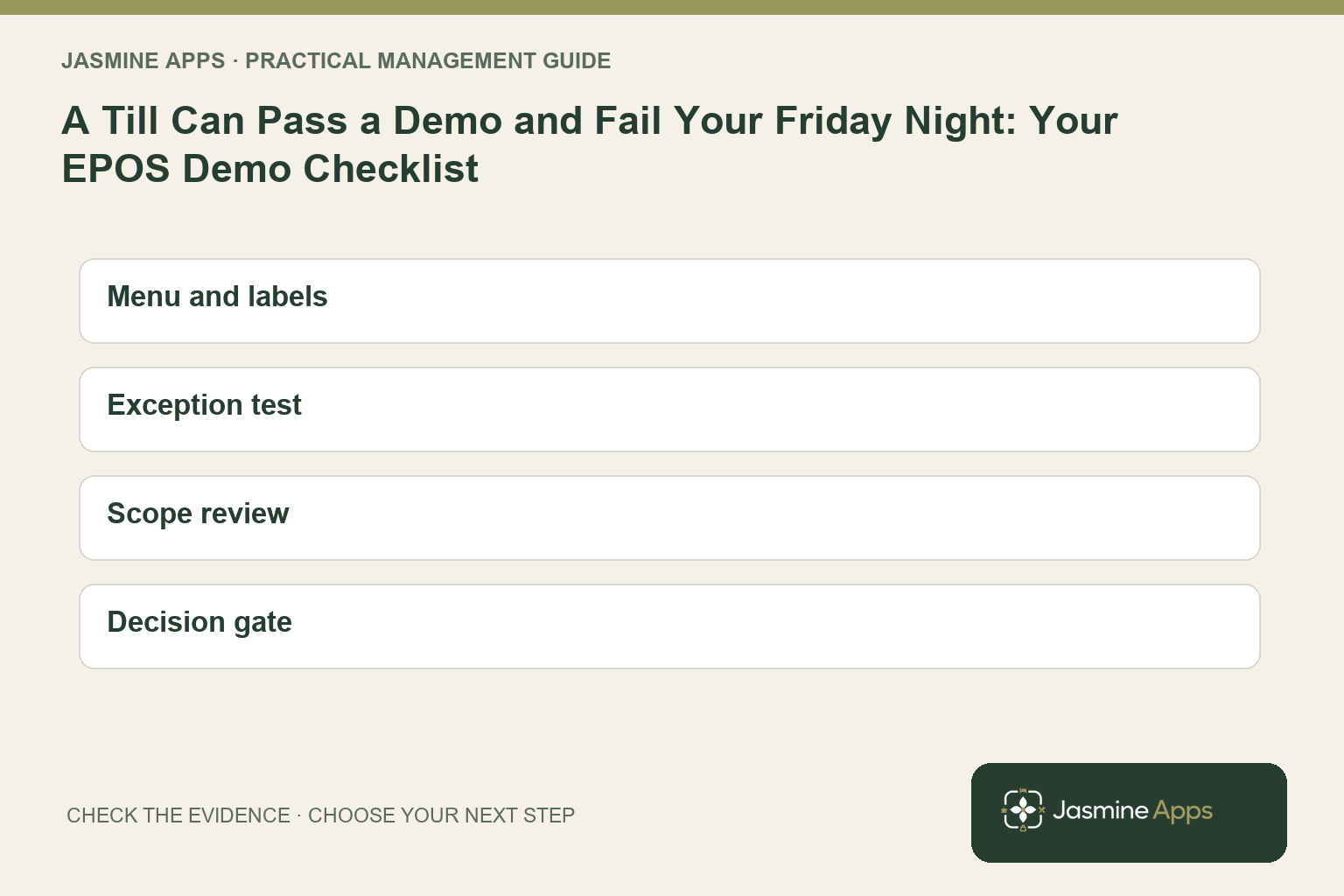
Your quietest supplier demonstration can hide your most expensive service problem. If the presenter chooses the products, controls the clicks and resolves every exception, you have tested the presenter as much as the system. Your EPOS demo checklist should therefore begin with an ordinary task performed by someone from your team, followed by an awkward correction.
You need evidence that your menu, payment arrangement and closing routine work together. This guide helps you turn a polished presentation into a purchasing decision you can explain to your operations manager and finance lead.
Key Takeaways
- Bring your menu and equipment list rather than accepting a generic setup.
- Test corrections and handovers alongside straightforward sales.
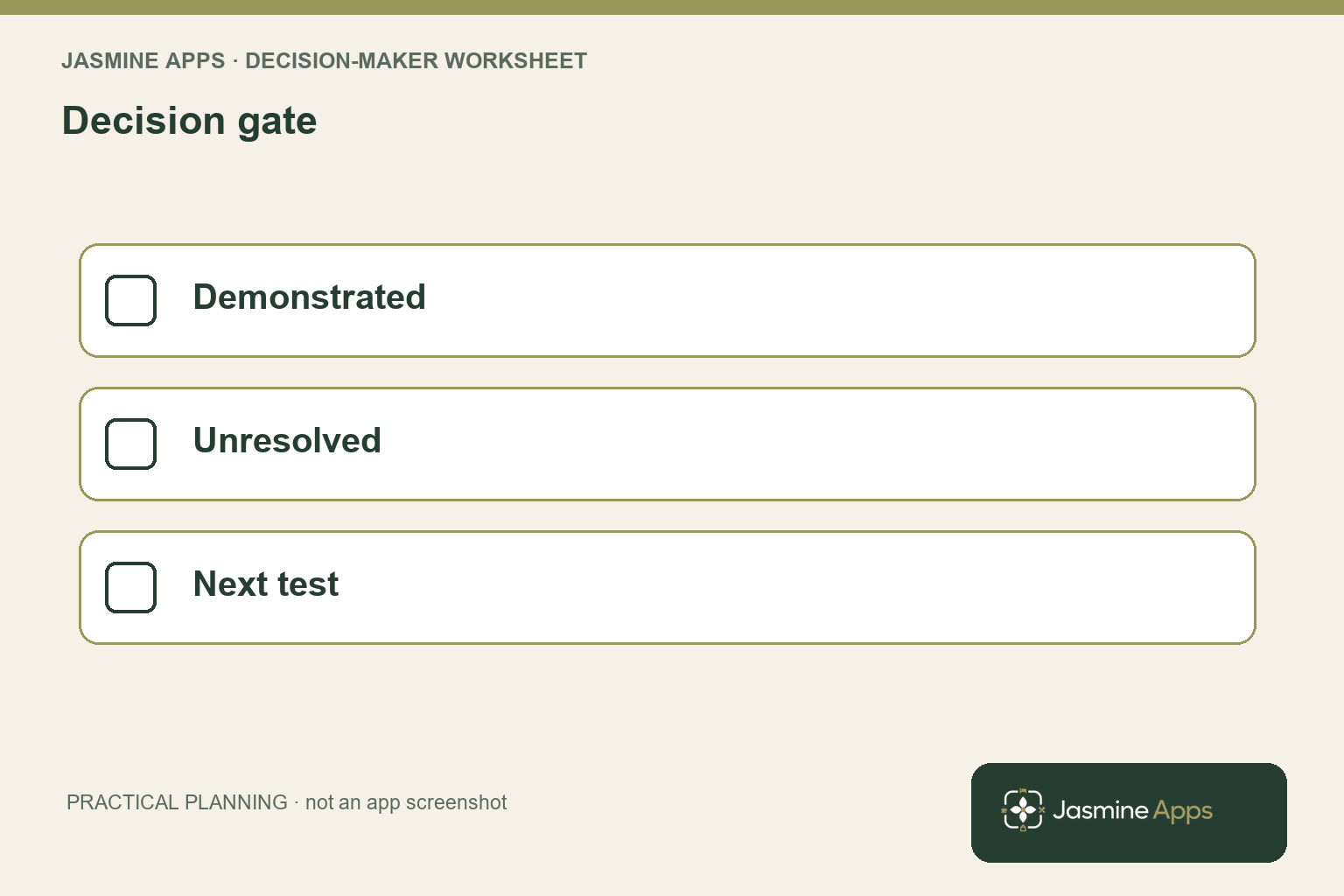
- Record demonstrated capability separately from planned development.
- Compare complete installation costs and responsibilities.
- Leave with an evidence list and a clear next test.
Build your EPOS demo checklist around the service you sell
Write down the orders your team needs to handle, including the serving choices that make them difficult. Your breakfast counter might sell different coffee sizes, while your bar needs several draught portions and your restaurant needs a destination for a table order. Ask the supplier to represent those requirements using your actual product names. You will learn more from a familiar menu than from a screen labelled simply food and drinks.
Bring one experienced employee and one colleague who has not helped design the layout. Give each a customer request and let them find the products without coaching. Record where they hesitate, whether labels distinguish similar items and what happens when they select the wrong option. The GOV.UK usability-testing guidance describes observing people attempting specific tasks; you can apply that principle to your purchasing demonstration.
For Till Jasmine, your practical starting point is Products & Categories and the visual till designer. The actual dashboard distinguishes whether a product exists from whether it is placed On till. Ask to see a product placed on the intended selling page and the layout saved before you test the trading device. That separates catalogue readiness from screen readiness.
Make your acceptance notes specific. Replace “easy to use” with “a new employee can find the correct coffee size and correct a mistaken selection without manager assistance”. Ask which parts depend on your venue configuration and permissions. Your eventual training plan can then address demonstrated needs rather than assumptions about what everyone already understands.
Include a similar-looking product in the sample order so your colleague must identify the serving choice rather than guess from position.
Use your EPOS demo checklist to test exceptions
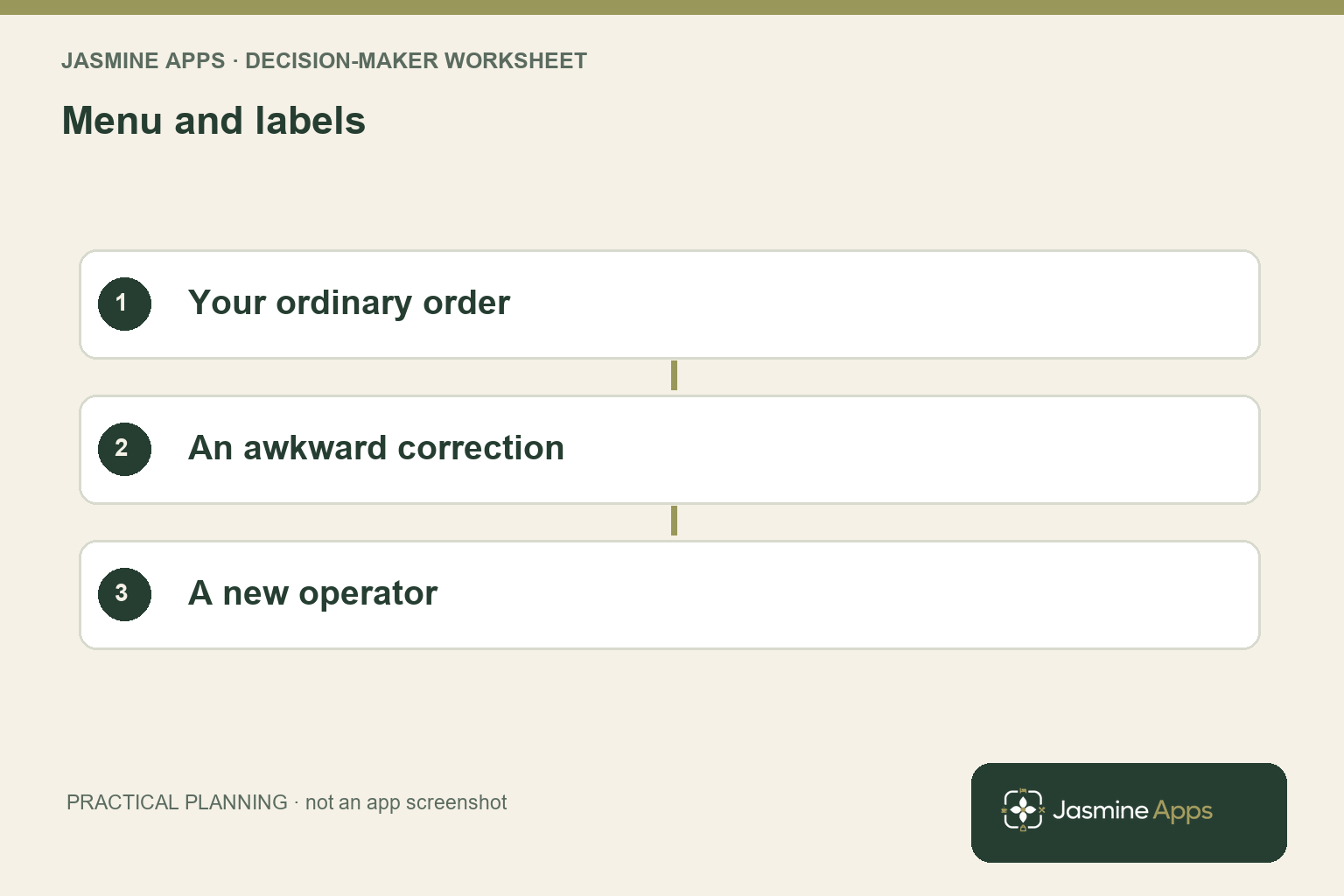
Your most revealing demonstration task is often an interrupted order. Ask what happens when your employee changes a product, applies an authorised discount, selects the wrong destination or faces an uncertain payment response. Separate an order correction from a completed-payment correction. You need to know the approved recovery route for each stage, including when your duty manager or payment provider becomes involved.
Review the payment page as a separate part of the journey. The actual Till Jasmine layout has a Payment page containing actions such as Cash, Card and Charge to room. A button on that page does not, by itself, prove compatibility with your card terminal or an external hotel account system. Ask for a demonstration of the exact connection you intend to buy, and have its scope written down.
Give connectivity its own test. Ask which completed sales remain locally recorded, which information is unavailable offline and how reconnection is checked. Your card authorisation requirements belong to your payment provider’s supported arrangement. Never treat an offline selling demonstration as proof that every payment device can authorise a transaction without a connection.
Record outcomes in a simple evidence table: task, person attempting it, result, unresolved question and next action. A supplier saying a feature is planned should go in the unresolved column until it is available and demonstrated. Use your hotel EPOS cost guide to connect the demonstrated scope with the quotation. That prevents an attractive initial price from becoming a budget for a different installation than the one your team actually needs.
Complete your EPOS demo checklist with ownership and costs
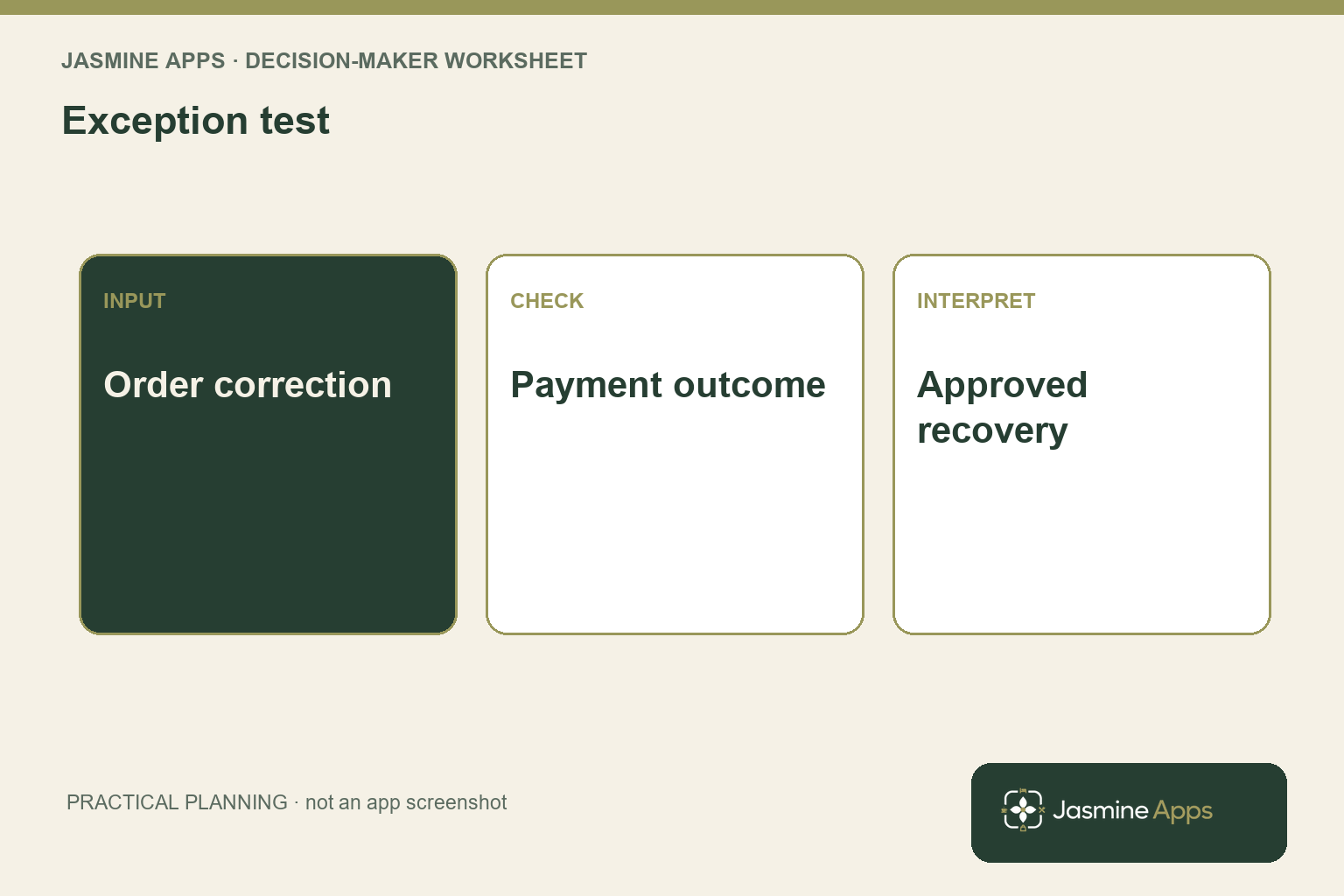
Ask who prepares the catalogue, checks prices, configures equipment and trains each shift. Your supplier may provide installation while your venue remains responsible for approving menu data and operational permissions. Specify what your manager must sign off and what the supplier will deliver. A shared project is easier to manage when neither side assumes the other owns an unfinished task.
Compare a complete cost schedule over the same period. Include software, required hardware, setup, training, payment-related charges and any connections needed for your intended workflow. Ask which costs recur, which change with additional devices and which depend on trading volume. You should be able to explain the difference between a quoted subscription and your total planned commitment without guessing.
Check your existing equipment by exact model. Your Windows till PC, printer, cash drawer and terminal should appear on a compatibility list, with responsibility for any replacement clearly assigned. The Till Jasmine setup uses an installed Windows till application and device pairing; confirm the supported requirements for your own machines. Do not make your busiest service the first compatibility experiment.
Finish by agreeing a small pilot and a decision date after its checks. Your pilot should cover the ordinary order, an exception, the payment outcome and the closing record. Use the device-pairing guide for the setup detail, while keeping purchasing acceptance separate from button-by-button training. You are buying a workable service process, so your approval should depend on the complete process being demonstrated by the people who will use it.
Give each unresolved equipment requirement its exact model reference, supplier owner and evidence needed before you approve the installation scope.
Pro Tips and Common Mistakes
Pro Tips
Ask for a second operator. Your supplier’s specialist knows where every control lives. Give the same task to your colleague and compare the help required. Keep that difference in your training estimate rather than assuming a smooth presentation proves immediate staff confidence.
Create an evidence deadline. When a question remains unresolved, assign an owner and request the missing demonstration before your purchasing decision. Written answers are useful, but a required live connection should also be tested on the proposed installation.
Test the closing record early. Start with the report you need at the end of service, then work backwards to the order and payment that should produce it. You can spot a reporting mismatch before becoming attached to an attractive selling screen.
Common Mistakes
Testing only an uncomplicated cash sale fails because it excludes the exceptions that create manager calls. Include a correction and the relevant destination or payment handover.
Treating a roadmap item as an installed feature fails because your opening date still depends on delivery and testing. Record current capability and future development separately.
Comparing subscriptions without implementation scope fails because one quote may omit essential setup or equipment. Compare the same service requirements and the same cost period before deciding which offer is better value.
Your strongest procurement record is a short set of repeatable tests with named owners. Keep it alongside the final quotation so your team can verify that delivery matches the reason you selected the system.
Keep a non-sensitive test record alongside your acceptance notes, identifying the configuration used and the task outcome without exposing credentials or guest details. At the delivery review, repeat the same task rather than replacing the original acceptance criteria with a general impression of whether the installed screen looks familiar.
Frequently asked questions
What questions should you ask in an EPOS demo?
Ask how your common orders, corrections, payments and closing reports work on the proposed setup. Bring your menu, equipment models and required connections so the answers concern your installation. Request written scope for setup, training, recurring charges and responsibilities. You should leave knowing which tasks were demonstrated, which depend on configuration and which still need evidence.
A broad feature list is less useful than a completed journey you can repeat with your own team.
How do you compare two EPOS systems fairly?
Give both suppliers the same tasks, menu sample, equipment list and acceptance criteria. Ask your colleague to attempt each workflow and record the assistance needed. Compare costs over an identical period, including installation and required connections. Keep unresolved requirements visible rather than awarding credit for promises.
Your comparison then reflects operational fit and delivery scope instead of whichever supplier has the more polished presentation or the lowest subscription headline.
Should you test EPOS without an internet connection?
Yes, if connectivity interruptions are relevant to your venue, but use an agreed test environment and supplier-supported procedure. Ask what remains available, how completed records are retained and how reconnection is verified. Check payment authorisation separately with your provider. You should understand the supported outage routine before live service, including the point where staff stop and ask for help.
An offline screen alone does not prove every part of your trading workflow remains supported.
Can you keep your existing till hardware?
You may be able to retain some equipment, but your decision needs exact model and operating-system checks. List your PC, printer, cash drawer, scanner and payment terminal, then ask for compatibility confirmation against the proposed installation. Identify who supplies drivers, configures devices and resolves faults. Include any required replacements in your budget before you sign off the project.
Reusing equipment only saves money when it supports the workflow you intend to operate.
What should happen after an EPOS demonstration?
Turn your notes into a short action list with owners and evidence deadlines. Resolve essential compatibility or integration questions, confirm the quotation’s scope and agree a pilot covering ordinary sales and exceptions. Schedule staff training around the tested workflow. You should make the purchase decision once the required evidence is available, rather than letting an attractive demonstration substitute for readiness.
Keep the final checklist so your delivery review can compare the installed system with the agreed requirements.
Turn your EPOS demo checklist into a decision
Your EPOS demo checklist should give you evidence you can defend: a working menu, a tested exception, a confirmed payment route and a complete quotation. Bring those requirements to Contact Us and request a Till Jasmine demonstration around your venue. You will leave with a clearer installation scope and a practical list of checks for your team before you commit to rollout.