

Christmas Party Bookings: What to Collect Before December
· Jasmine Apps

Christmas party bookings become difficult when a date is held but the details needed for service remain unresolved. Table Jasmine can keep reservations, functions, pre-orders and payment activity organised. Build the December process around what the organiser must confirm and what each department needs to deliver.
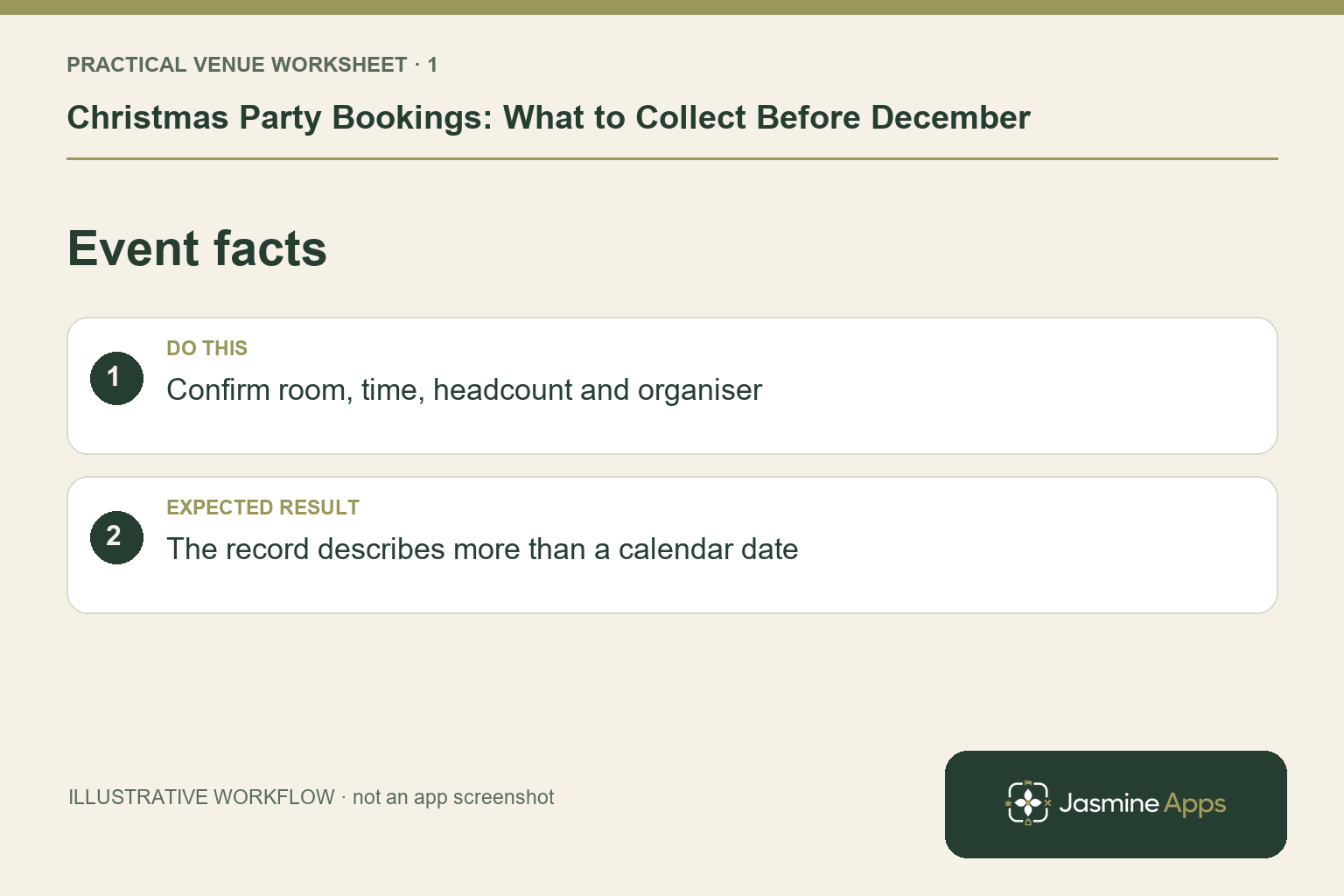
Confirm the event rather than just the date
Record the agreed arrival time, estimated numbers, area and service style. Distinguish an exclusive private function from a group joining an ordinary restaurant sitting. Confirm the intended arrangement with the organiser and use a clear enquiry route for changes. An illustrative office party can grow from one department to several; the venue needs to know when that changes its room plan. Keep the booking promise in one checked record instead of several contradictory sales messages.
Check the result: The record describes more than a calendar date.
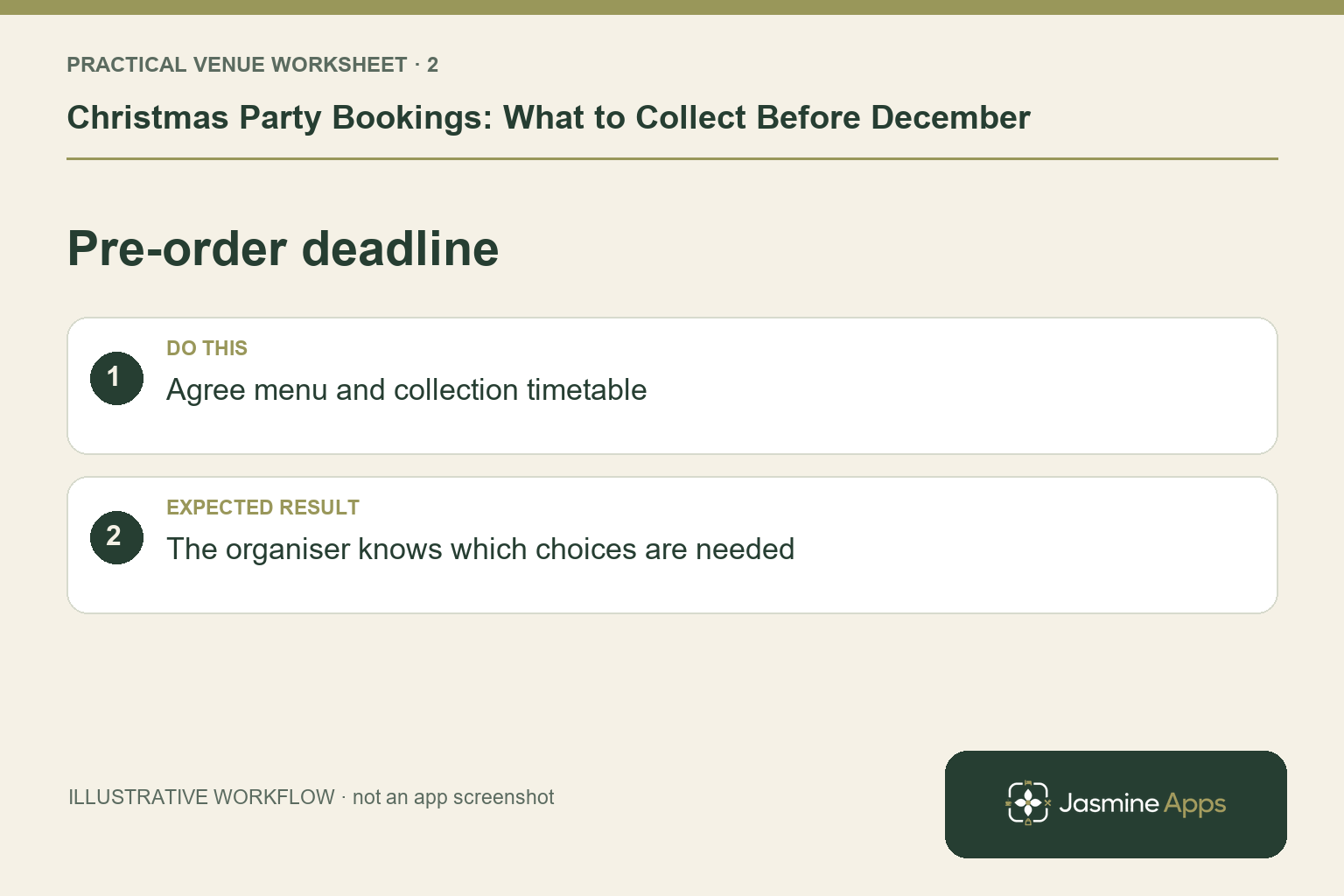
Agree the menu and pre-order timetable
Decide which party formats require advance choices and set deadlines that match the actual kitchen and supplier plan. Table Jasmine's function workflow supports Require Pre-Order, course choices and organiser requests. Test the form against the final festive menu before sending it. Review outstanding responses through the Pre-Orders view and let one coordinator manage reminders. Allergen and dietary information needs the kitchen's established review; a completed form does not guarantee every guest has supplied everything needed.
Check the result: The organiser knows which choices are needed.
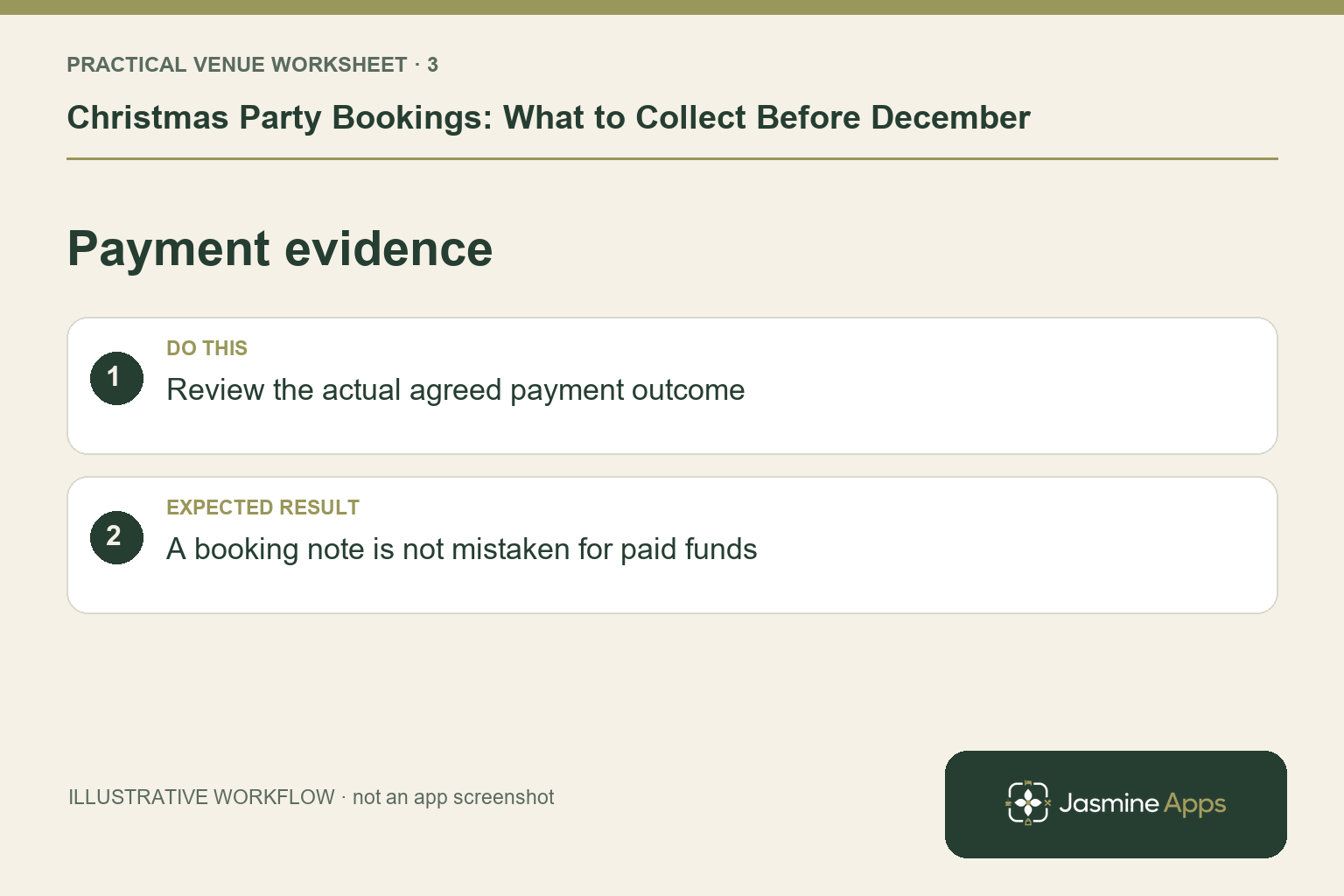
Keep payment evidence separate from assumptions
The published Table Jasmine features include Stripe card-on-file, charges, deposits and an activity log. Confirm which policy and journey your venue is actually using and explain the approved terms clearly to the organiser. Do not infer a successful payment from a held date or an email saying “paid”. Check the supported payment activity and give any uncertainty to the responsible manager. The venue's agreement and payment-provider rules determine exceptions, not an improvised decision at a busy host desk.
Check the result: A booking note is not mistaken for paid funds.
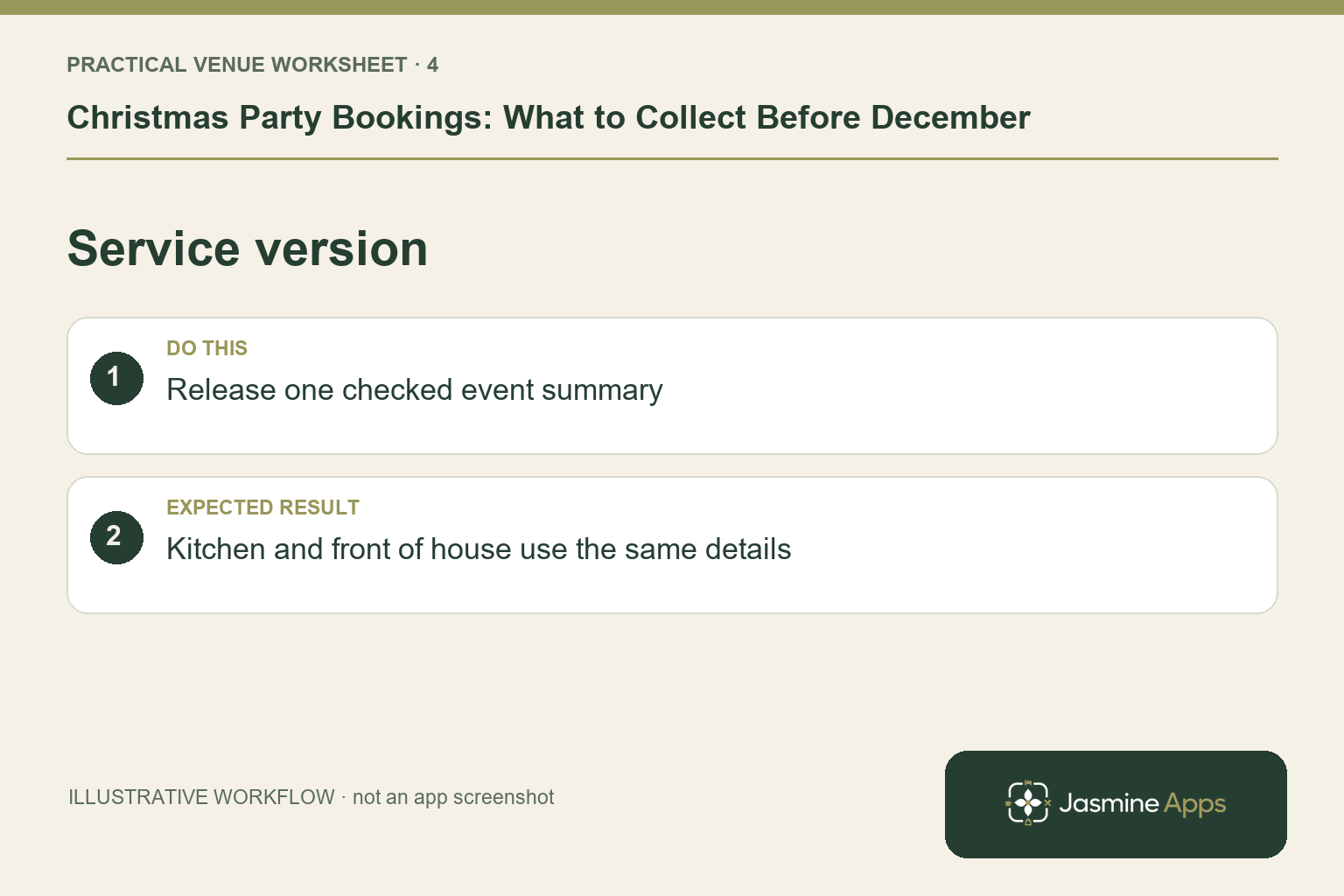
Give service one final checked version
Review party numbers, arrival times, seating and pre-orders before the relevant service cut-off. Export or send the recorded pre-order summary for the kitchen and label the checked version. Make late changes reach the event coordinator, host and kitchen through the same route. Prepare the till's festive products and staff briefing separately from the function record. A completed booking is not proof that a seasonal dish is on the saved selling screen.
Check the result: Kitchen and front of house use the same details.
Put the plan into practice
Use a December readiness list with a coordinator for each party, outstanding decisions, next contact date and final-summary owner. Rehearse a number change, a late pre-order and an uncertain payment before the calendar fills.
Questions venue teams ask
Should every Christmas party use one deadline? Set the deadline around the menu and service requirements, then communicate it consistently.
Does a deposit solve every cancellation problem? It is one part of an agreed booking process. Confirm the terms, records and exception owner for the actual venue setup.
Example from the actual app
The actual New Function form separates Style, Reason, Arrival Time, Require Pre-Order and a Function Time Plan. It also records a charge reason, expected amount and paid/unpaid state separately. Use that separation when agreeing a Christmas party: the function date, meal choices, timetable and payment evidence each need their own check.
A working checklist for your venue
| Check | What to do | Result to verify |
|---|---|---|
| Event facts | Confirm room, time, headcount and organiser. | The record describes more than a calendar date. |
| Pre-order deadline | Agree menu and collection timetable. | The organiser knows which choices are needed. |
| Payment evidence | Review the actual agreed payment outcome. | A booking note is not mistaken for paid funds. |
| Service version | Release one checked event summary. | Kitchen and front of house use the same details. |
Use the checklist with a colleague who did not configure the workflow. Ask them to complete the ordinary task without coaching, then compare the result with the expected outcome. Record the point where they hesitate or need information from another shift. That observation gives you a specific improvement to make before extending the setup.
Discuss your own setup
Bring your service hours, table capacities and one ordinary booking alongside a larger-party example. Contact Us to discuss how Table Jasmine would fit that booking and service journey.
Illustrations explain the workflow and are not product screenshots. Any numerical example is labelled illustrative and is not a customer result. Product wording and documented setup checks reviewed on 13 October 2026; confirm the features available in your current installation.