

Why Is the Next Signer Still Waiting in Sign Jasmine?
· Jasmine Apps
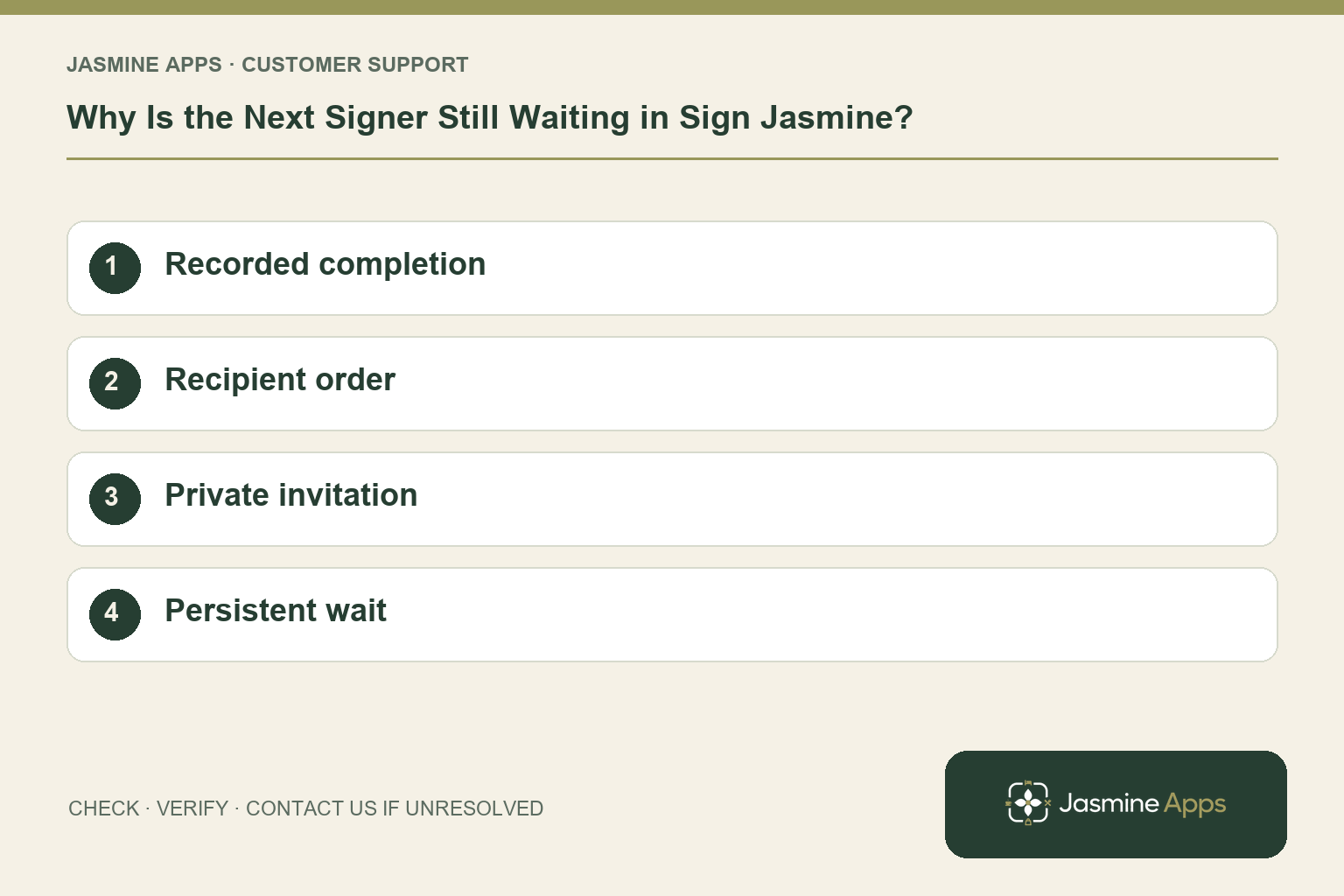
Customer support: Work through these checks in order. After each change, repeat the original action and check the result. If it remains unresolved, use Contact Us.
One person says they signed, but the counter-signer has not completed the document. Sign Jasmine collects signatures in order. Find which stage is waiting before treating every recipient's experience as the same delivery fault.
Quick answer: Review the envelope's recipient order and recorded completion. Confirm the preceding signer finished before troubleshooting the next person's private link.
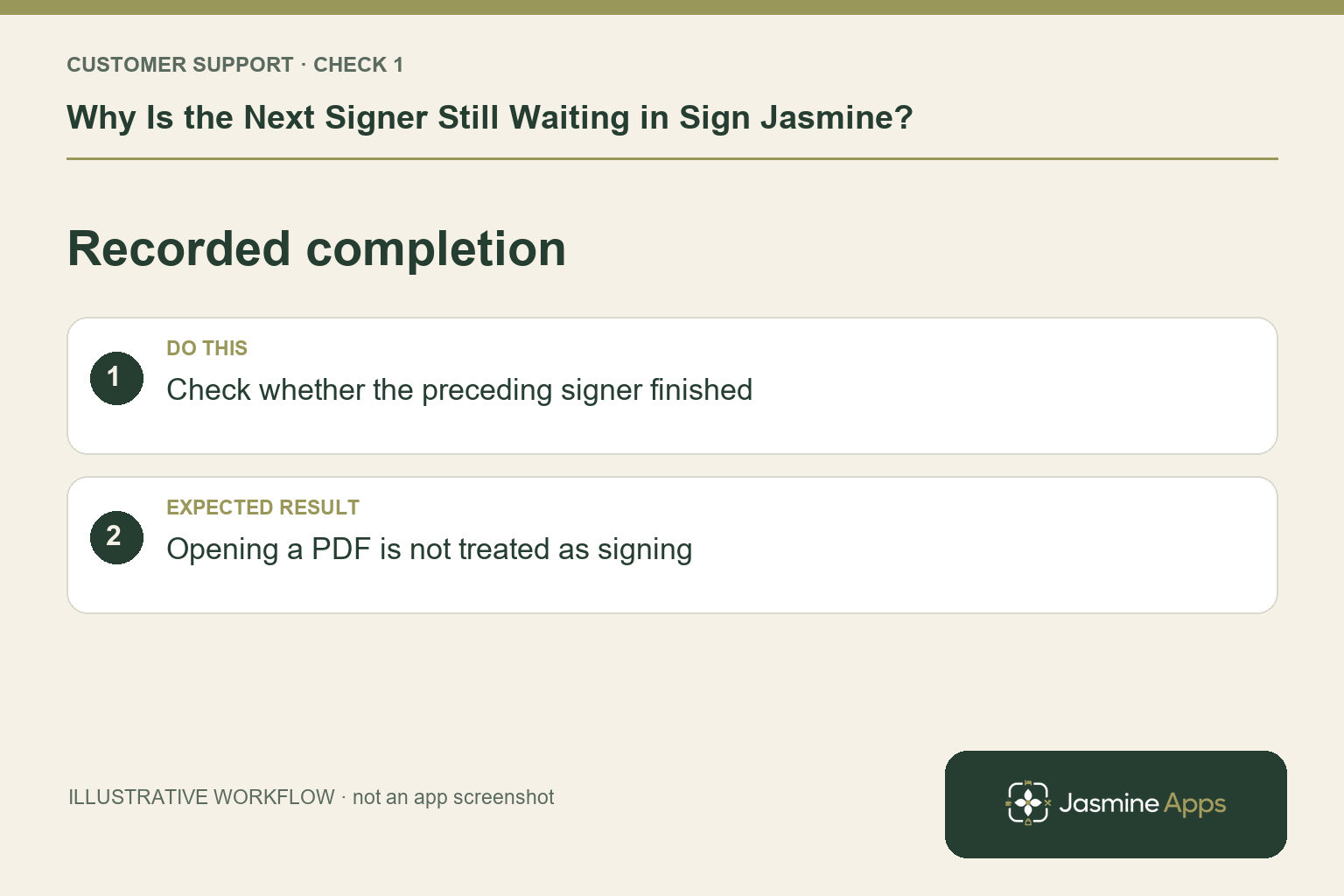
1. Does opening the PDF mean someone has signed?
No. Reading the document and completing its assigned fields are different outcomes. Check the recorded envelope state and audit information available to authorised venue staff. Ask the recipient what completion result they saw. If they only opened the link, there may still be required actions. Avoid declaring the document fully signed from a verbal “I looked at it” response.
Check the result: Opening a PDF is not treated as signing.
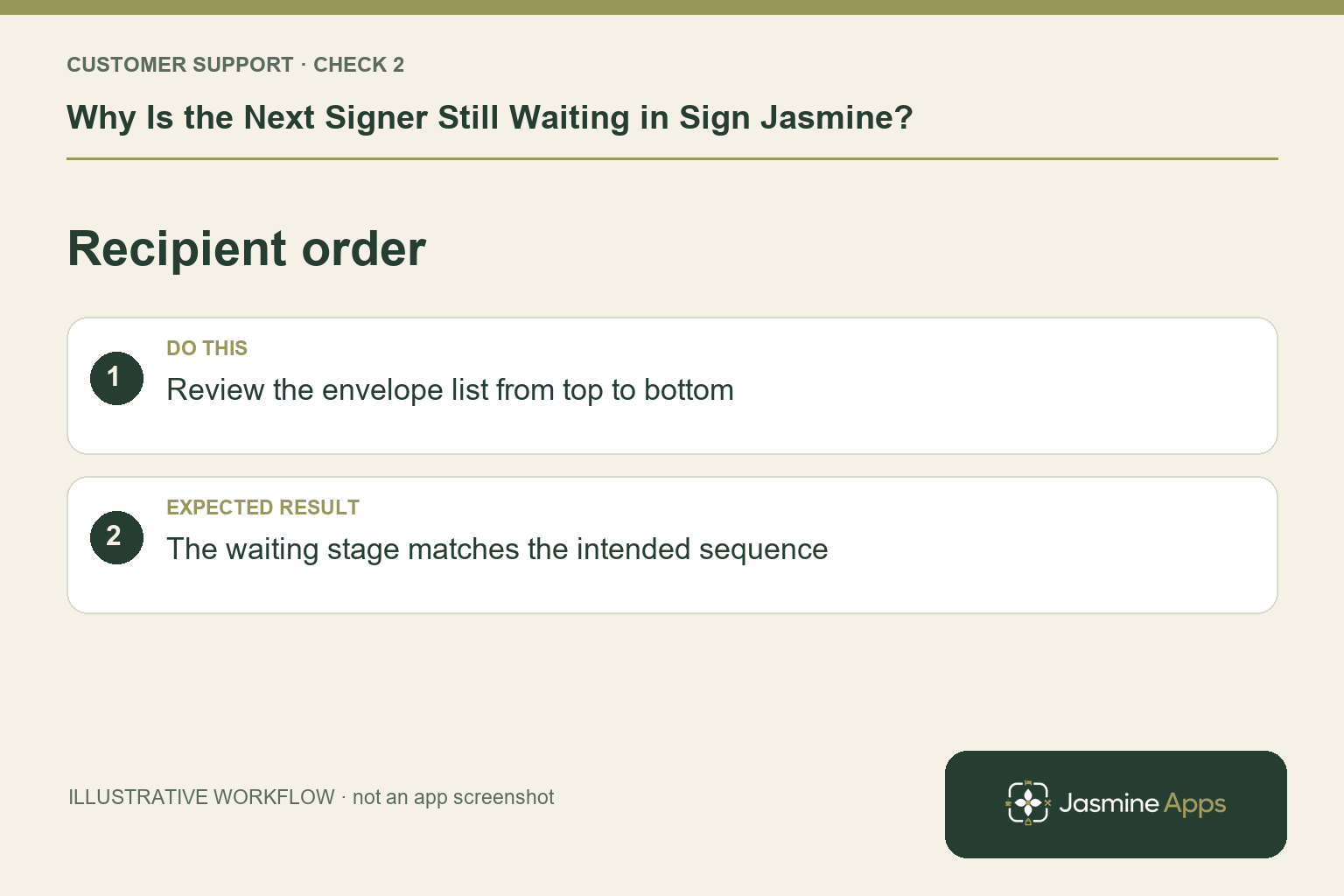
2. Which order should the team expect?
The setup guide says people sign from the top of the recipient list to the bottom. The first person is a Signer and the second row a Counter-signer; Add me places you last. Review that intended order and each name. An incorrectly arranged list needs the supported correction process. Sending another envelope without checking the first can leave recipients uncertain about which record is authoritative.
Check the result: The waiting stage matches the intended sequence.
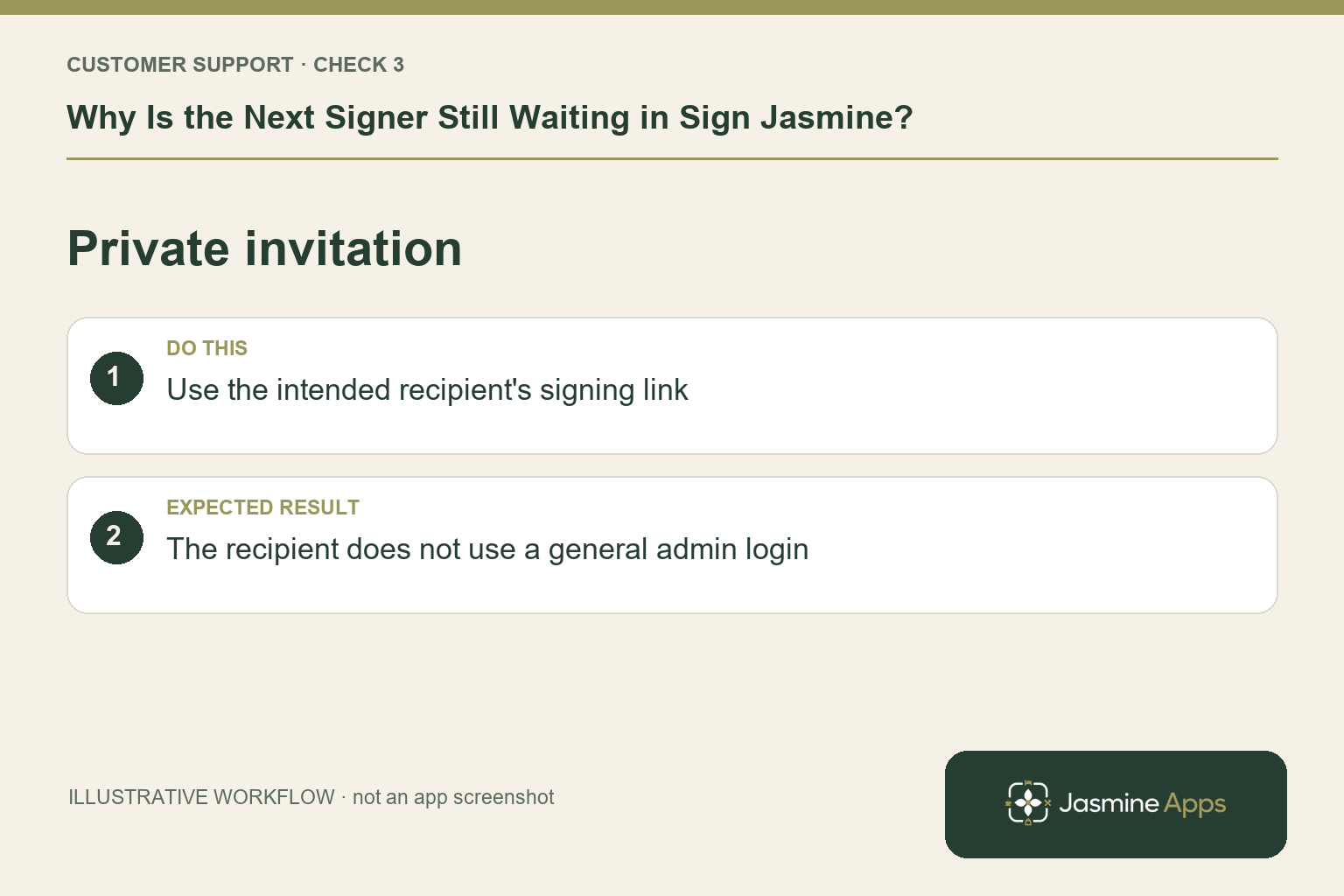
3. Does the recipient need a Jasmine account?
The published feature page describes private guest signing links on desktop or mobile without an account. Verify they are opening the intended invitation rather than a general admin login page. Ask them to check their inbox address and the relevant message. Keep the link private; it belongs to the intended recipient, not a public help forum or a shared demonstration.
Check the result: The recipient does not use a general admin login.
4. What if the expected person still cannot proceed?
Record the exact message and whether the preceding signer is complete. Identify the intended document and recipient stage before any resend or replacement. The current published guidance does not establish a universal resend, expiry-extension or reordering button, so ask support for the supported action in that envelope. Confirm completion through the actual record once the recipient finishes.
Check the result: The document owner coordinates the next action.
Example from the actual app
The real New envelope form numbers recipients and provides Sign earlier and Sign later controls before field placement. Each row also distinguishes Signer, Counter-signer and Viewer. Review the original intended roles and sequence; a Viewer is not another required signer. The form states that Add me places the current user last as counter-signer.
Before you contact us
| Check | What to do | Result to verify |
|---|---|---|
| Recorded completion | Check whether the preceding signer finished. | Opening a PDF is not treated as signing. |
| Recipient order | Review the envelope list from top to bottom. | The waiting stage matches the intended sequence. |
| Private invitation | Use the intended recipient's signing link. | The recipient does not use a general admin login. |
| Persistent wait | Record state and error before requesting recovery. | The document owner coordinates the next action. |
Record which check failed, the exact error wording and when it happened. Include the relevant venue and record reference, and say whether one device or several people are affected. If you changed a setting, identify that change and the retest outcome. This helps us investigate the actual failing stage instead of asking you to repeat the whole process.
Contact Us if the expected result still does not appear. Send only the information needed to investigate; keep passwords, active codes, payment details and unrelated customer records out of screenshots.
When to stop and ask for help
Send the envelope reference, recipient stage and exact symptom through private support. Do not post signing links or agreement contents. The authorised document owner should coordinate any replacement request so recipients know which version to complete.
Related support checks
- Sign Jasmine PDF Upload or Signature Box Not Working?
- Signed PDF or Clock Contract Missing in Sign Jasmine?
Illustrations explain the workflow and are not product screenshots. Any numerical example is labelled illustrative and is not a customer result. Product wording and documented setup checks reviewed on 13 October 2026; confirm the features available in your current installation.