

Before Replacing Hotel TVs: Audit the Hardware You Already Own
· Jasmine Apps
A hotel TV hardware audit can prevent an expensive decision based on an incomplete room count. Two TVs with the same screen size may have different operating systems, firmware or connection options. A trial on one recently fitted room does not establish that the whole hotel will behave the same way.
Before considering Jasmine TV, inventory the actual equipment and ask for written confirmation of support for those models and configurations. Existing Google TV or Android TV compatibility needs to be assessed against the specific supported setup.
Record models, not just brands
List each TV model, room group, operating system and any external device. Where the hotel has purchased equipment over several years, group the different generations rather than treating every screen as identical.
Record relevant firmware and connection details through an appropriate technical inspection. Do not open equipment or investigate wiring outside the competence of the person doing the audit.
Check the result: Compatibility is assessed beyond the brand name.
Include the room experience
Compatibility is more than installing an app. Check power-on behaviour, remote controls, network access and the route back to ordinary TV functions supported by the setup.
| Audit item | Why to record it |
|---|---|
| Exact model | Determines the relevant compatibility check |
| Operating system/version | Avoids grouping unlike devices |
| Network location | Reveals representative room conditions |
| Remote and inputs | Affects the guest's everyday use |
| Reset process | Matters between stays |
| Support route | Helps staff respond to a problem |
Ask the supplier which information is needed before arranging the pilot. A generic “smart TV” description is not enough for a dependable quote.
Check the result: The inventory describes the installation actually used.
Choose representative rooms
Test more than the best-connected room beside reception. Include each important hardware group and a room with ordinary, less ideal network conditions.
Use the actual network policies and guest-room setup. Do not infer that streaming, casting or logout works on every app merely because one entertainment route succeeded once.
Check the result: The test reflects the property's equipment range.
Test a complete stay cycle
Run arrival, normal use, checkout/reset and a fresh guest experience. Ask what triggers any supported reset and which applications or data it covers.
Jasmine TV's supported configurations and selected-app behaviour should be confirmed in the demonstration and quote. Housekeeping still needs a practical verification routine for the room before the next arrival.
Check the result: The complete room routine is understood.
Compare the whole replacement decision
If some existing devices are suitable and others are not, ask for a clear plan by hardware group. Compare installation work, accessories, support, configuration and staff training alongside the screen cost.
Avoid choosing a configuration solely because it makes one demonstration room look good. The useful question is whether the staff can support it consistently across the actual hotel.
Questions for the supplier
Does every smart TV support Jasmine TV? Do not assume that. Confirm exact models, operating systems, versions and supported configurations.
Is a successful one-room trial enough? It is a starting point. Include representative hardware and network groups before expanding.
What should the quote specify? Supported equipment, installation scope, reset behaviour, dependencies and support responsibilities.
Explore Jasmine Apps and request a Jasmine TV compatibility review with your inventory. A careful pilot can tell you which equipment is worth retaining and which needs a different plan.
Example from the actual app
The actual Welcome screen includes a sample television preview and labels Room 12 as a sample, while Rooms and Apps are separate management routes. Keep that distinction during a hardware audit: a successful browser preview does not demonstrate power-on, remote navigation or logout on an existing bedroom television.
A working checklist for your venue
| Check | What to do | Result to verify |
|---|---|---|
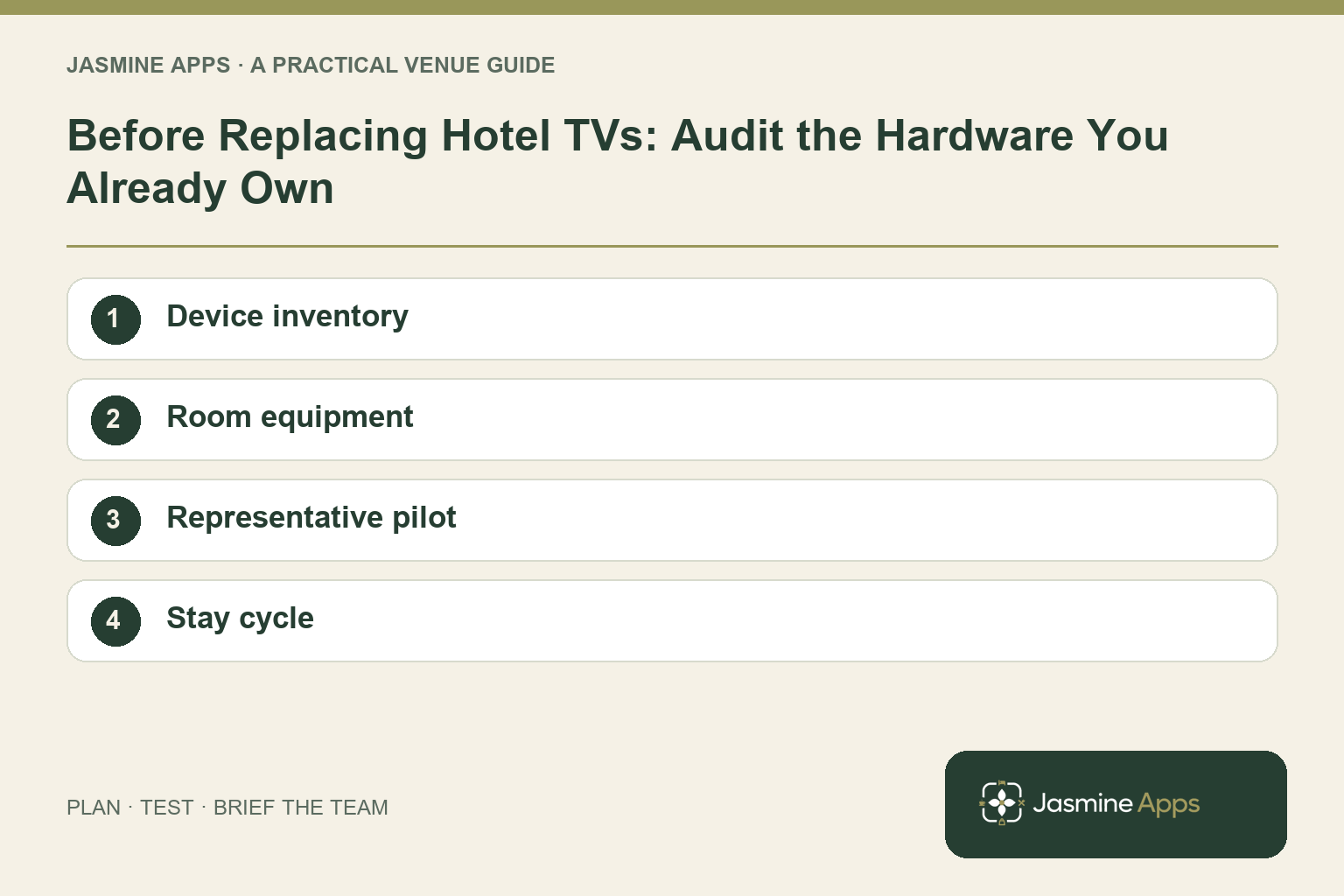
| Device inventory | Record exact model and operating system. | Compatibility is assessed beyond the brand name. |
| Room equipment | Check remote, input and external devices. | The inventory describes the installation actually used. |
| Representative pilot | Include different room configurations. | The test reflects the property's equipment range. |
| Stay cycle | Test arrival, standby, entertainment and departure. | The complete room routine is understood. |
Use the checklist with a colleague who did not configure the workflow. Ask them to complete the ordinary task without coaching, then compare the result with the expected outcome. Record the point where they hesitate or need information from another shift. That observation gives you a specific improvement to make before extending the setup.
Discuss your own setup
Bring the exact TV models and operating systems, plus a short section of guest information. Contact Us to discuss Jasmine TV and a representative room test covering content, remote navigation and turnover.
Illustrations explain the workflow and are not product screenshots. Any numerical example is labelled illustrative and is not a customer result. Product wording and documented setup checks reviewed on 13 October 2026; confirm the features available in your current installation.