

Match-Day Pub Service: Prepare the Till Before Kick-Off
· Jasmine Apps
Match-day pub service comes in waves. Guests arrive together, order similar rounds and often want another drink at the same moment. Preparing Till Jasmine is part of the plan, but the physical bar and staff responsibilities need to be ready too. Use the fixture as a planning cue without treating every crowd as identical.
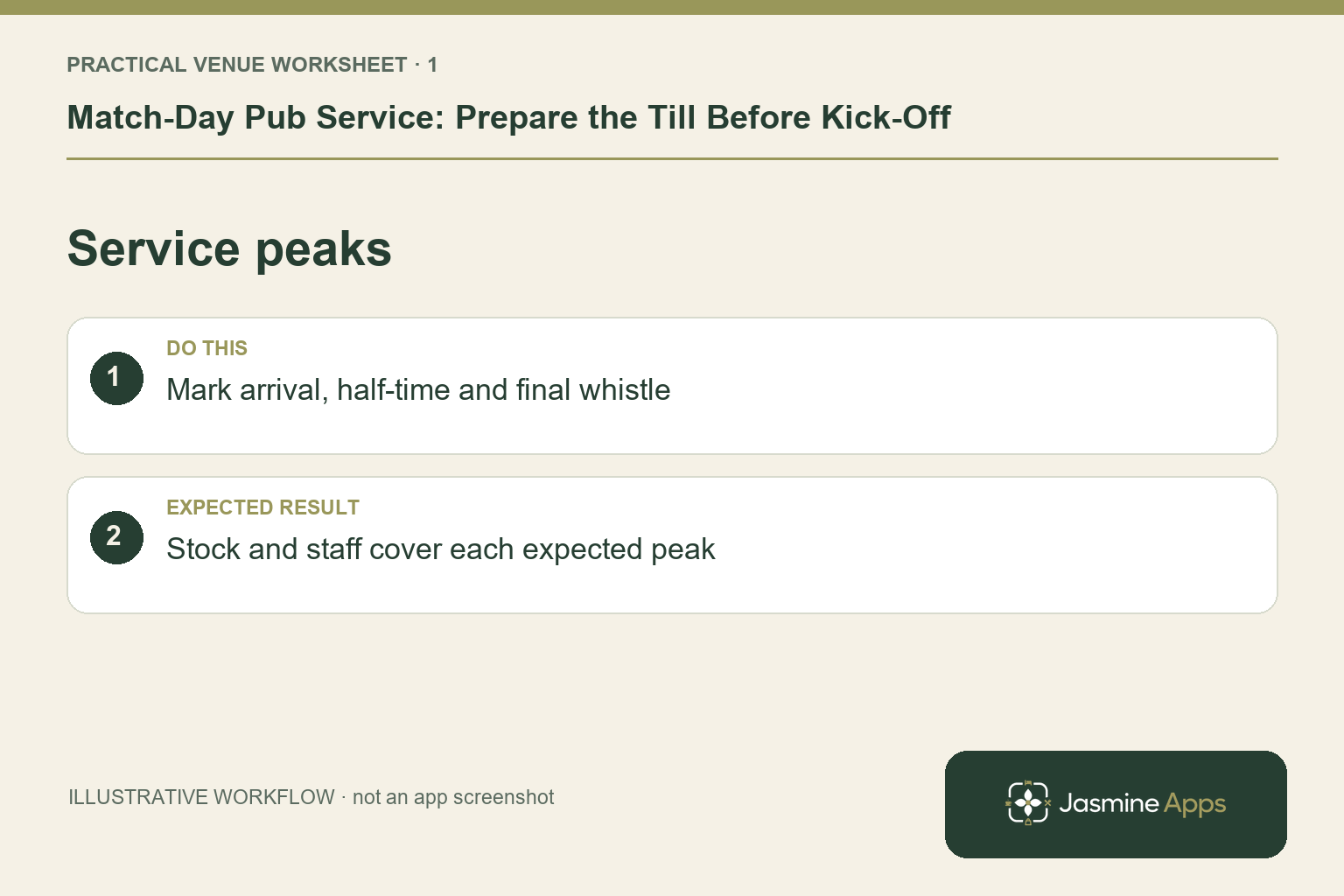
Plan the peaks around your own venue
Review the booking and event picture, expected arrival times and the service pattern you have observed before. A lunchtime fixture with meals differs from an evening screening dominated by drinks. Agree which areas stay available and who handles guest enquiries. Prepare an illustrative rush order containing several draught drinks and a soft drink, then check whether staff can enter it without searching unfamiliar pages. This is a rehearsal scenario, not a claim about guaranteed demand or sales.
Check the result: Stock and staff cover each expected peak.
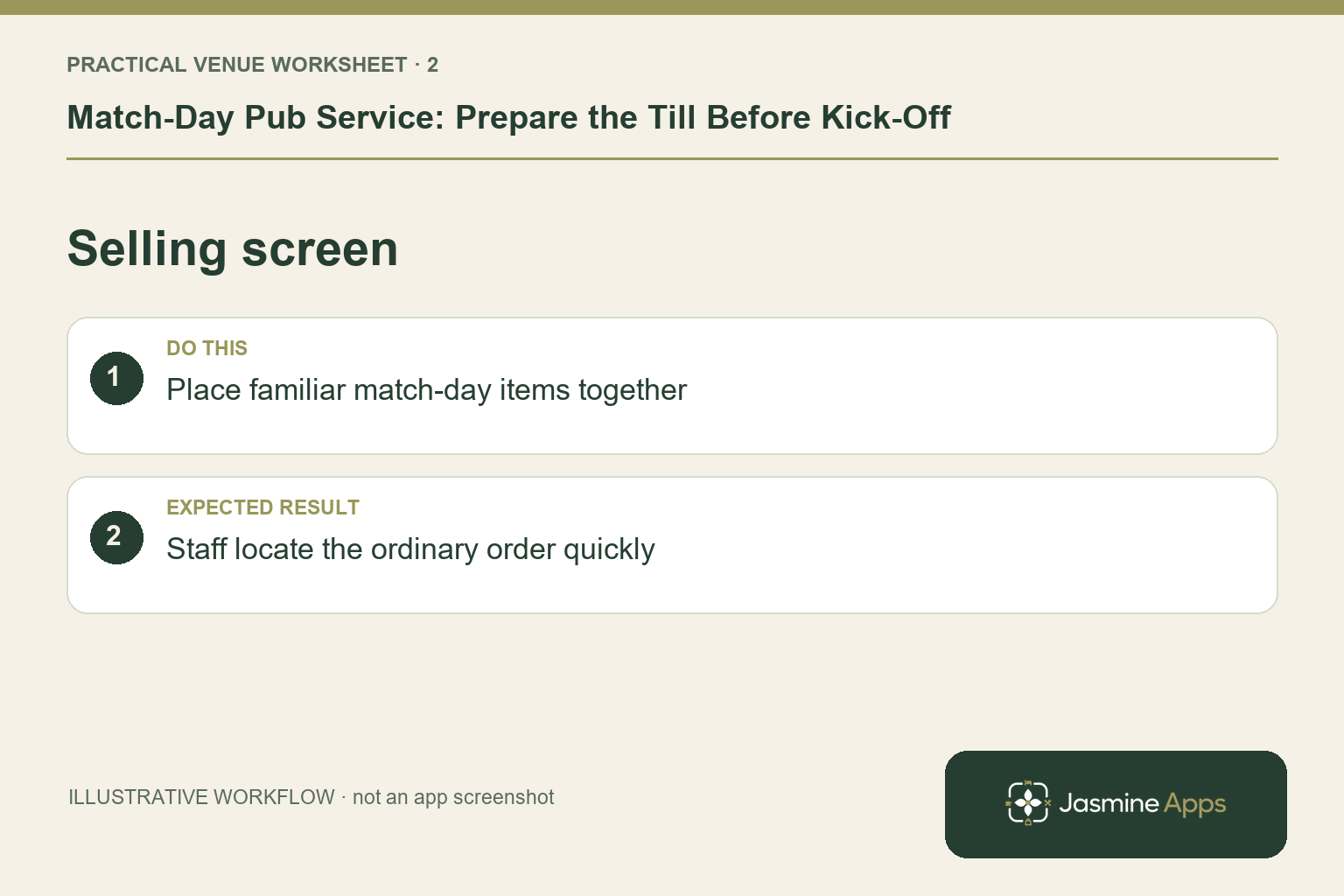
Prepare a focused selling screen
Use Till Jasmine's catalogue and visual designer to make the products you actually sell easy to recognise. Distinguish glass sizes and similar names through your configured catalogue. Keep frequently ordered drinks together and avoid introducing a completely new layout moments before kick-off. Save the layout and check that approved products are published. If an offer applies only to particular items or times, have the manager verify the supported setup rather than assuming the till automatically understands promotional wording on a poster.
Check the result: Staff locate the ordinary order quickly.
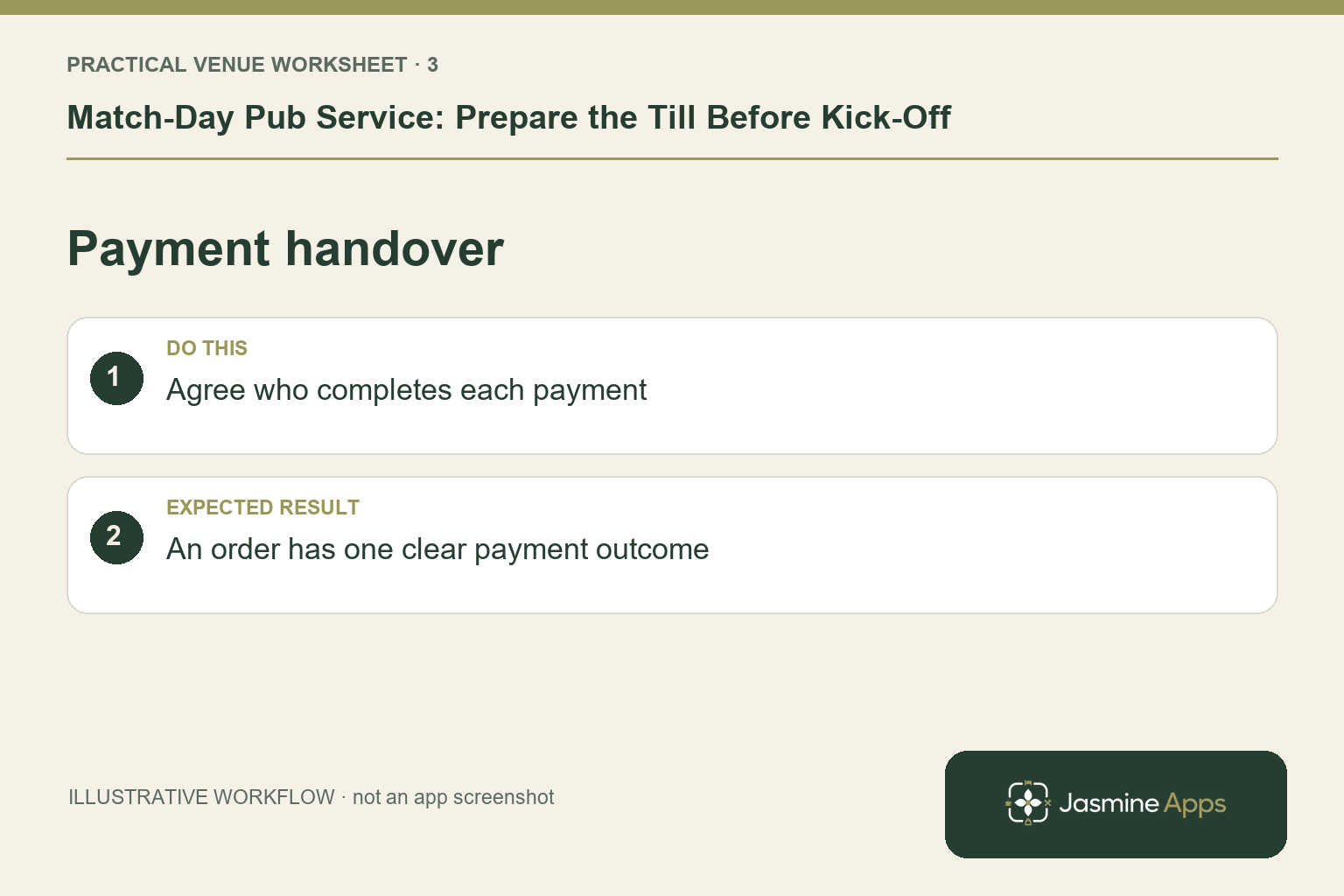
Give the bar a clear payment handover
Decide whether each colleague completes their own order or hands it to a named payment position. Train the team on the actual configured cash and card flow. A terminal being free is not proof that the previous payment is complete; check uncertain transactions through the provider's procedure before retrying. Keep glasses, receipt supplies and the approved support contacts accessible. Where guests are using tabs, agree who identifies the right destination and who confirms it is settled.
Check the result: An order has one clear payment outcome.
Rehearse recovery before the event
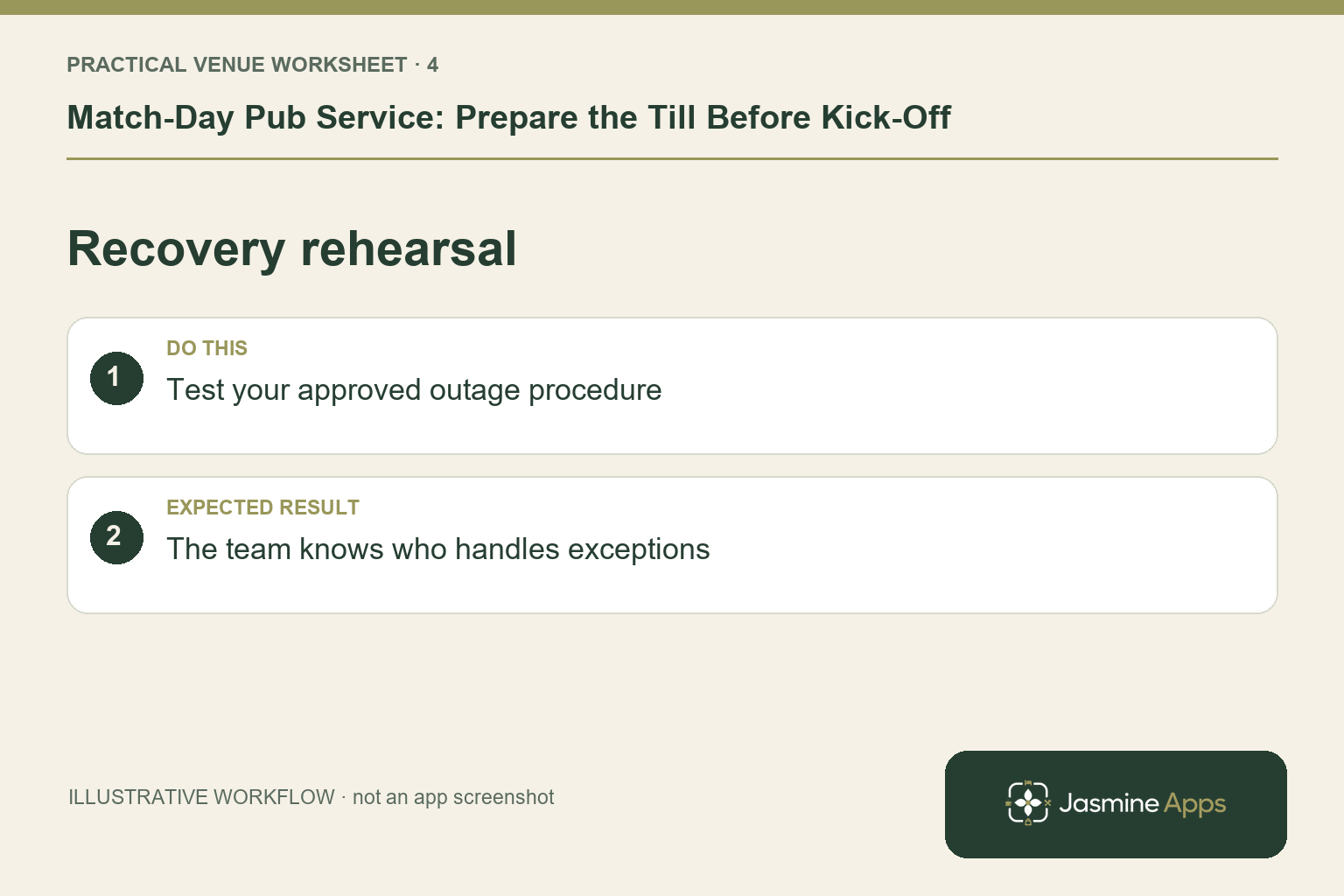
Test common corrections and your agreed network-outage procedure in a non-live workflow. Till Jasmine documents locally retained completed sales that upload after reconnection; card authorisation has its own provider requirements. Staff should know which actions remain supported in the venue setup and when to ask the duty manager. Record unresolved transaction references if an interruption occurs. Do not turn a crowded room into the first test of a new printer, card arrangement or device pairing.
Check the result: The team knows who handles exceptions.
Put the plan into practice
Run a short pre-service briefing with the live menu, till names, staff positions, payment roles and incident lead. After the match, review missing products, repeated corrections and the unresolved items before cash-up. Use the findings to prepare the next fixture.
Questions venue teams ask
Do we need another till for match days? Observe whether staff wait for the screen, preparation station or terminal first. Extra equipment should address a demonstrated constraint.
Should we redesign the layout for every game? Keep the core screen predictable. Prepare necessary changes in advance and let every shift practise them.
Example from the actual app
The real till dashboard offers Hourly sales, Product mix, Payment methods and Category sales. The hourly view follows the venue’s trading day, not necessarily midnight to midnight. Use those views to review your own pre-match and half-time demand; the article does not turn the observed screen into a claim about another pub’s results.
A working checklist for your venue
| Check | What to do | Result to verify |
|---|---|---|
| Service peaks | Mark arrival, half-time and final whistle. | Stock and staff cover each expected peak. |
| Selling screen | Place familiar match-day items together. | Staff locate the ordinary order quickly. |
| Payment handover | Agree who completes each payment. | An order has one clear payment outcome. |
| Recovery rehearsal | Test your approved outage procedure. | The team knows who handles exceptions. |
Use the checklist with a colleague who did not configure the workflow. Ask them to complete the ordinary task without coaching, then compare the result with the expected outcome. Record the point where they hesitate or need information from another shift. That observation gives you a specific improvement to make before extending the setup.
Discuss your own setup
Bring a small menu sample, the number of selling points and one awkward order or payment handover. Contact Us to discuss a Till Jasmine demonstration against those requirements.
Illustrations explain the workflow and are not product screenshots. Any numerical example is labelled illustrative and is not a customer result. Product wording and documented setup checks reviewed on 13 October 2026; confirm the features available in your current installation.