

How Much Does a Hotel EPOS System Cost?
· Jasmine Apps

Understanding hotel EPOS system cost means looking beyond the touchscreen on the counter. You are buying the software your team uses during service, the equipment it runs on, the setup that makes it usable and the support you can reach when something goes wrong.
For Till Jasmine, the current UK planning price is £59 per month for the first till, plus £25 per month for each extra till, excluding VAT. One till is £59 a month; a reception, bar and restaurant with three tills is £109 a month. Hardware, setup, support options and payment processing need to be confirmed in your written quote.
This guide explains how to compare those costs and choose a till system that fits the way your hotel actually works.
The buying rule: compare the total cost over the same contract period, then ask each supplier to demonstrate your busiest service. A low headline price is only useful if the system can do the job.
Cover illustration: a conceptual hotel till scene; the screen is not a Till Jasmine app screenshot.
What are you paying for in a hotel EPOS system?
EPOS means electronic point of sale: the software and equipment used to record sales and payments. In a hotel, that could mean a till at reception, another in the bar and a third in the restaurant.
Split every quotation into these six parts:
| Cost | What to ask the supplier |
|---|---|
| Software | Is the charge per till, per outlet or per venue? Which features are included? |
| Hardware | Are the touchscreen, receipt printer, cash drawer and card terminal included, bought outright or rented? |
| Setup | Who builds the product catalogue, imports prices, designs the buttons and connects the equipment? |
| Training and support | How much training is included? When can staff reach support, and what costs extra? |
| Payment processing | What are the card rates, transaction charges, terminal fees and settlement terms? |
| Connections and extras | Are booking, accounting, loyalty, kitchen and property-management connections included or separately charged? |
Do not assume that an offer described as a “complete system” covers all six. Ask for a written breakdown, including what happens when the introductory period ends.
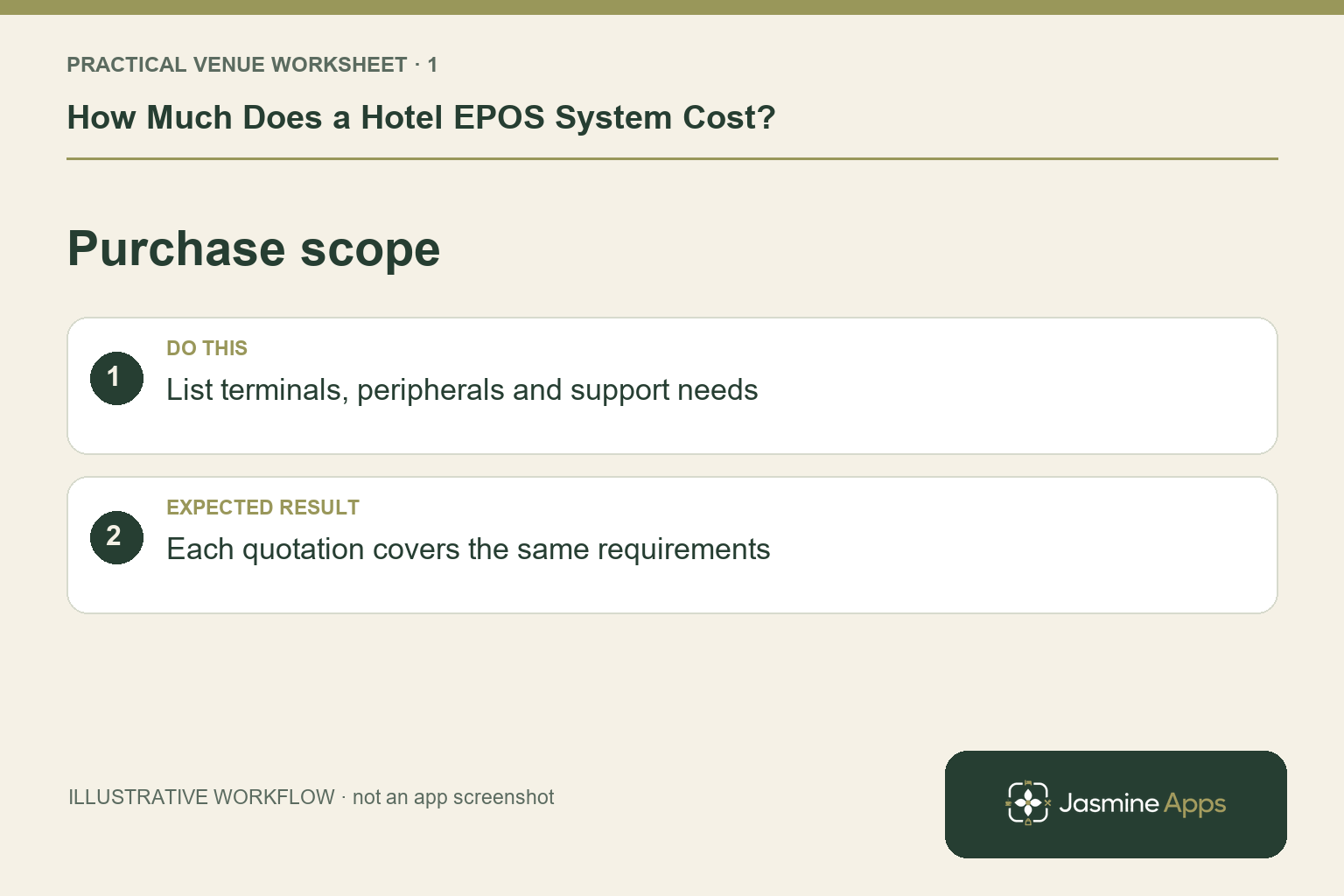
Check the result: Each quotation covers the same requirements.
How much does Till Jasmine cost for one, two or three tills?
The first-till planning price is £59 per month. Each additional till adds £25 per month. The examples below use 12 monthly payments, without promotional discounts or annual-prepayment offers.
| Hotel setup | Monthly software | 12-month software total | 24-month software total |
|---|---|---|---|
| One till: a small bar or shared service counter | £59 | £708 | £1,416 |
| Two tills: bar and restaurant | £84 | £1,008 | £2,016 |
| Three tills: reception, bar and restaurant | £109 | £1,308 | £2,616 |
| Four tills: add a function or second bar counter | £134 | £1,608 | £3,216 |
All figures exclude VAT. These are software calculations using Jasmine's current UK planning figures, not a complete installed-system quotation. Till Jasmine is currently labelled Beta on its product page. Confirm the available features, support arrangements, final price and contract terms before ordering.
The number of rooms does not determine the till software calculation above. The number of tills does. A 25-room hotel using three tills therefore has the same £109 monthly software example as a larger hotel using three tills, subject to the agreed quote and scope.
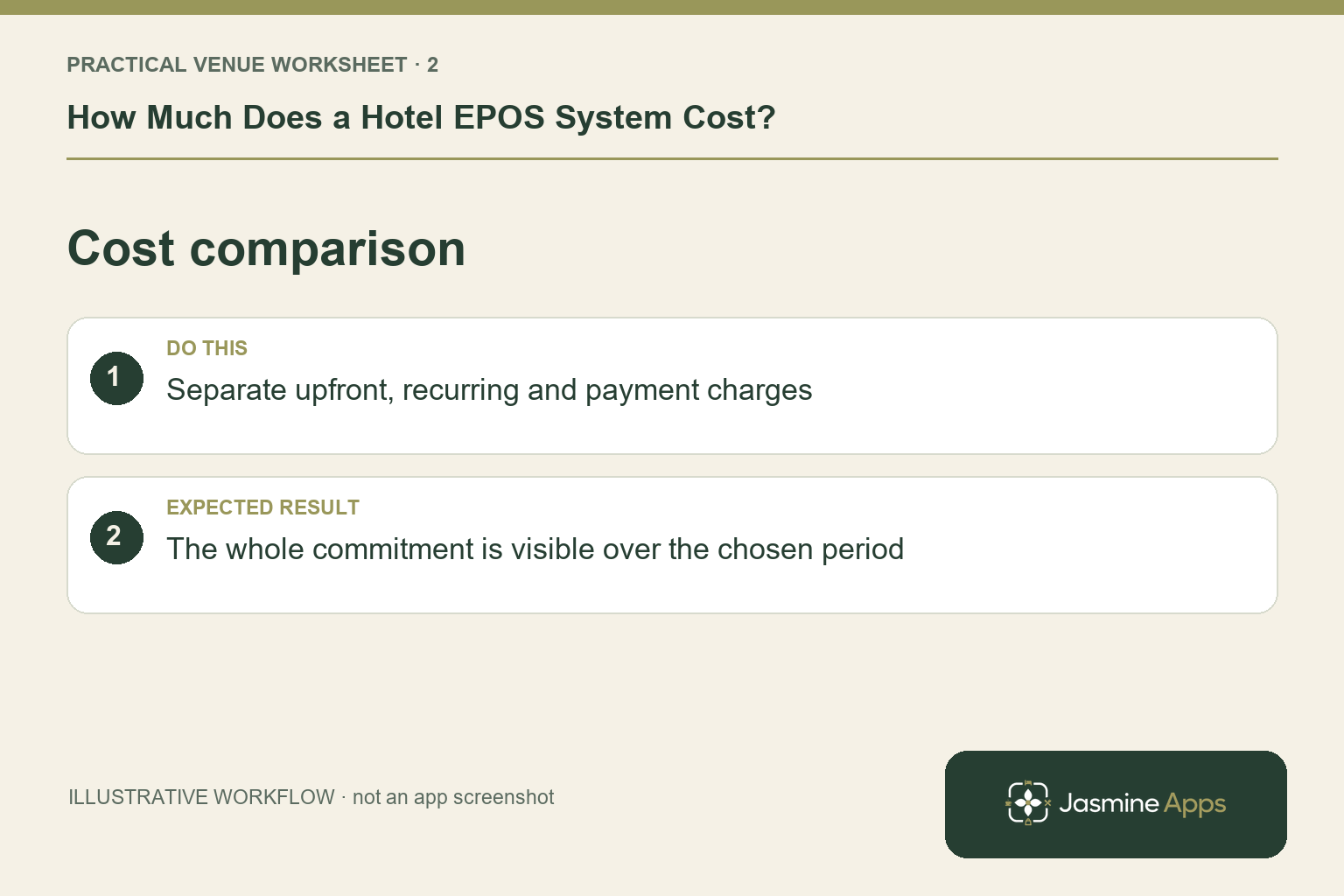
Check the result: The whole commitment is visible over the chosen period.
A worked example: reception, bar and restaurant
Imagine an independent hotel with 25 bedrooms, a busy bar and a restaurant. It needs three tills so staff can serve guests at each sales point.
The monthly calculation is:
£59 + £25 + £25 = £109 per month excluding VAT.
That is £1,308 for 12 monthly payments, or £2,616 over 24 months, before the other costs in the quote.
Now suppose the hotel allows £1,500 for compatible equipment and £300 for setup and training. Those two amounts are illustrative budget assumptions, not Jasmine hardware or installation prices.
| First-year budget item | Illustrative amount |
|---|---|
| Three-till software: £109 × 12 | £1,308 |
| Equipment allowance | £1,500 |
| Setup and training allowance | £300 |
| Subtotal before payment fees and other extras | £3,108 |
The example shows why “£109 a month” and “£3,108 in the first year” can both describe the same project. One is the recurring software fee; the other also includes assumed one-off purchases.
For your own budget, replace the allowances with quoted amounts. Add any separately charged support, connections, terminal rental and payment-processing costs. Keep VAT treatment consistent across all quotations.
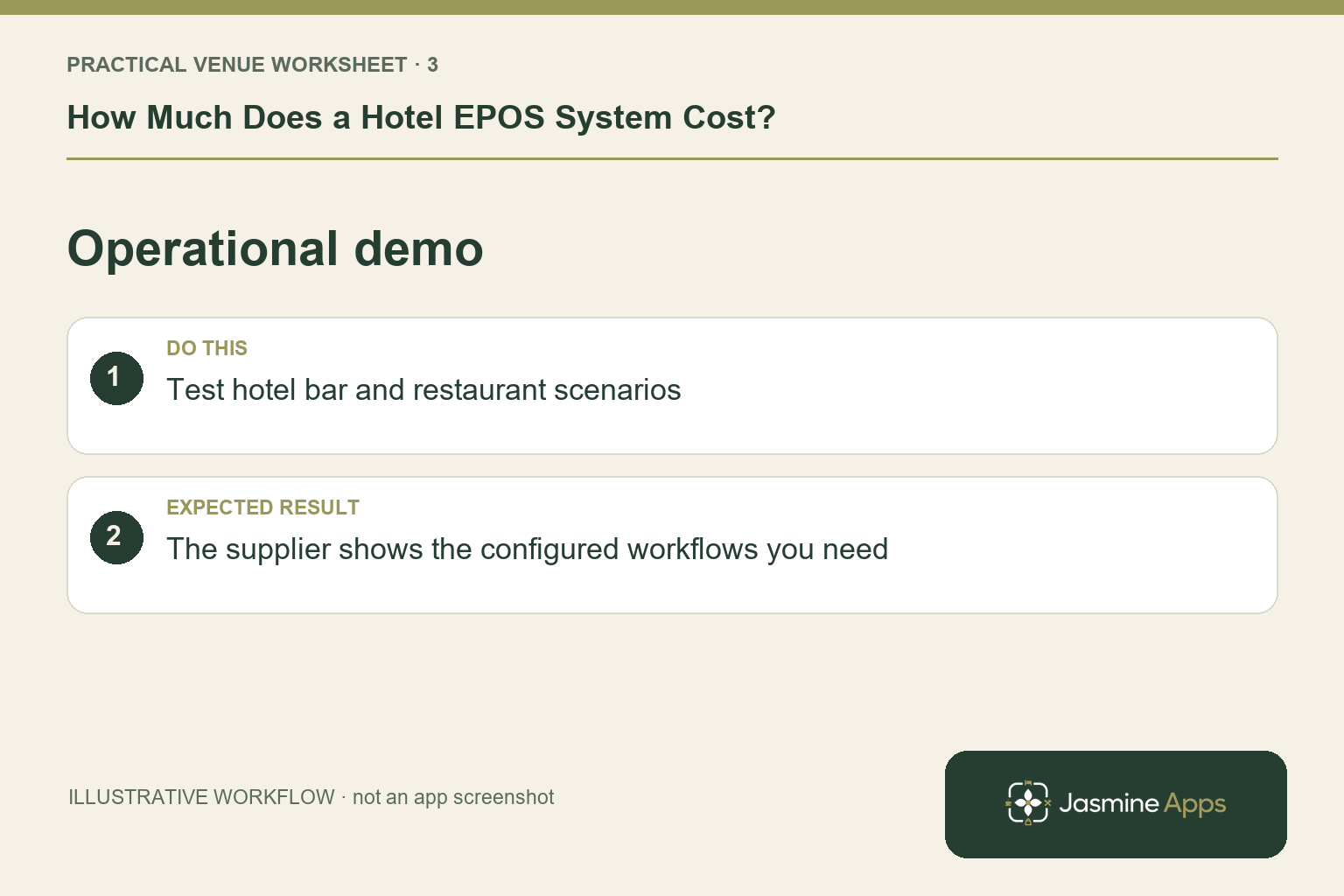
Check the result: The supplier shows the configured workflows you need.
Should you buy the till on its own or choose a bundle?
If you only need a till, start by comparing the standalone option. A wider software bundle makes sense when it replaces tools you need and will actually use.
Jasmine's current UK plan includes these bundle figures:
| Option | Monthly planning price | Included scope in the current plan |
|---|---|---|
| Till Jasmine on its own | £59 for the first till | EPOS; extra tills £25 each per month |
| Essentials | £149 | One till, Table Jasmine up to 500 bookings, Clock Jasmine up to 50 staff, and unlimited Sign Jasmine documents |
| Complete | £299 | Essentials scope, unlimited table bookings, Clock up to 75 staff, Maintenance, Loyalty up to 500 members, and 10,000 marketing emails |
Prices exclude VAT. Confirm how extra tills are charged within your selected bundle and how each booking, staff, member or email allowance is measured. Jasmine TV and other separately priced services should be identified explicitly in the quote.
For a fair comparison, write down what you already pay for table bookings, staff clock-in and document signing. Then compare a bundle with the standalone subscriptions you would otherwise keep. Avoid counting a saving on an app you would never have bought.
Illustrative image created for this guide. Use your own venue workflow to compare systems.
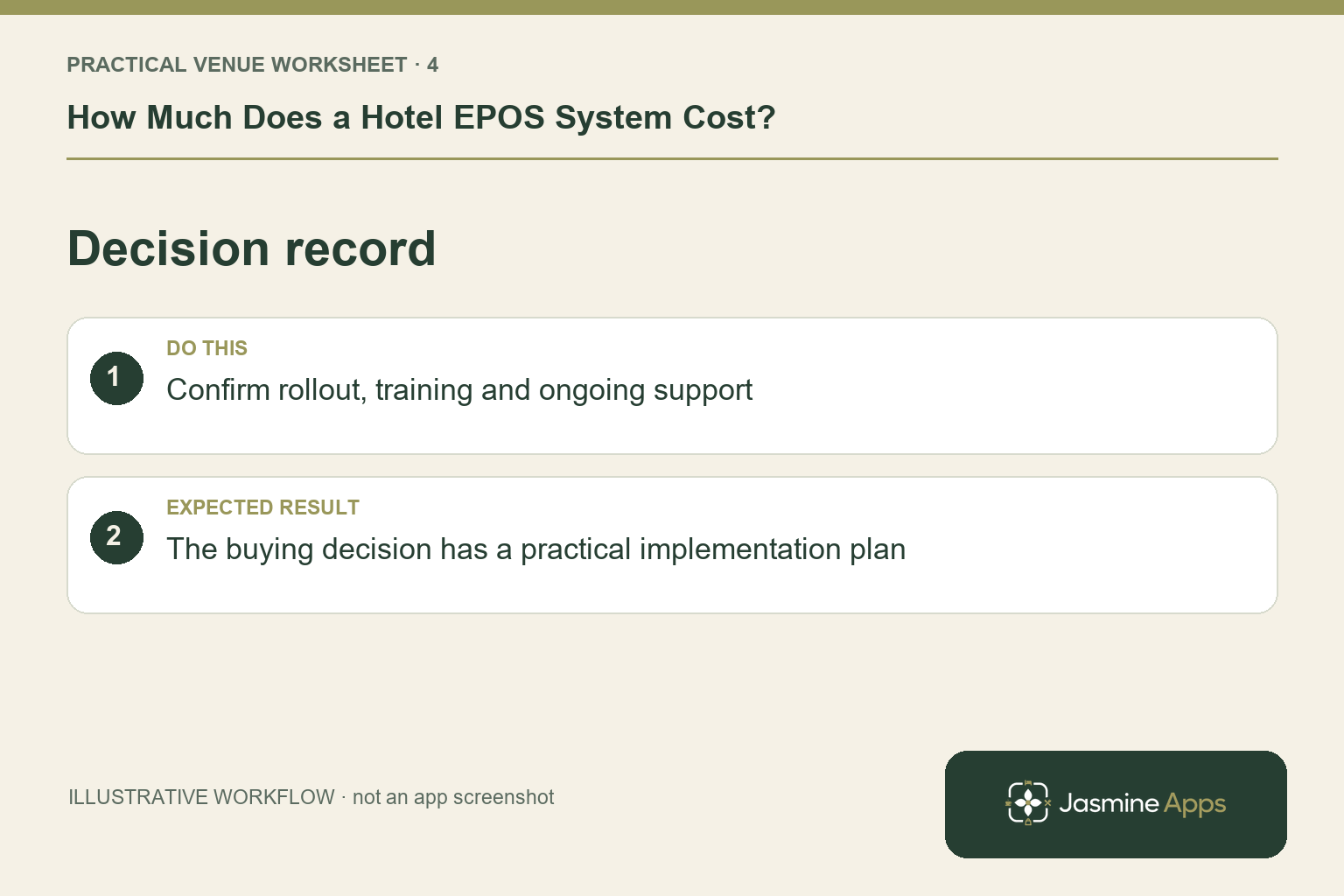
Check the result: The buying decision has a practical implementation plan.
How to choose a till system for your hotel
Start with a short list of the work your team must complete during a normal shift. Then turn that list into a demonstration script.
1. Map your sales points
List reception, bar, restaurant, terrace and function spaces. Identify where staff need a fixed till, where equipment is shared and where orders are taken away from the counter. Ask how additional terminals, users and outlets change the quote.
A single shared till can suit a small venue. A busy bar and restaurant may need separate tills simply to avoid staff waiting to enter orders. Choose around peak service, rather than the quietest afternoon of the week.
2. Test the tasks staff do every day
Ask a supplier to show an actual order, an amendment, a discount, a refund and the end-of-shift process. If your venue needs table bills, split payments, kitchen printing, service charges or stock reports, include those in the demonstration and confirm their availability.
Till Jasmine's published features include a visual till designer, a touch till, colour-coded product categories, loyalty points and rewards, and bought-in items held for a guest or member. Managers can arrange product buttons on a live preview of the till screen.
Check how these features work with your menu and team. A feature name on a checklist is less useful than seeing a new starter complete the task confidently.
3. Demonstrate the room-charge journey
For hotels, the room-charge process deserves its own test. Show the supplier how a restaurant or bar purchase needs to reach the correct guest bill, including corrections and checkout.
Ask whether the proposed setup records room charges inside the till, posts them to your property-management system, or requires a manual step. Confirm the exact PMS, version, connection cost and supported workflow. Do not assume a shared login or a hotel-focused product means every PMS connection is already available.
4. Test an internet interruption
Till Jasmine's Windows till supports keeping completed sales on the device when it loses its connection, then uploading them when the connection returns.
Ask for a demonstration with the network disconnected and reconnected. Check what happens to receipts, queued sales and any features that need live data. Offline sales recording does not automatically mean offline card authorisation. Your payment provider and terminal have their own requirements.
5. Check existing equipment before replacing it
Send the supplier the make and model of your till PC, operating system, printers, cash drawers and card terminals. Confirm compatibility before agreeing to reuse or replace them.
For Till Jasmine, ask about the Windows till requirements and each connected device. An existing touchscreen may be useful, but its age, performance and peripherals still need checking.
6. Agree the changeover and support plan
Decide who will enter products, check prices, train staff and verify opening balances or stock data where relevant. Run a small pilot before a full changeover and choose a time when the team can concentrate.
Ask who answers a support request on a busy Saturday evening, what the response commitment is and whether on-site help costs extra. Get the arrangements in writing.
Payment fees can change the comparison
Software subscriptions are only one recurring cost. Card fees usually depend on your payment agreement, card mix and transaction volume. Rental, minimum charges and per-transaction fees can also matter.
For example, on £50,000 of monthly card takings, a difference of 0.3 percentage points in an otherwise comparable processing rate is £150 per month, or £1,800 over a year. That is an arithmetic illustration, not a Jasmine Payments rate or a supplier quote.
Compare the complete payment schedule using your real sales figures. Separate percentage fees from fixed transaction charges and terminal rental. As an example of a provider publishing these separately, see Square's UK pricing information. Obtain a current quote for the provider you intend to use.
Compare the total cost over the same period
Use the same 24-month period for every supplier, or the actual contract term if longer:
Total cost = upfront equipment + setup and training + all recurring software and support + payment fees + connections and extras.
Include equipment finance or rental for every required month. Check renewal prices, notice periods, early-termination charges, equipment ownership and how you can export your data at the end.
| Comparison question | Your requirement |
|---|---|
| How many tills and outlets? | List the counters used at peak service |
| What must the system do? | Write the tasks to demonstrate |
| What is paid upfront? | Equipment, setup, migration and training |
| What is paid each month? | Software, support, terminal rental and extras |
| What varies with sales? | Card percentage rates and transaction fees |
| What changes after the offer? | Standard price and renewal terms |
| What happens when you leave? | Notice, equipment ownership and data export |
Is a hotel EPOS system worth the cost?
Judge value against measurable improvements: time spent correcting bills, time closing shifts, stock discrepancies where stock management is used, and genuinely additional sales.
For the three-till software example, £109 divided by £10 contribution per additional sale is 10.9. You would need 11 genuinely additional sales contributing £10 each to cover the monthly software fee alone.
That does not cover equipment, setup, processing or other charges, and it is not a promise that the system will create those sales. Contribution means what remains after the variable costs of fulfilling the sale. Use your own figures and track the result during a pilot.
If the main benefit is saving staff time, measure the time saved and whether it actually reduces paid hours, avoids overtime or frees the team for useful service. Do not turn every saved minute into a cash saving automatically.
Frequently asked questions
How much does a hotel EPOS system cost each month?
The amount depends on the supplier, number of tills, required features and support. Till Jasmine's current UK planning figures are £59 for the first till and £25 for each extra till per month, excluding VAT. Confirm the installed-system price in a written quote.
How much is a three-till hotel setup?
At those figures, three tills are £109 per month or £1,308 for 12 monthly payments, excluding VAT. Hardware, setup, support options, connections and payment processing are additional where quoted.
Can I keep my existing till hardware?
Possibly. Ask for a compatibility check covering the PC or tablet, operating system, printers, cash drawers and payment terminals before budgeting for reuse.
Will the till work without the internet?
Till Jasmine's Windows till queues completed sales on the device and uploads them when it reconnects. Check the exact offline workflow in a demonstration. Card processing and other live connections have separate requirements.
Does the till connect to my hotel PMS?
Confirm the exact PMS and the room-charge workflow with the supplier. Ask to see it demonstrated and have any connection costs included in the quotation.
Should I choose the cheapest quote?
Choose the quote that meets your service requirements at an acceptable total cost. A lower subscription can become more expensive once payment fees, extra terminals, setup, support and contract terms are included.
See Till Jasmine with your own hotel workflow
Bring your menu, the number of tills you need, your existing equipment and the name of your hotel PMS. We can show you the published Till Jasmine features and work through the proposed setup, pricing and any requirements that need confirmation.
Book a Till Jasmine demo and ask for a written quote covering the complete system.
Explore Till Jasmine's features, Table Jasmine and Clock Jasmine. For product setup, read Does EPOS cost price include VAT? and UK VAT on till products.
Pricing basis checked 13 October 2026. Jasmine amounts are current UK planning figures, exclude VAT and remain subject to a written quotation. Annual totals above are 12 monthly payments. Illustrative allowances and savings calculations are clearly identified.
Example from the actual app
The actual Products & Categories page separates the product record from its On till placement, and the Till Layout screen separates selling pages from the Payment page. Use those real checks for this workflow. The dashboard’s hourly and payment-method views report the venue’s recorded sales; a layout change should be tested on the intended device before its effect on service is assessed. For this article’s purchase scope check, list terminals, peripherals and support needs. Verify each quotation covers the same requirements.
A working checklist for your venue
| Check | What to do | Result to verify |
|---|---|---|
| Purchase scope | List terminals, peripherals and support needs. | Each quotation covers the same requirements. |
| Cost comparison | Separate upfront, recurring and payment charges. | The whole commitment is visible over the chosen period. |
| Operational demo | Test hotel bar and restaurant scenarios. | The supplier shows the configured workflows you need. |
| Decision record | Confirm rollout, training and ongoing support. | The buying decision has a practical implementation plan. |
Use the checklist with a colleague who did not configure the workflow. Ask them to complete the ordinary task without coaching, then compare the result with the expected outcome. Record the point where they hesitate or need information from another shift. That observation gives you a specific improvement to make before extending the setup.
Discuss your own setup
Bring a small menu sample, the number of selling points and one awkward order or payment handover. Contact Us to discuss a Till Jasmine demonstration against those requirements.
Illustrations explain the workflow and are not product screenshots. Any numerical example is labelled illustrative and is not a customer result. Product wording and documented setup checks reviewed on 13 October 2026; confirm the features available in your current installation.