

Private Dining Room Seating: Plan the Event Without Moving the Restaurant
· Jasmine Apps
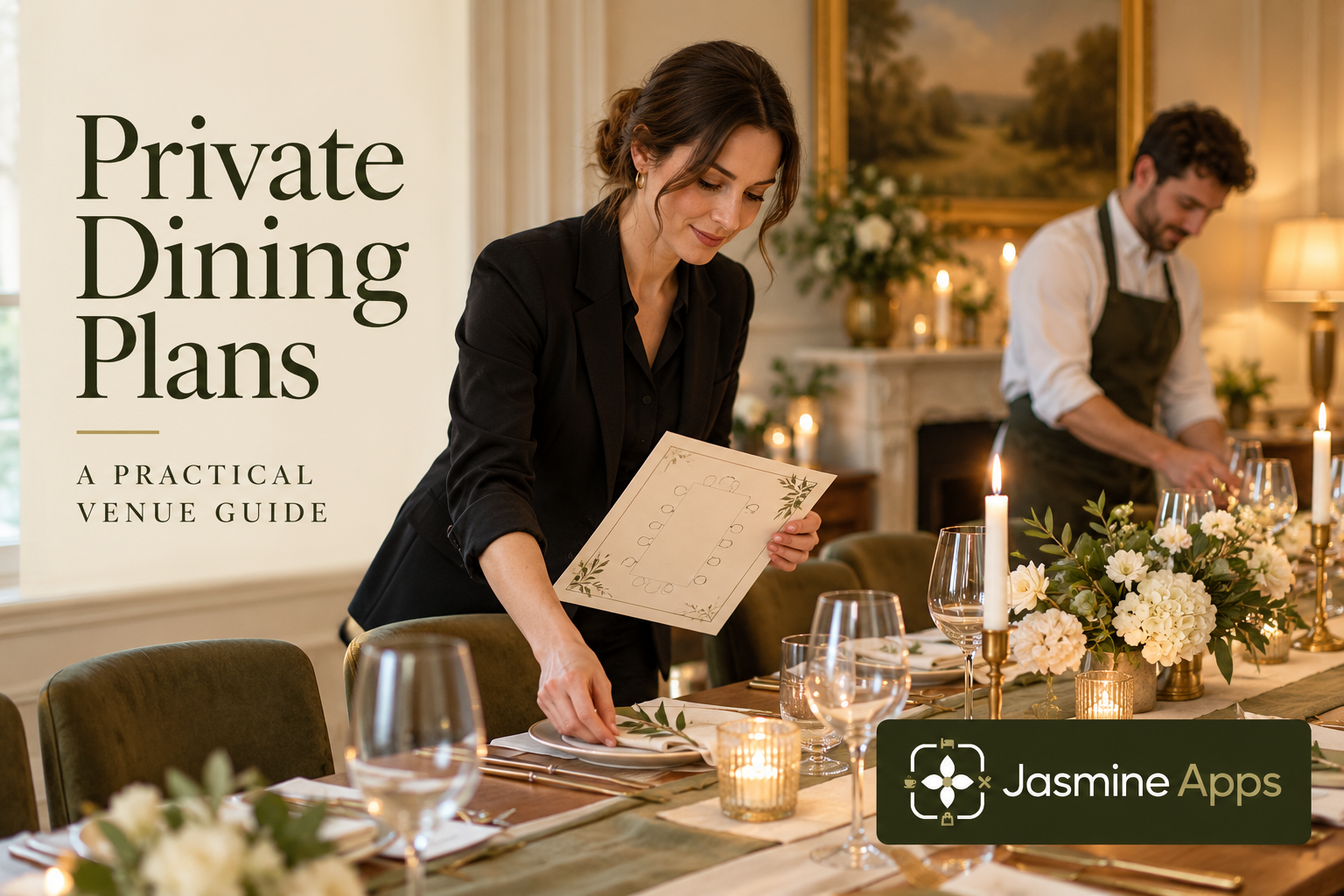
Private dining room seating needs to fit the event, not just squeeze in the maximum number of chairs. A celebration, board dinner and wedding meal can require different service routes. Table Jasmine's function layouts let the event plan remain separate from the everyday restaurant floor plan.
Describe the event before drawing the room
Confirm the agreed guest numbers, format, arrival pattern and menu service. Ask whether there are speeches, shared dishes or other practical requirements that change the layout. Use the actual room dimensions and the venue's approved capacity and access arrangements. The planning exercise is to make service workable, not to override those limits. A sample long-table celebration and a small business dinner are useful contrasting rehearsals because the same number of guests may need a different arrangement.
Check the result: The plan represents the actual event.
Keep the normal restaurant layout recognisable
The existing Table Jasmine guide places private-room designs under Function Layouts and distinguishes them from the ordinary floor plan. Use that separation so changing an event does not rearrange the everyday tables staff expect. Give the plan a clear event context and have the coordinator review its room and date. If a physical table belongs to another service area, include that real-world movement in the briefing rather than only changing its drawing.
Check the result: The everyday restaurant stays recognisable.
Review capacity, combinations and service routes
Check the seats and areas assigned to the tables and any supported combinations used for the event. A saved combination is not proof that the physical room can accommodate every proposed setup. Walk the intended route with the service lead and consider tray access, chair movement and the kitchen handover. Confirm any accessibility requirement through your venue's established process. Keep the final plan clear enough that a colleague who did not build it can place the tables correctly.
Check the result: The drawing reflects usable space.
Manage late changes through the coordinator
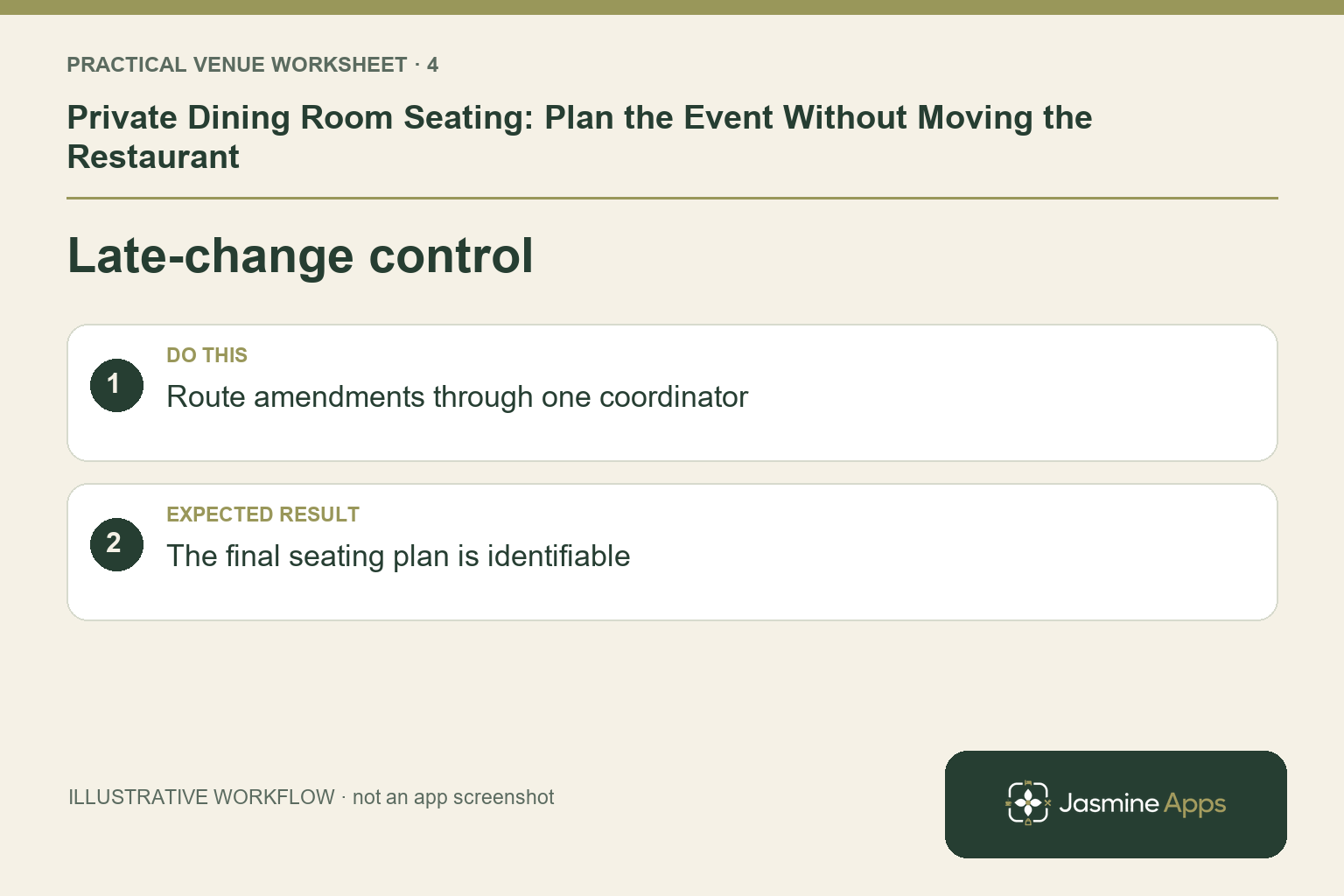
An additional guest may affect seats, pre-orders and the room arrangement together. Use one change route and update the function record and operational plan consistently. Review whether the area is hired exclusively and whether ordinary bookings conflict with that promise. Save the intended layout and distribute the checked version to the event team. A guest text message received by one employee is not a reliable substitute for an agreed event update.
Check the result: The final seating plan is identifiable.
Put the plan into practice
Before the event, have the coordinator and service lead compare the saved function plan with the actual room. Verify numbers, table identity and the final pre-order summary. At setup, ask another colleague to follow the plan without relying on the designer's explanation.
Questions venue teams ask
Should every event use the same seating template? Use a reliable starting arrangement, then check the specific service and guest requirements.
Can we redraw the normal floor plan for a wedding? The documented function-layout route keeps event planning separate. Use it to preserve the regular restaurant setup.
Example from the actual app
The actual reservation list distinguishes Confirmed, Arrived/Waiting, Seated, Has Left, No Show and Cancelled. Booking Widget has its own saved service limits, party-size cap and reservation gap. Check the relevant record and rule for this service rather than treating every empty table, started form or calendar entry as the same booking outcome. For this article’s event brief check, confirm headcount and service style. Verify the plan represents the actual event.
A working checklist for your venue
| Check | What to do | Result to verify |
|---|---|---|
| Event brief | Confirm headcount and service style. | The plan represents the actual event. |
| Separate layout | Use an event layout for private dining. | The everyday restaurant stays recognisable. |
| Capacity review | Check seating and staff routes physically. | The drawing reflects usable space. |
| Late-change control | Route amendments through one coordinator. | The final seating plan is identifiable. |
Use the checklist with a colleague who did not configure the workflow. Ask them to complete the ordinary task without coaching, then compare the result with the expected outcome. Record the point where they hesitate or need information from another shift. That observation gives you a specific improvement to make before extending the setup.
Discuss your own setup
Bring your service hours, table capacities and one ordinary booking alongside a larger-party example. Contact Us to discuss how Table Jasmine would fit that booking and service journey.
Illustrations explain the workflow and are not product screenshots. Any numerical example is labelled illustrative and is not a customer result. Product wording and documented setup checks reviewed on 13 October 2026; confirm the features available in your current installation.