

TutorialIn-app guide
Till Jasmine: design and review your till screen
· Jasmine Apps
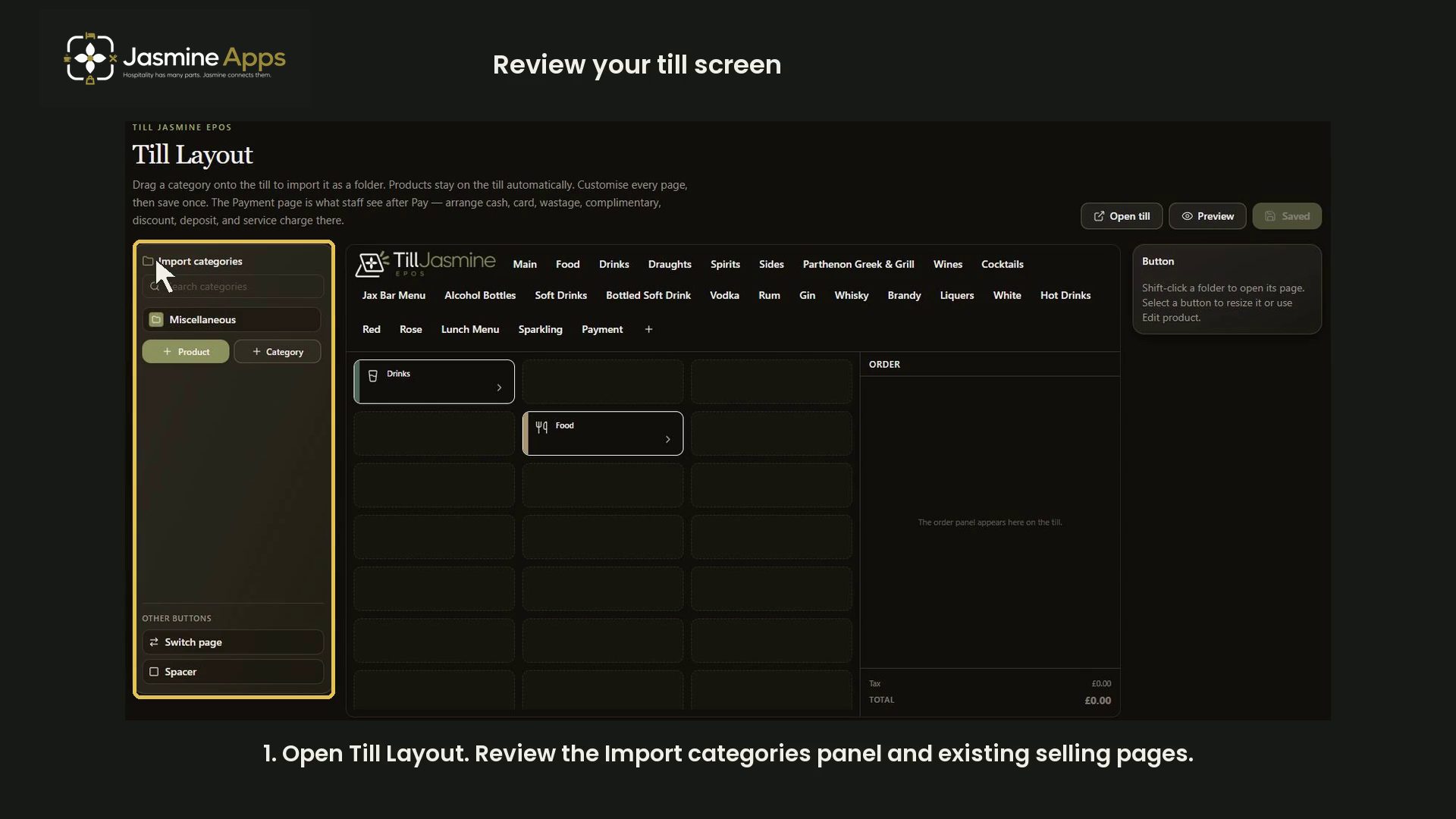
Review the Till Jasmine selling and payment layouts in dark mode. The walkthrough inspects the designer and Preview without saving a live layout change.
Watch the walkthrough
Before you start
Open Till Layout for the correct venue. Identify the selling page and button you want to review.
1. Review selling pages
Review the Import categories panel and the existing selling pages. The recorded layout has a three-by-eight arrangement.
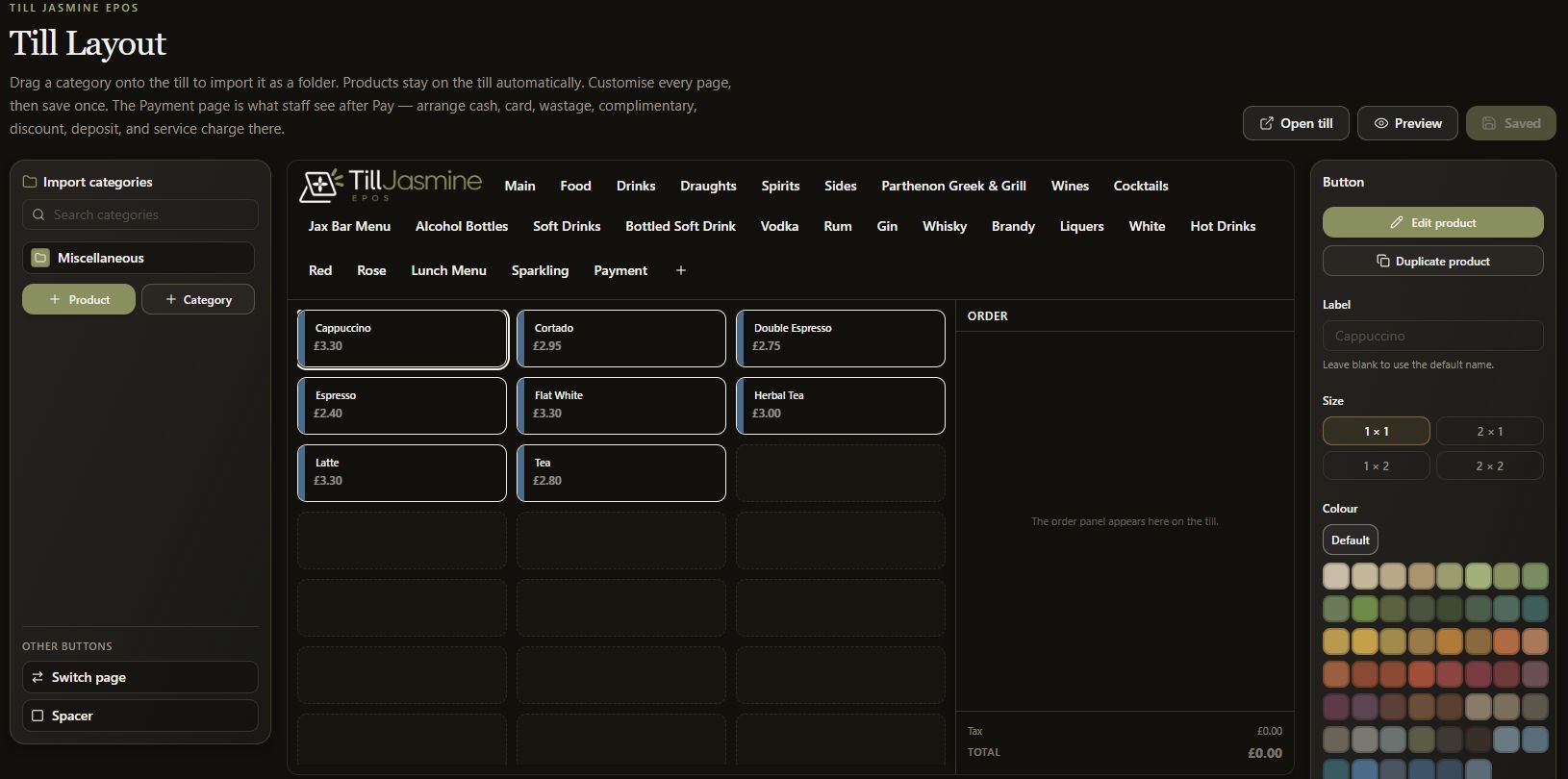
2. Inspect a product button
In Edit mode, select a product button. Review Label, Size and Colour. A blank label keeps the product default name.
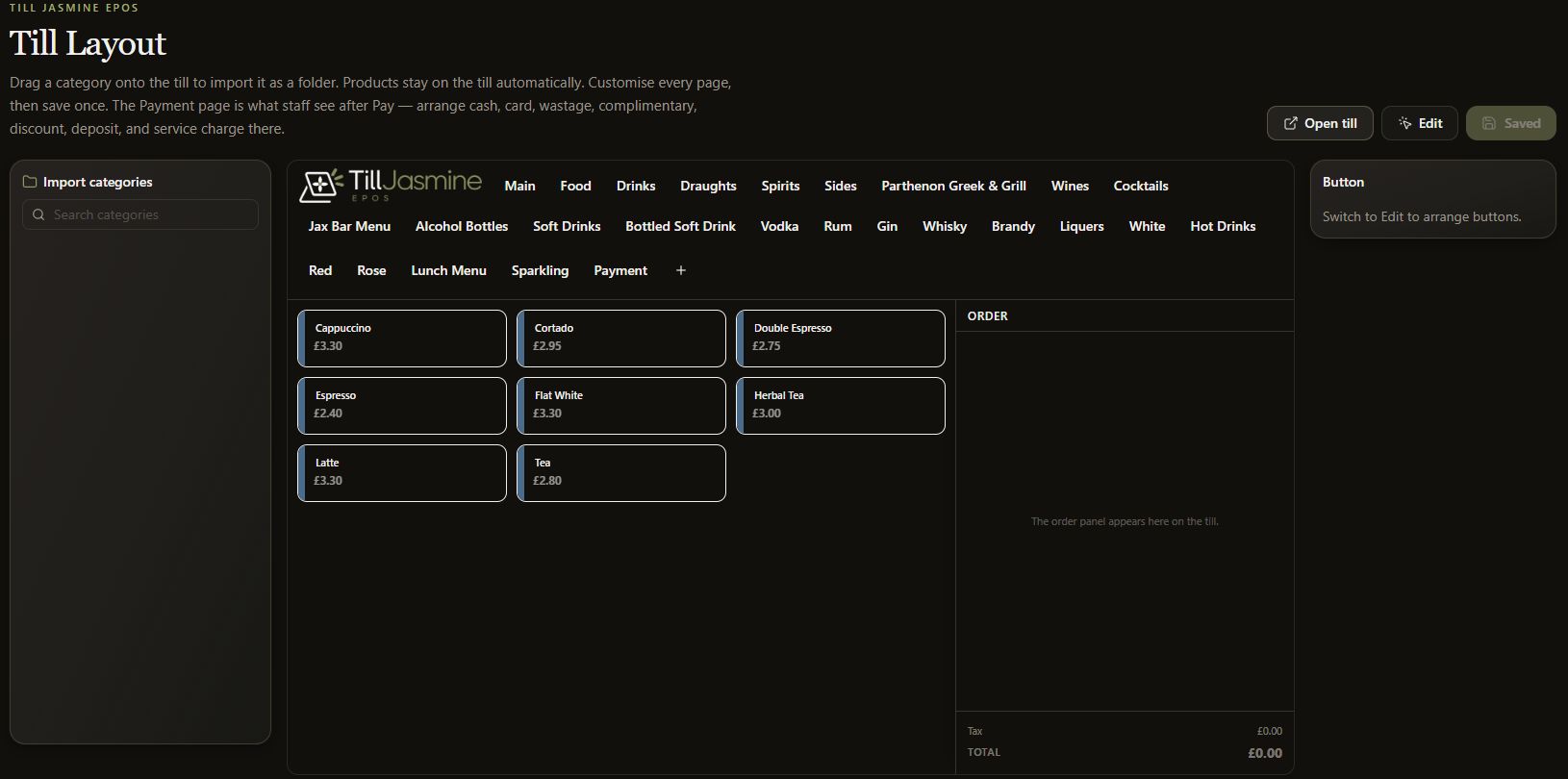
3. Review Payment separately
Open Payment to inspect its page and the available payment controls in the left panel. The recorded Payment page is empty.
4. Use Preview
Select Preview to inspect the arrangement and Edit to return to the designer. Review approved changes before Save layout. No layout is saved in this tutorial.