

Cannot Find a Table Jasmine Reservation? Check These First
· Jasmine Apps
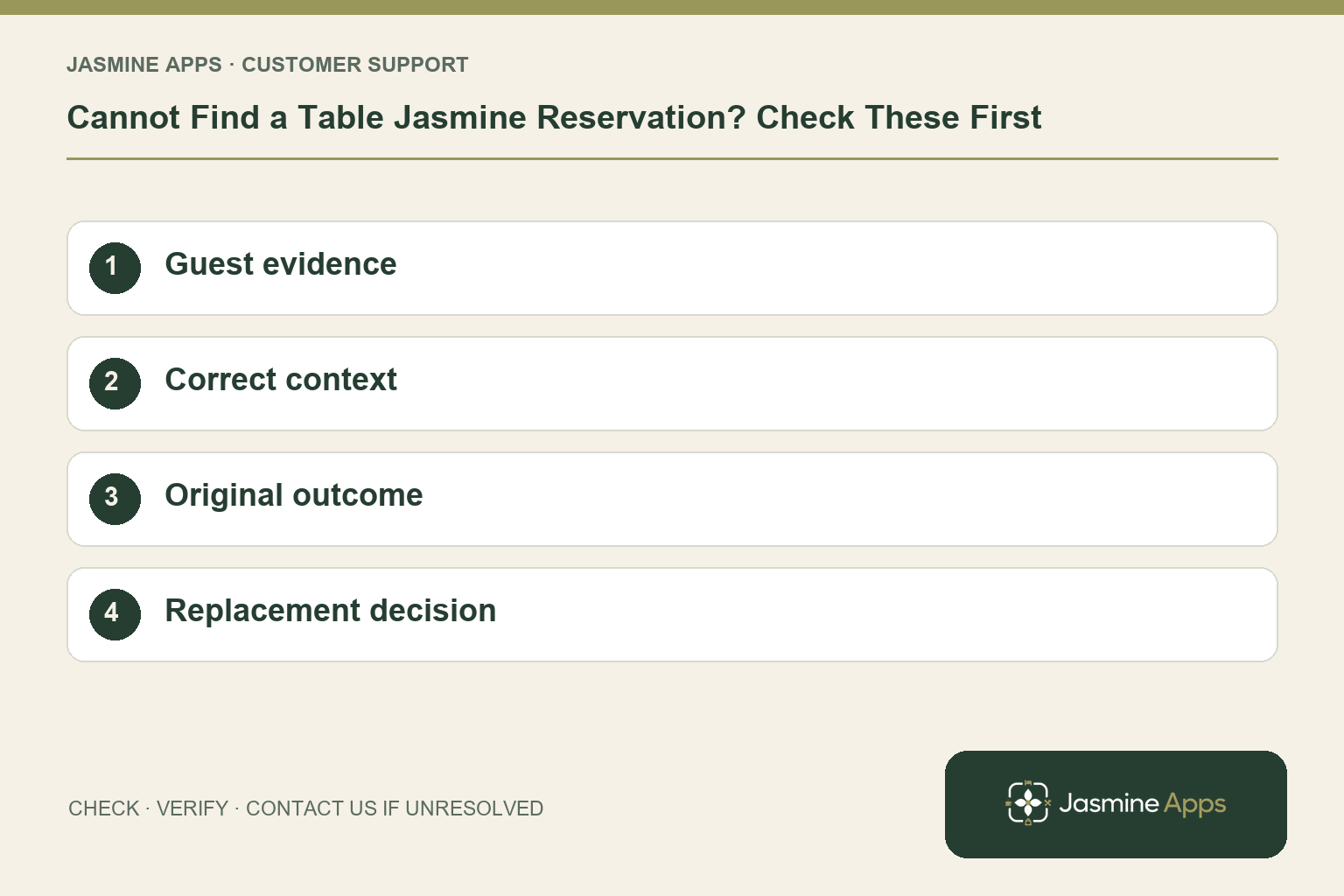
Customer support: Work through these checks in order. After each change, repeat the original action and check the result. If it remains unresolved, use Contact Us.
A guest says they booked, but the host cannot see their name. Treat a missing Table Jasmine reservation as a search problem first. A spelling difference, another date or an unfinished booking journey require different next steps.
Quick answer: Check the venue and date, search by name, email or phone, and confirm the original booking outcome before creating another reservation.
1. What information should I ask the guest for?
Ask for the date, time, party size and name used, plus their confirmation where available. Read the actual date rather than relying on “this Friday”. In Reservations, use Search name, email, or phone. A booking made by an organiser may use their name rather than the arriving guest's. Handle contact information discreetly at the host desk.
Check the result: The search uses the actual booking details.
2. Where else should I look?
Calendar shows each day's bookings and opens the relevant day's list. Check the intended venue and service, then inspect the status if you locate the record. Confirmed, Arrived/Waiting, Seated, Has Left, No Show and Cancelled describe different stages. A cancelled entry is not a fresh confirmed booking simply because it remains visible. Check the circumstances before changing its status.
Check the result: An existing record is checked before replacement.
3. Does starting the website form prove a booking exists?
No. Ask whether the guest reached successful completion or has a confirmation. If a payment or website step appeared unfinished, preserve that context and investigate the original attempt. Avoid assuming a deposit was successful from a partly completed form. The manager should check supported payment activity where relevant before asking the guest to repeat anything.
Check the result: An unfinished form is not called a reservation.
4. When can we create a replacement reservation?
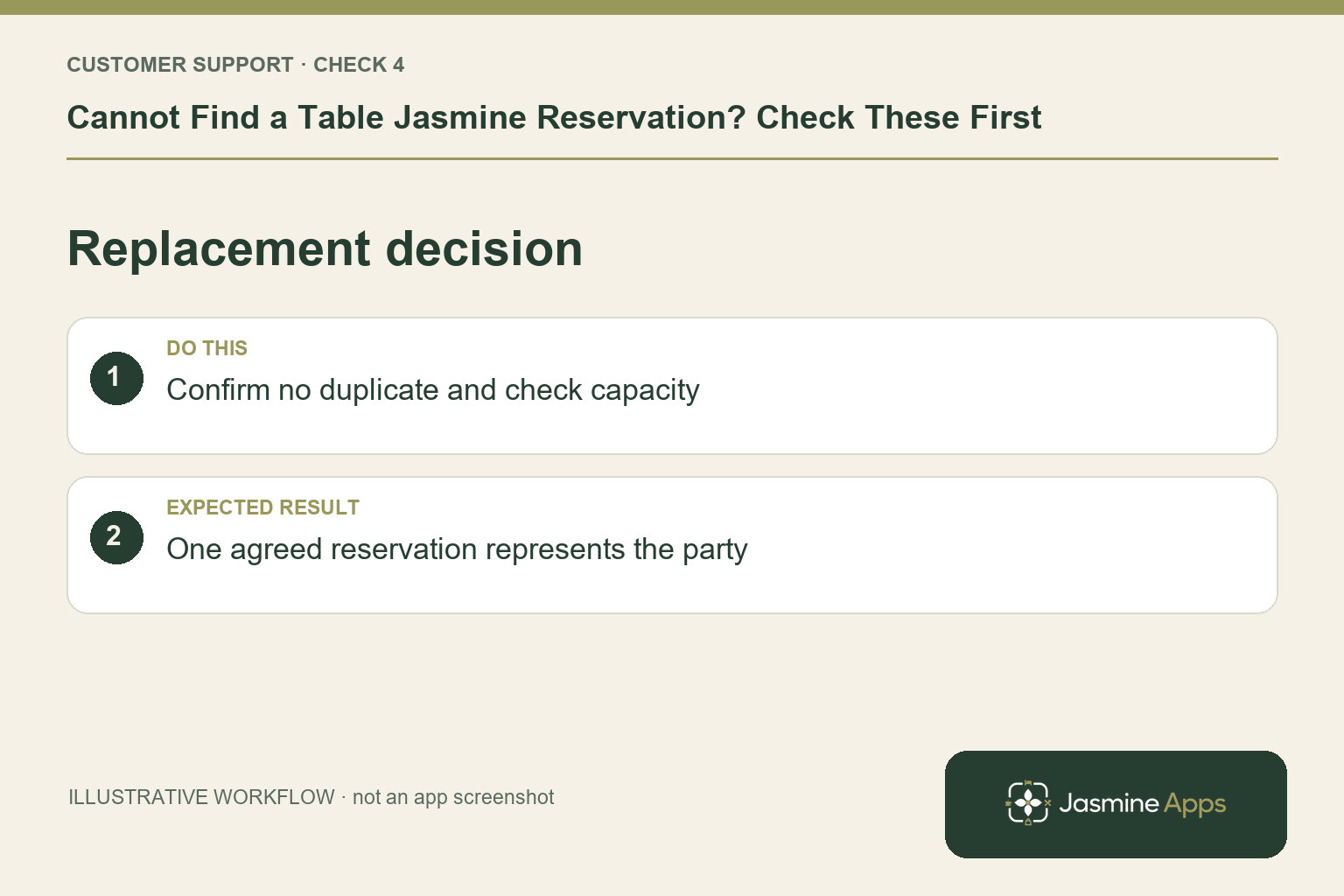
After the host and manager have checked for an existing record, use New Reservation for the agreed arrangement. Confirm Date, Start, Guests and Table Assignment before Create Reservation. Add a factual note about the resolved enquiry if needed. Check capacity first; a second record is not a solution when the original already holds the table.
Check the result: One agreed reservation represents the party.
Example from the actual app
The actual reservation list distinguishes Confirmed, Arrived/Waiting, Seated, Has Left, No Show and Cancelled. Booking Widget has its own saved service limits, party-size cap and reservation gap. Check the relevant record and rule for this service rather than treating every empty table, started form or calendar entry as the same booking outcome. For this article’s guest evidence check, confirm date, time, name and original confirmation. Verify the search uses the actual booking details.
Before you contact us
| Check | What to do | Result to verify |
|---|---|---|
| Guest evidence | Confirm date, time, name and original confirmation. | The search uses the actual booking details. |
| Correct context | Search the intended venue, day and status. | An existing record is checked before replacement. |
| Original outcome | Check whether the guest completed the journey. | An unfinished form is not called a reservation. |
| Replacement decision | Confirm no duplicate and check capacity. | One agreed reservation represents the party. |
Record which check failed, the exact error wording and when it happened. Include the relevant venue and record reference, and say whether one device or several people are affected. If you changed a setting, identify that change and the retest outcome. This helps us investigate the actual failing stage instead of asking you to repeat the whole process.
Contact Us if the expected result still does not appear. Send only the information needed to investigate; keep passwords, active codes, payment details and unrelated customer records out of screenshots.
When to stop and ask for help
If the guest has confirmation but no matching record is found, preserve its reference, venue, date, time and source for support. Share contact information only privately where needed, and tell the service team the agreed seating plan.
Related support checks
- Table Jasmine Widget Shows No Availability?
- Restaurant Booking Widget Not Loading on Your Website?
- Table Assignment Missing or Wrong in Table Jasmine?
Illustrations explain the workflow and are not product screenshots. Any numerical example is labelled illustrative and is not a customer result. Product wording and documented setup checks reviewed on 13 October 2026; confirm the features available in your current installation.