

A Restaurant Social Content Calendar Built Around Real Service
· Jasmine Apps
A restaurant social content calendar is useful when it follows what the kitchen and floor can actually deliver. Jasmine Marketing Hub's current alpha workflow lets staff plan posts, attach media, group posts into campaigns and publish scheduled content to connected venue social profiles. Start with the service plan so promotion and operations agree.
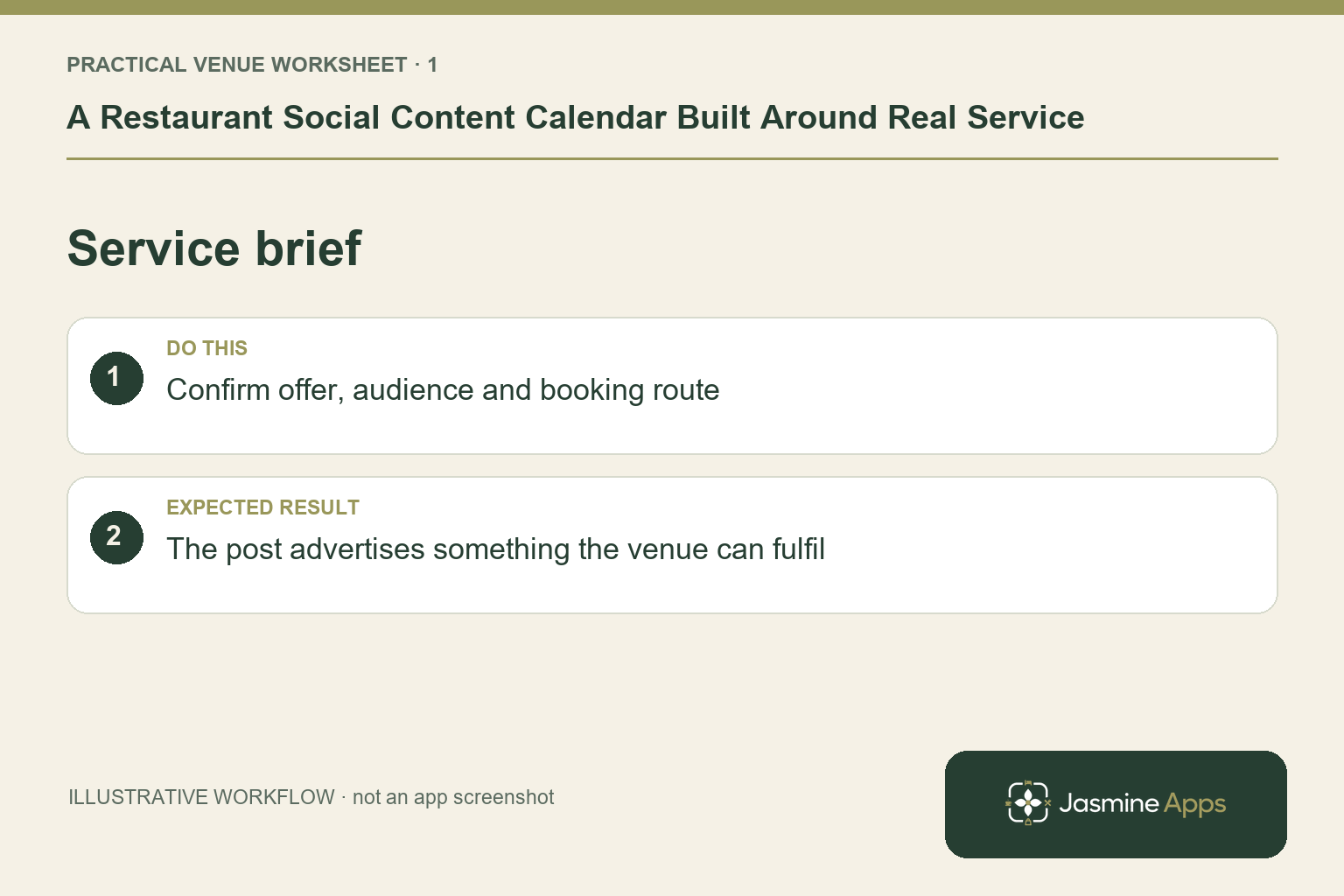
Turn the service plan into a content brief
List the genuine menu, events and booking opportunities you can communicate. Give each idea a reason for the guest to care and one clear next step. An illustrative weekday dining offer should have current dates, availability and an enquiry or booking route the restaurant can support. Do not build posts around an unconfirmed menu photograph simply because it looks attractive. Have the service owner check the actual details before the caption reaches scheduling.
Check the result: The post advertises something the venue can fulfil.
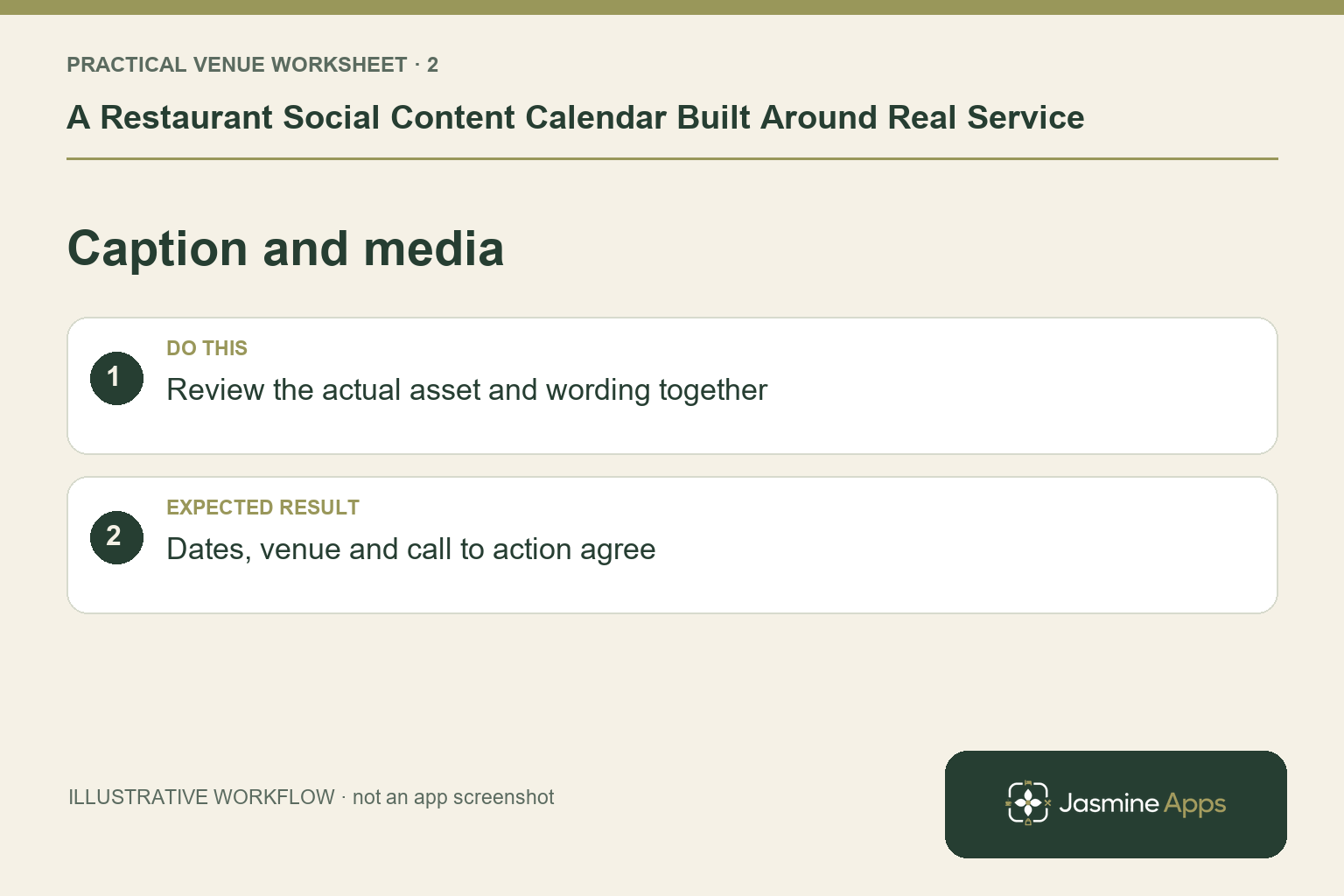
Prepare media and captions as one job
Choose photographs or video the venue has the right to use, with captions that accurately describe the experience. The current Marketing Hub calendar accepts media alongside the post. Keep a master copy and identify who approves the final text and image. Match the format to the intended social profile and confirm platform-specific support in your setup. Do not assume every connected network has identical media rules or that one file will render well everywhere.
Check the result: Dates, venue and call to action agree.
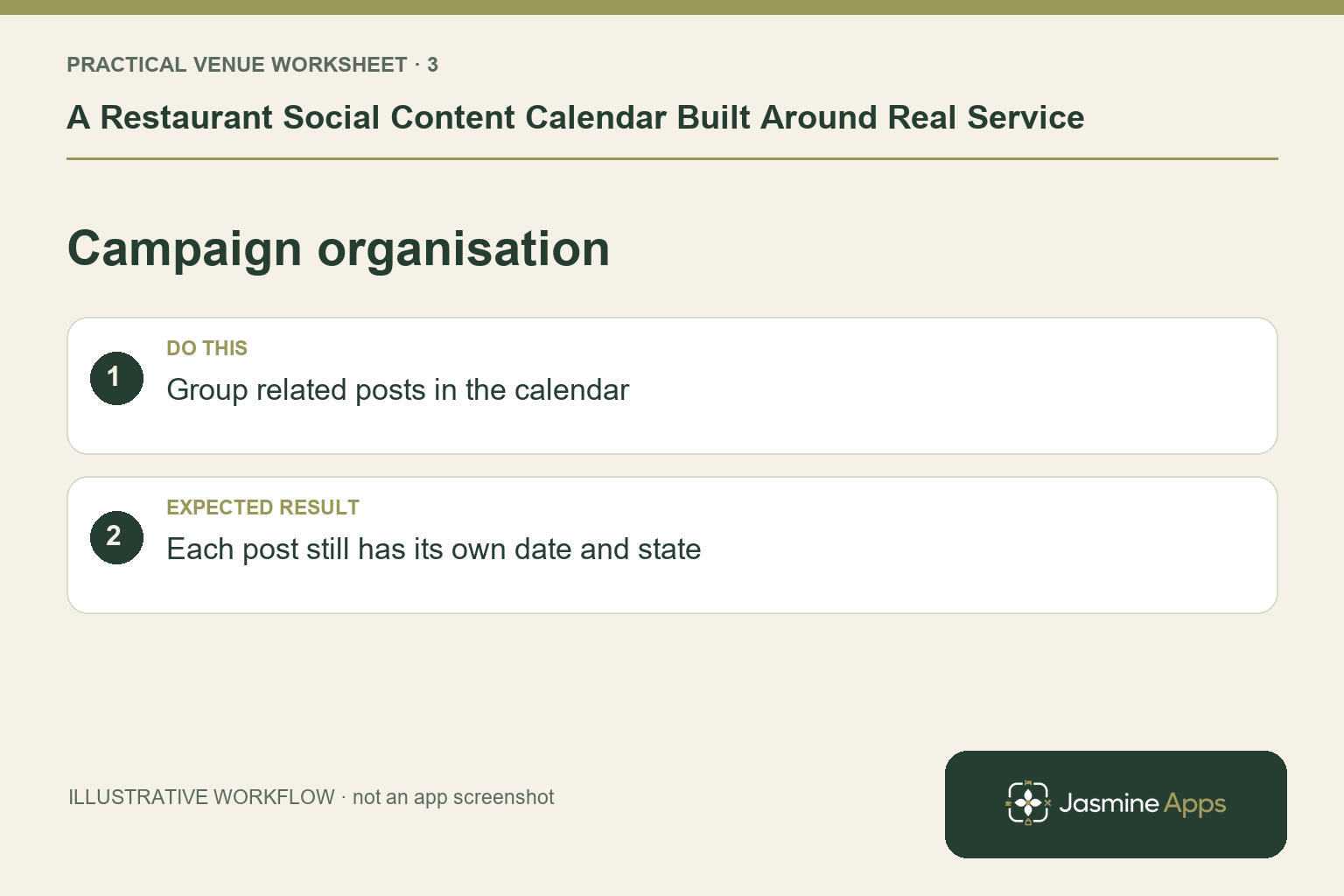
Use campaigns to organise related posts
Group the relevant posts under a recognisable campaign and plan their dates on the calendar. Keep drafts, scheduled posts and published outcomes distinct. Connecting a venue-owned social profile requires that network's authorised login journey; a calendar entry alone is not a connection. Verify the intended profile and handle before scheduling. Do not use a personal account as an informal substitute for the restaurant's approved publishing destination.
Check the result: Each post still has its own date and state.
Check the post outcome and operational response
After a scheduled post, verify the calendar state and the content visible on the intended profile. Keep a named owner for failed or unclear outcomes instead of resubmitting blindly and risking duplicates. The venue also needs its normal process for guest comments and enquiries; the published product description says the social connection is not used to read private messages. Subscriber records are a separate part of Marketing Hub and do not supply email open or click tracking.
Check the result: Calendar status is compared with the live result.
Put the plan into practice
Plan a small representative week, approve each caption and asset, verify the connected profile and check the published result. Review guest questions with the service team. Improve the content that was unclear before increasing the number of posts.
Questions venue teams ask
Does this calendar send an email newsletter? The currently described campaign workflow is social-post planning and publishing. Confirm any separate email-sending arrangement rather than assuming it.
Should we connect every network immediately? Start with the venue profiles you can maintain and verify the supported content journey for each.
Explore Jasmine Marketing Hub.
Example from the actual app
The real Marketing calendar shows the selected date, post count and Europe/London timezone. Plan a post provides Image or video, Copy, Campaign and selected Social profiles, with Save draft separate from Publish. Prepare the actual asset and caption together, then check the selected profile and intended time before making a publishing instruction.
A working checklist for your venue
| Check | What to do | Result to verify |
|---|---|---|
| Service brief | Confirm offer, audience and booking route. | The post advertises something the venue can fulfil. |
| Caption and media | Review the actual asset and wording together. | Dates, venue and call to action agree. |
| Campaign organisation | Group related posts in the calendar. | Each post still has its own date and state. |
| Published outcome | Check the destination profile and enquiries. | Calendar status is compared with the live result. |
Use the checklist with a colleague who did not configure the workflow. Ask them to complete the ordinary task without coaching, then compare the result with the expected outcome. Record the point where they hesitate or need information from another shift. That observation gives you a specific improvement to make before extending the setup.
Discuss your own setup
Bring one real offer, its dates, a suitable image and the booking or enquiry route. Contact Us to discuss Jasmine Marketing Hub, keeping social publishing, subscriber records and your approved email sender distinct.
Illustrations explain the workflow and are not product screenshots. Any numerical example is labelled illustrative and is not a customer result. Product wording and documented setup checks reviewed on 13 October 2026; confirm the features available in your current installation.