

Can You Email Guests After a Booking? Start with the Right Record
· Jasmine Apps
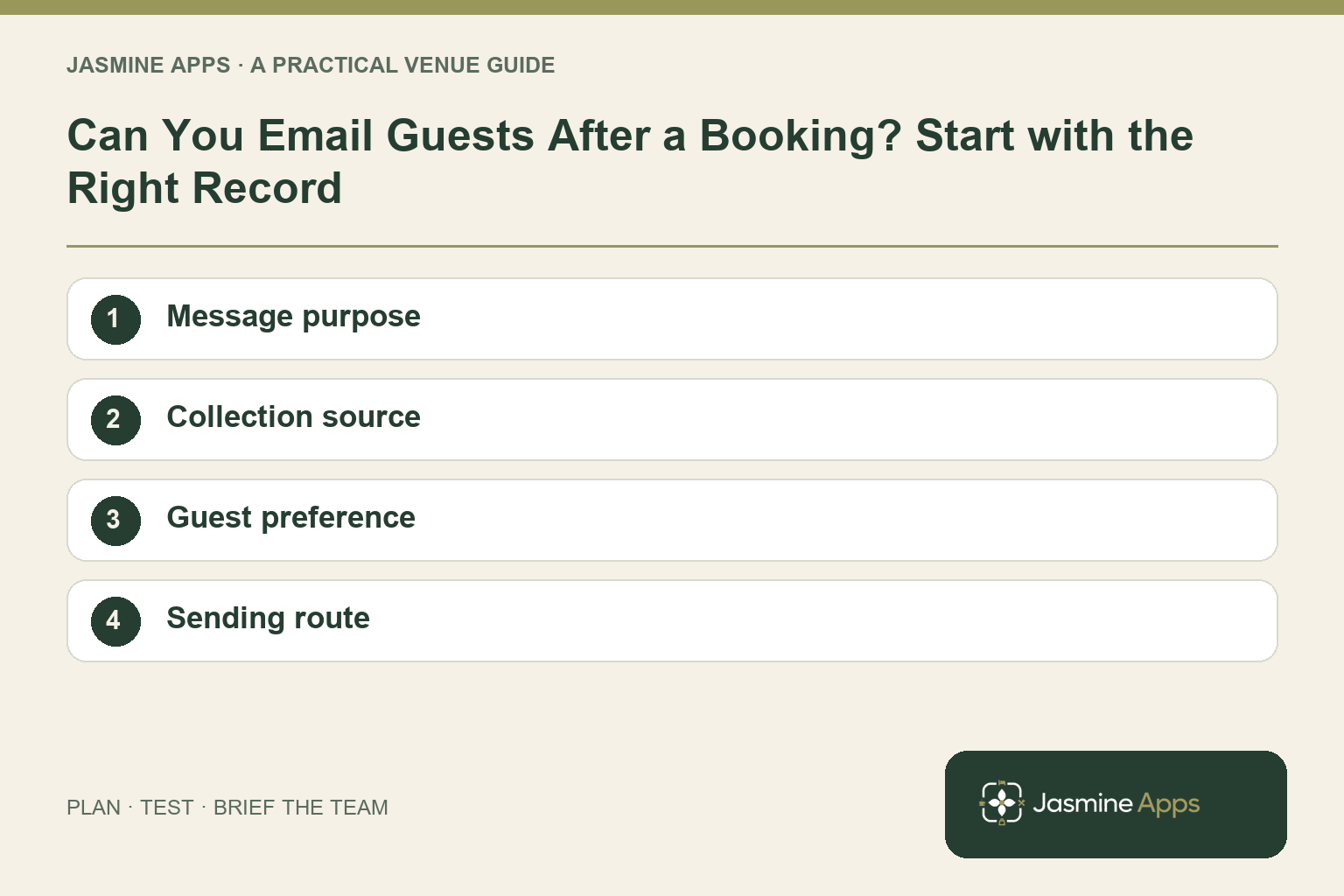
Can you email guests after a booking? Start by separating the booking conversation from a later promotion. A contact detail collected to arrange a table or stay does not, on its own, answer whether a promotional message is appropriate.
Jasmine Marketing Hub now includes a social content calendar for drafts, scheduled and published posts, connected venue-owned profiles and campaign grouping. It also retains subscriber and consent tools. Social publishing is a separate workflow from promotional email; confirm an approved email sender and its reporting before planning an email send.
Identify the purpose of the message
A change to a reservation and an invitation to a future dining event have different purposes. Give staff examples from your venue so they do not treat every guest message as the same communication.
For UK electronic-mail marketing, consult the ICO guidance on consent, qualifying soft opt-ins and opt-outs. Apply it to the actual message and collection route; a subscriber tool does not decide those requirements for you.
Check the result: The communication follows the approved purpose.
Know where the record came from
Marketing Hub describes source tags such as reservation, upsell push and manual entry. That helps the team identify how a contact entered the list, but the tag alone is not a complete explanation of permission.
Check the actual guest choice and the collection process. A colleague adding a contact manually should follow the venue's approved procedure and record the appropriate basis rather than assume a previous visit is sufficient.
| Record question | Why it helps |
|---|---|
| Collection source | Shows which journey needs review |
| Current status | Distinguishes active from unsubscribed |
| Guest choice | Supports the approved communication process |
| Linked reservation | Helps keep the relevant records connected |
Check the result: A source tag is checked with the actual record.
Keep the guest choice consistent
Marketing Hub's published features include linked guest consent synchronisation and unsubscribe management. Test a change through the actual guest and staff routes used by your venue.
If another platform sends your marketing, confirm how its suppression records and the Jasmine record stay aligned. Do not assume an integration exists or that a change in one place automatically reaches every external list.
Check the result: A current choice is respected across the workflow.
Review the list before the offer
Before planning a campaign, identify records that require clarification through your approved process. Separate that review from drafting the promotion, so the team does not select recipients merely because the event needs more bookings.
Keep the list purpose clear and access appropriate. Avoid exporting contacts into unofficial files just to make a larger audience count.
Check the result: Social publishing is not mistaken for subscriber email.
Be honest about the current product
Marketing Hub supports list and consent organisation alongside social calendar planning and publishing to connected profiles. Subscriber counts do not show email delivery, opens or clicks. Confirm the separate promotional-email workflow your venue uses.
Use it to improve the underlying record now, while checking the separate sending workflow your venue actually uses.
Does a booking automatically permit promotions? Review the applicable rules and the collection circumstances through the linked ICO guidance.
Does Marketing Hub send campaigns today? The current public page describes social posts grouped into campaigns and publishing through connected profiles. That does not establish an email-campaign sender.
What should a demo show? A reservation source, its guest choice, a subscriber review and a subsequent unsubscribe.
Explore Marketing Hub with your current booking-to-subscriber journey.
Example from the actual app
The actual app has separate Subscribers and Marketing calendar navigation. Subscribers provides source filters and opt-out state; Plan a post has media, copy, timezone, campaign and selected social profiles, with Save draft distinct from Publish. Keep promotional email, transactional templates and social publishing as separate workflows when planning this communication. For this article’s message purpose check, distinguish booking updates from promotions. Verify the communication follows the approved purpose.
A working checklist for your venue
| Check | What to do | Result to verify |
|---|---|---|
| Message purpose | Distinguish booking updates from promotions. | The communication follows the approved purpose. |
| Collection source | Review what the guest saw and chose. | A source tag is checked with the actual record. |
| Guest preference | Check linked consent and unsubscribe status. | A current choice is respected across the workflow. |
| Sending route | Confirm the separate email sender. | Social publishing is not mistaken for subscriber email. |
Use the checklist with a colleague who did not configure the workflow. Ask them to complete the ordinary task without coaching, then compare the result with the expected outcome. Record the point where they hesitate or need information from another shift. That observation gives you a specific improvement to make before extending the setup.
Discuss your own setup
Bring one real offer, its dates, a suitable image and the booking or enquiry route. Contact Us to discuss Jasmine Marketing Hub, keeping social publishing, subscriber records and your approved email sender distinct.
Illustrations explain the workflow and are not product screenshots. Any numerical example is labelled illustrative and is not a customer result. Product wording and documented setup checks reviewed on 13 October 2026; confirm the features available in your current installation.