

Opening a Second Venue: Standardise Staff Processes First
· Jasmine Apps

Second venue staff processes need more than a copy of the first site's rota. Colleagues may work at both properties while the new venue has a different opening pattern and service team. Standardise the decisions that should be shared, then keep venue-specific responsibilities visible in Clock Jasmine.
Separate shared standards from local decisions
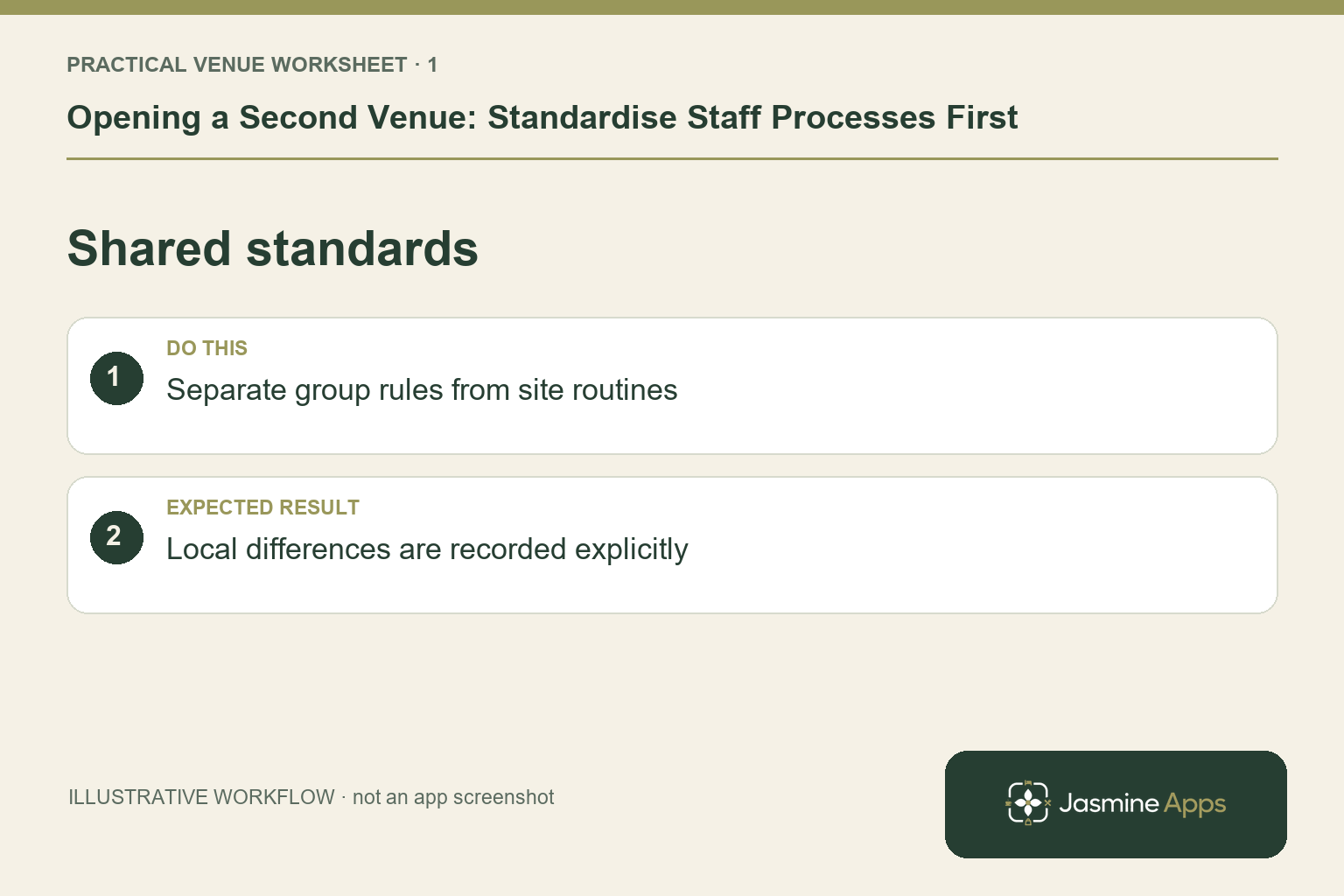
Agree common naming, onboarding steps, training expectations and the route for attendance corrections. Then document what differs: opening times, teams, supervisors and authorised clock-in locations. A shared brand does not mean an employee should receive the same duties at every site. Use an illustrative colleague covering a breakfast shift at one hotel and evening work at another to test whether staff know which manager and venue record apply.
Check the result: Local differences are recorded explicitly.
Check people, teams and access deliberately
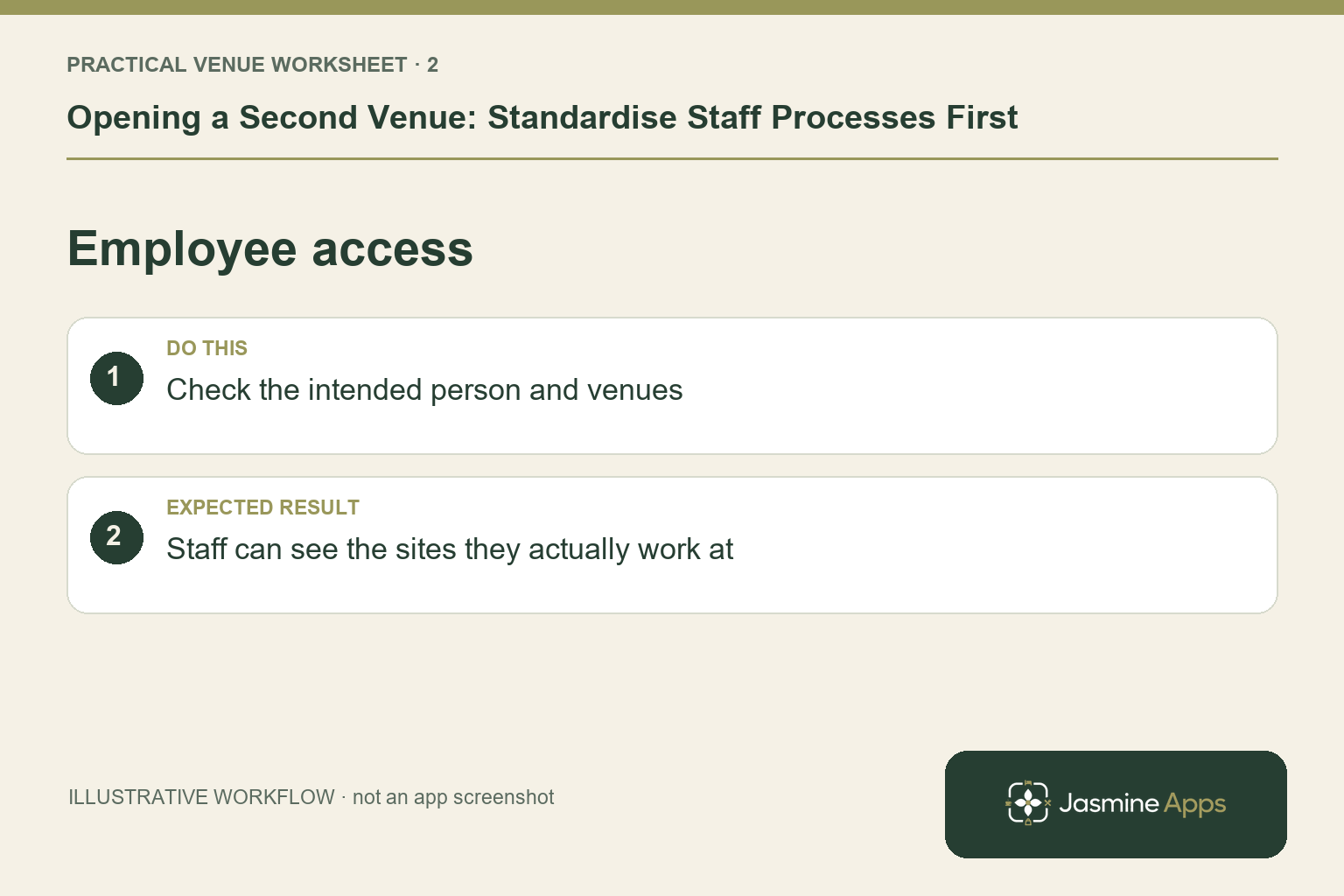
Clock Jasmine's published employee, team and workforce-permission features support organising staff. Review the intended venue assignment and role for each person before opening. Do not clone every access choice simply because the first venue traded successfully. Ask managers to identify who can plan, approve and review records at the new site. Keep employee information in the authorised system and verify any cross-venue behaviour in your actual configuration rather than inferring it from one shared login.
Check the result: Staff can see the sites they actually work at.
Make rota ownership and conflicts visible
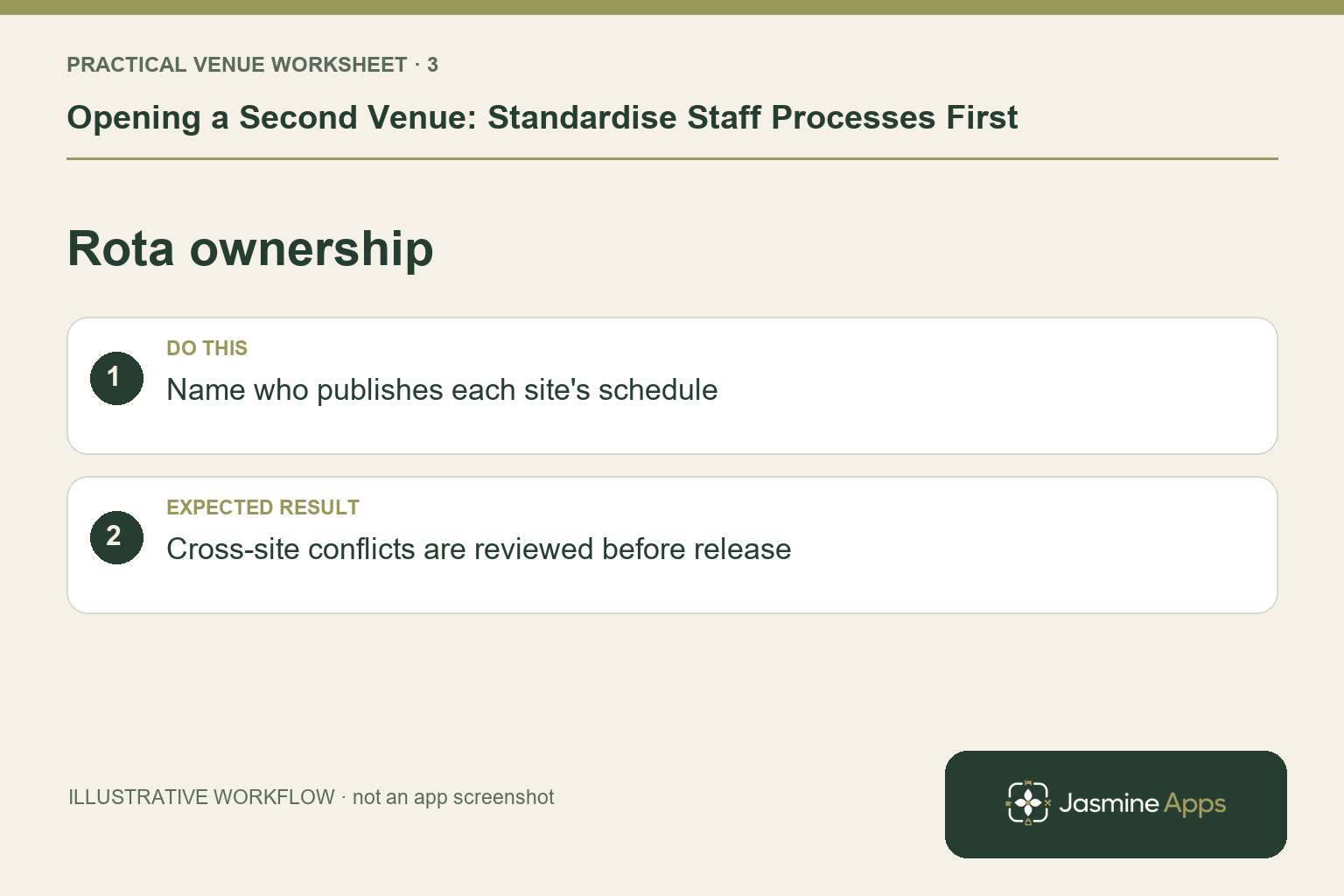
Build boards with clear team scope and planning periods. Review clashes, leave and any cover arrangement across the work the manager can actually see. Publish the intended schedule and have employees check My Rota on their own accounts. Give changes one responsible owner per board. A second venue often exposes unclear practices that one manager previously solved from memory; write those decisions down before informal messages become the only explanation of the published shifts.
Check the result: Cross-site conflicts are reviewed before release.
Rehearse the opening and reporting cycle
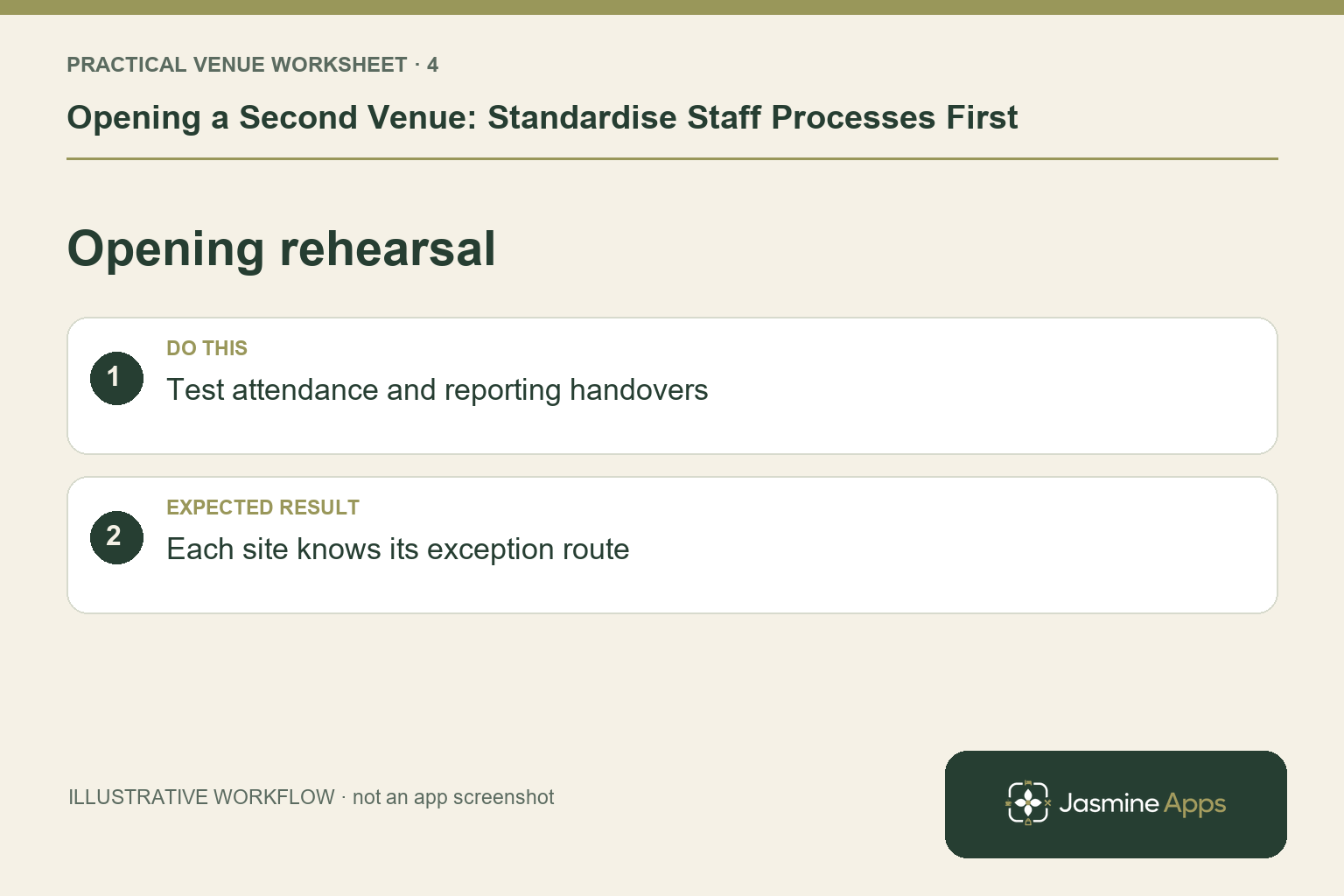
Check the attendance route at the new location and, where used, register the intended kiosk with its correct venue and allowed actions. Have the manager review a sample punch and approval through a non-live or approved test process. Verify the reporting and downstream payroll handover without assuming automatic payment. Prepare the support contacts and exception owner for launch. Include an end-of-shift check so access and the rota remain coherent after the first busy service.
Check the result: Each site knows its exception route.
Put the plan into practice
Before opening, sign off teams, board ownership, attendance methods, training and the correction route. Pilot the standard with someone who did not help design it. Review the first site's process too if the second venue reveals a decision that was never explicit.
Questions venue teams ask
Does one suite automatically standardise our management process? No. Shared tools need clear roles and an agreed operating routine.
Can we assume staff can switch venues without configuration? Confirm their scope, permissions and supported attendance journey for each site.
Example from the actual app
The real attendance workspace separates Clock in / out, Clock-in history, Location, Clock In Settings and Kiosk devices. Clock-in history states that totals sum closed shifts only; Rotas & shifts describes published monthly boards. Follow the record relevant to the task and check whether the employee’s shift is merely planned, actually recorded or awaiting approval. For this article’s shared standards check, separate group rules from site routines. Verify local differences are recorded explicitly.
A working checklist for your venue
| Check | What to do | Result to verify |
|---|---|---|
| Shared standards | Separate group rules from site routines. | Local differences are recorded explicitly. |
| Employee access | Check the intended person and venues. | Staff can see the sites they actually work at. |
| Rota ownership | Name who publishes each site's schedule. | Cross-site conflicts are reviewed before release. |
| Opening rehearsal | Test attendance and reporting handovers. | Each site knows its exception route. |
Use the checklist with a colleague who did not configure the workflow. Ask them to complete the ordinary task without coaching, then compare the result with the expected outcome. Record the point where they hesitate or need information from another shift. That observation gives you a specific improvement to make before extending the setup.
Discuss your own setup
Bring your rota scope, attendance routine and one example of a missed punch or shift change. Contact Us to discuss the Clock Jasmine workflow from planning through recorded attendance and the manager’s review.
Illustrations explain the workflow and are not product screenshots. Any numerical example is labelled illustrative and is not a customer result. Product wording and documented setup checks reviewed on 13 October 2026; confirm the features available in your current installation.