

Fully Booked Hotel Weekend: A Practical Technology Briefing
· Jasmine Apps

A fully booked hotel weekend exposes gaps between departments. Reception may be ready for arrivals while the bar is missing a menu item and the kitchen has an older function summary. A short technology briefing should connect the records staff use to the decisions they must make during service.
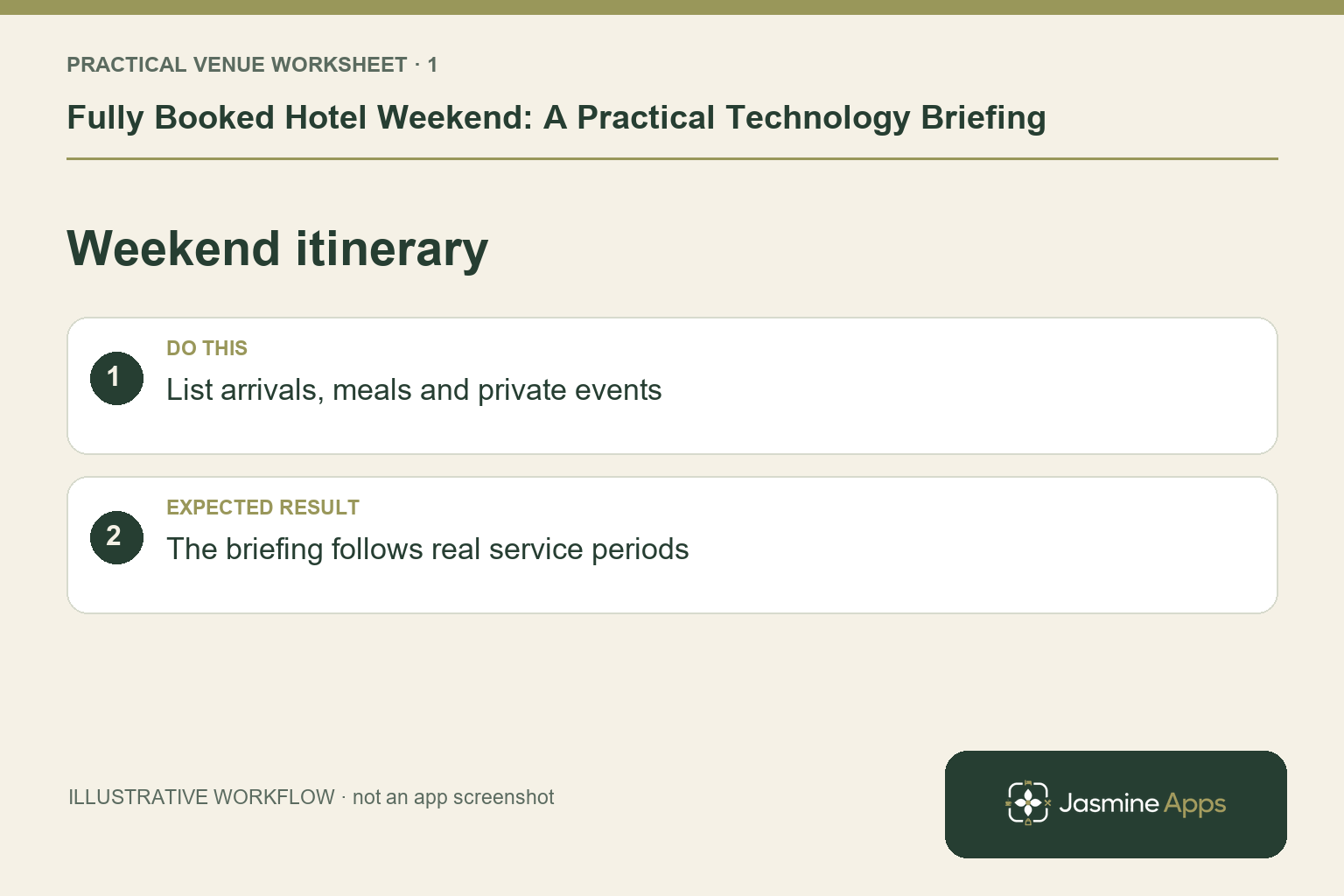
Build the briefing around the weekend itinerary
List arrivals, functions, dining demand and the periods when several teams will be busy together. Use the reservations and function records to establish dates, party sizes and agreed requirements, then assign an owner to confirm anything incomplete. This is an operational briefing, not a replacement for your booking-system checks. An illustrative overlap might be a wedding arrival, restaurant walk-ins and a coach party at breakfast; rehearse that combination rather than only an ideal quiet shift.
Check the result: The briefing follows real service periods.
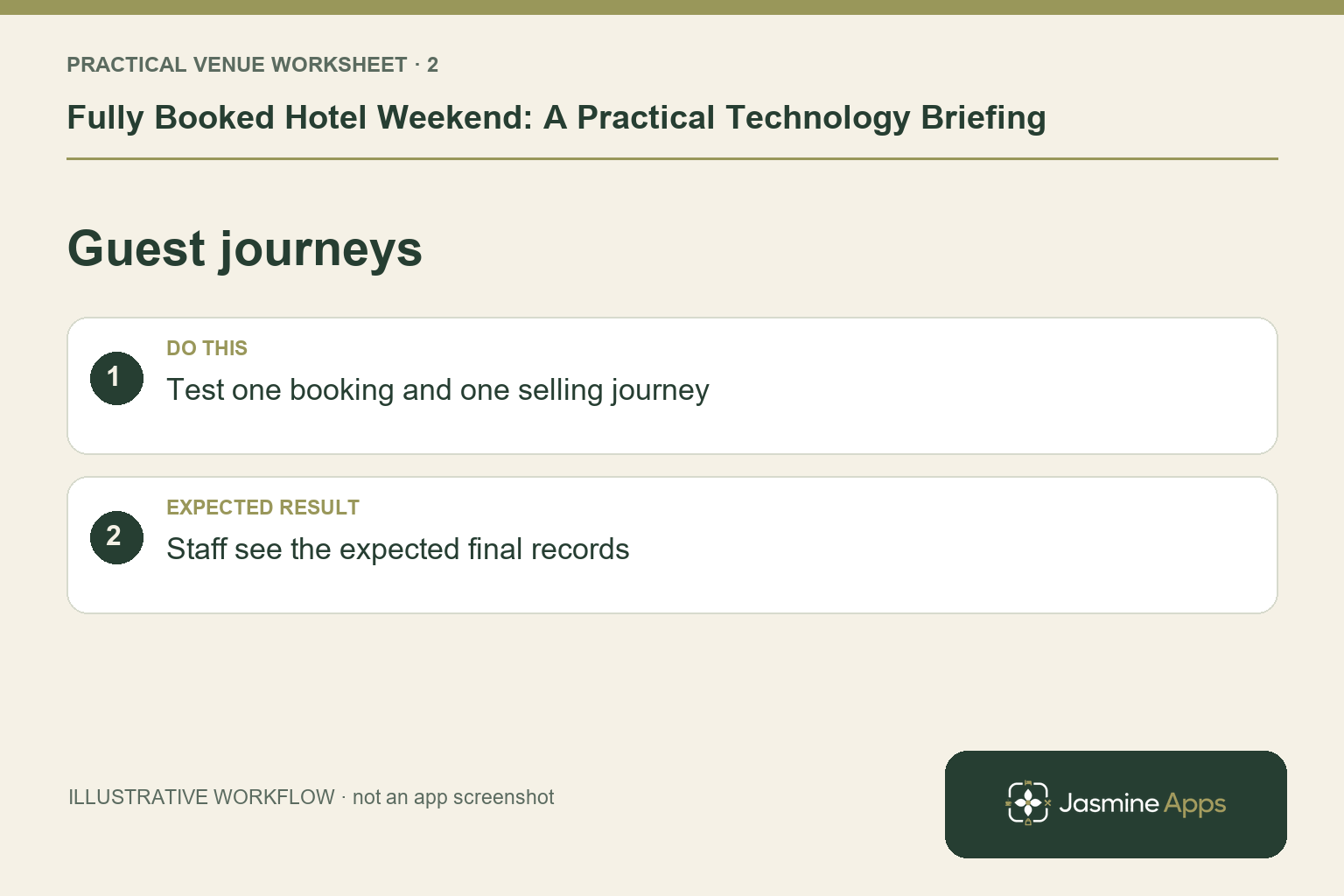
Check the selling and reservation journeys
Verify that the approved Till Jasmine products are published and the layout is saved on the actual terminals. Check configured payment methods and receipt supplies. In Table Jasmine, review seating, function details and the final pre-order summary, with a contact route for changes. Keep any external room-charge or booking integration subject to the demonstrated setup. Assign one person per department to confirm the record, so a general “all checked” message does not hide an unfinished menu or table plan.
Check the result: Staff see the expected final records.
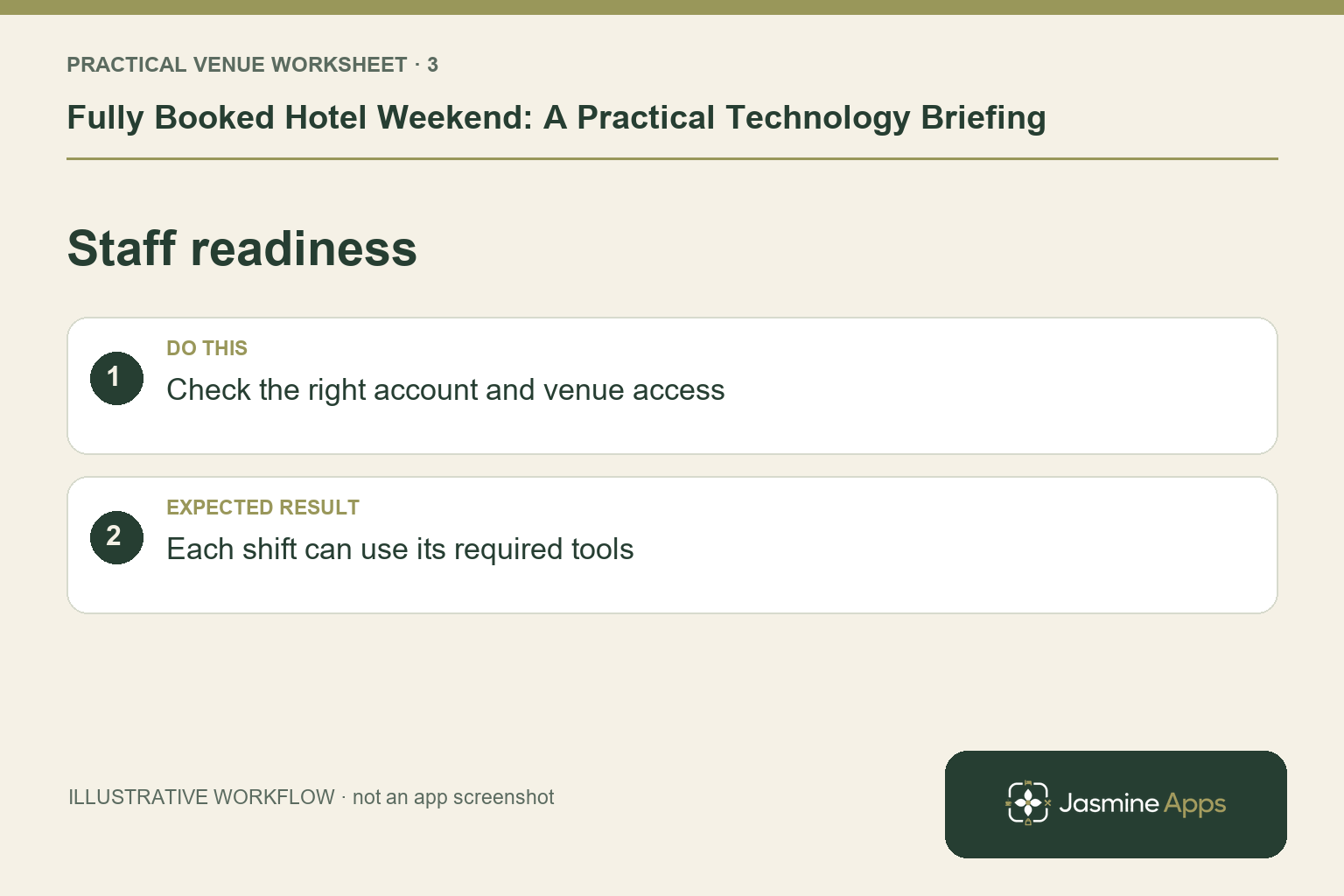
Match staff access to the shift
Use Clock Jasmine's rota scope, conflict review and publication process for the intended period. Confirm that new colleagues have the access, attendance method and training needed for their roles. If the team uses a kiosk, check power, connectivity and the permitted actions. Explain which manager handles corrections and cover requests. A name on a rota does not prove that the employee can find the shift or complete the venue's clock-in routine.
Check the result: Each shift can use its required tools.
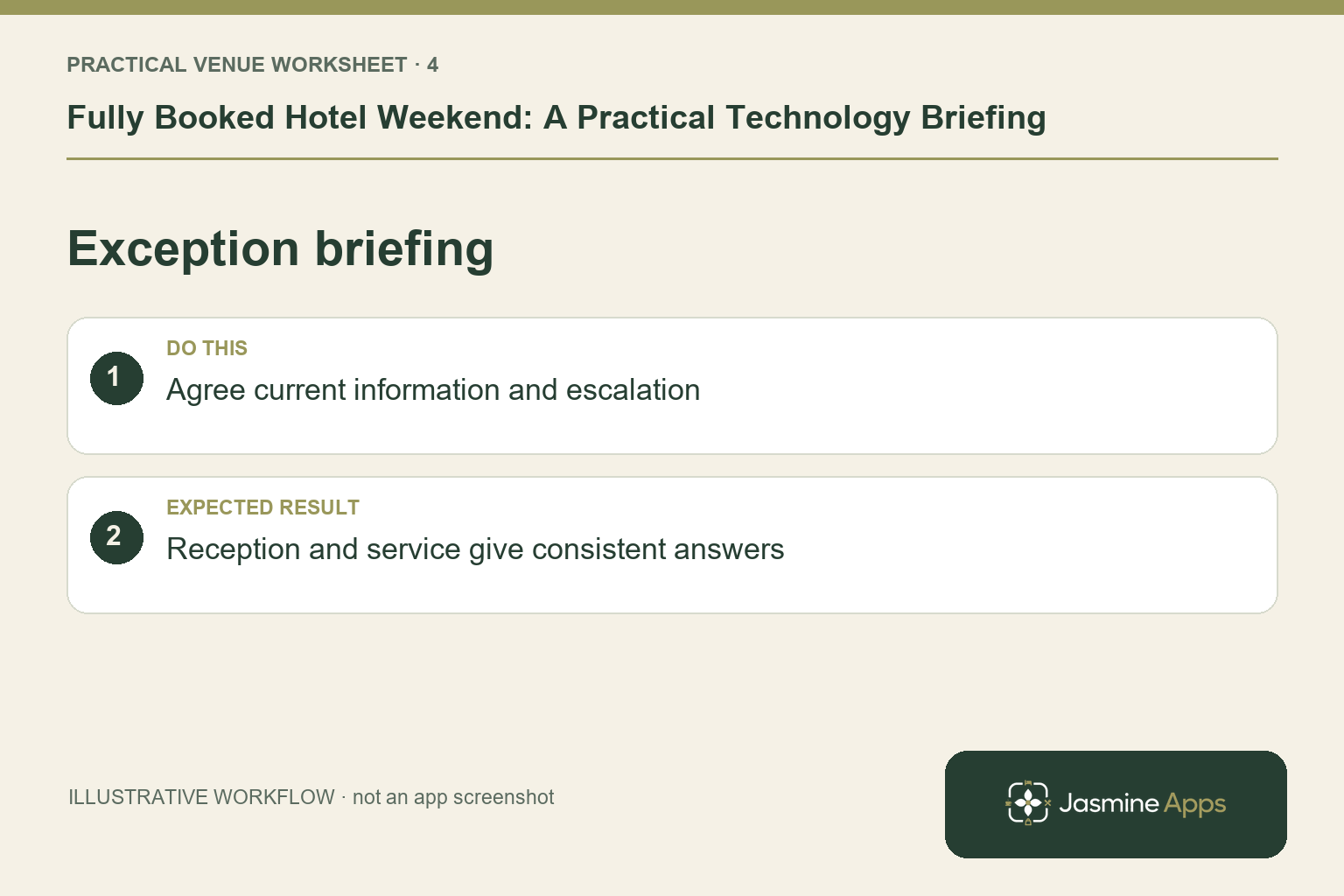
Keep guest information and exceptions consistent
Review the hotel details on Jasmine TV and any printed or reception information for opening times and the enquiry route. Keep one owner for last-minute operational changes and brief the team on the same answer. Where a room has a fault, follow your hotel's readiness and availability process; do not infer live PMS updates from a maintenance note. Keep the duty-manager contact and unresolved transaction log available through the approved contingency route.
Check the result: Reception and service give consistent answers.
Put the plan into practice
Finish the briefing with a named incident lead, departmental backups and the next review time. Ask each owner to demonstrate one actual check on their working device. After the weekend, review the exceptions while the details are fresh and choose the next improvement from that evidence.
Questions venue teams ask
Should the briefing be a long technology manual? Keep it focused on this weekend’s records, roles and exceptions. Link to the relevant detailed guides for training.
Does shared branding guarantee every integration? No. Confirm each required journey in your actual setup, particularly payments, room charging and external booking systems.
Example from the actual app
The actual till dashboard warns when products are not on the till and offers Place them now. Products & Categories also provides a Not on till filter. Make that a concrete pre-weekend check alongside the reservation and staff brief, rather than treating a saved price list as proof that every item is ready to sell.
A working checklist for your venue
| Check | What to do | Result to verify |
|---|---|---|
| Weekend itinerary | List arrivals, meals and private events. | The briefing follows real service periods. |
| Guest journeys | Test one booking and one selling journey. | Staff see the expected final records. |
| Staff readiness | Check the right account and venue access. | Each shift can use its required tools. |
| Exception briefing | Agree current information and escalation. | Reception and service give consistent answers. |
Use the checklist with a colleague who did not configure the workflow. Ask them to complete the ordinary task without coaching, then compare the result with the expected outcome. Record the point where they hesitate or need information from another shift. That observation gives you a specific improvement to make before extending the setup.
Discuss your own setup
Bring a small menu sample, the number of selling points and one awkward order or payment handover. Contact Us to discuss a Till Jasmine demonstration against those requirements.
Illustrations explain the workflow and are not product screenshots. Any numerical example is labelled illustrative and is not a customer result. Product wording and documented setup checks reviewed on 13 October 2026; confirm the features available in your current installation.