

Promote Your Hotel Restaurant on Bedroom TVs Without the Hard Sell
· Jasmine Apps
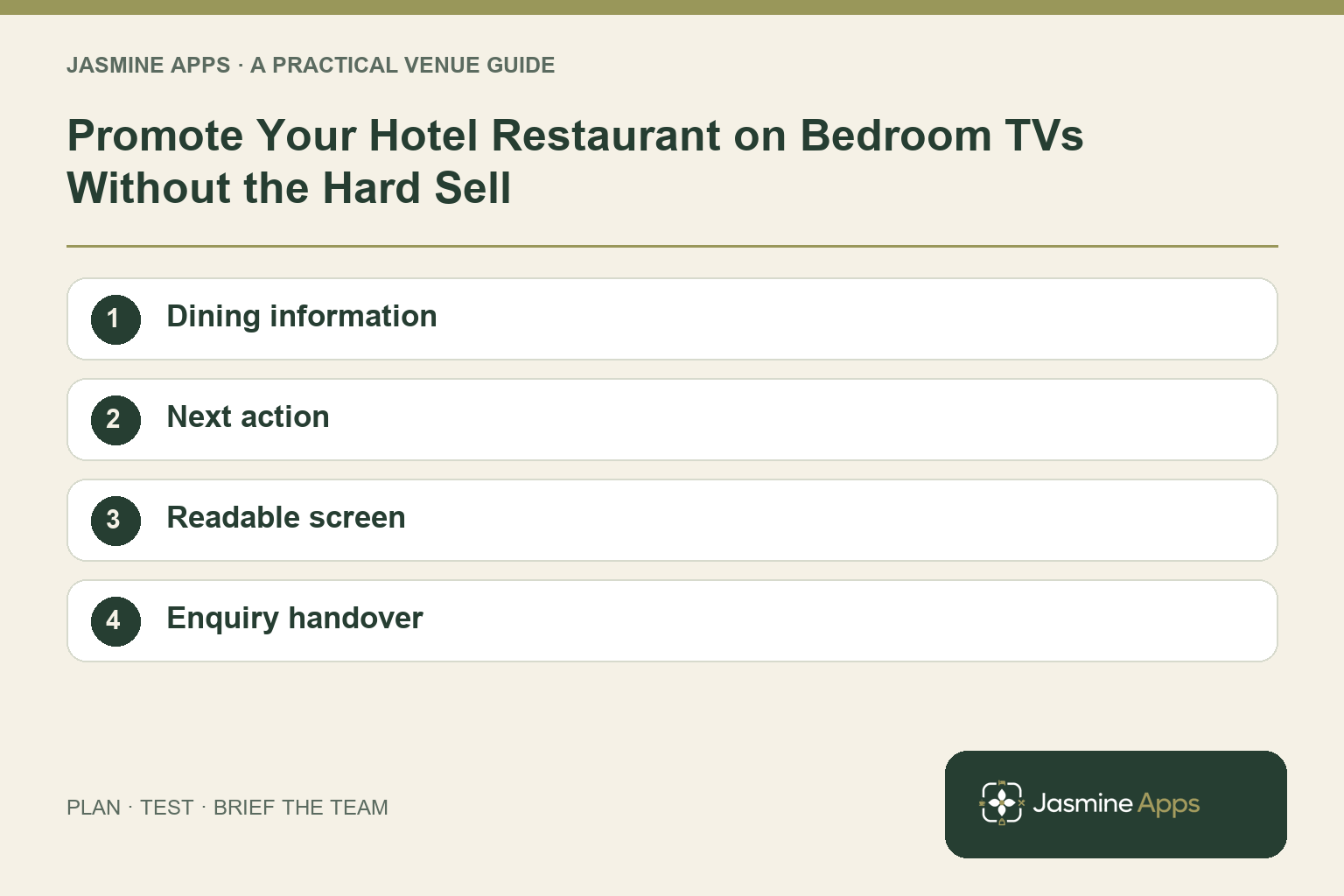
Hotel restaurant promotion on bedroom TVs works best when it answers a guest's immediate question: where can I eat tonight? A tasteful photograph is useful, but opening times, availability and a clear next step turn it into practical information.
Jasmine TV can form part of the bedroom information experience. Confirm the exact content and link or QR route in your setup before promising direct bookings, payments or room charges through the television.
Lead with useful dining information
Show the location, current service hours and the kind of meal the guest can expect. Keep menu and price details accurate and readable from across the room.
Do not let a promotion imply availability the restaurant cannot provide. If a service needs advance enquiry or has limited capacity, use wording the operations team can support.
Check the result: The guest understands the real dining option.
Give the guest one clear next step
Choose the supported route: a phone enquiry, a website link or a configured QR journey, for example. Test it on the actual television and a guest phone where relevant.
| Promotion element | Useful check |
|---|---|
| Offer | What is included and available? |
| Timing | Are the service hours current? |
| Image | Does it reflect the real dining experience? |
| Next step | Can the guest enquire or book through the working route? |
| Staff response | Does reception know the same information? |
A TV promotion with a booking link is not automatically native on-TV booking. Confirm the current Jasmine TV-to-Table journey rather than inferring it from shared branding.
Check the result: The guest knows how to proceed.
Keep the screen calm
Use short messages and make hotel information easy to find. A guest may need breakfast details or local suggestions, not a constant sales pitch. Give dining a useful place in the directory without crowding every screen.
Test text and navigation from the bed and chair. A promotional design that looks excellent on a desktop can become unreadable at bedroom distance.
Check the result: The message remains calm and legible.
Prepare the team for the enquiry
Brief reception and restaurant colleagues on the offer, booking route and any exclusions. Decide what they say if the preferred time is full or the displayed menu has changed.
Give the content a named owner. Menu changes and service closures should reach the bedroom information through the supported update process promptly.
Check the result: Staff can answer the question the screen creates.
Measure the actual journey
Before a trial, decide what you can reliably observe. If your approved booking or website setup supports a distinct link or enquiry source, confirm how it is recorded. A manually asked “how did you hear?” question may provide context, but it is not perfect attribution.
Compare similar periods and account for events, occupancy and menu changes. A rise in restaurant sales does not establish that the TV promotion caused every extra booking. Review guest questions and staff workload alongside any measurable responses.
Test the experience before expanding
Pilot the promotion in representative rooms. Check the displayed details, mobile destination and response from the team handling enquiries. Resolve those issues before making it the hotel's default dining message.
Can guests pay or charge meals to their room on the TV? Confirm the exact current configuration. Do not promise native TV payments, room charging or PMS integration without that evidence.
What is the best first promotion? A genuine service or offer guests can use during their stay, with clear current details.
How do we judge the trial? Use verified enquiry or booking measures and operational feedback, while recognising attribution limits.
Explore Jasmine Apps and request a Jasmine TV dining-information demo connected to the booking route you actually intend to use.
Example from the actual app
The real Hotel info editor can give dining outlets their own titled tabs. Its section text is controlled separately from the welcome-screen background or video. Use the dining section for current opening times and how to enquire, then ensure the team receiving that enquiry knows the same offer.
A working checklist for your venue
| Check | What to do | Result to verify |
|---|---|---|
| Dining information | Show current times, location and offer details. | The guest understands the real dining option. |
| Next action | Choose one enquiry or booking route. | The guest knows how to proceed. |
| Readable screen | Review the promotion from normal viewing distance. | The message remains calm and legible. |
| Enquiry handover | Brief the team on the same offer. | Staff can answer the question the screen creates. |
Use the checklist with a colleague who did not configure the workflow. Ask them to complete the ordinary task without coaching, then compare the result with the expected outcome. Record the point where they hesitate or need information from another shift. That observation gives you a specific improvement to make before extending the setup.
Discuss your own setup
Bring the exact TV models and operating systems, plus a short section of guest information. Contact Us to discuss Jasmine TV and a representative room test covering content, remote navigation and turnover.
Illustrations explain the workflow and are not product screenshots. Any numerical example is labelled illustrative and is not a customer result. Product wording and documented setup checks reviewed on 13 October 2026; confirm the features available in your current installation.