

A Six-Week Social Plan for a Seasonal Hospitality Offer
· Jasmine Apps

A seasonal hospitality social plan works better when each post helps a guest take the next useful step. Jasmine Marketing Hub's current alpha calendar supports drafts, scheduling, media and campaign grouping for connected venue social profiles. Use a six-week structure as an illustrative planning framework, then adapt it to the real offer and service.
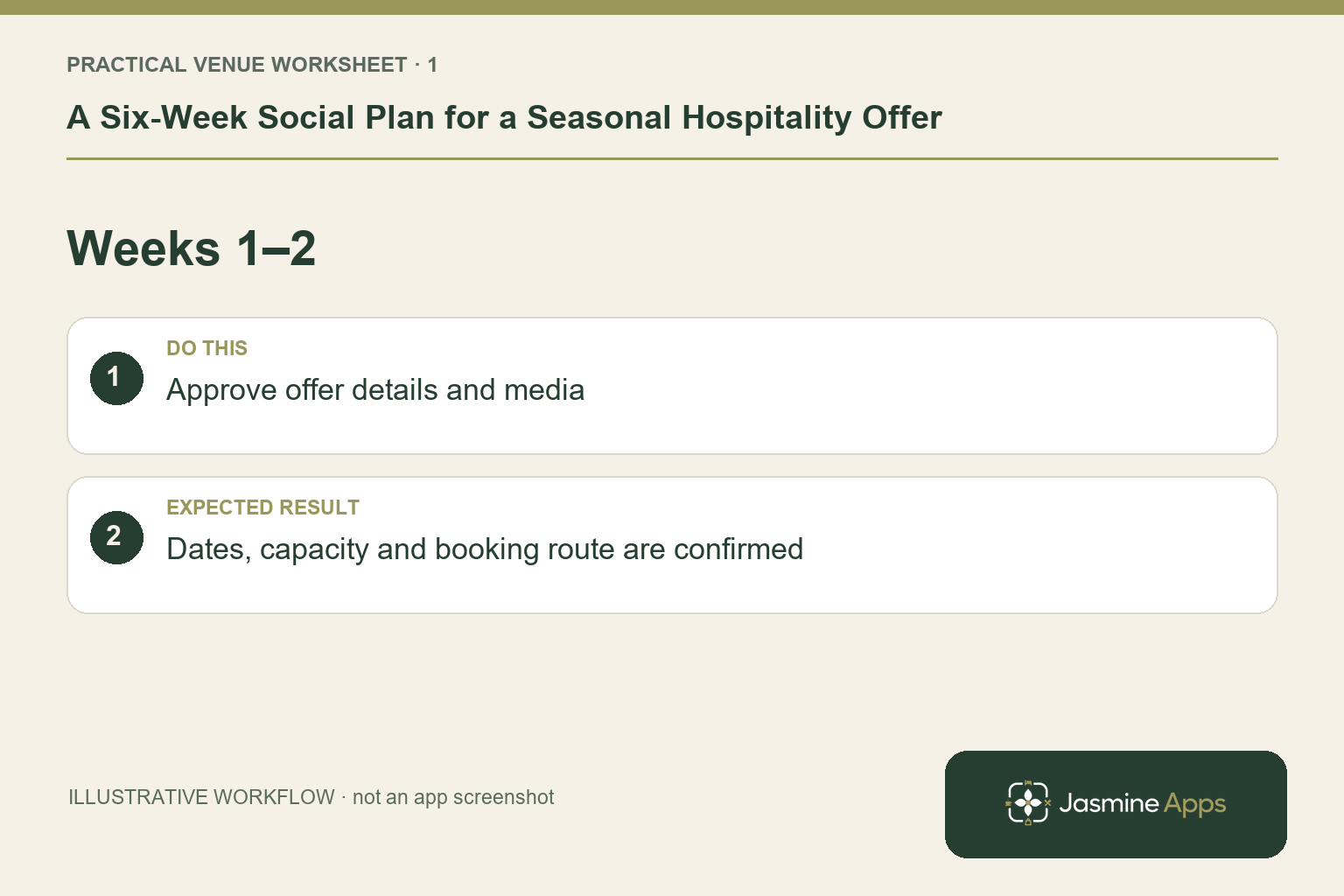
Weeks one and two: approve the offer and assets
Confirm the actual dates, availability, included service and enquiry or booking route before promotion. Ask the operational owner to check the wording. Prepare media the venue has the right to publish and caption it accurately. The six-week example is not a mandatory lead time or a forecast of bookings. For a festive dinner, an early post might explain the occasion, while another shows the real meal format and next step rather than repeating the same photograph with a different emoji.
Check the result: Dates, capacity and booking route are confirmed.
Weeks three and four: answer different guest questions
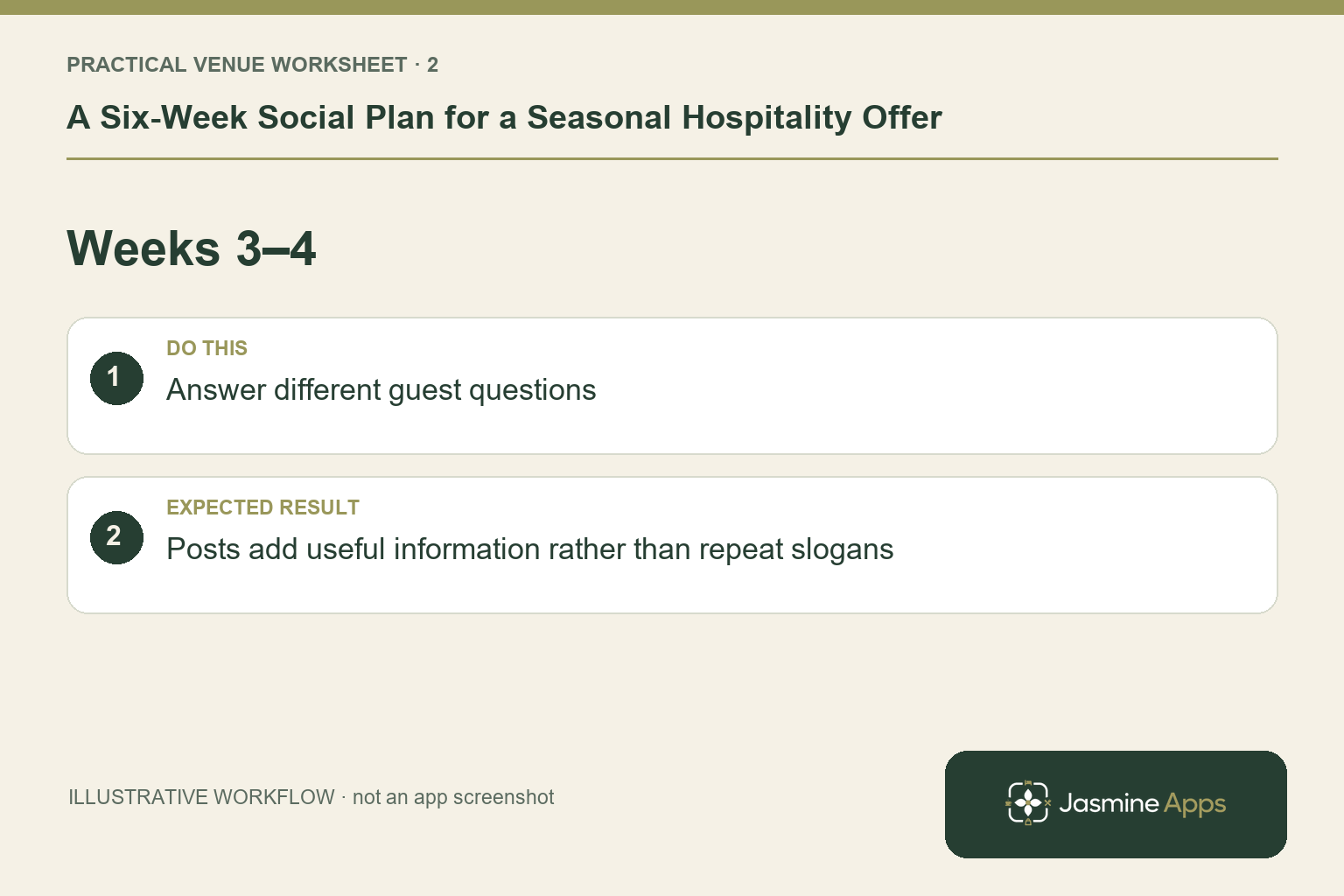
Plan distinct angles such as the menu, the venue experience, group enquiries or practical arrival details, where those are relevant and accurate. Group the posts into a recognisable campaign on the calendar and assign the approver. Use the venue-owned connected social profile and verify its name and handle. Confirm media and scheduling support on each intended network; shared campaign organisation does not mean every platform behaves identically.
Check the result: Posts add useful information rather than repeat slogans.
Weeks five and six: check availability before reminders
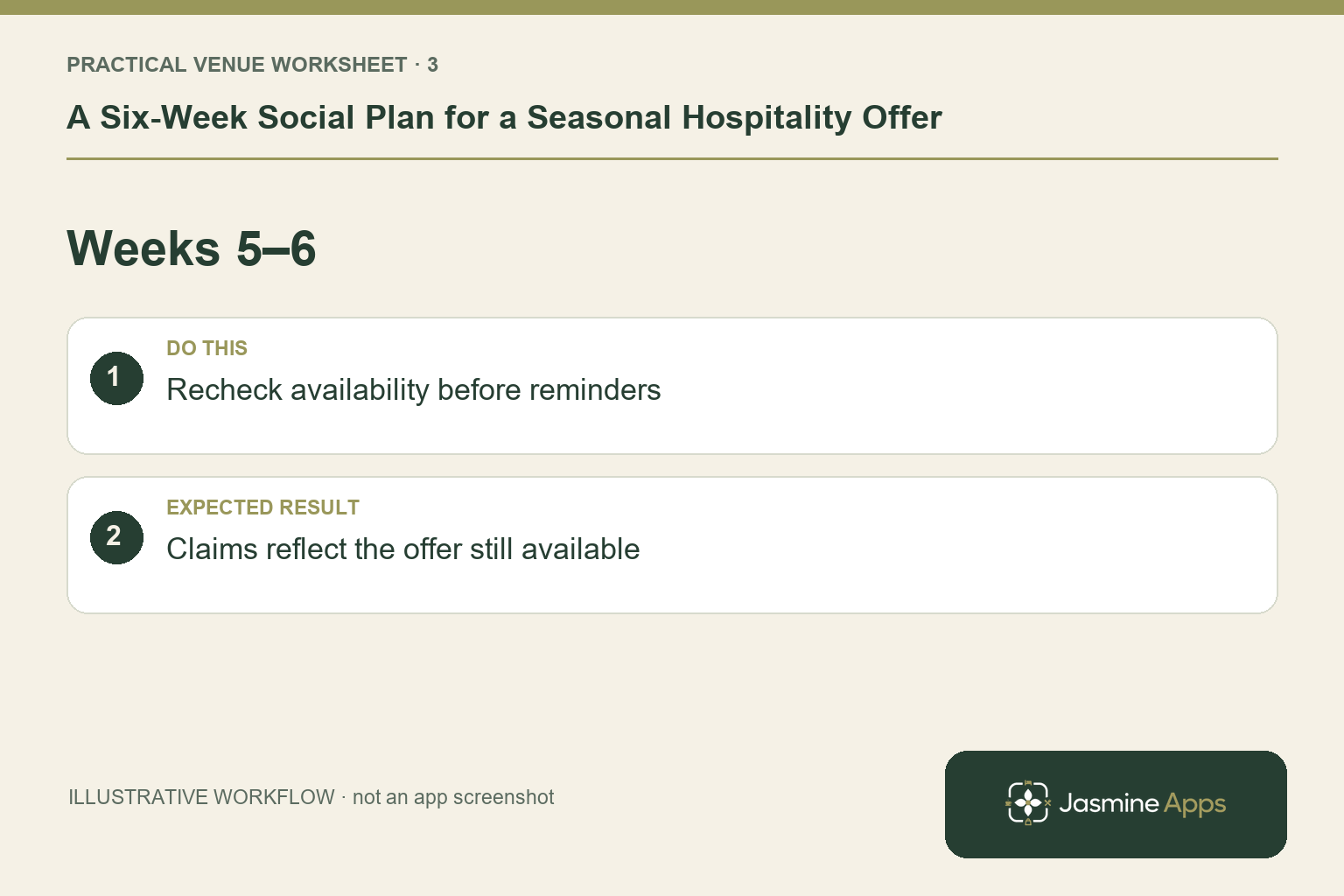
Review the real service picture before a reminder or urgency message. Do not invent a “last few places” claim because the campaign is nearing its end. Keep the next step working and prepare staff for the enquiries generated. A scheduled post should be reviewed if the menu, service or booking route changes. The current product description includes social publishing; it does not establish an automated live-availability feed that rewrites captions when capacity changes.
Check the result: Claims reflect the offer still available.
Verify publishing and retain useful evidence
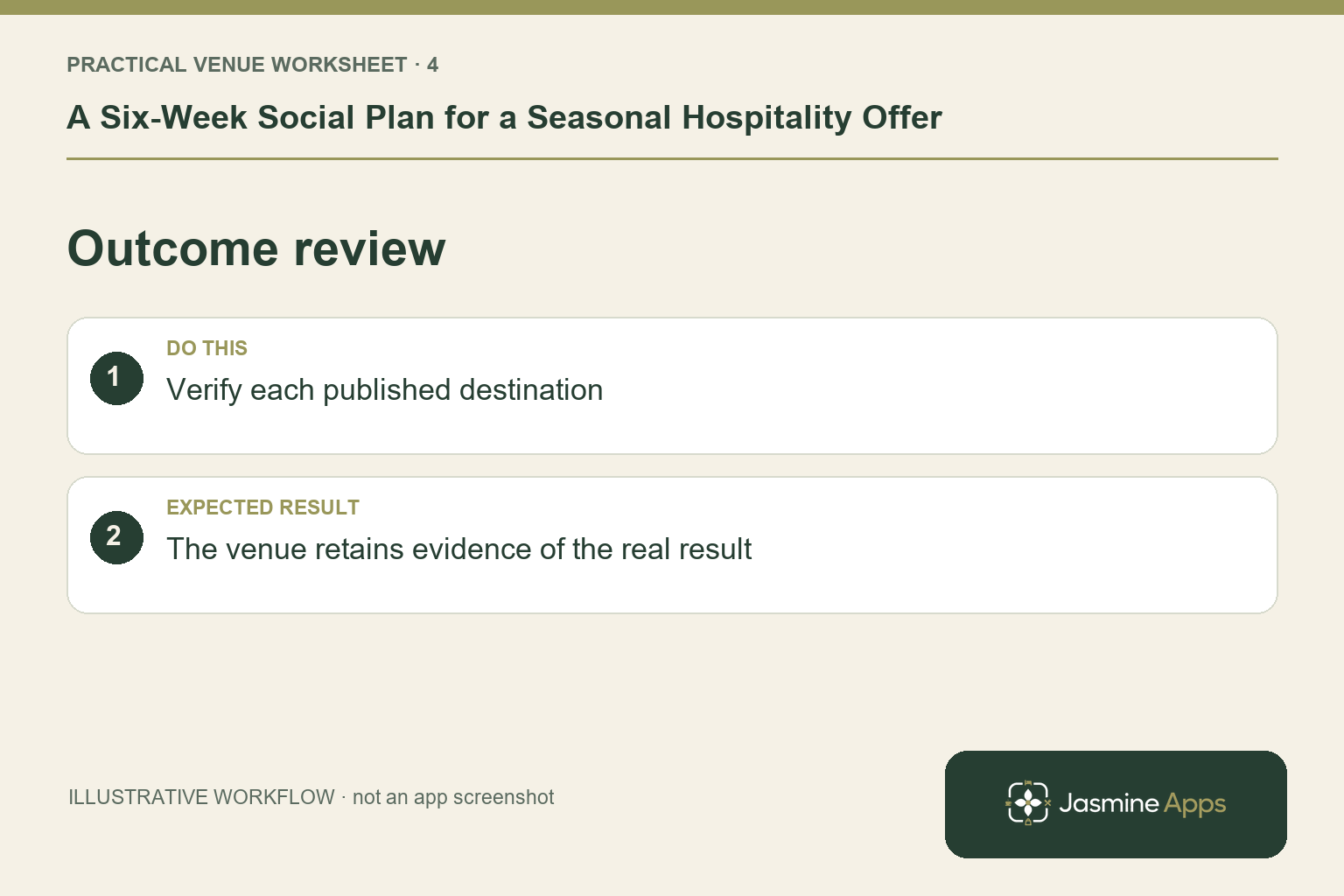
Check the calendar's outcome and the post on the intended social profile before treating it as published. Give unclear or failed actions one owner and investigate before repeating a submission. Handle comments and messages through the venue's usual social process; the published connection is not used to read private messages. Subscriber-list consent records are separate, and no email open or click tracking is provided there. Any performance analysis should identify its actual platform or booking-data source.
Check the result: The venue retains evidence of the real result.
Put the plan into practice
Prepare a small campaign with the offer owner, assets, distinct post purpose, planned date, connected profile and result check. Keep an operational review before late reminders. After the season, record which questions the posts answered and what guests still needed to ask.
Questions venue teams ask
Must every offer start six weeks ahead? No. This is an illustrative planning structure. Set timing around the real service and audience.
Can the calendar prove every booking came from a post? Do not assume attribution. Use supported platform and booking evidence, label its source and recognise its limits.
Explore Jasmine Marketing Hub.
Example from the actual app
In the actual calendar, the Plan a post form can put a post into an existing campaign or Create new campaign. It separately sets the time and selected connected profiles. A six-week campaign is therefore a series of individually checked posts; the campaign name does not prove every item has been published.
A working checklist for your venue
| Check | What to do | Result to verify |
|---|---|---|
| Weeks 1–2 | Approve offer details and media. | Dates, capacity and booking route are confirmed. |
| Weeks 3–4 | Answer different guest questions. | Posts add useful information rather than repeat slogans. |
| Weeks 5–6 | Recheck availability before reminders. | Claims reflect the offer still available. |
| Outcome review | Verify each published destination. | The venue retains evidence of the real result. |
Use the checklist with a colleague who did not configure the workflow. Ask them to complete the ordinary task without coaching, then compare the result with the expected outcome. Record the point where they hesitate or need information from another shift. That observation gives you a specific improvement to make before extending the setup.
Discuss your own setup
Bring one real offer, its dates, a suitable image and the booking or enquiry route. Contact Us to discuss Jasmine Marketing Hub, keeping social publishing, subscriber records and your approved email sender distinct.
Illustrations explain the workflow and are not product screenshots. Any numerical example is labelled illustrative and is not a customer result. Product wording and documented setup checks reviewed on 13 October 2026; confirm the features available in your current installation.