

Spreadsheet Rotas or Rota Software for a Busy Kitchen?
· Jasmine Apps

Kitchen rota software is worth assessing when the spreadsheet is no longer the only place the schedule lives. Copies in a chat, a printout by the pass and a manager's personal revision can disagree. Compare the work required to keep one clear schedule, rather than choosing from a feature count alone.
Write down the problems your spreadsheet creates
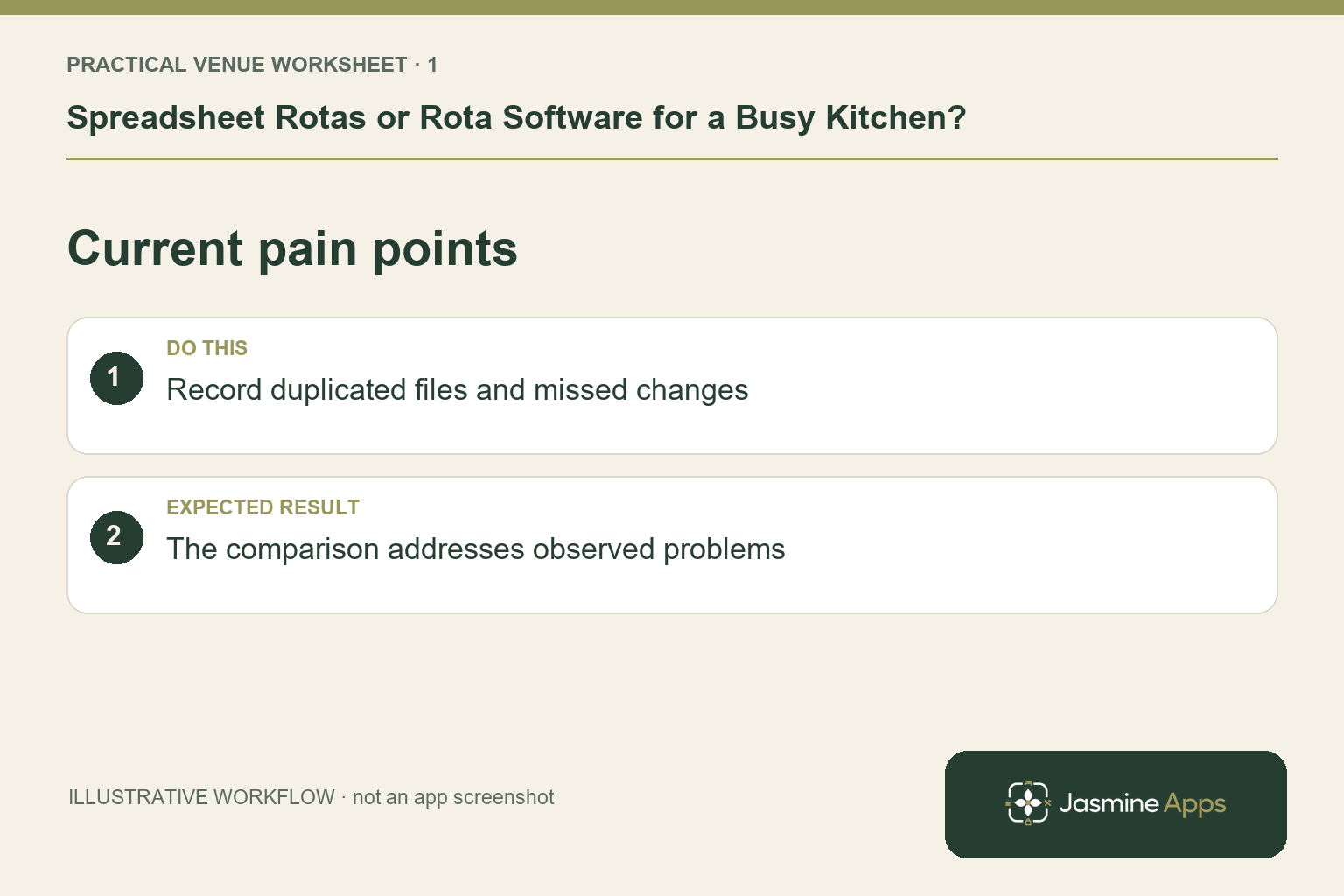
Review a recent planning period and identify missed updates, unclear staff scope and the time spent resolving clashes. A small stable kitchen may operate a well-controlled spreadsheet successfully. A team with rotating cover and several service periods may need more structure. Keep a few real scenarios: a chef on leave, a changed start time and a colleague covering another station. These are comparison tests, not evidence that every spreadsheet causes errors.
Check the result: The comparison addresses observed problems.
Compare the change journey
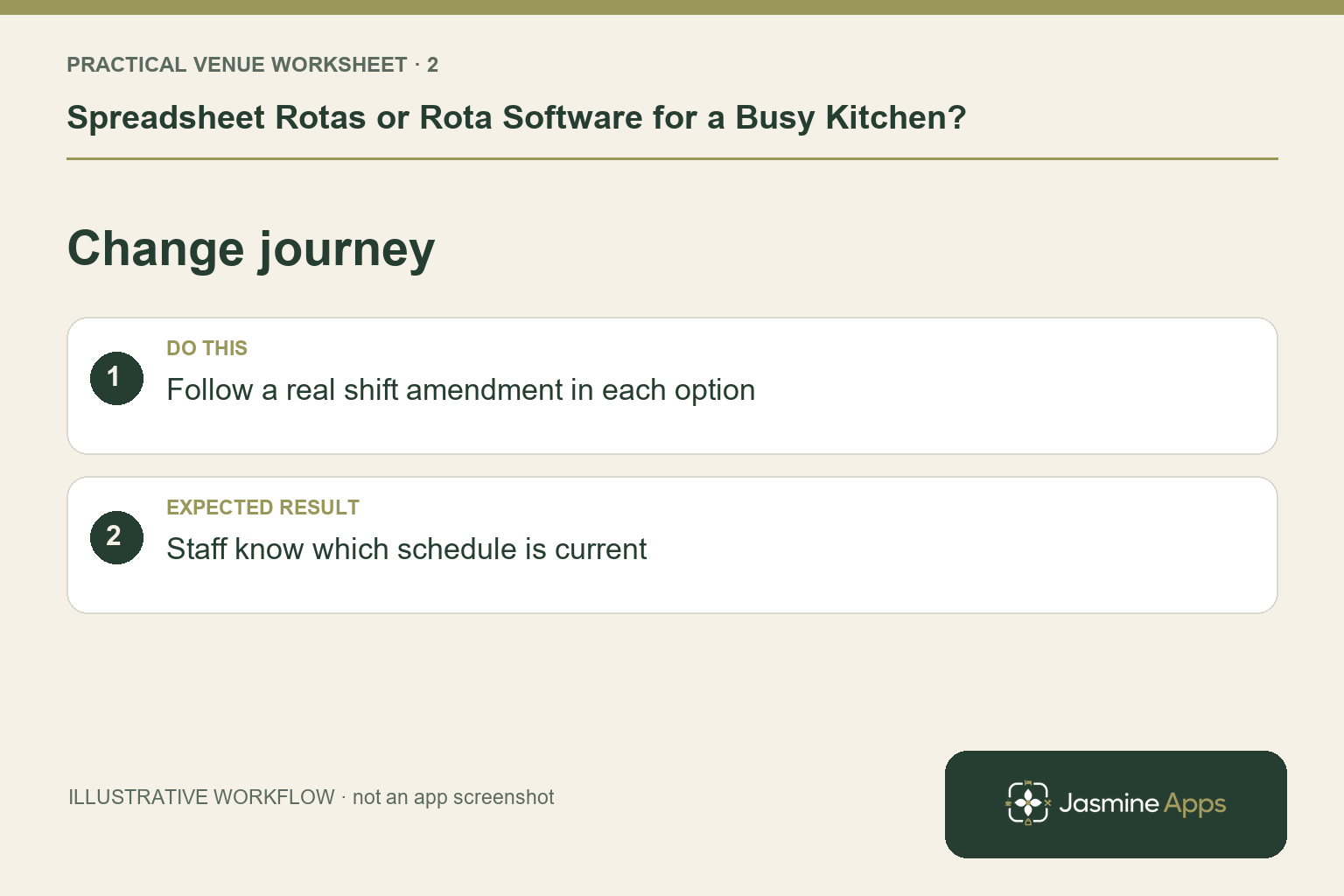
In Clock Jasmine, rota boards, conflict review, publication and My Rota provide a documented planning-to-staff route. Ask to see an edit and the intended publication step on the actual account setup. Compare that with who updates your spreadsheet, who receives the change and how an outdated printout is retired. A digital board only helps if managers follow the same update convention; allowing unofficial versions to continue preserves the original confusion.
Check the result: Staff know which schedule is current.
Review the employee and attendance context
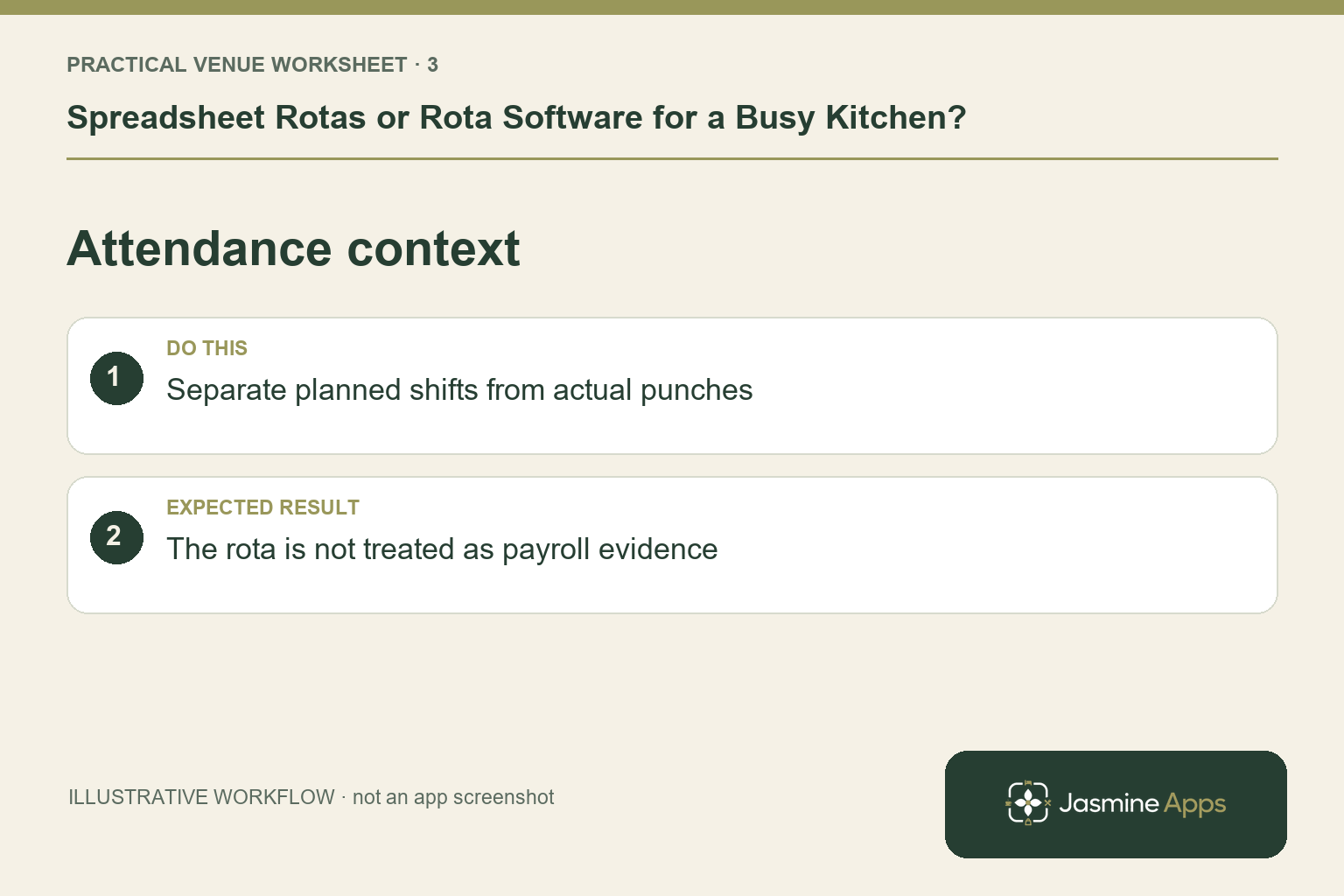
Check board scope and the people included, then review leave or double-booking conflicts. Attendance, manual-punch requests and approvals are separate Clock Jasmine capabilities. Do not treat planned rota hours as automatically the hours worked. Ask how staff clock in, how exceptions reach the manager and how recorded punches are exported. The current Reports & exports workflow supplies a CSV; payroll-provider processing and wage payment remain separate tasks.
Check the result: The rota is not treated as payroll evidence.
Pilot one real kitchen period
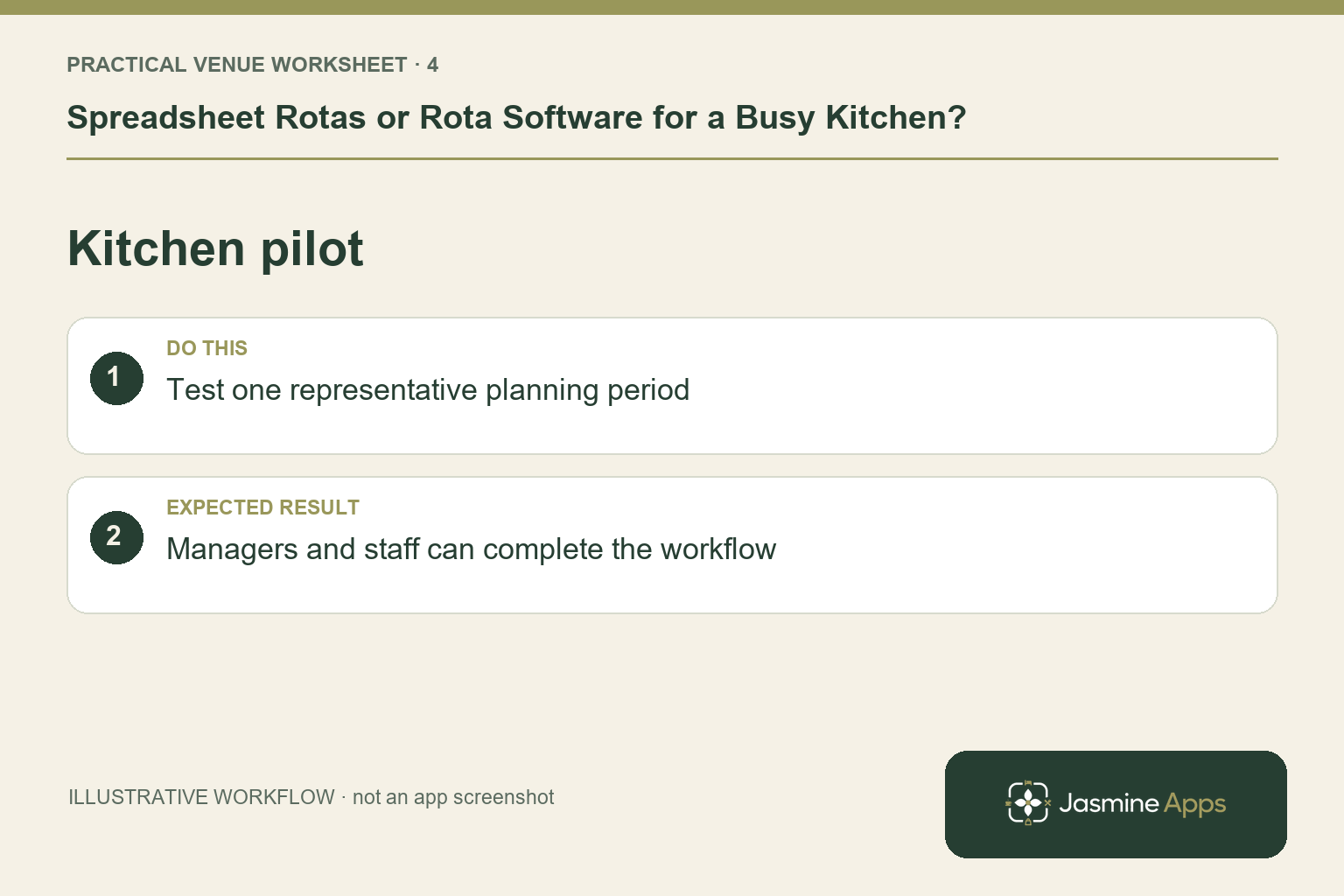
Choose a representative week or month and let the relevant manager and employees use the agreed workflow. Give the team a short explanation of which schedule is authoritative and how cover requests are handled. Record the questions, corrections and update effort before comparing results. Keep training and any migration work in the evaluation. A successful demonstration by the supplier does not show that your evening team can identify their changed shift without help.
Check the result: Managers and staff can complete the workflow.
Put the plan into practice
Use a comparison sheet with planning time, conflicting versions, staff questions and unresolved exceptions. Compare equivalent service periods, allowing for staffing and events. Choose the method the team can keep accurate, then make its ownership and change procedure explicit.
Questions venue teams ask
Should every kitchen abandon spreadsheets? No. Compare the actual coordination problems and the supported software journey for your team.
Can rota software calculate our final wages by itself? Do not assume that. Check recorded hours, configured calculations and your separate payroll-provider process.
Example from the actual app
The real attendance workspace separates Clock in / out, Clock-in history, Location, Clock In Settings and Kiosk devices. Clock-in history states that totals sum closed shifts only; Rotas & shifts describes published monthly boards. Follow the record relevant to the task and check whether the employee’s shift is merely planned, actually recorded or awaiting approval. For this article’s current pain points check, record duplicated files and missed changes. Verify the comparison addresses observed problems.
A working checklist for your venue
| Check | What to do | Result to verify |
|---|---|---|
| Current pain points | Record duplicated files and missed changes. | The comparison addresses observed problems. |
| Change journey | Follow a real shift amendment in each option. | Staff know which schedule is current. |
| Attendance context | Separate planned shifts from actual punches. | The rota is not treated as payroll evidence. |
| Kitchen pilot | Test one representative planning period. | Managers and staff can complete the workflow. |
Use the checklist with a colleague who did not configure the workflow. Ask them to complete the ordinary task without coaching, then compare the result with the expected outcome. Record the point where they hesitate or need information from another shift. That observation gives you a specific improvement to make before extending the setup.
Discuss your own setup
Bring your rota scope, attendance routine and one example of a missed punch or shift change. Contact Us to discuss the Clock Jasmine workflow from planning through recorded attendance and the manager’s review.
Illustrations explain the workflow and are not product screenshots. Any numerical example is labelled illustrative and is not a customer result. Product wording and documented setup checks reviewed on 13 October 2026; confirm the features available in your current installation.