

How to Switch EPOS Systems Without Disrupting Service
· Jasmine Apps

Start with a service plan, then choose a changeover date
To switch EPOS systems successfully, you need more than a new touchscreen. Your products, staff, payment arrangements and daily routines need to be ready together.
A changeover can expose small problems that were hidden in the old setup: duplicate menu items, unclear button names, equipment nobody has checked and refunds that only one person knows how to process. Finding those before launch is much easier than discovering them with customers waiting.
This guide gives a venue manager a practical changeover plan. It covers what to preserve from the old system, what to prepare in Till Jasmine and how to decide whether the team is ready to go live.
Choose the launch date last. Agree it once the pilot, equipment checks and training have passed, rather than treating a delivery date as proof that service is ready.
Illustrative scene: A venue team compares an older cash register with a touchscreen till while planning a changeover.
Check the result: The supplier demonstration covers your venue needs.
Write down why you are changing
Start with three specific problems you want to solve. “The till is old” is less useful than “staff cannot find common drinks quickly” or “we spend too long correcting menu prices”.
Give each problem a measurable baseline. Time a sample of ordinary orders. Count pricing corrections during a week. Record the tasks that need manager help. You can then evaluate the replacement against something concrete.
A supplier's demonstration should follow those needs. Lightspeed's guide to switching POS systems also discusses operational problems as a reason to review a system. The plan below is an independent venue checklist, not a claim about automatic migration between suppliers.
Check the result: The new setup has one checked source.
Check the old contract before buying new equipment
Find the renewal date, notice period and any equipment lease or payment commitment. Confirm which devices belong to you and which must be returned.
Ask how you can access old sales and accounting records after the subscription ends. A new EPOS installation does not automatically bring historic reporting, customer balances or every transaction with it. Agree what can migrate and what must remain in an accessible archive.
List every connection that matters: card terminals, printers, accounting, booking tools and your hotel property-management system. Record the exact products and versions. A general statement that a system “integrates with hotels” does not establish compatibility with your setup.
Check the result: Staff can use the intended configuration.
Prepare the data before importing anything
Export the information your existing supplier makes available and keep an unchanged reference copy. Then prepare a working copy for cleaning and review.
| Data to review | Questions to resolve |
|---|---|
| Products and categories | Which items are live, duplicated or discontinued? |
| Selling prices | Which figures include tax, and which prices are current? |
| Tax settings | Are rates assigned to the correct products and sale types? |
| Cost prices | What does each cost field mean in the old and new systems? |
| Loyalty balances | Can balances transfer, and who will verify them? |
| Historic transactions | Will they migrate or stay in an accessible archive? |
| Staff access | Who should sell, manage prices or change settings? |
Do not assume a CSV file can be imported without mapping and checks. Agree the accepted format and the work each supplier will do. Till Jasmine's existing guides describe product setup; they do not promise an automatic transfer from every other EPOS.
For the cost-field distinction, use the existing EPOS cost price and VAT guide rather than copying an old field blindly.
Check the result: The first live shift has a controlled support route.
Check the complete equipment chain
Record the model and operating system of every proposed till PC. Add printers, cash drawers, scanners and card terminals to the list. Ask the new supplier to confirm compatibility and any required replacement before you finalise the budget.
Till Jasmine's documented dedicated till setup uses a Windows PC, an installed till application and device pairing with a code. Staff and managers have separate access requirements.
Existing Till Jasmine download-page image from the existing setup guide. Installation and device compatibility should be agreed before the changeover. Jasmine Apps branding has been added below the screenshot.
Assign clear till names, such as Bar till 1 and Restaurant till 1, so the team and support can identify equipment easily. Keep pairing credentials and staff PINs private. Do not treat the manager's login as a shared team account.
Build one working service area first
Choose an area that is representative but manageable. Build its product catalogue and layout, then check the screen against the actual printed or online menu.
Ask a staff member to enter several real-world orders in a test environment: a common drink, food with an agreed option, a correction and the relevant payment methods. Include table or room workflows if your venue needs them.
The Till Jasmine visual designer supports pages, folder buttons, button sizes and colour choices. Prepare those around your team's language and common orders. Save the layout and confirm the published products can actually be tapped on the till.
Illustrative scene: A supervisor trains a colleague on a till during a quiet service period.
Train the evening team as well as the manager
A successful office demonstration does not prove the weekend team is ready. Give every shift practical time with the tasks it will perform.
Training should cover opening the till, entering an order, correcting mistakes, payment, receipts, cash-up and the agreed outage plan. Teach how to recognise when a task needs manager help. Practise with both experienced staff and someone who has not used the system before.
Write a short shift guide with support contacts and the venue's specific decisions. Keep it focused on the tasks staff need during service. The existing Till Jasmine tutorials can support this, but your venue still needs to define its own roles and procedures.
Use a go-live checklist with named owners
| Launch requirement | Who should sign it off? |
|---|---|
| Prices and tax settings checked | Manager responsible for the catalogue |
| Equipment and receipts tested | Installation lead |
| Payment workflow confirmed | Manager and payment provider |
| Each shift trained | Service manager |
| Required connections demonstrated | Supplier and venue owner |
| Opening figures agreed | Manager responsible for reconciliation |
| Recovery and rollback plan documented | Project lead |
A rollback plan explains how you will return to a known working service if the pilot exposes a serious issue. It must account for sales already taken and payment records, rather than simply swapping screens and hoping the totals match.
Review the first few shifts
Keep the first live service manageable where possible and have the agreed support available. Record difficulties while the details are fresh: missing buttons, unclear names, printer behaviour or steps staff cannot complete confidently.
Illustrative scene: A hotel team rehearses its reception and bar setup before opening.
Compare the new system with your original baselines after the team has had time to learn it. Change one part of the layout or workflow at a time so you can tell what helped. Preserve the final records from the old system and resolve any launch exceptions before calling the project finished.
Frequently asked questions
How long does it take to switch EPOS systems?
There is no useful single timescale for every venue. Product data, equipment, connections and training determine the work. Agree a schedule after the scope is checked.
Can I use my old till PC?
Possibly. Till Jasmine's Windows requirements and the compatibility of printers, drawers and payment devices need checking first.
Will historic sales transfer automatically?
Do not assume so. Ask both suppliers what is exportable, what can be imported and how retained records will remain accessible.
When should we switch?
Choose a quieter trading period after the pilot and readiness checks have passed. Avoid making your busiest function the team's first live shift.
Bring your existing setup to a demonstration
Arrange a Till Jasmine changeover discussion with your current equipment list, menu and required connections. Ask for a written scope covering setup, training, any migration work and responsibilities.
Explore Till Jasmine's published features and the hotel EPOS cost guide.
Product basis checked 13 October 2026 against the published feature page and existing Till Jasmine setup and layout guides. Editorial photographs are illustrative; the labelled app image is an existing Till Jasmine screenshot.
Example from the actual app
The actual Products & Categories page separates the product record from its On till placement, and the Till Layout screen separates selling pages from the Payment page. Use those real checks for this workflow. The dashboard’s hourly and payment-method views report the venue’s recorded sales; a layout change should be tested on the intended device before its effect on service is assessed. For this article’s requirements check, list the actual selling and reporting journeys. Verify the supplier demonstration covers your venue needs.
A working checklist for your venue
| Check | What to do | Result to verify |
|---|---|---|
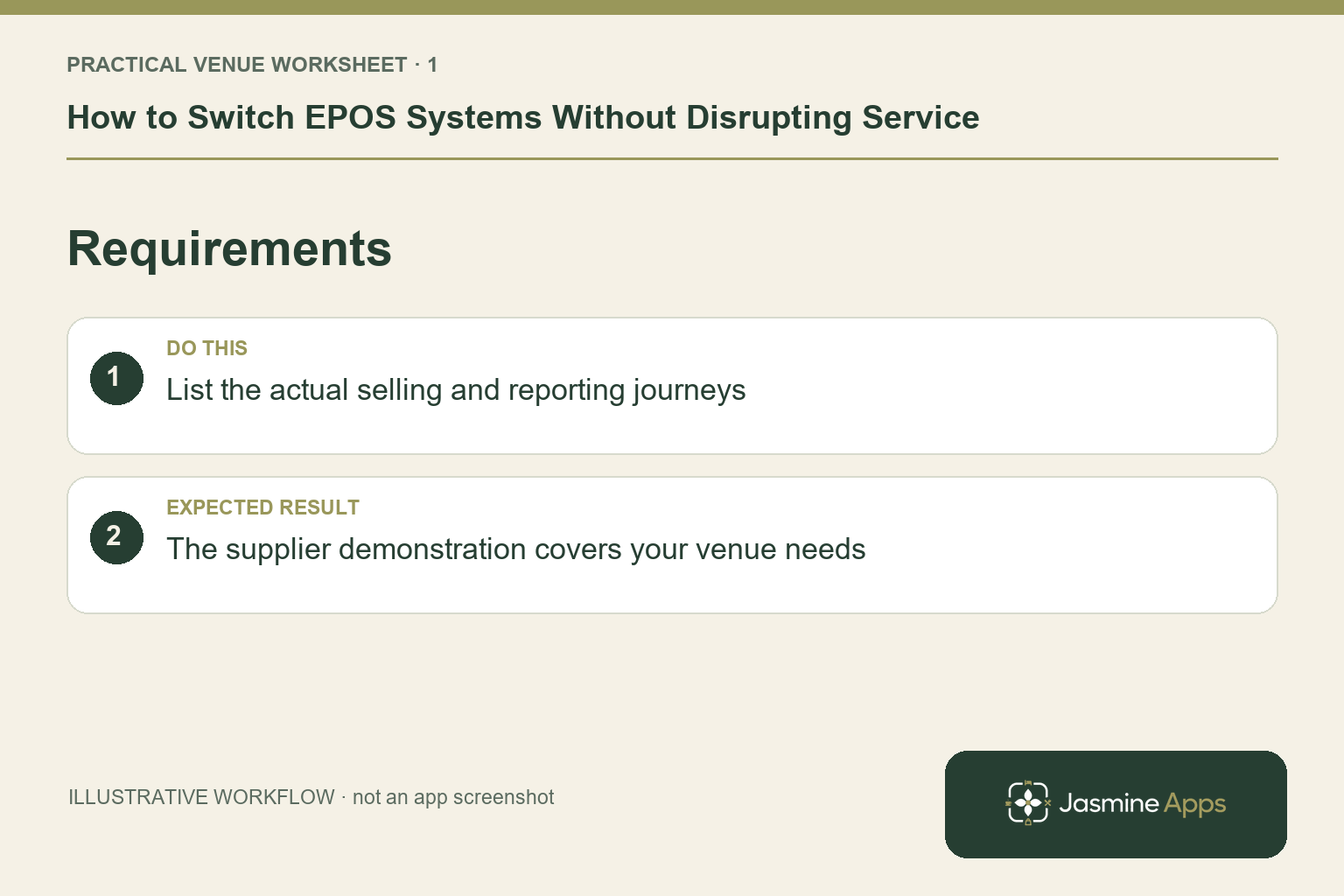
| Requirements | List the actual selling and reporting journeys. | The supplier demonstration covers your venue needs. |
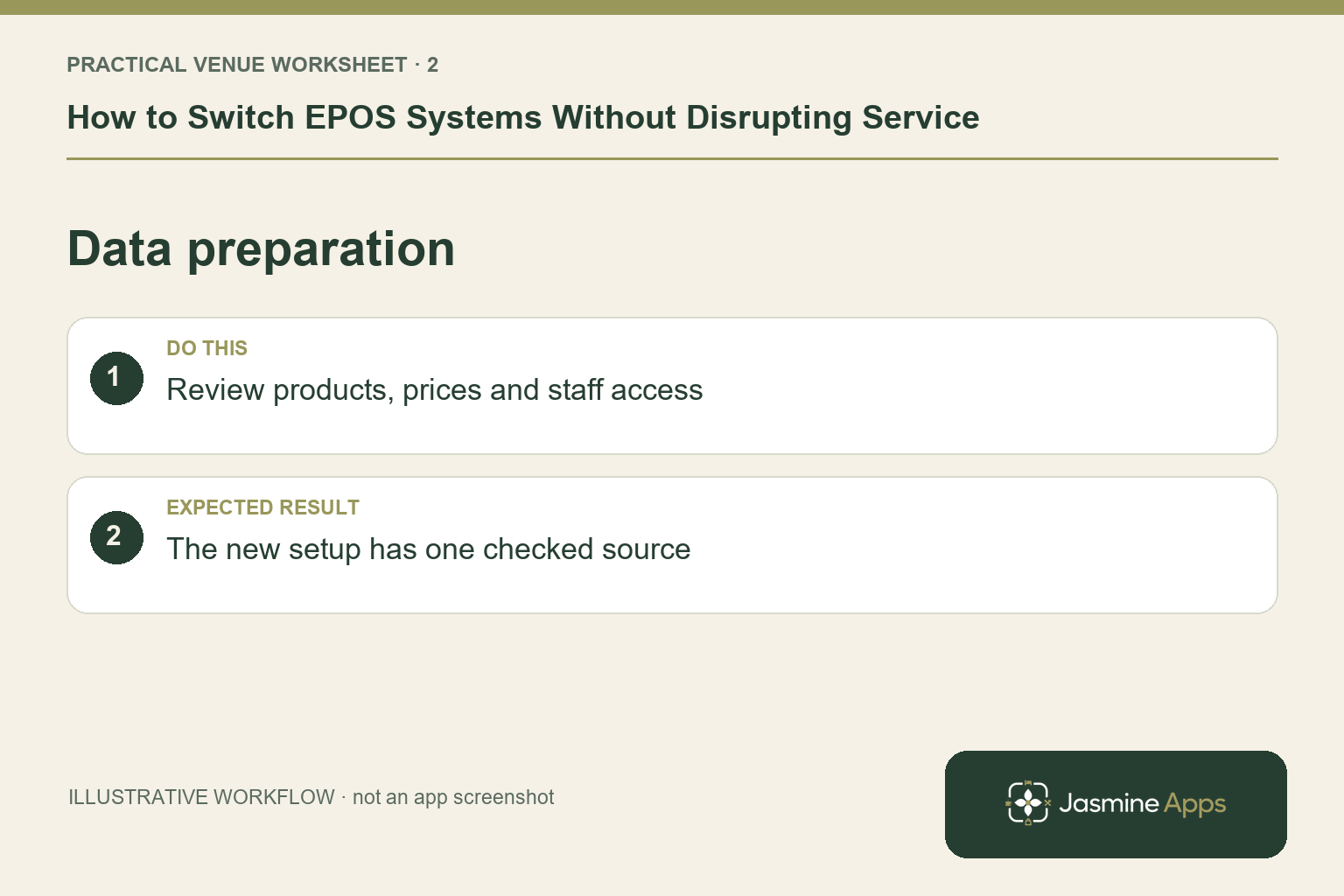
| Data preparation | Review products, prices and staff access. | The new setup has one checked source. |
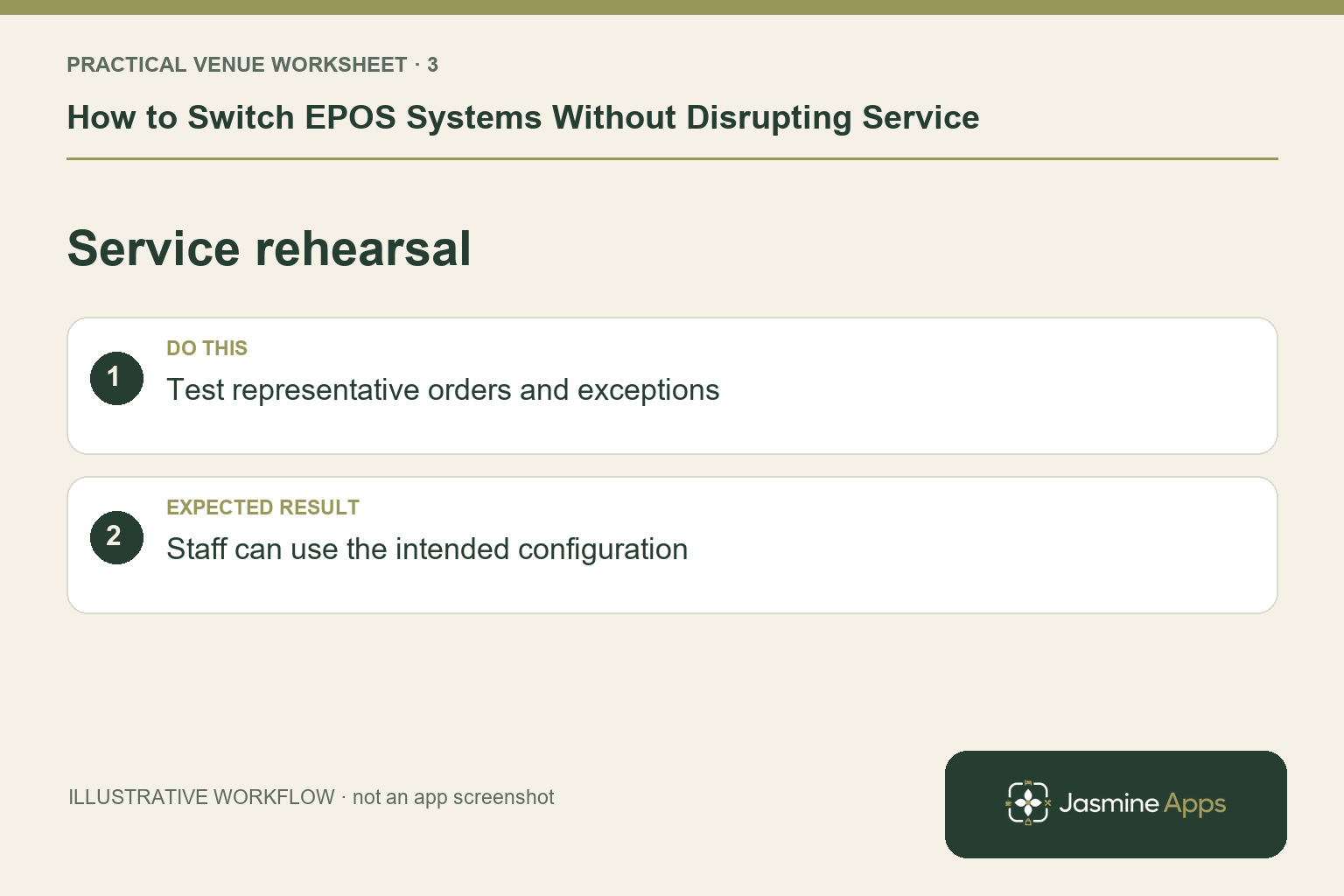
| Service rehearsal | Test representative orders and exceptions. | Staff can use the intended configuration. |
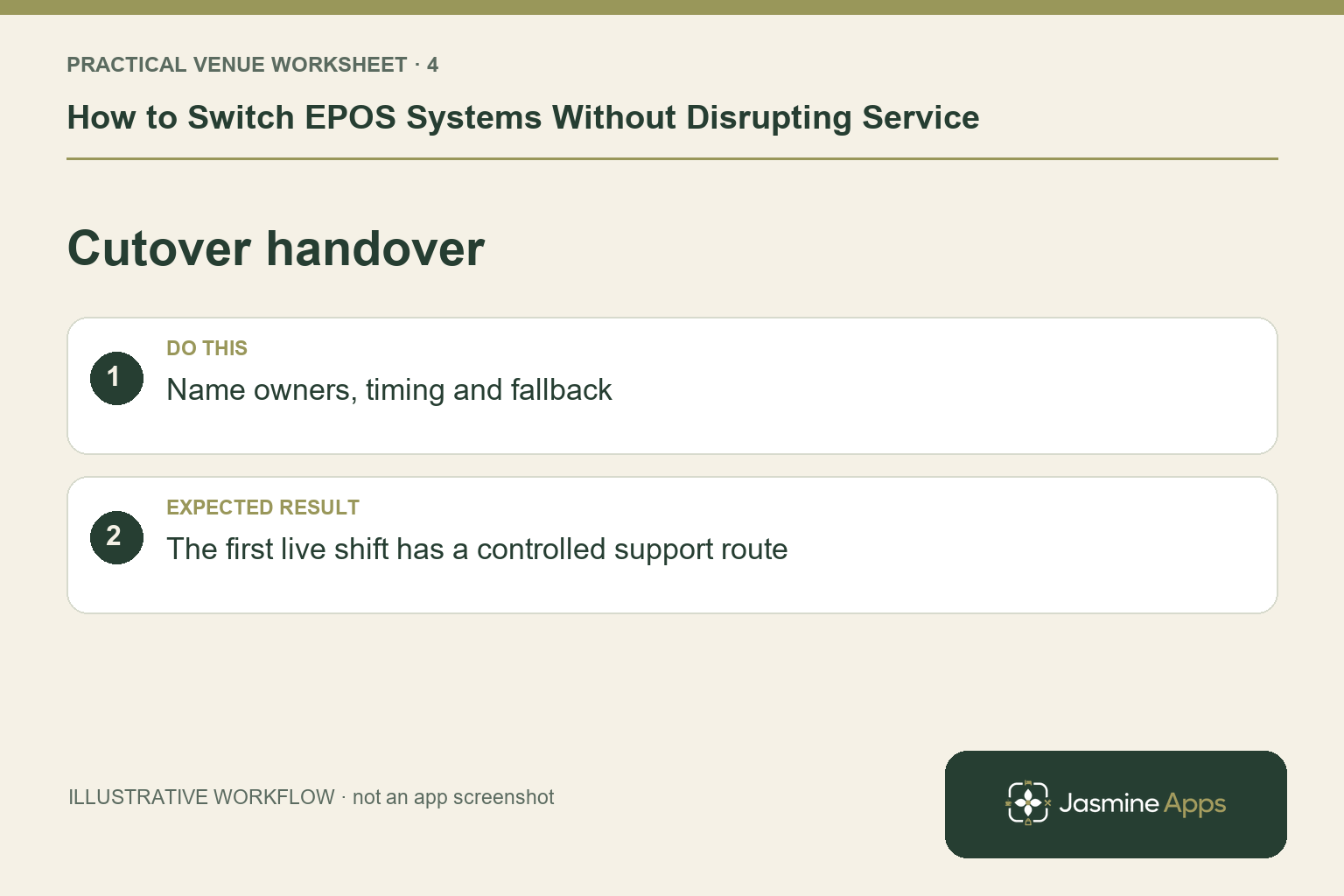
| Cutover handover | Name owners, timing and fallback. | The first live shift has a controlled support route. |
Use the checklist with a colleague who did not configure the workflow. Ask them to complete the ordinary task without coaching, then compare the result with the expected outcome. Record the point where they hesitate or need information from another shift. That observation gives you a specific improvement to make before extending the setup.
Discuss your own setup
Bring a small menu sample, the number of selling points and one awkward order or payment handover. Contact Us to discuss a Till Jasmine demonstration against those requirements.
Illustrations explain the workflow and are not product screenshots. Any numerical example is labelled illustrative and is not a customer result. Product wording and documented setup checks reviewed on 13 October 2026; confirm the features available in your current installation.