

Hotel Guest Information: Why a Beautiful Welcome Screen Can Still Send Guests to a Closed Restaurant
· Jasmine Apps
Your hotel can display a polished welcome screen and still give the guest yesterday’s restaurant hours. Branding makes information look trustworthy, so an outdated answer can become more convincing rather than less harmful. Your hotel guest information needs a reliable owner and update route as well as an attractive presentation.
You should start with the decisions a guest needs to make during the stay, then keep those answers consistent across reception, bedroom screens and other relevant channels. This guide helps you use Jasmine TV’s information areas without treating the screen as a substitute for your operational source.
Key Takeaways
- Organise information around the guest’s next practical action.
- Give opening times and other changing facts a named owner.
- Keep screen, reception and website answers consistent.
- Test readability and navigation on the actual room television.
- Verify updates before assuming every device shows the new version.
Build hotel guest information around practical decisions
List the questions your reception team answers repeatedly during a stay. Your guest may need breakfast times, the dining enquiry route, checkout arrangements or a practical way to ask for help. Keep the wording focused on the action and the necessary detail. A welcome paragraph describing every facility can look complete while still hiding the one answer a tired guest is trying to find.
Separate facts from promotional messages. Your dining page can explain the available service and its next step, while the operational hours need to remain clear and current. Avoid mixing essential information into a rotating offer that disappears before the guest can read it. You should be able to identify which content answers a question and which invites an optional purchase.
Use plain language and familiar labels. The GOV.UK service-design guidance emphasises a coherent journey and consistent language and structure. Apply that principle to the guest’s experience across your own channels. Your reception team should recognise the words on the television so a guest can ask a question without translating a branded label back into the name staff normally use.
For Jasmine TV, the actual interface separates the welcome screen from Hotel info and local attractions. Use those areas according to the question being answered, rather than placing everything in the opening greeting. Your guest can receive a welcoming introduction and still have a clear route to practical details. Check the hotel information guide when discussing how your approved content belongs in the supported editor.
Ask your reception colleague to use the same section labels when answering a sample guest question so the spoken and screen routes remain recognisable.
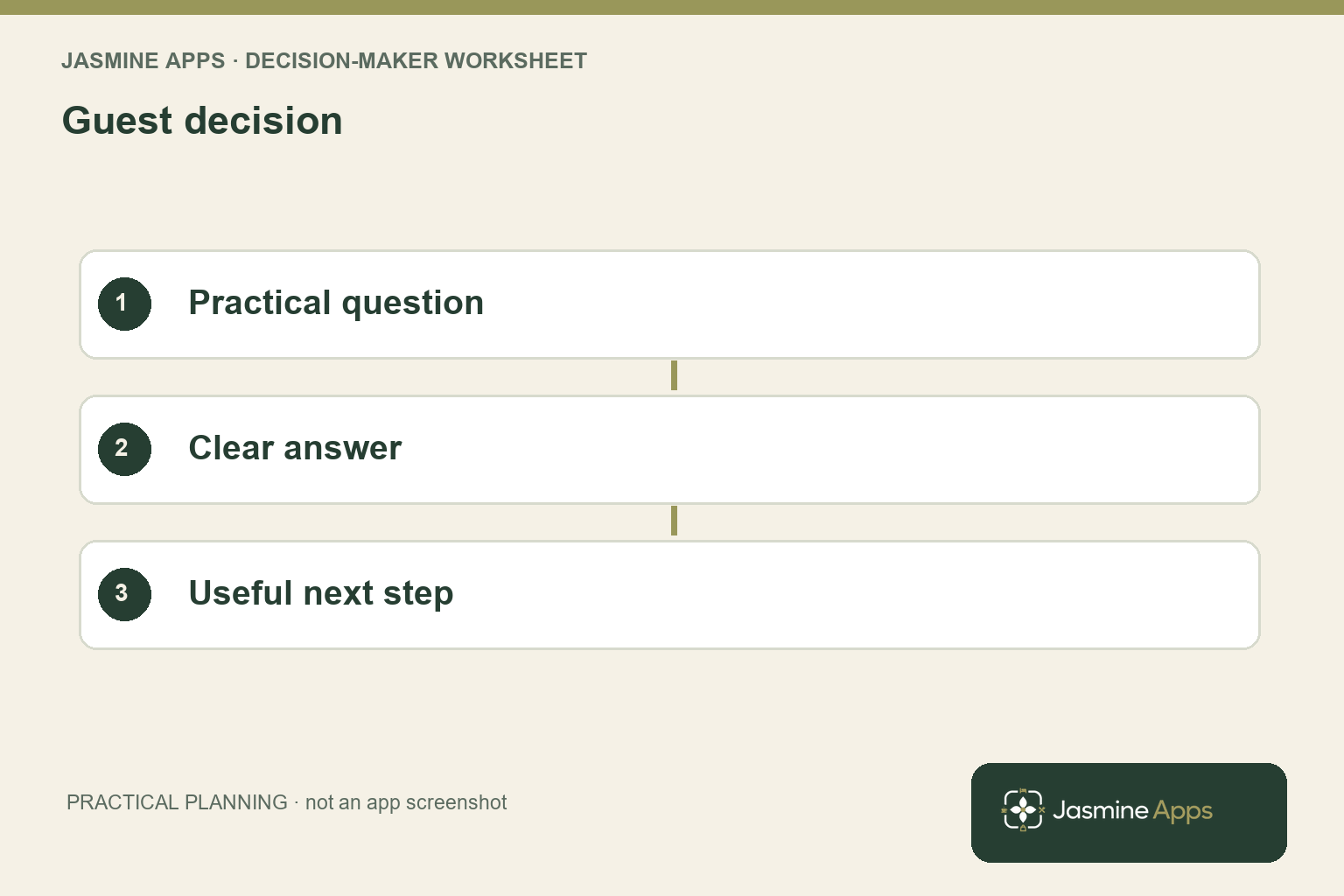
Keep hotel guest information consistent when facts change
Assign an owner for each changing fact. Your restaurant manager may approve service hours, while reception owns the guest enquiry route and checkout explanation. Keep the approved source and effective date visible to the person updating the screen. A marketing colleague should not need to infer tomorrow’s operation from an old social caption or a menu image stored in a folder.
Create an update checklist covering the relevant channels. When dining hours change, review the television, reception briefing, website and any other material that makes the same promise. You do not need to duplicate every detail everywhere, but the answers should agree. Your staff should know which source is authoritative when an unexpected operational change happens before every display can be updated.
The actual Jasmine TV Hotel info editor uses section titles and text, with multiple information tabs and left/right remote navigation. That structure gives you a practical way to group answers, but it does not itself verify the operational facts. Your owner should approve the wording and the person responsible for the screen should confirm the resulting display. Keep those responsibilities distinguishable in your update record.
Check the guest-facing result after an edit. A saved change in the dashboard is only one stage; your actual room device should show the expected information in the supported setup. Note any connectivity or device limitations and follow the approved investigation route when the result differs. Your room setup guide supports device and room context, while your own operational owner supplies the correct service facts.
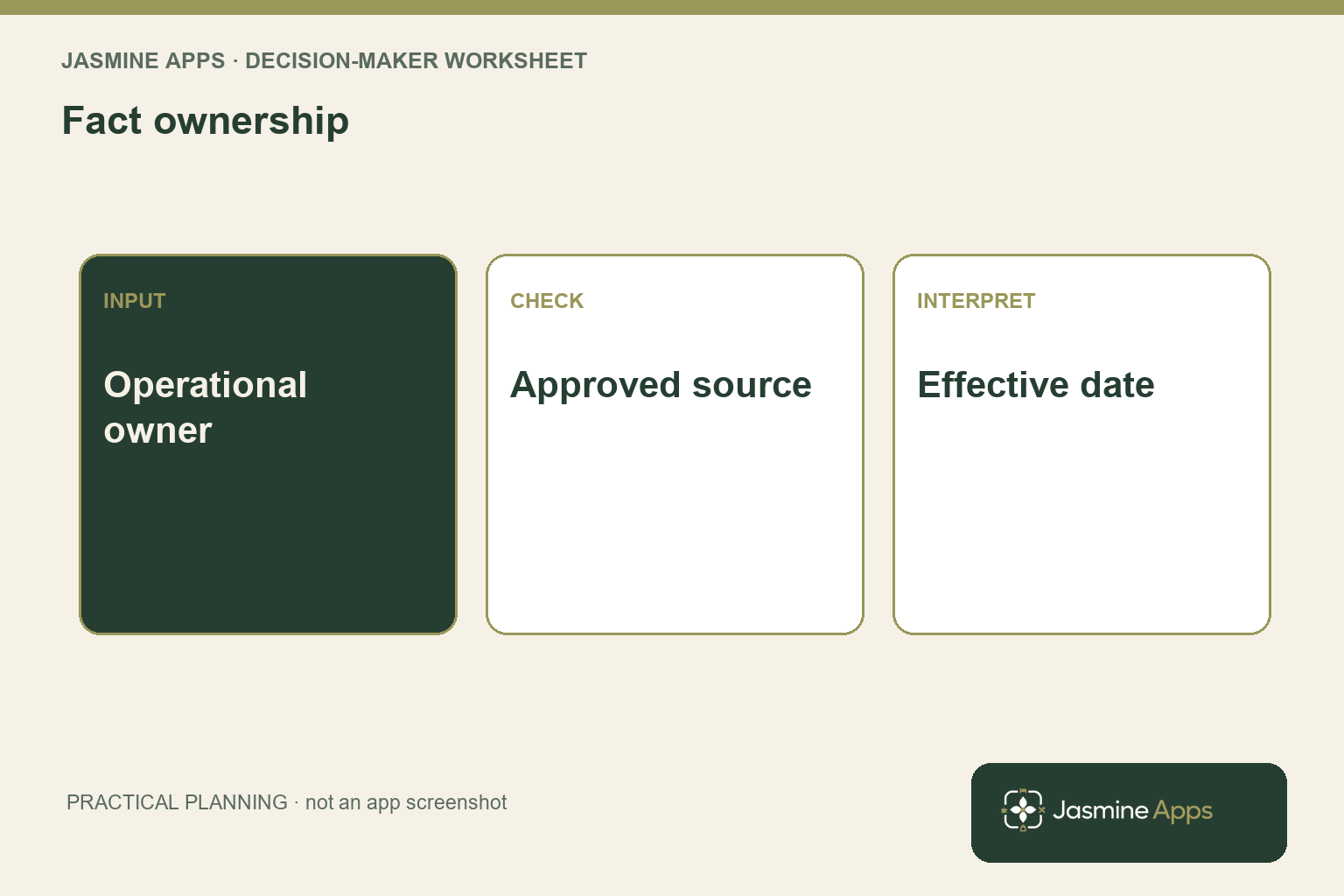
Test hotel guest information on the actual bedroom screen
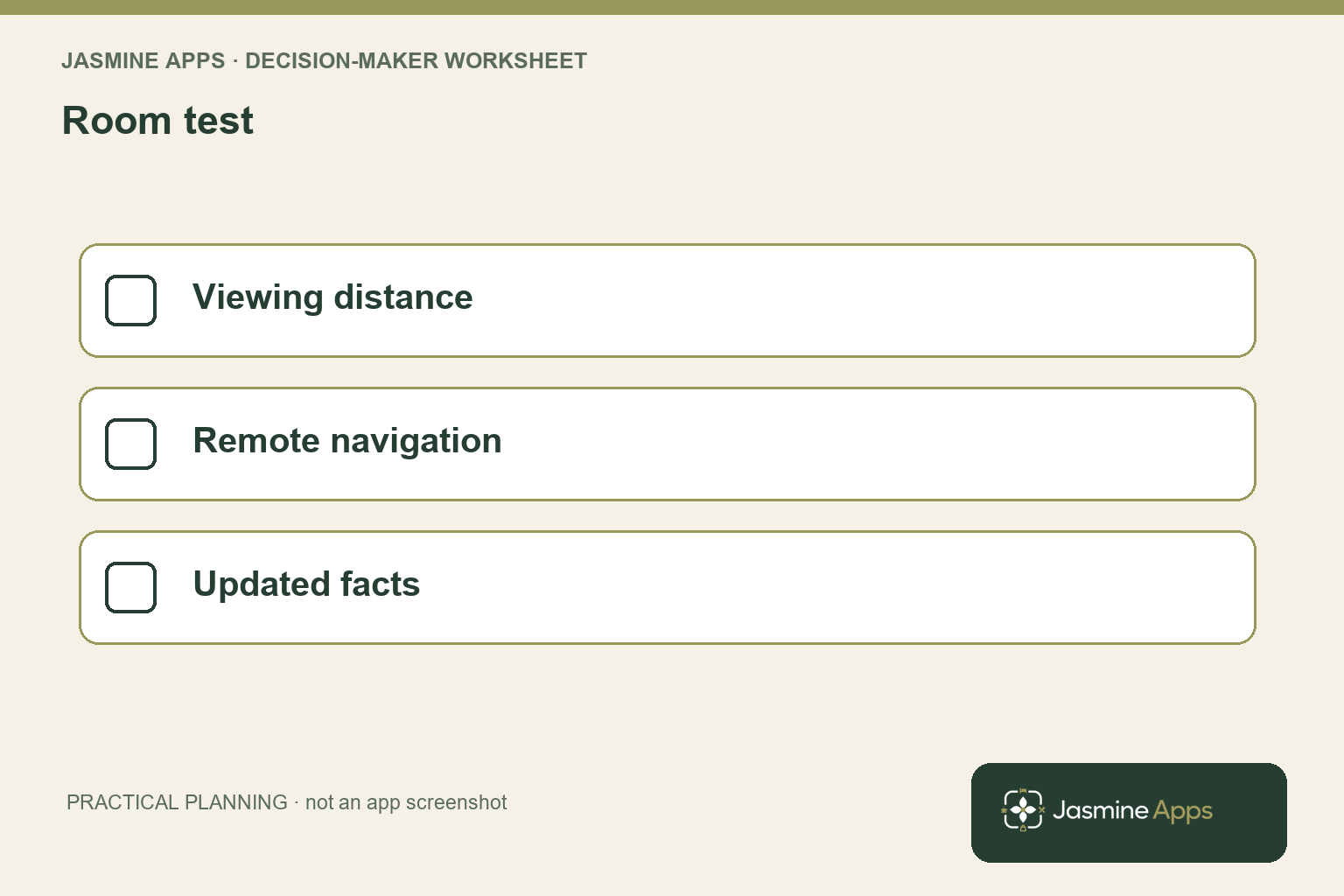
Review the display from the position where your guest uses it. Text that looks comfortable on an office monitor can be difficult to read across a room. Check the section title, line length, contrast and remote navigation on the installed television. Your test should include someone who did not write the content, because its author already knows where the answer is located.
Give that colleague a realistic question, such as finding the breakfast time or the correct dining enquiry route. Ask them to use the remote without coaching, then record where they hesitate. Do not include real guest information in a demonstration merely to make it look authentic. A clearly labelled sample room and approved public service facts can test the journey without exposing a current customer’s details.
The actual Jasmine TV welcome setup distinguishes logo, background, greeting and video, with an image fallback described for offline conditions. Confirm the supported behaviour on your installed devices instead of assuming the same result on every television model. Your screen should remain useful when its optional promotional element is unavailable. Essential guest answers should have a dependable route within your approved operating process.
Keep an update and review rhythm appropriate to the content. Stable directions may need a different cadence from seasonal dining hours or a temporary service change. Use Jasmine TV’s feature page to discuss supported device behaviour and the guest journey you want to test. Your best screen is one that helps a guest make the correct next decision, with the same answer your team will give when they arrive at reception.
Pro Tips and Common Mistakes
Pro Tips
Test a question instead of a page. Ask your colleague when breakfast starts and watch how they find the answer. You can assess navigation and wording together rather than approve content because every section is technically present.
Keep a fact owner and a display owner. Your operational manager knows the correct service, while your content administrator applies it. Record both roles so a change has a clear route from approval to verified display.
Review the fallback. Optional media should not prevent a useful information journey when unavailable. Confirm the supported fallback and the remaining guest route on the actual installation.
Common Mistakes
Approving the design without checking the facts fails because a polished screen can amplify an outdated promise. Verify service information with its operational owner.
Writing for an office monitor fails when your guest reads from across the bedroom. Test legibility, remote navigation and the actual viewing position.
Assuming one dashboard edit reaches every room fails when device or connectivity conditions differ. Verify the supported result and retain the relevant room context for any exception.
Your content review should finish with a guest question answered clearly and a change process your team can repeat. Keep decoration and promotion in service of that result rather than allow them to become the whole acceptance test.
Keep a short change record linking the approved fact, affected channels and room-screen verification so your next colleague can establish what has actually been updated. When a temporary service change occurs, that record gives reception and the display owner a practical checklist rather than requiring them to search old promotional material for the latest answer.
Frequently asked questions
What hotel guest information should appear on a room TV?
Start with the practical decisions your guests need to make during their stay, such as breakfast times, dining enquiries, checkout arrangements and the route to ask for help. Group related answers under familiar section names and keep essential details easy to find. Your screen can also introduce facilities and local attractions, but promotional content should not obscure the operational facts. Test the actual guest question with a colleague using the room television rather than approving a long list of sections alone.
How do you keep hotel information consistent across channels?
Assign a named operational owner to each changing fact and identify the approved source and effective date. Use an update checklist covering the bedroom screen, reception briefing, website and other relevant promises. Have the display owner verify the result after applying the change. Your channels do not need identical text, but they should give compatible answers.
Keep a clear route for temporary exceptions so staff know which approved information to use while an update is still reaching the display.
How often should you update a digital guest directory?
Update material facts when they change and set a review cadence that fits the information’s stability. Seasonal service hours or temporary closures need closer attention than stable directions. Assign an owner and record the effective date so your team can identify whether the current screen reflects the approved operation. Verify the guest-facing result rather than assume the saved edit is enough.
Your review frequency should follow the risk of an outdated answer, not a universal calendar interval chosen for convenience.
Can you test the guest screen without using real guest details?
Yes. Use a clearly identified sample room or authorised demonstration context with approved public service information. Ask your colleague to find a practical answer using the actual remote and screen. You can assess wording, navigation and legibility without exposing a current guest’s name or account details.
Keep the demonstration’s limits clear, especially where personalised behaviour depends on a supported connection. Your test should prove the information journey you observed rather than imply that every untested guest feature is enabled.
Will Jasmine TV work on every hotel television?
Confirm the exact television models, operating systems and supported installation requirements before relying on the proposed setup. A working demonstration on one device does not establish identical behaviour across your entire room stock. Ask to test welcome content, information navigation, connectivity and the relevant fallback on representative installed models. Keep unsupported or unresolved devices visible in your rollout scope.
Your decision should concern the guest journey on your actual hardware, rather than an assumption based only on the television’s smart label.
Make hotel guest information a dependable part of the stay
Your hotel guest information should answer a practical question with the same facts your team uses. Bring your television models, current service information and one recurring reception enquiry to Contact Us. Request a Jasmine TV demonstration of that guest journey, so you can review readability, navigation and update responsibilities before extending the screen experience across your rooms.