

TutorialIn-app guide
Jasmine Loyalty: prepare a reward package
· Jasmine Apps
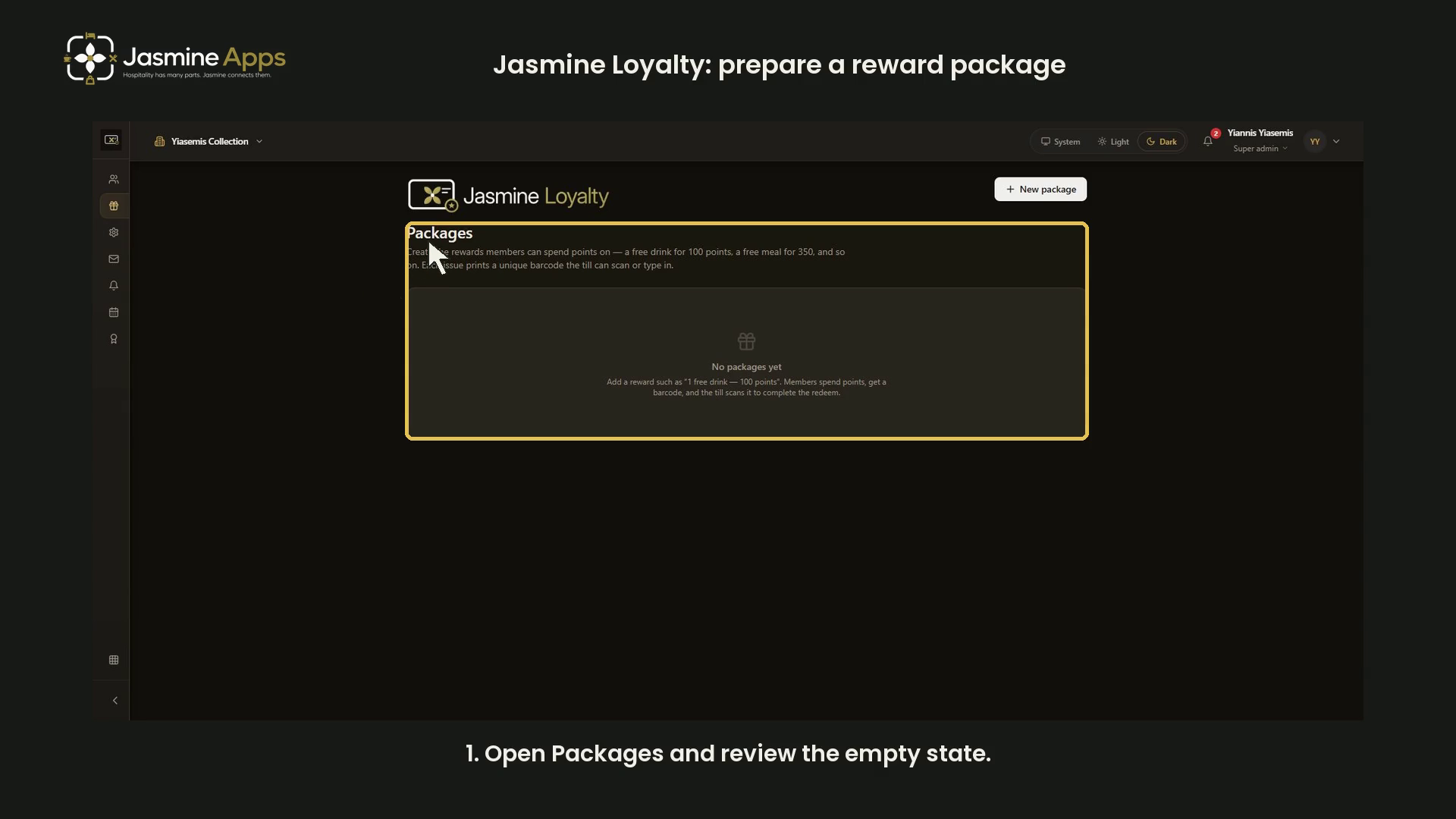
Jasmine Loyalty packages define rewards members can spend points on. This dark-mode walkthrough reviews the empty catalogue and a blank package form. It does not create an offer, issue a barcode or redeem points.
Watch the walkthrough
Open Packages
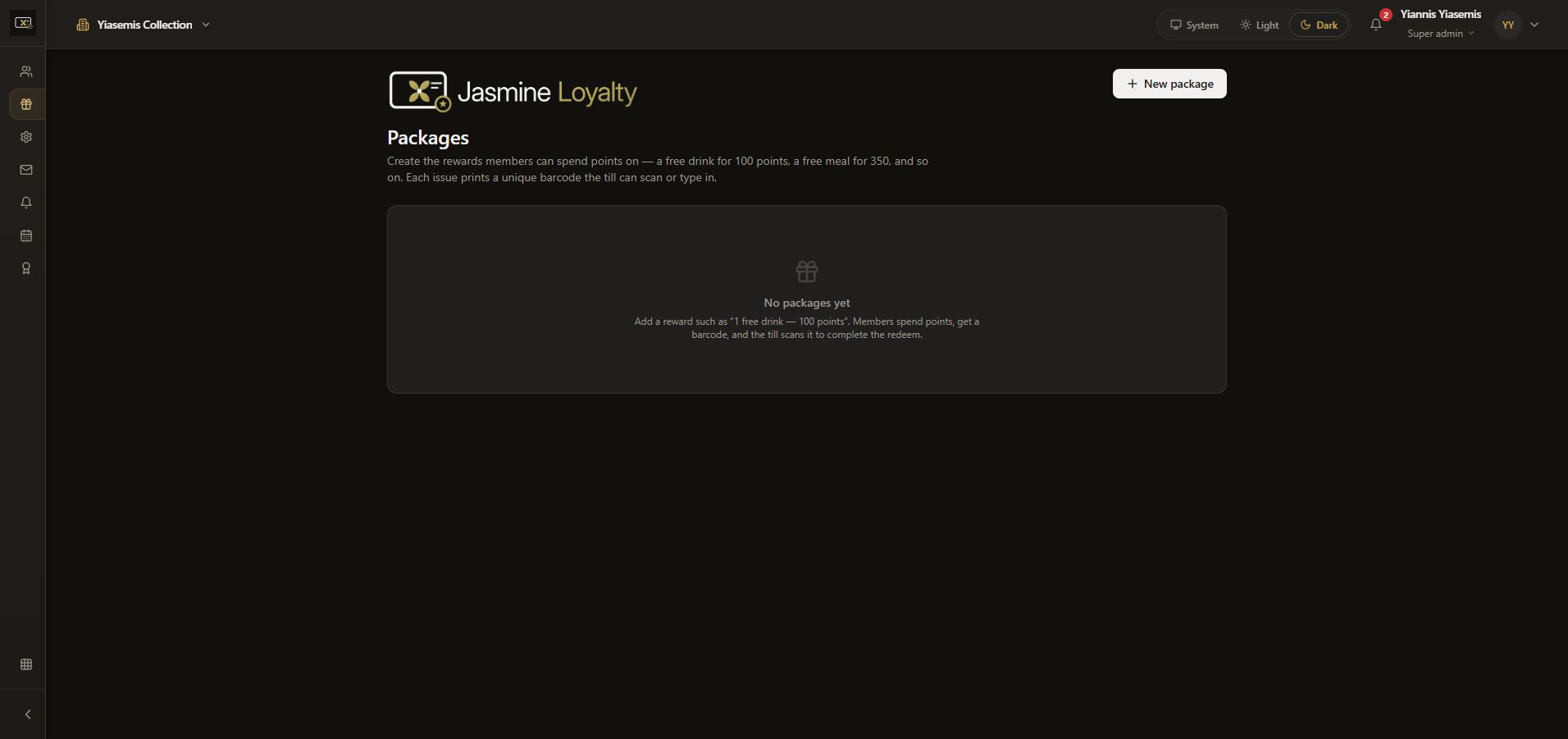
Open Packages and check the organisation. The page explains that each issued reward uses a unique barcode that the till can scan or type in. The example currently has no packages.
Review the reward fields
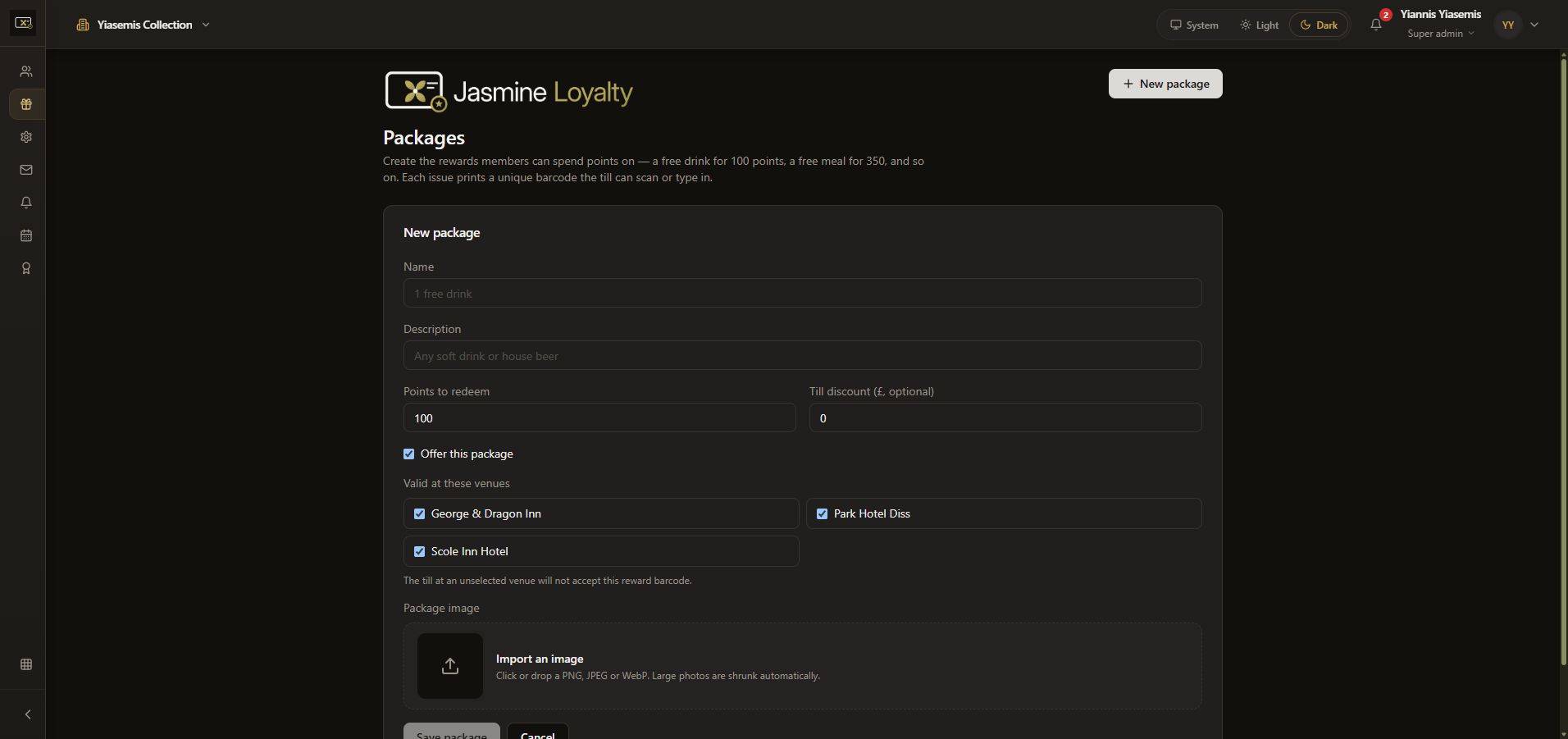
Choose New package. Name identifies the reward and Description explains what it includes. Both stay blank here.
Points to redeem is the points price. Till discount (£, optional) is a separate pound amount. The blank form shows defaults of 100 points and £0 discount; choose real values according to your own offer, rather than treating these defaults as a suggested price.
Check offer and venue scope
Offer this package controls whether it is offered. Valid at these venues controls where the reward barcode is accepted. The page states that tills at unselected venues will not accept it.
Package image accepts PNG, JPEG or WebP files. The walkthrough imports no image and changes none of the venue selections.
Cancel the training review
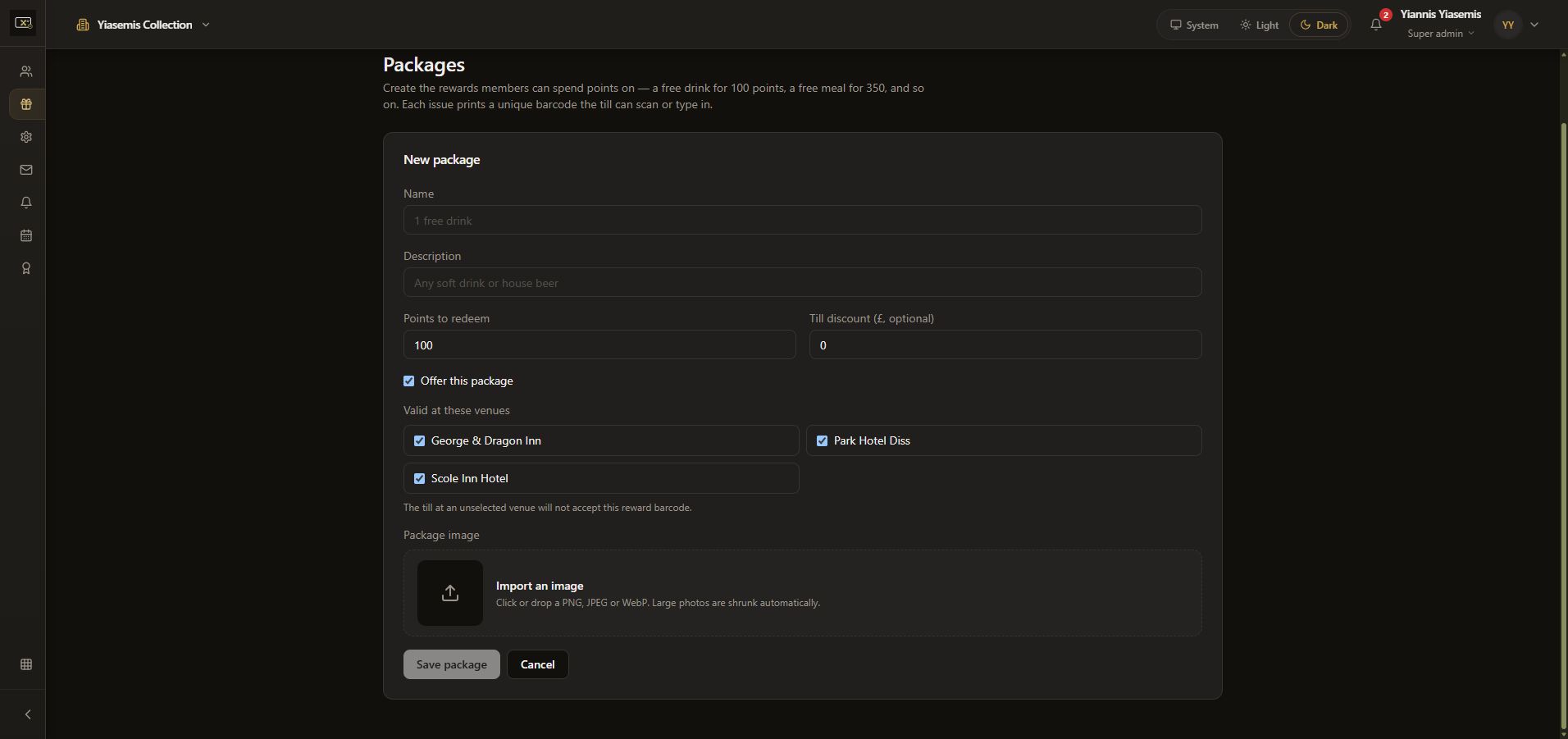
Save package remains disabled because required information is missing. The walkthrough uses Cancel. No package, points adjustment, issued barcode or redemption was created.
See achievement filters or the Loyalty scheme guide.