

Guest Cannot Find Their Table Jasmine Pre-Order Form?
· Jasmine Apps
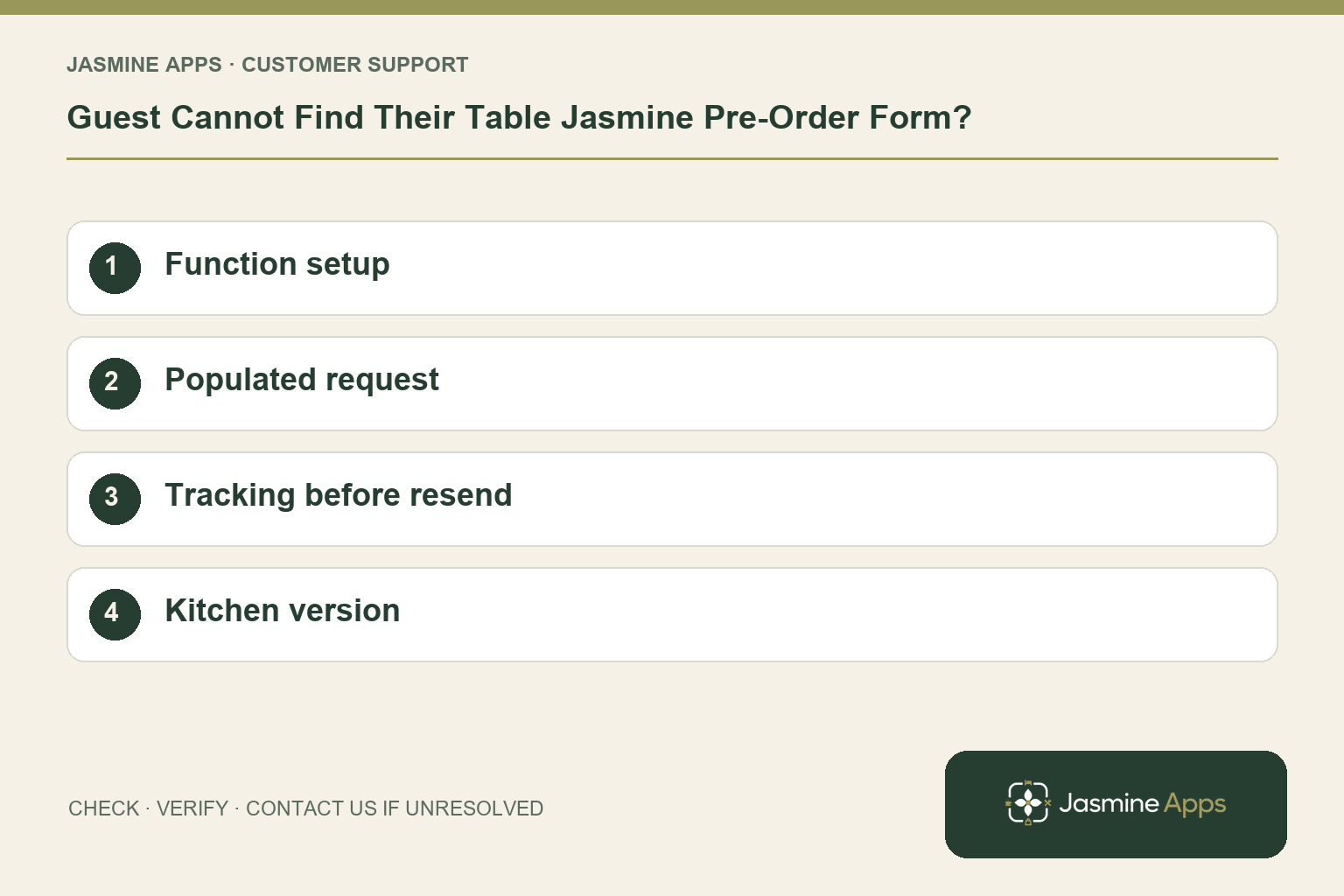
Customer support: Work through these checks in order. After each change, repeat the original action and check the result. If it remains unresolved, use Contact Us.
The function is approaching and the organiser says no pre-order form arrived. Table Jasmine separates the function record, menu choices and organiser request. Check those stages in order so the kitchen receives one reliable version.
Quick answer: Open the function, confirm Require Pre-Order and its courses, then check tracking before Re-send Pre-Order Request.
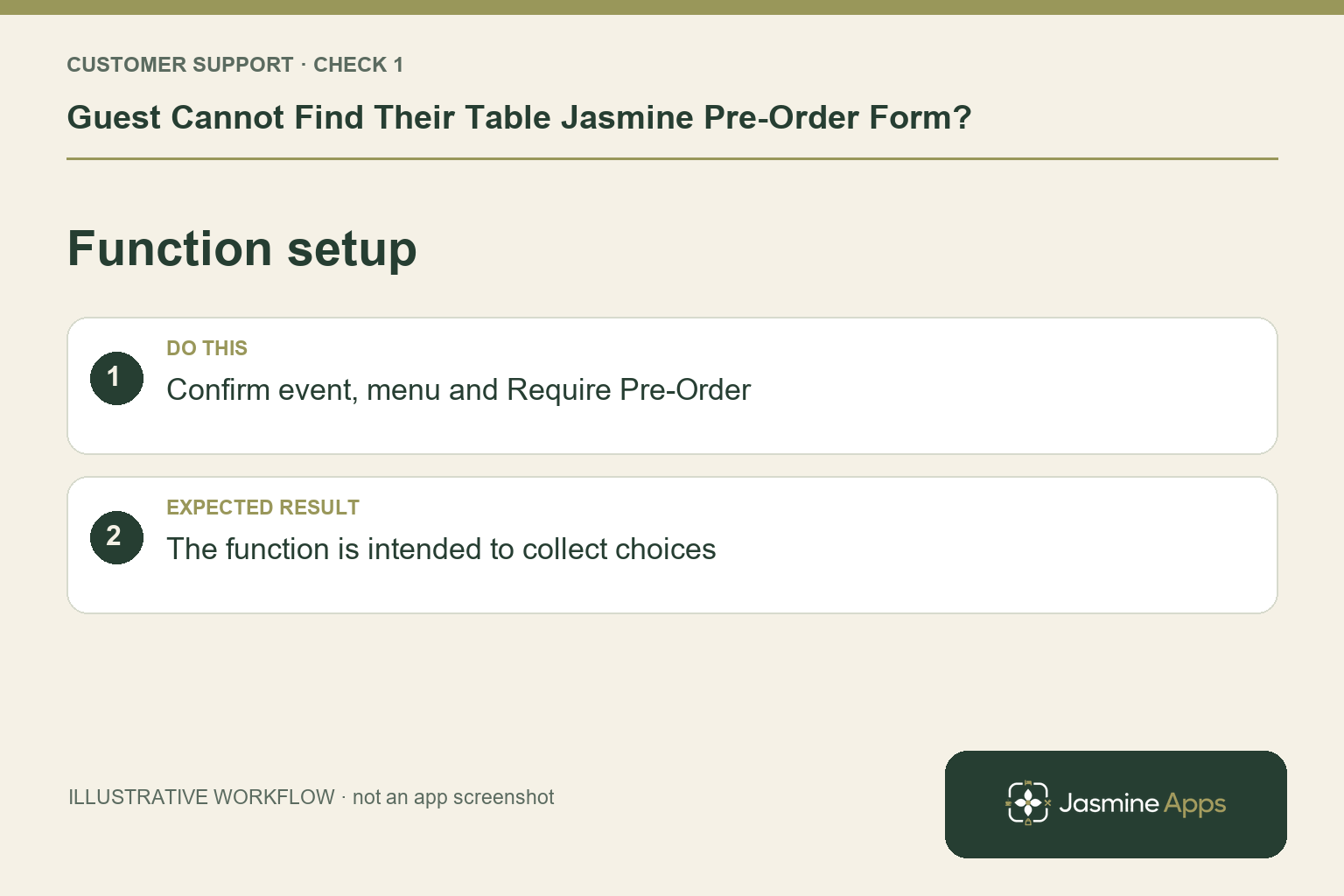
1. Is the function configured to collect choices?
Find the correct function and verify its date, arrival time, party and menu style. The creation guide includes Require Pre-Order for advance choices. A buffet or drinks-only arrangement may have different needs from a set menu. Establish what was agreed with the organiser before changing the setup. An incorrect expectation cannot be fixed by emailing an empty form.
Check the result: The function is intended to collect choices.
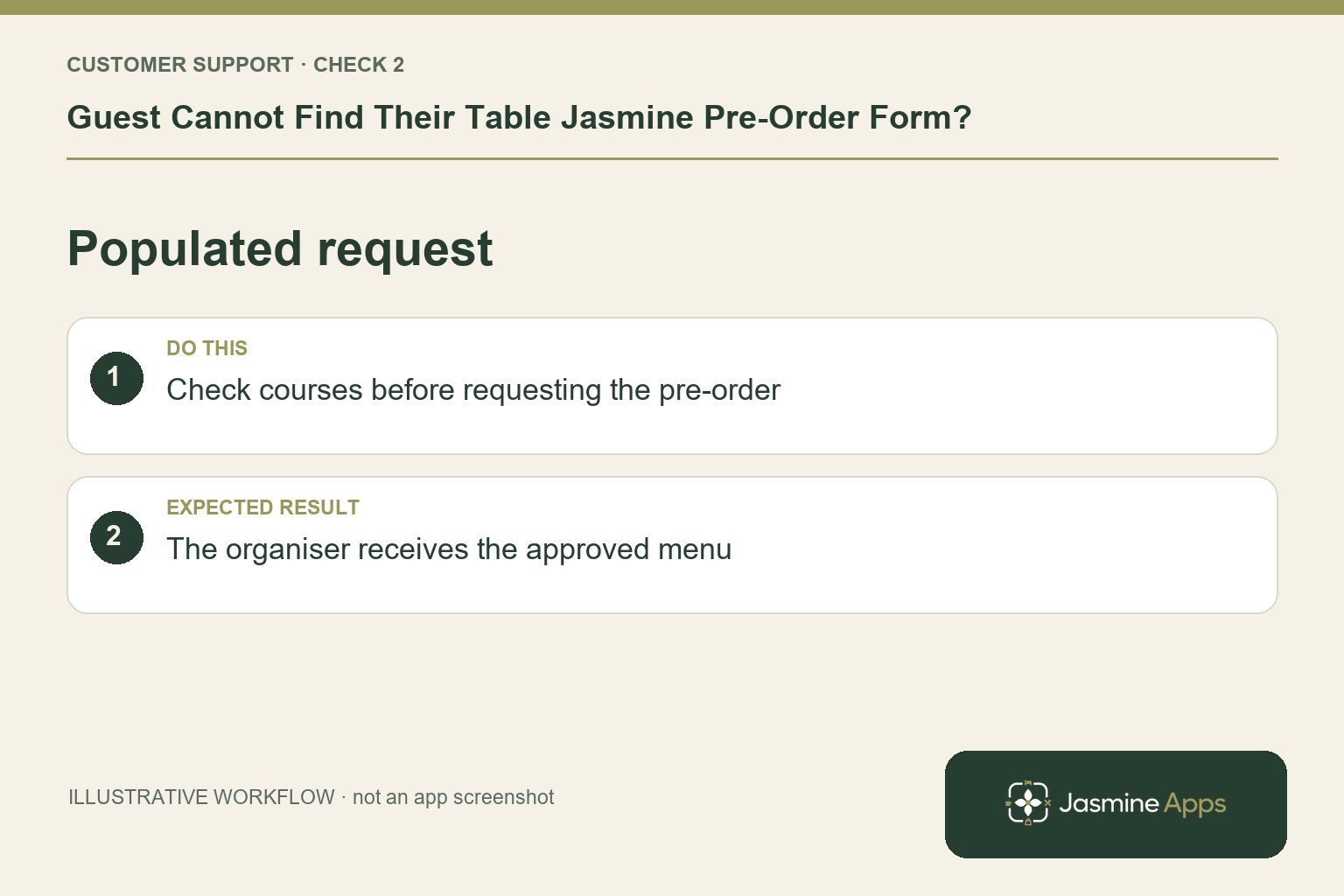
2. Where are the choices and request created?
Open the function and Manage Pre-Order. Use Add Course to build the choices, then Request Pre-Order from Guest. Verify the organiser's details through the approved process. Creating the function is not the same as sending a populated request. Review the menu version before sending so the guest does not complete choices the kitchen has already replaced.
Check the result: The organiser receives the approved menu.
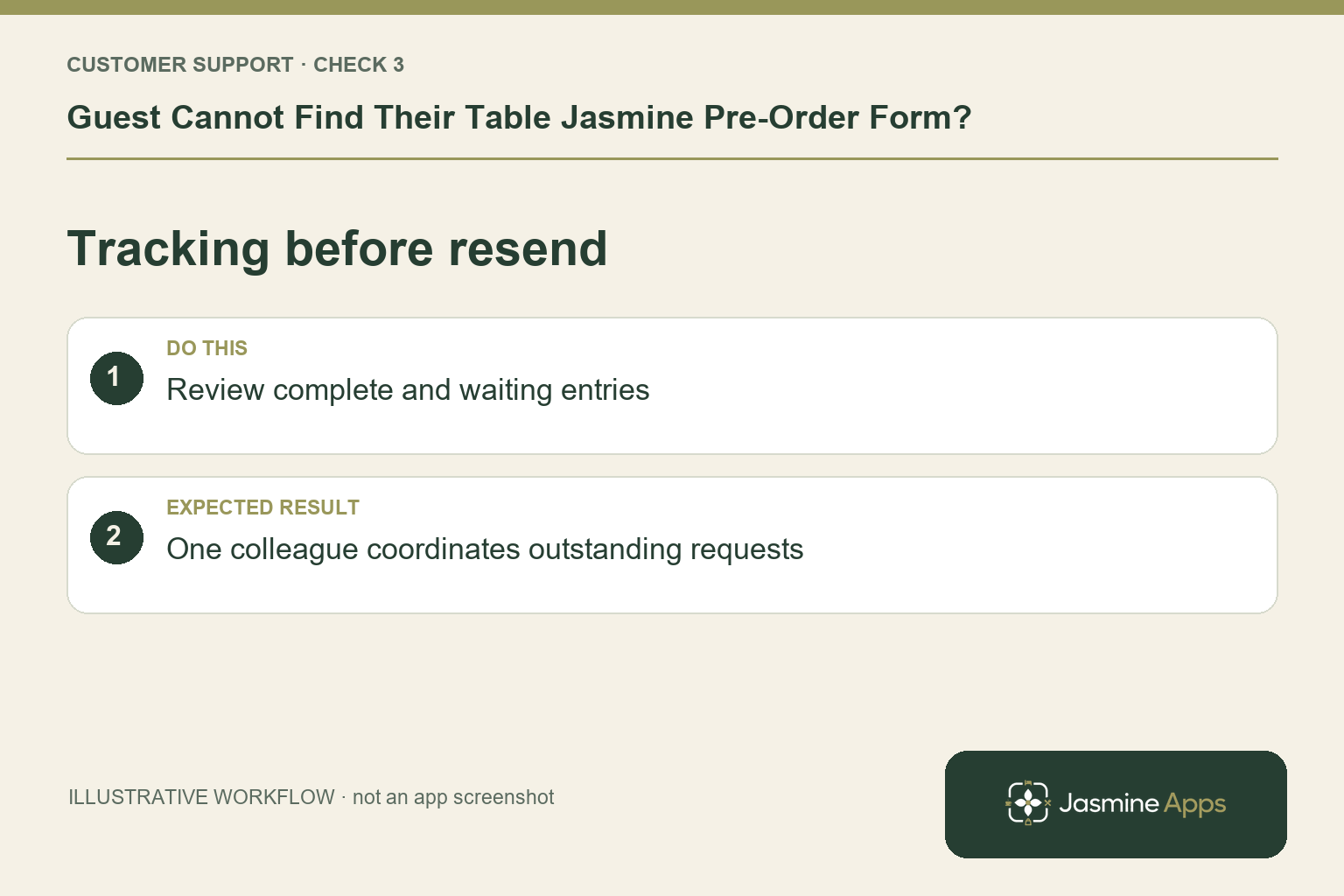
3. Should I keep sending until someone answers?
Check the Pre-Orders tab under Functions to see complete and waiting entries. Confirm the organiser has looked for the message and is using the intended route. If still outstanding, use Re-send Pre-Order Request. Coordinate follow-up through one colleague. Several shifts sending messages can obscure which menu and deadline the organiser should follow.
Check the result: One colleague coordinates outstanding requests.
4. What should the kitchen receive?
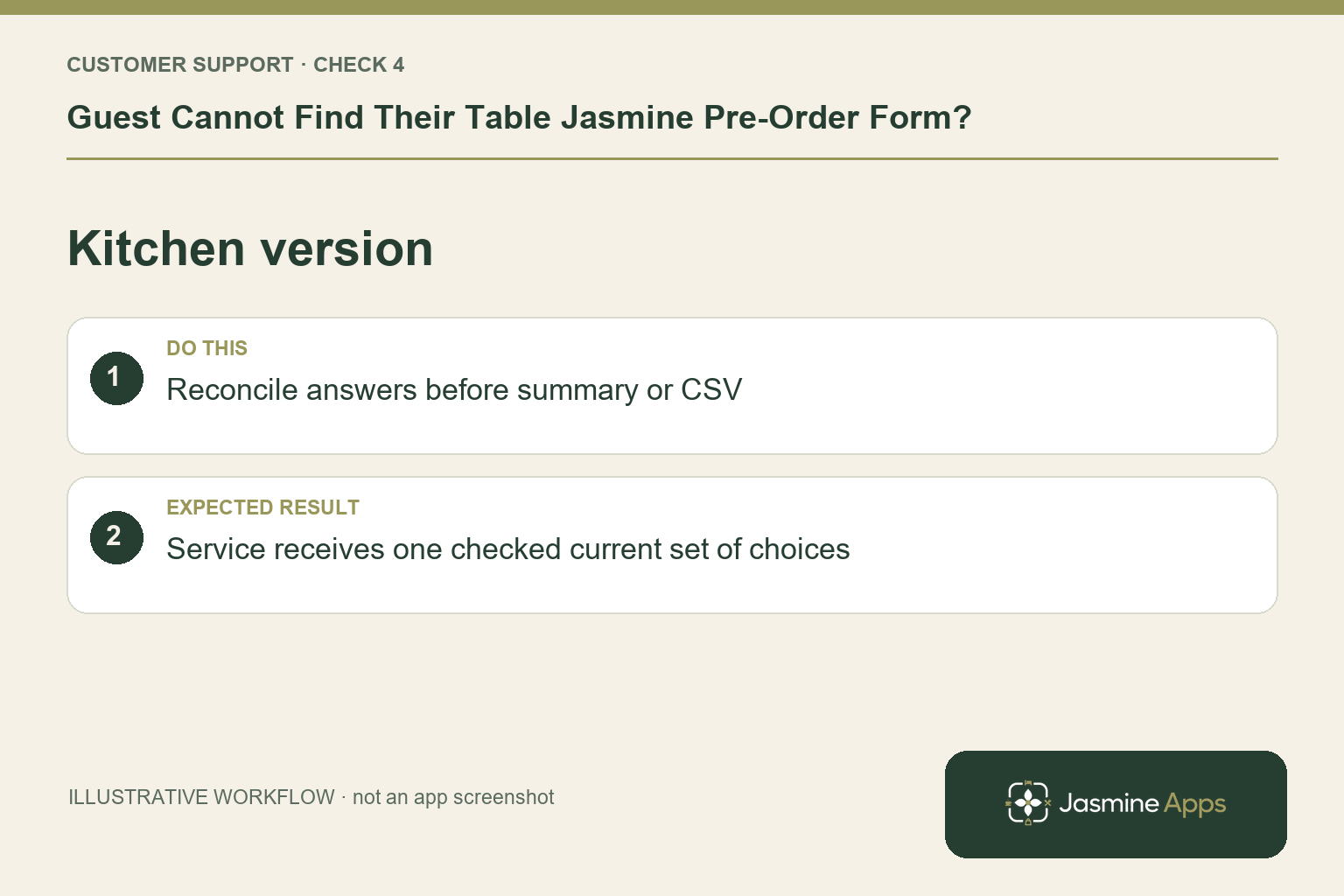
Use Send Summary or Export CSV from the recorded pre-order. Check headcount, courses and missing answers with the organiser. Review supplied allergens through the kitchen's established procedure; the sheet contains what guests entered, not proof that every requirement was captured. Identify the final version so an earlier export is not used on the event day.
Check the result: Service receives one checked current set of choices.
Example from the actual app
The actual Functions navigation offers All functions and Pre-Orders. The blank New Function form includes Require Pre-Order separately from Style, Reason and Menu. That distinction is the first support check: creating a function with the right date is not evidence that its menu request has been prepared or completed.
Before you contact us
| Check | What to do | Result to verify |
|---|---|---|
| Function setup | Confirm event, menu and Require Pre-Order. | The function is intended to collect choices. |
| Populated request | Check courses before requesting the pre-order. | The organiser receives the approved menu. |
| Tracking before resend | Review complete and waiting entries. | One colleague coordinates outstanding requests. |
| Kitchen version | Reconcile answers before summary or CSV. | Service receives one checked current set of choices. |
Record which check failed, the exact error wording and when it happened. Include the relevant venue and record reference, and say whether one device or several people are affected. If you changed a setting, identify that change and the retest outcome. This helps us investigate the actual failing stage instead of asking you to repeat the whole process.
Contact Us if the expected result still does not appear. Send only the information needed to investigate; keep passwords, active codes, payment details and unrelated customer records out of screenshots.
When to stop and ask for help
If the request fails, give support the function reference, date, request time and exact message. Share the organiser's address only privately. Keep controlled follow-up for missing choices and reconcile it with the recorded pre-order before service.
Related support checks
- Table Jasmine Widget Shows No Availability?
- Restaurant Booking Widget Not Loading on Your Website?
- Cannot Find a Table Jasmine Reservation? Check These First
Illustrations explain the workflow and are not product screenshots. Any numerical example is labelled illustrative and is not a customer result. Product wording and documented setup checks reviewed on 13 October 2026; confirm the features available in your current installation.