

Subscriber Missing or Still Unsubscribed in Marketing Hub?
· Jasmine Apps
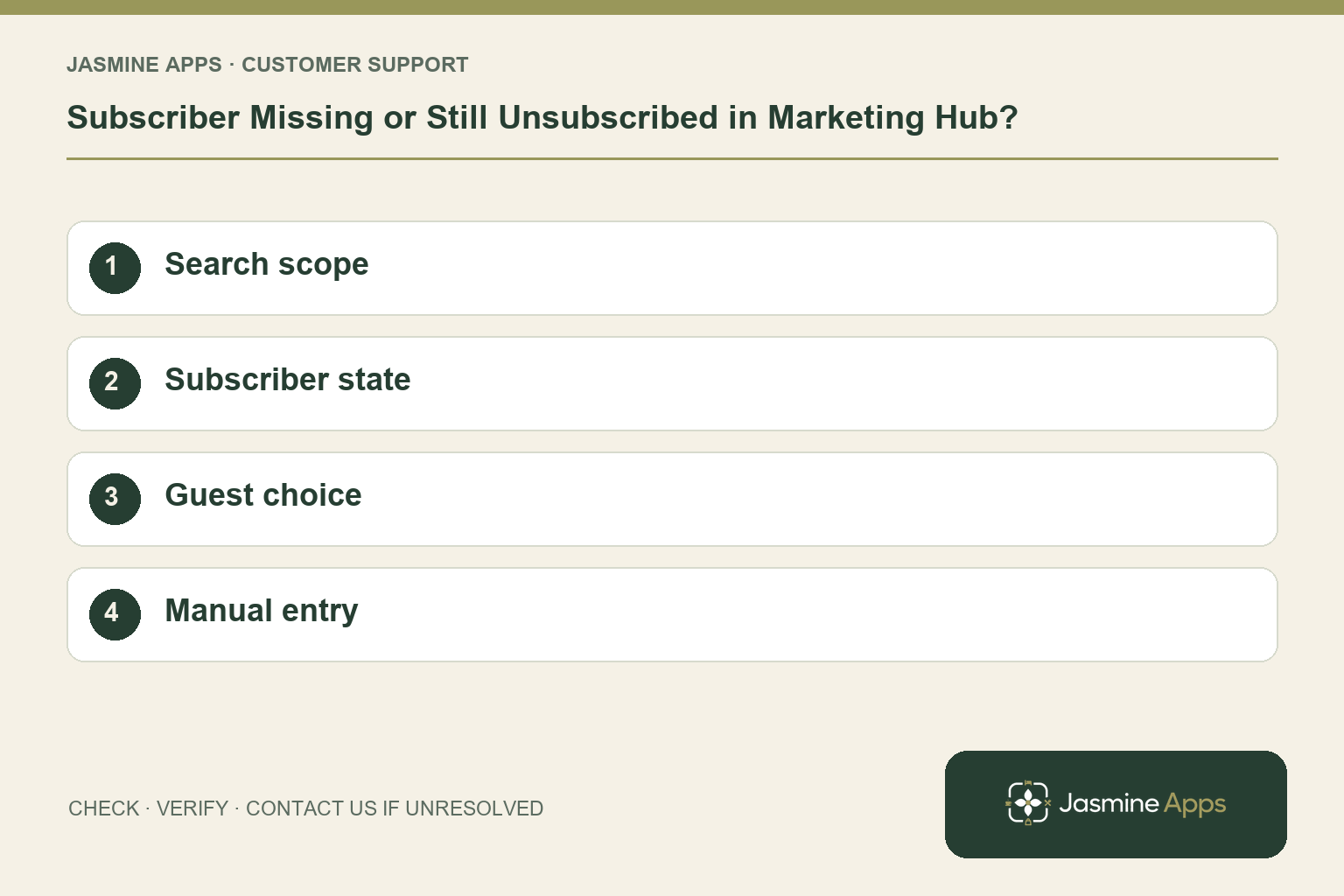
Customer support: Work through these checks in order. After each change, repeat the original action and check the result. If it remains unresolved, use Contact Us.
The list looks short, or a guest remains marked unsubscribed after booking again. Marketing Hub stores subscriber and linked guest-consent records. Search filters and subscriber status need checking before assuming the contact was deleted or should be active.
Quick answer: Search by email, review source filters and active/unsubscribed state, and preserve the guest's recorded preference.
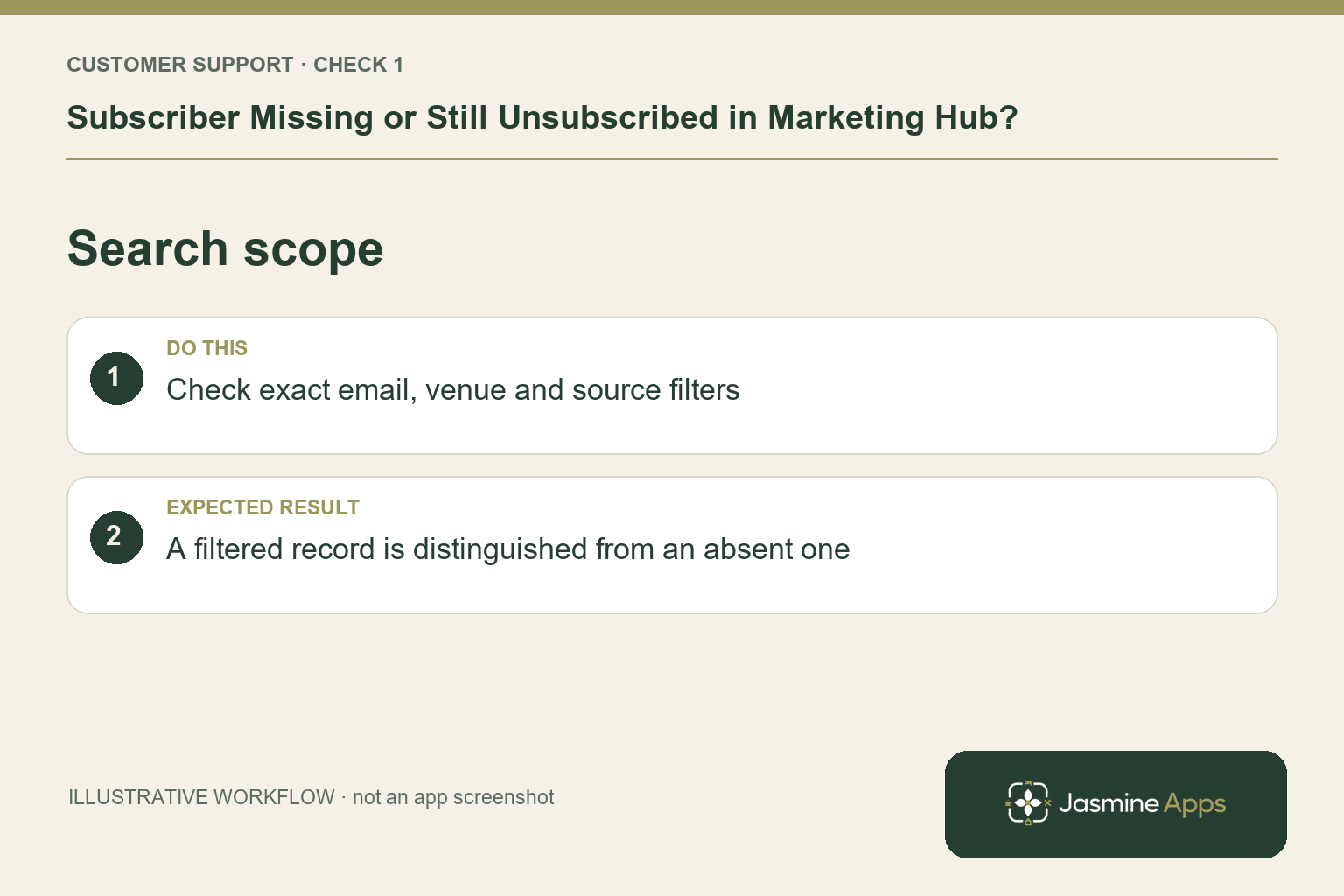
1. Why might a contact be missing from the view?
Use Search by name or email on Subscribers and review the source filters: Manual, Loyalty members, Reservations or Upsell pushes in the help guide. A record outside the current filter can look absent. Verify the exact email rather than relying on a common name. Check the intended venue and list context before manually adding another row.
Check the result: A filtered record is distinguished from an absent one.
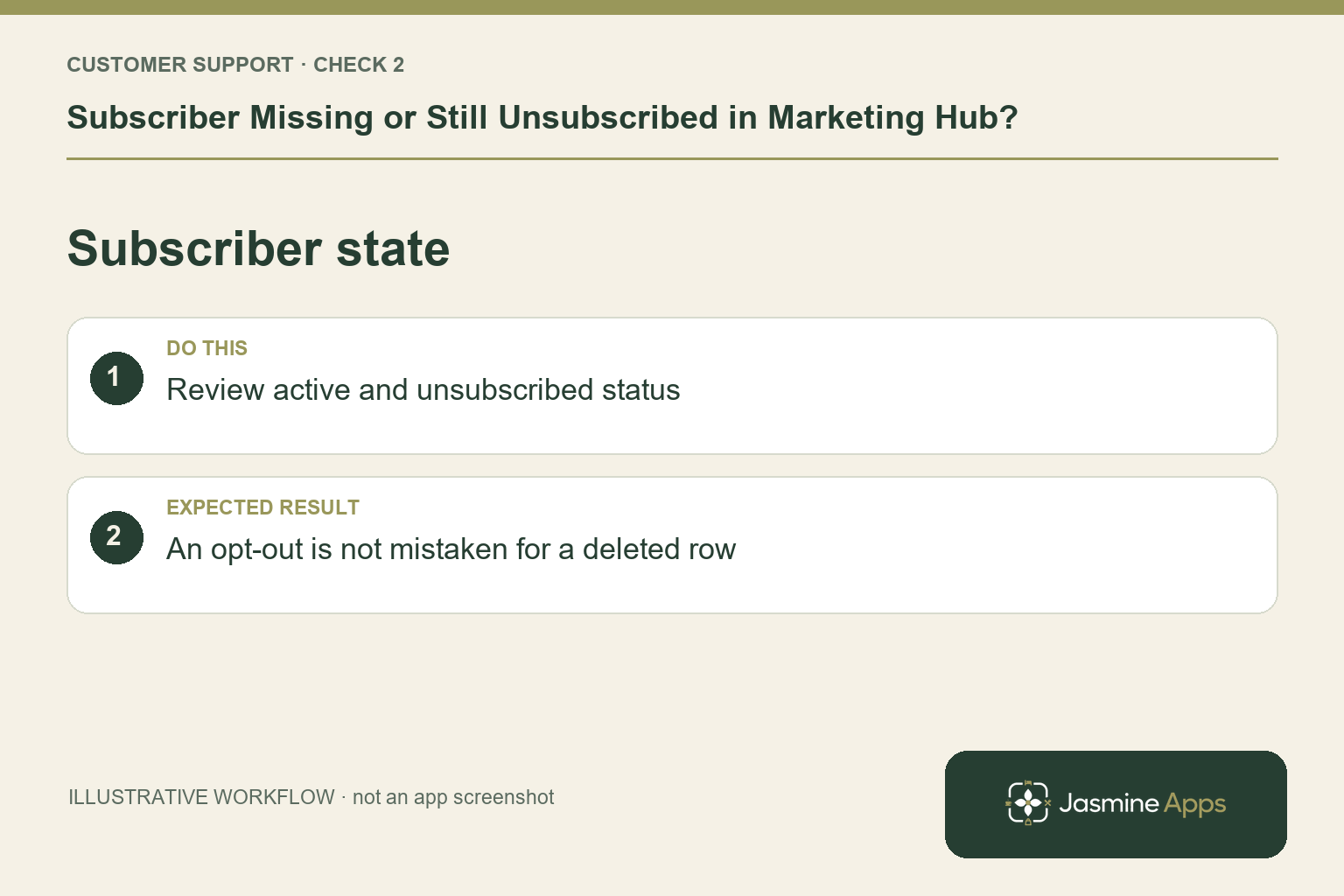
2. Does Unsubscribe delete the contact?
The existing subscriber guide says Unsubscribe turns marketing off for that person, including on a linked guest profile; it does not delete the row. The record may therefore remain visible with a different status. Keeping it is not proof of a failed unsubscribe. Inspect the saved preference and linked record instead of removing evidence simply to make the active list look tidier.
Check the result: An opt-out is not mistaken for a deleted row.
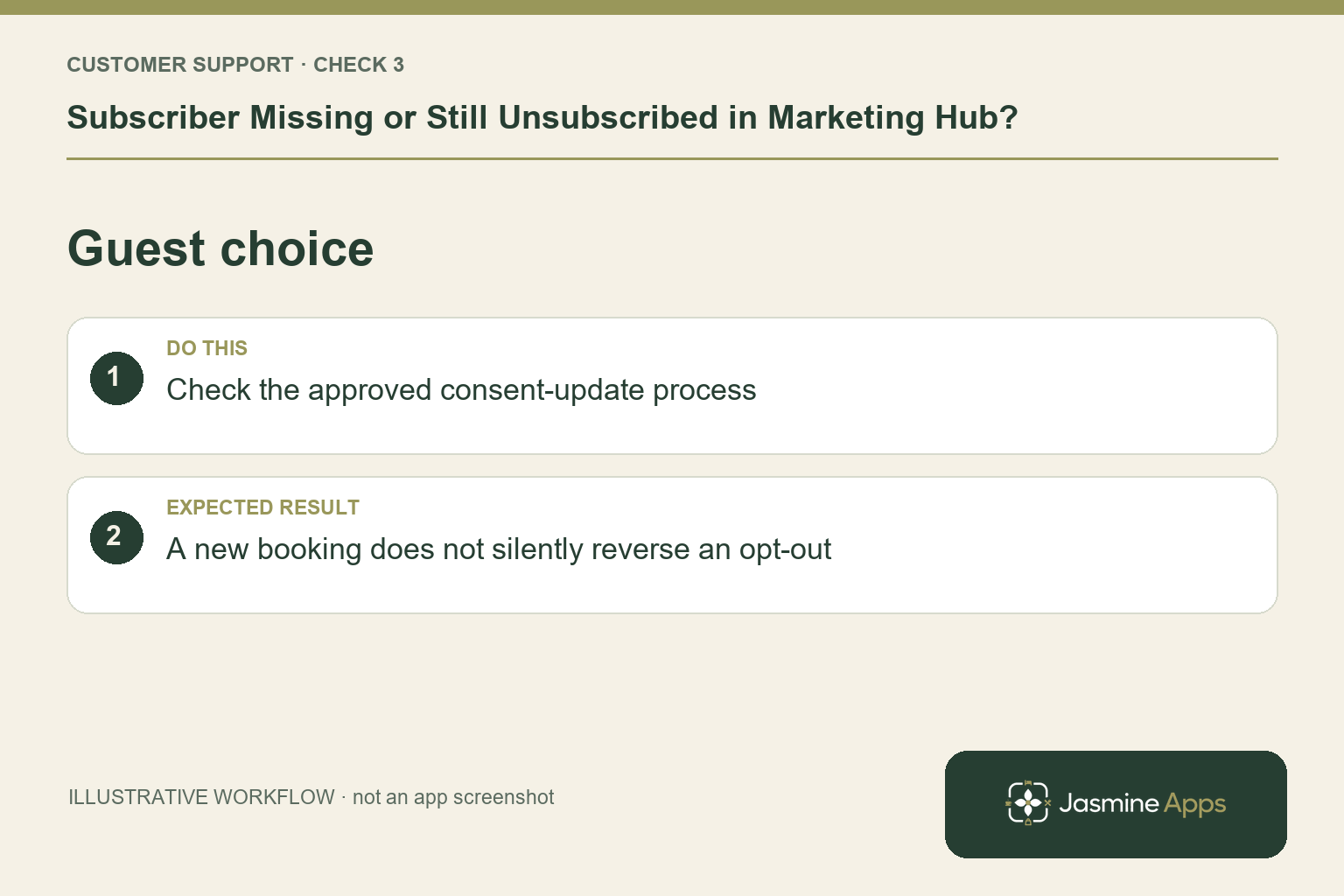
3. Does a new booking automatically mean they want marketing?
A booking is not by itself evidence that a previous opt-out should be reversed. Review the actual recorded preference and your approved subscription process. If the guest asks to receive marketing again, an authorised colleague should follow the supported consent-update route and preserve the evidence. Do not add them manually just to override an unsubscribed state or convert booking details into a campaign audience.
Check the result: A new booking does not silently reverse an opt-out.
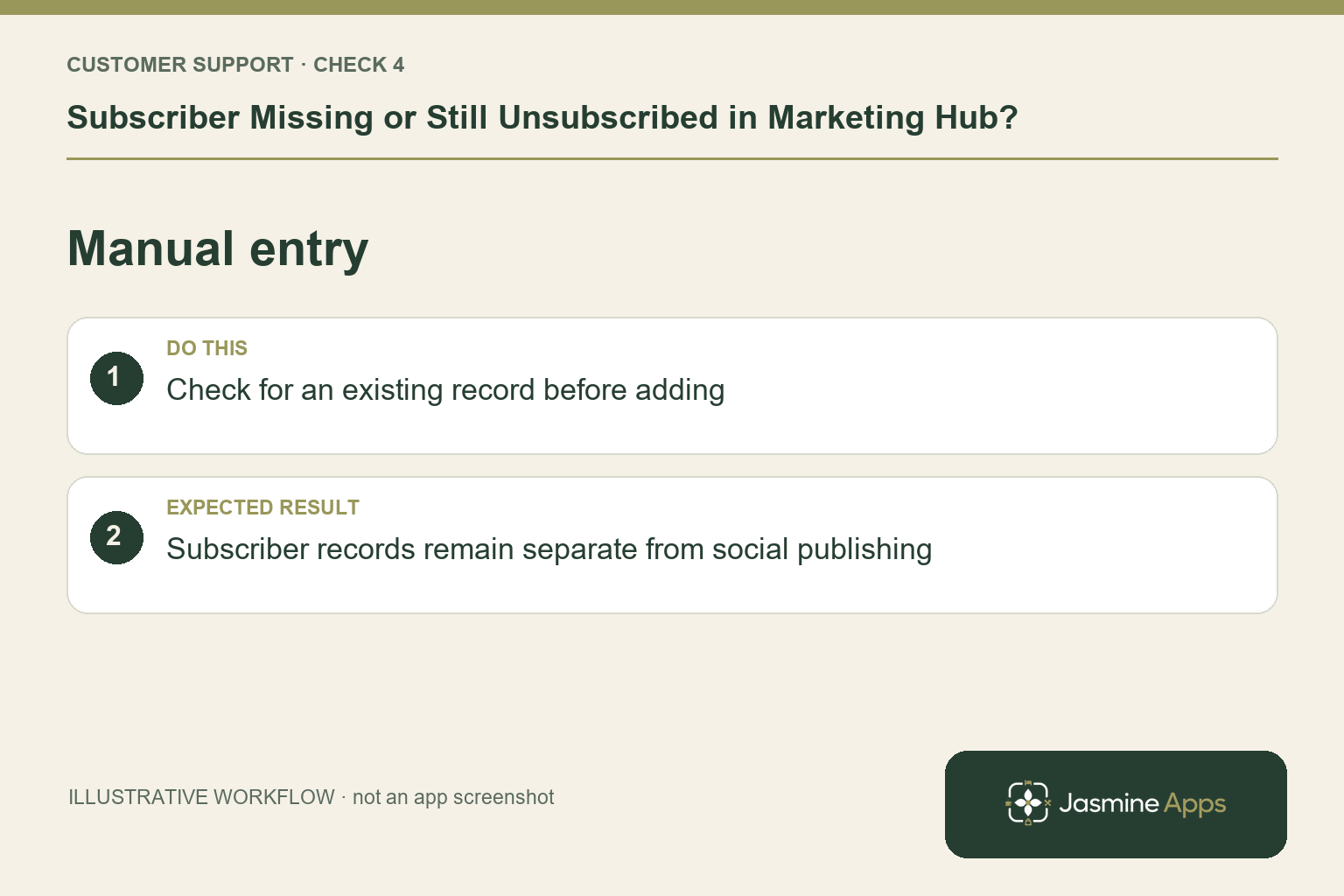
4. When is manual addition appropriate?
The current help guide uses Add Subscriber when a guest asks to hear from the venue and is not already listed. Enter the verified name and email, then Add; the source is Manual. First check for an existing row and linked record. Marketing Hub manages lists and consent alongside a social posting calendar and connected profiles. A correct subscriber record does not mean an email has been sent; social publishing and subscriber email are separate workflows.
Check the result: Subscriber records remain separate from social publishing.
Example from the actual app
The actual Subscribers screen has source filters for All sources, Loyalty members, Reservations, Upsell pushes and Manual, plus search by name or email. Clear a restrictive source filter and check the exact address before adding another contact. The Marketing calendar is a separate navigation item; a subscriber’s status is not the state of a social post.
Before you contact us
| Check | What to do | Result to verify |
|---|---|---|
| Search scope | Check exact email, venue and source filters. | A filtered record is distinguished from an absent one. |
| Subscriber state | Review active and unsubscribed status. | An opt-out is not mistaken for a deleted row. |
| Guest choice | Check the approved consent-update process. | A new booking does not silently reverse an opt-out. |
| Manual entry | Check for an existing record before adding. | Subscriber records remain separate from social publishing. |
Record which check failed, the exact error wording and when it happened. Include the relevant venue and record reference, and say whether one device or several people are affected. If you changed a setting, identify that change and the retest outcome. This helps us investigate the actual failing stage instead of asking you to repeat the whole process.
Contact Us if the expected result still does not appear. Send only the information needed to investigate; keep passwords, active codes, payment details and unrelated customer records out of screenshots.
When to stop and ask for help
If a saved status or linked preference appears inconsistent, give support the record reference, source and actions taken privately. Keep the guest's preference intact during investigation. Consult your venue's approved marketing process before changing subscription status.
Related support checks
Illustrations explain the workflow and are not product screenshots. Any numerical example is labelled illustrative and is not a customer result. Product wording and documented setup checks reviewed on 13 October 2026; confirm the features available in your current installation.