

Jasmine Loyalty Email Code Not Arriving?
· Jasmine Apps
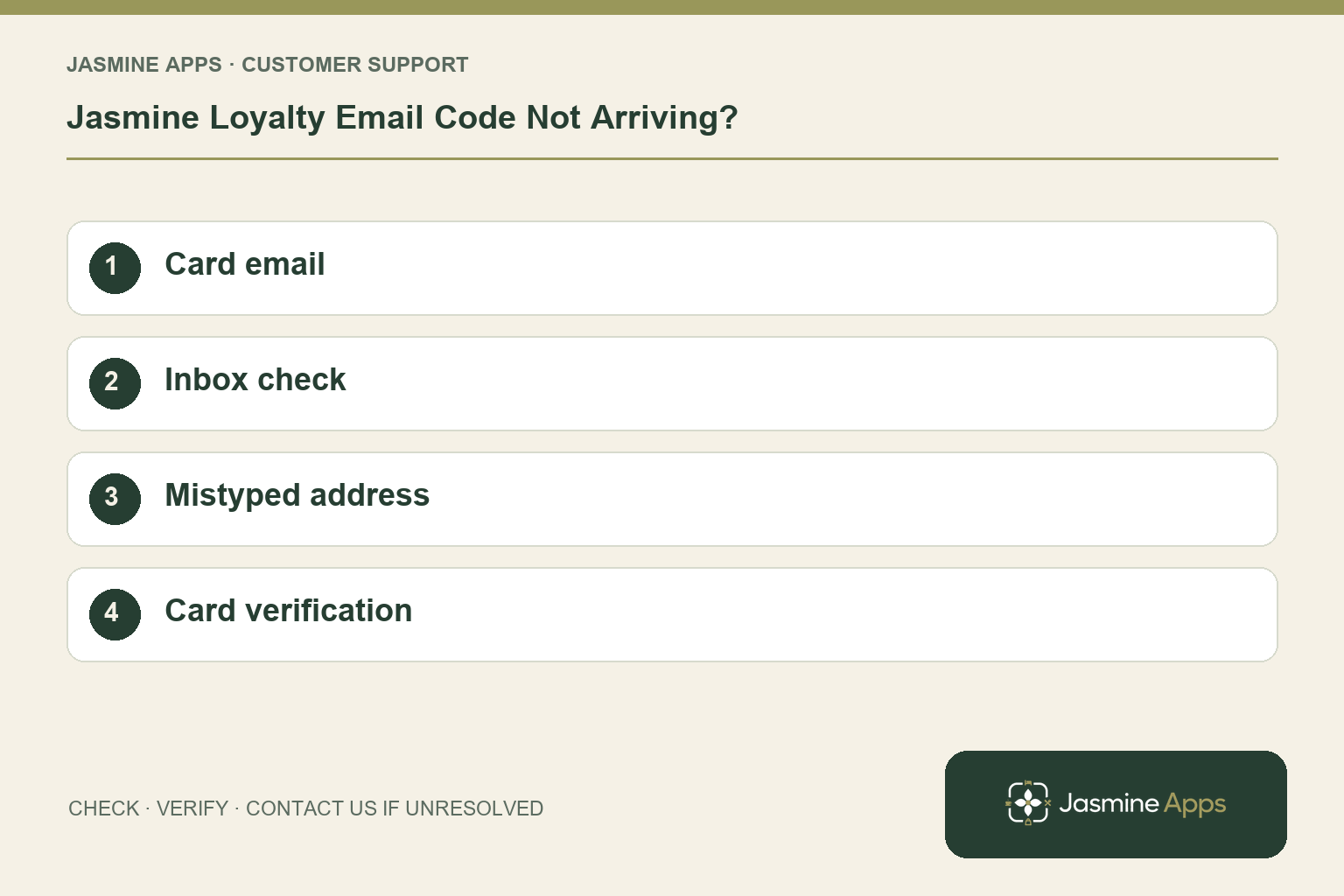
Customer support: Work through these checks in order. After each change, repeat the original action and check the result. If it remains unresolved, use Contact Us.
A guest is standing at the bar waiting for a sign-in code. Jasmine Loyalty uses the email registered on their card. Checking that address first is usually more useful than enrolling the guest a second time and splitting their history.
Quick answer: Use the email on the existing member card, check the inbox and return through Use a different email if the address was mistyped.
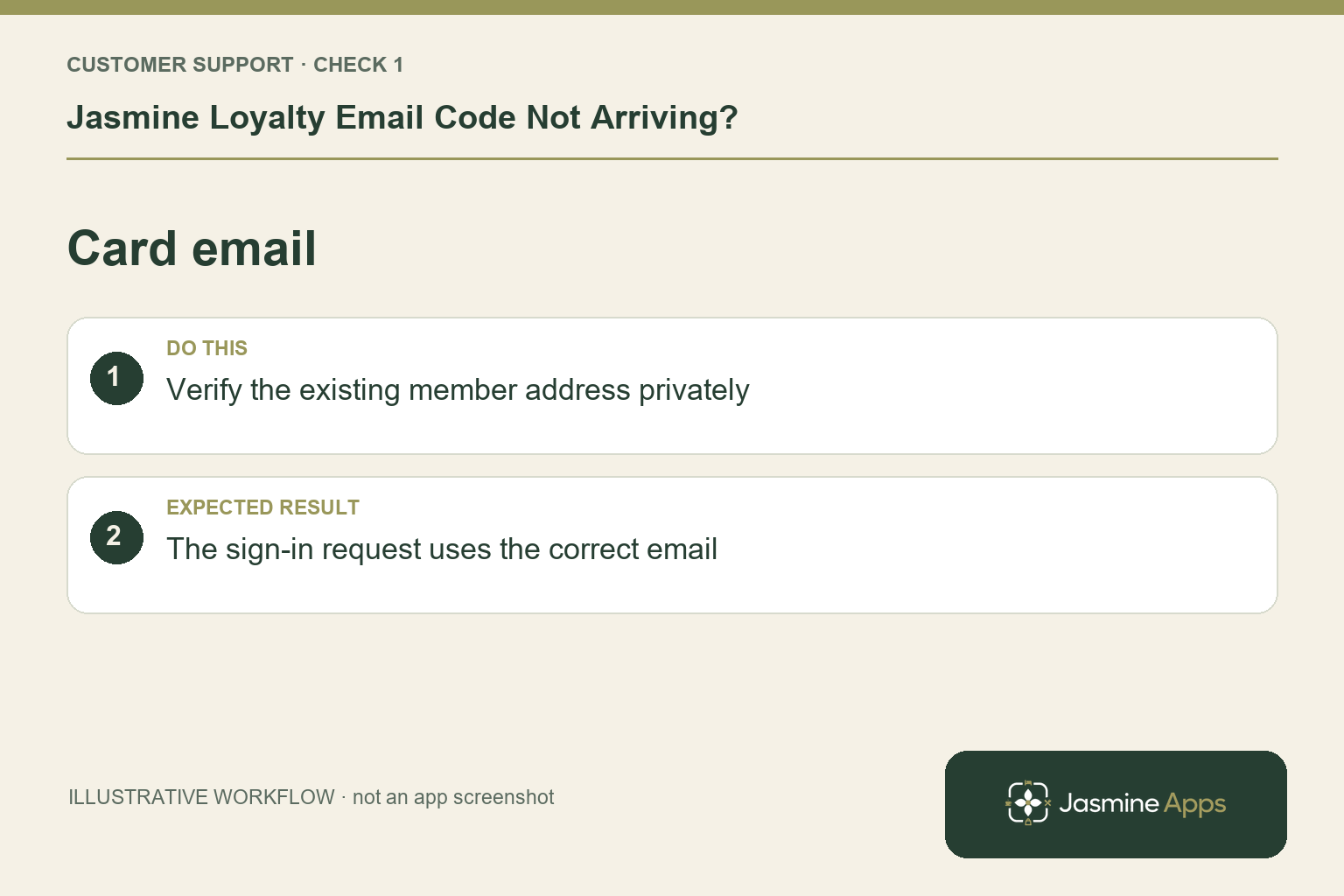
1. Which email should the guest enter?
The guest app's Your card screen asks for the email on the loyalty card, followed by Email me a code. Have the guest check the spelling themselves. If they use several addresses, an authorised colleague can check the existing member record through the venue's identity-verification process. Do not reveal another member's email at the counter or assume two similar names are the same person.
Check the result: The sign-in request uses the correct email.
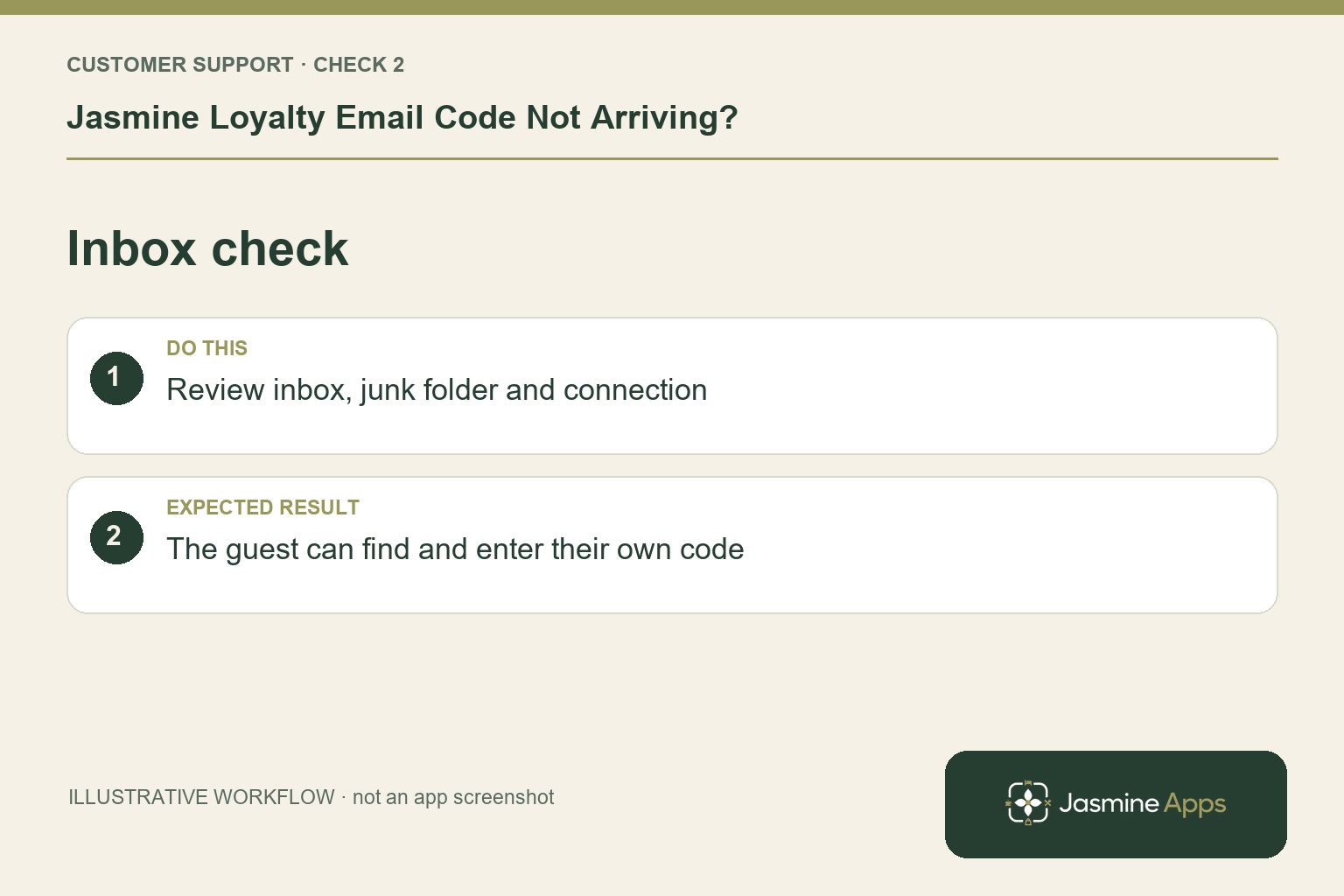
2. Where should they look for the message?
Ask the guest to check the intended inbox and its spam or junk folder, and whether their connection is working. The documented Check your email screen accepts a six-digit code before Open my card. Let the guest enter it themselves; staff do not need to copy the code into a support ticket. Avoid repeatedly requesting messages while the first request's outcome is still unclear.
Check the result: The guest can find and enter their own code.
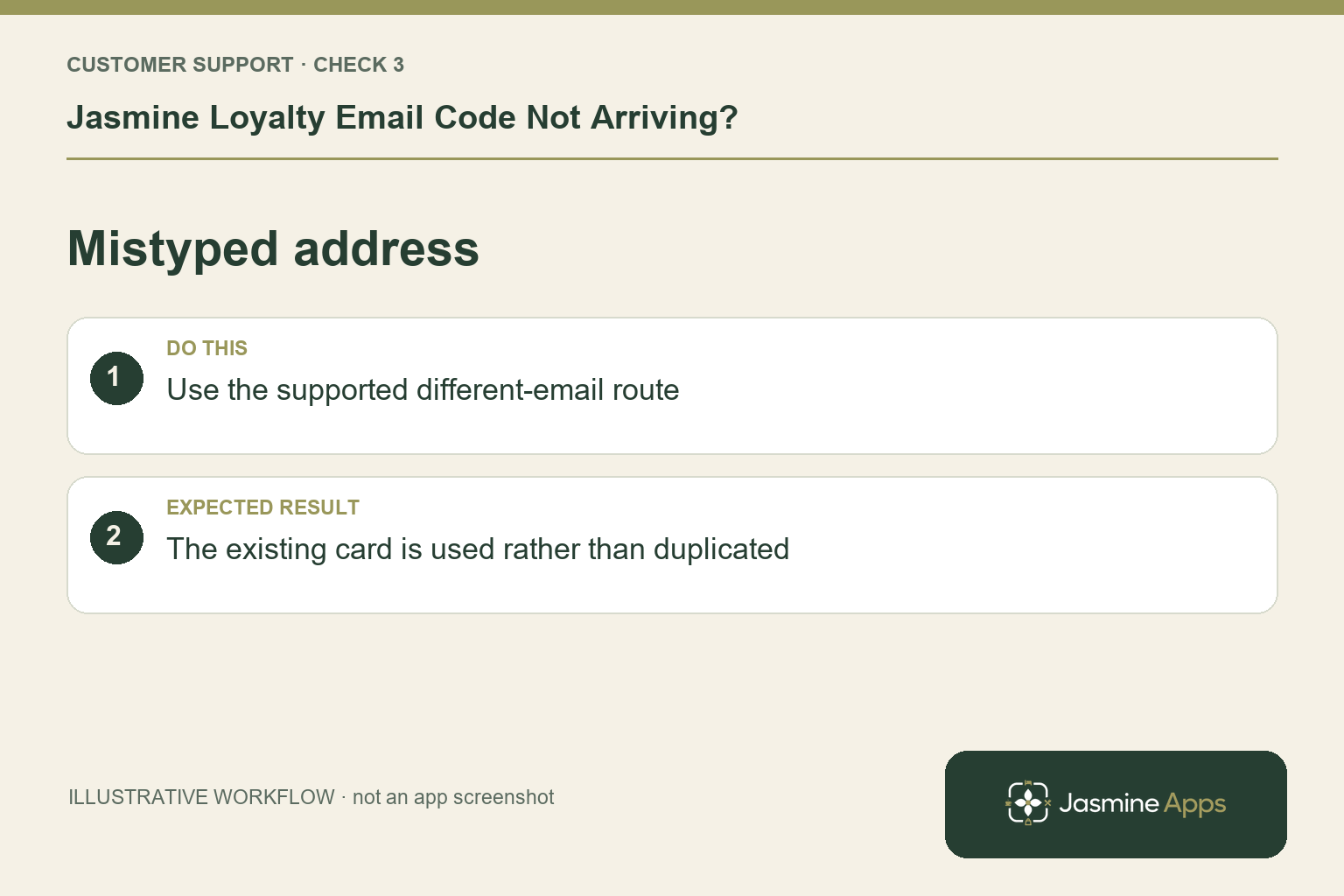
3. What if the address entered was wrong?
Use a different email is the documented route back to the address step. Retry with the card's verified address. If the member record itself needs correction, ask an authorised colleague to handle that through the venue process. A new membership created just to obtain a code can leave points and rewards on the original card, so it is not an appropriate first repair.
Check the result: The existing card is used rather than duplicated.
4. Can staff still identify the card at the till?
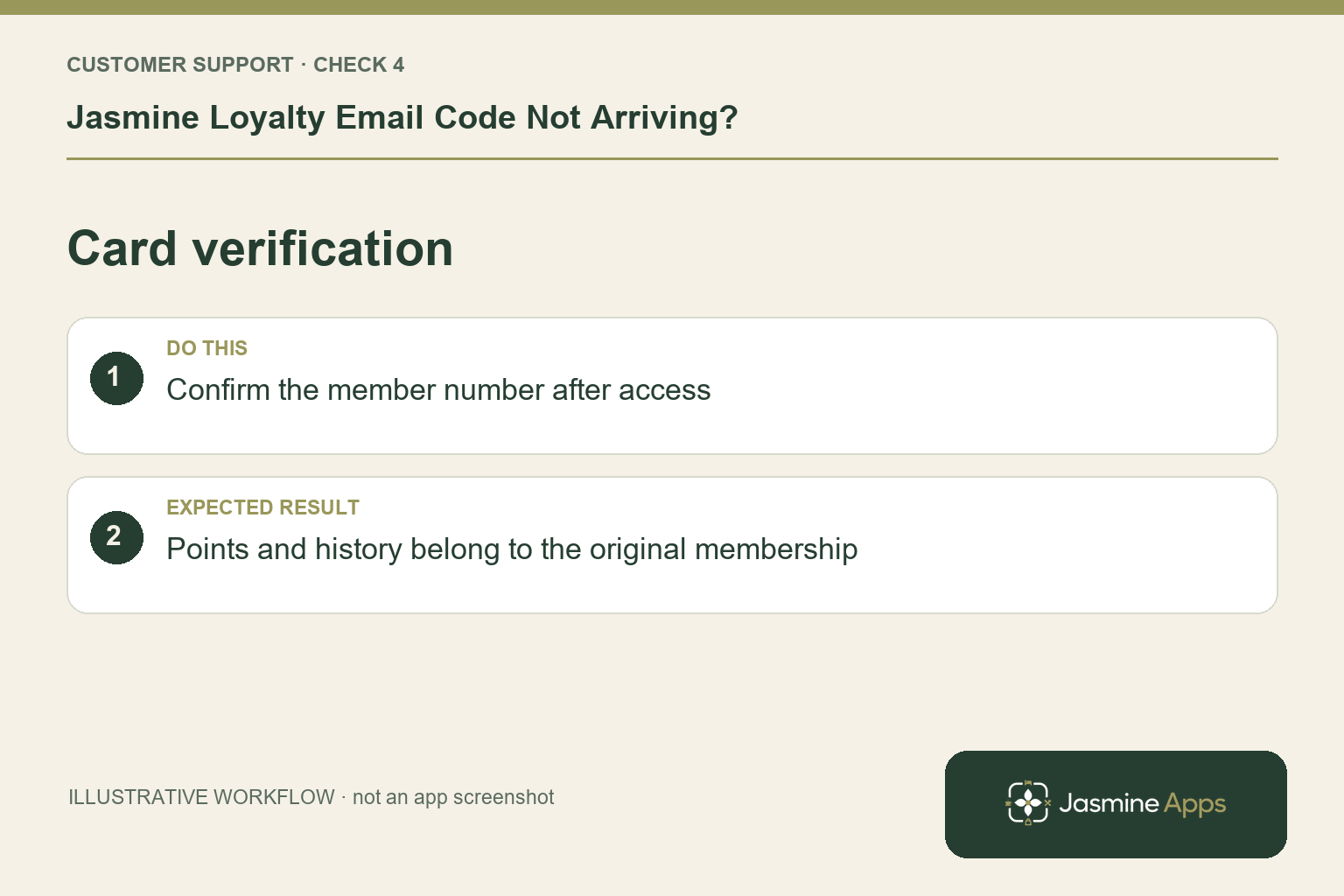
The card shows a member number, and staff can scan it or search through the supported till lookup. Follow identity checks before discussing balances or redemption. Helping the guest complete a sale does not resolve their app sign-in, so keep the two outcomes clear. When access returns, have them confirm the existing card and history rather than merely opening a new empty profile.
Check the result: Points and history belong to the original membership.
Example from the actual app
The actual Scheme screen separates earning rules, cash-value redemption and the venues where cards work. Edit package separately defines Points to redeem, Offer this package and Valid at these venues. Demonstrate the saved rule for the intended guest journey: a group-wide card, a named reward and spendable cash credit are distinct configuration choices. For this article’s card email check, verify the existing member address privately. Verify the sign-in request uses the correct email.
Before you contact us
| Check | What to do | Result to verify |
|---|---|---|
| Card email | Verify the existing member address privately. | The sign-in request uses the correct email. |
| Inbox check | Review inbox, junk folder and connection. | The guest can find and enter their own code. |
| Mistyped address | Use the supported different-email route. | The existing card is used rather than duplicated. |
| Card verification | Confirm the member number after access. | Points and history belong to the original membership. |
Record which check failed, the exact error wording and when it happened. Include the relevant venue and record reference, and say whether one device or several people are affected. If you changed a setting, identify that change and the retest outcome. This helps us investigate the actual failing stage instead of asking you to repeat the whole process.
Contact Us if the expected result still does not appear. Send only the information needed to investigate; keep passwords, active codes, payment details and unrelated customer records out of screenshots.
When to stop and ask for help
If the verified card address still receives no code, report the request time, guest-app version and error message privately. Share only the member reference and necessary address with authorised support. Never include the six-digit code in a public screenshot.
Related support checks
- Jasmine Loyalty Points Missing After a Sale?
- Jasmine Loyalty Reward Not Available or Not Redeeming?
- Bought-In Item Missing or Already Collected in Jasmine Loyalty?
Illustrations explain the workflow and are not product screenshots. Any numerical example is labelled illustrative and is not a customer result. Product wording and documented setup checks reviewed on 13 October 2026; confirm the features available in your current installation.