

Running a Ticketed Live Music Night at Your Venue
· Jasmine Apps
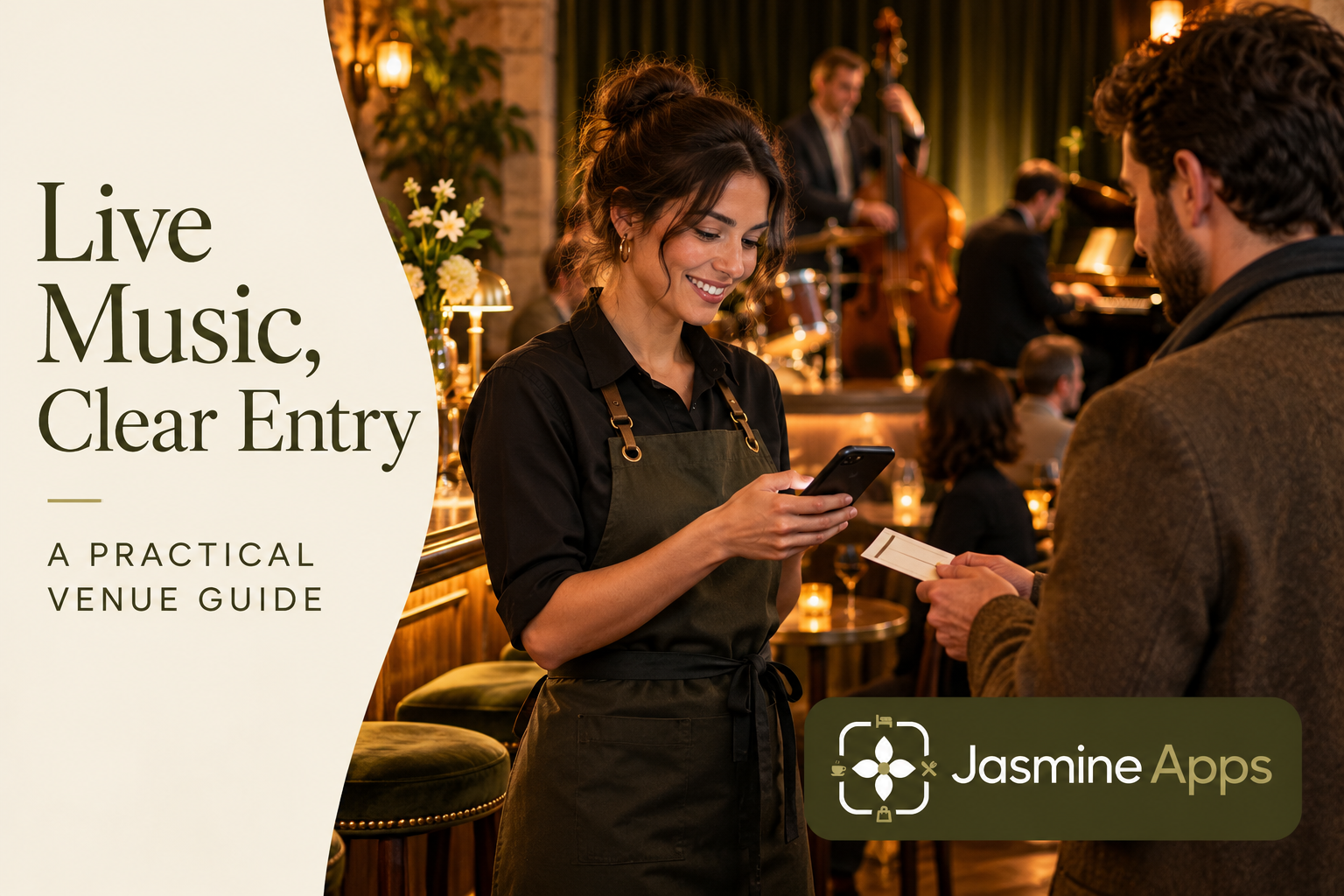
A ticketed live music night creates two service queues: guests entering the event and customers ordering at the bar. Table Jasmine's published event features include public event pages, registrations, pricing, capacity and check-in scanning. Plan the doorway and guest message alongside the ticket record.
Make the event promise specific
Confirm the date, start arrangements, location and what the ticket includes before publishing the event. State the venue's agreed entry and enquiry information clearly. A music ticket should not imply a reserved dining table or an included meal unless that is the actual offer. Keep artist permissions and event requirements under the venue's own management process. Use one approved event description across the booking page and promotional material so guests do not arrive with conflicting expectations.
Check the result: Guests know what their ticket covers.
Set capacity around the actual event
Table Jasmine can hold event capacity and registrations, but the venue must choose the correct approved limit and seating arrangement. Consider how the event uses areas that might otherwise take ordinary bookings. If your team imports Eventbrite information, confirm the supported workflow and record ownership before relying on it; shared listings should not become two unrelated capacity books. Rehearse the enquiry for a group wanting tickets and a restaurant booking at the same time.
Check the result: Tickets match the event you can host.
Prepare the entry position as a workstation
Give the entry colleague the device, access and clear event context needed for check-in scanning. Test the supported ticket workflow with an authorised example before guests arrive. Agree what happens when someone cannot find a ticket, an organiser has bought several entries or the scanning route fails. A working phone in the office does not establish reliable connectivity at the doorway. Keep an approved guest-support alternative that preserves the check-in record rather than admitting everyone without a trace.
Check the result: The entry team can verify each arrival.
Connect entry information to the service briefing
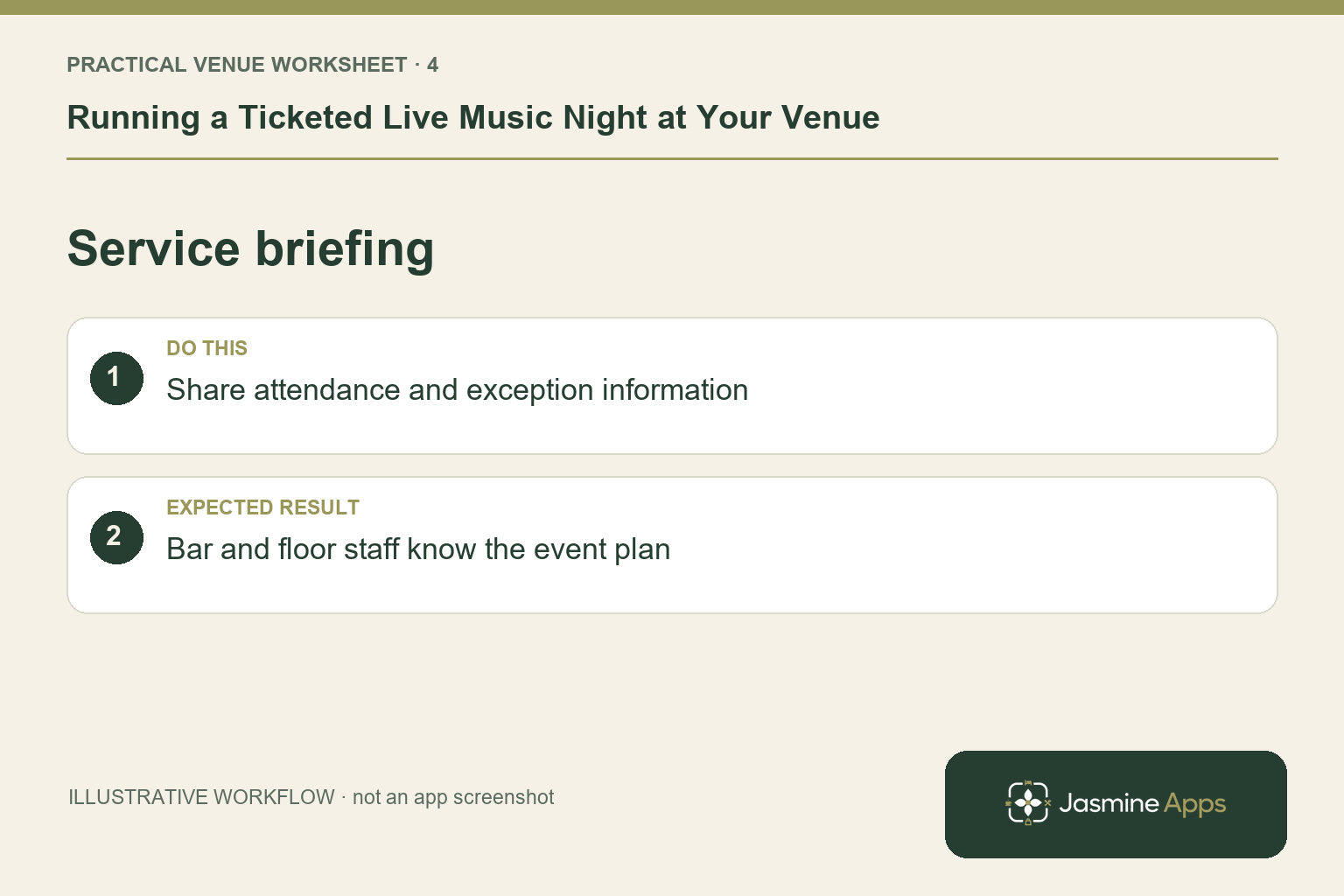
Tell the bar and restaurant teams when arrivals peak and what each ticket actually includes. Identify who resolves duplicate-looking registrations or guest disputes. Keep entry and sales outcomes separate: being checked in does not mean a bar order has been paid. After the performance, review the record and unresolved enquiries before declaring the event complete. Use observations about doorway delays and unclear offer wording to improve the next event, without claiming every sales change came from the music night.
Check the result: Bar and floor staff know the event plan.
Put the plan into practice
Use a test covering a single ticket, a group arrival and a missing-confirmation enquiry. Brief entry, bar and duty-manager roles together. Give each exception one owner, then reconcile the final attendance and any outstanding guest questions through the supported records.
Questions venue teams ask
Does an event ticket reserve a restaurant table? Only if the venue has explicitly arranged that journey. Keep the two promises clear.
Can we assume every Eventbrite setup syncs automatically? Confirm the documented import and the exact operational workflow before using it to manage capacity.
Example from the actual app
The actual reservation list distinguishes Confirmed, Arrived/Waiting, Seated, Has Left, No Show and Cancelled. Booking Widget has its own saved service limits, party-size cap and reservation gap. Check the relevant record and rule for this service rather than treating every empty table, started form or calendar entry as the same booking outcome. For this article’s event promise check, state date, entry and seating arrangements. Verify guests know what their ticket covers.
A working checklist for your venue
| Check | What to do | Result to verify |
|---|---|---|
| Event promise | State date, entry and seating arrangements. | Guests know what their ticket covers. |
| Event capacity | Check the real room and staffing limit. | Tickets match the event you can host. |
| Entry workstation | Prepare the check-in device and fallback. | The entry team can verify each arrival. |
| Service briefing | Share attendance and exception information. | Bar and floor staff know the event plan. |
Use the checklist with a colleague who did not configure the workflow. Ask them to complete the ordinary task without coaching, then compare the result with the expected outcome. Record the point where they hesitate or need information from another shift. That observation gives you a specific improvement to make before extending the setup.
Discuss your own setup
Bring your service hours, table capacities and one ordinary booking alongside a larger-party example. Contact Us to discuss how Table Jasmine would fit that booking and service journey.
Illustrations explain the workflow and are not product screenshots. Any numerical example is labelled illustrative and is not a customer result. Product wording and documented setup checks reviewed on 13 October 2026; confirm the features available in your current installation.