

Summer Seasonal Staff: Prepare Access Before the First Shift
· Jasmine Apps

Summer seasonal staff can join just as a venue becomes busiest. The short preparation window makes ownership more important, not less. Clock Jasmine can support onboarding, rota records and training, but each temporary colleague still needs a clear path from invitation to a supervised first service.
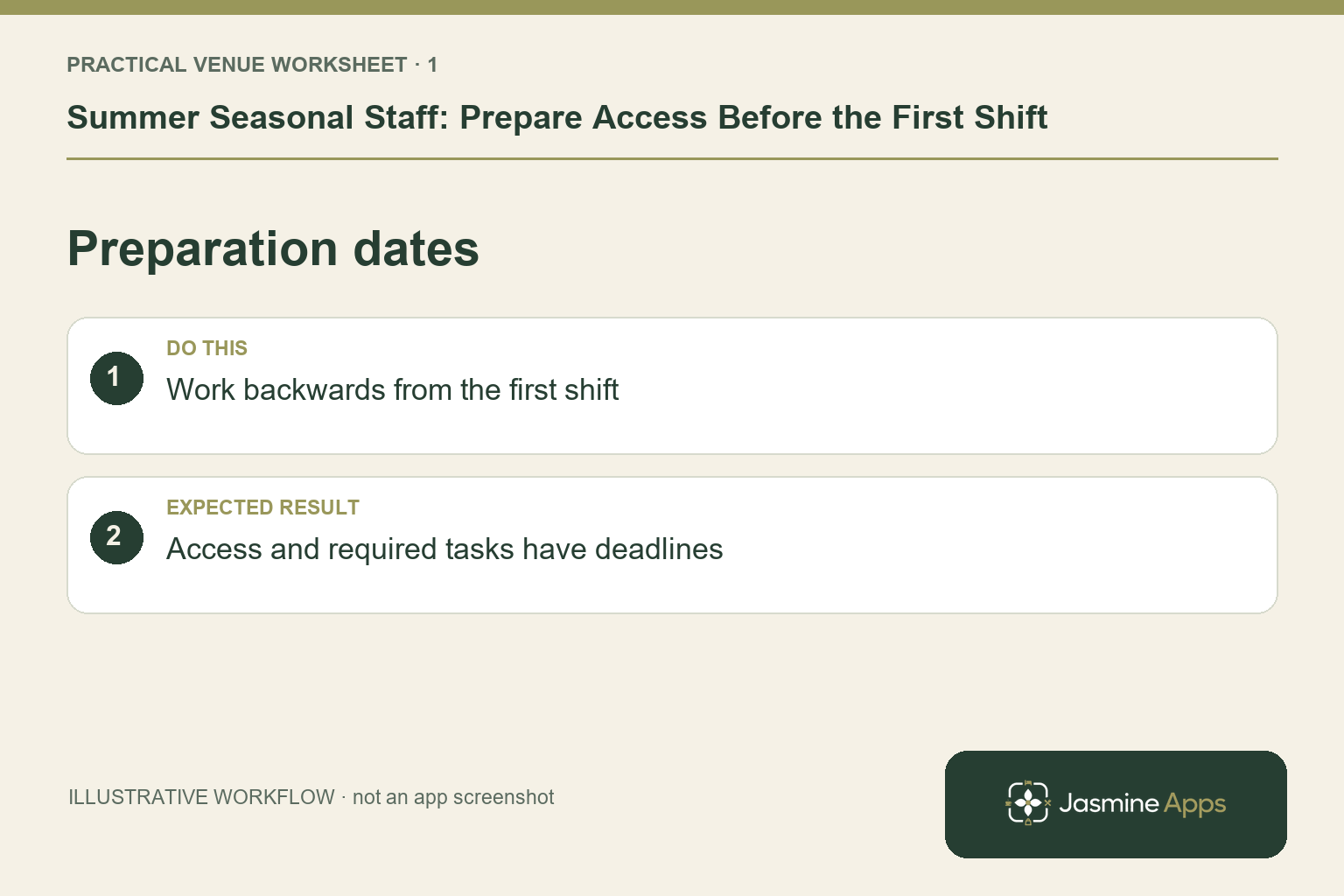
Create a dated preparation list
Identify the intended role, venue, supervisor and first service before issuing access. Put the approved onboarding and employment-record requirements through the normal process; temporary work does not justify collecting details casually in a shared spreadsheet. Assign a person to confirm completion and chase a missing step. An illustrative colleague joining for a festival weekend should know their first-shift reporting point before a large guest queue becomes the only welcome.
Check the result: Access and required tasks have deadlines.
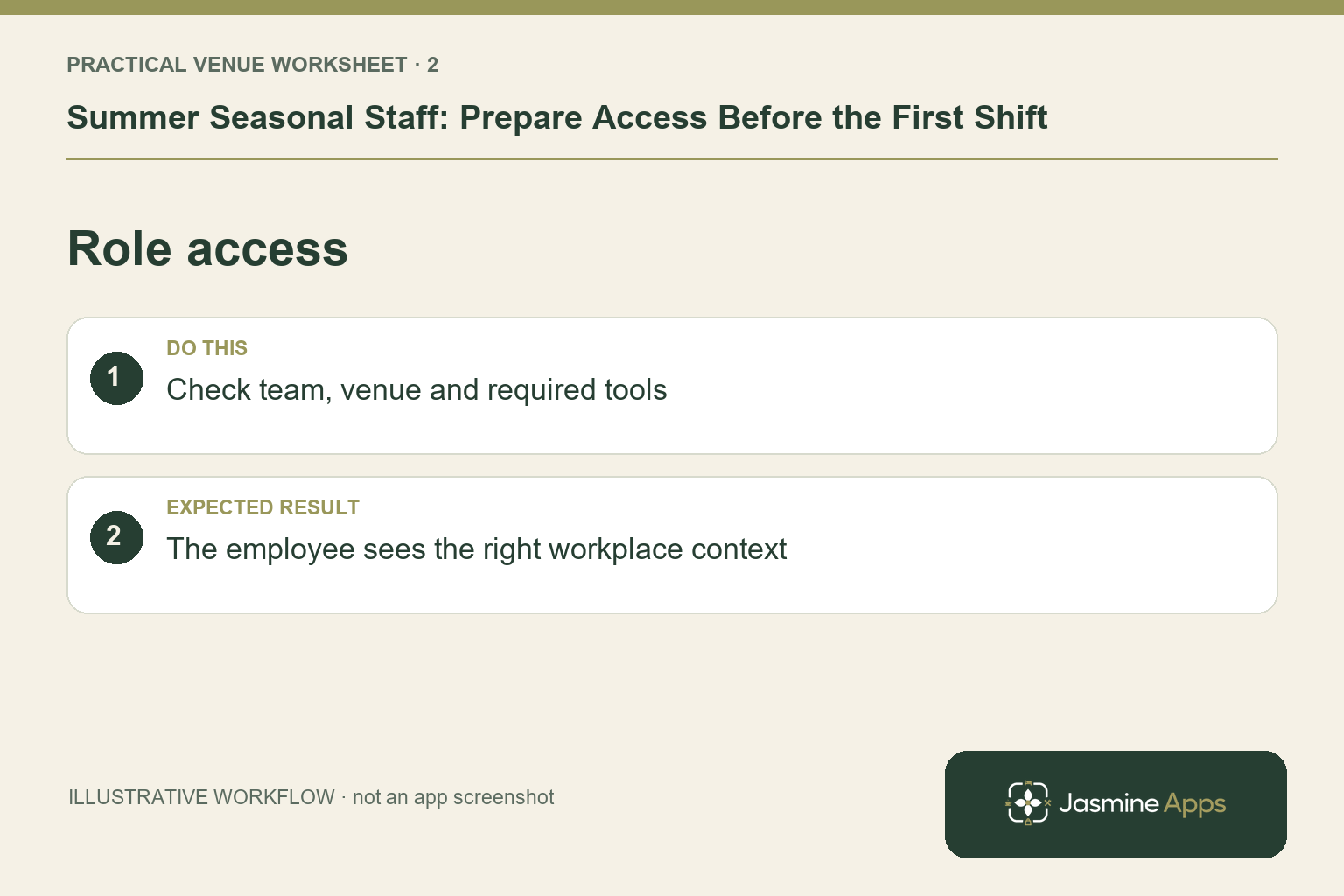
Grant the access the work actually needs
Review the employee's team and scope in Clock Jasmine, then confirm access to the other tools required for their duties through your authorised venue process. Do not give manager rights as a shortcut for training. If the employee uses a kiosk, prepare their own PIN and show the actual device. If they use a staff app or web route, verify the approved policy on their supported device. Never rely on another colleague's account to get them through the first shift.
Check the result: The employee sees the right workplace context.
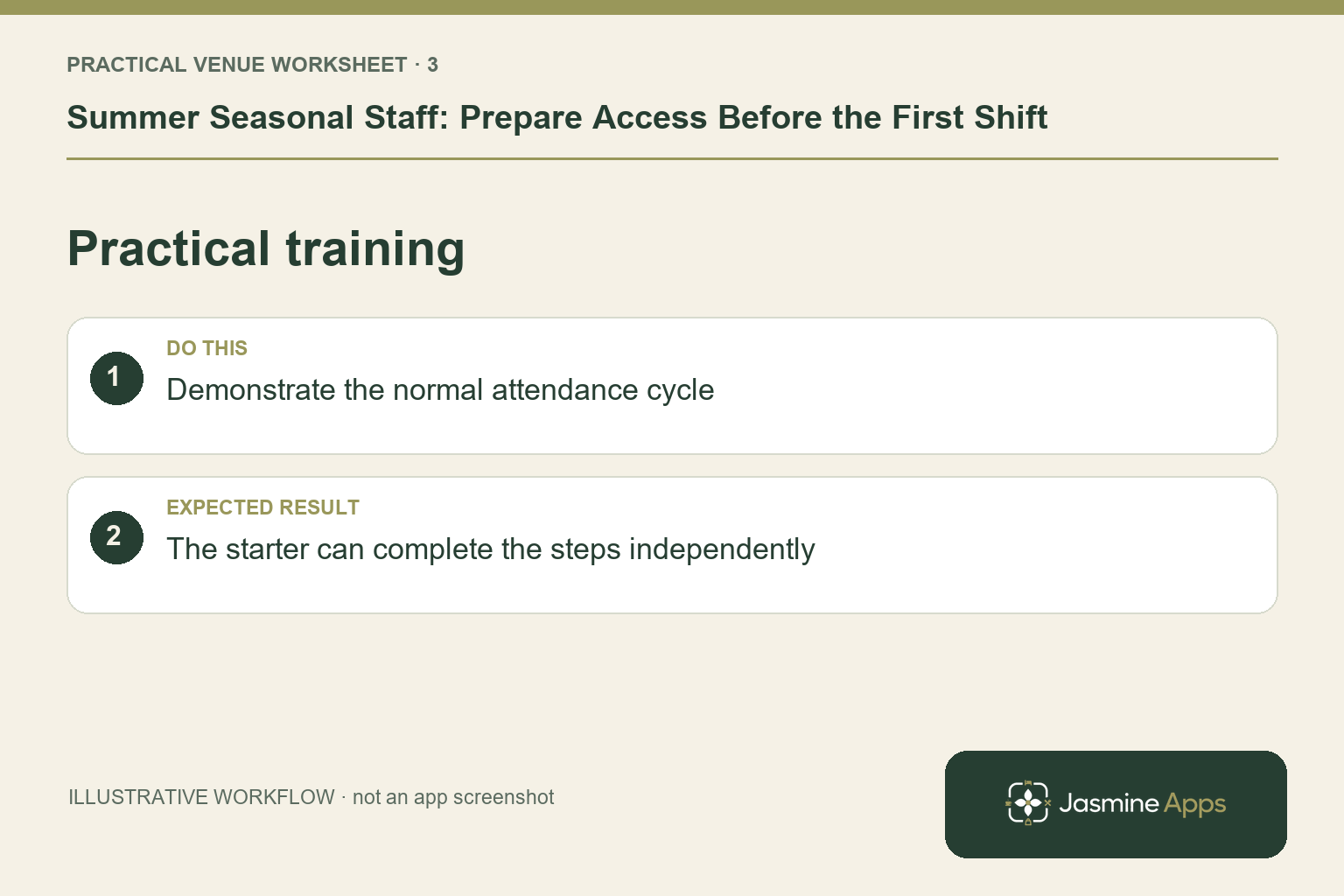
Train on a small set of real tasks
Choose the relevant learning in the published course and training workflow, then supervise practice on the tasks the role requires. Show the rota, attendance actions and exception owner first. For a bar role, add a supported training order, correction and payment handover; for housekeeping, use the hotel's approved room-readiness routine. A recorded course or certificate complements observation. It does not establish that the colleague can complete every guest-facing task without help.
Check the result: The starter can complete the steps independently.
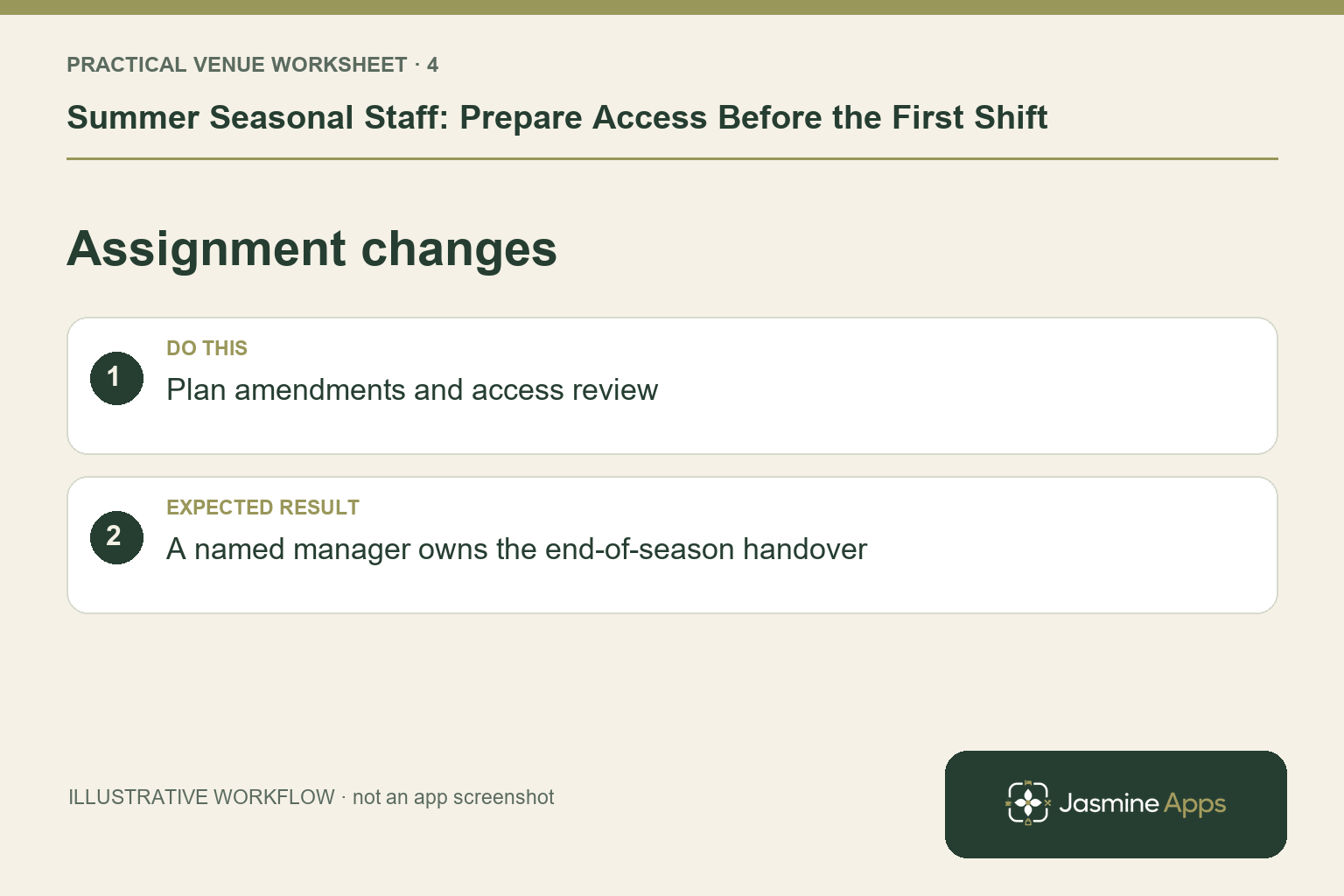
Plan changes and the end of the assignment
Publish the intended shifts and use the supported cover and change routes when the service plan moves. Review actual punches and corrections before the hours export. Keep a named manager for the final handover when seasonal duties end, including outstanding training, equipment and access review under the venue's normal process. This article does not assume a universal automatic offboarding button. A clear completion owner prevents a short assignment leaving unresolved records for another manager.
Check the result: A named manager owns the end-of-season handover.
Put the plan into practice
Check invitation completion, scope, published shifts, practical training and the first-shift supervisor before service. Set a review after the first representative shift and another at the planned end of the assignment. Use the questions raised to improve the next seasonal intake.
Questions venue teams ask
Can temporary employees skip the normal access checks? Use the approved role and onboarding process. Short assignments still need accurate records and individual access.
Should every seasonal employee learn every app? Focus on the actual duties and a clear escalation route, then expand access and training deliberately if the role changes.
Example from the actual app
The real attendance workspace separates Clock in / out, Clock-in history, Location, Clock In Settings and Kiosk devices. Clock-in history states that totals sum closed shifts only; Rotas & shifts describes published monthly boards. Follow the record relevant to the task and check whether the employee’s shift is merely planned, actually recorded or awaiting approval. For this article’s preparation dates check, work backwards from the first shift. Verify access and required tasks have deadlines.
A working checklist for your venue
| Check | What to do | Result to verify |
|---|---|---|
| Preparation dates | Work backwards from the first shift. | Access and required tasks have deadlines. |
| Role access | Check team, venue and required tools. | The employee sees the right workplace context. |
| Practical training | Demonstrate the normal attendance cycle. | The starter can complete the steps independently. |
| Assignment changes | Plan amendments and access review. | A named manager owns the end-of-season handover. |
Use the checklist with a colleague who did not configure the workflow. Ask them to complete the ordinary task without coaching, then compare the result with the expected outcome. Record the point where they hesitate or need information from another shift. That observation gives you a specific improvement to make before extending the setup.
Discuss your own setup
Bring your rota scope, attendance routine and one example of a missed punch or shift change. Contact Us to discuss the Clock Jasmine workflow from planning through recorded attendance and the manager’s review.
Illustrations explain the workflow and are not product screenshots. Any numerical example is labelled illustrative and is not a customer result. Product wording and documented setup checks reviewed on 13 October 2026; confirm the features available in your current installation.