

Does EPOS Work Without Internet? A Hotel and Bar Outage Plan
· Jasmine Apps

The answer depends on what you need to keep working
Does EPOS work without internet? Some systems can keep recording sales locally, but that does not mean every connected service continues normally. The important question is which parts of your actual shift can continue, on which devices, and what must happen when the connection returns.
Till Jasmine's published Windows till workflow keeps completed sales on the device during a connection loss and uploads them when the till is back online. That is useful for a hotel bar or restaurant that needs to preserve its sales records through a short interruption.
Card authorisation, live loyalty information and connections to other systems need their own checks. A till accepting an order is not proof that a card payment has been authorised.
This guide gives you a practical plan to prepare, operate and reconcile. It is based on the documented Till Jasmine workflow, rather than a promise that every feature works offline.
Before your next busy service: test the outage plan with your supplier on a non-live test transaction. Write down exactly what staff should do, including the separate payment procedure.
Illustrative scene: A duty manager checks network equipment beside a hotel bar till.
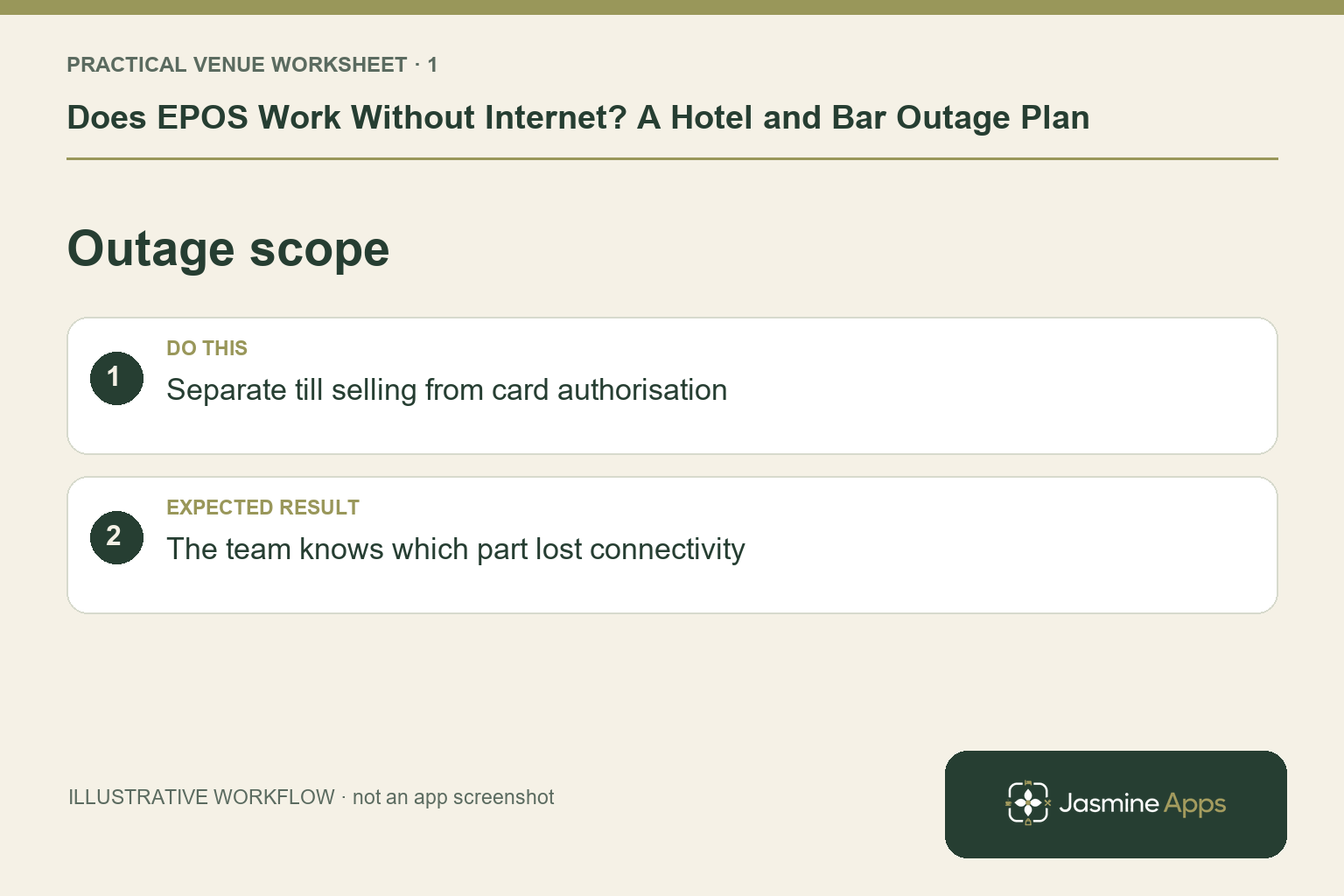
Check the result: The team knows which part lost connectivity.
Four different problems that can look like an internet outage
When the till stops behaving normally, identify the affected part before restarting equipment at random.
| What has failed? | What staff may notice | What to check |
|---|---|---|
| Broadband connection | Several online services stop working | Router connection and provider status |
| Local Wi-Fi or network | One device disconnects while others work | The device's connection and local network |
| Payment service | Till works, but terminal cannot authorise cards | Terminal messages and payment-provider guidance |
| Power supply | Till, printer or network equipment turns off | Venue power and the agreed power-loss procedure |
Local sales storage helps with a connection loss. It cannot keep an unpowered PC running. A mobile connection may help with a broadband failure, but it will not necessarily resolve a payment-provider outage. Your contingency should cover the equipment and services you actually use.
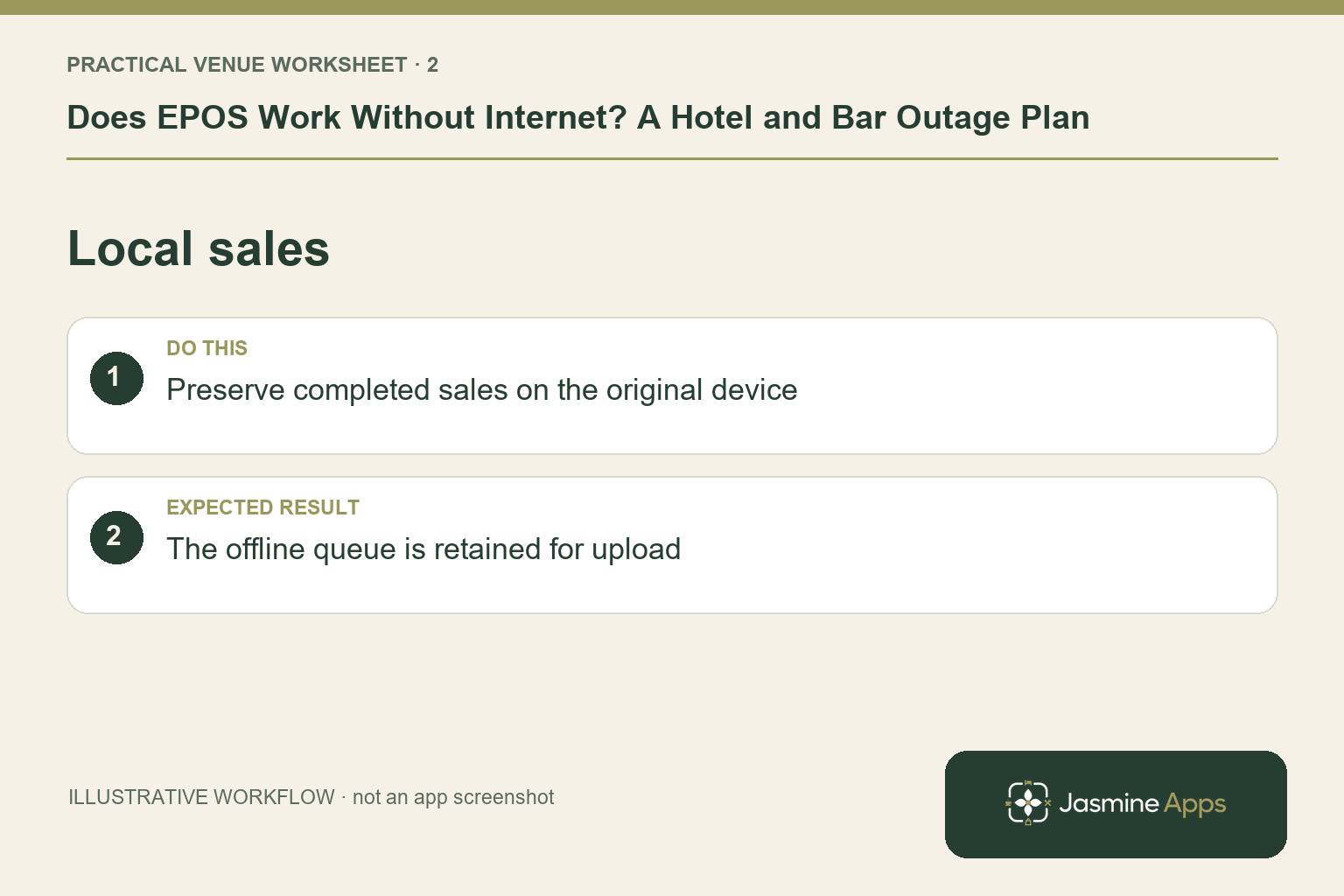
Check the result: The offline queue is retained for upload.
What Till Jasmine documents about offline sales
The published product page describes offline selling: completed sales remain on the till device and upload when it reconnects. The selling guide describes this in the context of finishing a sale on a paired Windows till.
The system therefore needs to be installed, paired and prepared before an outage. Do not make your first attempt to set up a new till after the network has already failed.
Existing Till Jasmine image from the existing selling guide. It shows the touch till and order panel; it does not demonstrate an outage or offline card authorisation. Jasmine Apps branding has been added below the screenshot.
Ask your supplier to demonstrate these points:
- Which payment methods can complete a recorded sale in the agreed outage workflow?
- Which information is already available on the device?
- Where can the manager see whether queued sales have uploaded?
- What should staff do if a transaction appears unfinished?
- What happens if the device fails before its stored sales upload?
Keep the answers with your shift instructions. A remembered demonstration is less useful than a clear procedure the evening team can follow.
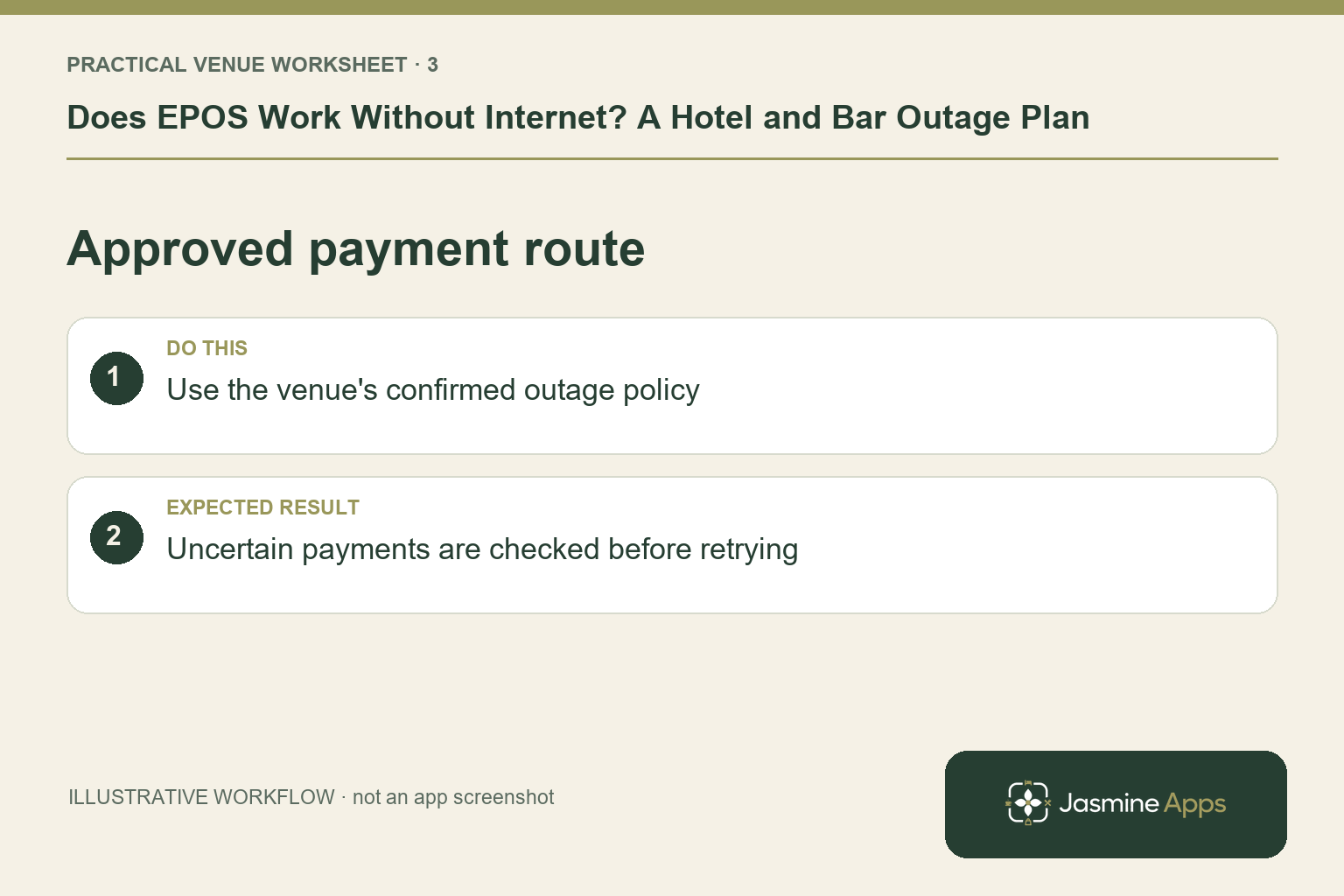
Check the result: Uncertain payments are checked before retrying.
Offline sales and offline card payments are different
The EPOS records the sale. The card terminal and processor handle the payment. Those are related steps, but they are not interchangeable.
Some payment providers support offline card workflows on certain devices, with limits and deadlines. Others require connectivity for the transaction you want to take. A payment stored for later processing may also be declined after the customer has left.
Square's UK offline-payment guidance is an example of a provider setting specific conditions. Its rules apply to its supported setup; they are not Till Jasmine payment rules.
Ask your own provider which terminal models, payment types, risk limits and reconnection deadlines apply. Staff should follow that agreed procedure and never invent a payment status to get a queue moving. Do not write down card details as an improvised fallback.
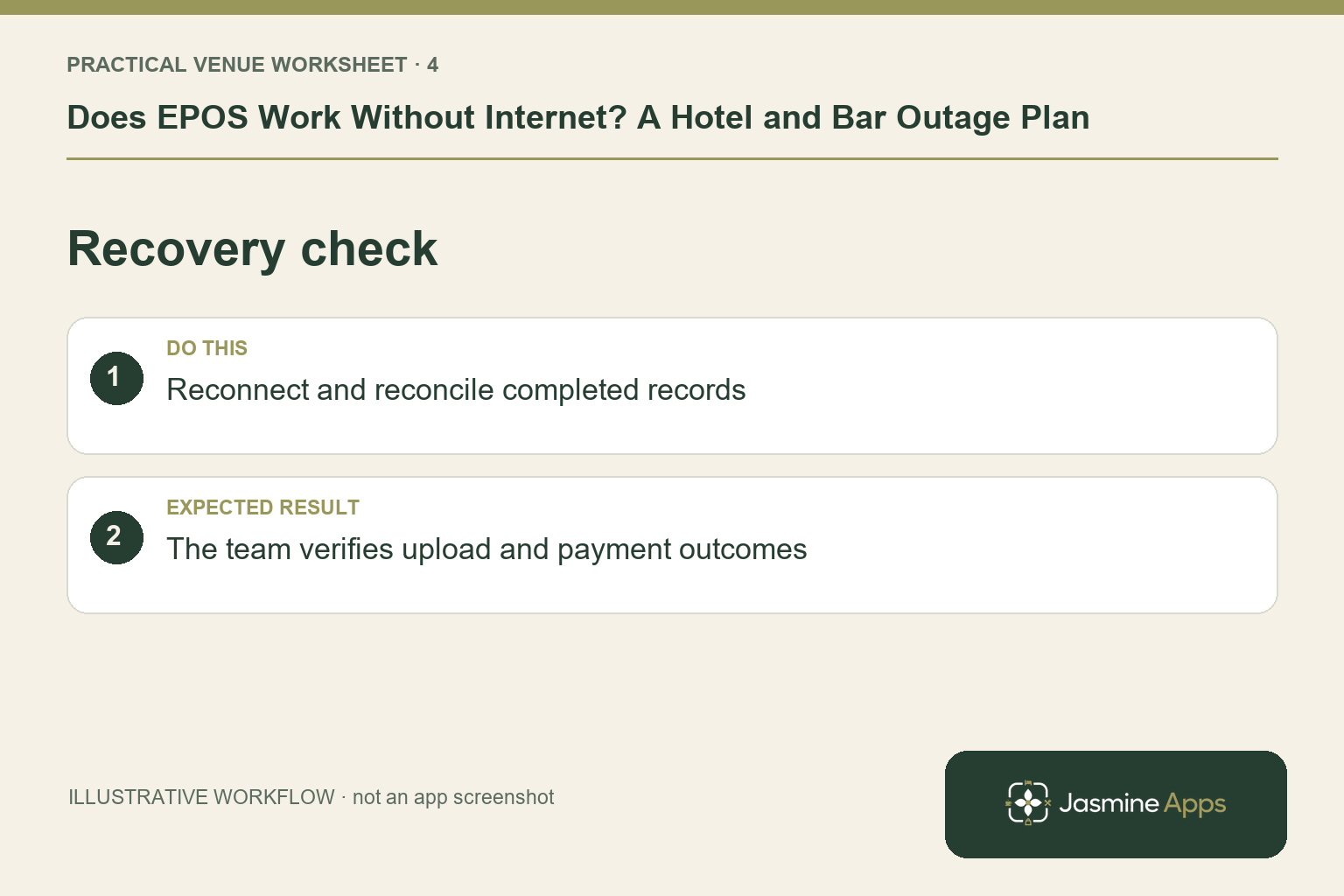
Check the result: The team verifies upload and payment outcomes.
Build a one-page outage plan
The plan should tell staff who takes charge, how to contact them and how to record what happened. Use job roles as well as names so it still works when people change shifts.
| Point to decide | Your venue's answer |
|---|---|
| Who leads the incident? | Duty manager and named backup |
| How do staff identify the fault? | Approved checks for till, network and terminal |
| How can customers pay? | Methods confirmed by your payment provider |
| What remains available? | Features demonstrated on your exact setup |
| What needs a manual note? | Exceptions and any uncompleted transactions |
| Who checks recovery? | Manager responsible for upload and payment checks |
Keep your existing till and payment-provider support contacts available outside the online system. During an outage, staff should not depend on a cloud document they cannot open.
Illustrative scene: Two hotel bar staff review a printed outage checklist before service.
During an outage: keep the team on one procedure
Tell the duty manager when the issue starts and which devices are affected. Confirm whether it is the till, network or card service before choosing a fallback.
Continue only through the workflow your supplier has confirmed. Explain any payment limitation clearly to guests before they place another order. If the agreed method cannot be used, the manager should decide how to pause or adapt service.
Keep a simple incident log: start time, affected till, transaction references where available and any unresolved exceptions. Avoid duplicating a payment because a screen was slow to update. Check the transaction status through the approved procedure first.
If support is needed, describe the symptoms precisely. “The bar terminal cannot authorise cards, but the till still opens” is more useful than “the system is down”. Avoid deleting or resetting locally stored sales to try to clear the issue.
After reconnection: prove that the records caught up
Service returning is only the first recovery step. Check that the completed sales stored on each affected device have uploaded and that any separate payment exceptions have been resolved.
Compare the incident log with the relevant till records and payment-provider records. Investigate missing, duplicated or unresolved transactions rather than assuming everything caught up automatically. Till records and bank settlements may use different timing, so check the correct reporting period.
Only close the incident when the manager can account for the transactions involved. If something does not reconcile, preserve the records and raise it with support.
Illustrative scene: A hotel manager checks receipt records after service.
Rehearse before Saturday evening
Use a quiet period and a supplier-approved test procedure. Test the exact till, terminal and peripherals your team will use, rather than a different device in an office.
The exercise should include identifying a lost connection, handling the permitted test sale, reconnecting, confirming the uploaded record and checking the payment result separately. Have a new member of staff follow the written instructions to find unclear steps.
Repeat the exercise when important equipment or payment arrangements change. Record what worked and update the one-page plan. The goal is a team that understands its limits and can recover cleanly.
Frequently asked questions
Can Till Jasmine keep sales when broadband drops?
The documented Windows till workflow stores completed sales on the device and uploads them when it reconnects. Confirm the exact supported steps for your installation.
Does that mean I can always take cards offline?
No. Card payment availability depends on your terminal, provider and payment agreement. Have the provider demonstrate its supported procedure.
Can I switch to mobile data?
A supplier-approved backup connection can be part of your plan. Check the network setup and all affected devices in advance; a backup connection is not a fix for every outage.
What should I check when the internet returns?
Check queued-sales upload, separate payment status and every unresolved item in your incident log. Do not treat a working connection as proof of complete reconciliation.
Ask to see the outage workflow
Book a Till Jasmine demonstration with your till requirements and payment-provider details. Ask to see how completed sales are retained, how recovery is checked and which features need a live connection.
Read the published offline-selling description. For buying decisions, see How Much Does a Hotel EPOS System Cost?.
Product basis: Till Jasmine's published feature page and existing selling guide, checked 13 October 2026. Editorial photographs are illustrative; the labelled app image is an existing Till Jasmine screenshot.
Example from the actual app
The actual Products & Categories page separates the product record from its On till placement, and the Till Layout screen separates selling pages from the Payment page. Use those real checks for this workflow. The dashboard’s hourly and payment-method views report the venue’s recorded sales; a layout change should be tested on the intended device before its effect on service is assessed. For this article’s outage scope check, separate till selling from card authorisation. Verify the team knows which part lost connectivity.
A working checklist for your venue
| Check | What to do | Result to verify |
|---|---|---|
| Outage scope | Separate till selling from card authorisation. | The team knows which part lost connectivity. |
| Local sales | Preserve completed sales on the original device. | The offline queue is retained for upload. |
| Approved payment route | Use the venue's confirmed outage policy. | Uncertain payments are checked before retrying. |
| Recovery check | Reconnect and reconcile completed records. | The team verifies upload and payment outcomes. |
Use the checklist with a colleague who did not configure the workflow. Ask them to complete the ordinary task without coaching, then compare the result with the expected outcome. Record the point where they hesitate or need information from another shift. That observation gives you a specific improvement to make before extending the setup.
Discuss your own setup
Bring a small menu sample, the number of selling points and one awkward order or payment handover. Contact Us to discuss a Till Jasmine demonstration against those requirements.
Illustrations explain the workflow and are not product screenshots. Any numerical example is labelled illustrative and is not a customer result. Product wording and documented setup checks reviewed on 13 October 2026; confirm the features available in your current installation.