

TutorialIn-app guide
Marketing Hub: email campaigns and social planning
· Jasmine Apps
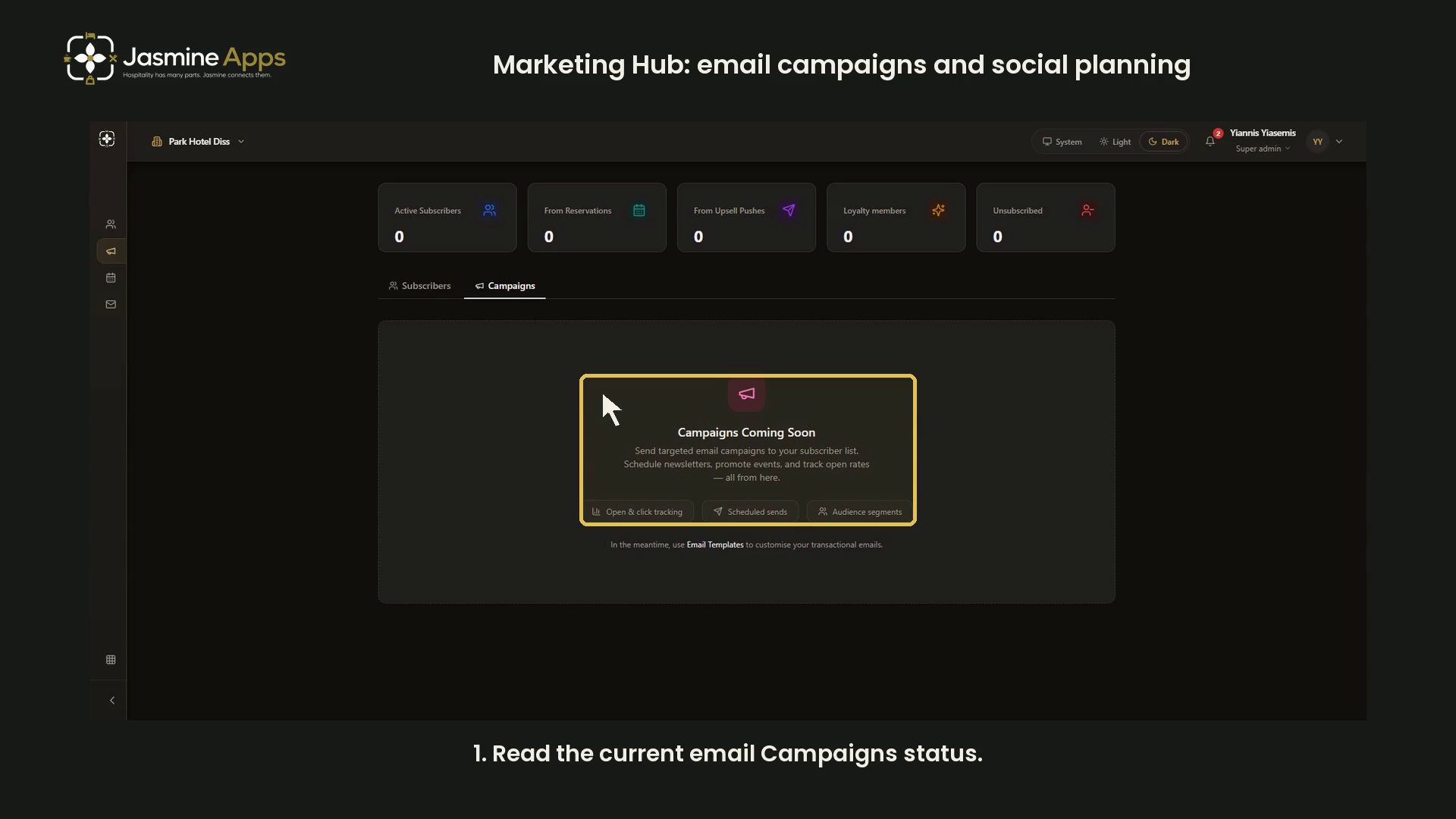
Marketing Hub separates email campaigns, transactional email templates and social-post planning. This dark-mode guide records the current Campaigns tab and explains which screen belongs to each task.
Watch the walkthrough
Read the current email Campaigns status
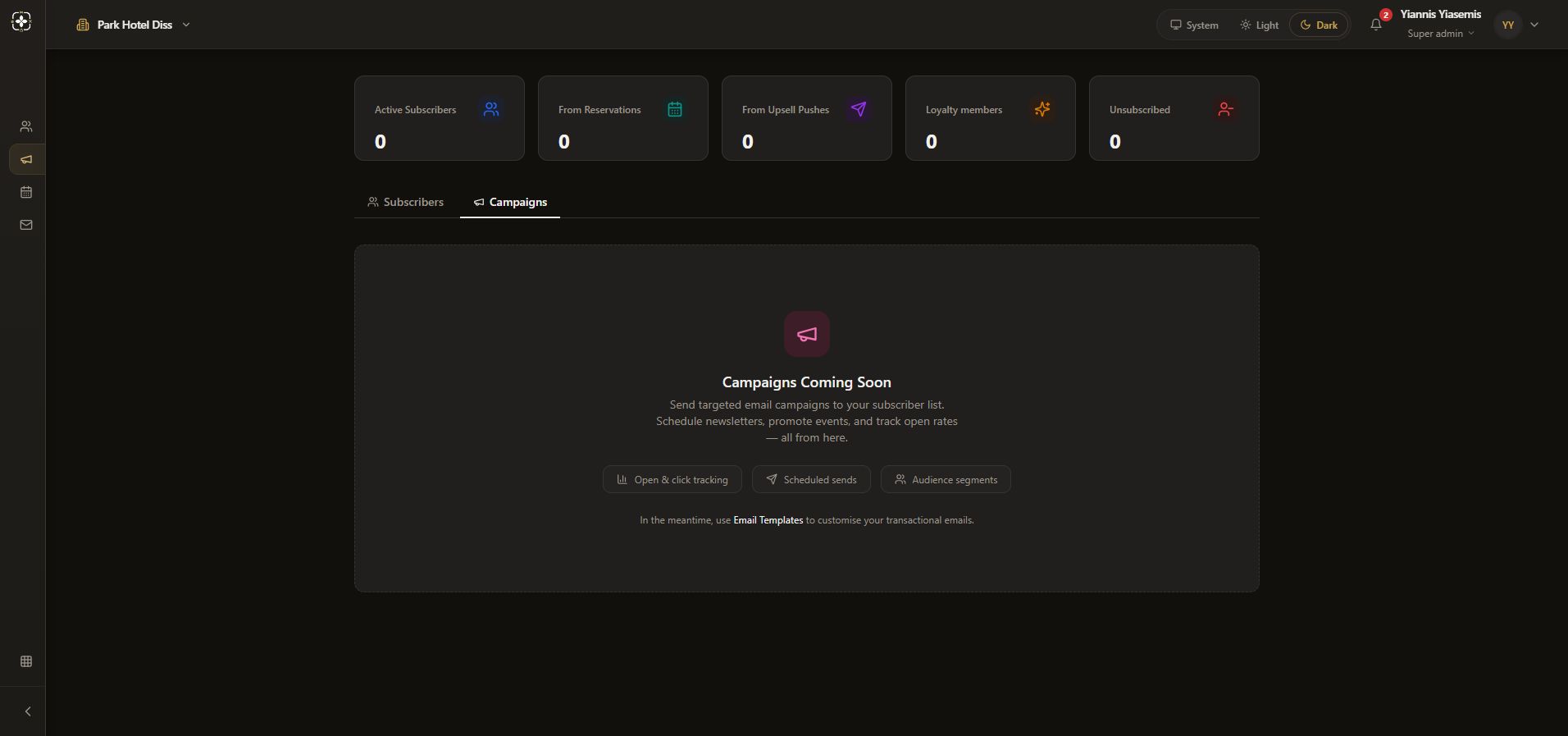
Open Campaigns. In this recorded view, the card says Campaigns Coming Soon. Open and click tracking, Scheduled sends and Audience segments describe planned email features; this page does not present an email composer.
Keep transactional templates separate
The card links to Email Templates for transactional emails. Editing a transactional template is separate from sending an email campaign. This demonstration opens no recipient list and sends no email.
Use the calendar for social-post planning
Marketing calendar is available separately, with a date grid and Plan a post form. See the social planning walkthrough for its blank form, time zone and connected-profile controls. That guide leaves Save draft and Publish unused.
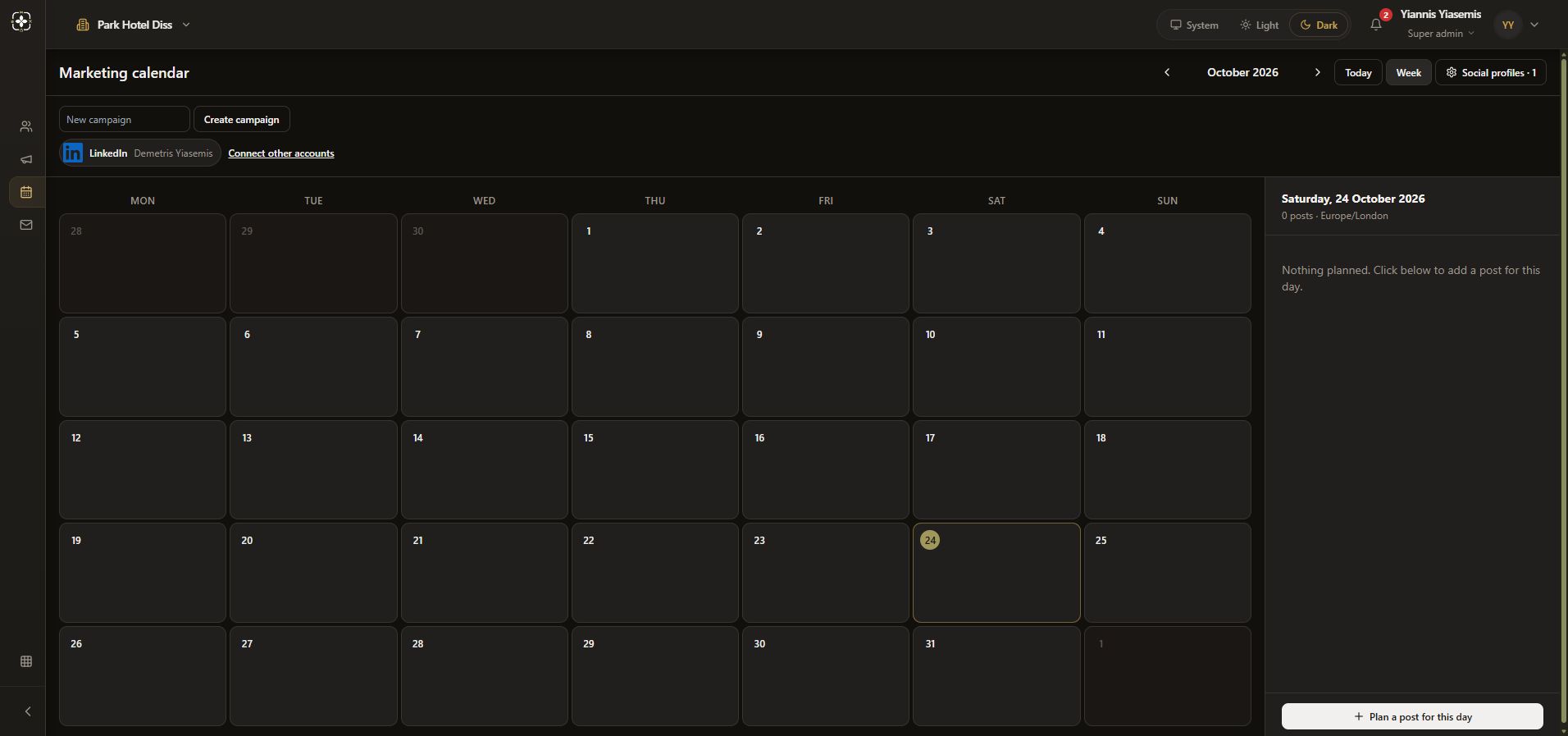
The email Campaigns status shown here applies to this recorded page. It does not mean that the separate social planning interface is unavailable. See Subscribers for list filters and the blank subscriber form.