

Hotel TV Logout Between Guests: Build a Reliable Room-Reset Routine
· Jasmine Apps
Hotel TV logout between guests is a practical room-readiness question. A guest may sign into an entertainment service during a stay, and the next arrival should receive the intended fresh-room experience. A promise of “automatic reset” needs to be tested against the exact device, applications and trigger.
For Jasmine TV, confirm the supported configuration and selected-app behaviour in a demonstration and quote. Build housekeeping verification around what actually happens, rather than assuming every streaming service behaves identically.
Define what needs resetting
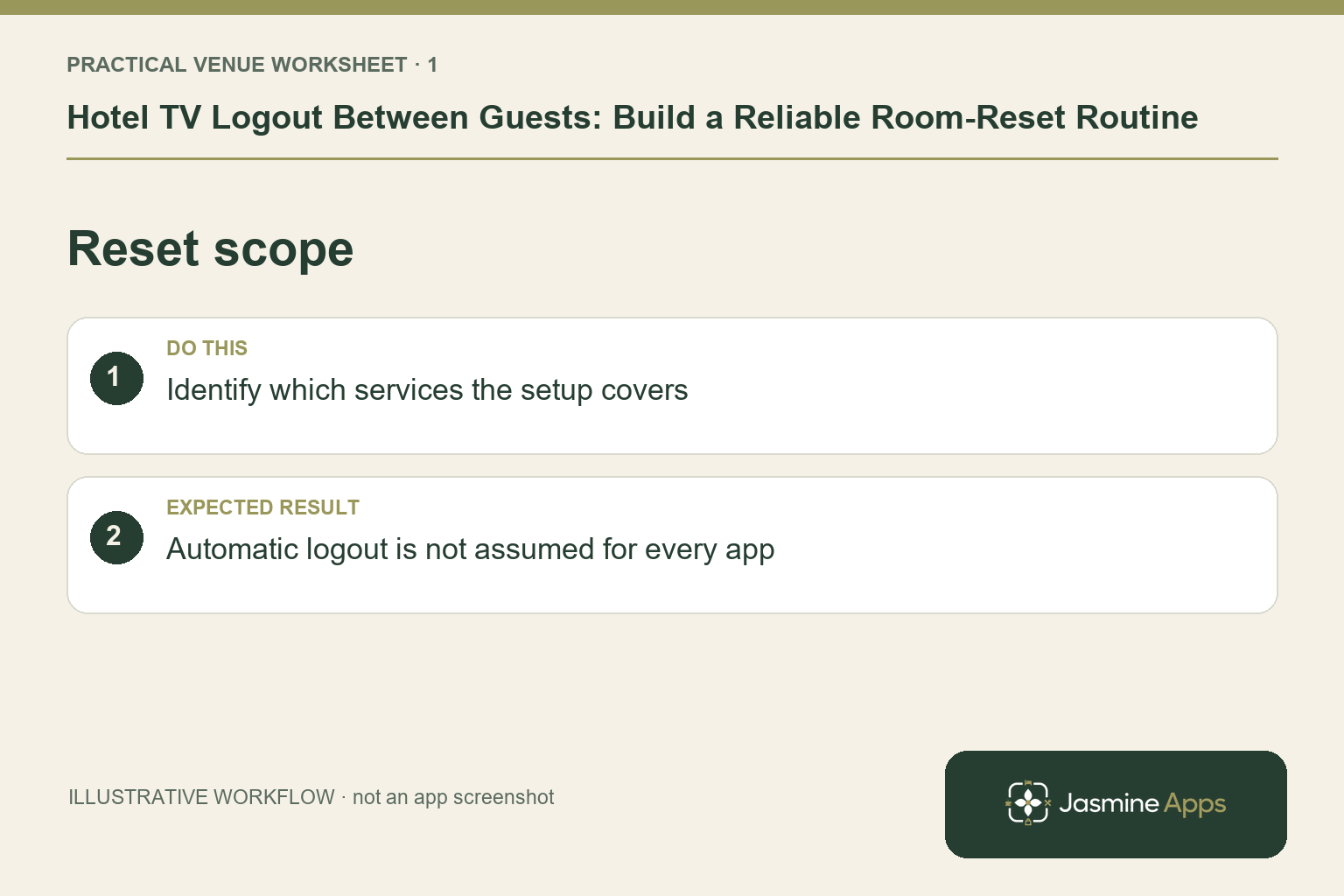
List the guest-facing information and entertainment routes available in your setup. Ask which account sessions, application data or personalised details the supported reset covers.
Avoid using a single successful logout as proof that every app or casting route is handled. The test needs to reflect what your hotel will allow guests to use.
Check the result: Automatic logout is not assumed for every app.
Ask what triggers the action
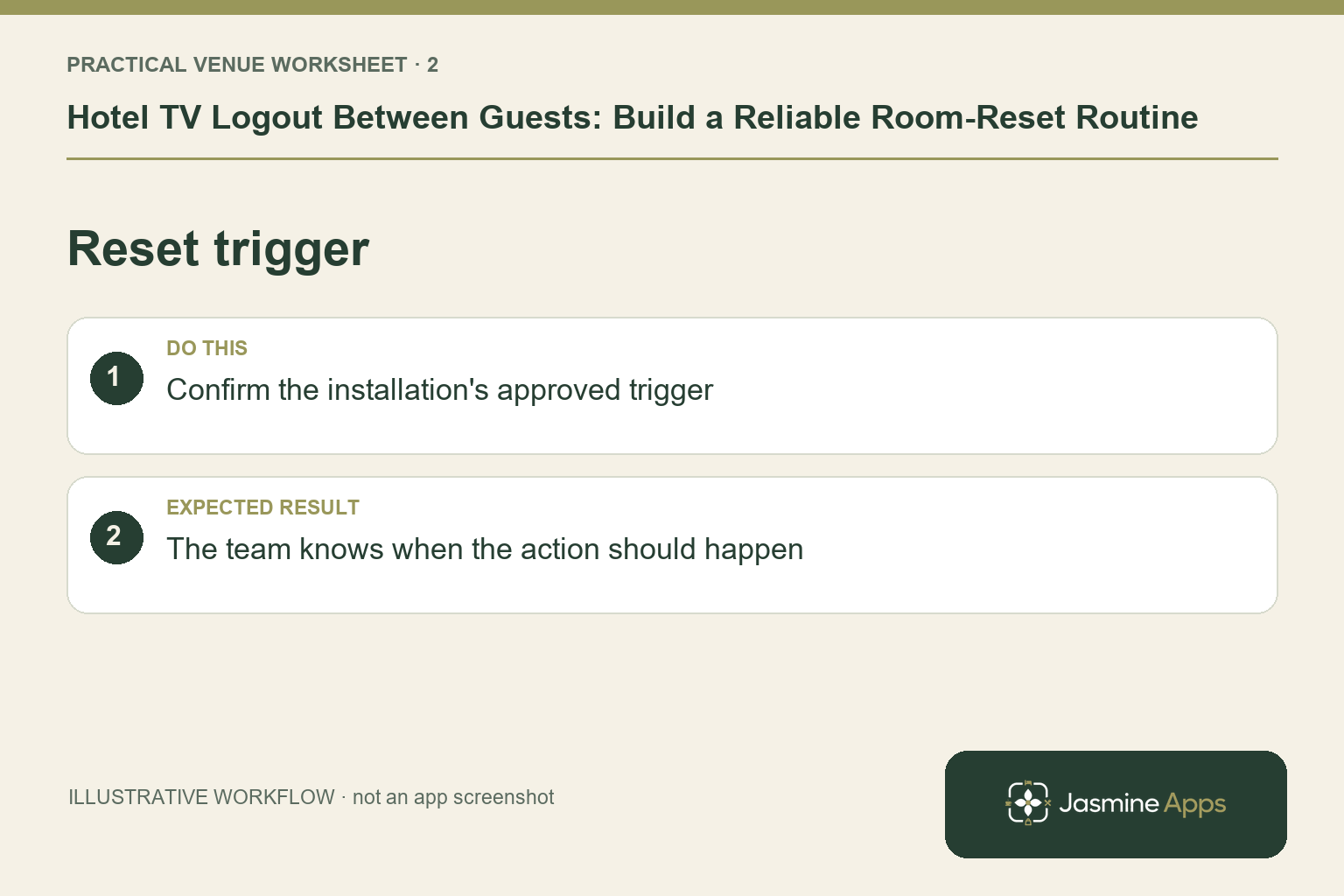
A reset might depend on a particular configured event or staff action. Confirm the exact trigger, any dependencies and the expected result. Do not assume a live PMS connection or checkout event is included unless the current setup establishes it.
| Reset question | Confirm in the pilot |
|---|---|
| Which devices? | Exact supported models and configuration |
| Which apps? | The selected supported applications |
| What trigger? | The event or action that initiates the reset |
| What result? | The data or session state changed |
| What if it fails? | Staff escalation and recovery process |
Keep the answer specific enough for housekeeping to follow. “The system sorts it out” does not describe the room check.
Check the result: The team knows when the action should happen.
Run a two-guest test
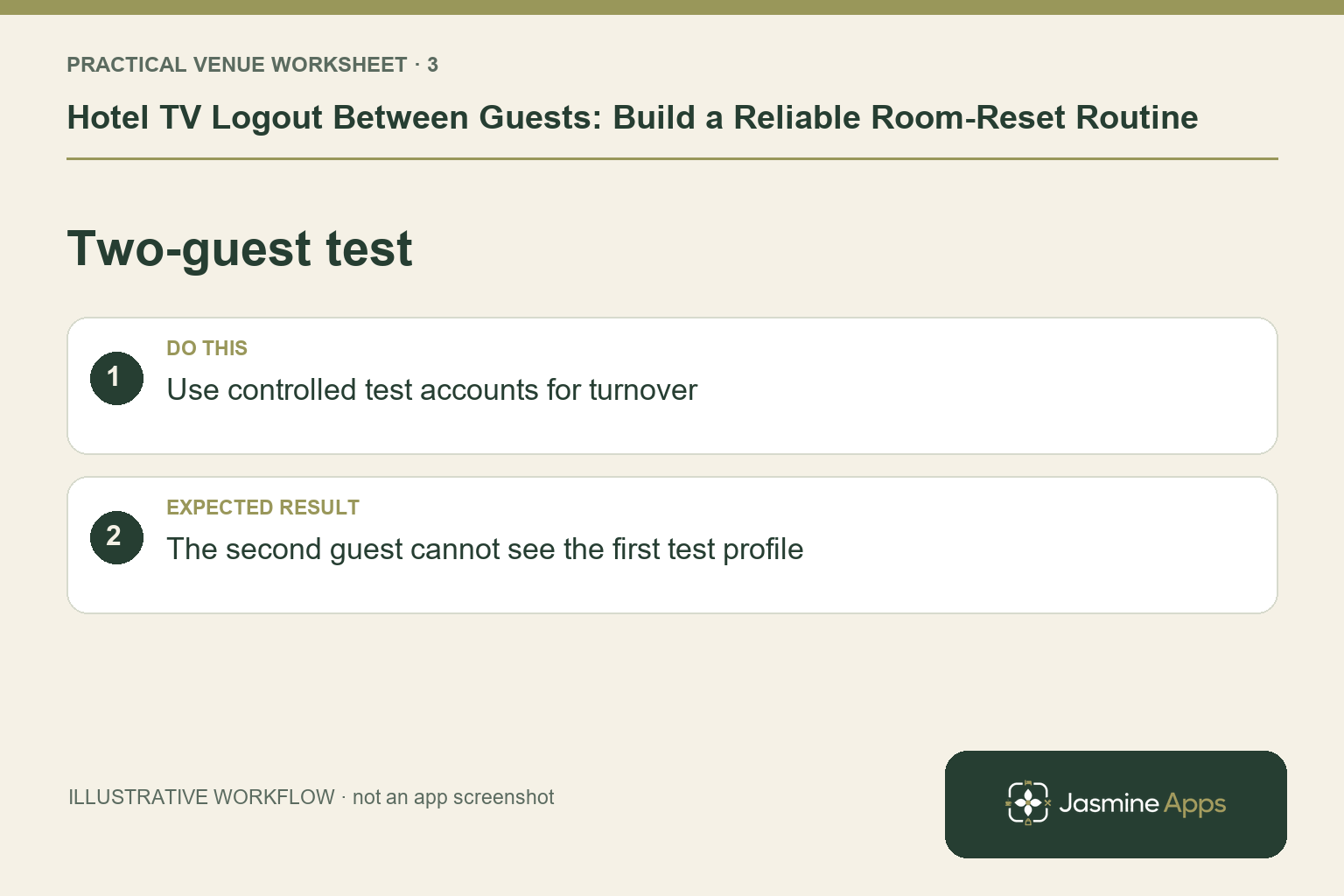
Use approved test accounts and a controlled room. Follow the first guest's normal experience, perform the agreed checkout/reset process and inspect the state a second guest would see.
Repeat the test for representative hardware groups. Network interruptions, application changes and differing configurations are reasons to verify the actual behaviour, not to make a blanket assurance.
Check the result: The second guest cannot see the first test profile.
Give housekeeping a short check
Agree a practical verification step that fits the room turn. Staff should recognise the intended starting screen and know whom to contact if it differs.
The check should not require colleagues to browse a previous guest's private content. Use the approved verification and escalation route if a session appears to remain active.
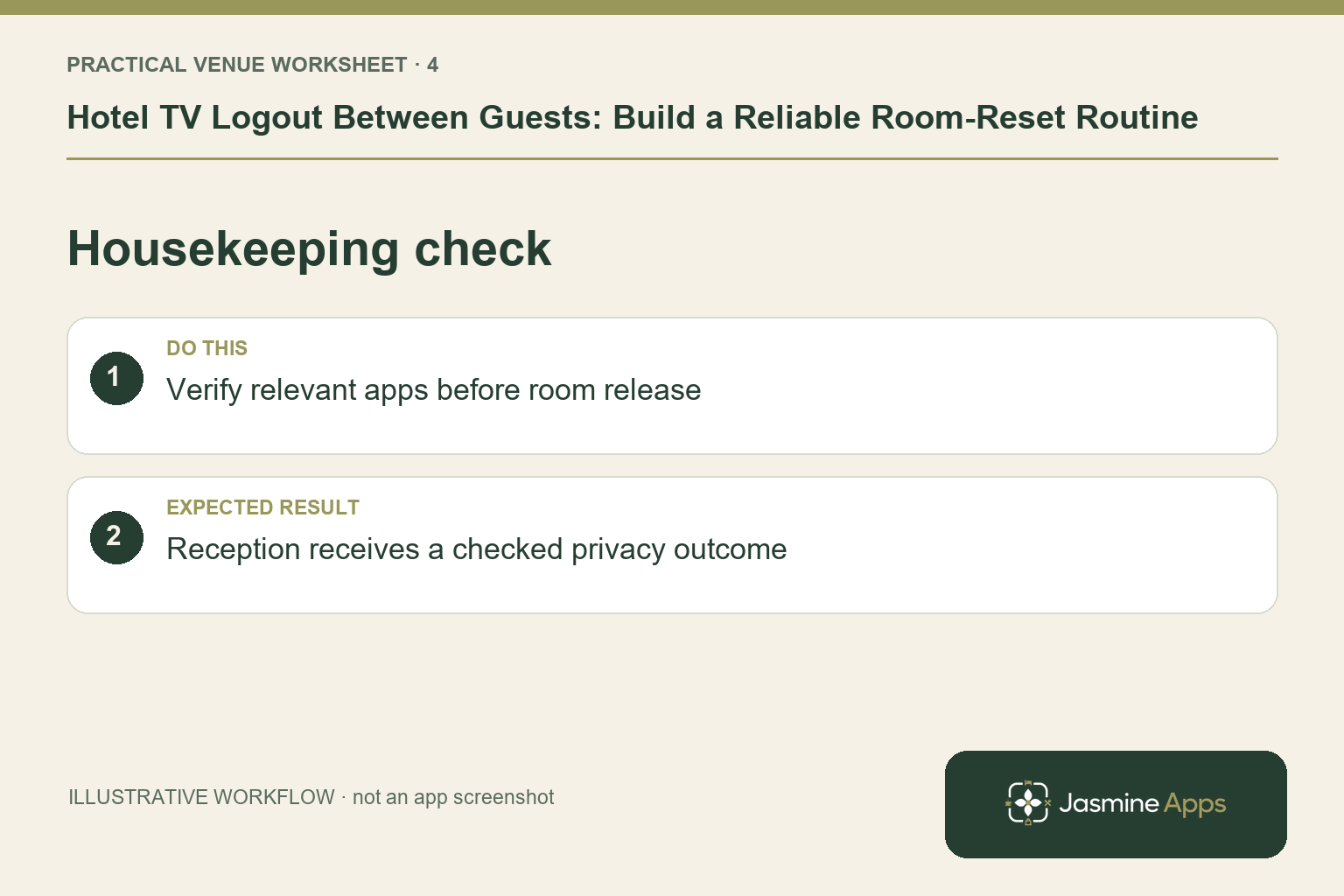
Check the result: Reception receives a checked privacy outcome.
Keep the fallback understandable
Define what staff do if the supported reset does not complete. That may involve a manager or technical support following an approved recovery process. Avoid asking untrained staff to change security settings or troubleshoot account data informally.
Document who reviews a repeated problem and how the affected device is handled before another arrival. A recurring exception should lead to an assessment of the configuration or support requirement.
Review after changes
If applications, devices or the room setup change, repeat relevant tests. A working pilot is evidence for that tested configuration, not a permanent guarantee about every future update.
Does automatic logout cover every streaming app? Confirm the selected supported apps and exact configuration. Do not assume universal coverage.
Can housekeeping skip verification? Build a proportionate room-readiness check around the supported behaviour and your venue's procedures.
What should a Jasmine TV demo show? First guest use, the actual reset trigger and a fresh second-guest view on representative hardware.
Explore Jasmine Apps and request a Jasmine TV reset demonstration using your intended room setup. The useful outcome is a process staff can verify between real stays.
Example from the actual app
The real Welcome screen page describes checkout at 11:00 in the venue timezone, but the displayed Room 12 preview is explicitly a sample. Verify the supported checkout behaviour on the installed TV rather than using the sample greeting as evidence that a guest’s entertainment session has been cleared.
A working checklist for your venue
| Check | What to do | Result to verify |
|---|---|---|
| Reset scope | Identify which services the setup covers. | Automatic logout is not assumed for every app. |
| Reset trigger | Confirm the installation's approved trigger. | The team knows when the action should happen. |
| Two-guest test | Use controlled test accounts for turnover. | The second guest cannot see the first test profile. |
| Housekeeping check | Verify relevant apps before room release. | Reception receives a checked privacy outcome. |
Use the checklist with a colleague who did not configure the workflow. Ask them to complete the ordinary task without coaching, then compare the result with the expected outcome. Record the point where they hesitate or need information from another shift. That observation gives you a specific improvement to make before extending the setup.
Discuss your own setup
Bring the exact TV models and operating systems, plus a short section of guest information. Contact Us to discuss Jasmine TV and a representative room test covering content, remote navigation and turnover.
Illustrations explain the workflow and are not product screenshots. Any numerical example is labelled illustrative and is not a customer result. Product wording and documented setup checks reviewed on 13 October 2026; confirm the features available in your current installation.