

Managing Walk-Ins and Reservations During the Same Service
· Jasmine Apps
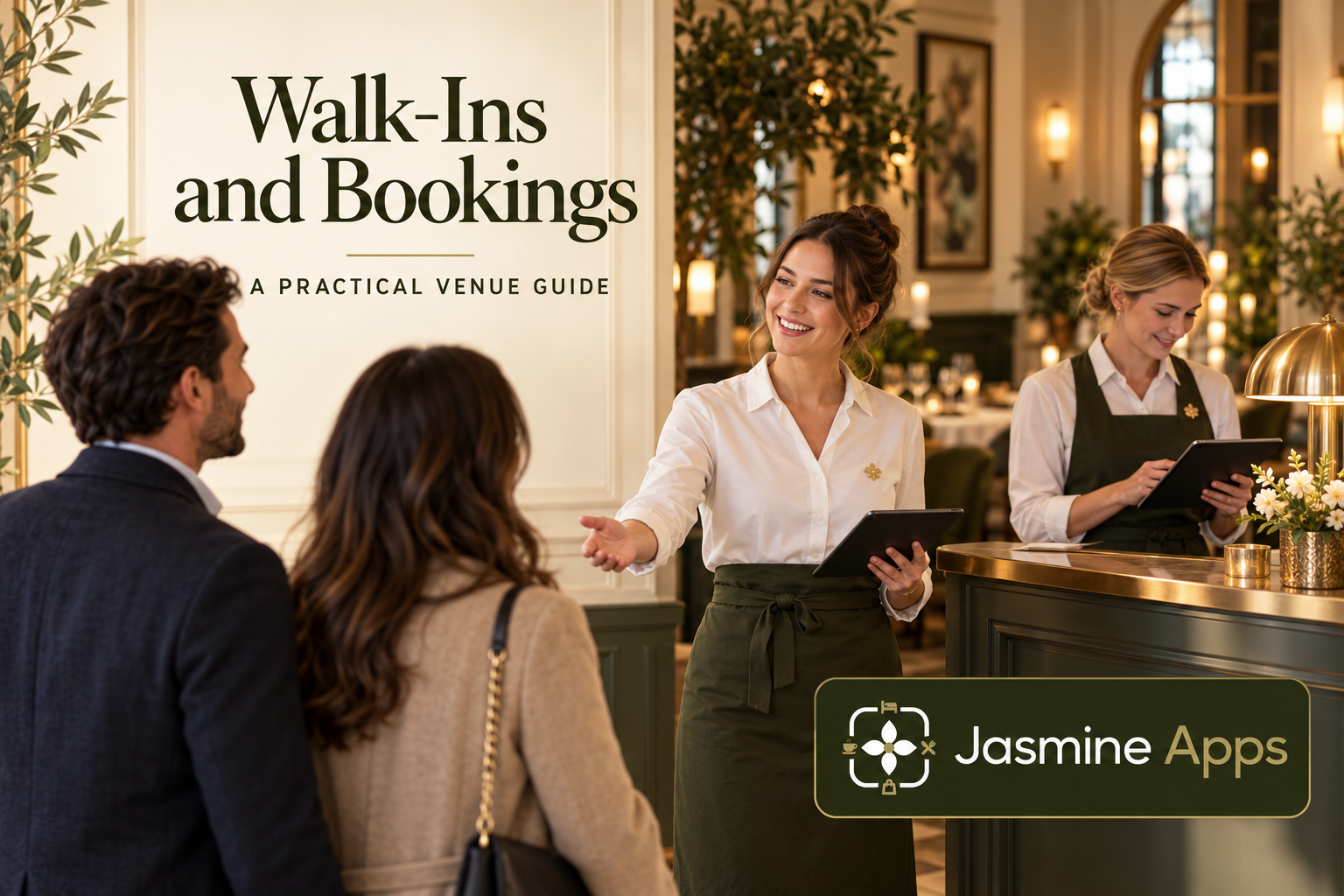
Walk-ins and reservations compete for the same tables, but they bring different information to the host desk. A booked party has a time and expected size; a walk-in needs a realistic answer now. Table Jasmine can help organise the records and floor plan, while the host still needs a consistent seating decision.
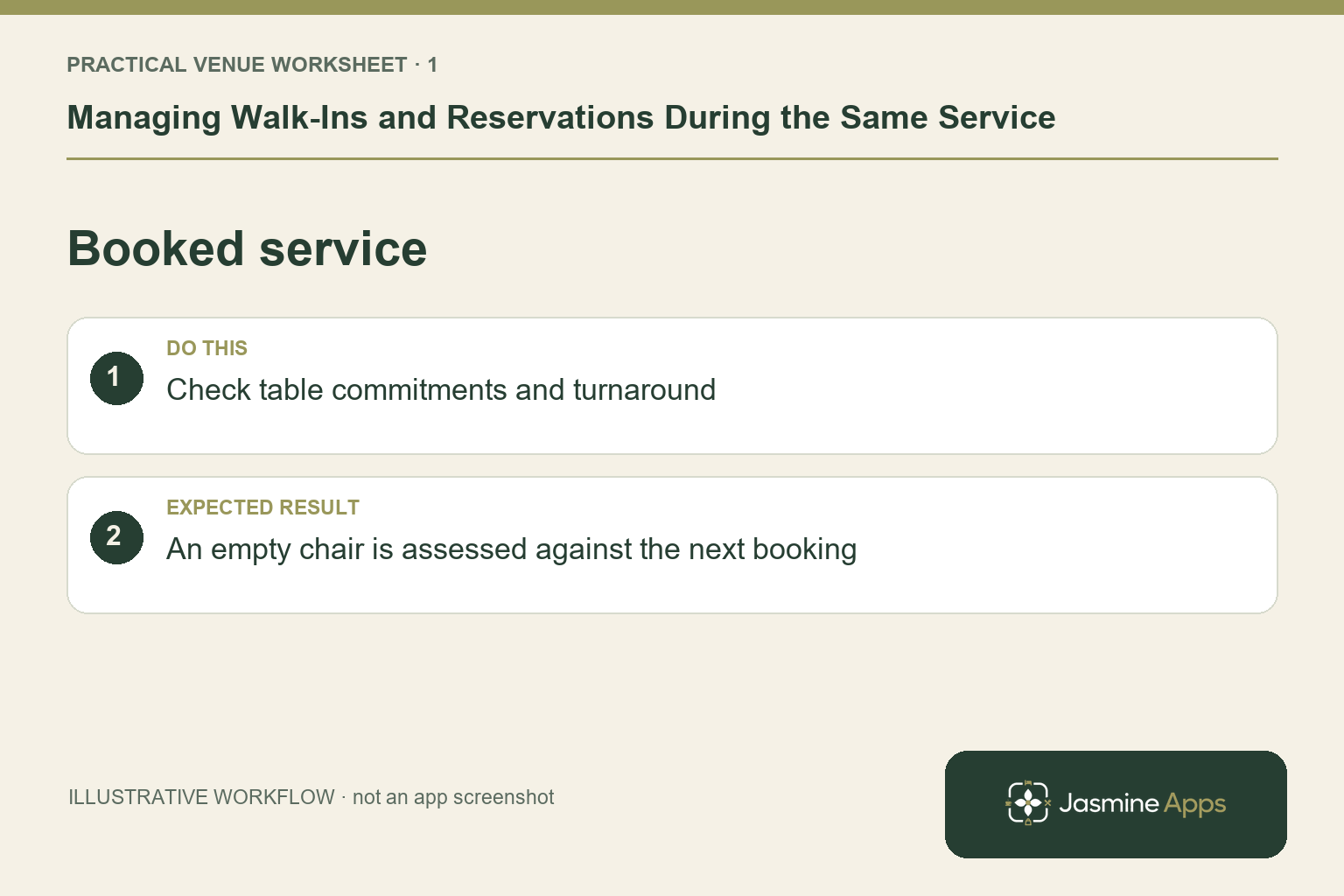
Start with the booked service, not the empty chairs
Review the day, arrival times, party sizes and table assignments before doors open. Check functions or private-area use alongside ordinary dining. An empty table at 6pm may already be needed for a larger booking later. Use the actual seating and service plan rather than treating every visible chair as immediately available. Agree who can decide on an exception and how the next host will find the same information.
Check the result: An empty chair is assessed against the next booking.
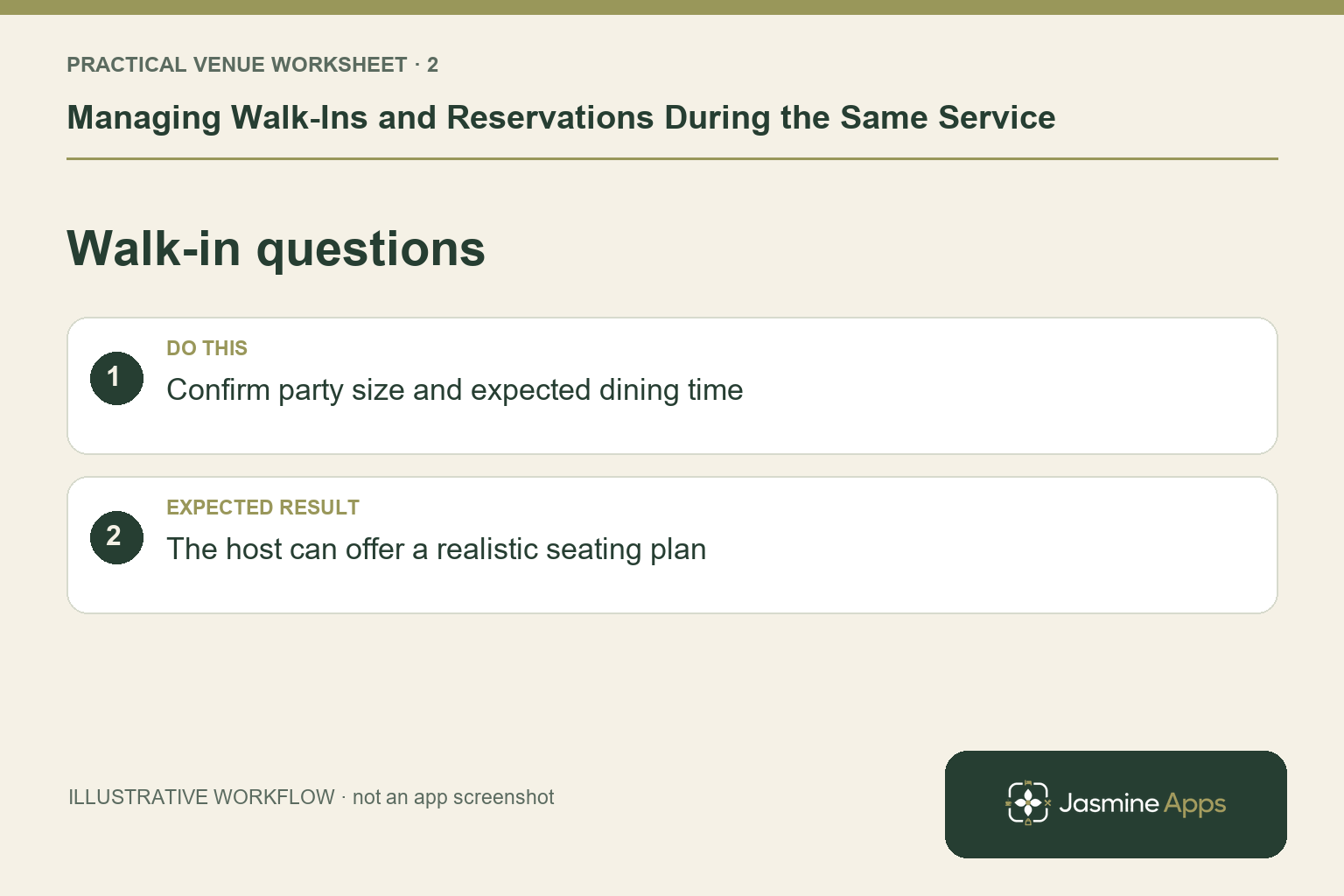
Give walk-ins a clear question sequence
Ask party size and whether they want the expected dining service, then compare their needs with the available arrangement. Use the venue's supported record process for a walk-in so the team can see which table is occupied. Do not promise a universal automatic waitlist or seating-time estimate unless your setup demonstrates it. An illustrative four-person walk-in shortly before a booked six-person table arrives is a useful training scenario: staff need to explain the choice without guessing.
Check the result: The host can offer a realistic seating plan.
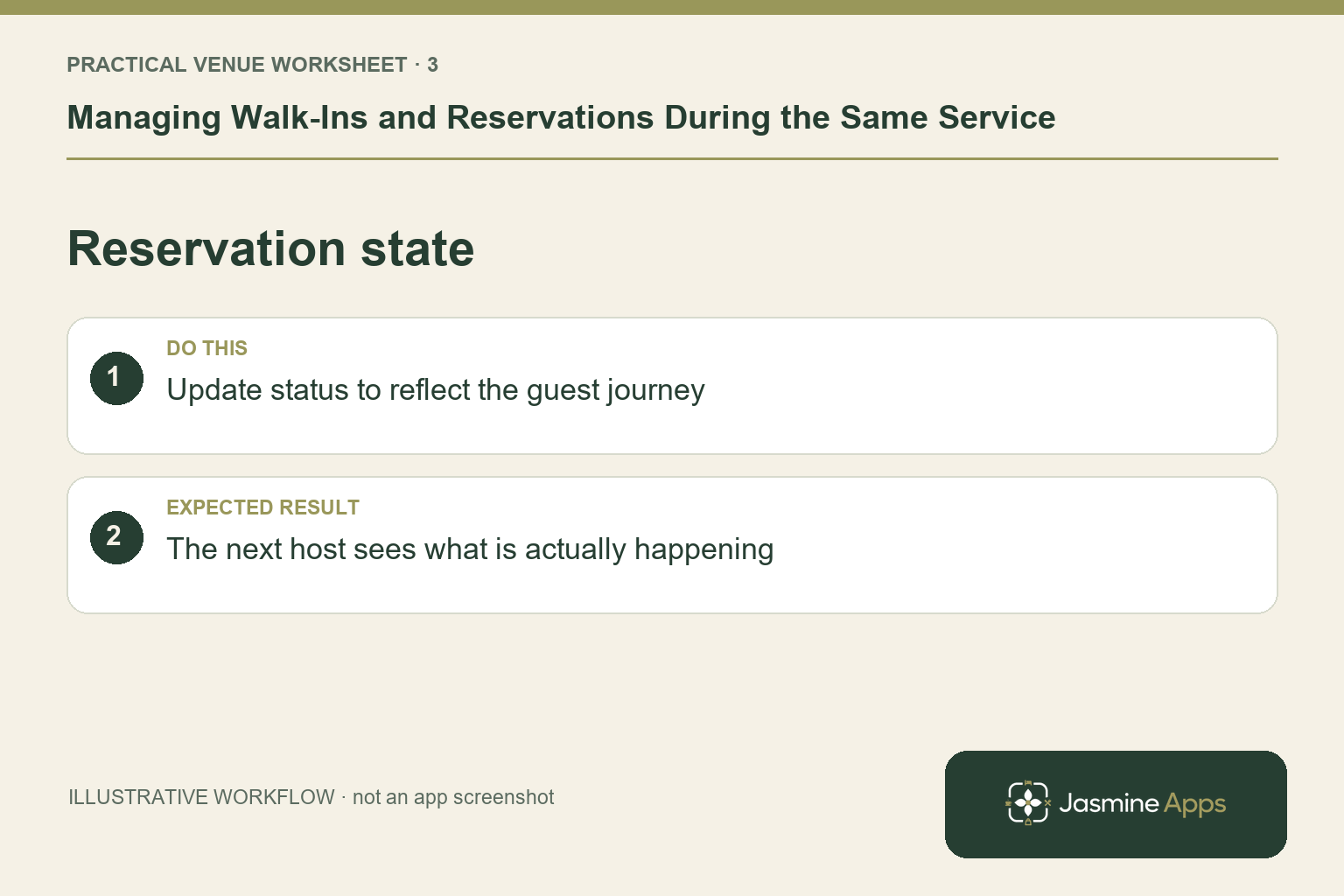
Keep statuses close to what is happening
Table Jasmine's documented statuses distinguish confirmed, arrived or waiting, seated, left, no-show and cancelled reservations. Update the appropriate record and save the change. A table whose guests have left but whose record still looks active can confuse the next decision; an expected booking incorrectly cancelled can be missed. Choose the status from the actual event. The host should also communicate with the floor colleague who is cleaning or preparing the table.
Check the result: The next host sees what is actually happening.
Use the floor plan and the team together
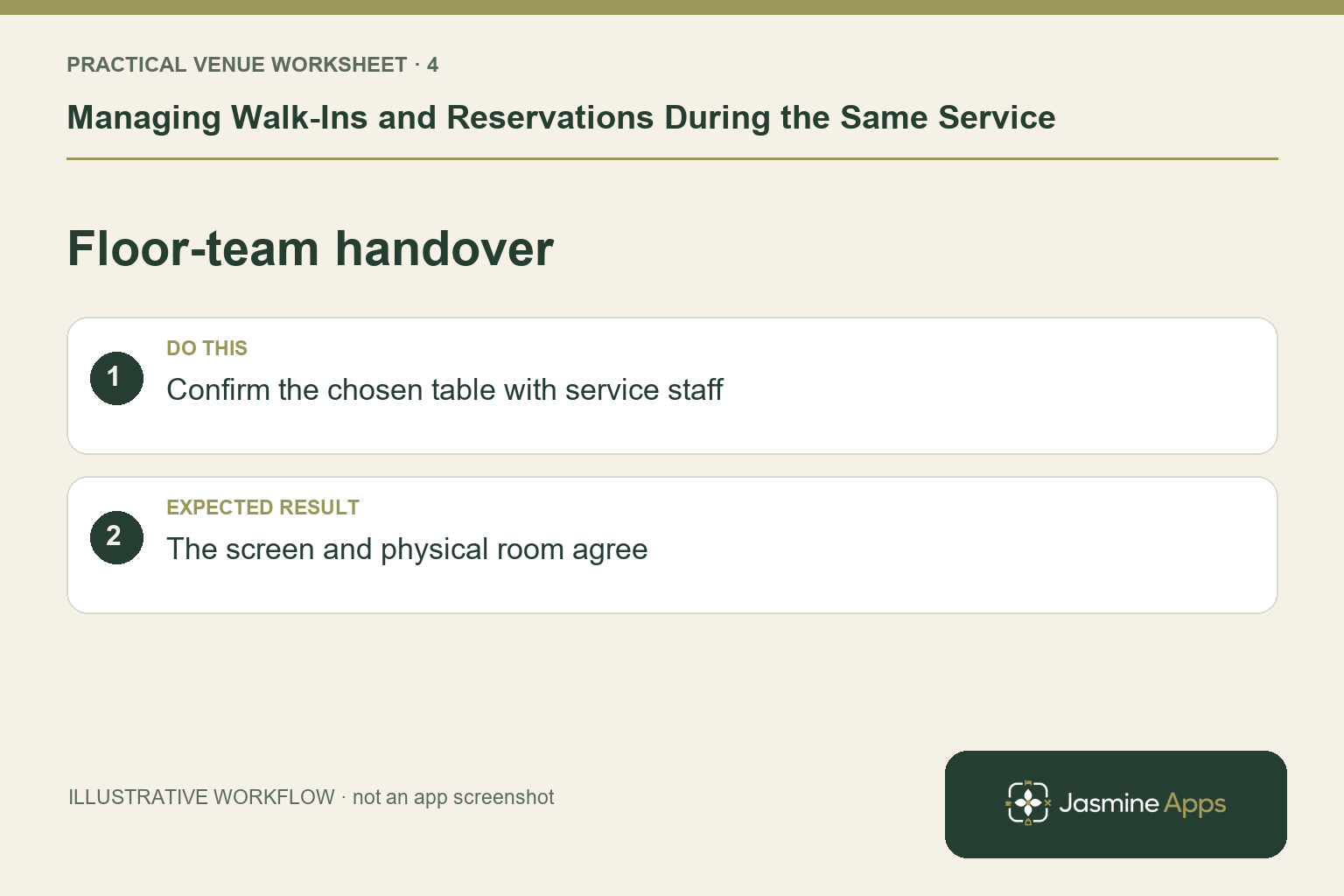
Check table seats, areas and genuine combinations before assigning a larger party. The floor plan is useful when it matches the physical room and its layout is saved. It cannot tell you that a chair is wet, a section is understaffed or the kitchen is temporarily slowing orders unless the team communicates that context. Agree how those operational restrictions reach the host. At handover, review waiting parties and imminent arrivals together rather than leaving a screen with no explanation.
Check the result: The screen and physical room agree.
Put the plan into practice
Before service, agree the seating rule, table combinations, arrival checks and escalation owner. After service, review the decisions that caused confusion: inaccurate statuses, optimistic wait estimates or a missed private-area commitment. Change the process that created the problem, not merely the appearance of the plan.
Questions venue teams ask
Should we hold every unused table for bookings? Use your service plan and expected arrivals. Decide deliberately rather than applying an informal rule on each shift.
Can the software decide every walk-in? Records and layouts support the decision. Physical readiness, kitchen capacity and staff judgement still matter.
Example from the actual app
The actual reservation list distinguishes Confirmed, Arrived/Waiting, Seated, Has Left, No Show and Cancelled. Booking Widget has its own saved service limits, party-size cap and reservation gap. Check the relevant record and rule for this service rather than treating every empty table, started form or calendar entry as the same booking outcome. For this article’s booked service check, check table commitments and turnaround. Verify an empty chair is assessed against the next booking.
A working checklist for your venue
| Check | What to do | Result to verify |
|---|---|---|
| Booked service | Check table commitments and turnaround. | An empty chair is assessed against the next booking. |
| Walk-in questions | Confirm party size and expected dining time. | The host can offer a realistic seating plan. |
| Reservation state | Update status to reflect the guest journey. | The next host sees what is actually happening. |
| Floor-team handover | Confirm the chosen table with service staff. | The screen and physical room agree. |
Use the checklist with a colleague who did not configure the workflow. Ask them to complete the ordinary task without coaching, then compare the result with the expected outcome. Record the point where they hesitate or need information from another shift. That observation gives you a specific improvement to make before extending the setup.
Discuss your own setup
Bring your service hours, table capacities and one ordinary booking alongside a larger-party example. Contact Us to discuss how Table Jasmine would fit that booking and service journey.
Illustrations explain the workflow and are not product screenshots. Any numerical example is labelled illustrative and is not a customer result. Product wording and documented setup checks reviewed on 13 October 2026; confirm the features available in your current installation.