

Bought-In Item Missing or Already Collected in Jasmine Loyalty?
· Jasmine Apps
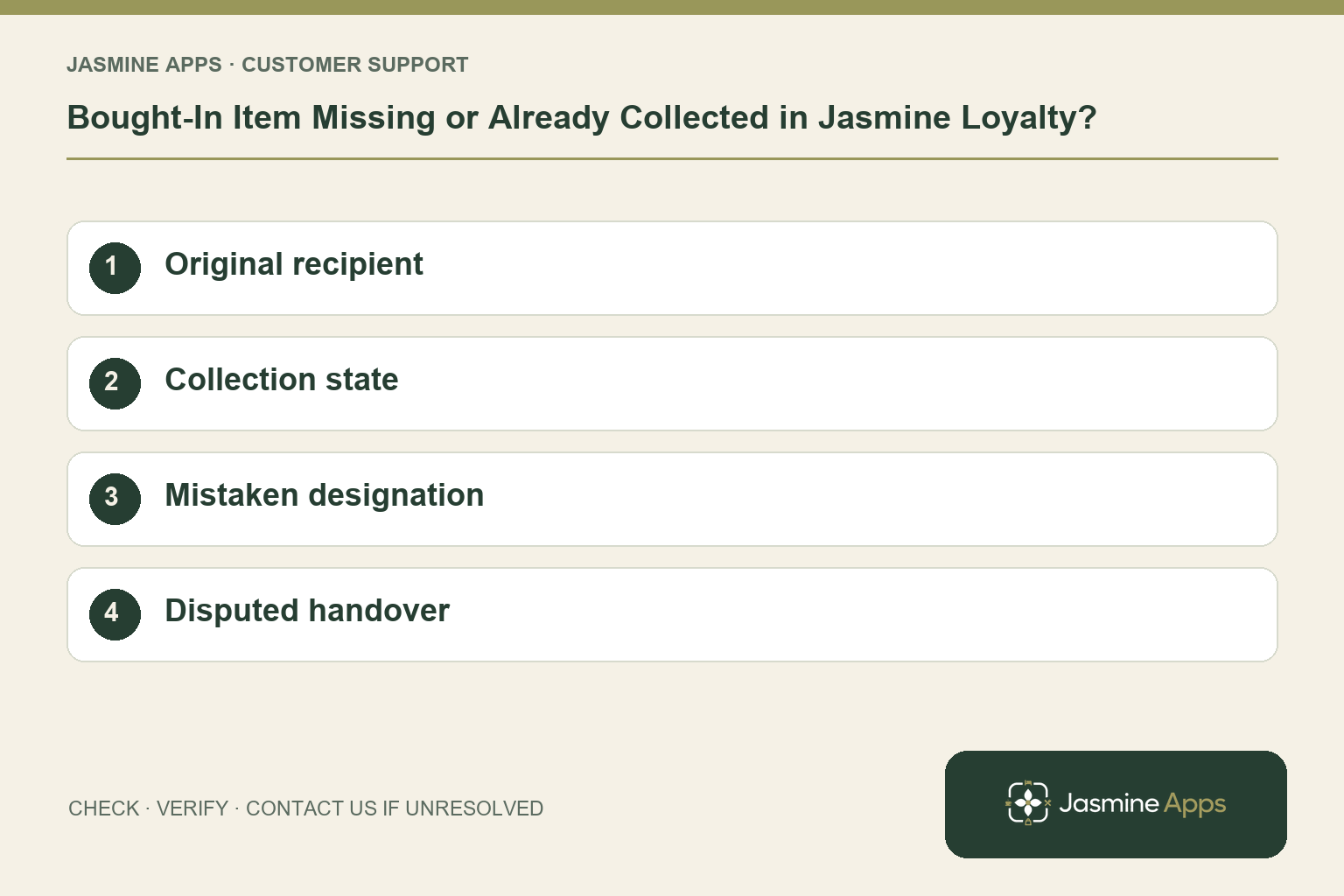
Customer support: Work through these checks in order. After each change, repeat the original action and check the result. If it remains unresolved, use Contact Us.
Someone bought a drink for a colleague, but the recipient cannot find it. A Jasmine Loyalty bought-in item is a paid product held for a named person, with its own collection state. It needs checking separately from loyalty points.
Quick answer: Find the original paid sale, confirm the intended staff or loyalty recipient, and review whether the item is still held or already given out.
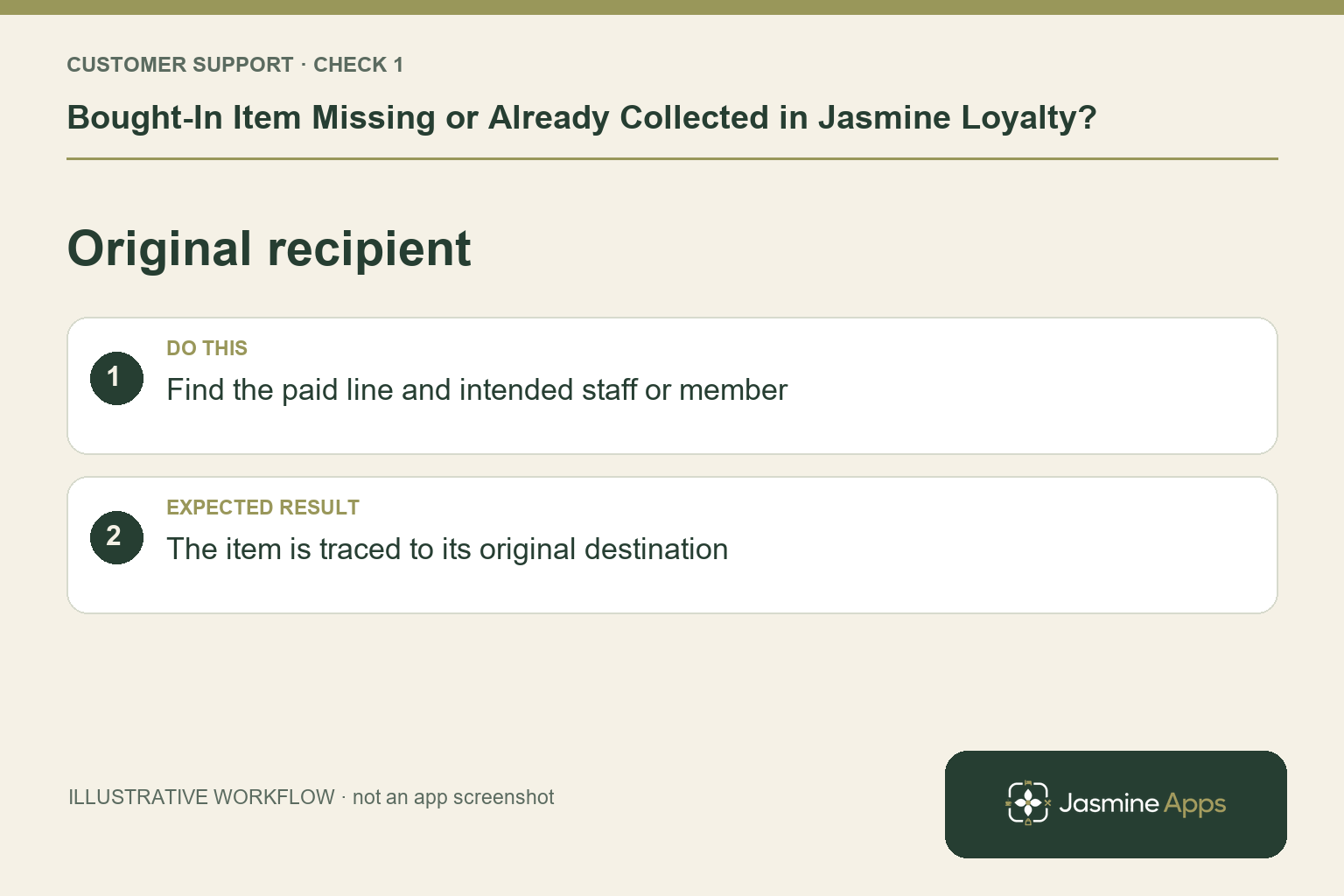
1. How should the item have been recorded?
The till guide adds the product to the order, then uses Bought In on that line. Staff choose a person under Staff or search under Loyalty. The line shows the recipient before payment. If the wrong destination was selected, a name search in the guest app may not reveal the expected item. Start from the original transaction reference and verify that destination.
Check the result: The item is traced to its original destination.
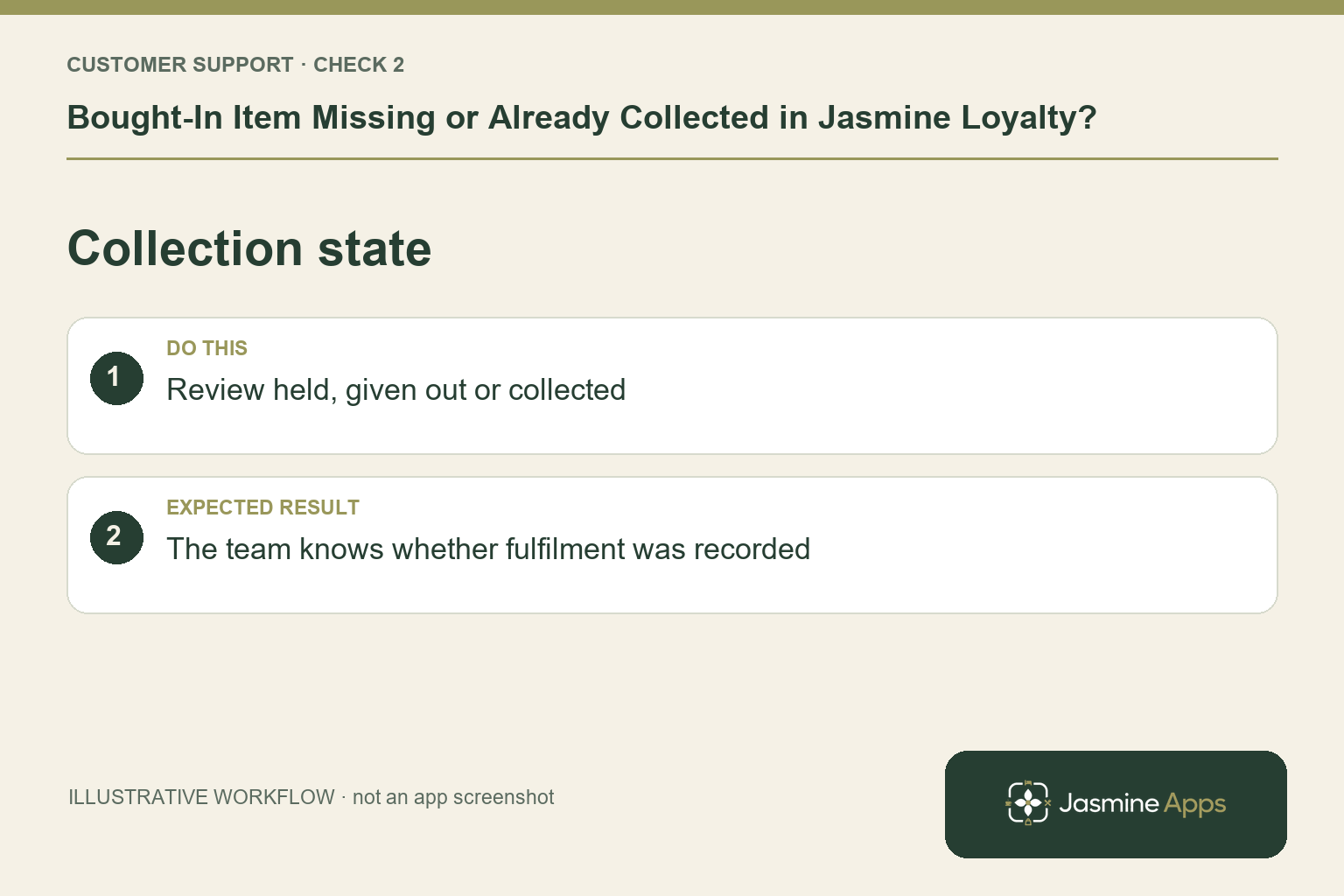
2. Why might it disappear from the holding list?
After payment, the till asks Has this already been given to them? Not yet keeps it on the Bought in list. Already given out removes it from that list and updates stock. An item absent from the waiting list may therefore have been fulfilled rather than lost. In the guest app, Bought in includes the purchaser and states such as To collect, Given out or Collected.
Check the result: The team knows whether fulfilment was recorded.
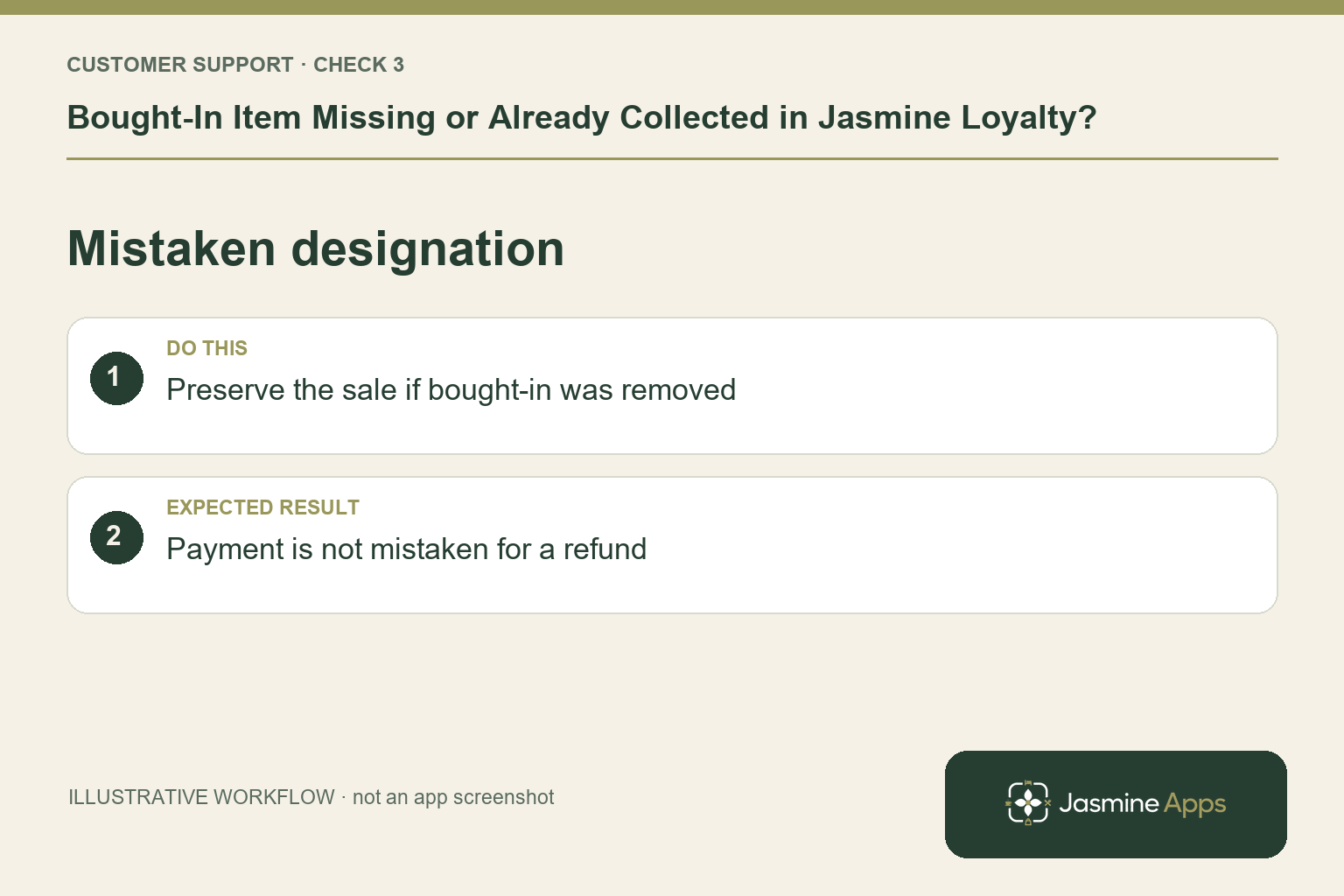
3. What if staff selected Made a mistake?
The existing guide says Made a mistake removes the bought-in designation while the sale itself stays. It does not mean the customer was refunded or the payment disappeared. Preserve the original sale and ask the manager how to correct the recipient or holding record using the supported process. Avoid charging again simply to recreate an item that was already paid for.
Check the result: Payment is not mistaken for a refund.
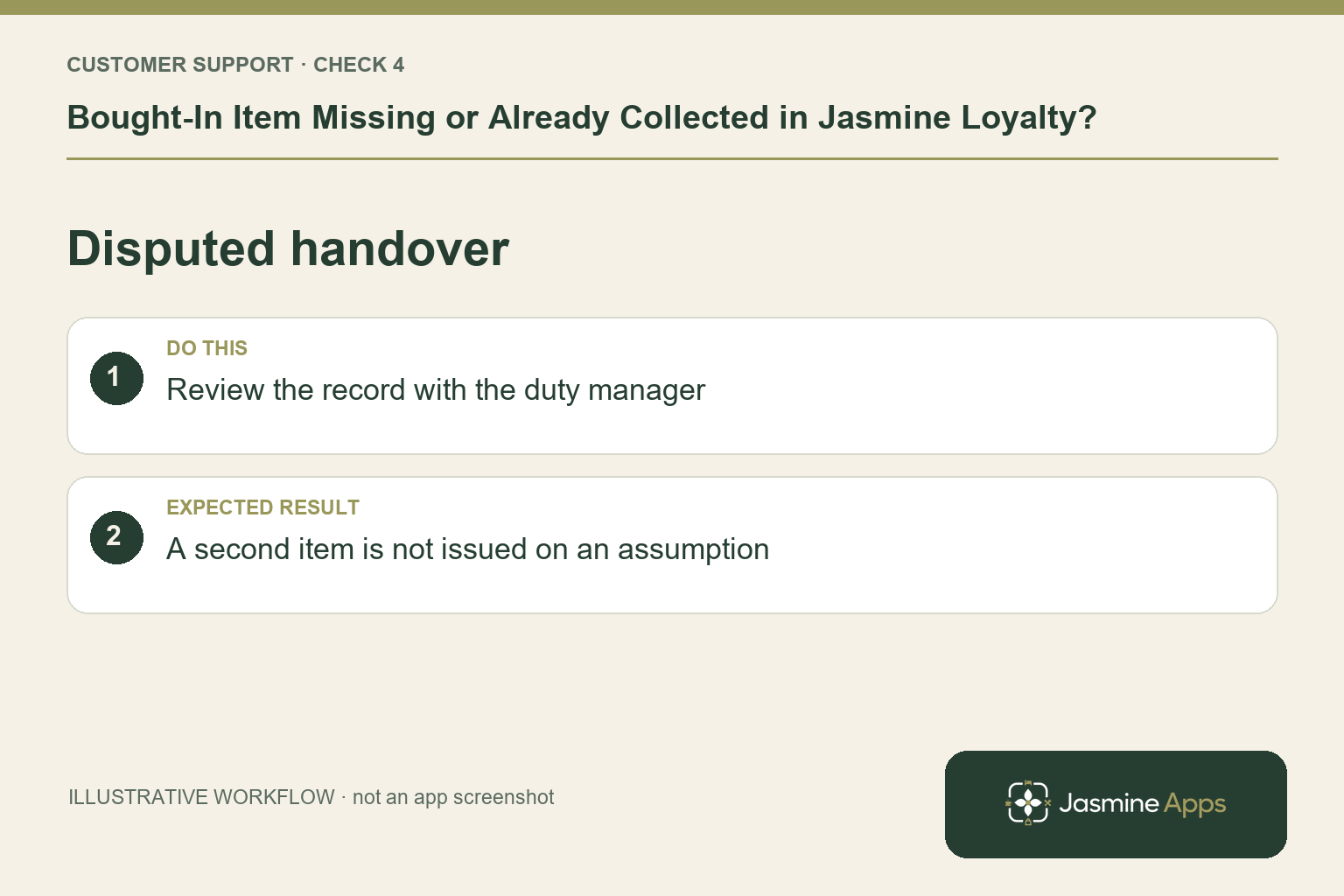
4. How should we handle a disputed collection?
Check the record and shift context before issuing another drink. Ask who handed it over and when, through the normal venue process. Do not treat an unresolved state as proof of misconduct. Give the next shift a clear note with the item reference and decision. A consistent “check, hand over, update” routine prevents one colleague giving an item while another still believes it is waiting.
Check the result: A second item is not issued on an assumption.
Example from the actual app
The actual Scheme screen separates earning rules, cash-value redemption and the venues where cards work. Edit package separately defines Points to redeem, Offer this package and Valid at these venues. Demonstrate the saved rule for the intended guest journey: a group-wide card, a named reward and spendable cash credit are distinct configuration choices. For this article’s original recipient check, find the paid line and intended staff or member. Verify the item is traced to its original destination.
Before you contact us
| Check | What to do | Result to verify |
|---|---|---|
| Original recipient | Find the paid line and intended staff or member. | The item is traced to its original destination. |
| Collection state | Review held, given out or collected. | The team knows whether fulfilment was recorded. |
| Mistaken designation | Preserve the sale if bought-in was removed. | Payment is not mistaken for a refund. |
| Disputed handover | Review the record with the duty manager. | A second item is not issued on an assumption. |
Record which check failed, the exact error wording and when it happened. Include the relevant venue and record reference, and say whether one device or several people are affected. If you changed a setting, identify that change and the retest outcome. This helps us investigate the actual failing stage instead of asking you to repeat the whole process.
Contact Us if the expected result still does not appear. Send only the information needed to investigate; keep passwords, active codes, payment details and unrelated customer records out of screenshots.
When to stop and ask for help
Give support the paid-sale reference, item, intended recipient and recorded collection state. Keep purchaser and recipient details private. Ask the manager to resolve fulfilment and payment separately; a missing holding entry is not automatically a missing sale.
Related support checks
- Jasmine Loyalty Email Code Not Arriving?
- Jasmine Loyalty Points Missing After a Sale?
- Jasmine Loyalty Reward Not Available or Not Redeeming?
Illustrations explain the workflow and are not product screenshots. Any numerical example is labelled illustrative and is not a customer result. Product wording and documented setup checks reviewed on 13 October 2026; confirm the features available in your current installation.