

Bank Holiday Hospitality Rotas: Plan the Peaks and the Handover
· Jasmine Apps

A bank holiday hospitality rota should reflect your actual weekend, not simply add the same extra person to every department. Demand can move between rooms, dining, the terrace and events. Clock Jasmine supports planning and conflict review; managers need to decide where coverage and handovers are most important.
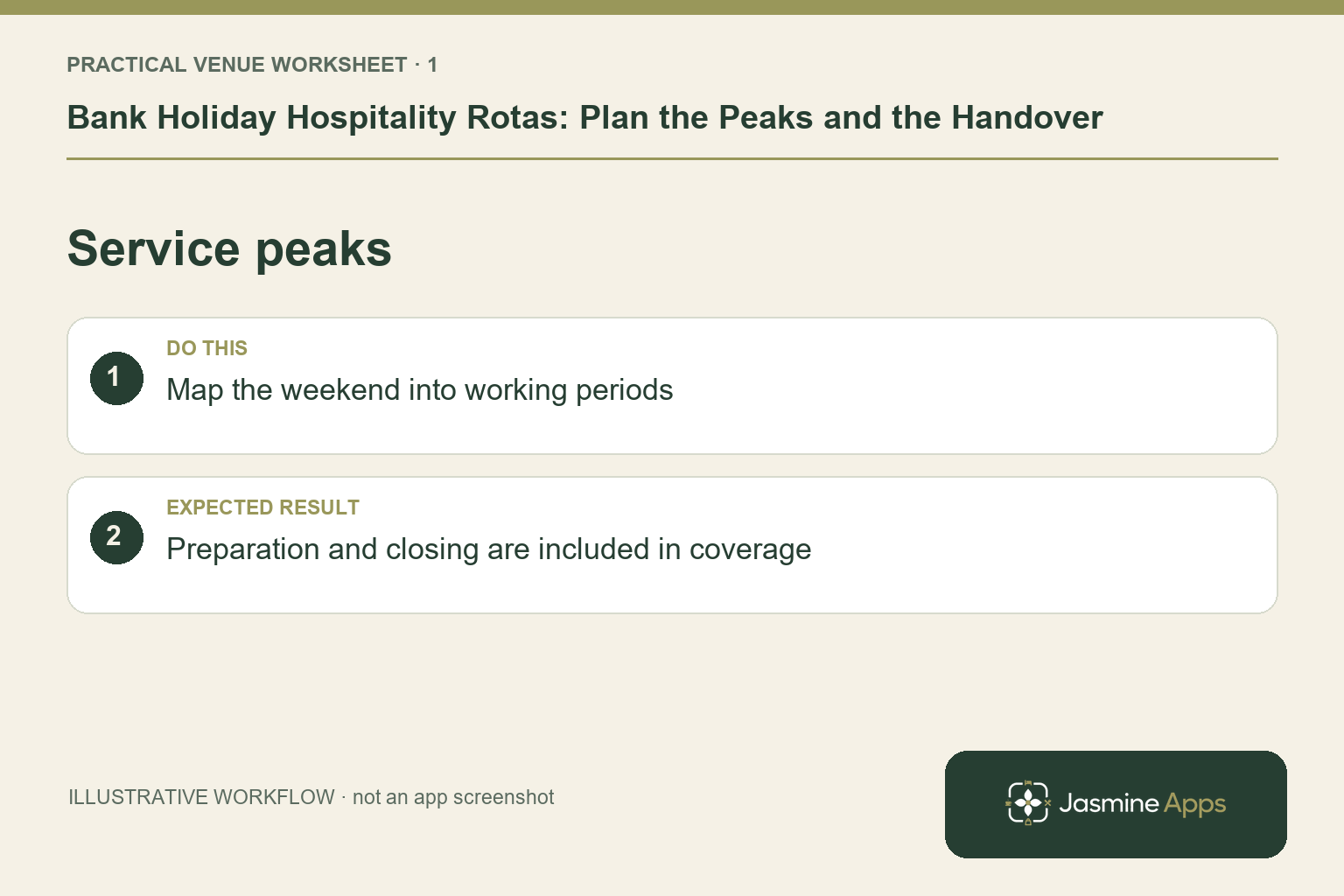
Map the weekend by service period
Review known bookings, functions and the operating hours you have agreed to offer. Identify preparation and closing work as well as the guest-facing peak. Avoid predicting exact demand from the holiday label alone. An illustrative hotel with a wedding on Saturday and group breakfast on Monday may need different teams at different points. Let each department state the work and skills required before allocating names to shifts.
Check the result: Preparation and closing are included in coverage.
Check staff scope and known absences
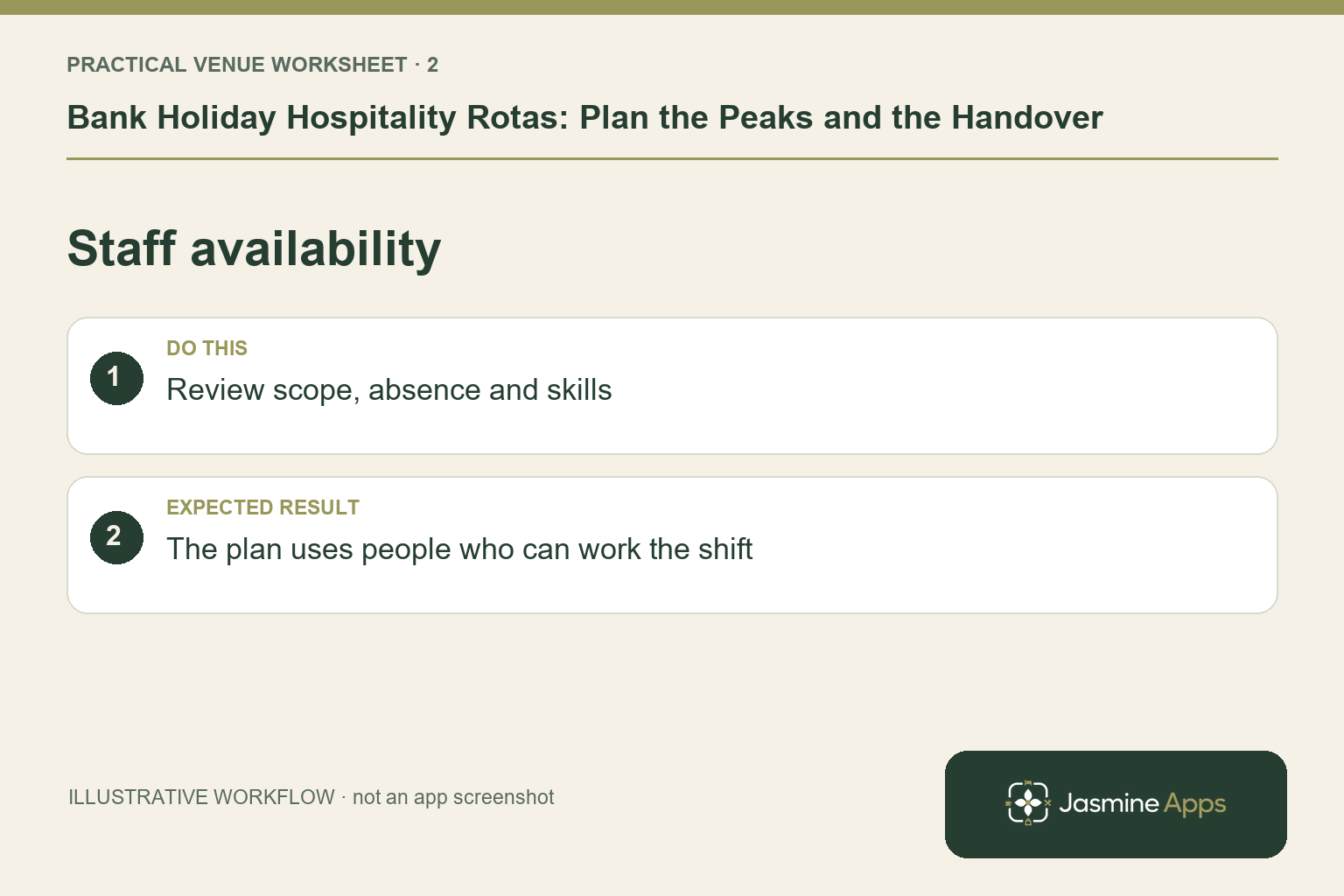
Use the intended Clock Jasmine boards and employee scope to confirm who is included. Review leave and double-booking conflicts through the supported planner. Apply the venue's actual staffing and employment arrangements rather than treating software availability as proof someone can accept a shift. Keep sensitive absence information in the authorised process. A clear board for the correct team is more useful than one large schedule whose responsibilities only the main manager understands.
Check the result: The plan uses people who can work the shift.
Publish one schedule employees can follow
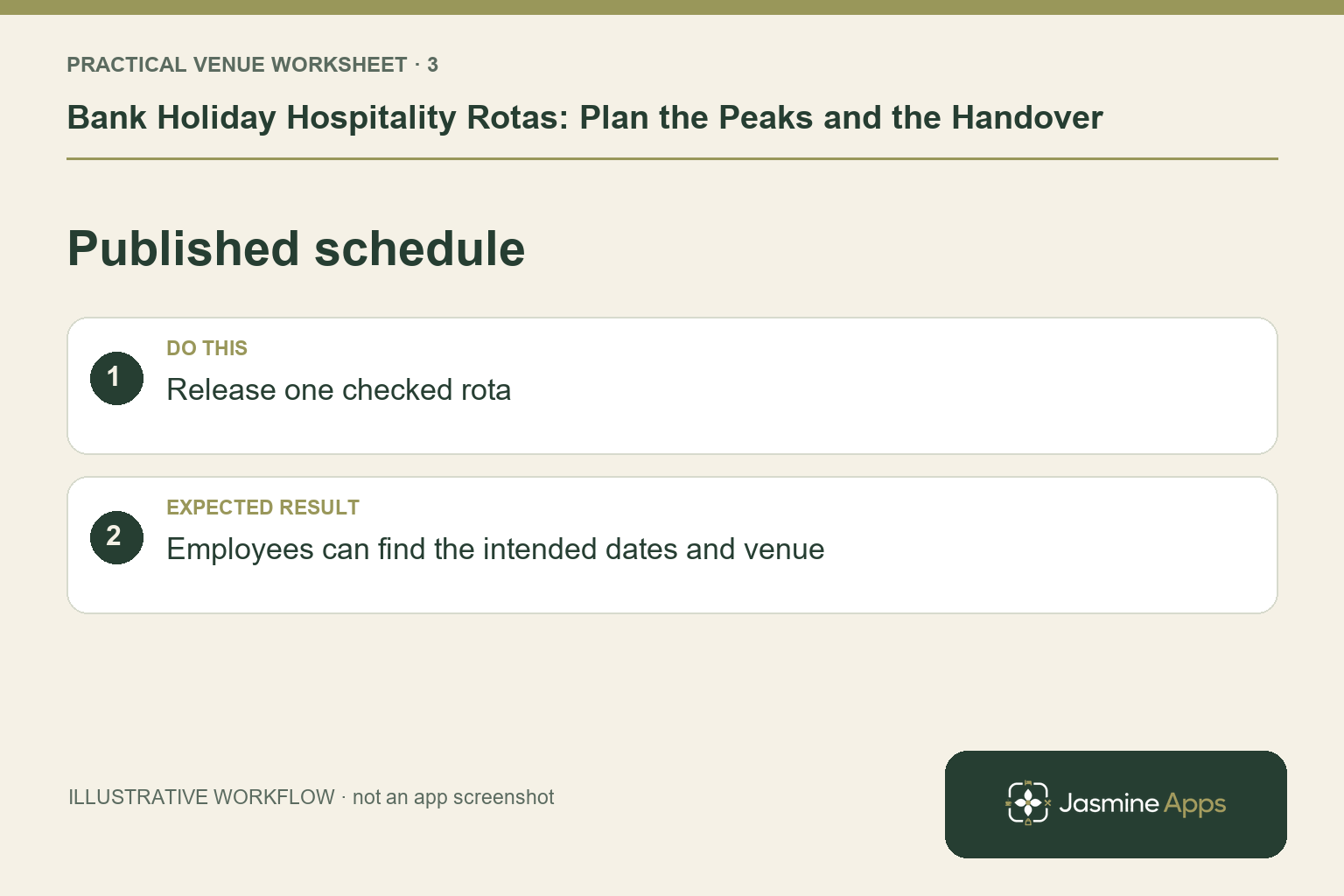
Check the intended planning period and shift details before publishing the relevant month. Staff should find the agreed shifts in My Rota. Explain the supported cover or swap request route and who approves a change. Avoid allowing a later message to become a second unofficial rota. Where Require published rota for clock-in is enabled, confirm the checked period is published before the first arrival. Managers should not remove attendance controls merely to conceal an unfinished schedule.
Check the result: Employees can find the intended dates and venue.
Prepare the handover and exception review
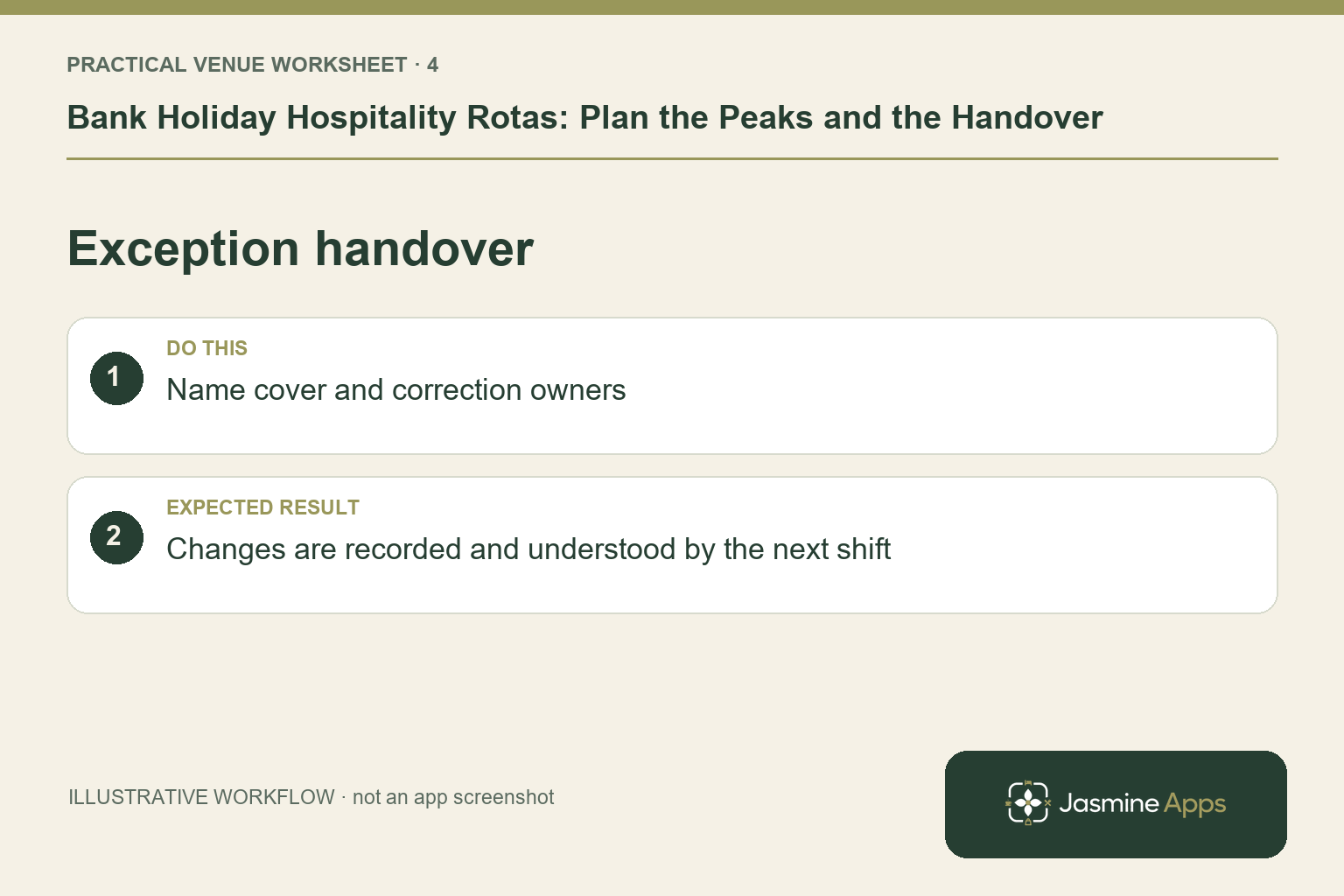
Name the duty manager and backup for each busy period, with a clear route for a device problem or missed punch. Check kiosk readiness where that method is used and let staff practise the break and exit sequence. After the weekend, review actual punch history and pending approvals before the final hours export. Keep finance informed of corrections recorded after a file was downloaded, so an older version does not become the unexamined payroll source.
Check the result: Changes are recorded and understood by the next shift.
Put the plan into practice
Run the briefing with the weekend itinerary, published shifts, cover owner, attendance method and departmental handover points. Ask a colleague from each team to confirm their own schedule. Review actual exceptions afterwards rather than judging the plan only by whether every box had a name.
Questions venue teams ask
Should every bank holiday use last year’s rota? Use it as context, then review current bookings, staff and opening arrangements.
Can the app decide the required staffing level? The documented tools support planning and conflicts. Managers still need to assess the service and skills required.
Example from the actual app
The real attendance workspace separates Clock in / out, Clock-in history, Location, Clock In Settings and Kiosk devices. Clock-in history states that totals sum closed shifts only; Rotas & shifts describes published monthly boards. Follow the record relevant to the task and check whether the employee’s shift is merely planned, actually recorded or awaiting approval. For this article’s service peaks check, map the weekend into working periods. Verify preparation and closing are included in coverage.
A working checklist for your venue
| Check | What to do | Result to verify |
|---|---|---|
| Service peaks | Map the weekend into working periods. | Preparation and closing are included in coverage. |
| Staff availability | Review scope, absence and skills. | The plan uses people who can work the shift. |
| Published schedule | Release one checked rota. | Employees can find the intended dates and venue. |
| Exception handover | Name cover and correction owners. | Changes are recorded and understood by the next shift. |
Use the checklist with a colleague who did not configure the workflow. Ask them to complete the ordinary task without coaching, then compare the result with the expected outcome. Record the point where they hesitate or need information from another shift. That observation gives you a specific improvement to make before extending the setup.
Discuss your own setup
Bring your rota scope, attendance routine and one example of a missed punch or shift change. Contact Us to discuss the Clock Jasmine workflow from planning through recorded attendance and the manager’s review.
Illustrations explain the workflow and are not product screenshots. Any numerical example is labelled illustrative and is not a customer result. Product wording and documented setup checks reviewed on 13 October 2026; confirm the features available in your current installation.