

TutorialIn-app guide
Jasmine Loyalty: find and review achievement titles
· Jasmine Apps
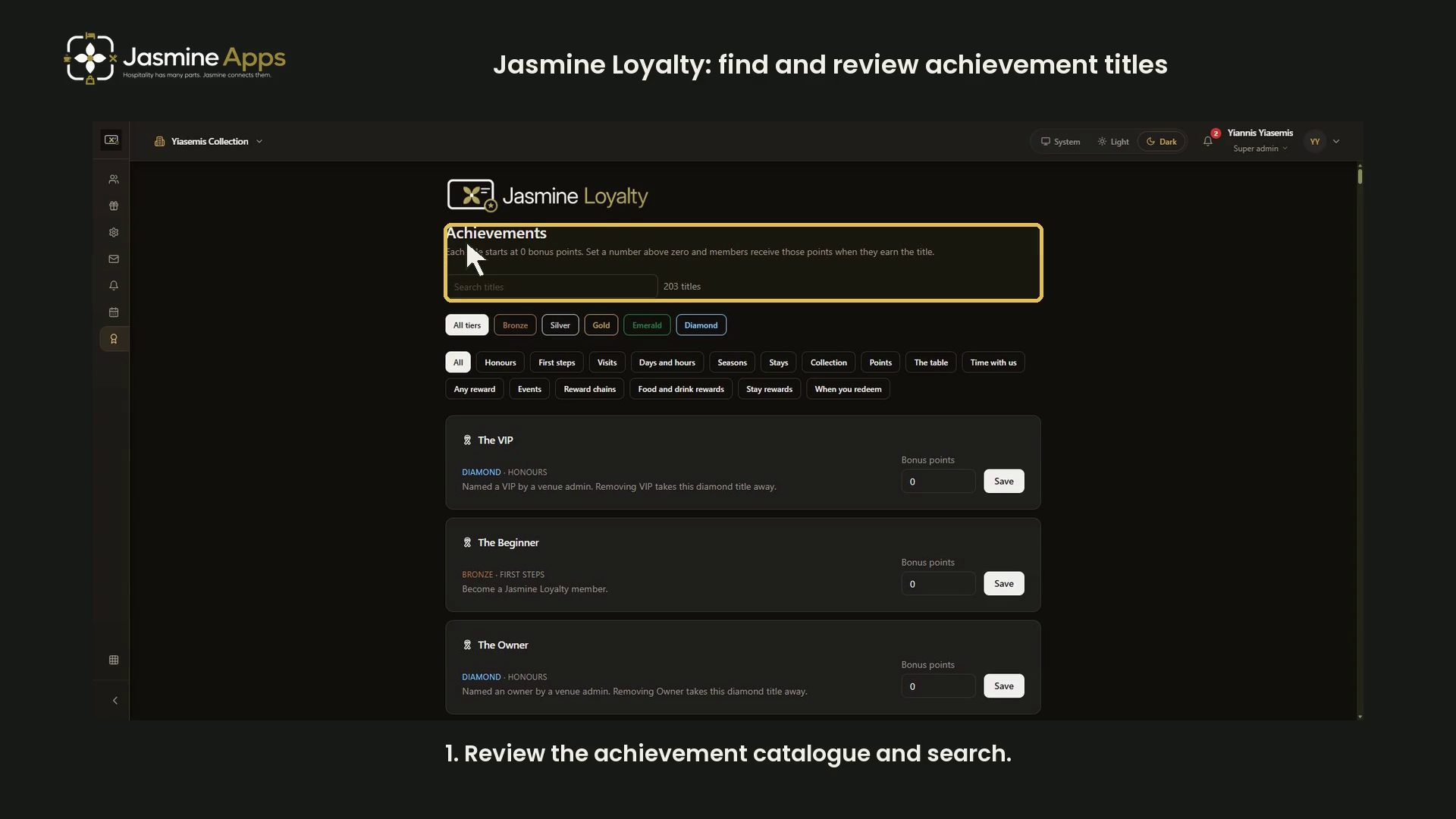
Jasmine Loyalty's Achievements page contains existing titles and their bonus configuration. This dark-mode walkthrough uses tier and search filters without changing bonus points or awarding a title.
Watch the walkthrough
Review the catalogue
Open Achievements. The page explains that titles start at zero bonus points, and a configured bonus is received when a member earns the title.
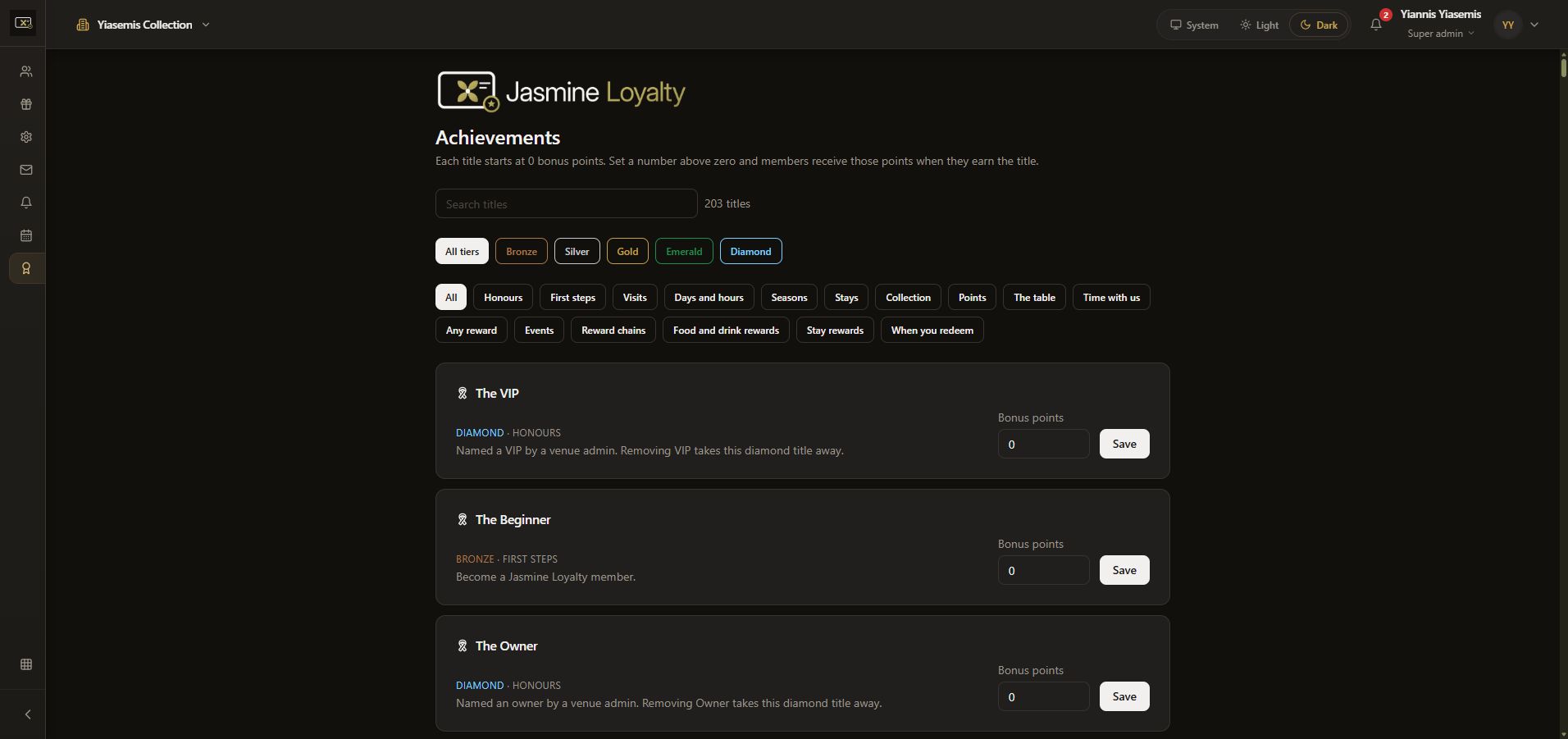
Filter by tier and category
The tier controls include All tiers, Bronze, Silver, Gold, Emerald and Diamond. The example chooses Gold.
Category controls offer another way to browse, including First steps, Visits, Stays and reward-related categories. Read the selected tier and category together to understand the current result.
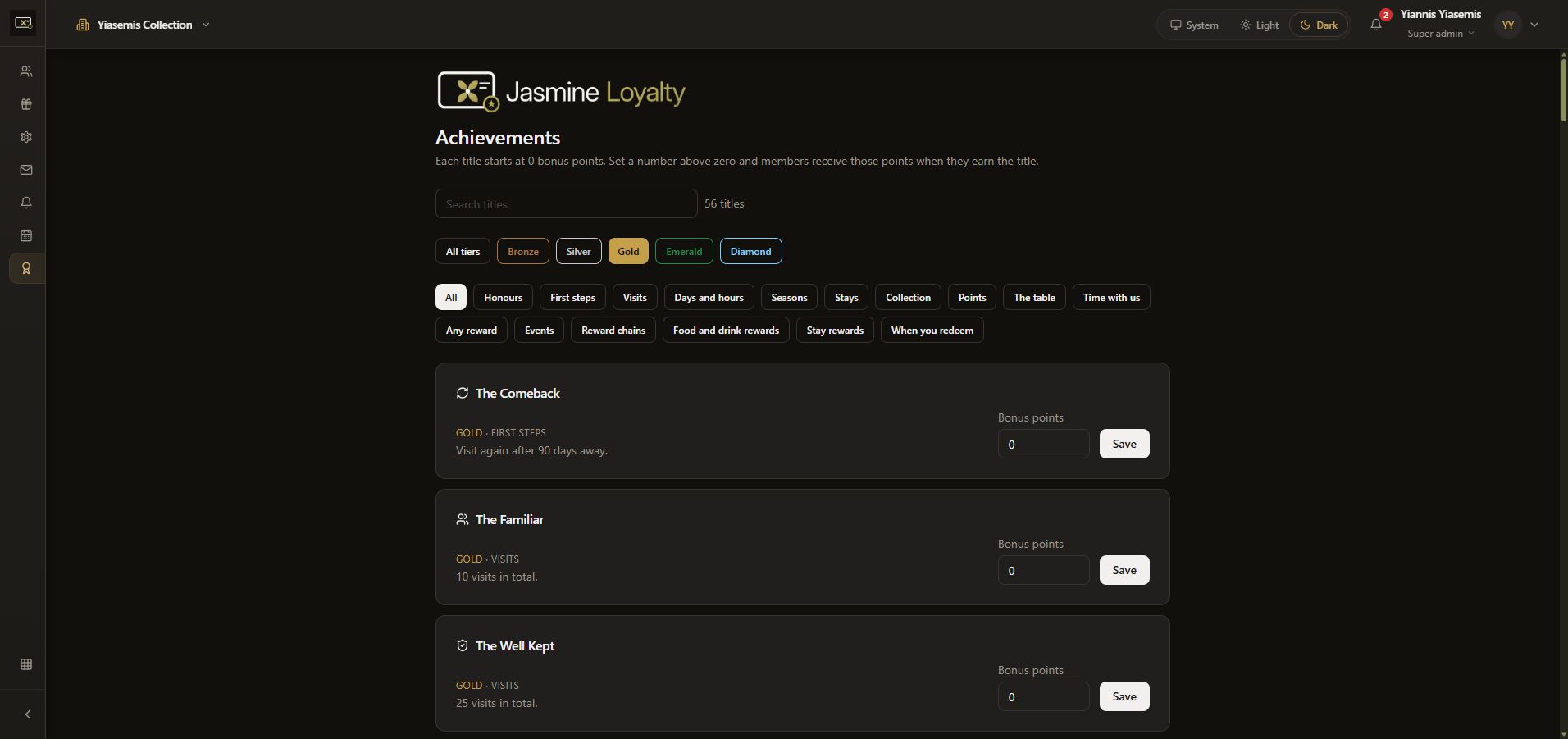
Search for a title
Use Search titles to narrow the list by name. The walkthrough searches Comeback while Gold is selected. The remaining The Comeback card describes visiting again after 90 days away.
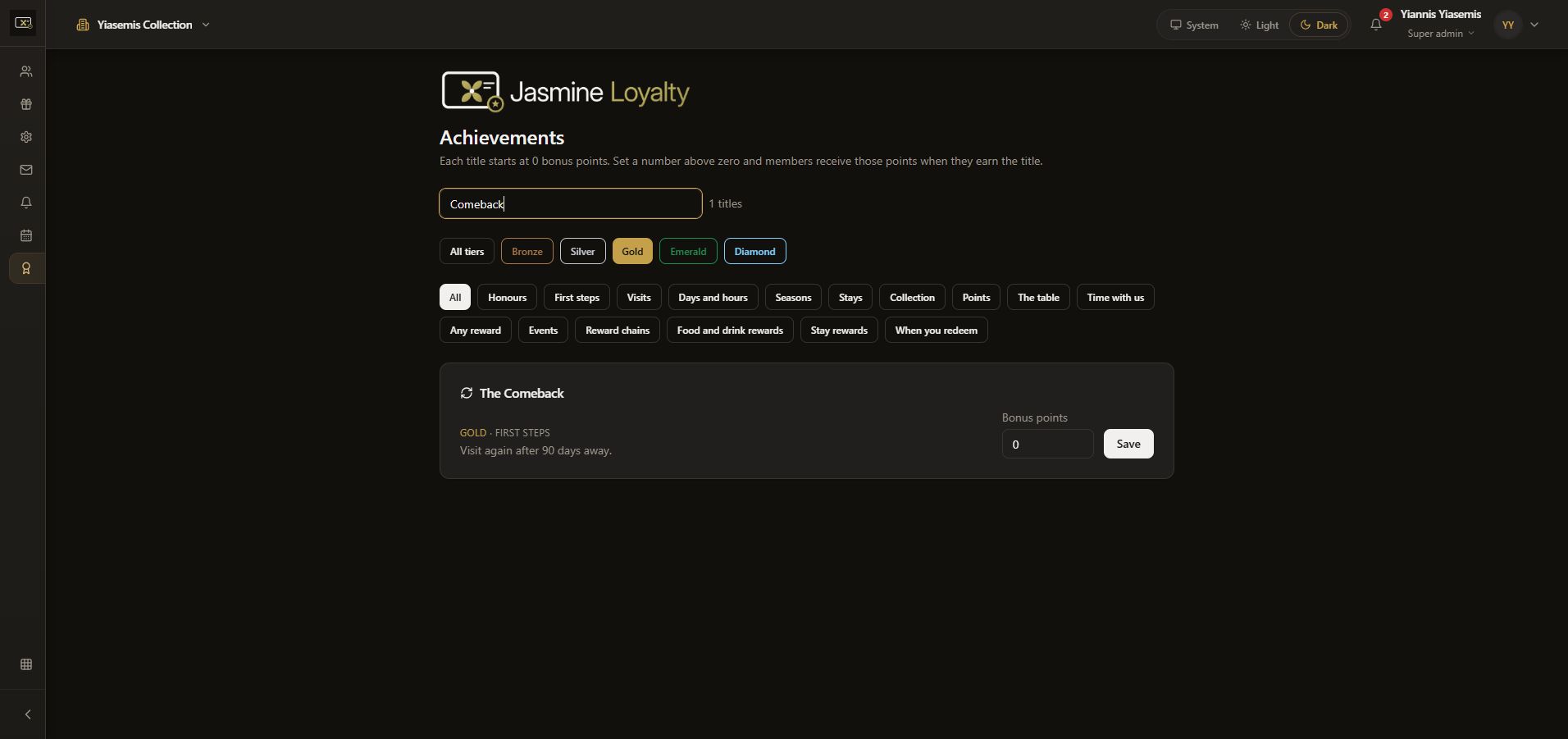
Keep configuration separate from browsing
Each title has its own Bonus points field and Save button. The example remains at 0. Save is not pressed, and no title is manually awarded to a member.
Reloading clears the view filters. No member balance, title award or bonus setting changes.