

Hotel Email Campaign Planning: Build the Offer Before Pressing Send
· Jasmine Apps
Hotel email campaign planning starts with a useful reason for a guest to act. A beautifully designed email still struggles if the offer is vague, the booking route is unclear or the venue cannot fulfil what it advertises.
Jasmine Marketing Hub now includes a social content calendar for drafts, scheduled and published posts, connected venue-owned profiles and campaign grouping. It also retains subscriber and consent tools. Social publishing is a separate workflow from promotional email; confirm an approved email sender and its reporting before planning an email send.
Choose one audience and one decision
Pick an offer that suits a clearly defined audience. A local dinner event, a returning-business-guest offer and a family weekend break have different questions to answer.
Decide the action you want: enquire, book an available table or read the details of an event. Several competing buttons can make the guest work harder to understand the message.
Check the result: The intended guest understands what to do.
Confirm the offer operationally
Check dates, capacity, price wording, inclusions and exclusions with the responsible venue team. Make sure reception and restaurant staff know the same terms before a guest rings.
| Campaign brief | Agree before drafting |
|---|---|
| Audience | Why this offer is relevant |
| Benefit | What the guest actually receives |
| Availability | Dates and capacity the venue can support |
| Action | The working enquiry or booking route |
| Review | Who checks the final message and fulfilment plan |
Use genuine availability information. Do not invent scarcity or a deadline simply to make the email feel urgent.
Check the result: The venue can fulfil the advertised offer.
Prepare the recipient record
Use Marketing Hub's source, status and linked consent information to review the underlying list through the venue's approved process. Confirm how any external sender reflects those choices.
Consult the ICO electronic-mail guidance for applicable UK requirements. The audience should be appropriate for the message, not merely the largest number the team can assemble.
Check the result: The audience follows the venue's email process.
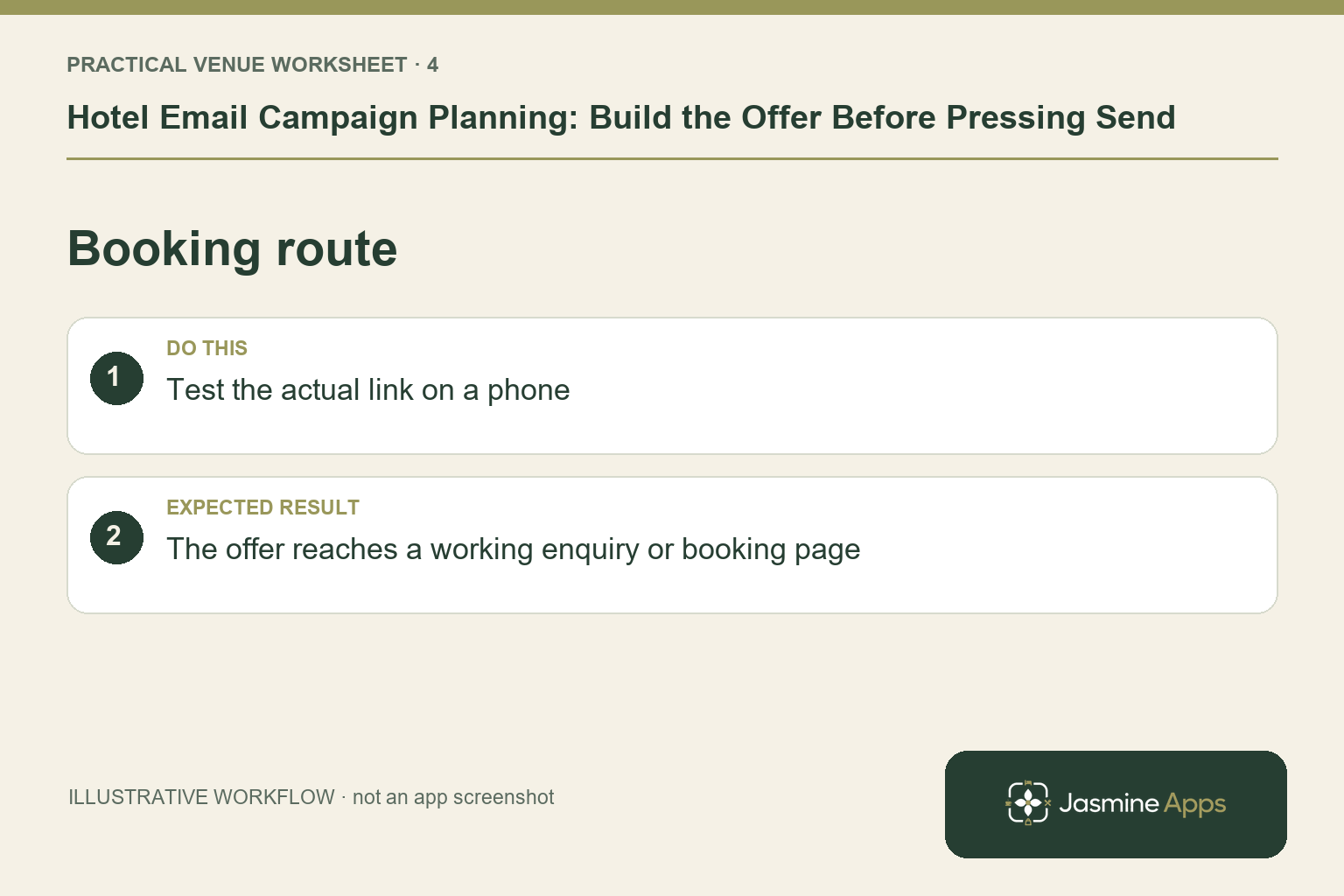
Test the booking route on a phone
Follow the exact link a guest will receive. Check the page, date selection and final action. If the offer needs an enquiry, explain the response process instead of making it look like an instant confirmed booking.
A clear email cannot repair an unavailable or confusing destination. Test that route with a colleague who did not write the campaign.
Check the result: The offer reaches a working enquiry or booking page.
Decide how results will be reviewed
Set measures the actual tools can provide. Your external sender may report sends or clicks; your website or booking workflow may supply other information. Verify the setup and avoid combining unrelated counts as proof of additional sales.
Compare the outcome with the offer's fulfilment cost and staff workload. Record guest questions as well as bookings, because repeated confusion may reveal wording that needs improving.
Keep the current product boundary clear
Use Marketing Hub for subscriber preparation and for the separate social calendar around the offer. Confirm promotional email sending and analytics with your approved email platform. Booking-template editing should stay within the relevant transactional-mail workflow.
What should the first campaign promote? Choose an offer the intended audience can use and the venue can fulfil consistently.
Can Marketing Hub send the email today? Its current product page describes social publishing. Confirm a separate approved email sender; a scheduled social post is not a subscriber email.
What is the best test before sending? Review the audience record, final terms and full mobile booking journey with the responsible venue team.
Explore Marketing Hub to organise the subscriber foundation for your planned communications.
Example from the actual app
The actual app has separate Subscribers and Marketing calendar navigation. Subscribers provides source filters and opt-out state; Plan a post has media, copy, timezone, campaign and selected social profiles, with Save draft distinct from Publish. Keep promotional email, transactional templates and social publishing as separate workflows when planning this communication. For this article’s audience and action check, choose one offer and one next step. Verify the intended guest understands what to do.
A working checklist for your venue
| Check | What to do | Result to verify |
|---|---|---|
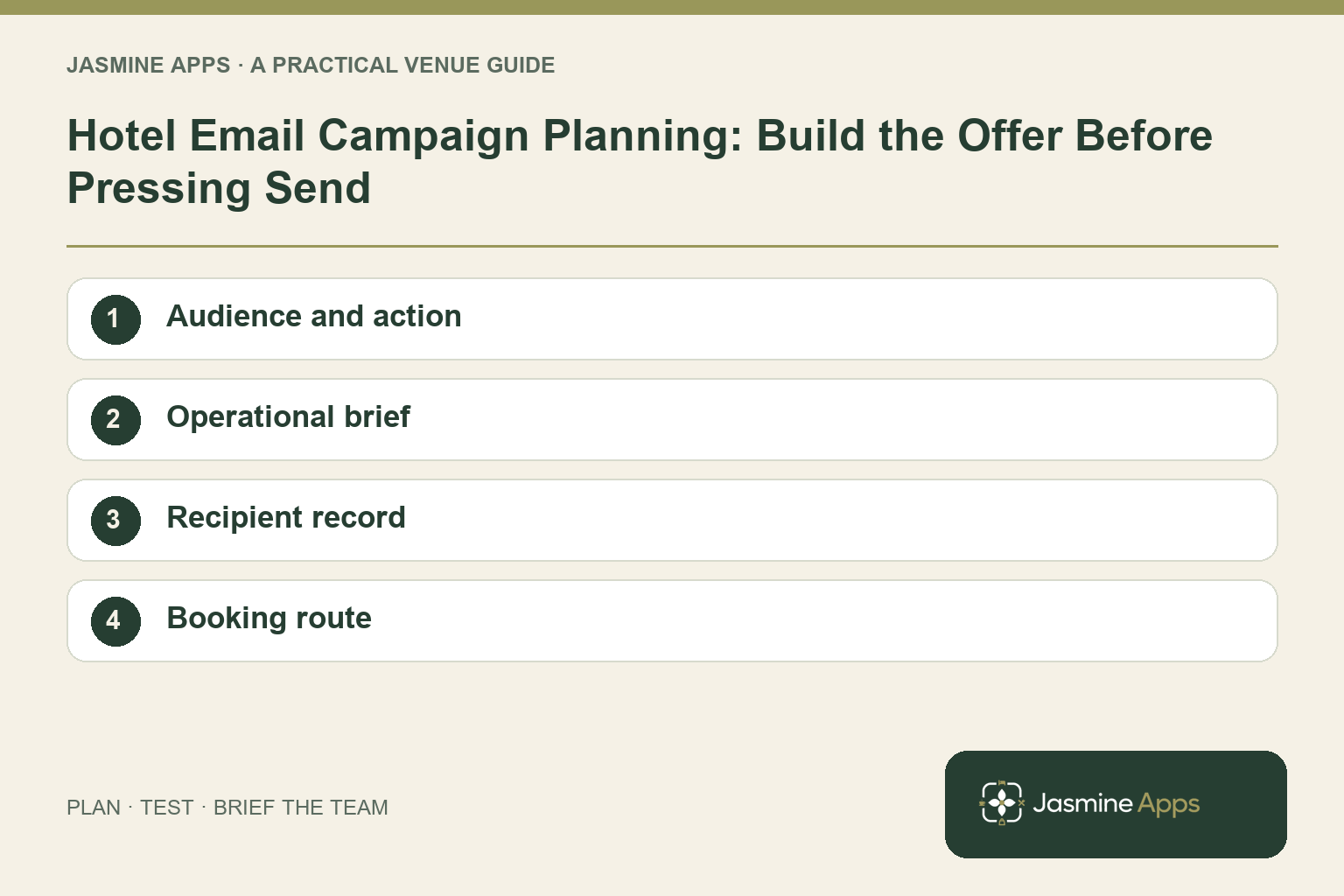
| Audience and action | Choose one offer and one next step. | The intended guest understands what to do. |
| Operational brief | Confirm dates, inclusions and availability. | The venue can fulfil the advertised offer. |
| Recipient record | Review consent and the approved sender. | The audience follows the venue's email process. |
| Booking route | Test the actual link on a phone. | The offer reaches a working enquiry or booking page. |
Use the checklist with a colleague who did not configure the workflow. Ask them to complete the ordinary task without coaching, then compare the result with the expected outcome. Record the point where they hesitate or need information from another shift. That observation gives you a specific improvement to make before extending the setup.
Discuss your own setup
Bring one real offer, its dates, a suitable image and the booking or enquiry route. Contact Us to discuss Jasmine Marketing Hub, keeping social publishing, subscriber records and your approved email sender distinct.
Illustrations explain the workflow and are not product screenshots. Any numerical example is labelled illustrative and is not a customer result. Product wording and documented setup checks reviewed on 13 October 2026; confirm the features available in your current installation.