

Wedding Meal Pre-Orders: A Timeline for Organisers and Kitchens
· Jasmine Apps

Wedding meal pre-orders become difficult when menu decisions, guest choices and the kitchen's final numbers live in separate messages. Table Jasmine provides function records, guest pre-order forms and summaries. Build a timeline around those stages so the organiser knows what is needed and the kitchen knows which version to use.
Agree the menu and collection plan first
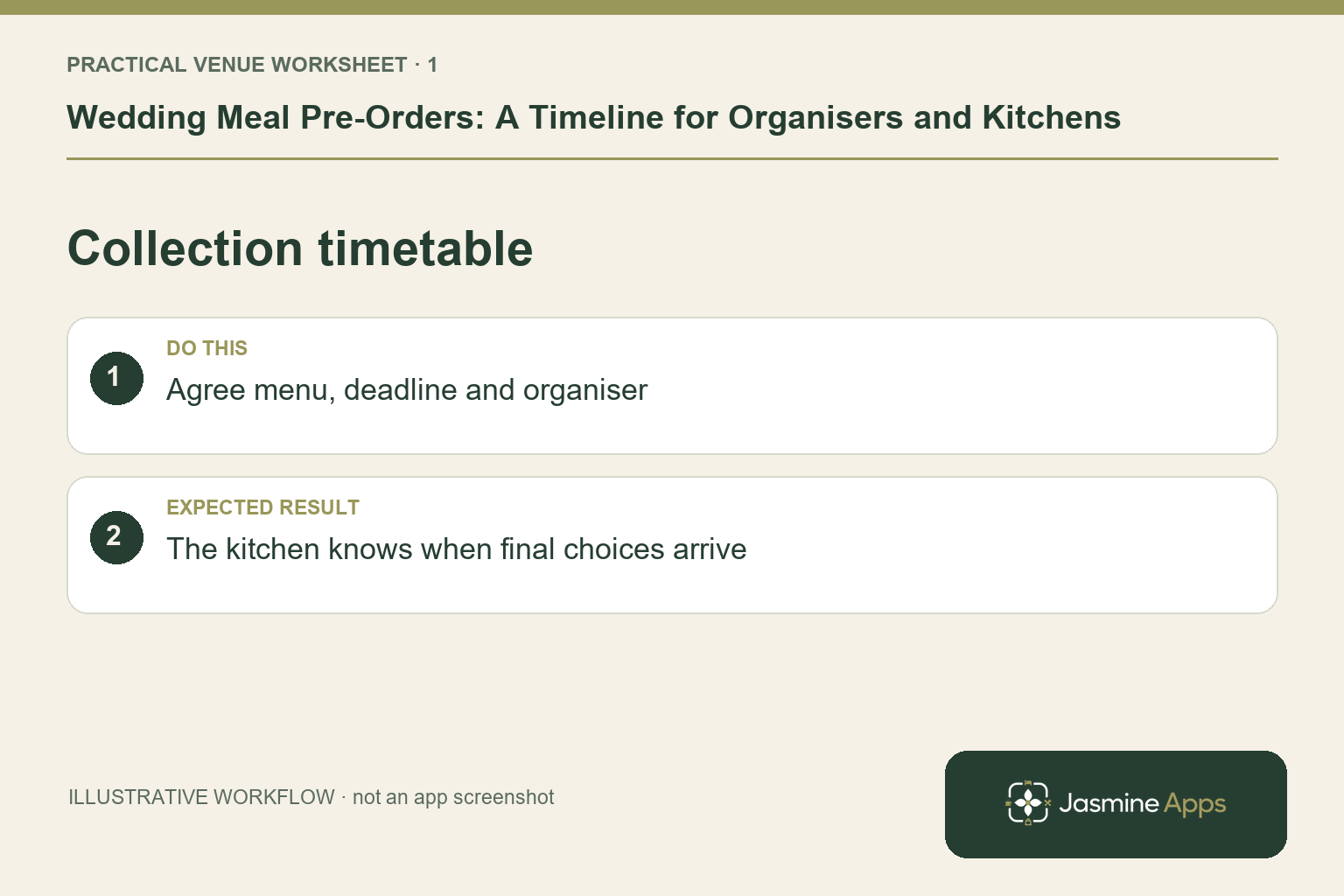
Confirm the date, expected numbers, arrival time and menu style with the organiser. Set out who will collect guest choices and when the venue needs a final review. Use timings appropriate to your suppliers and kitchen rather than presenting one deadline as a rule for every wedding. An example six-week collection window might suit one venue and fail at another. Record the agreed plan against the function and identify who approves later changes.
Check the result: The kitchen knows when final choices arrive.
Prepare a form guests can answer accurately
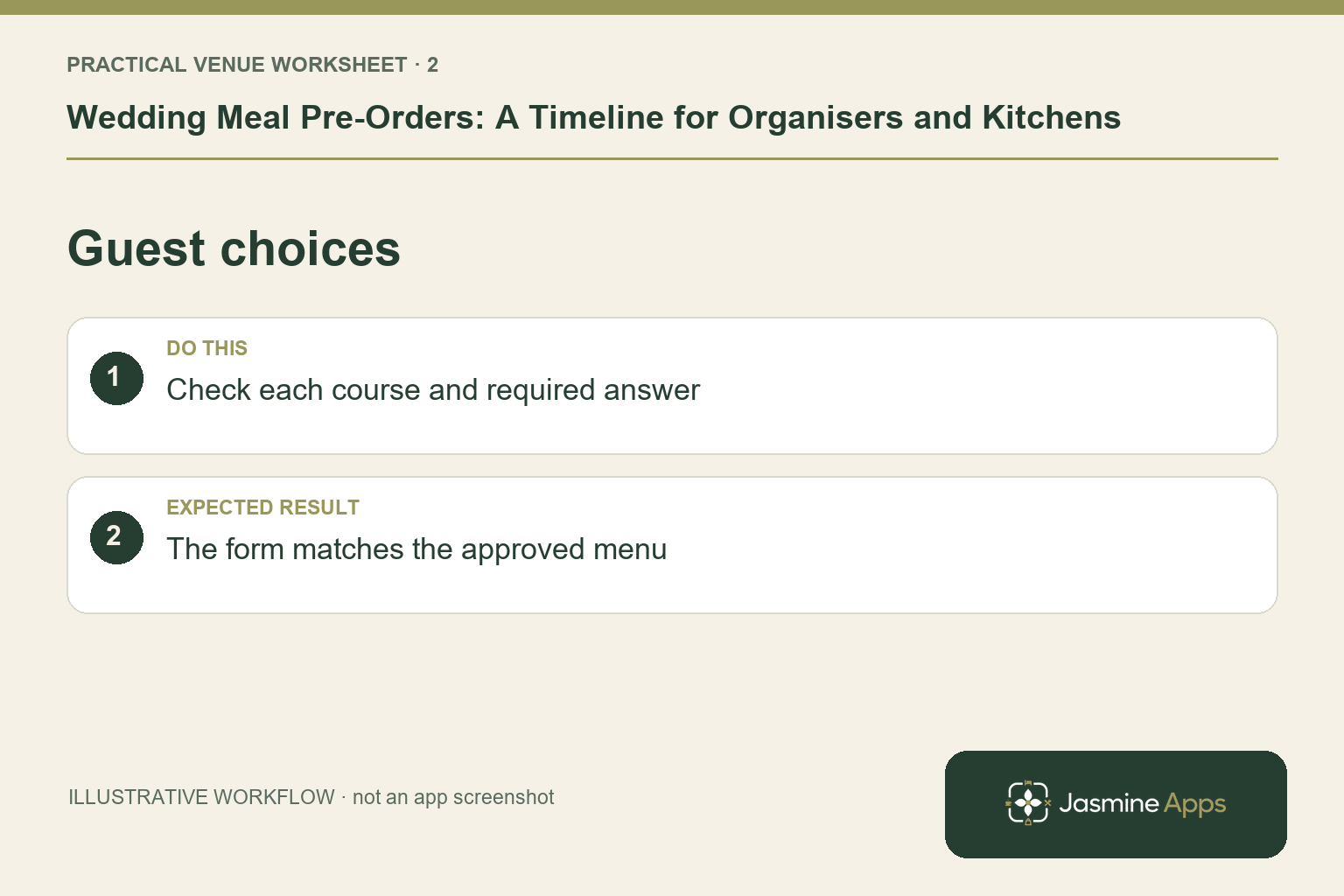
In the documented function workflow, Require Pre-Order enables the advance-choice process and Manage Pre-Order provides courses and the request to the organiser. Review the actual menu version before Request Pre-Order from Guest. Use plain dish descriptions and check that the organiser understands how names and choices should be recorded. Keep dietary information within the approved guest and kitchen process. A form cannot establish that an unanswered requirement does not exist.
Check the result: The form matches the approved menu.
Track outstanding choices through one owner
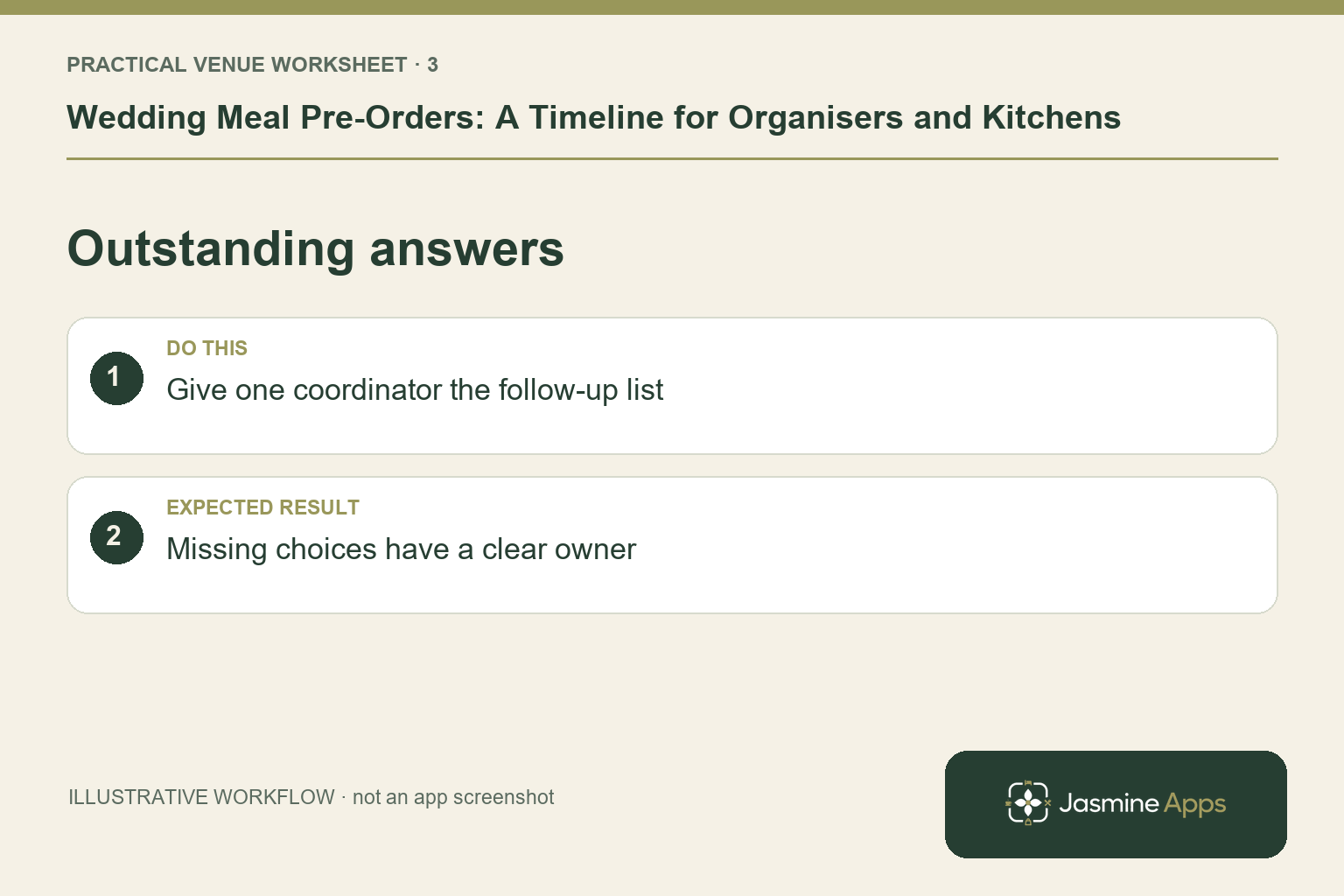
Use the Functions Pre-Orders view to review which functions are complete and waiting. Have one coordinator manage follow-up, including the supported Re-send Pre-Order Request when needed. Agree how a new guest or changed choice reaches that coordinator. Repeated email attachments from several relatives can produce competing totals. Preserve the decision record and review missing answers with the organiser before the kitchen starts preparing from an incomplete set.
Check the result: Missing choices have a clear owner.
Release one checked final summary
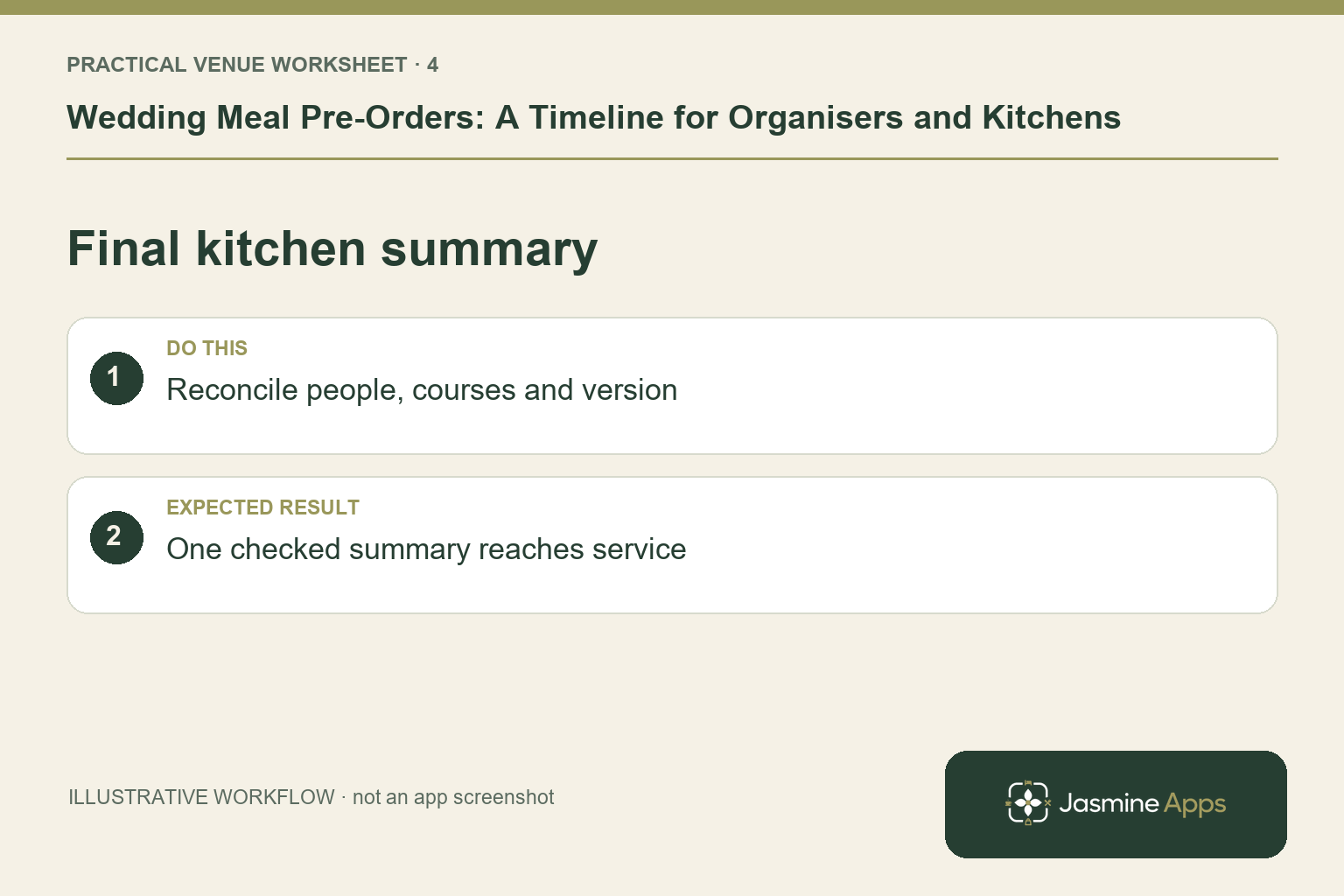
Use Send Summary or Export CSV from the recorded pre-order when the venue is ready for its final check. Compare the headcount, courses and specific requirements with the organiser's agreement. The kitchen must review guest-supplied allergen information through its established process; the exported sheet only reflects what was entered. Label the final version and brief the event team on the route for late changes. Do not let an earlier printed summary become the default simply because it is already on the kitchen noticeboard.
Check the result: One checked summary reaches service.
Put the plan into practice
Create a timeline with four named points: menu approved, requests sent, outstanding choices reviewed and final summary checked. Add the venue-specific change route and owner. Test the process on a sample function before using it for a large wedding.
Questions venue teams ask
What is the ideal pre-order deadline? Set it around your actual kitchen, supplier and event requirements. Agree it with the organiser and keep it visible.
Does a completed form remove the need for a kitchen review? No. Check numbers, incomplete answers and dietary information before the final event plan.
Example from the actual app
The real New Function form includes Require Pre-Order alongside the function’s style and arrival time. It also has a Function Time Plan with Add time. Agree the wedding’s service stages first, then use the pre-order route for the actual menu choices. An event timetable and a completed guest meal choice are different records.
A working checklist for your venue
| Check | What to do | Result to verify |
|---|---|---|
| Collection timetable | Agree menu, deadline and organiser. | The kitchen knows when final choices arrive. |
| Guest choices | Check each course and required answer. | The form matches the approved menu. |
| Outstanding answers | Give one coordinator the follow-up list. | Missing choices have a clear owner. |
| Final kitchen summary | Reconcile people, courses and version. | One checked summary reaches service. |
Use the checklist with a colleague who did not configure the workflow. Ask them to complete the ordinary task without coaching, then compare the result with the expected outcome. Record the point where they hesitate or need information from another shift. That observation gives you a specific improvement to make before extending the setup.
Discuss your own setup
Bring your service hours, table capacities and one ordinary booking alongside a larger-party example. Contact Us to discuss how Table Jasmine would fit that booking and service journey.
Illustrations explain the workflow and are not product screenshots. Any numerical example is labelled illustrative and is not a customer result. Product wording and documented setup checks reviewed on 13 October 2026; confirm the features available in your current installation.