

What International Guests Need from a Hotel Welcome Screen
· Jasmine Apps

An international hotel welcome screen should help guests understand the stay without deciphering a long presentation. Jasmine TV brings hotel information, local sights and streaming apps onto a branded room screen. Design the content around useful questions and the exact installation, rather than assuming the app supplies automatic translation or every service connection.
Write around the first practical questions
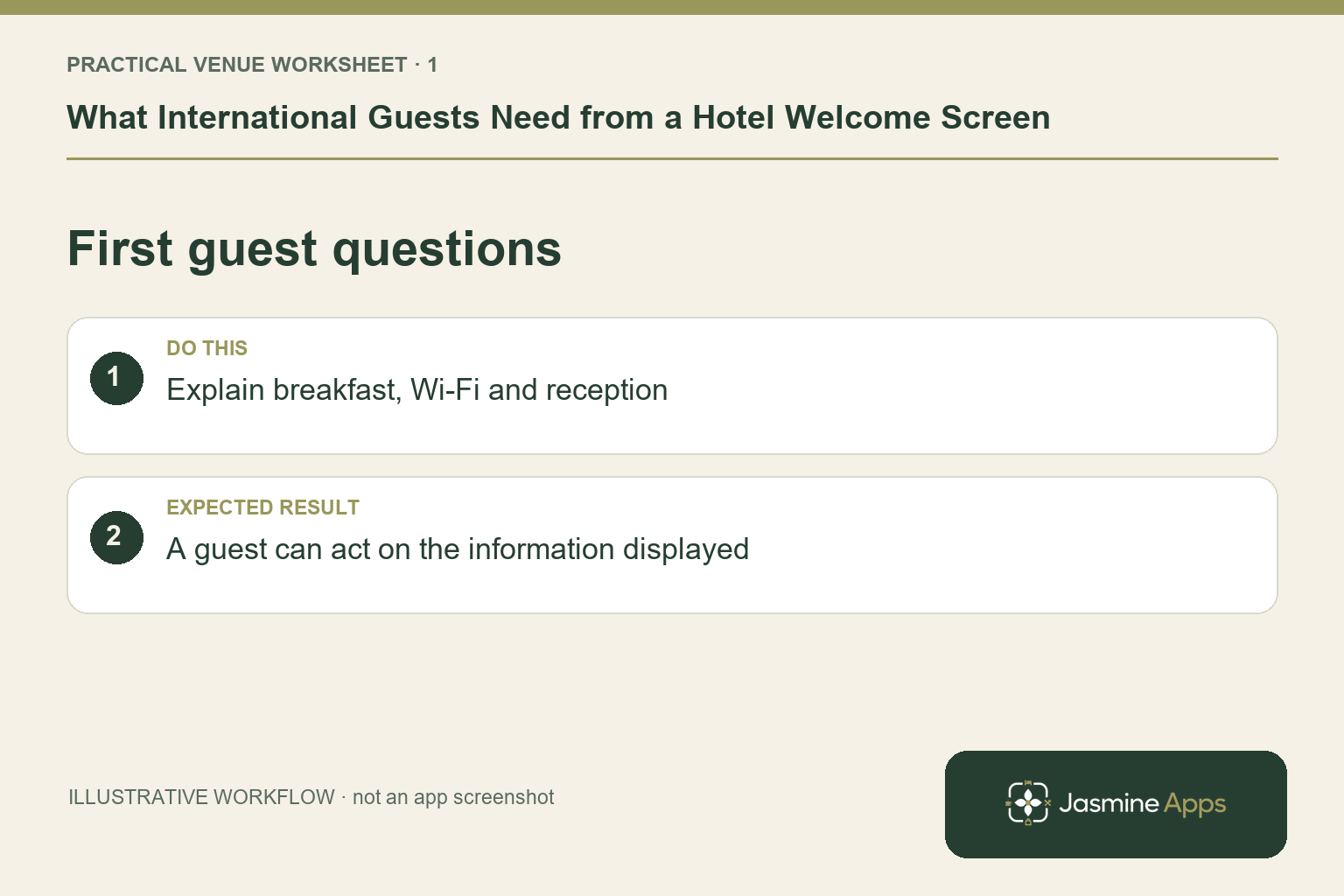
Start with breakfast, checkout, reception contact and the approved route for Wi-Fi help. Use short sentences and a consistent way to express times, locations and next steps. Confirm that the same information appears in reception's briefing. An illustrative guest arriving late after an international flight needs a clear answer about food and assistance, not a detailed history of the property. Keep important safety and emergency information within the hotel's established communication procedures.
Check the result: A guest can act on the information displayed.
Plan language support deliberately
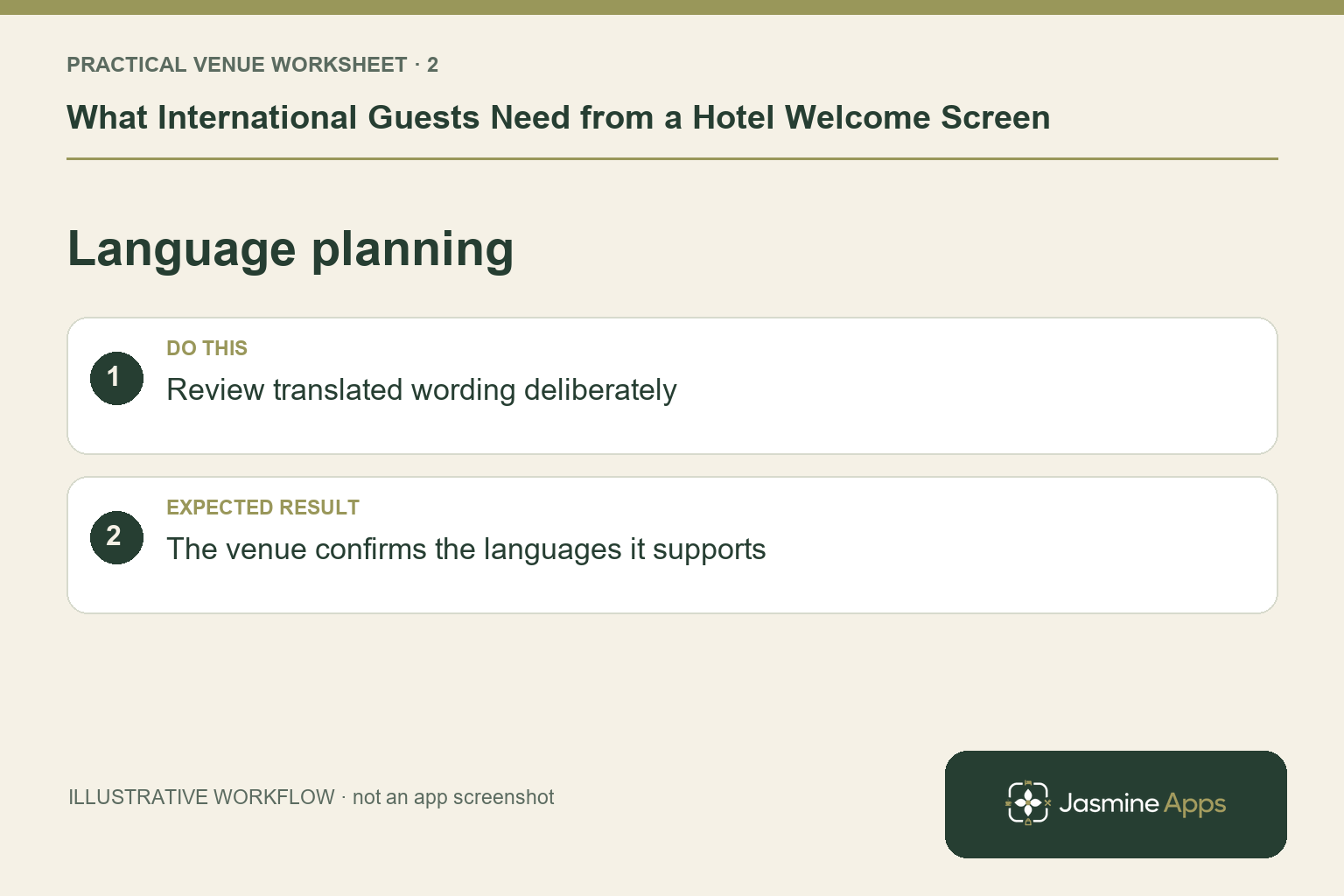
Ask which languages the property needs and who will review the wording. The current Jasmine TV feature page does not establish automatic translation or a multilingual-content editor. Confirm any supported language arrangement before promising it. Where you prepare translated content through an approved external process, check dates, times and the meaning of service terms with a qualified reviewer. A decorative icon can support navigation, but it should not make a critical instruction depend on an unexplained symbol.
Check the result: The venue confirms the languages it supports.
Test from the bed with the real remote
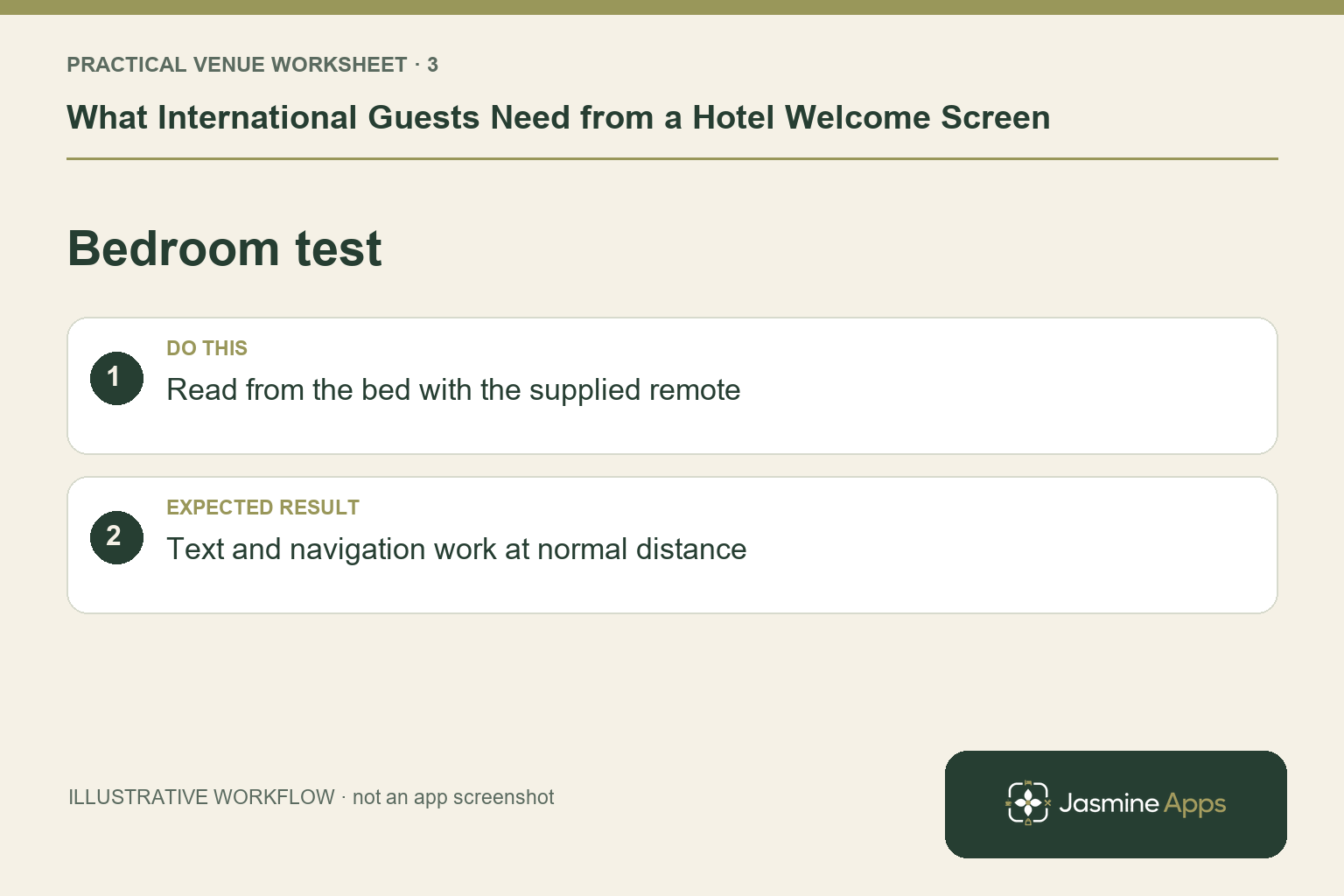
Inspect the content on the actual room television at normal viewing distance. Check font size, contrast and navigation with the supplied remote, including the path back from entertainment. Confirm the exact supported hardware and setup with the installer. A design that is clear on an office monitor may be unreadable in the bedroom. Give staff a device-specific help route so they can explain the first screen without guessing how a different television model behaves.
Check the result: Text and navigation work at normal distance.
Keep local recommendations current
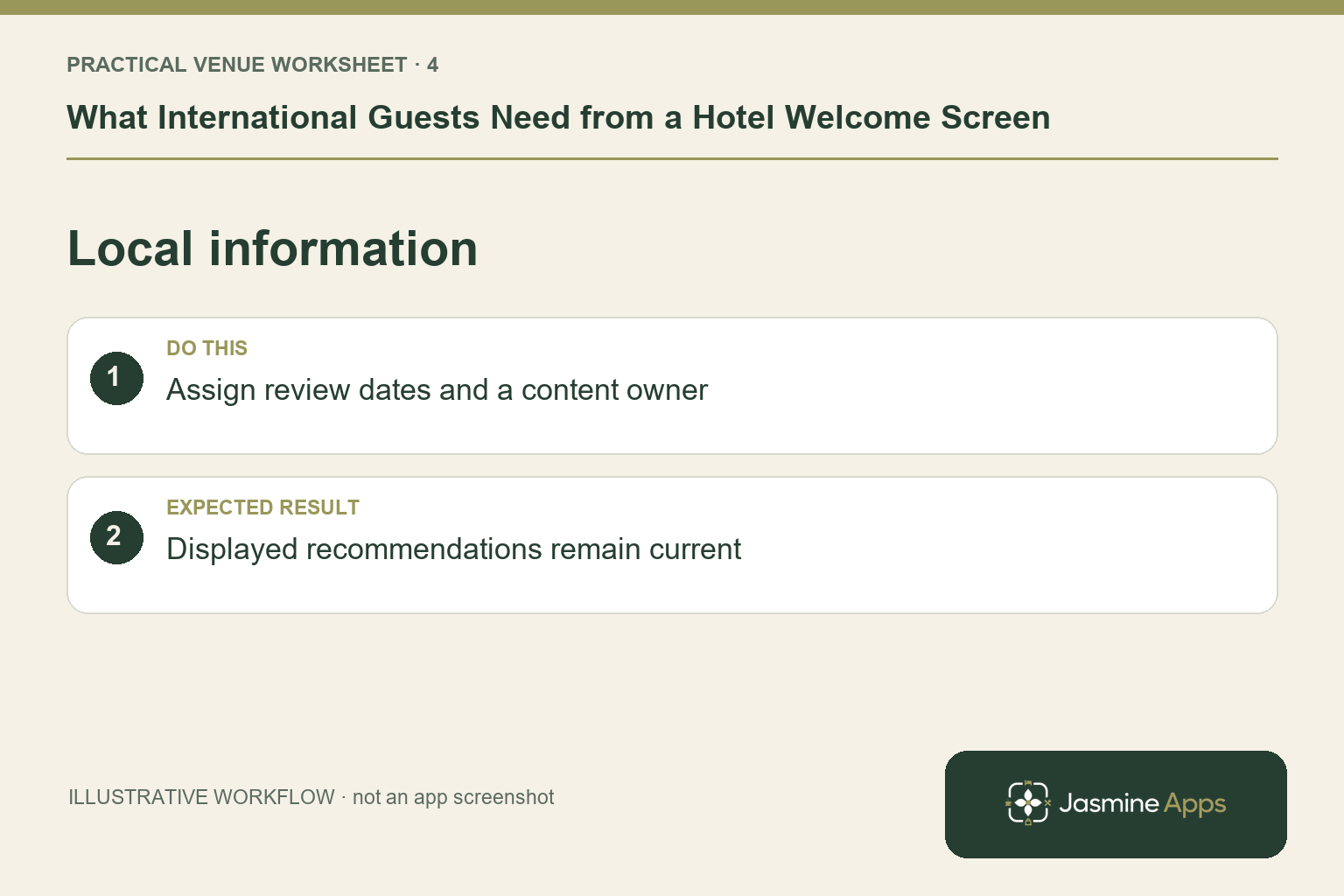
Include a small set of useful local sights and practical information, with a named owner to review it. Check external opening details or transport information when preparing the content; avoid publishing guesses that can change with the season. State how guests can ask reception for assistance. The product's shared brand does not prove native TV booking, payment or PMS personalisation. Demonstrate any such route separately and make guest-facing wording match what works.
Check the result: Displayed recommendations remain current.
Put the plan into practice
Create a short content inventory with the source, reviewer and review date for each detail. Test with a colleague unfamiliar with the room setup. Keep the approved language and help arrangements in the reception briefing, then recheck when service hours or equipment change.
Questions venue teams ask
Does Jasmine TV automatically translate our directory? Do not assume that from the current feature description. Confirm the exact supported content workflow.
Should the screen replace reception help? Use it to make routine information easier to find, with a clear route to staff for questions and exceptions.
Example from the actual app
The actual Hotel info editor uses named sections such as Breakfast and Check-in, with separate title and text fields. It states that left and right on the remote move between tabs. Put time, place and the help route in the relevant section, then review any translated wording and the guest’s real remote journey.
A working checklist for your venue
| Check | What to do | Result to verify |
|---|---|---|
| First guest questions | Explain breakfast, Wi-Fi and reception. | A guest can act on the information displayed. |
| Language planning | Review translated wording deliberately. | The venue confirms the languages it supports. |
| Bedroom test | Read from the bed with the supplied remote. | Text and navigation work at normal distance. |
| Local information | Assign review dates and a content owner. | Displayed recommendations remain current. |
Use the checklist with a colleague who did not configure the workflow. Ask them to complete the ordinary task without coaching, then compare the result with the expected outcome. Record the point where they hesitate or need information from another shift. That observation gives you a specific improvement to make before extending the setup.
Discuss your own setup
Bring the exact TV models and operating systems, plus a short section of guest information. Contact Us to discuss Jasmine TV and a representative room test covering content, remote navigation and turnover.
Illustrations explain the workflow and are not product screenshots. Any numerical example is labelled illustrative and is not a customer result. Product wording and documented setup checks reviewed on 13 October 2026; confirm the features available in your current installation.