

Hotel TV Guest Directory: What Belongs on the Bedroom Screen?
· Jasmine Apps
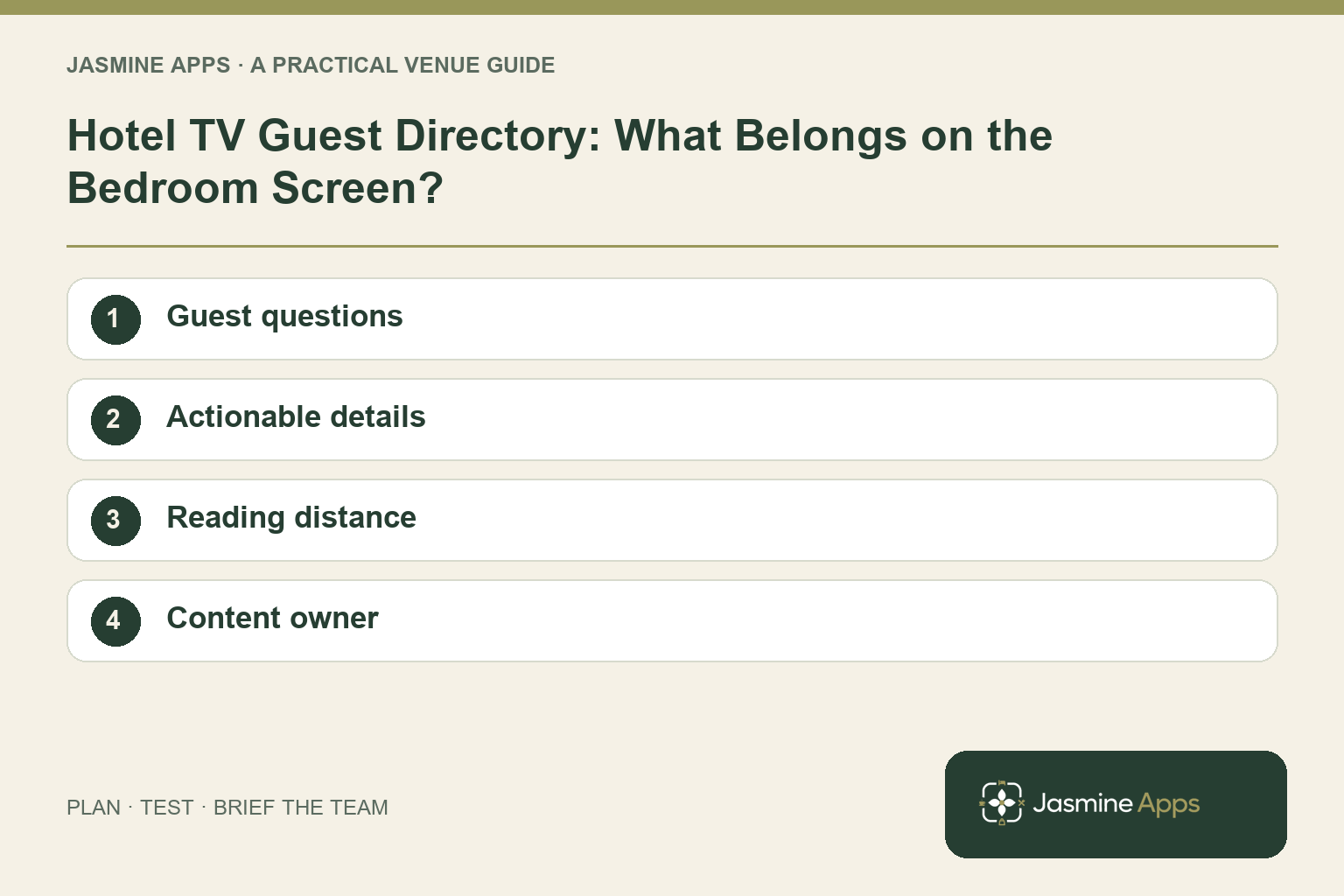
A hotel TV guest directory should help someone who has just arrived, put their bag down and wants a simple answer. When is breakfast? Where is dinner served? What can they do nearby? A screen full of promotional tiles may look impressive and still miss those everyday questions.
Jasmine TV is presented as a way to bring hotel information, local suggestions and entertainment into the bedroom experience on supported devices. Start with the information guests need before considering how much content a screen can hold.
Listen to the questions reception repeats
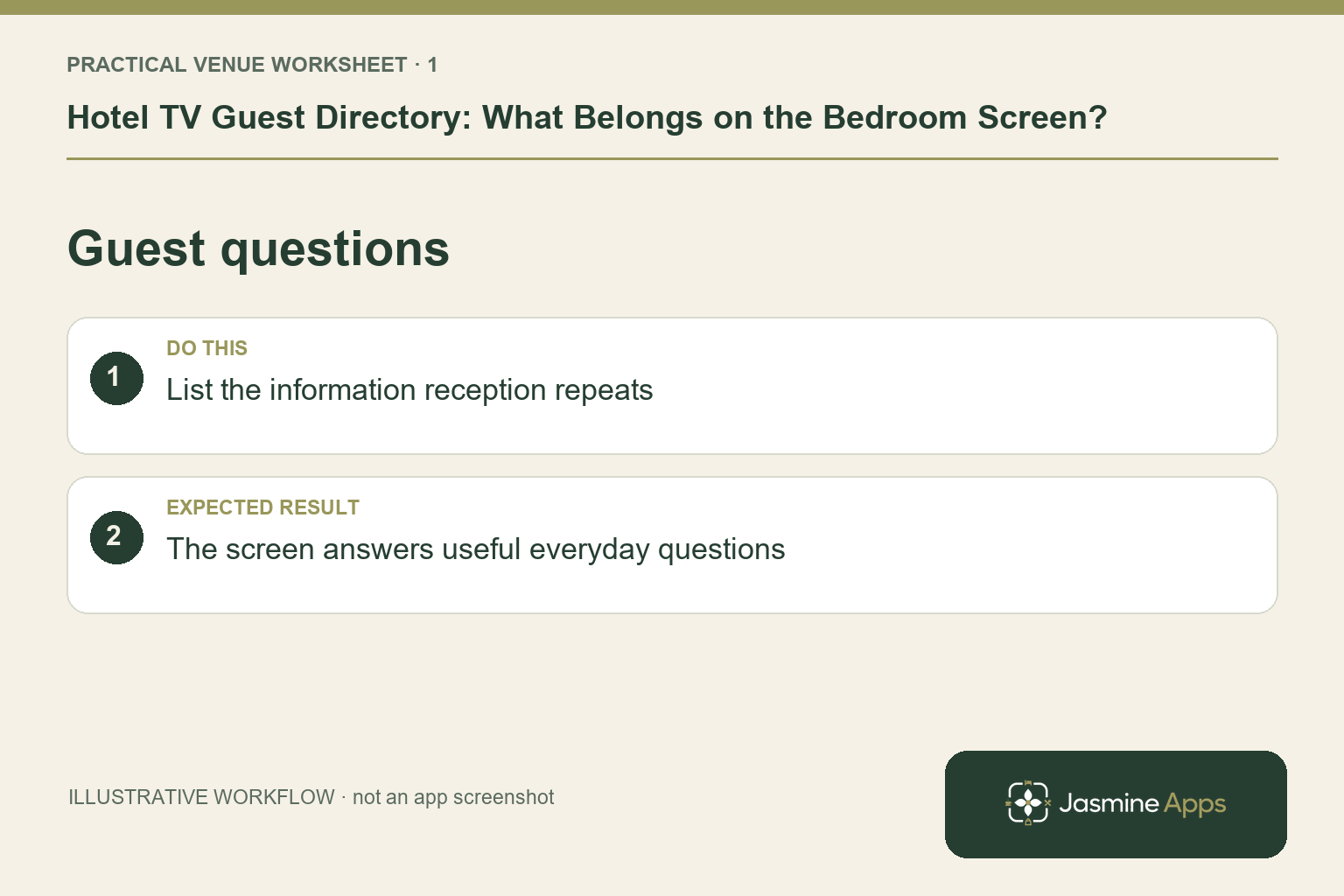
List the questions your team answers most often. Separate stable information from details that change regularly. Breakfast location may stay the same, while dining times, events and local availability need review.
Use that list to prioritise the directory. Guests should not have to navigate a long catalogue to find the few answers that matter on their first evening.
Check the result: The screen answers useful everyday questions.
Keep hotel information actionable
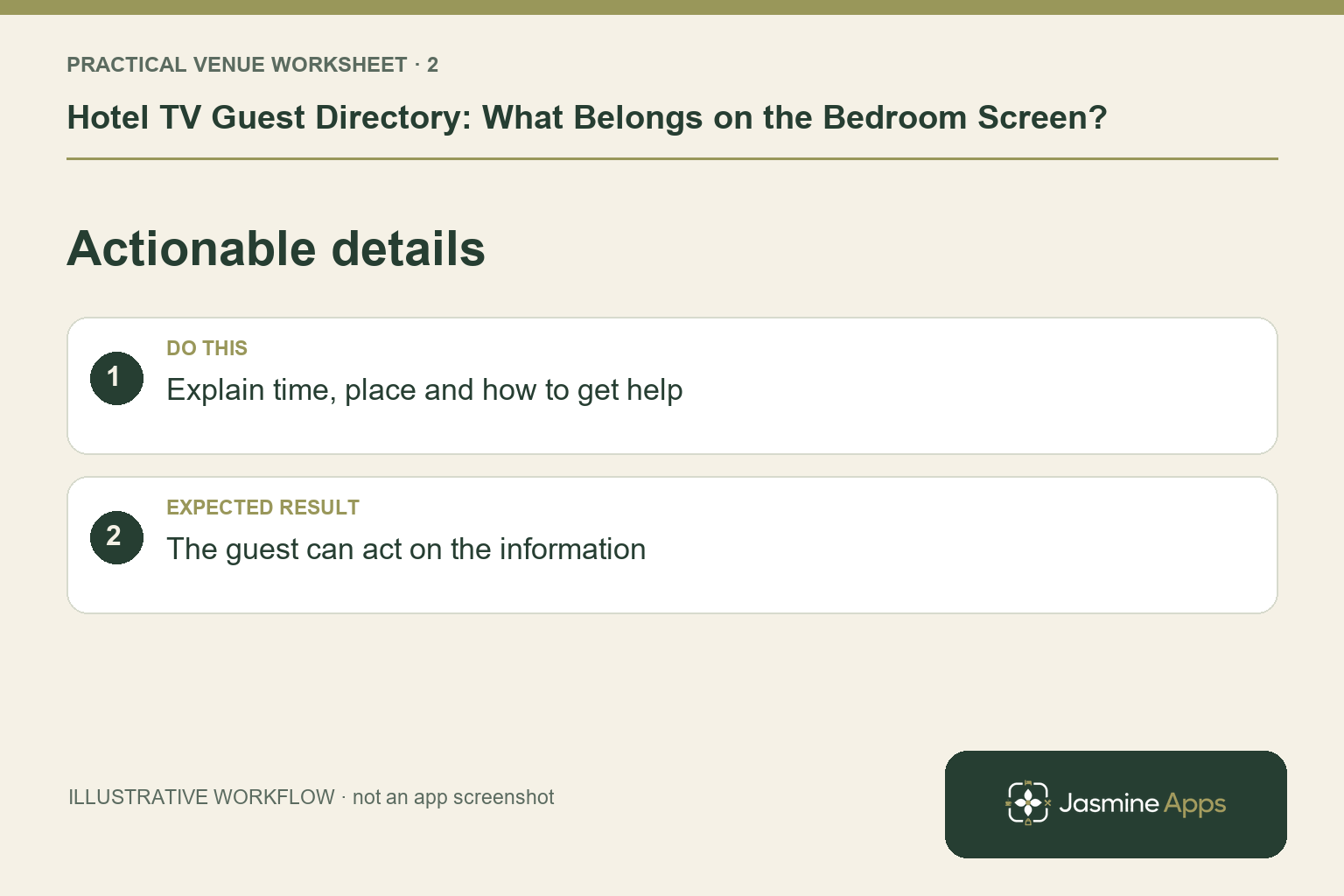
A dining section needs more than an attractive photograph. State the relevant location, opening details and enquiry or booking route through the configuration your venue actually supports.
| Information | Useful guest question |
|---|---|
| Breakfast | When and where do I go? |
| Restaurant | How do I see availability or enquire? |
| Hotel services | Whom do I contact and what is available? |
| Local suggestions | Is this information current and relevant? |
| Entertainment | What works on this supported room setup? |
Avoid displaying a price, time or service the operations team cannot confirm. A digital directory is only as useful as its current content.
Check the result: The guest can act on the information.
Use the TV for the right reading distance
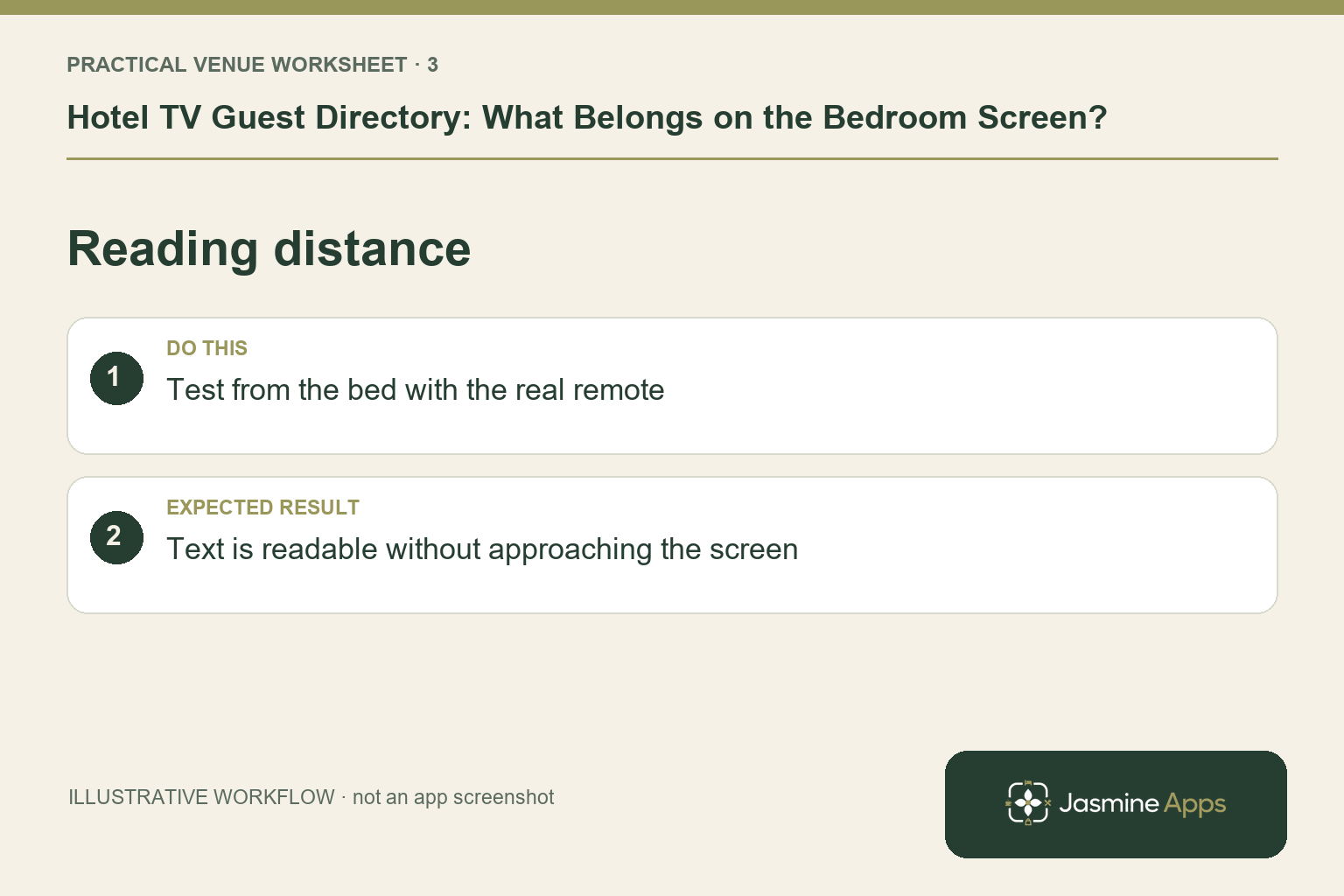
Write short sections and test the actual bedroom screen from the bed and chair. Text that looks clear on a laptop may be difficult to read from across the room.
Check the remote-control navigation and the route back to the main information. A guest should not need a staff explanation to recover from an ordinary wrong turn.
Check the result: Text is readable without approaching the screen.
Keep other help available
A bedroom TV does not replace reception or every form of guest information. Decide how a guest asks a question, requests assistance or finds information if the screen or network has a problem.
Keep the same details across the website, reception script and other room materials. Conflicting breakfast times make the guest unsure which source to trust.
Check the result: Old opening times and offers are corrected.
Give content a named owner
Choose who reviews the directory and who confirms changes with the relevant department. Set a review around changes in opening hours, menus or seasonal events.
Test the supported Jasmine TV content workflow in a demonstration. Do not assume every type of booking, payment or PMS integration is part of the current configuration. Ask to see the exact route intended for your venue.
Questions before building the directory
Should every hotel service have a tile? Prioritise the questions guests actually need answered. Add content only when it helps them make a useful decision.
Can guests book and pay directly on the TV? Confirm the specific current workflow. A displayed restaurant promotion or QR route is not the same as native on-TV booking and payment.
What should a pilot test? Reading distance, remote navigation, content accuracy and the staff support route on your actual devices.
Explore Jasmine Apps and request a Jasmine TV demonstration using your five most common reception questions. The goal is a more helpful room, not simply a busier screen.
Example from the actual app
The actual Hotel info editor uses separate Section title and Section text fields and supports multiple tabs. The page says left and right on the remote move between them. Organise everyday questions into short, named sections and test that remote journey on the room equipment; a long desktop document is not automatically a usable TV directory.
A working checklist for your venue
| Check | What to do | Result to verify |
|---|---|---|
| Guest questions | List the information reception repeats. | The screen answers useful everyday questions. |
| Actionable details | Explain time, place and how to get help. | The guest can act on the information. |
| Reading distance | Test from the bed with the real remote. | Text is readable without approaching the screen. |
| Content owner | Assign review dates for changeable information. | Old opening times and offers are corrected. |
Use the checklist with a colleague who did not configure the workflow. Ask them to complete the ordinary task without coaching, then compare the result with the expected outcome. Record the point where they hesitate or need information from another shift. That observation gives you a specific improvement to make before extending the setup.
Discuss your own setup
Bring the exact TV models and operating systems, plus a short section of guest information. Contact Us to discuss Jasmine TV and a representative room test covering content, remote navigation and turnover.
Illustrations explain the workflow and are not product screenshots. Any numerical example is labelled illustrative and is not a customer result. Product wording and documented setup checks reviewed on 13 October 2026; confirm the features available in your current installation.