

Hospitality Email List Cleanup: Quality Before More Contacts
· Jasmine Apps
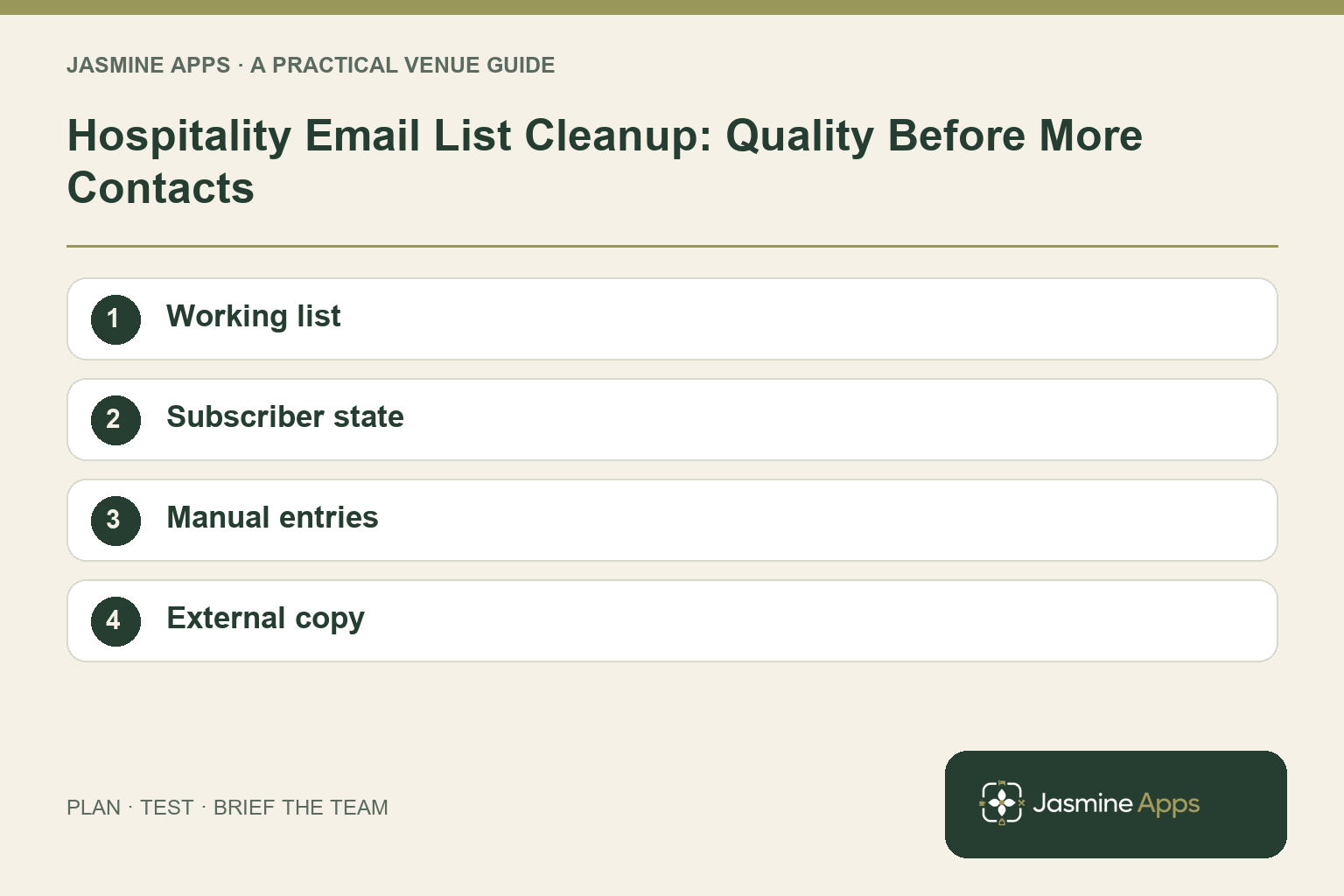
Hospitality email list cleanup is useful before planning another offer. A growing contact count can hide unclear sources, inconsistent guest choices and unsubscribed records that still appear in a separate working list.
Jasmine Marketing Hub now includes a social content calendar for drafts, scheduled and published posts, connected venue-owned profiles and campaign grouping. It also retains subscriber and consent tools. Social publishing is a separate workflow from promotional email; confirm an approved email sender and its reporting before planning an email send.
Decide which list is the working record
Identify where subscribers are managed and where messages are actually sent. If several tools are involved, write down how changes move between them. An assumed connection is not a reliable handover.
Start with a small sample from each collection route. Look at a reservation contact, a manual entry and an unsubscribed record. Check whether the appropriate colleagues can explain each record without relying on memory.
Check the result: The team knows which tools need alignment.
Review status before counting reach
Marketing Hub distinguishes active subscribers and unsubscribes. Use that information to review the list, while verifying the sending platform's current suppression process separately.
| Check | Practical question |
|---|---|
| Active status | Does the current record support the intended communication? |
| Unsubscribe | Is the choice reflected in the actual sending route? |
| Source | Can staff identify the collection journey? |
| Manual entry | Was the approved procedure followed? |
| Unclear record | Who reviews it before it is used? |
Avoid treating every stored contact as a reachable marketing audience. A contact count and an appropriate recipient list are different figures.
Check the result: Opt-outs are retained in the sending process.
Give manual additions a clear rule
A spreadsheet, business card or organiser's guest list should not become an automatic invitation to promotional messages. Before adding a record, staff need the venue's approved process and the appropriate supporting information.
For the applicable UK electronic-mail rules, refer to the ICO guidance. List cleanup should preserve valid opt-outs, rather than try to turn every old contact back into an active subscriber.
Check the result: Unclear records are reviewed before use.
Keep external copies aligned
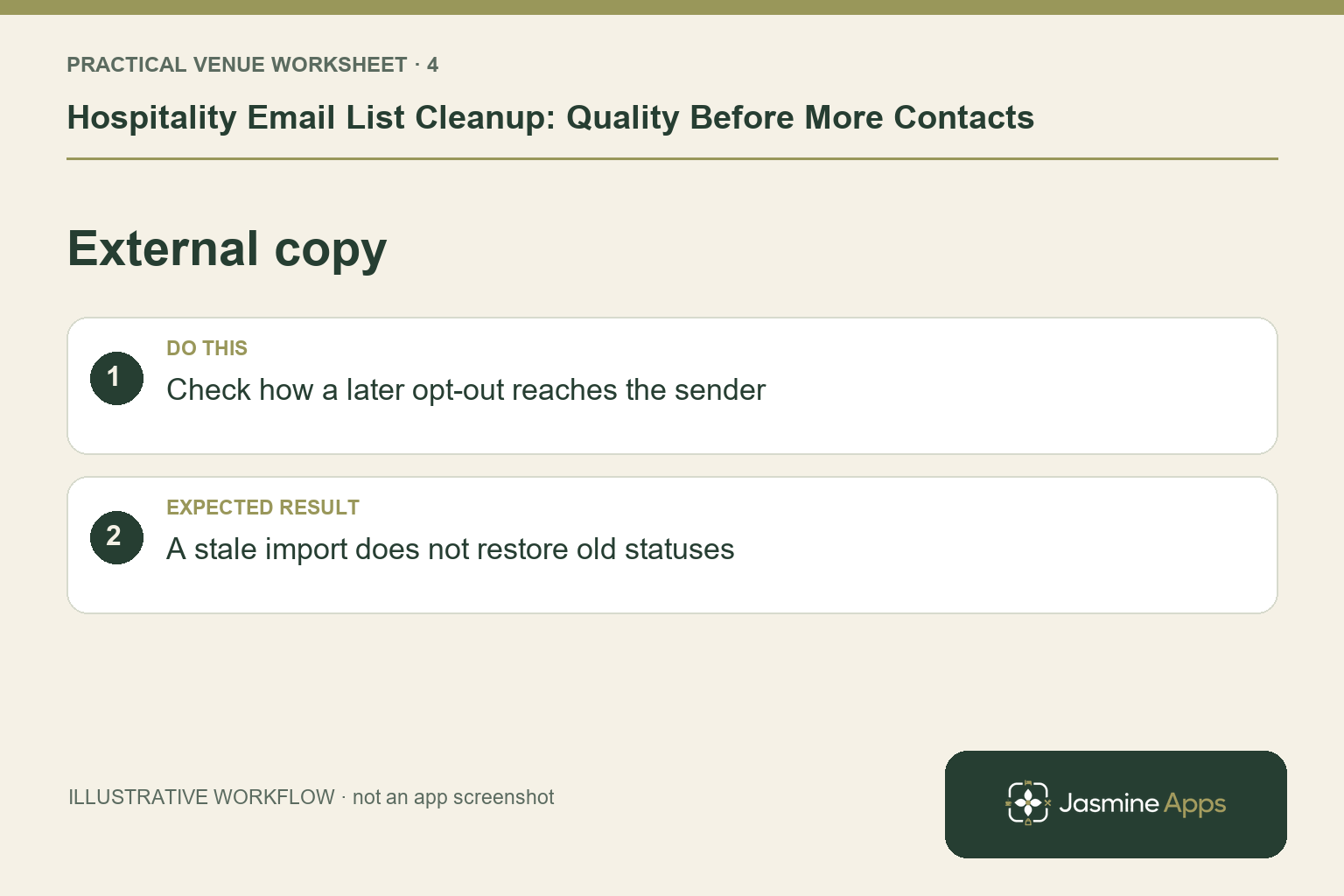
If another platform holds the sendable list, test how a new opt-out is reflected there. Confirm any integration or approved transfer procedure before relying on it.
Do not repeatedly import an old file that restores stale statuses. Keep a clear version and handover process for any approved list transfer.
Check the result: A stale import does not restore old statuses.
Set a manageable review cadence
Choose a routine that fits the number of changes and people involved. A small venue might review before each planned offer; a larger operation may need a regular named owner.
Record the issues found and which collection route needs improvement. If most uncertainty comes from manual entries, training that route is more useful than repeatedly tidying the same result.
Check what the product reports
Marketing Hub describes counts by source and unsubscribe totals. Those help assess the record; they are not campaign open rates, click rates or proof of additional revenue. Keep your review labels accurate.
Can Marketing Hub help organise list status? Its published features include subscriber status, search, source tags and unsubscribes.
Does cleanup mean deleting every inactive-looking contact? Follow the venue's approved retention and suppression process rather than making a blanket assumption.
Can it email the cleaned list? Its documented calendar publishes social posts to connected profiles. Confirm your separate approved email sender before using a subscriber audience.
Explore Marketing Hub and test one contact's full journey from collection to a later change of choice.
Example from the actual app
The actual app has separate Subscribers and Marketing calendar navigation. Subscribers provides source filters and opt-out state; Plan a post has media, copy, timezone, campaign and selected social profiles, with Save draft distinct from Publish. Keep promotional email, transactional templates and social publishing as separate workflows when planning this communication. For this article’s working list check, identify where records are held and email is sent. Verify the team knows which tools need alignment.
A working checklist for your venue
| Check | What to do | Result to verify |
|---|---|---|
| Working list | Identify where records are held and email is sent. | The team knows which tools need alignment. |
| Subscriber state | Review active and unsubscribed records. | Opt-outs are retained in the sending process. |
| Manual entries | Check the venue's approved collection process. | Unclear records are reviewed before use. |
| External copy | Check how a later opt-out reaches the sender. | A stale import does not restore old statuses. |
Use the checklist with a colleague who did not configure the workflow. Ask them to complete the ordinary task without coaching, then compare the result with the expected outcome. Record the point where they hesitate or need information from another shift. That observation gives you a specific improvement to make before extending the setup.
Discuss your own setup
Bring one real offer, its dates, a suitable image and the booking or enquiry route. Contact Us to discuss Jasmine Marketing Hub, keeping social publishing, subscriber records and your approved email sender distinct.
Illustrations explain the workflow and are not product screenshots. Any numerical example is labelled illustrative and is not a customer result. Product wording and documented setup checks reviewed on 13 October 2026; confirm the features available in your current installation.