

Hospitality Software Adoption: Why a Completed Training Session Is Not a Working Rollout
· Jasmine Apps
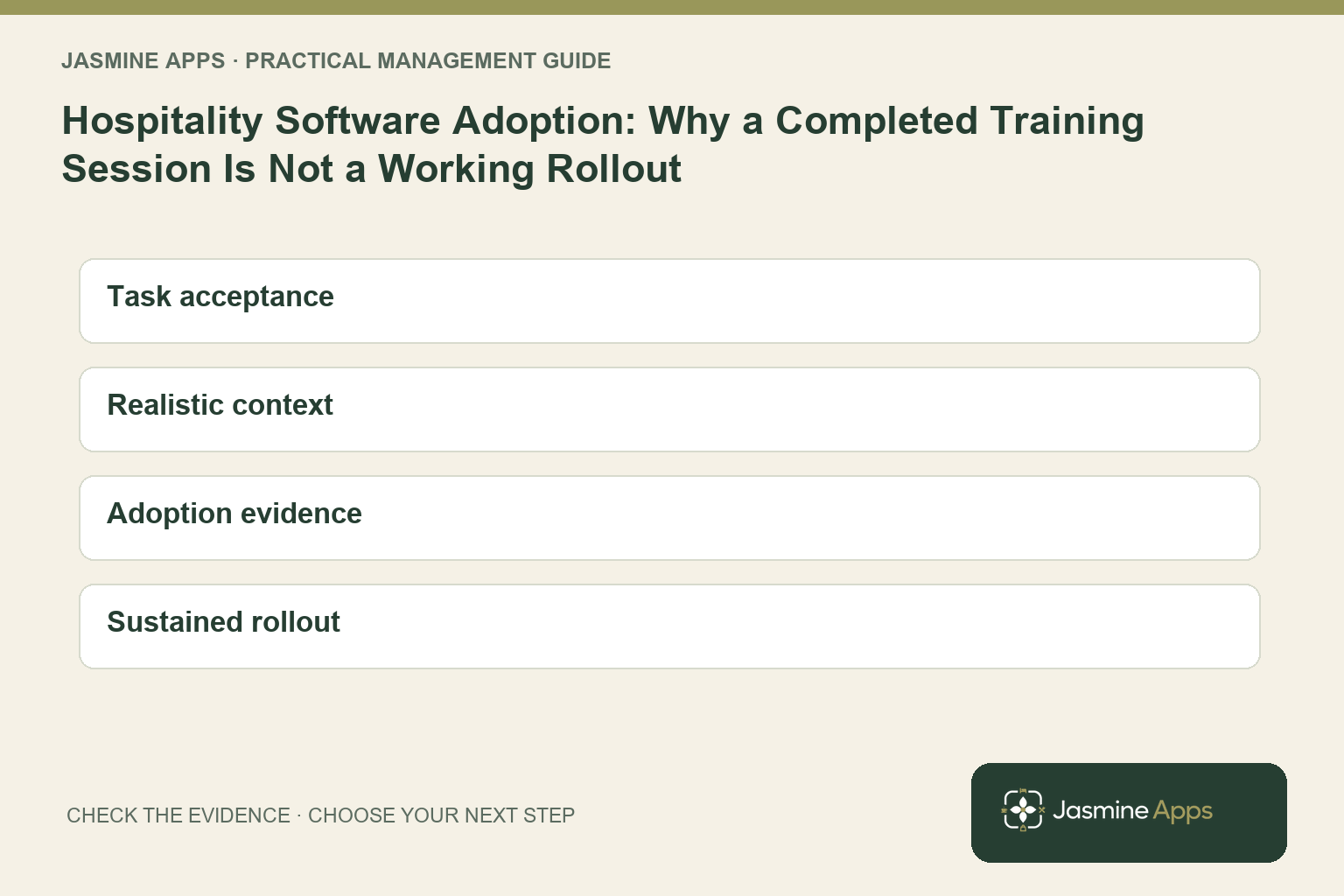
Your employee can attend training, recognise every screen and still ask a colleague to complete the first real task. Attendance proves the session happened; it does not prove your workflow can survive an ordinary shift. Your hospitality software adoption plan should measure successful use, including the moment someone needs help.
You can build that plan around a small number of tasks, realistic permissions and a clear support route. This guide helps you turn Clock Jasmine access and training into a repeatable working routine rather than a launch announcement that your evening team never sees.
Key Takeaways
- Measure completed tasks rather than training attendance alone.
- Test an ordinary employee’s access and venue context.
- Train every relevant shift, including exceptions and recovery.
- Record where people need assistance without blaming them.
- Keep the guidance current when your process or configuration changes.
Define hospitality software adoption through everyday tasks
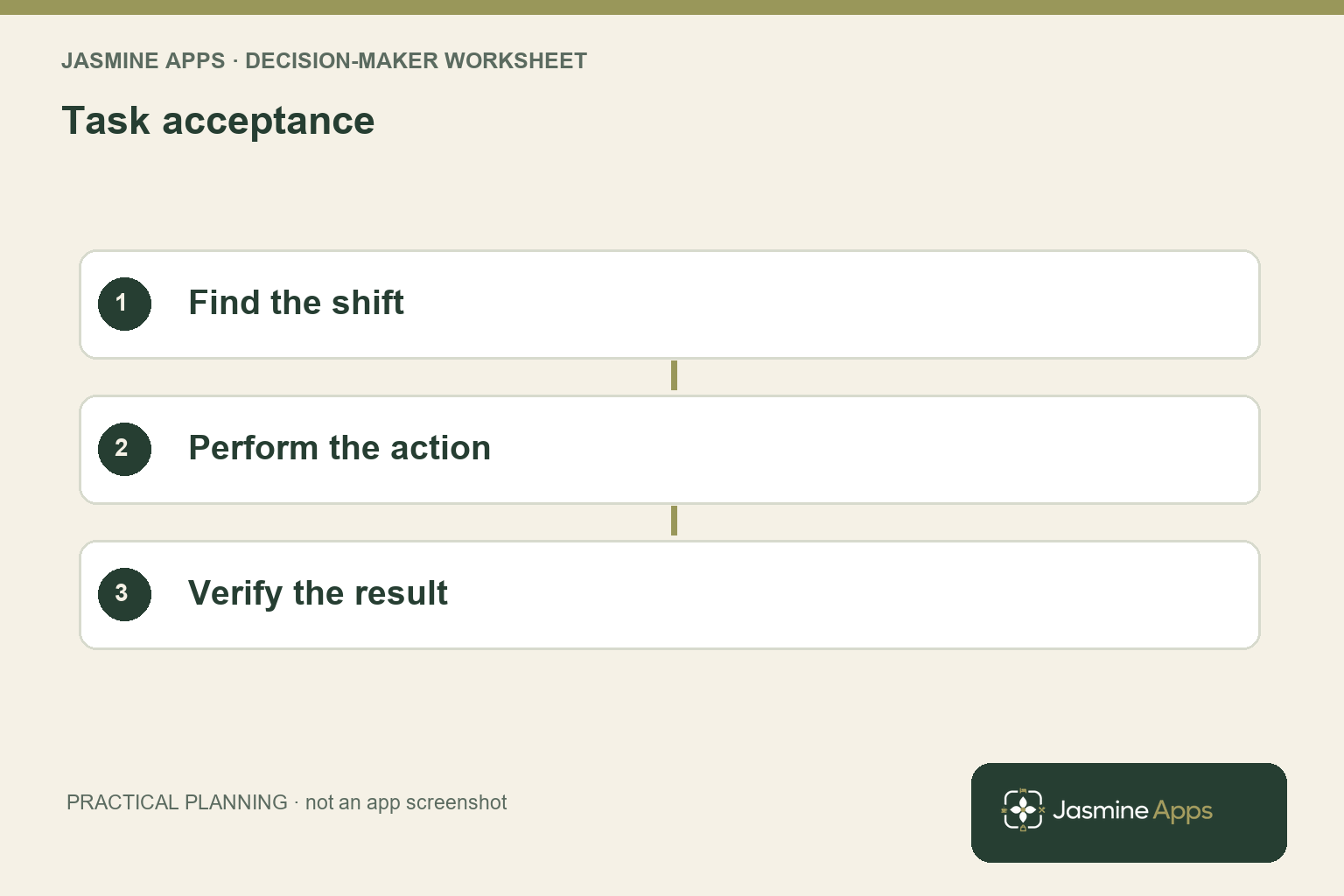
Choose the tasks your staff actually need to complete. For an attendance and rota workflow, those might include finding a published shift, clocking in by the permitted method and knowing what to do about a missed clock-out. Your manager needs a different task set, including reviewing exceptions and preparing the relevant records. A generic tour gives everyone information while leaving those responsibilities unclear.
Write an observable result for each task. “Understands the rota” is difficult to verify; “finds the correct venue’s published shift without assistance” gives your trainer a practical check. Keep the task neutral so you do not reveal the answer before the employee attempts it. The GOV.UK usability-testing guidance supports observing people attempting realistic tasks; apply that approach to the workflow, with appropriate training support.
In the actual Clock Jasmine rota workspace, the scope can distinguish the whole venue, team roster and role. The clock-in workspace separates clock actions from history, location settings and kiosk devices. Use those real distinctions when preparing the employee and manager task lists. Your training should show the context needed for the action, rather than imply that every person sees the same options or manages the same records.
Choose a named owner for the working procedure. Your software administrator can configure access, but your service manager should approve how the team uses it during the shift. Set a review point after the first ordinary use and keep a short record of unanswered questions. Your adoption plan becomes a service routine when someone remains responsible after the training calendar is complete.
Test hospitality software adoption under realistic conditions
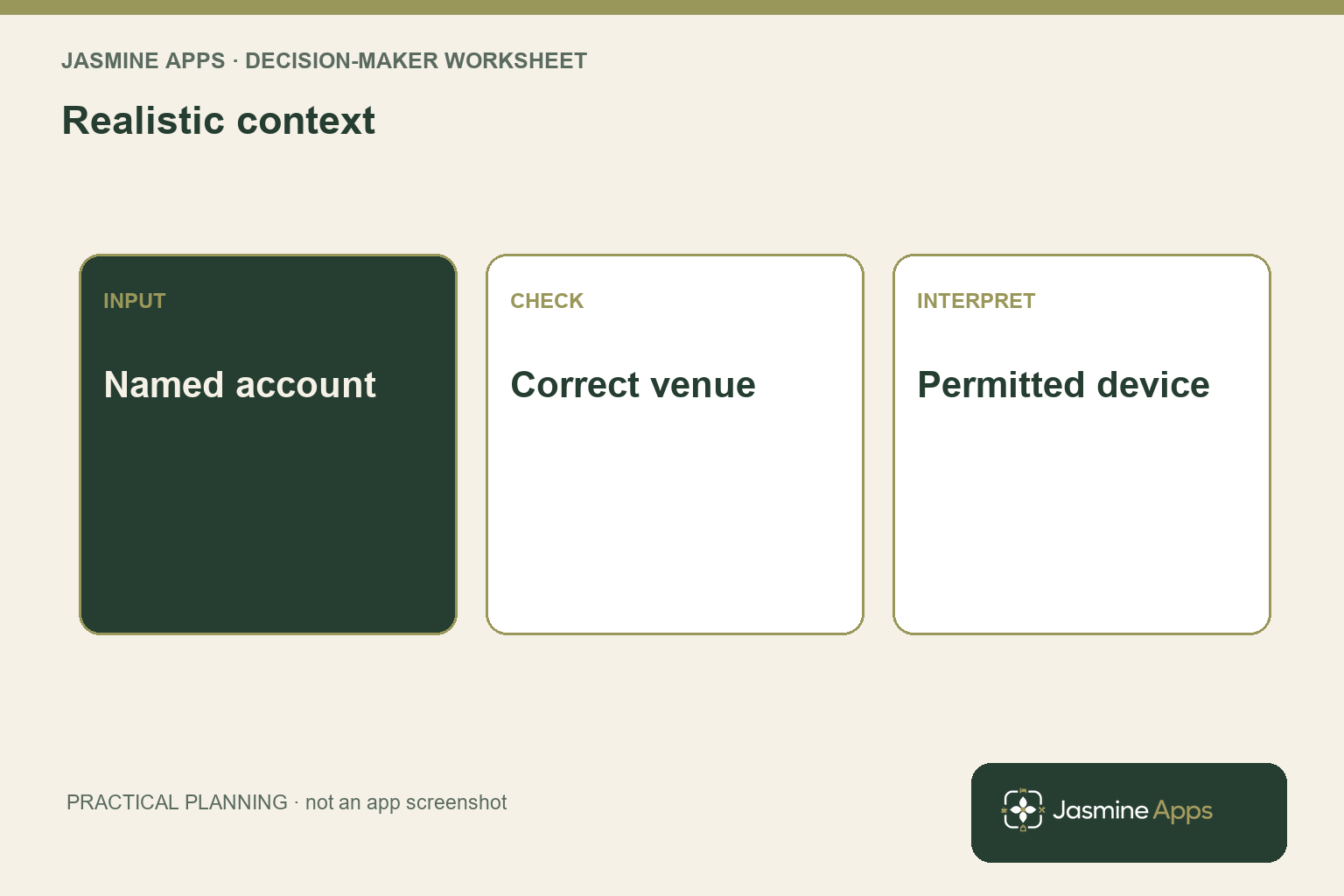
Use the employee’s authorised account and the venue context they will work in. A manager’s screen can hide an access problem because it contains controls the employee will never receive. Confirm the invitation and the relevant role before treating a failed task as a training issue. Use the published team and role guide as the setup reference.
Rehearse the actual attendance method your venue permits. Your mobile process may depend on location permission, an active clock-in site or other configured rules. Your kiosk has its own device context and employee PIN routine. Do not tell staff that any device works anywhere when your configuration intentionally restricts it.
Demonstrate the permitted route and the expected message when a prerequisite is missing.
Include a realistic exception in training. Your employee should know what to do if a shift is not visible or a clock record remains open. Explain what they should report and who can review it. Avoid teaching an unsupported workaround, such as using another person’s credentials or making an unexplained correction, simply to make the exercise finish successfully.
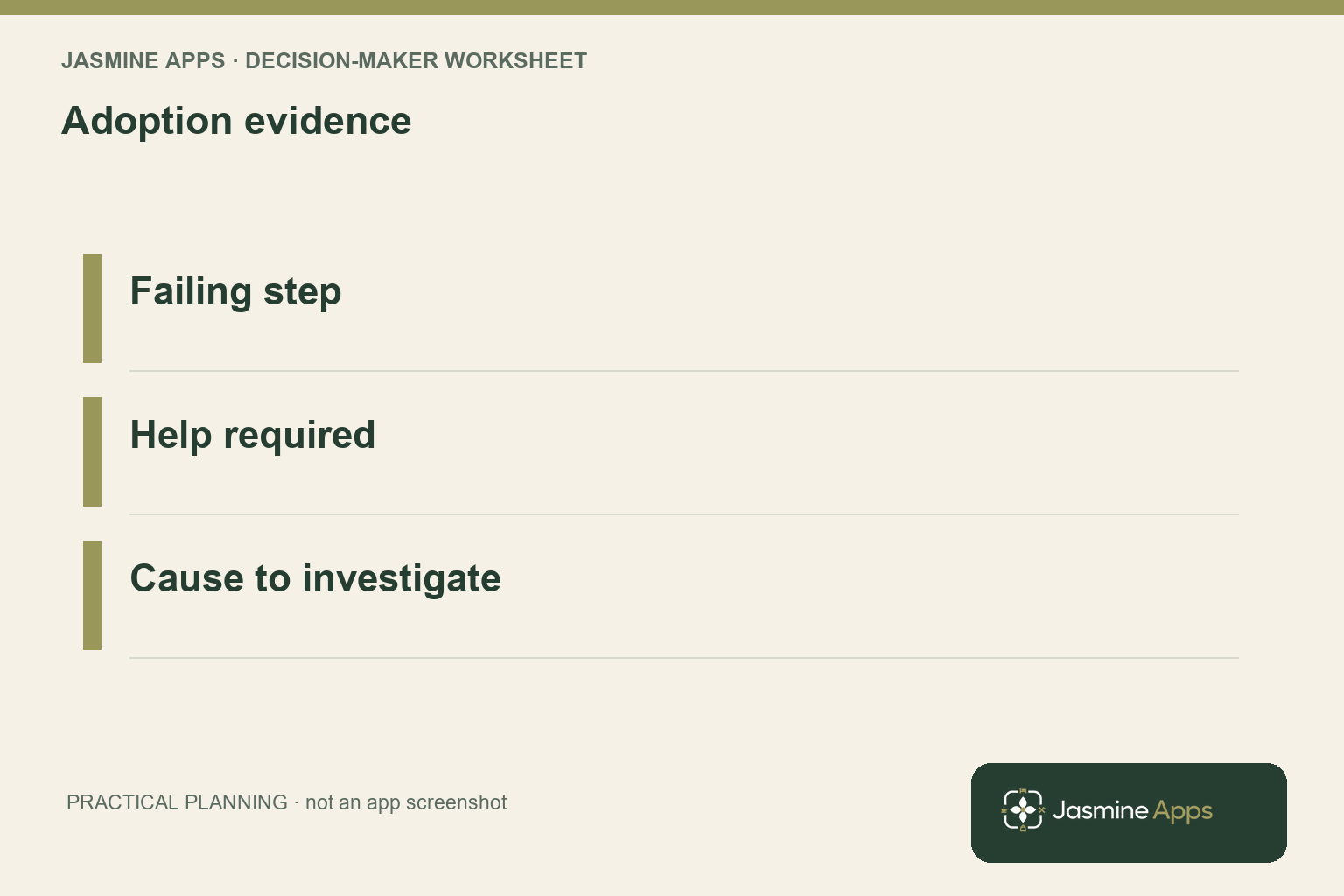
Record the step requiring help and the type of help given. If several employees cannot find the same action, your wording or route may need improvement. If only one venue context fails, investigate configuration before repeating the whole training programme. Your notes should distinguish a task-design problem, access issue and knowledge gap so the next change addresses the actual obstacle rather than adding another broad presentation.
Let your colleague attempt the approved help route without coaching so you can verify that the exception reaches the responsible manager during a shift.
Sustain hospitality software adoption after launch
Give each shift a short guide to the ordinary task, expected result and exception owner. Keep it near the place where staff need it, using your approved internal route. Your manager should demonstrate the process to a new starter without relying on the person who configured the system. That reduces dependence on one informal expert and exposes guidance that only makes sense to its author.
Review changes as part of the operational briefing. A new attendance policy, venue assignment or revised rota process should reach the people affected before they use it. Keep the guidance version and effective date visible. Your employees should not have to discover a new restriction from an error message at the beginning of a busy service while the old instructions remain displayed nearby.
Measure a small set of practical outcomes. You might track tasks completed without assistance, recurring help requests and the time needed to resolve an exception through the approved route. These are your operational measures, not claims that Clock Jasmine provides a complete adoption dashboard. The staff handbook guide can support your approved internal guidance, while your own task observations supply the adoption evidence.
Use the findings to refine the process rather than pressure staff to conceal difficulties. Keep a clear route for genuine issues and explain how the team can report them. Your Clock Jasmine rollout succeeds when the ordinary journey works for the intended role and exceptions reach the right manager. That is a stronger acceptance standard than a high attendance count or a launch email everyone opened once.
Pro Tips and Common Mistakes
Pro Tips
Observe the second attempt. After explaining a problem, let your colleague repeat the task without prompts. You can check whether the guidance resolves the obstacle instead of measuring only how quickly the trainer can take over.
Train the handover, not only the action. Your employee may identify a missed clock record correctly while your manager never receives the reference. Rehearse what information travels to the reviewer and how the employee learns the outcome.
Budget for new starters. Keep the task list and guide usable after the launch team has moved on. Your process should support the next employee without needing the original project lead to deliver a fresh presentation.
Common Mistakes
Using an administrator account for all training fails because it hides the restrictions ordinary staff encounter. Test the intended role and venue context.
Counting attendance as successful adoption fails because watching a task is different from performing it. Ask the employee to complete the ordinary journey and an exception.
Treating every help request as resistance fails because a repeated difficulty can expose a genuine access or design problem. Record the failing step and investigate it before assigning blame.
Your trainer’s most useful output is a clearer workflow. Keep the task evidence and revised guidance together so your management team can see which problems were resolved and which still need configuration or supplier support.
Use your observation record to distinguish a task completed independently, a task completed with guidance and a task blocked by configuration, rather than giving all three the same completion mark. Your next training action can then address the cause while preserving a fair record of what the employee actually experienced.
Frequently asked questions
How do you improve hospitality software adoption?
Start with the tasks each role needs to perform, then test them using the actual account, venue context and permitted device. Train the ordinary journey and a realistic exception, with a clear route for help. Measure successful completion and repeated obstacles instead of relying only on attendance. Use the findings to improve your guidance or configuration.
Your rollout should make the working process easier to follow, rather than require staff to memorise a broad tour of every screen.
How do you measure whether staff use new software successfully?
Observe whether the intended employee completes the required task and verifies its result without unexpected help. Record the step where assistance is needed and whether the cause is access, wording, configuration or knowledge. Review recurring support requests alongside your task observations. You should define these measures for your operation rather than assume the product reports them automatically.
A login or training attendance record shows activity, but it does not establish that your employee completed the useful workflow correctly.
Should managers and employees receive the same training?
They need a shared understanding of the process, but their practical task lists should reflect their responsibilities and permissions. Your employee needs the ordinary action and reporting route; your manager needs the review, decision and follow-up. Demonstrate the handover between those roles so an exception does not stop after it is reported. Avoid giving everyone an administrator-level tour that obscures the controls they actually use.
Your training works better when each person knows their next action.
What should you do when staff keep asking for help?
Record the specific task and failing step before deciding the cause. Repeated questions can indicate unclear labels, an access mismatch or a procedure that depends on information staff do not have. Observe an attempt using the intended role and device, then revise the relevant guidance or configuration. Let the employee repeat the task to check the improvement.
Keep legitimate problems reportable, because a lower help count is not a useful success measure if staff have simply stopped raising issues.
How much training does a hospitality software rollout need?
Base the training on the number and complexity of required tasks, the team’s experience and the exceptions your venue must handle. Give each relevant shift time to practise and verify the result, then review the first ordinary use. You should not assume one fixed session length suits every role or venue. Retain a short guide for new starters and configuration changes.
Your acceptance test is whether staff can operate the approved workflow, not whether the scheduled training time has elapsed.
Make hospitality software adoption part of your operating plan
Your hospitality software adoption plan should connect access, practice and a reliable support handover. Bring your employee roles, attendance method and one recurring help request to Contact Us. Ask for a Clock Jasmine walkthrough using those responsibilities so you can create a practical task list, train every relevant shift and verify the workflow before extending your rollout.