

A Hotel Employee’s First Week: Access, Training and Attendance
· Jasmine Apps

A hotel employee's first week should answer three questions: what am I expected to do, where do I find my shift, and who helps when something is unclear? Clock Jasmine can support records, onboarding and training. The induction still needs a supervisor and practical time with the work.
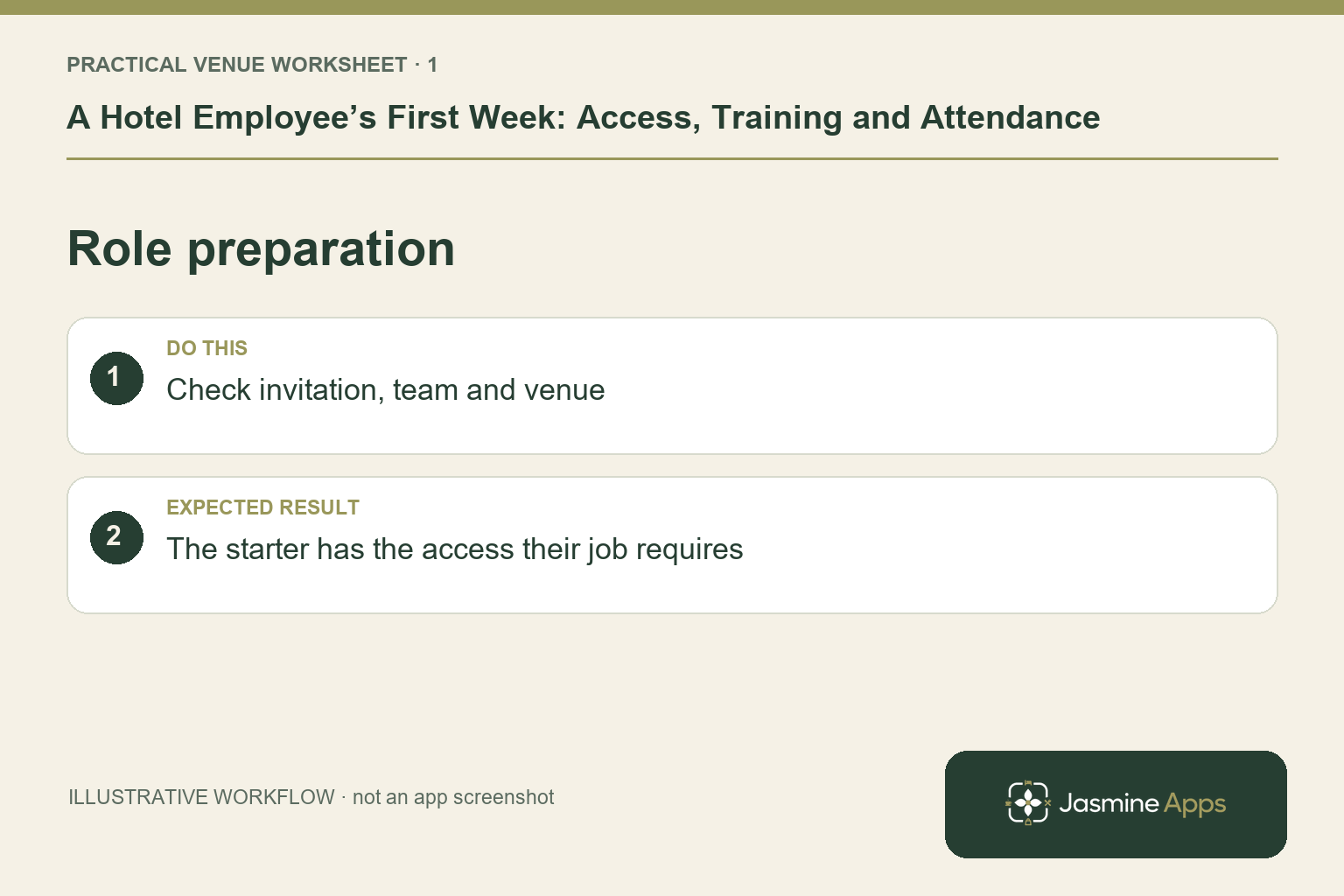
Prepare the invitation around the role
Confirm the intended venue, team and responsibilities before the employee is invited. Use the approved onboarding and employment-document process for required details and agreements. Access should fit the job; someone serving breakfast does not need every manager function to learn the attendance routine. Keep personal and payroll information inside the authorised process, rather than an induction group chat. A profile being created is the beginning of preparation, not proof the colleague has completed every onboarding step.
Check the result: The starter has the access their job requires.
Give the first shifts a clear route
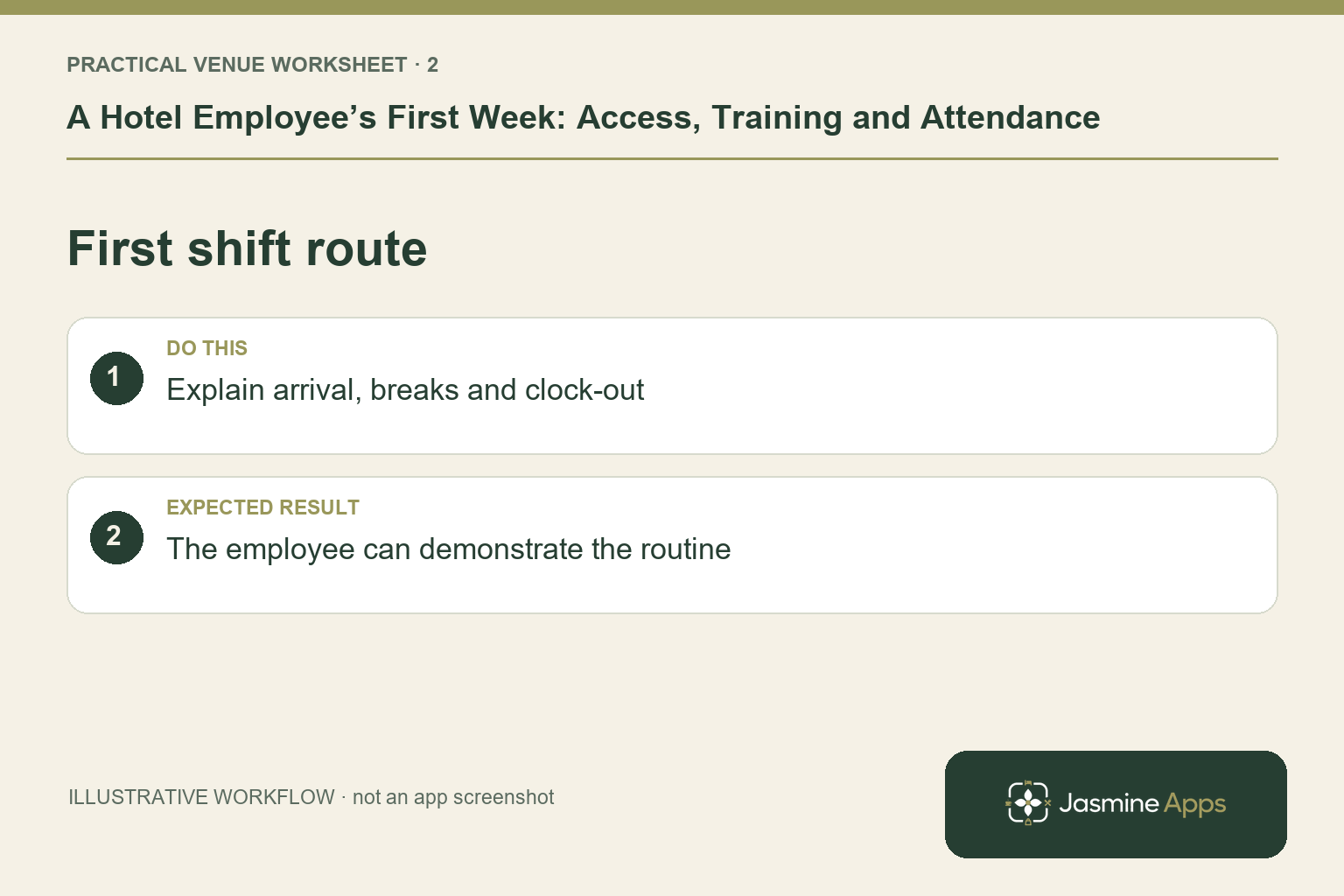
Check that the person appears in the correct rota scope and the intended period is published. Ask them to find My Rota on their own supported device and explain the date, time and venue. If the hotel uses a shared kiosk, show its physical location and personal-PIN routine. Explain permitted clock-in, break and clock-out actions, plus the contact for device or missed-punch problems. They should not discover these requirements while guests are waiting.
Check the result: The employee can demonstrate the routine.
Use training records alongside observation
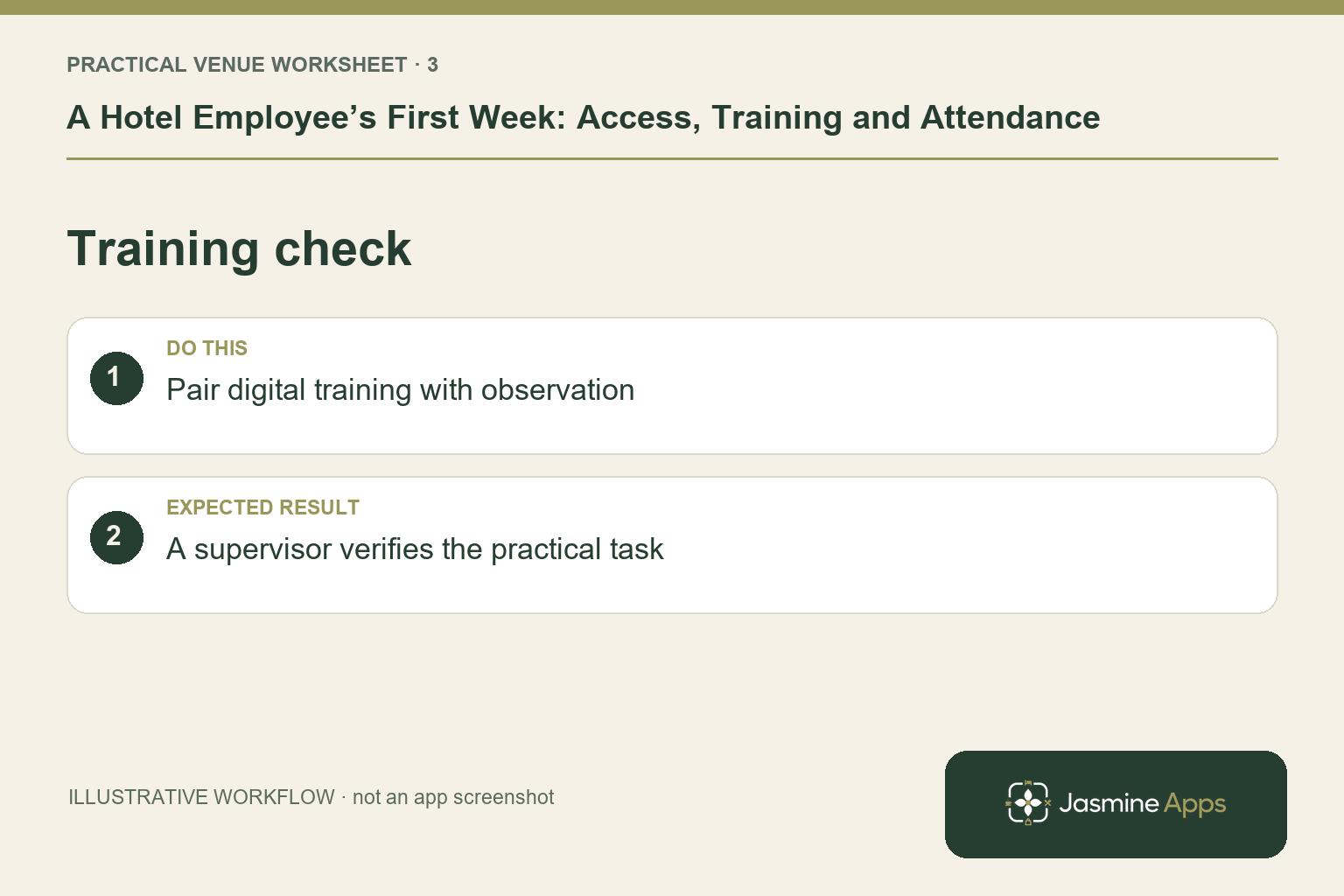
Clock Jasmine's published training features include assignable courses, quizzes and certificates. Use them for the relevant content, then observe the tasks the role requires. A completed course is not a substitute for demonstrating a guest enquiry, a breakfast handover or a till correction where that job needs it. Let the colleague practise in the authorised training workflow with a named supervisor. Keep examples specific to the hotel instead of treating every role as the same induction.
Check the result: A supervisor verifies the practical task.
Review the week before small gaps become habits
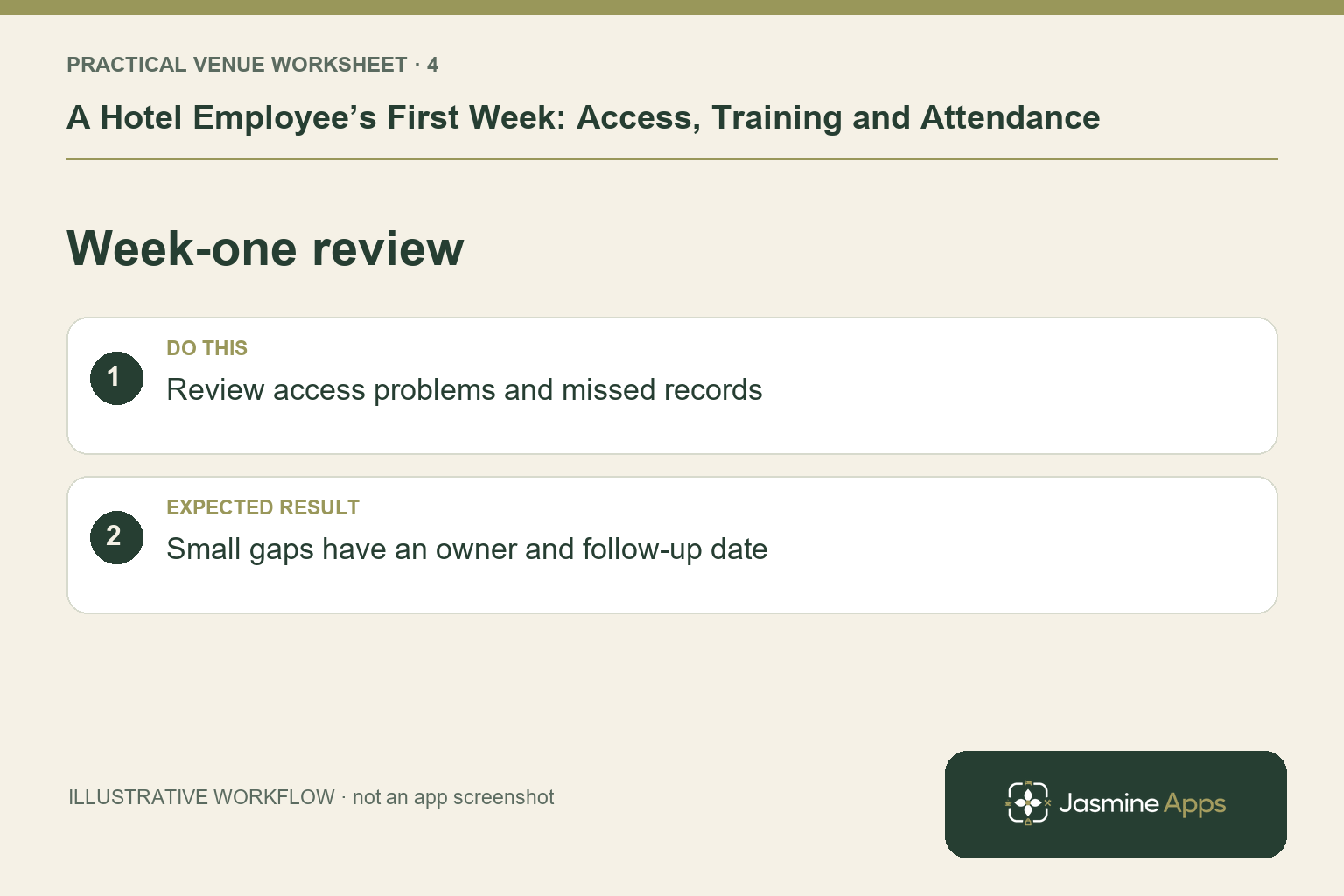
Schedule a brief conversation after representative shifts. Check whether attendance records make sense, which instructions were unclear and whether the employee can locate the current schedule. Route any corrections through the authorised approvals process. Confirm outstanding onboarding or training steps with the responsible manager. Encourage questions without asking colleagues to share credentials or use another person's PIN. Review access again if the actual duties differ from the role originally planned.
Check the result: Small gaps have an owner and follow-up date.
Put the plan into practice
Create a first-week plan with the invite owner, supervisor, initial shifts, required learning and review date. Ask the new starter to demonstrate their own attendance and rota journey. Use the questions they raise to improve the next induction.
Questions venue teams ask
Should new starters receive manager access for convenience? Set access around the actual role and use an authorised manager for tasks outside it.
Is a completed online course enough? Pair recorded learning with practical demonstration and supervision for the duties involved.
Example from the actual app
The real attendance workspace separates Clock in / out, Clock-in history, Location, Clock In Settings and Kiosk devices. Clock-in history states that totals sum closed shifts only; Rotas & shifts describes published monthly boards. Follow the record relevant to the task and check whether the employee’s shift is merely planned, actually recorded or awaiting approval. For this article’s role preparation check, check invitation, team and venue. Verify the starter has the access their job requires.
A working checklist for your venue
| Check | What to do | Result to verify |
|---|---|---|
| Role preparation | Check invitation, team and venue. | The starter has the access their job requires. |
| First shift route | Explain arrival, breaks and clock-out. | The employee can demonstrate the routine. |
| Training check | Pair digital training with observation. | A supervisor verifies the practical task. |
| Week-one review | Review access problems and missed records. | Small gaps have an owner and follow-up date. |
Use the checklist with a colleague who did not configure the workflow. Ask them to complete the ordinary task without coaching, then compare the result with the expected outcome. Record the point where they hesitate or need information from another shift. That observation gives you a specific improvement to make before extending the setup.
Discuss your own setup
Bring your rota scope, attendance routine and one example of a missed punch or shift change. Contact Us to discuss the Clock Jasmine workflow from planning through recorded attendance and the manager’s review.
Illustrations explain the workflow and are not product screenshots. Any numerical example is labelled illustrative and is not a customer result. Product wording and documented setup checks reviewed on 13 October 2026; confirm the features available in your current installation.