

Hotel Breakfast Table Planning for Busy Arrivals
· Jasmine Apps

Hotel breakfast table planning starts before the first pot of coffee. Occupancy provides context, but it does not tell you when every guest will arrive or how many tables will turn at once. Use Table Jasmine's table and reservation records where they fit your agreed breakfast process, supported by a clear host-and-floor routine.
Plan the service you actually offer
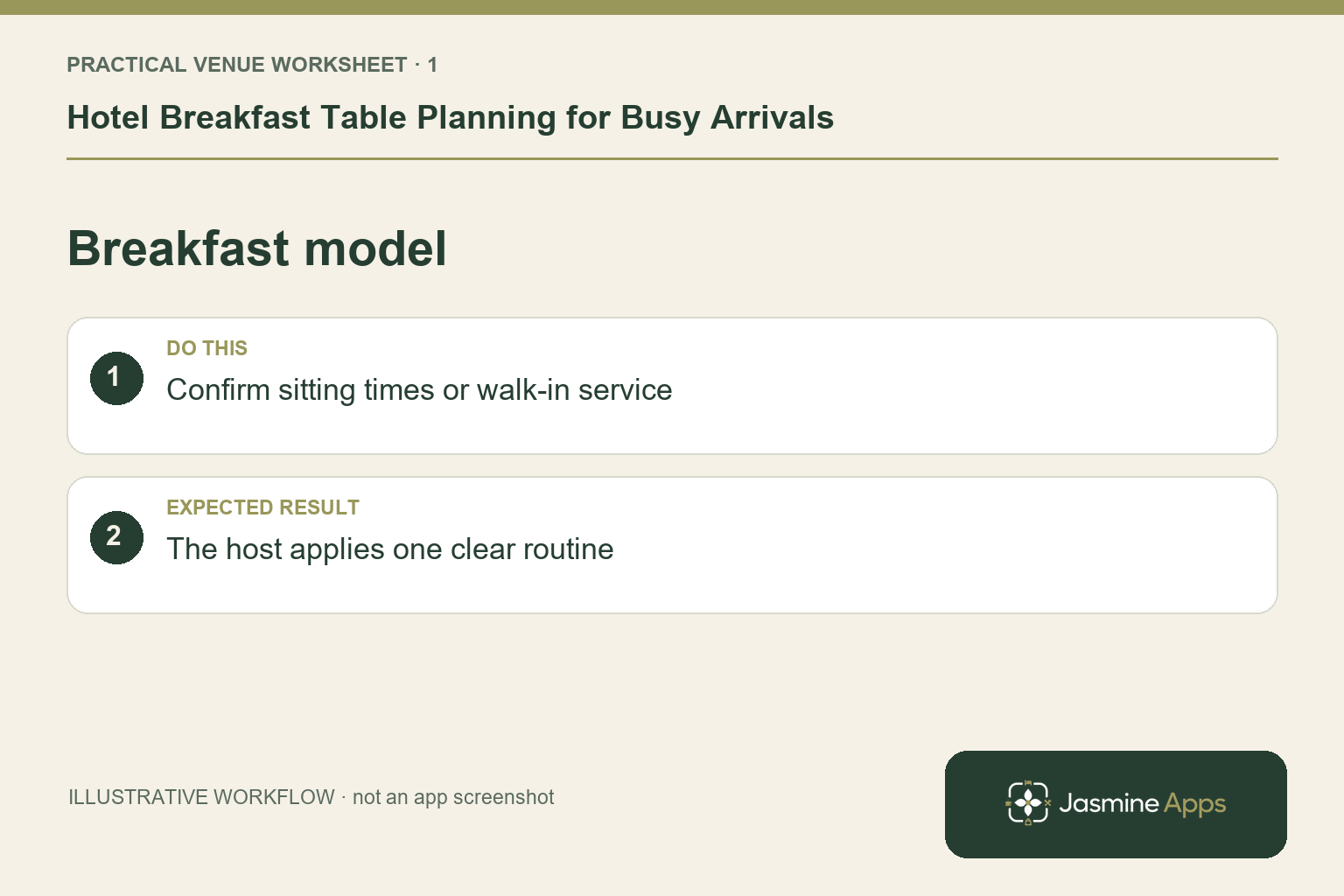
Decide whether breakfast uses advance bookings, walk-ins or a mixture, and communicate that policy consistently. Review the expected arrivals and known groups using the appropriate hotel records. Do not promise automatic room-occupancy integration unless your installation demonstrates it. An illustrative coach group arriving near the end of breakfast requires a different plan from scattered business travellers. Agree the enquiry route for early departures and changes, rather than making the host improvise every special case.
Check the result: The host applies one clear routine.
Check the physical table plan
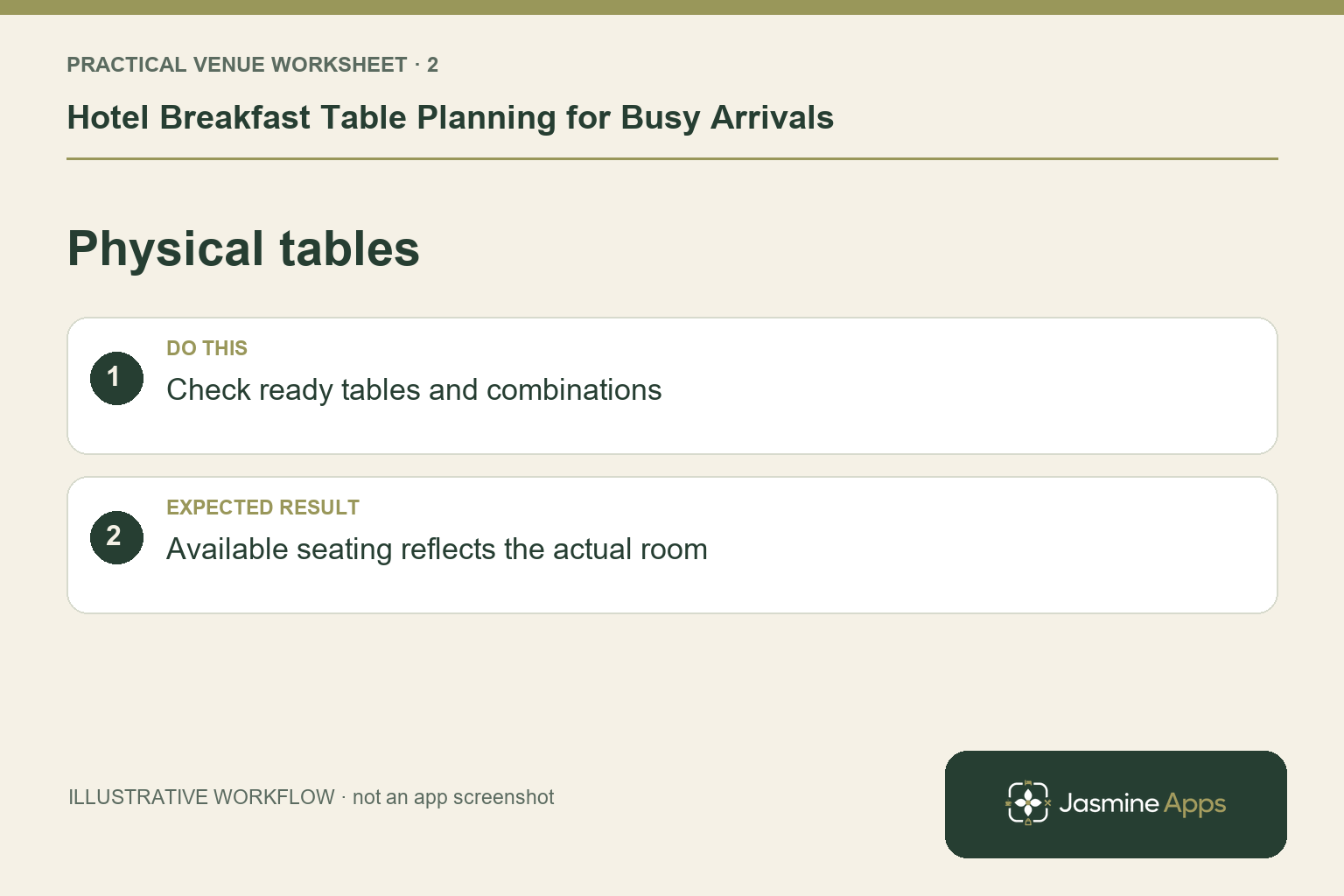
Review seats, areas and any genuine combinations in Table Jasmine against the breakfast room. Keep table names recognisable to staff moving quickly with hot drinks. Identify which arrangements need a reset after dinner and who confirms that setup is complete. A saved table plan should support the real room, including sections temporarily unavailable to staff. Check the approved capacity and service constraints rather than increasing seats in software merely to make all expected parties fit.
Check the result: Available seating reflects the actual room.
Use records without adding unnecessary friction
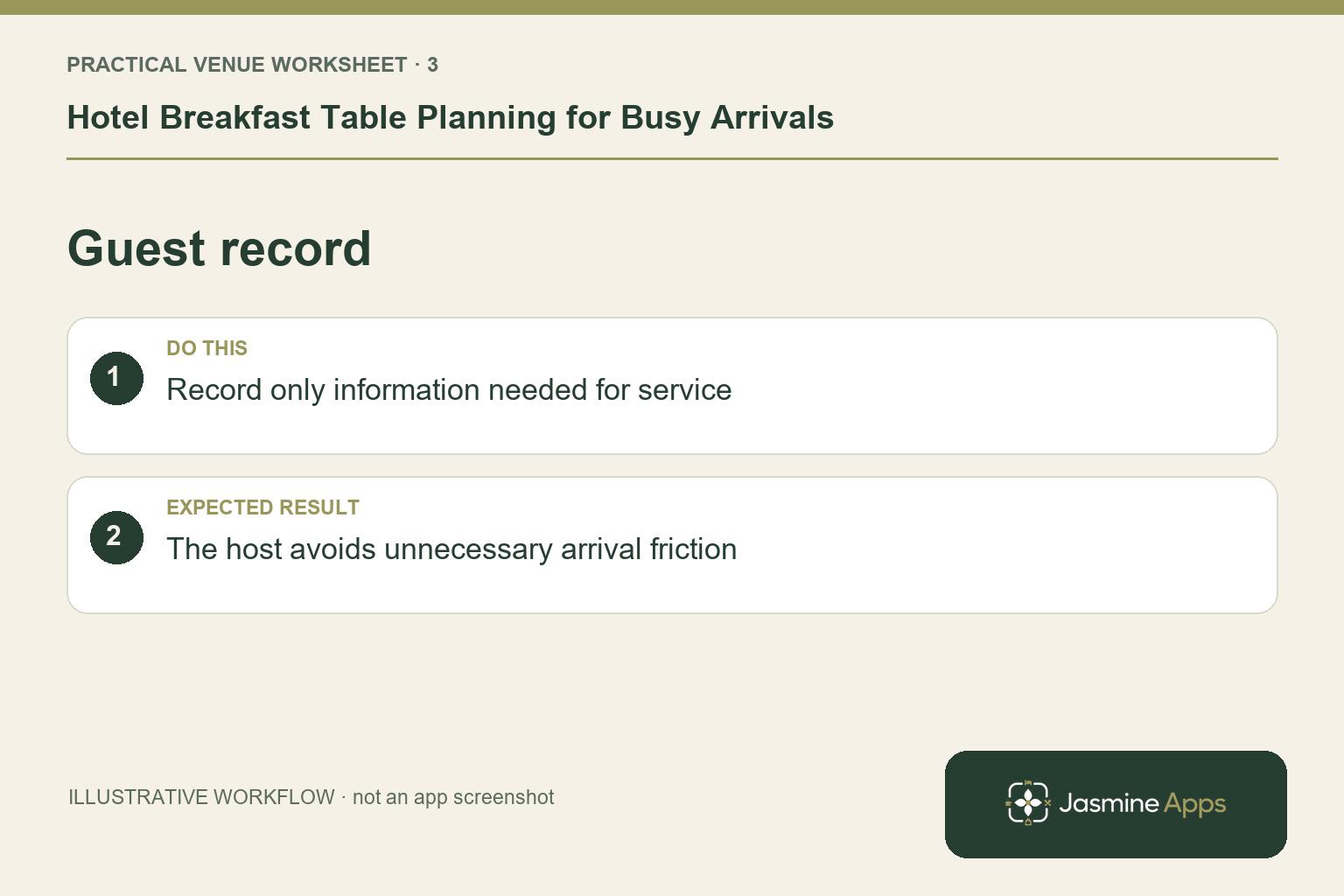
If the venue takes breakfast reservations, confirm dates, party sizes and assignments through the documented process. Update the appropriate status as guests arrive, sit and leave. For walk-ins, use the supported venue routine and a clear table handover. Avoid collecting extra personal information just to manage an ordinary seating decision. The objective is a useful view of the room; it should not become a lengthy form that delays guests at the door.
Check the result: The host avoids unnecessary arrival friction.
Coordinate the host with replenishment
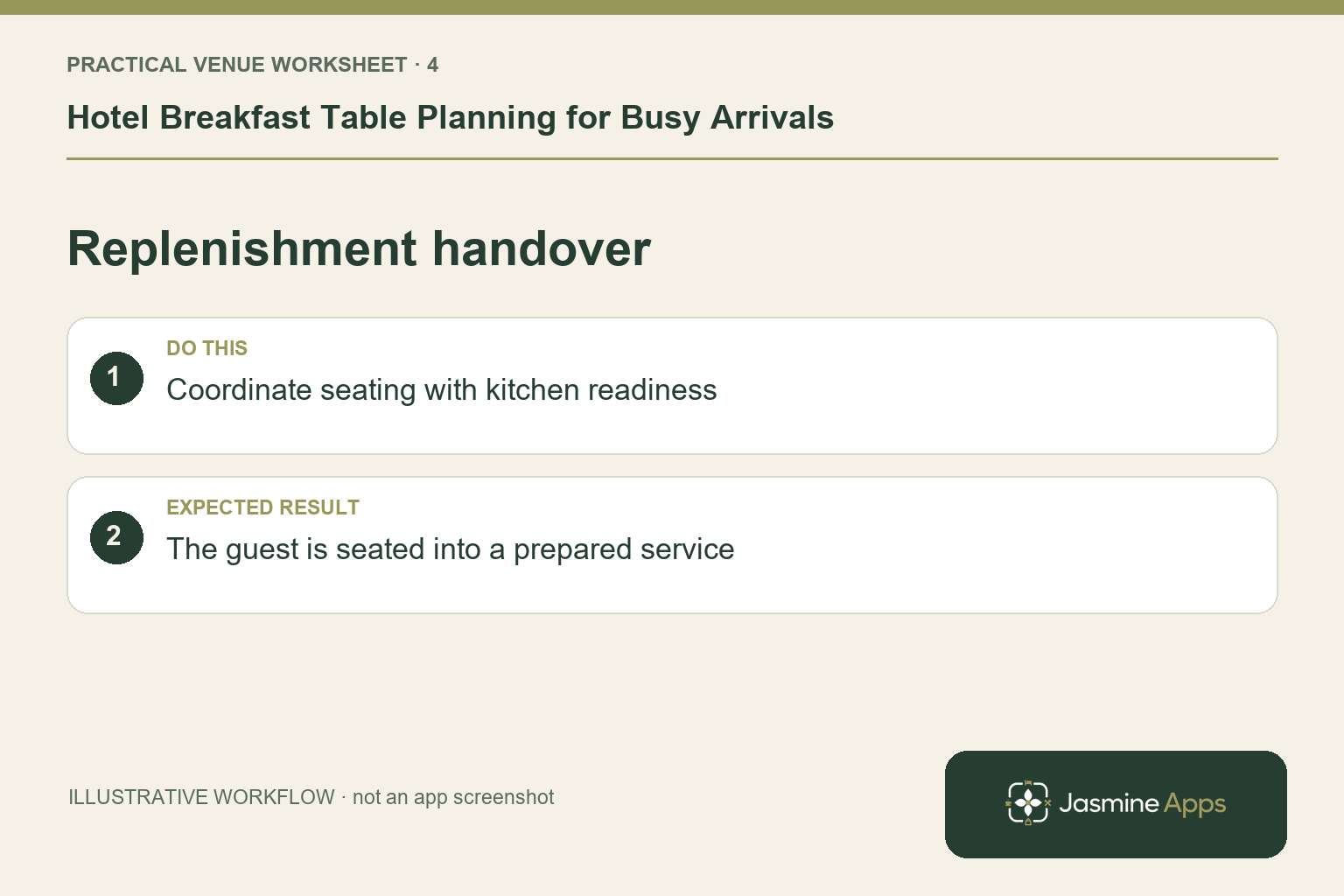
The host needs to know whether a table is clean and whether a service restriction changes the answer they can give. Agree a communication routine with the floor and breakfast lead. Watch where the real wait happens: seating, drinks, buffet replenishment or payment where applicable. A table record cannot repair an empty coffee station. After the morning, compare the questions guests asked with the information they received and refine one practical part of the process.
Check the result: The guest is seated into a prepared service.
Put the plan into practice
Prepare a morning briefing with the operating model, known groups, room setup, expected pressure points and escalation role. Rehearse one group arrival and one ordinary walk-in. Keep guest-facing breakfast information consistent with reception and the room-screen directory.
Questions venue teams ask
Must every hotel require breakfast bookings? No. Choose the supported process that fits your capacity, service and guest expectations.
Can Table Jasmine infer guest arrival times from occupancy? Do not assume that connection. Use verified records and the actual installation.
Example from the actual app
The actual reservation list distinguishes Confirmed, Arrived/Waiting, Seated, Has Left, No Show and Cancelled. Booking Widget has its own saved service limits, party-size cap and reservation gap. Check the relevant record and rule for this service rather than treating every empty table, started form or calendar entry as the same booking outcome. For this article’s breakfast model check, confirm sitting times or walk-in service. Verify the host applies one clear routine.
A working checklist for your venue
| Check | What to do | Result to verify |
|---|---|---|
| Breakfast model | Confirm sitting times or walk-in service. | The host applies one clear routine. |
| Physical tables | Check ready tables and combinations. | Available seating reflects the actual room. |
| Guest record | Record only information needed for service. | The host avoids unnecessary arrival friction. |
| Replenishment handover | Coordinate seating with kitchen readiness. | The guest is seated into a prepared service. |
Use the checklist with a colleague who did not configure the workflow. Ask them to complete the ordinary task without coaching, then compare the result with the expected outcome. Record the point where they hesitate or need information from another shift. That observation gives you a specific improvement to make before extending the setup.
Discuss your own setup
Bring your service hours, table capacities and one ordinary booking alongside a larger-party example. Contact Us to discuss how Table Jasmine would fit that booking and service journey.
Illustrations explain the workflow and are not product screenshots. Any numerical example is labelled illustrative and is not a customer result. Product wording and documented setup checks reviewed on 13 October 2026; confirm the features available in your current installation.