

Till Jasmine Cash-Up Does Not Match? Start Here
· Jasmine Apps
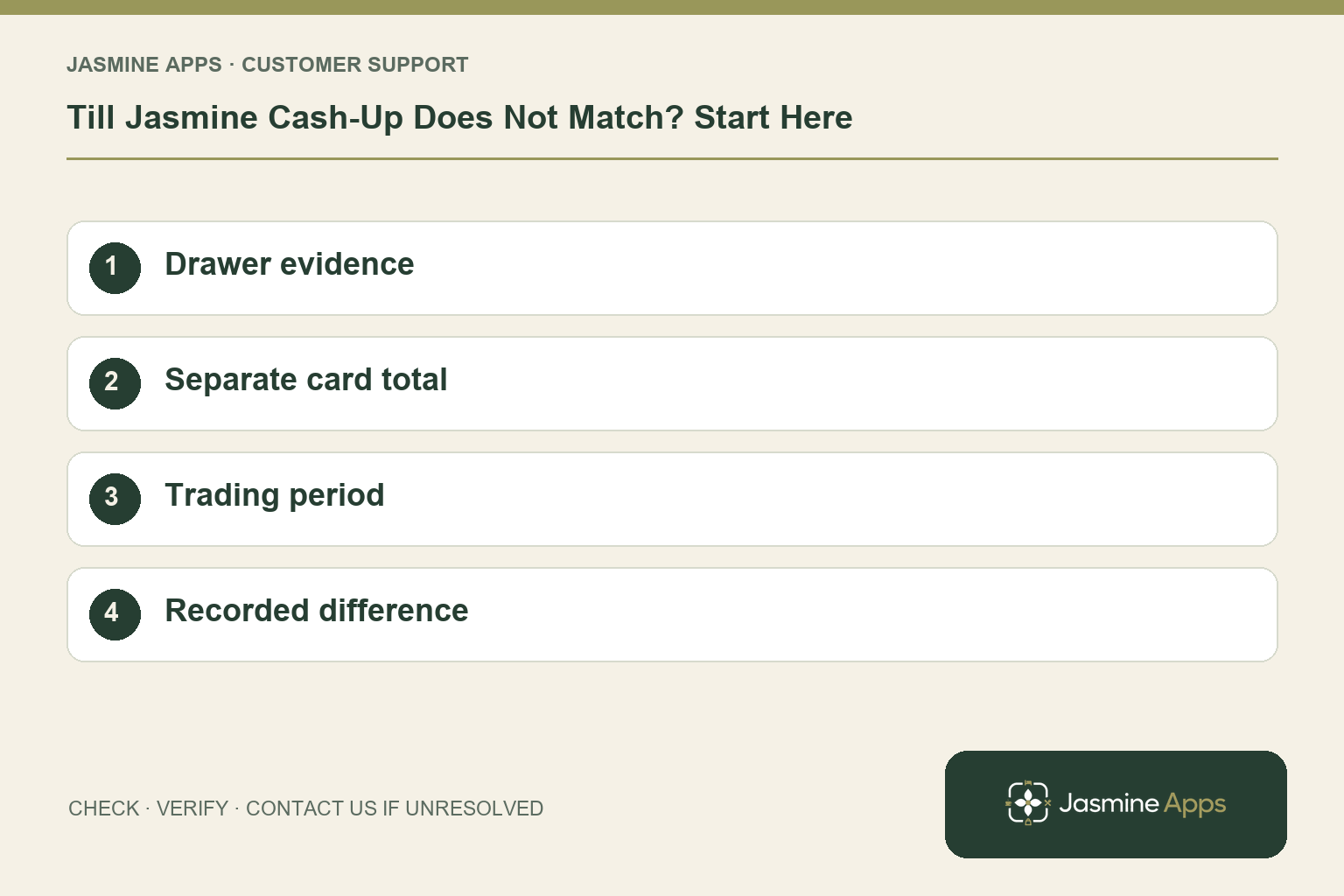
Customer support: Work through these checks in order. After each change, repeat the original action and check the result. If it remains unresolved, use Contact Us.
A short drawer at closing time needs a careful check, not an invented balancing figure. Till Jasmine cash-up compares counts with expected amounts. Work through the cash, card and period separately so the next manager can understand any remaining difference.
Quick answer: Recount, verify the opening float and tender totals, check genuine expenses or cashback, and confirm the days being cashed up.
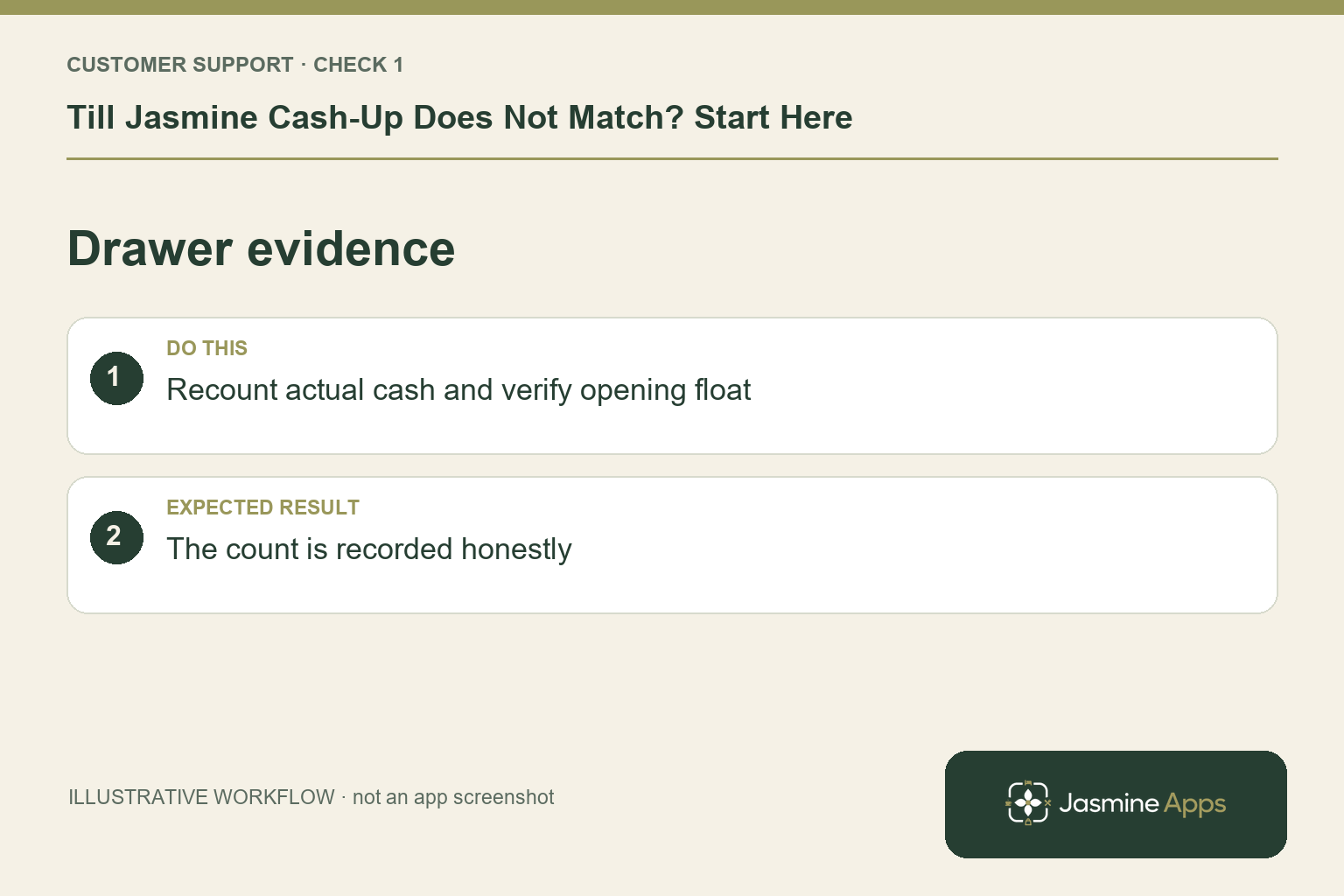
1. Where should I start the reconciliation?
Cash-up is performed on the till by someone with permission. Tap your name, then Money and Cash up. Compare Float, Cash taken, Card taken, Drawer net and Expected drawer with the shift records. Recount the physical drawer independently if possible. Enter the actual count in Total cash; adjusting the count to match expectations hides the information you need to investigate.
Check the result: The count is recorded honestly.
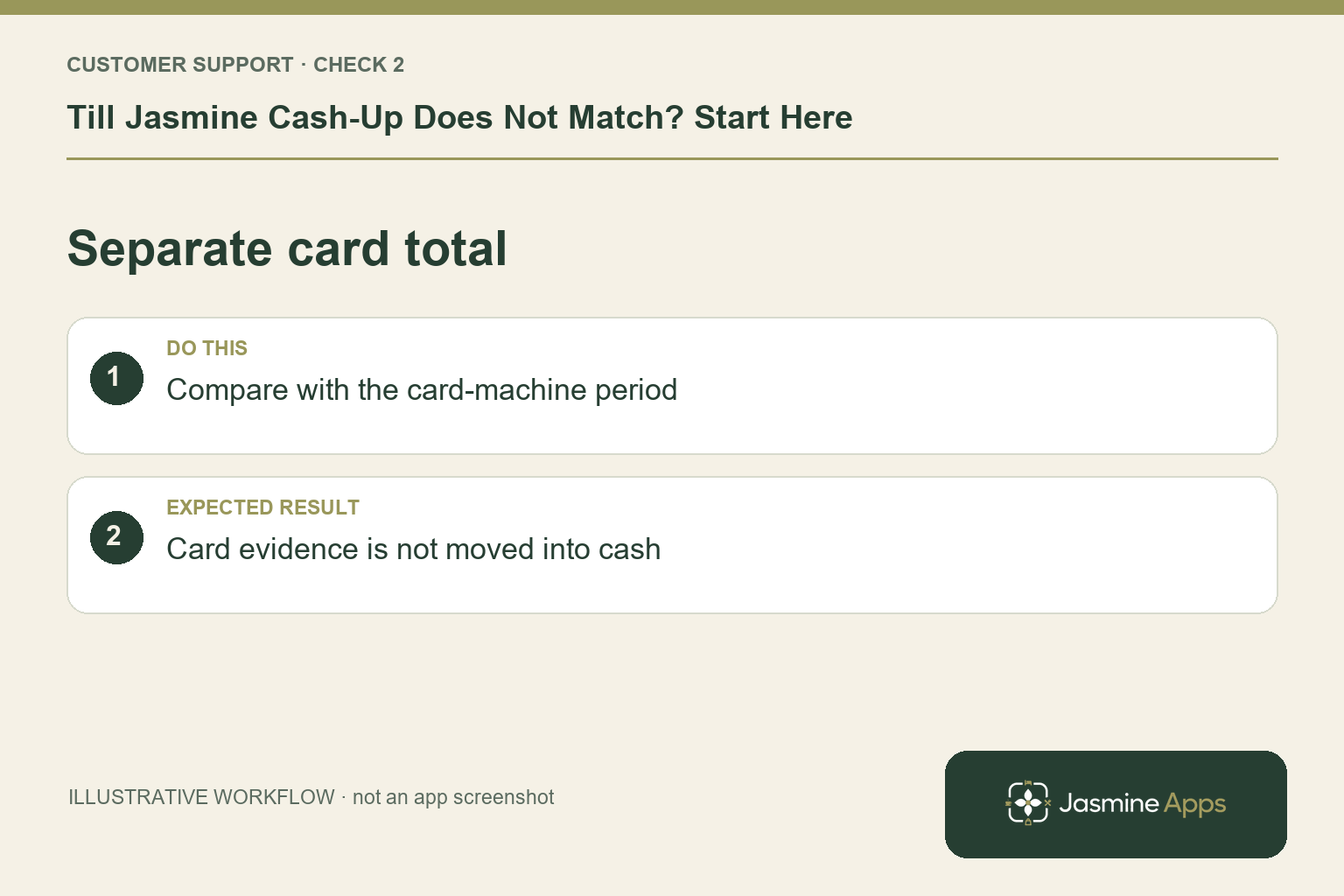
2. Why can the card total differ from cash?
Total card comes from the card-machine total, or can be entered By brand in the documented workflow. Keep that evidence separate from notes and coins. Confirm the provider's reporting period and any pending transactions with the manager. A settlement arriving later is not necessarily a missing sale. Never move a card difference into cash simply to make the reconciliation line look tidy.
Check the result: Card evidence is not moved into cash.
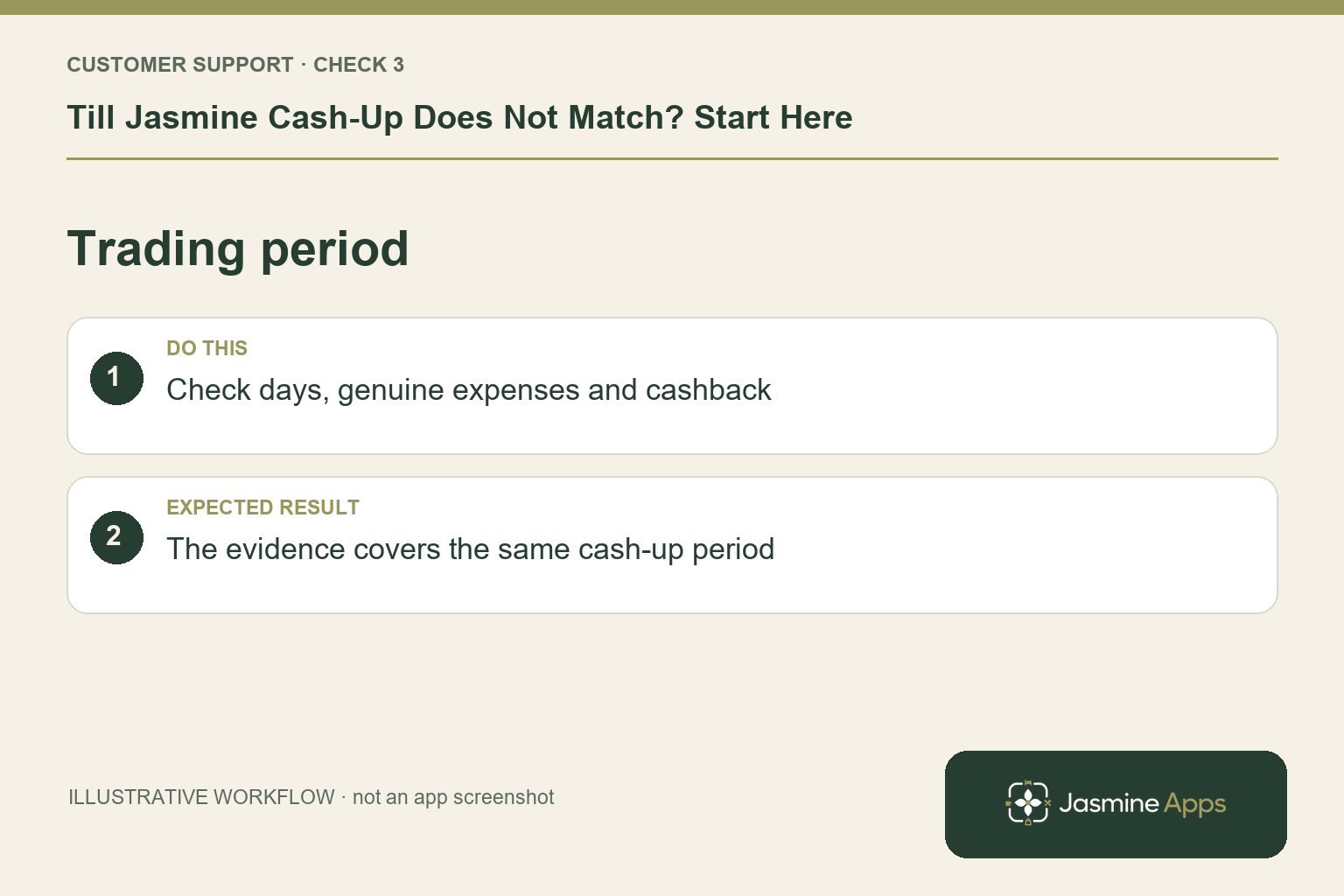
3. Could an expense or missed day explain it?
The cash-up sheet includes + Expense and + Cashback for genuine forgotten entries. Check supporting records before adding them. If the till was left open overnight, review Days to cash up so the count matches the relevant trading days. A single day's card report compared with a multi-day till period can mislead you even when the arithmetic in each record is correct.
Check the result: The evidence covers the same cash-up period.
4. What should I do with an unresolved difference?
Add a clear note before Close till, following your manager's closing policy. Print the cash-up slip if useful for checking. Simply closing the window leaves the till open; Close till records the count. The back-office Cash-up / reconciliation report shows counted versus expected figures, the person closing and the note. Open transaction history for the tickets behind the result.
Check the result: The original figures and reference remain traceable.
Example from the actual app
The actual Products & Categories page separates the product record from its On till placement, and the Till Layout screen separates selling pages from the Payment page. Use those real checks for this workflow. The dashboard’s hourly and payment-method views report the venue’s recorded sales; a layout change should be tested on the intended device before its effect on service is assessed. For this article’s drawer evidence check, recount actual cash and verify opening float. Verify the count is recorded honestly.
Before you contact us
| Check | What to do | Result to verify |
|---|---|---|
| Drawer evidence | Recount actual cash and verify opening float. | The count is recorded honestly. |
| Separate card total | Compare with the card-machine period. | Card evidence is not moved into cash. |
| Trading period | Check days, genuine expenses and cashback. | The evidence covers the same cash-up period. |
| Recorded difference | Add a factual note under the closing policy. | The original figures and reference remain traceable. |
Record which check failed, the exact error wording and when it happened. Include the relevant venue and record reference, and say whether one device or several people are affected. If you changed a setting, identify that change and the retest outcome. This helps us investigate the actual failing stage instead of asking you to repeat the whole process.
Contact Us if the expected result still does not appear. Send only the information needed to investigate; keep passwords, active codes, payment details and unrelated customer records out of screenshots.
When to stop and ask for help
Ask the responsible manager to investigate unexplained differences. Give support the till, trading period and cash-up reference if the recorded totals appear inconsistent. Preserve the original figures and any receipts; do not overwrite them with a guessed explanation.
Related support checks
- Why Is My Product Not Showing on Till Jasmine?
- Cash or Card Button Missing on Till Jasmine?
- Till Jasmine Pairing Code Rejected? What to Check
Illustrations explain the workflow and are not product screenshots. Any numerical example is labelled illustrative and is not a customer result. Product wording and documented setup checks reviewed on 13 October 2026; confirm the features available in your current installation.